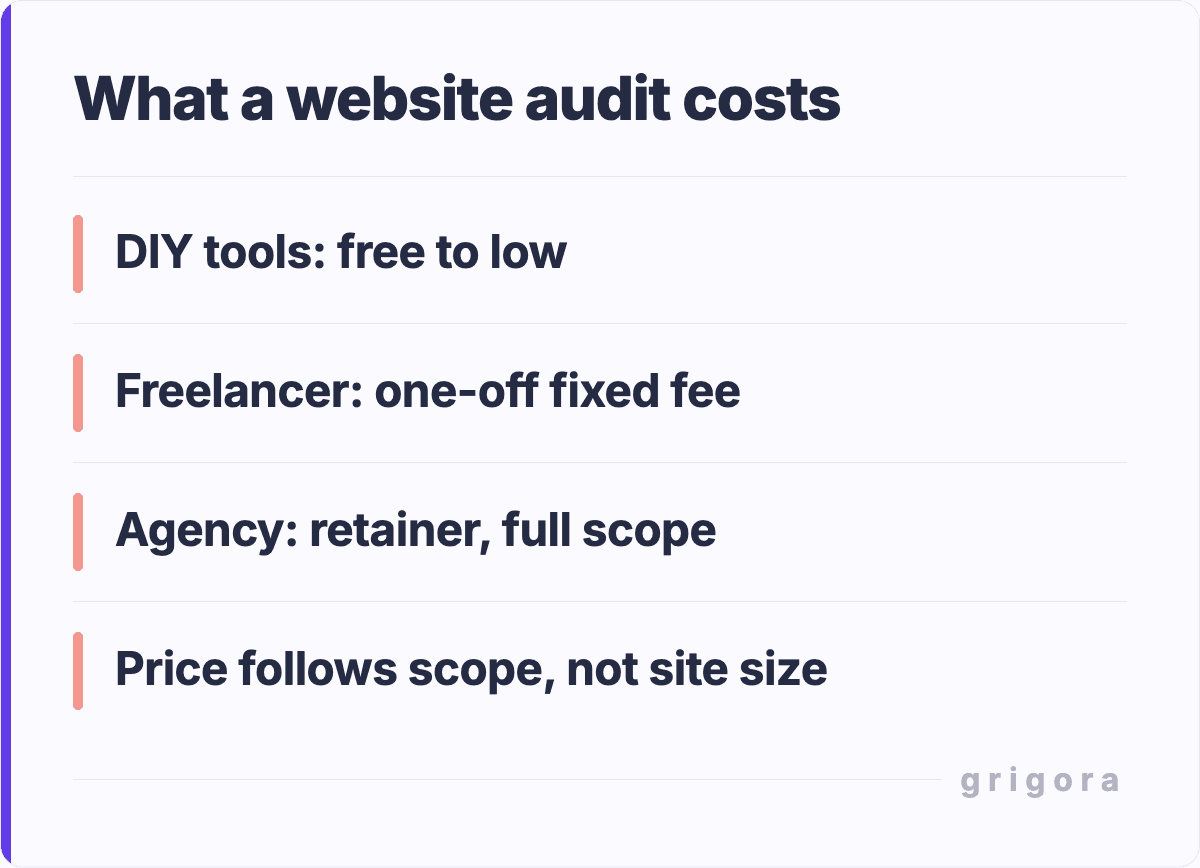
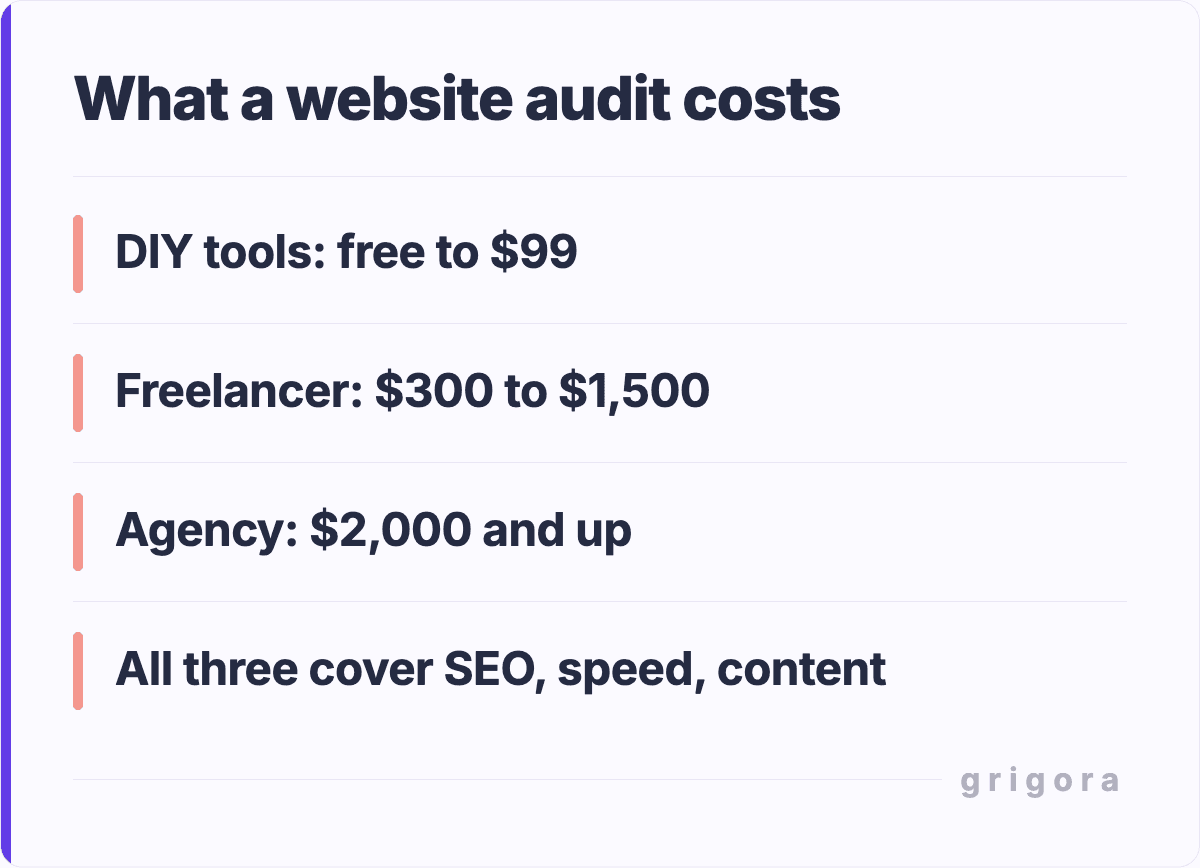
A website audit costs $200–$10,000+ depending on the type and depth. A basic SEO audit from a freelancer runs $200–$500. A comprehensive multi-category audit from an agency costs $3,000–$10,000+. You can do a basic audit yourself for $0 using free online tools.
Below, we break down exactly what each audit type includes, what affects the price, which parts you can do yourself for free, and how to choose the right auditor if you decide to hire one.
Search Engine Optimization (SEO) is a critical component of any website's success. An SEO audit evaluates how well your website is optimized for search engines. It looks at various elements like meta descriptions, keyword usage, and backlinks. The cost for an SEO audit can range from a few hundred to several thousand dollars, depending on the depth and complexity of the audit.
In the digital world, speed is of the essence. A performance audit assesses how quickly your website loads and identifies bottlenecks that could be affecting user experience and SEO. These audits often involve tools that simulate different loading conditions and can cost anywhere from $200 to $2,000.
Start with a free Lighthouse audit in Chrome DevTools: it covers Core Web Vitals, accessibility, and performance scores at no cost.
Security Audit Cost: $300–$4,000
With the increasing number of cyber threats, security audits have become indispensable. These audits evaluate the vulnerability of your website to various types of cyber-attacks and recommend measures to improve security. The cost for a security audit can vary widely, often starting at around $1,000 and going up based on the complexity of your website.
For a quick security check, use MDN HTTP Observatory (free) or Qualys SSL Labs to test your SSL configuration.
Content Audit Cost: $100–$1,500
Content is king, but not all content is created equal. A content audit reviews the quality, relevance, and performance of the content on your website. This type of audit can help you understand what's working and what needs improvement, with costs typically ranging from $500 to $3,000.
Use Google Search Console's Performance report to identify underperforming pages, then check each page's indexing status with our noindex checker.
Technical Audit Cost: $250–$3,500
Last but not least, technical audits focus on the nitty-gritty details that can make or break your website's performance. These audits look at issues like URL structures, mobile-friendliness, and site architecture. The cost for a technical audit can start at around $1,000 and can go up based on the website's complexity.
Start your technical audit with Google's PageSpeed Insights and our image alt text checker for accessibility issues.
Free Website Audit Tools (DIY for $0)
Not ready to pay for a professional audit? You can cover the basics yourself using free tools. Start with the free Website Grader, which scores a page out of 100 for speed, SEO, security, mobile and customer essentials, then go deeper with this DIY audit toolkit:
How much time does a DIY audit take? A basic self-audit using these tools takes 2–4 hours for a small site (under 50 pages) and 1–2 days for larger sites. The trade-off: you save $500–$5,000 but won't get the prioritized action plan and expert recommendations that come with a professional audit.
When to DIY vs. Hire a Professional
Whether you should do your own audit or hire someone depends on your site's size, your technical skills, and what's at stake:
Scenario
Best Option
Expected Cost
Why
Personal blog or portfolio site
DIY with free tools
$0
Low complexity, limited budget, good learning opportunity
Small business site (under 50 pages)
DIY + freelancer review
$200–$500
Covers basics yourself, get expert eyes on critical issues
E-commerce store (100+ products)
Professional agency audit
$2,000–$5,000
Revenue at stake, technical complexity, security requirements
Enterprise site (1,000+ pages)
Specialized agency + ongoing retainer
$5,000–$15,000+
Scale requires automated tools + expert analysis
After a traffic drop or penalty
SEO specialist (urgent)
$1,000–$3,000
Time-sensitive, needs diagnosis of specific problem
Pre-launch or site migration
Technical audit specialist
$1,500–$4,000
Prevent issues before they happen, redirect mapping
Rule of thumb: If your website generates revenue (through e-commerce, leads, or ad income), the audit will almost certainly pay for itself. A 10% improvement in organic traffic from a $2,000 audit on a site earning $5,000/month means the audit pays back within 4 months.
Factors Influencing Audit Costs
Complexity of Your Website
The more complex your website is, the more time-consuming and costly the audit will be. Complexity can refer to the number of pages, the types of content (e.g., videos, interactive elements), and the various functionalities (e.g., e-commerce, user accounts). Generally, larger websites with more features will incur higher audit costs.
Depth of the Audit
Audits can be either basic or comprehensive. A basic audit might involve automated scanning tools and provide a high-level overview. In contrast, a comprehensive audit involves deep dives into each aspect of your website, often including manual checks and detailed recommendations. Naturally, the deeper the audit, the higher the cost.
Expertise of the Auditor
The level of expertise of the person or agency conducting the audit can significantly impact the cost. Experienced auditors who offer specialized insights will generally charge more than those who are less experienced.
Geographic Location of the Auditor
Where your auditor is located can also affect the cost. Auditors in high-cost-of-living areas or countries may charge more than those in regions where the cost of living is lower. However, this is not a hard and fast rule, as expertise and reputation can outweigh geographic considerations.
While many auditors have their own set of tools, some audits may require specialized software that comes with additional costs. These could range from advanced SEO analysis tools to security vulnerability scanners. Make sure to ask your auditor if there are any additional costs for specialized tools.
Post-Audit Implementation
After the audit is complete, implementing the recommendations is the next step. This phase often involves additional costs, especially if you need to hire experts to make complex changes to your website. It's crucial to factor these post-audit costs into your overall budget.
Ongoing or Periodic Audits
Some websites benefit from regular audits, especially those that are frequently updated or have dynamic content. Ongoing or periodic audits are an additional cost to consider. These could be quarterly, bi-annual, or annual audits depending on your website's needs.
Budgeting and ROI
Setting a Budget for Your Audit
Budgeting for a website audit is not just about allocating funds; it's about understanding the value that the audit will bring to your business. Consider the long-term benefits, such as improved SEO rankings or enhanced security, when setting your budget.
Calculating the ROI of an Audit
Return on Investment (ROI) is a crucial metric to consider. To calculate the ROI, you'll need to measure the performance improvements that result from implementing the audit's recommendations. This could be in the form of increased traffic, higher conversion rates, or any other key performance indicators relevant to your business.
Strategies for Cost-Effective Audits
There are ways to make your audit more cost-effective. For instance, prioritizing the most critical aspects of your website for the audit can reduce costs. Another strategy is to negotiate package deals if you plan on conducting regular audits.
Choosing Your Auditor
FAQs
Is a free website audit worth it?
Yes, for basic issues. Free tools like Google Search Console, Lighthouse, and Grigora's spam score checker can identify the most common problems: broken links, missing meta tags, slow page speed, and indexing errors. However, free audits won't catch complex issues like crawl budget waste, JavaScript rendering problems, or advanced security vulnerabilities. For sites generating revenue, a professional audit ($500–$3,000) typically pays for itself within months through improved traffic and conversion rates.
How Often Should I Budget for an Audit?
The frequency of audits can vary depending on your website's needs and the rate of changes you make to it. We'll provide recommended frequencies based on different types of websites, from e-commerce to blogs, to help you plan your audit budget effectively.
Can I do a website audit myself to save money?
Absolutely. A DIY audit using free tools takes 2–4 hours for a small site. Start with Google Search Console for indexing issues, run Lighthouse for performance scores, check your structured data with a schema validator, and verify your images have alt text with an image alt text checker. You'll catch 60–70% of common issues. The remaining 30–40% (site architecture, advanced technical SEO, security penetration testing) typically requires professional expertise.
How much does an SEO audit cost for a small business?
A small business SEO audit typically costs $200–$500 from a freelancer or $1,000–$3,000 from an agency. The price depends on how many pages your site has, whether you need a content audit alongside the technical audit, and how detailed the recommendations report needs to be. For a site with under 50 pages, a freelancer audit in the $300–$500 range usually provides the best value: you'll get a prioritized list of fixes without paying for enterprise-level analysis you don't need.
What should a website audit report include?
A good audit report should include: a prioritized list of issues ranked by impact, specific fixes for each issue (not just "improve your SEO"), before/after benchmarks so you can measure improvement, a technical overview covering crawlability, indexing, page speed, and mobile usability, and a timeline for implementing the fixes. Avoid auditors who deliver a generic PDF without actionable recommendations. You're paying for the action plan, not the diagnosis.
How long does a website audit take?
A basic DIY audit takes 2–4 hours. A freelancer audit takes 3–7 business days. An agency audit for a medium-sized site takes 1–3 weeks. Enterprise audits for sites with thousands of pages can take 4–6 weeks. The timeline depends on site size, audit depth, and how many categories (SEO, performance, security, content) are included. Rush audits are possible but usually cost 25–50% more.
Are website audit costs tax deductible?
In most cases, yes. Website audit costs are typically classified as a business expense for maintaining or improving your digital assets. They fall under professional services or IT consulting for tax purposes. However, tax rules vary by country and business type, so consult your accountant to confirm deductibility for your specific situation.
Get the next guide by email
Practical writing on building a site, growing an audience and sending email people open. No more than one a week.