Free Read Time Calculator
Calculate read time for any text. Word count, average pace, and estimated reading duration. Free, instant.
How to use the Read Time Calculator, step by step
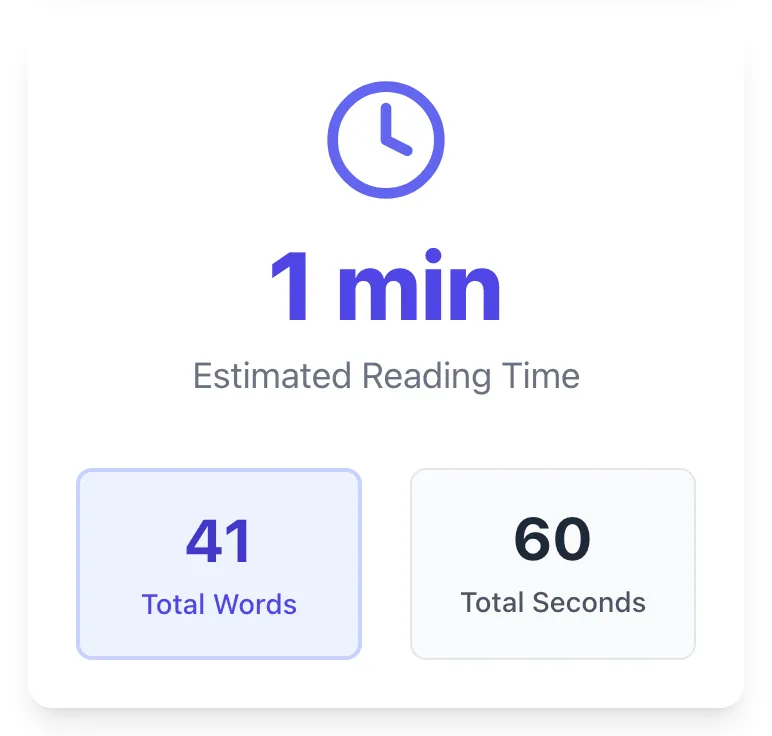
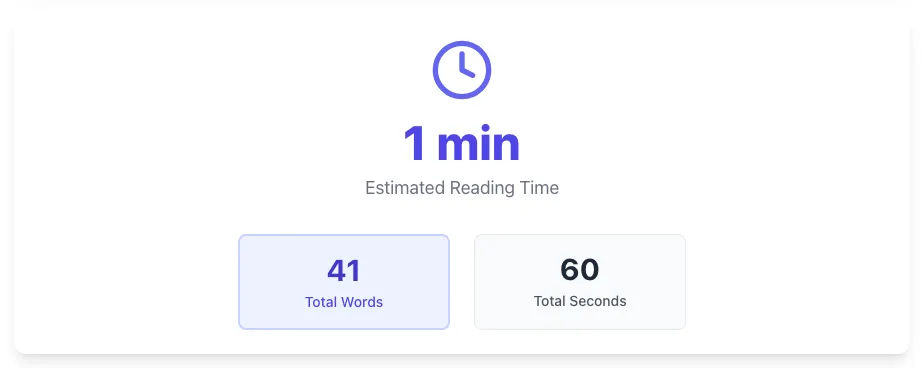
Real screenshots of the tool, taken while running it with the Calculate Time button.
- 1
Add your input
Paste or type into the field Read Time Calculator works from.


- 2
Sample text in place
With sample text entered, Read Time Calculator is ready to run.


- 3
See what Calculate Time produces
Clicking Calculate Time runs the check and shows the result right below.
What the Read Time Calculator does
Read Time Calculator delivers fast, reliable results for calculate read time for any text. word count, average pace, and estimated reading duration. free, instant.
Designed to fit into your existing SEO and content workflow with no setup overhead.
How to use it
Five steps.
Paste your text or word count
Paste the article text directly, or enter the word count if you already know it. Supports both inputs.
Pick a WPM rate
Choose 200 (technical), 225 (general), 250 (narrative), or 275 (light content) based on your audience and content density.
Add image and code counts
For image-heavy posts, add the image count (12 sec each); for technical content, add the code-block count (30 sec each).
View calculated read time
See the suggested label format ("X min read") plus the calculation breakdown so you understand the math.
Copy and paste into your blog
Use the copy button to paste the label near your article title and byline; recalculate whenever the article is meaningfully edited.
When teams use it
Six common workflows.
Blog publishing on WordPress or Ghost
A blog publisher needs accurate read-time labels per article that match actual reader engagement, with adjustments for image-heavy and code-heavy content beyond Medium's default formula.
Newsletter writer optimizing for retention
A Substack or newsletter writer needs to set accurate "X min read" expectations in email previews to reduce open-and-bounce behavior, calibrating per-article based on actual length and embedded media.
Technical blog with code-heavy tutorials
A developer blog publishing tutorials with 5-15 code blocks per post needs read time that accounts for code-reading slowdowns, producing labels like "12 min read + 4 min hands-on" rather than misleading short estimates.
Editorial team standardizing across authors
A 6-12 author publication needs consistent read-time methodology across writers using different platforms (Notion, Google Docs, Markdown), centralized via a single calculator that produces uniform output.
Content marketer generating internal docs
A content marketer producing internal training docs and onboarding content needs read-time estimates for course planning, helping employees budget time before clicking into long-form internal articles.
SEO-focused publisher tracking dwell time
An SEO-focused content team optimizing for dwell time and Core Web Vitals needs accurate read time to set reader expectations, reducing bounce-from-SERP behavior for under-disclosed long-form content.
Platform guides
Integrate with major platforms.
WordPress
- Calculate read time in Grigora's tool from your article text or word count.
- Paste the resulting "X min read" label into a Custom Field on the post.
- Display in the theme template via the_field("read_time") or similar.
- For automation, install Reading Time WP plugin or add code to functions.php using str_word_count and ceil.
- Verify the label appears on published posts.
Ghost
- Ghost auto-calculates reading time using its built-in 275 WPM algorithm.
- For more accurate estimates, override via the Editor > Post Settings > "Reading Time" field.
- Calculate the override value in Grigora's tool with your preferred WPM.
- Save the post and verify the time displays on the live URL.
- Repeat for image-heavy or code-heavy posts where Ghost's default underestimates.
Next.js / MDX blogs
- Install remark-reading-time as an MDX plugin.
- Configure WPM in the plugin options (default 265, recommend 225 for technical content).
- The plugin injects readingTime into MDX frontmatter at build time.
- Render in your blog template: <span>{frontmatter.readingTime} min read</span>.
- For one-off corrections, override via frontmatter: readingTime: 12 in the .mdx file.
Substack
- Substack does not auto-calculate read time.
- Calculate manually in Grigora's tool from the published draft word count.
- Paste the label ("8 min read") into the email subject preheader or top of the post.
- Apply consistently across all posts to set audience expectations.
- Track open-rate and read-completion in Substack's analytics to validate calibration.
Notion (publishing via Super or Potion)
- Calculate read time in Grigora's tool from the Notion document word count.
- Add a "Read Time" property to the Notion database.
- The static publishing tool (Super, Potion, Feather) renders the property automatically in the published page.
- Update the property whenever the document changes meaningfully.
- Configure the publishing tool to show the property near the title.
Grigora Read Time Calculator vs. alternatives
Side-by-side comparison.
| Capability | Grigora | Medium | Ghost | Free Tools | Manual |
|---|---|---|---|---|---|
| Free tier available | Yes. Unlimited | Bundled with Medium | Bundled with Ghost | Free CDN | Free WordPress plugin |
| Adjustable WPM (175-300) | Yes | Fixed at 265 | Fixed at 275 | Limited | Yes |
| Image adjustment (12s default) | Yes | Yes | No | Limited | No |
| Code-block adjustment for technical content | Yes | No | No | No | No |
| Works outside the host platform | Yes | No | No | Yes | WordPress only |
| Build-time integration via plugin | No (manual paste) | N/A | N/A | No | Yes (WP) |
| Pricing | Free | Free with Medium | Free with Ghost | Free | Free |
| Output ready for any platform | Yes | No | No | Yes | WordPress only |
Common errors and fixes
Eight issues users hit.
Read time labeled but doesn't match actual length
Cause: Imported old read time after editing the article; never recalculated.
Fix: Recalculate read time on every publish/edit; automate via build-time plugin (remark-reading-time for MDX/Hugo).
Using 300+ WPM and overestimating speed
Cause: Picked a WPM number from a "speed reading" article instead of average reading studies.
Fix: Use 200-238 WPM for general content; comprehension drops sharply above 300 WPM and labels become unrealistic.
Read time on listicles or news posts
Cause: Applied read time to all content types.
Fix: Show read time only on long-form articles and tutorials; skip listicles, news, and short reference content.
Round numbers (5, 10, 15)
Cause: Manually estimated and rounded for aesthetics.
Fix: Use specific calculated numbers (3, 7, 12): round numbers signal manual estimation, specific numbers signal genuine calculation.
No image or code adjustment for technical posts
Cause: Used Medium's 265 WPM formula on a tutorial with 8 code blocks.
Fix: Use 175-200 WPM for technical content and add 30-60 seconds per code block; technical readers slow down to comprehend.
Read time label too prominent
Cause: Designer styled it as a badge with high contrast color.
Fix: Mute the read time label: small text, low contrast, near the byline; it's a contextual cue not a primary element.
Read time without publish date
Cause: Showed only read time, no date.
Fix: Always pair read time with publish date; readers consider both when deciding whether to invest in the content.
Client-side JavaScript recalculation on every load
Cause: Implemented as runtime JS counting words on the rendered DOM.
Fix: Compute at build/publish time and store statically; runtime calculation wastes compute and causes layout shift.
Original data
2026 study.
Frequently asked questions
Twelve answers about the Read Time Calculator.
Related free tools
Other utilities.
Meta Tag Generator
Generate page meta tags.
Try itMeta Description Generator
AI-write descriptions.
Try itSERP Snippet Preview
Visualize SERP rendering.
Try itOpen Graph Checker
Audit OG tags.
Try itMeta Title Checker
Audit page title.
Try itLink Metadata Scraper
Pull all metadata from URL.
Try itPDF to JPG Converter
Convert PDF pages to images without uploading the file.
Try it