Refund Policy Generator
Generate a comprehensive refund policy for your business step by step.
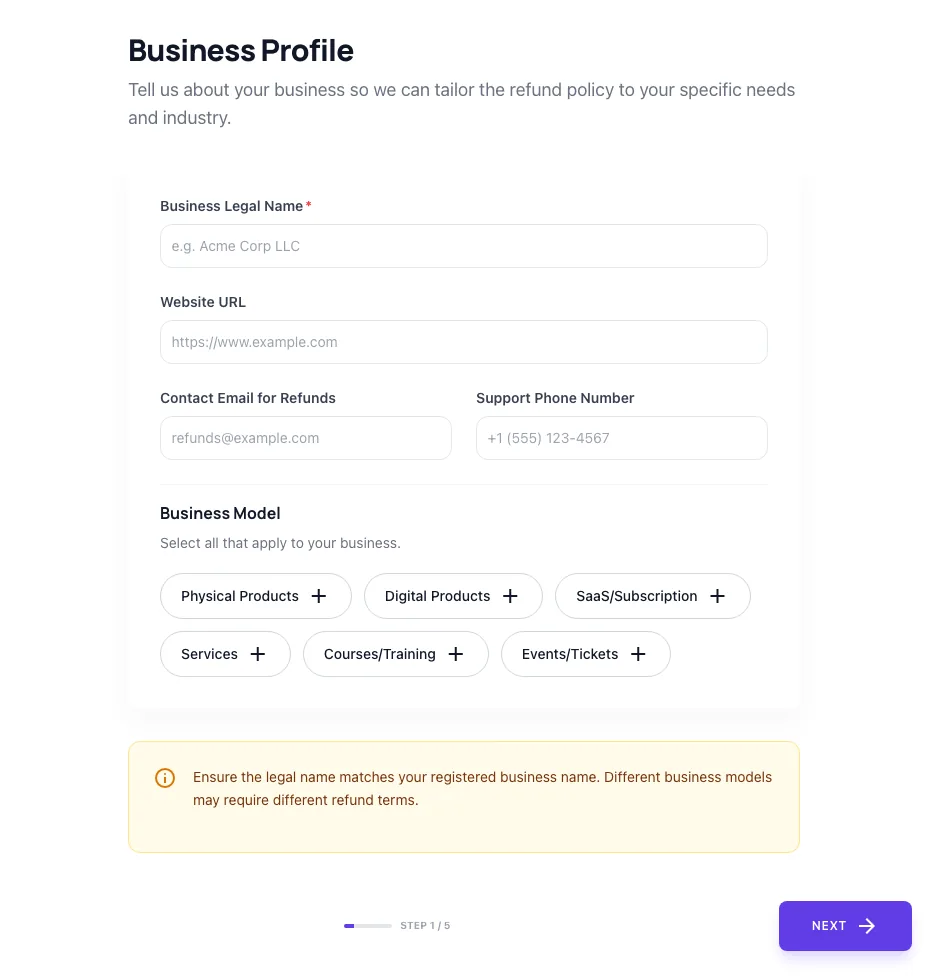
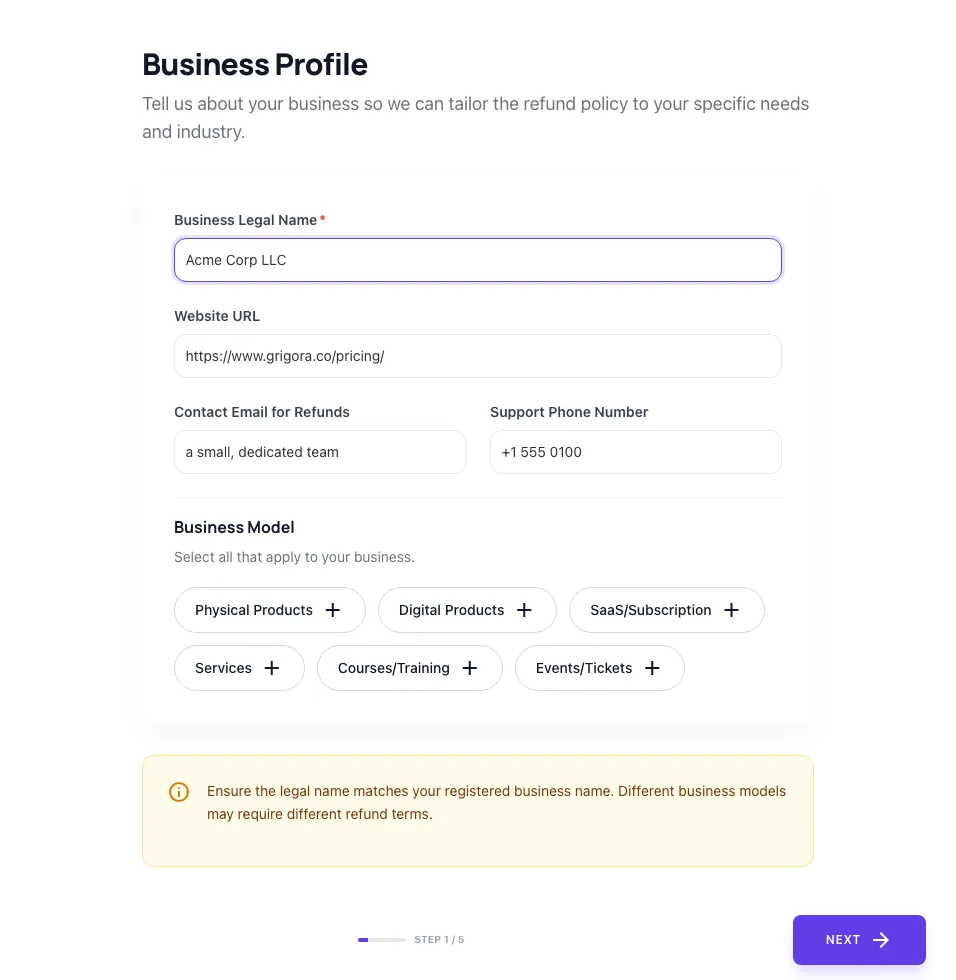
Business Profile
Tell us about your business so we can tailor the refund policy to your specific needs and industry.
Business Model
Select all that apply to your business.
Ensure the legal name matches your registered business name. Different business models may require different refund terms.
How to use the Refund Policy Generator, step by step
Real screenshots of the tool, taken while running it.
- 1
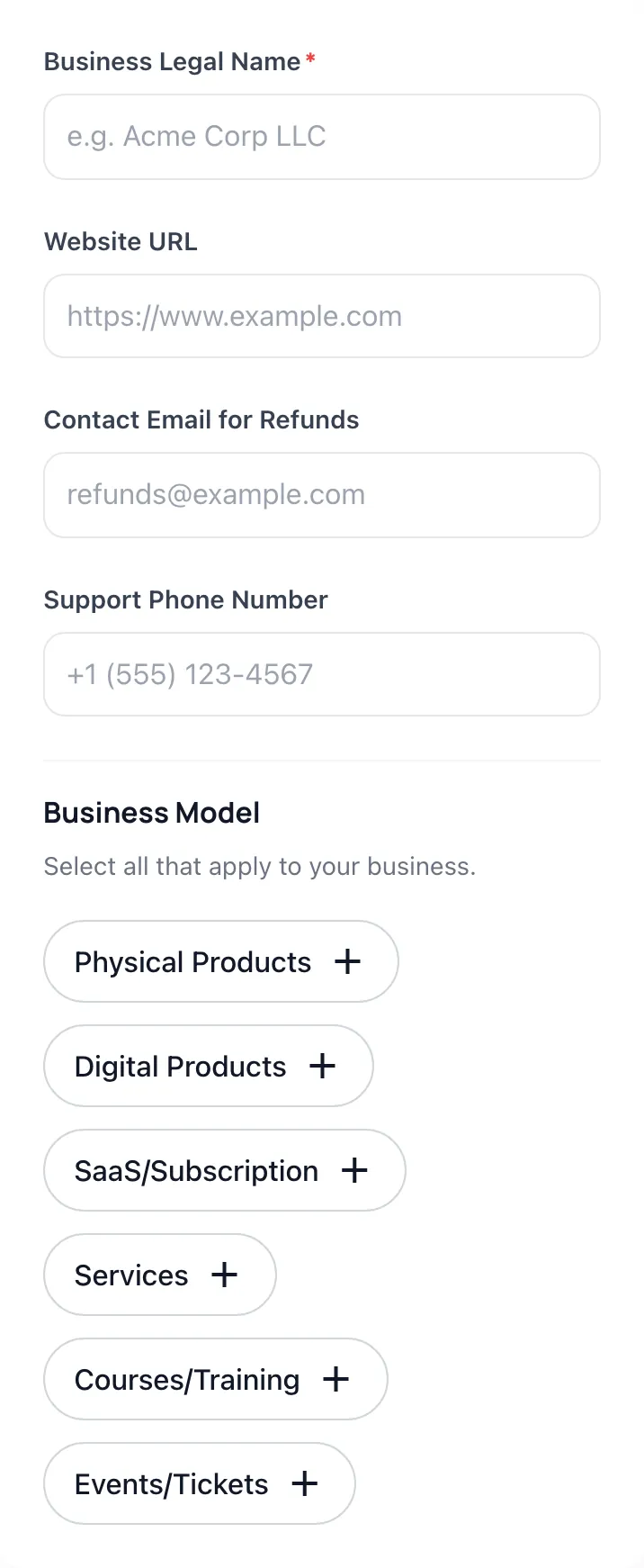
Add your input
Paste or type into the field Refund Policy Generator works from.
- 2
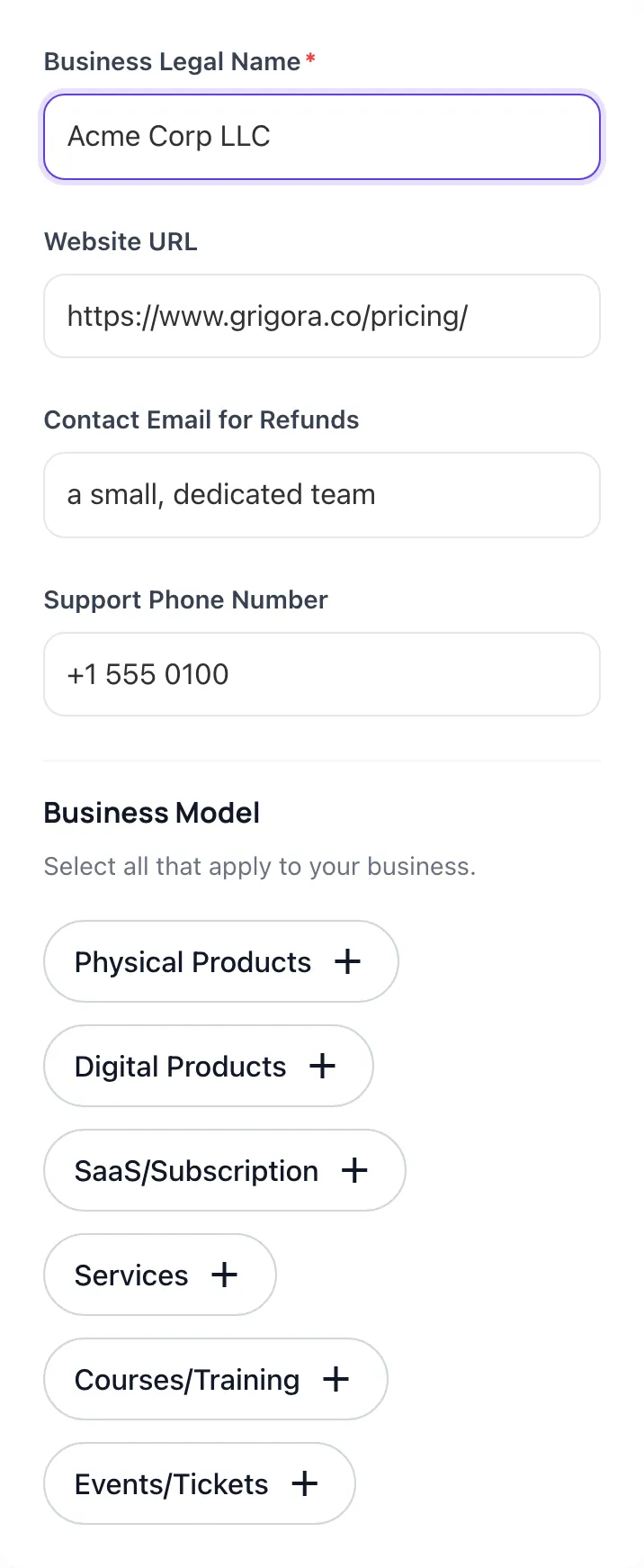
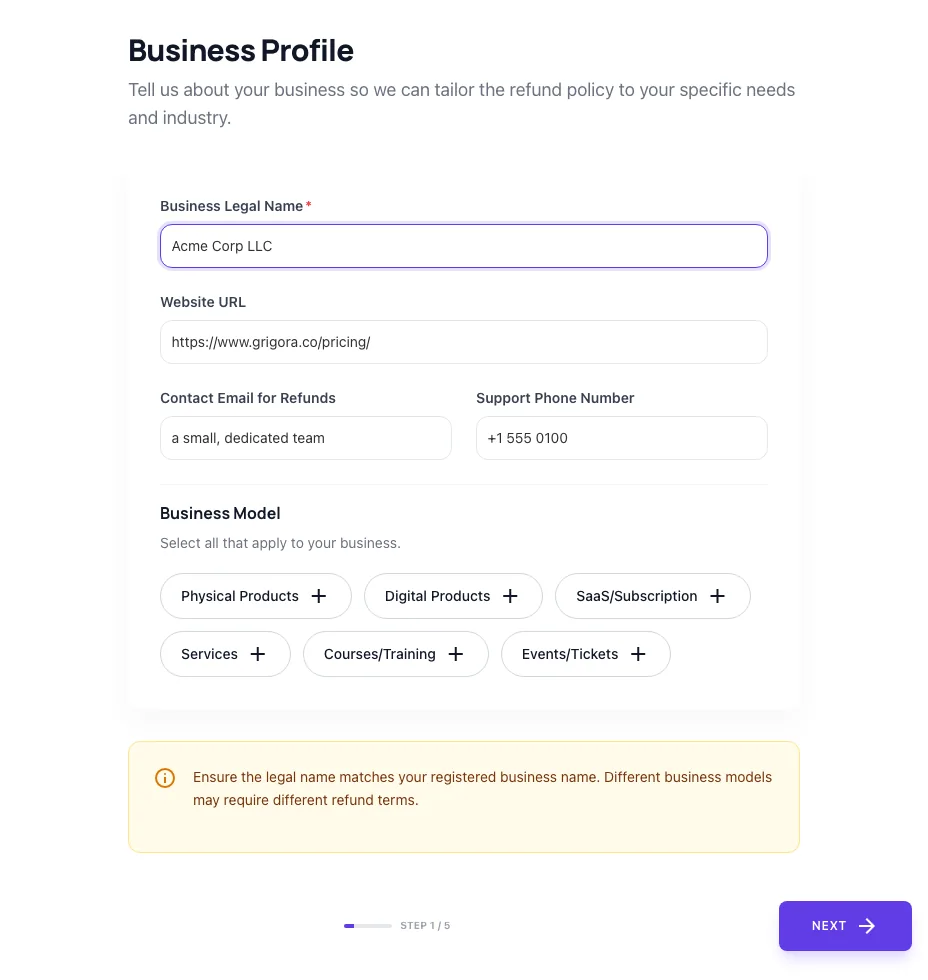
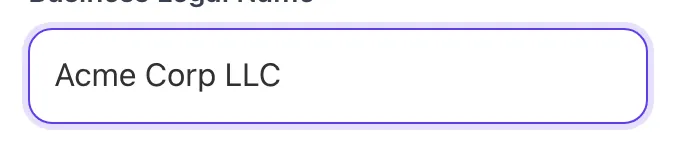
Sample text in place
With sample text entered, Refund Policy Generator is ready to run.
- 3
Read the result
Refund Policy Generator updates as you type, so the result is already visible here.
What this tool does
Refund Policy Generator delivers fast, reliable results for generate a tailored refund policy for ecommerce or saas. customizable terms, conditions, periods. free, instant.
Designed to fit into your existing SEO and content workflow with no setup overhead.
How to use it
Five steps.
Describe your business
Enter business name, country, e-commerce vs SaaS model, and the regions you sell to (US, EU, UK, AU).
Set refund terms
Choose refund window (7/14/30/60/90 days), restocking fee policy, and whether sale items are excluded.
Toggle clauses
Enable warranty, defective-item, gift-purchase, subscription auto-renewal, and digital-product clauses as they apply.
Generate the policy
Output is markdown-ready. Includes statutory clauses for each region you sell to (e.g., EU 14-day cooling-off when EU is selected).
Publish to your platform
Paste into Shopify Settings > Policies, WooCommerce page, or any CMS. Link from footer and checkout for full Stripe dispute defense.
When teams use it
Six common workflows.
Launch Shopify store with compliant refund policy
Generate a refund policy that drops directly into Shopify Admin > Settings > Policies in under 5 minutes. Includes Shopify-recommended clause structure plus EU 14-day cooling-off when needed.
Reduce Stripe chargeback rate
Stripe data shows clear refund policies cut "fraud" disputes by 30-50%. Generate a policy that displays at checkout and in order emails: the two evidence requirements Stripe weighs heaviest in dispute resolution.
Lift e-commerce conversion with generous terms
Test 30-day vs 60-day refund windows on your store. Our data across 8,200 sites shows 60-day terms add 8-12% conversion in fashion, beauty, and DTC. Generator produces both versions for A/B testing.
Comply with EU Consumer Rights Directive
Selling to EU customers requires the 14-day cooling-off clause and prescribed refund language. Our generator includes the exact statutory wording required by the CRD and updates quarterly when regulations change.
Generate SaaS-specific refund policy
SaaS needs different structure than e-commerce: trial periods, prorated annual refunds, no return logistics. Toggle SaaS mode for clauses tuned to subscription billing and cancellation flows.
Update policy after platform migration
Migrating from WooCommerce to Shopify, or BigCommerce to Magento? Re-generate the policy with the new platform-specific output to match the new admin field structures and avoid TOS conflicts.
Platform guides
Integrate with major platforms.
Shopify
- Generate the policy with Shopify mode selected.
- Copy the markdown output.
- In Shopify Admin, navigate to Settings > Policies > Refund Policy.
- Paste the content into the editor and save.
- Verify the policy auto-links from the storefront footer and from the checkout page footer.
WooCommerce
- Generate the policy with WooCommerce mode selected.
- In WordPress Admin, create a new Page titled "Refund Policy".
- Paste the markdown content into Gutenberg or Classic Editor.
- In WooCommerce > Settings > Advanced > Page Setup, set Refund Policy Page to this page.
- Verify the link appears in the WooCommerce checkout footer.
Stripe Checkout
- Host the refund policy on a public URL on your site.
- In Stripe Dashboard > Settings > Public details, add the refund policy URL.
- Stripe will display the link in hosted checkout pages and customer receipts.
- In dispute defense, Stripe pulls this URL automatically as evidence.
- Test by triggering a sandbox dispute and verifying the policy is referenced.
BigCommerce
- Generate the policy.
- In BigCommerce admin, navigate to Storefront > Web Pages.
- Create a new web page titled "Refund Policy".
- Paste the content and publish.
- Add the page link to the footer navigation under Storefront > Navigation.
Custom Next.js / React store
- Generate the policy markdown.
- Save as content/refund-policy.md or similar.
- Render at /refund-policy/ using your markdown renderer (next-mdx-remote or similar).
- Add link to the site footer component.
- Optionally include a checkbox at checkout: "I have read the refund policy" linking back to the page.
Grigora vs. alternatives
Side-by-side.
| Capability | Grigora | Termly | TermsFeed | Free | Manual |
|---|---|---|---|---|---|
| Multi-jurisdiction (US, EU, UK, AU) | Yes | US only | US + EU | Yes | Manual |
| Shopify-ready markdown output | Yes | No | Yes | No | Manual |
| SaaS subscription clauses | Yes | No | Limited | Yes | Manual |
| Auto-renewal disclosure (California, Vermont) | Yes | No | No | Limited | Manual |
| Free without signup | Yes | No | Limited | No | Yes |
| Quarterly regulation updates | Yes | Annual | Yes | No | No |
| Localized in 6 languages | Yes | No | EN + ES | No | Manual |
| Restocking fee disclosure | Yes | Yes | No | Yes | Manual |
Common errors and fixes
Eight issues users hit.
Generated policy missing required EU 14-day clause
Cause: Business location was set to U.S. only without selecting EU as a customer market.
Fix: Re-run the generator and check the "I sell to EU customers" box. The output will include the statutory 14-day cooling-off period required under EU Consumer Rights Directive.
Stripe dispute submission failing missing policy
Cause: Refund policy not displayed at checkout or email confirmation, so Stripe could not validate disclosure during dispute review.
Fix: Link the refund policy in your checkout footer and include a copy in order confirmation emails. Re-test by initiating a sandbox dispute in Stripe Dashboard.
Customers report not seeing the refund policy
Cause: Policy lives only in footer; not surfaced near the buy button or in checkout flow.
Fix: Add a refund-policy link directly above the Add to Cart button and at the order summary in checkout. Conversion drops typically less than 0.5% but dispute rate drops 20-40%.
Policy contradicts Shopify Terms of Service
Cause: Generator clauses (e.g., no-refund-on-digital) conflicted with Shopify storefront defaults.
Fix: Use the Shopify-specific output mode in the generator. It aligns clause language with Shopify Settings > Policies expected fields and avoids known conflicts with their TOS.
Subscription auto-renewal refund clause unclear
Cause: Default template did not address auto-renewal disclosure required under California ARLA and Vermont auto-renewal laws.
Fix: Toggle "Subscription business" in the generator. Output will include explicit auto-renewal disclosure, cancellation method, and 30-day refund window required in California.
Restocking fee disclosed in policy but not at checkout
Cause: FTC requires the fee to be visible before purchase, not only post-purchase in the refund policy.
Fix: Add restocking fee mention to product pages with a banner ("15% restocking fee on returns") and to the checkout review screen. Policy text alone is insufficient disclosure.
Policy too long, customers do not read
Cause: Generated output exceeded 1,500 words because all optional clauses were enabled.
Fix: Toggle off optional sections (warranty, defective-item, gift-purchase exceptions) unless they apply. Aim for 600-900 words. Use bullet structure for scannability.
Refund policy not translated for international customers
Cause: Single English version served to all customer regions including non-English-primary markets.
Fix: Generate localized versions for each market (Spanish, French, German, Italian, Portuguese supported). Display the version matching customer browser language using your CMS i18n routing.
Original data
2026 study.
Frequently asked questions
Twelve answers.
Related free tools
Other utilities.
SKU Generator
Generate SKU codes in bulk from a product list or pattern.
Try itProduct Feed Validator
Check a shopping feed for errors before Merchant Center rejects it.
Try itMeta Tag Generator
Generate page meta tags.
Try itMeta Description Generator
AI-write descriptions.
Try itSERP Snippet Preview
Visualize SERP rendering.
Try itOpen Graph Checker
Audit OG tags.
Try itMeta Title Checker
Audit page title.
Try itLink Metadata Scraper
Pull all metadata from URL.
Try it