New features, thoughtful improvements, and the fixes that keep things running. Here’s what’s new in Grigora.
82 updates
– Latest
Grigora Is Now on ChatGPT
Grigora is now on ChatGPT. Build and manage your websites directly from a conversation.
Read updateShow less
A major milestone for Grigora: our plugin is now published in ChatGPT. Build and manage your websites from a conversation, alongside new CMS imports, Paystack payments, and a smoother editing experience.
Major release
Meet Grigora in ChatGPT
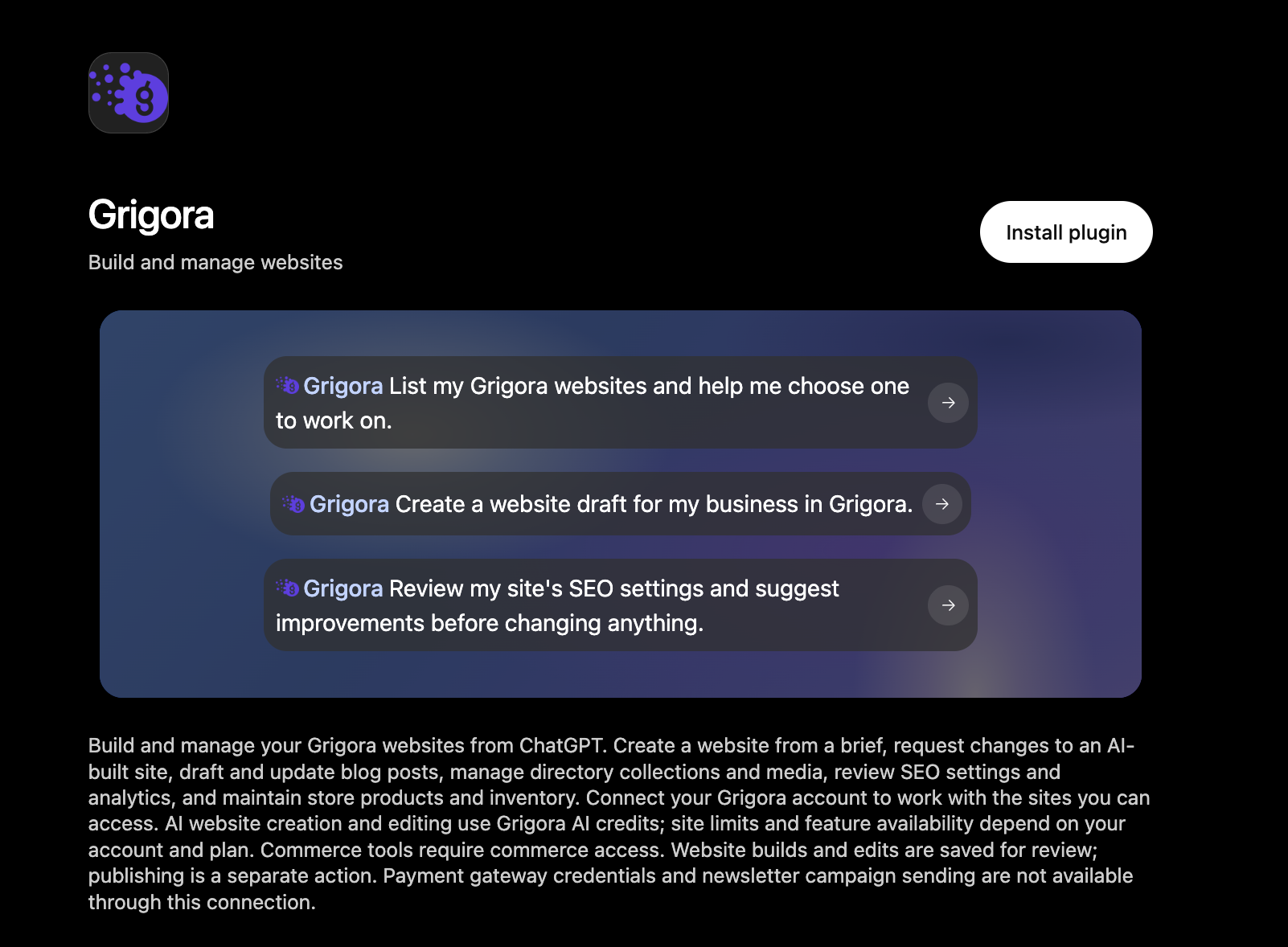
Grigora is now a published plugin in ChatGPT’s plugin directory. Install the plugin, connect your Grigora account, and start working on your websites directly from ChatGPT.
Grigora in the ChatGPT plugin directory. Select the screenshot to view it at full size.
Build and edit through conversation
Describe the website you want to create or request changes to an existing AI-built site. Your builds and edits are saved for review, with publishing as a separate step.
Manage your website in the same chat
Draft and update blog posts, manage CMS collections and media, review SEO settings and analytics, and maintain store products and inventory.
AI website creation and editing use Grigora AI credits. Available features depend on your account and plan; store tools require Commerce access.
Bring your content into Grigora
CMS imports for AI websites
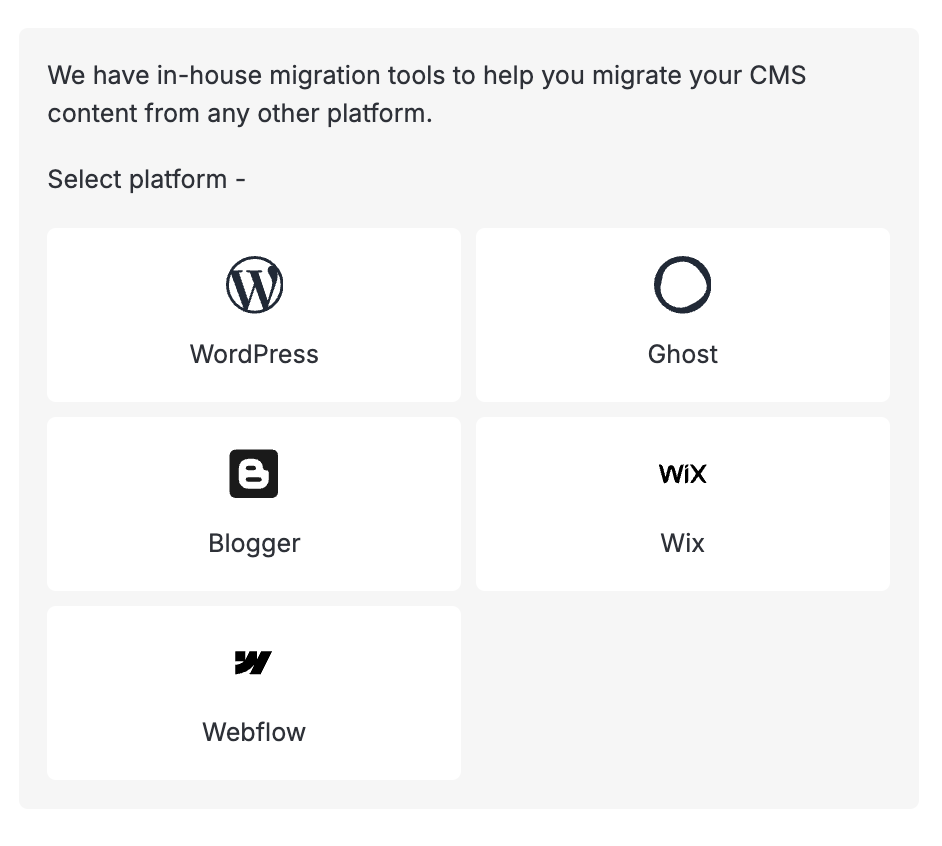
Open Settings → Migration to import collections, fields, and content from WordPress, Webflow, Wix, Duda, Ghost, or Blogger. Connect your source account or upload an export, depending on the platform, then choose what to bring across.
Review your import before starting
Preview field mappings, choose whether to include drafts, and copy images into your media library. Blog imports also let you map post content, featured images, excerpts, categories, and tags.
Follow progress and control repeat imports
See the migration’s progress and any errors in its log. Repeat imports skip previously imported items by default; choose to update them when you want to bring across changes.
AI website imports create CMS collections. Connect them to your pages in the builder; importing content does not recreate your previous website’s design.
Accept payments with Paystack
Paystack is now available in Commerce
Connect your Paystack account from payment settings and use it for store checkout. Guided setup walks you through your keys, webhook URL, and test or live mode, with a warning when your store currency is unsupported.
Connect multiple stores to one Paystack account
Stores can share the same webhook URL, with payment updates routed to the correct store.
Hong Kong dollars added
You can now select HKD as your store currency. Your chosen payment provider must support that currency.
A steadier website editing experience
Keep your preview while changes load
Your current website preview stays visible until its replacement is ready. We also improved slow-loading previews and reduced unnecessary reloads.
Get back to work sooner
Dashboard startup now loads essential website information earlier. We also fixed a delay that could leave builder conversations waiting for their history to load.
More reliable publishing
AI website publishing now uses the saved version held on the server. We also fixed a cache issue that could leave an older version visible on some custom domains after publishing.
Find answers and see what’s next
A refreshed help center
Browse guides with clearer navigation, search for answers, share a guide, and leave feedback on whether it helped.
A public product roadmap
Browse planned work and progress by status, open feature details, and share a direct link to an item. The board also has a more compact layout on phones.
Smaller fixes that make a difference
Fixed a crash when directory fields used certain list-based options.
Fixed alt text on the Post Featured Image block so it appears in the editor and on published pages.
Added WebP support for social-preview images.
Preserved trailing slashes when saving internal redirect destinations and running SEO checks.
Fixed mail setup so subdomains remain correctly selected and appear in the right DNS records.
New accounts can now sign up using email addresses with a plus alias.
–
Easier Website Setup, Build Alerts, and Newsletter Improvements
Start from a template, add CMS collections with AI, and draft newsletters more easily. Get alerts when builds are ready.
Read updateShow less
This update makes it easier to start from a template, bring your CMS content onto your website, and create newsletter campaigns. It also adds build-ready alerts, increases monthly AI credits on Starter and Pro, and improves everyday website management.
A better start with templates
More templates inside the website builder
The new website gallery now includes AI website templates, with larger previews and improved browsing to help you choose a starting point.
Personalize your template alongside its preview
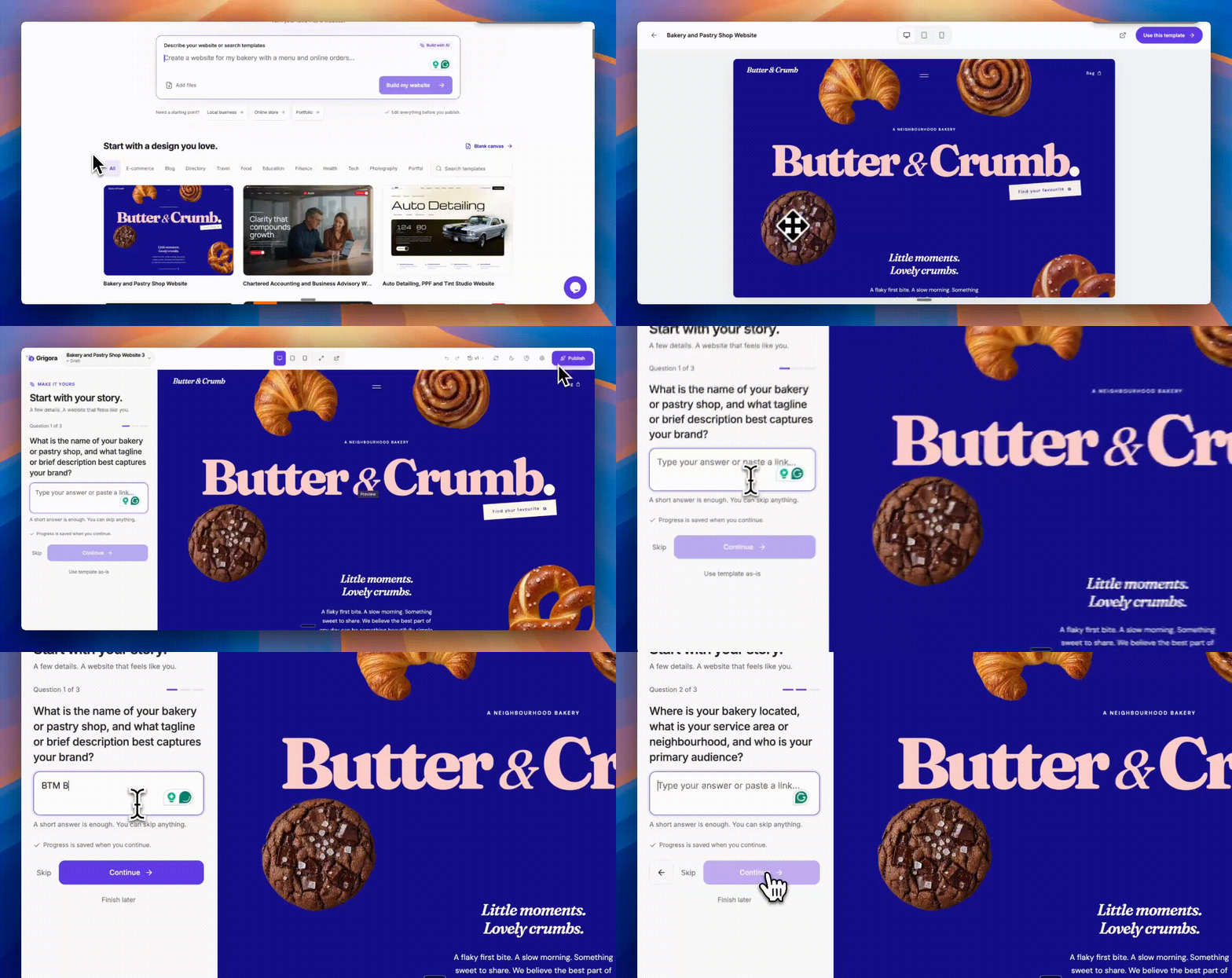
The updated setup starts with three essential questions, followed by a review of your answers and optional details. On desktop, your answers and website preview sit side by side. On phones, switch between setup and preview without losing your place.
Preview a bakery template and personalize it beside the website preview. Demo website shown.
Finish setup later
Save your answers and return to the same question when you are ready. If a save fails, your draft stays available so you can retry.
Start with the template's content intact
Creating a website from an AI template now carries over its uploaded media, CMS content, and product catalogs, keeping the content connected to the design.
Build alerts and clearer AI editing
Know when your first website is ready
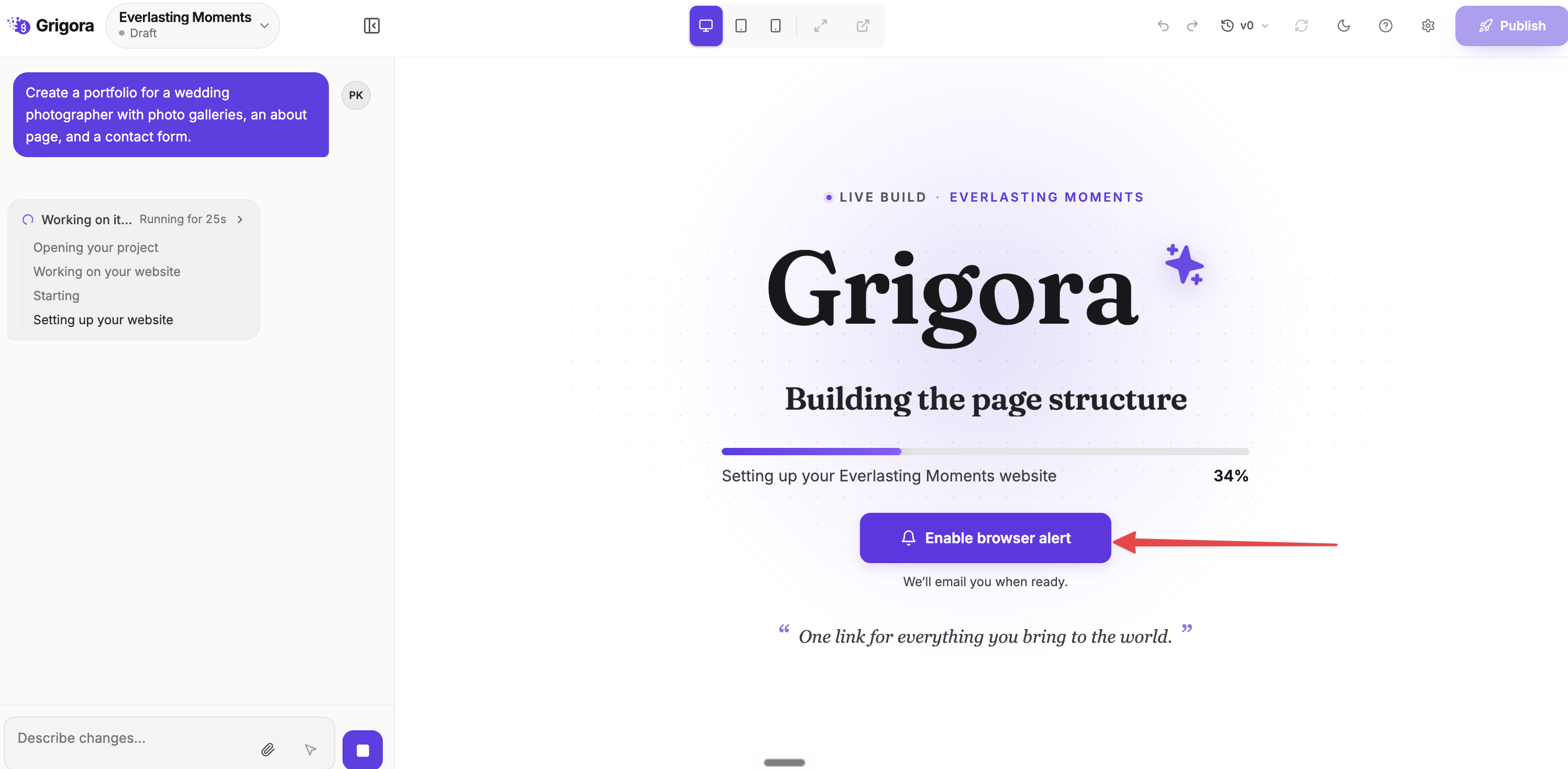
Grigora emails you when your initial website build is ready to preview. You can also opt into a browser notification on supported browsers, so you can step away while your website is being created.
Enable a browser alert while your first website is being built. Example website shown.
See progress without covering your website
Build updates appear in a compact status area outside the preview. Fullscreen previews also stay above editor overlays.
See who requested a change
Builder conversations now show prompt authors, making it easier to follow work shared with collaborators.
Continue with your earlier answers
New and resumed editing sessions retain your previous clarification answers, giving the AI the context you have already provided.
Put your CMS content to work
Add a collection to your AI website
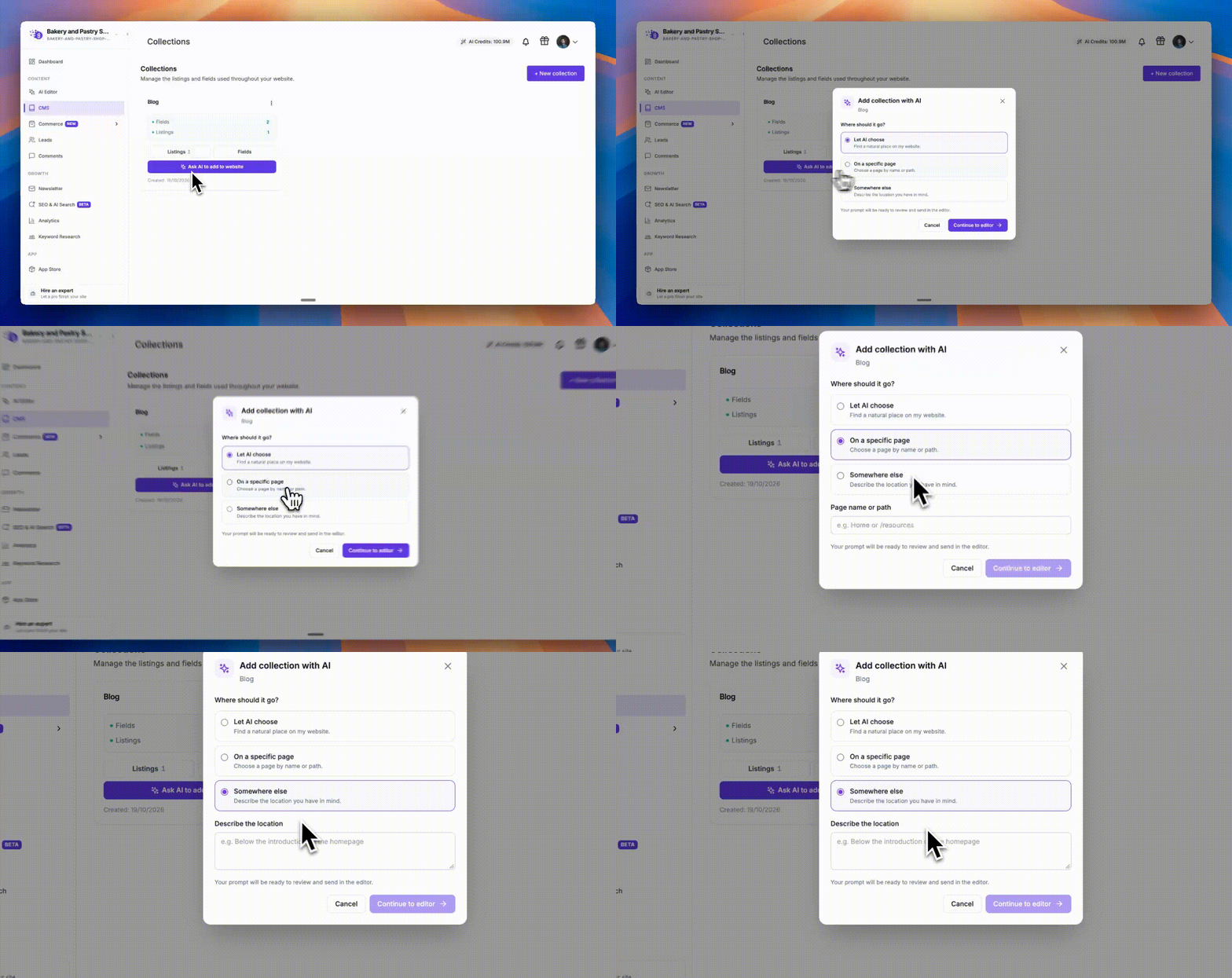
Choose “Ask AI to add to website,” then select a page, describe a specific location, or let the AI choose a suitable place. Grigora prepares the request in the editor for you to review and send.
Choose where AI should add an existing CMS collection. Demo website shown.
Pagination for directory listings
Directory collection blocks now support pagination, helping visitors browse larger collections across pages.
Go from keyword research to the right editor
Generating content from a keyword now opens your AI website editor or classic blog editor as appropriate. AI website requests carry your keyword, language, and target location into the editor.
Newsletter improvements
A smoother path from idea to campaign
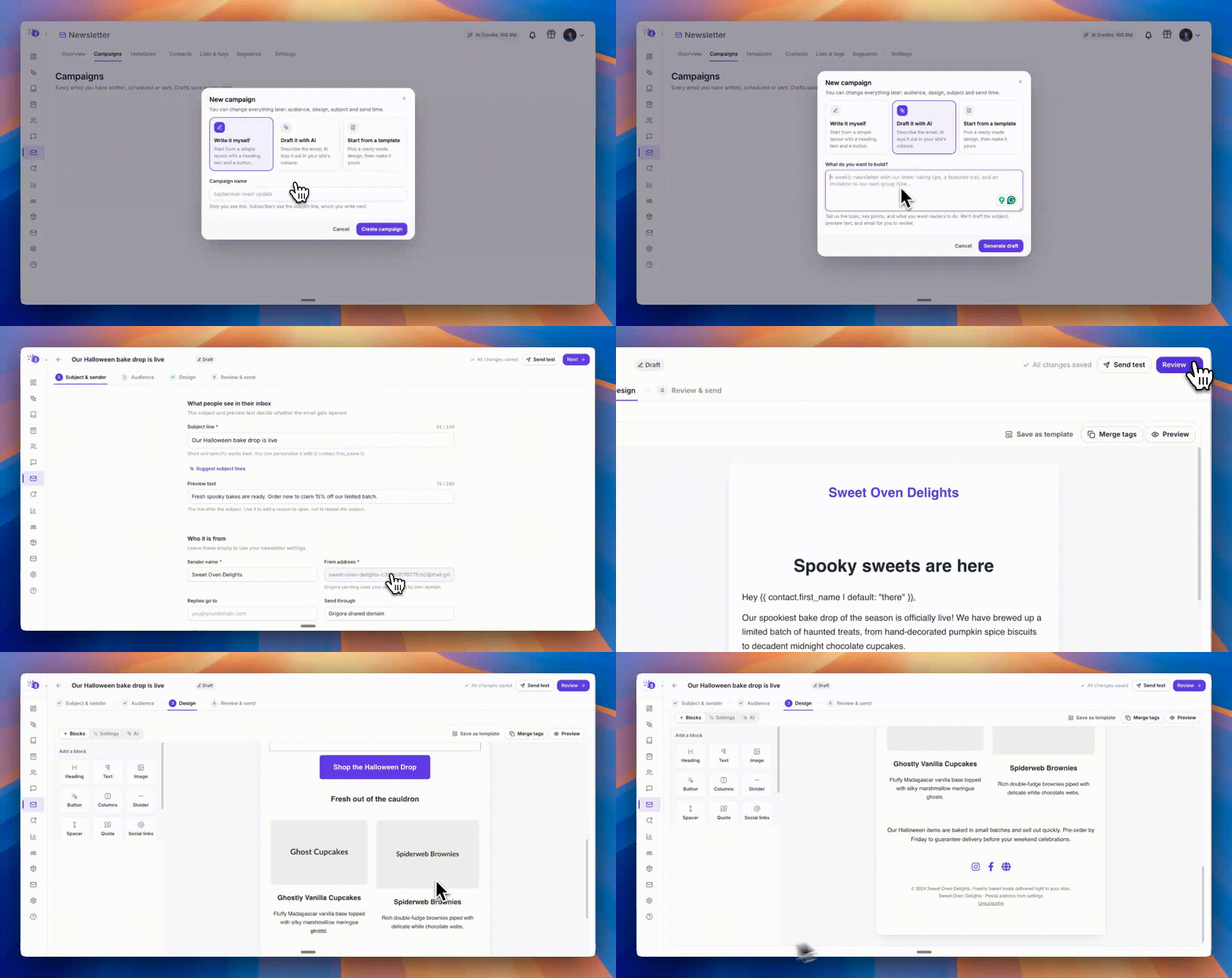
Describe your newsletter and generate a draft before moving through sender details, audience selection, design, and review. Generated campaign details are filled in for you, and failed attempts preserve your brief for retrying.
Choose your audience before designing
Campaign setup checks that your selected audience includes at least one subscribed contact before you continue. Empty audiences and counting errors now show clearer next steps.
Turn a newsletter brief into a campaign draft and continue through audience and design. Demo campaign shown.
Publish without restarting campaign setup
If your website needs publishing first, complete that step from the newsletter flow and then continue creating or duplicating your campaign.
Cleaner design controls on desktop and mobile
Editing controls focus on the selected block, clicking the background returns you to the block picker, and phone layouts offer collapsible controls. Text alignment is also preserved while editing.
Clearer sender validation
Invalid reply-to addresses and incomplete sender details are flagged before you continue. AI subject suggestions also stay closer to your campaign's topic.
A daily limit for Grigora's sending domain
Sending through the shared Grigora domain is now limited to 1,000 recipient emails per account owner per day across their websites, resetting at midnight UTC. Existing plan allowances still apply. Connect your own SMTP service if you need to send beyond the shared-domain limit.
Leads and analytics
A clearer, sortable Leads table
Sort submissions by date or other fields, with more consistent handling of names, numbers, and dates and an improved table layout.
More reliable AI website forms
Fixed an issue where old CAPTCHA settings could prevent visitors from submitting forms on AI websites.
Connect Google Analytics from your analytics screen
Sign in with Google and select your GA4 property without leaving Advanced Analytics. The dashboard now defaults to the last 30 days.
Easier website and account management
Settings that are easier to work through
Updated domain, SEO, integration, API, profile, and collaborator screens make setup and connection status clearer. Draft edits in custom code and integration settings are better preserved while you work.
Better navigation on phones
Improved dashboard navigation, website switching, and mobile panels make it easier to move between your websites and their settings.
More reliable collaborator invitations
Resending an invitation preserves existing access, and collaborator settings more accurately recognize unsaved changes.
More reliable domain connections
Fixed a connection issue affecting some older custom domains.
Store setup and checkout
Guided payment setup
Step-by-step provider setup helps you enter credentials, configure webhooks, and check test or live mode. Verification errors stay visible so you can correct them before saving.
Catch product details before publishing
Product setup now flags unanswered FAQs, invalid sample links, and expired discount dates. Compare-at prices and discount date controls also behave more consistently.
Correct collection displays
Published commerce collection blocks now respect their configured filters, sorting, and display limits more consistently with the editor.
Separate shipping addresses work correctly
Fixed checkout validation that could reject a different shipping address because of missing contact details.
More AI credits and better search previews
Higher monthly AI allowances
Starter now includes 30,000 AI credits per month, up from 15,000. Pro now includes 100,000 per month, up from 40,000.
Better search and sharing details
Fixed canonical page addresses on published AI websites and corrected social-preview image handling, including page-specific images and image links that previously pointed to a preview address.
–
Detailed SEO Audits and Better Website Workflows
Find website issues with a detailed SEO audit, plus better leads, AI editing, domains, and templates.
Read updateShow less
This update adds a detailed technical SEO audit of your website, alongside improvements to leads, AI website editing, publishing, templates, and tools.
Detailed SEO audits for your website
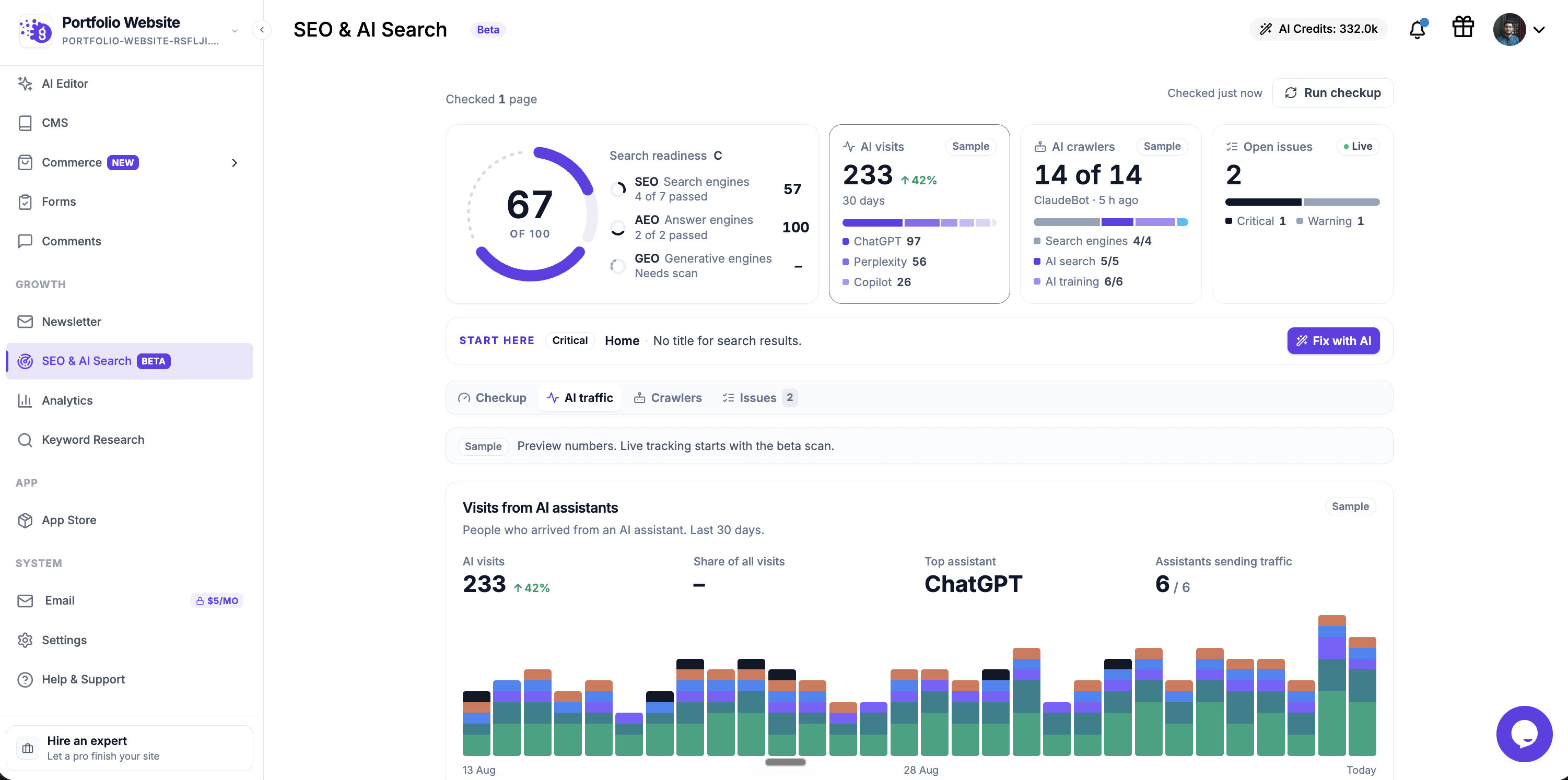
Run a detailed audit of your published website from SEO & AI Search. See what needs attention, which pages are affected, and how to fix each issue.
Check your website in depth
Review page titles and descriptions, headings, image alt text, broken links, canonical URLs, indexing rules, sitemaps, and structured data.
Find the issues that matter
Review critical issues and warnings, open the affected pages, and use the report’s explanations to decide what to fix first.
See how search and AI tools can read your website
Review search readiness and crawler access, including robots.txt, sitemap.xml, and the optional llms.txt file.
Get help making fixes
Use Fix with AI where available to take an issue into the editing workflow. Run another checkup after publishing your changes.
SEO & AI Search overview. AI traffic and crawler figures in this screenshot are sample data.
Website leads and signup forms
See leads from every form in one place
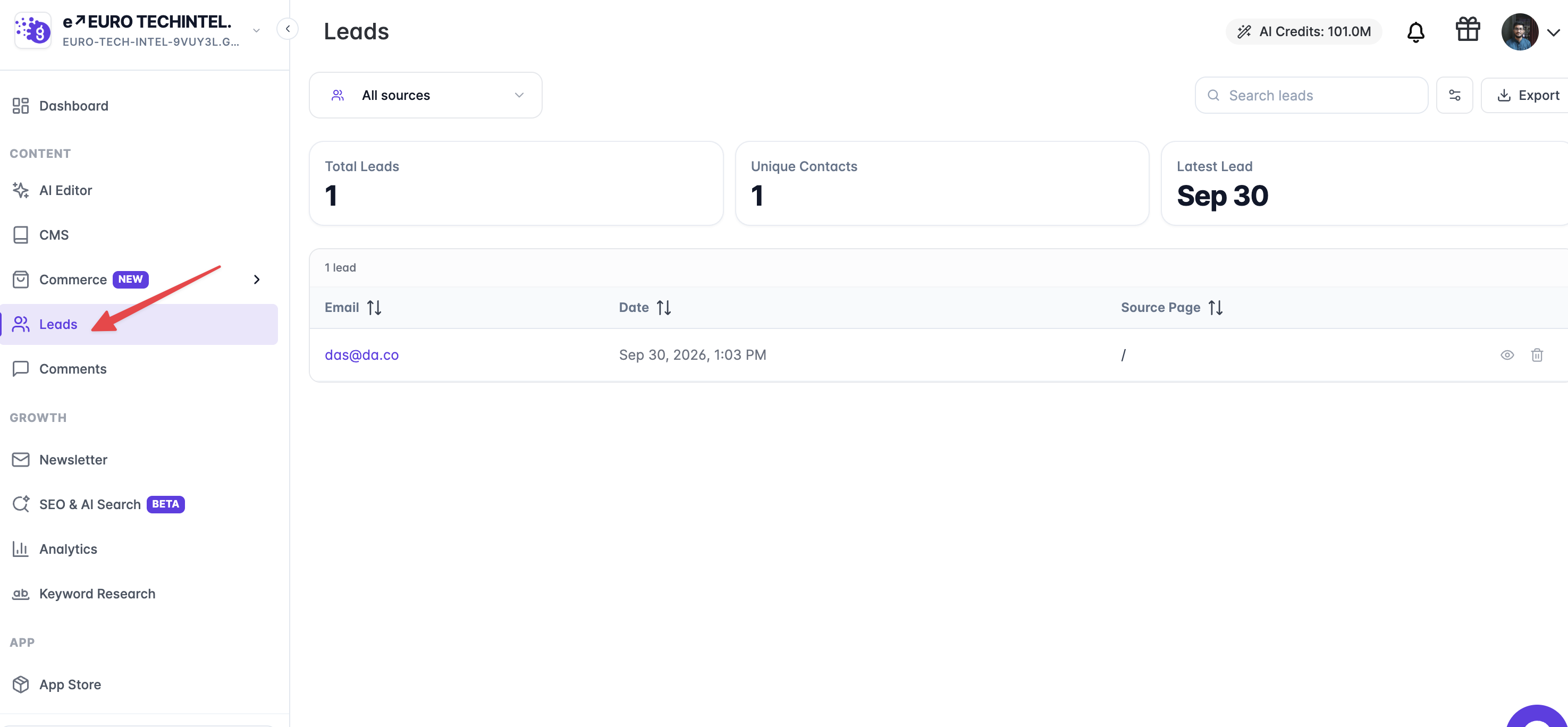
The Leads dashboard opens with submissions from all website forms. Filter by source, search submissions, and export the selected results.
View website leads in one place, with source filters, search, and export.
Manage lead notifications from Leads
Set up email alerts for one or more recipients directly from the Leads screen. These settings apply to all forms on the website.
Send signups to the right audience
Different newsletter signup forms can subscribe visitors to different lists. Connected AI assistants can discover lists and read, create, or update custom signup fields through Grigora's MCP integration.
AI website editing and collaboration
Annotate previews more comfortably
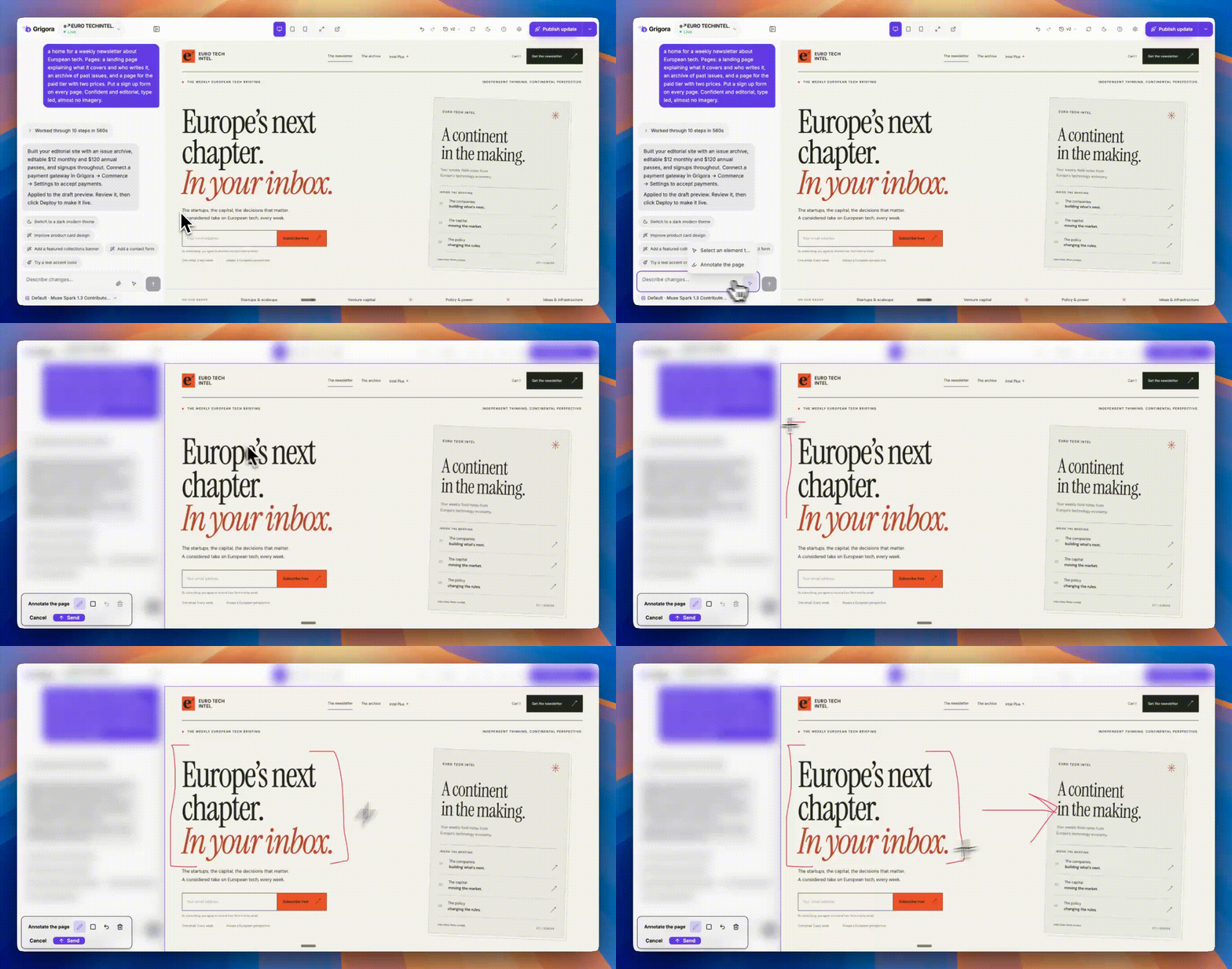
Screenshot annotation keeps drawing controls beside the image, improves keyboard navigation, and shows a retryable error if the annotated image cannot be attached.
Annotate a website preview to show the AI exactly what you want to change.
Copy chat messages and check when they were sent
Builder messages now include copy controls and timestamps.
Keep older previews working
Previously generated previews remain available in open tabs and version history as you continue editing. A failed preview build does not discard saved website changes.
Give attachments a clear instruction
Sending files or selecting an element now requires a written prompt describing the change you want.
Move back through guest signup
The guest builder's account dialog now has a Back action, including a way to return from email verification to account details.
Collaborate with simpler AI website roles
New AI website invitations use Administrator or Editor roles. Editors can access website management settings, including forms, newsletters, SEO, and domains. Collaborator phone fields now support country-aware validation.
Publish using the website's subscription
Collaborators on a paid website are no longer incorrectly asked to upgrade their own account before publishing.
Understand website limits earlier
Starting from a template or duplicating a website now gives clearer guidance when your plan has no remaining website slots.
Publishing and custom domains
Publish larger AI websites more reliably
Increased publishing capacity for websites with many CMS pages and assets, with clearer messages when a file or size limit is reached.
Choose your preferred domain address
Newly connected AI website domains can use either example.com or www.example.com as the primary address. Grigora redirects the alternate address when both DNS records point to Grigora. This preference is also available through the API and MCP integration.
Reconnect transferred domains successfully
Fixed a verification failure when connecting a domain that had been disconnected from another website.
Get more consistent website analytics
Grigora analytics is included across published AI website pages without duplicating an existing Grigora tracker.
Keep excluded pages out of sitemaps
Pages marked noindex are now omitted from AI website sitemaps.
Apply branding according to your plan
Published AI websites now display the “Made with Grigora” badge where the plan requires it. Plans with watermark removal remain unbranded, and builder previews stay badge-free.
Store checkout
Complete PayPal payments through the supported checkout flow
Fixed attempts to open PayPal in an unsupported embedded checkout.
Sell digital products without a checkout block for missing files
Checkout no longer rejects a digital product solely because it has no attached download file.
Templates and tools
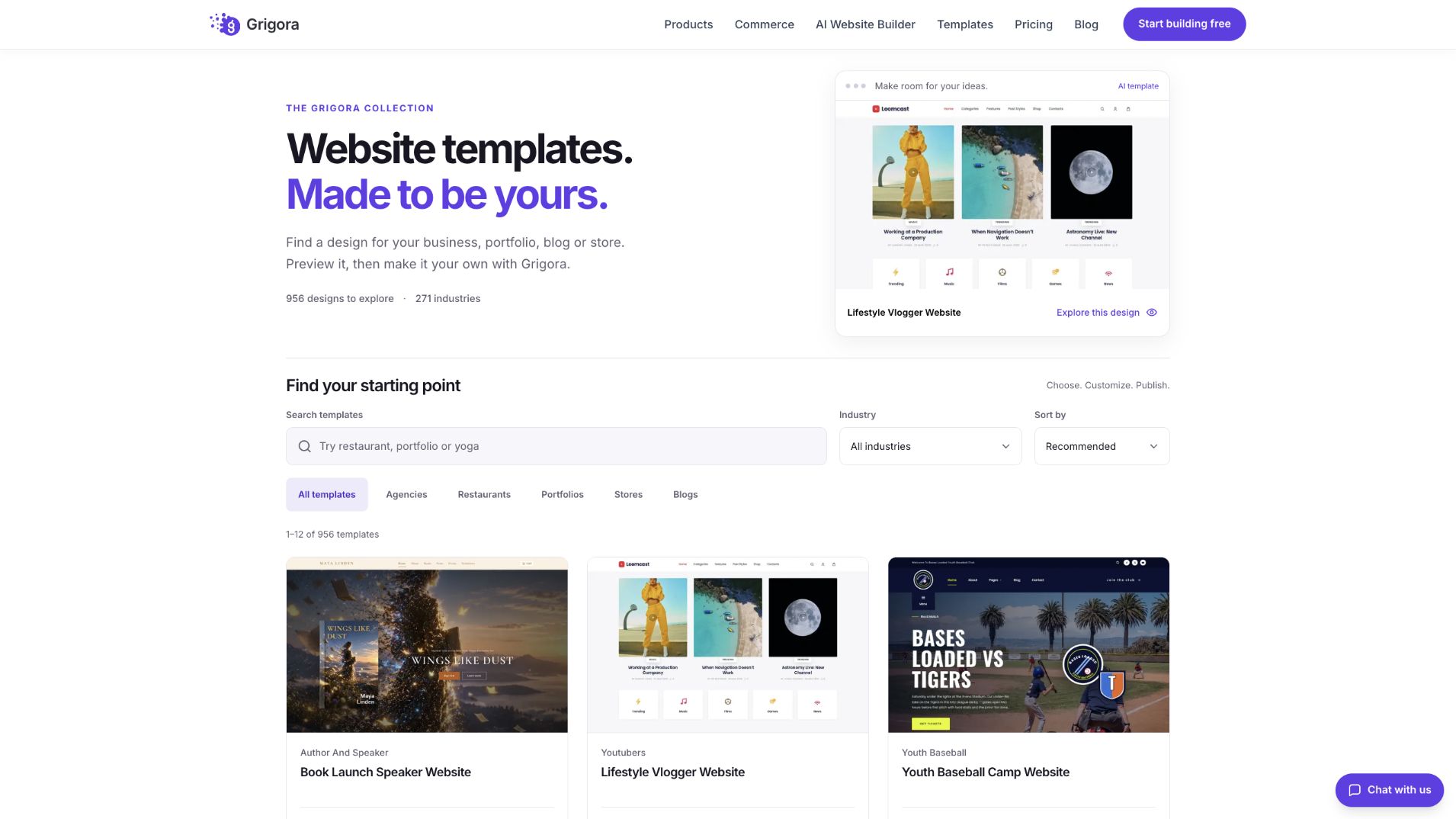
Find a website template using search, industry filters, sorting, and visual previews.
Find templates more easily
The redesigned catalog adds broader keyword search, industry filters, sorting, and pagination. Recommended results prioritize AI templates, and featured AI designs rotate automatically with support for reduced-motion preferences.
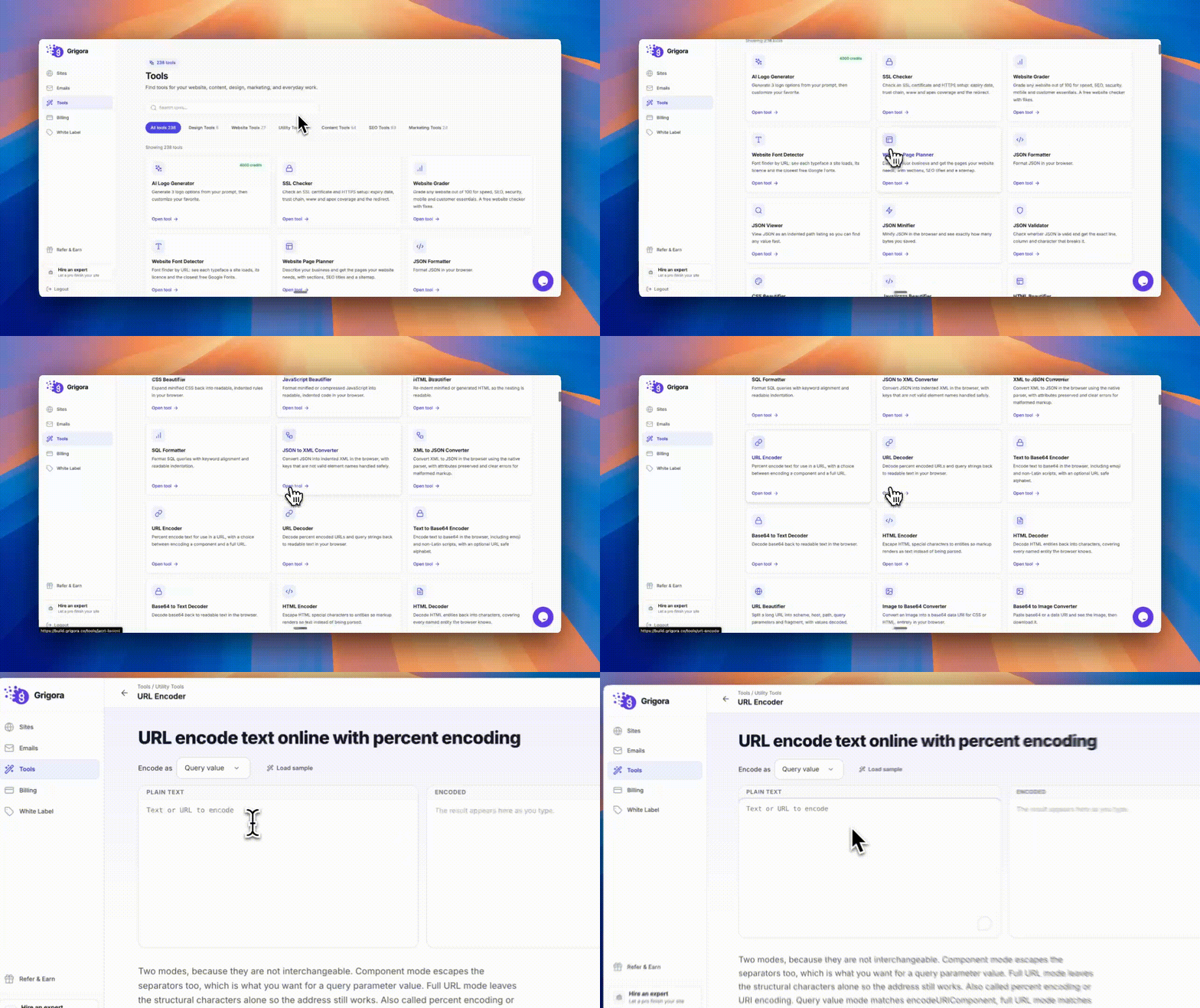
Use marketing tools inside Grigora
Browse tools by category or search, then open them directly from the dashboard.
Find tools by category or search directly from the Grigora dashboard.
Get clearer validation across free tools
Writing, SEO, schema, and code tools now give more specific input errors and prevent invalid results from being copied or downloaded in affected workflows.
Get more consistent generated content
Improved handling of selected languages, requested introduction lengths, and requested result counts in the affected writing tools.
Use previews and exports more reliably
Fixed mobile device comparison sizing, invalid newsletter HTML previews, and social-image downloads that omitted supported external images. Improved copy controls, checklist copying, and narrow-screen layouts across tools.
Catch up on product updates in the dashboard
Release notifications link to the changelog and remember which updates you have read.
–
A New Newsletter System and More Powerful AI Websites
Create newsletters and build better AI websites, with new templates, SEO controls, and store improvements.
Read updateShow less
Build and send newsletters directly from Grigora
Run your entire newsletter workflow from Grigora with a redesigned newsletter system.
Create emails with a visual drag-and-drop builder.
Use AI to write emails, sections, subject lines, and preview text.
Use reusable templates, blocks, personalization, and brand settings.
Import and export contacts with lists, tags, and custom fields.
Create audience segments.
Preview and send test emails before launching.
Send campaigns immediately or schedule them.
Track opens, clicks, bounces, complaints, and unsubscribes.
Support double opt-in, unsubscribe links, and subscriber preferences.
Connect your own SMTP or use Grigora's sending infrastructure.
A more powerful AI Website Builder
Build and edit websites with more control over your prompts, changes, and previews.
Attach up to 10 files to an AI prompt, including images, PDFs, CSVs, audio, and video.
Select an element directly on your website and tell AI what to change.
Annotate screenshots to show AI exactly what you want.
Get better follow-up questions and editing.
Improved recovery, version restoration, and support for long conversations.
Better mobile previews and responsive layouts.
Open your website directly in a new browser tab.
New AI templates
Find a starting point for your website and make it your own.
Browse AI templates by category.
Preview templates before using them.
Start with a template and personalize it through a guided questionnaire.
Get better recommendations based on your business.
Improved template previews and thumbnails.
More control over SEO, domains, and exports
AI websites now give you more control over technical SEO and custom domains.
Dedicated SEO settings.
Local business structured data.
Sitemap, robots.txt, and IndexNow controls.
Export your entire AI website as a ZIP, including unpublished saved changes.
Connect custom domains directly from the AI Website Builder.
Improved DNS verification and SSL provisioning.
Commerce improvements
A more reliable experience for setting up your store and completing purchases.
Improved Stripe, PayPal, and Razorpay connections.
Clearer checkout and payment errors.
Better inventory handling.
Improved cart and discount handling after payments.
Customers can retry unsuccessful payments without losing their cart.
Better support for digital, membership, and service products.
Improved AI-generated storefronts.
New API and MCP capabilities
Manage more of your Grigora website programmatically through the API and MCP, with new ways to automate workflows using AI and external tools.
SEO settings
Manage website and business information.
Manage local SEO settings.
Manage your sitemap, robots.txt, and IndexNow settings.
Custom domains
Check domain connection status.
View required DNS records.
Start domain connections.
Track verification progress.
–
A Redesigned AI Builder and Better Commerce Workflows
A redesigned AI builder brings clearer progress, better version history, and connected CMS and commerce workflows. This release also improves editing, mobile checkout, publishing reliability, and site performance.
Read updateShow less
This update brings a redesigned AI website builder, more ways to build with your content and products, and improvements to editing, previews, and publishing.
Site Editor
Lighter site search
Rebuilt the published Search block with vanilla JavaScript and CSS, with fixes for search icons and overlay styling. Making the search block's JavaScript from 130 KB to 10 KB.
AI website builder
A redesigned workspace
Build with clearer project controls, a collapsible chat panel, improved dark mode, and a responsive layout with larger touch targets.
Clearer progress and conversations
Follow build activity as it happens, see what the AI is working on, and read formatted responses with headings, lists, links, and code. Completion messages reflect finished work.
PDF and full-quality image attachments
Add PDFs to your brief and upload reference images without the previous quality reduction.
More useful version history
Preview saved versions, restore an earlier version, or send a new prompt from an older version to create a new version while keeping later work available.
A better preview experience
Desktop previews fill the available canvas. Fullscreen controls are easier to reach, Escape works from inside the preview, and opening a preview again reuses its existing tab.
Better recovery
Improved recovery after a dropped connection or page reload, fewer blank previews after a build, and a “Fix with AI” action for preview errors. Longer builds are no longer cut off by the browser’s previous timeout.
More reliable saves
Fixed cases where work could disappear during generation, preview state could affect saved source, or valid dynamic pages could be rejected when saving.
Content, forms, and commerce
Build with editable content
The AI builder can create and update structured collections for blogs, portfolios, teams, events, and other content. AI websites now have a dedicated CMS entry in the dashboard.
Create connected storefronts with AI
Build product catalogs and custom shop, product, cart, checkout, and order-status pages using Grigora Commerce. Products remain manageable in your store, with cart and checkout handled by the Commerce SDK.
Keep your storefront’s design when publishing
Publishing preserves custom storefront and shopper pages instead of replacing them with default layouts, and avoids duplicate buying controls on SDK-powered pages.
Build your store before connecting payments
Products and cart pages can be prepared first. Checkout displays “Unavailable” until a payment gateway is connected in Commerce settings.
Improved mobile checkout and styling
Checkout works better on smaller screens, respects site-defined accent styling, and initializes correctly when store elements load before the SDK.
Connected forms
AI-generated forms are instructed to capture submissions in Grigora, with improved handling of submission addresses in previews and published sites.
Optional buyer newsletter signup
A new Commerce setting adds buyers to your newsletter after a completed paid order. It is off by default and respects previous unsubscribes.
Visual editor
Search block settings
Find controls from the settings panel, with consistent padding and margin inputs across blocks.
More linking options
Point buttons directly to a site page and make blog, directory, product, category, and product-collection cards clickable from their own Link settings.
Image lightboxes
Enable a lightbox directly on an individual Image block.
Better section controls
Collapse section tools, open block settings more easily, and see which content is preventing an inner section from becoming shorter.
Improved block settings and layouts
Added missing settings groups for Search, Header, and Site Title & Logo; improved numeric size entry and color-picker layout; and corrected default layouts for dynamic pages.
Published sites and reliability
Closer editor-to-site consistency
Fixed tablet and mobile spacing, container wrapping and alignment, frame widths, Tab block sizing, inner-section height, logo styling, and linked collection-card layouts.
More responsive interactions
Published blocks and animations initialize when the document is ready. Cards in dynamic blocks trigger their entrance animations individually.
More dependable publishing
Fixed missing AI-site blog and directory content, improved publish-completion notifications, and added clearer failure feedback in the post editor. Publishing also handles service restarts more safely.
Plans and tools
Improved writing and SEO tools
Updated readability calculations, passive-voice detection, metadata extraction, keyword-intent labels, and date-sensitive keyword suggestions. Several writing tools now better respect the selected language, tone, length, and audience.
Better website and image analysis
Improved content extraction from JavaScript-rendered pages, domain-availability error handling, and image-compression ratings, including local image uploads and format-aware comparisons. Accessibility scans now include the supported checks from earlier WCAG versions alongside 2.2 checks.
–
Commerce for Every Plan and Bilingual AI Websites
Commerce expands to every plan, while the AI builder gains bilingual, multi-page websites and product creation. Refreshed templates, newsletters, account settings, and a broad round of reliability fixes round out this release.
Read updateShow less
New features
Online Store
Commerce is now available on every plan
Free sites can now sell without hitting a product cap — commerce is no longer limited to paid plans.
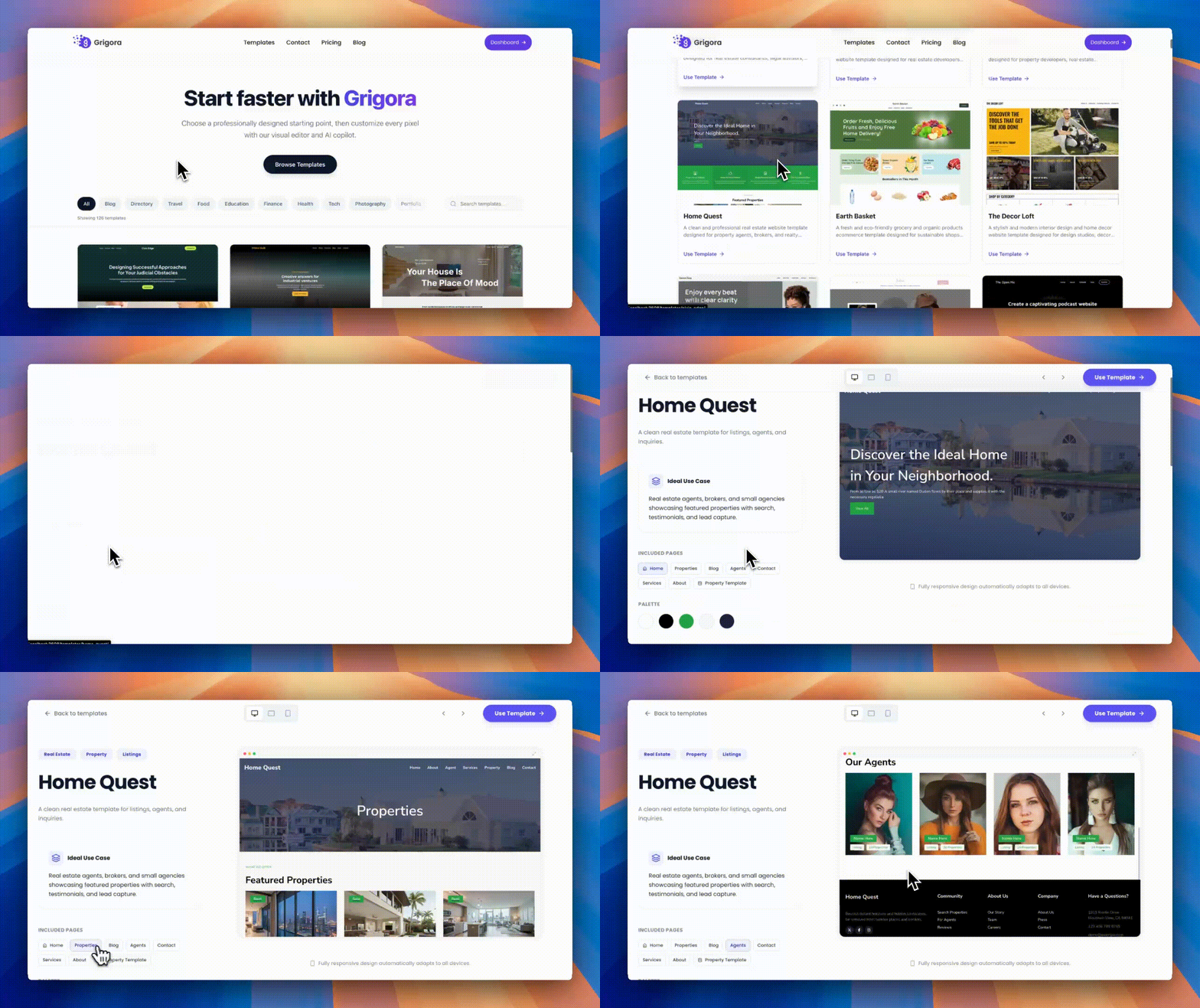
New E-commerce template category
We’ve added a dedicated E-commerce category to the template gallery, along with new blocks for product displays and collections.
Better collections
Collections can now display images.
Collection pages can be configured to show or hide their products.
Search now includes commerce
Site search now covers products and collections, in addition to pages and blog posts.
More checkout options
PayPal and Paddle are now available alongside Stripe. Carts and invoices work consistently across all three payment providers.
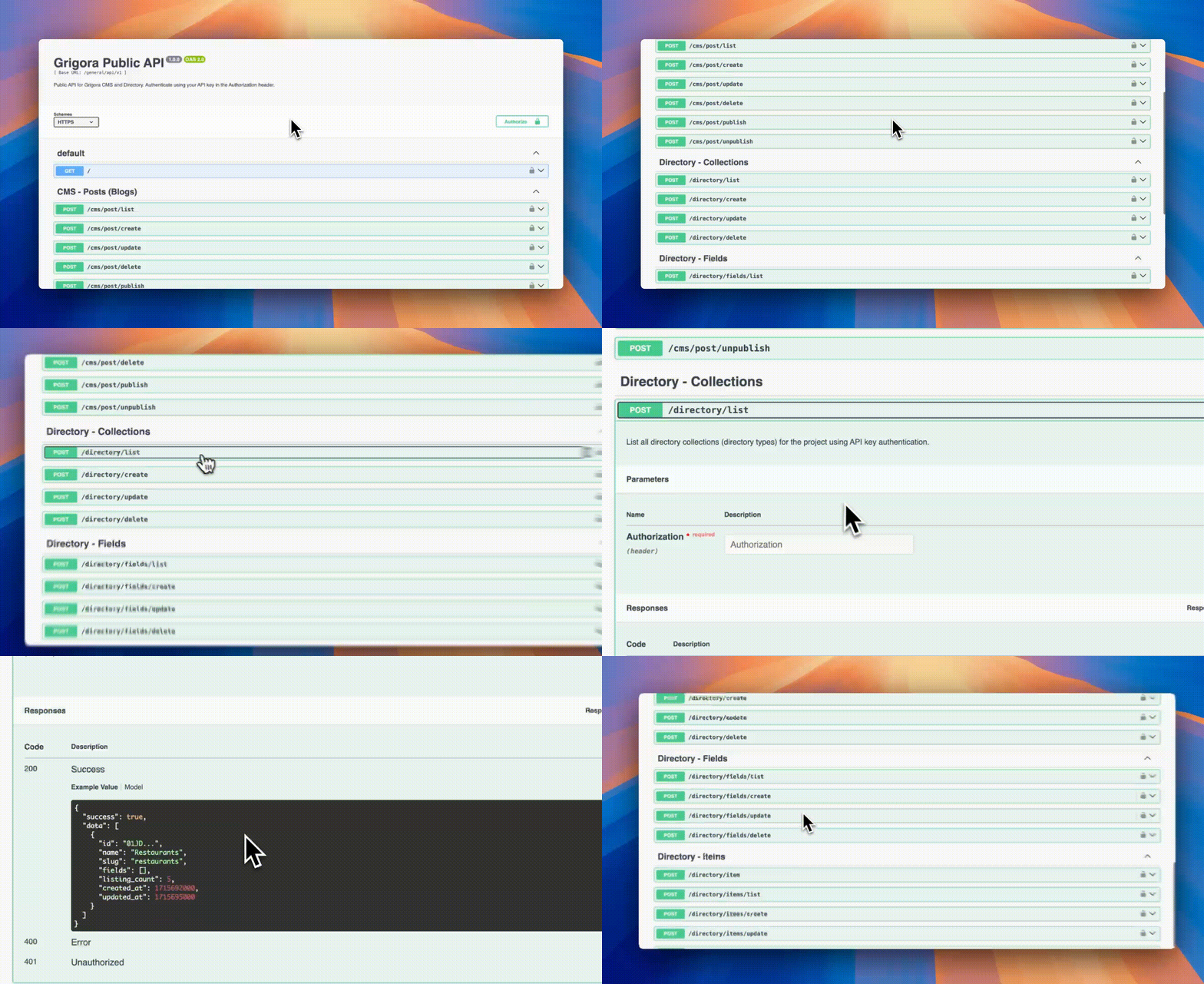
Public Commerce API
Commerce can now be managed programmatically outside the dashboard through our public API, including:
Products
Variants
Pricing
Stock
Collections
The same access layer also powers the Grigora MCP server.
AI Website Builder
Ask questions, not just make edits
The builder can now answer questions instead of assuming every request is an instruction to modify your site. It also clearly explains what it changed.
Build bilingual websites
The builder now supports the languages available throughout the rest of the app and can create genuine bilingual websites with a working language toggle.
Full multi-page websites by default
Website generation now plans a complete multi-page business website instead of defaulting to a single homepage.
Create products and posts with AI
The builder can now create real:
Products
Blog posts
Edits also target the exact page you currently have open.
Templates & Blog Layouts
New blog layout chooser
Preview blog layouts using your own posts before selecting one. You can also change the layout later.
Every theme's post layouts
All post layouts available in each theme are now offered — not just a hand-picked selection of seven.
And the preview is now a real rendered page rather than a wireframe.
Rebuilt template picker
Choose your color palette and typeface before your website is built, with a live preview that updates as you make your selections.
Editor
Select multiple images
The image gallery now lets you select multiple images from your library in a single visit.
Video & audio uploads
The file manager now supports video and audio uploads, with the maximum file size increased to 100MB.
Improvements
Online Store
Shipping rate types now explain what each option does, and their amount fields are fully typeable.
Orders now appear only after the payment gateway confirms the payment.
Failed "mark as shipped" actions now explain why they failed.
Refunds now also cover charges issued directly through Stripe's dashboard.
AI edits are now source-grounded, preventing the builder from inventing contact information, store policies, or product claims.
Failed or stuck generations now fail cleanly instead of hanging or retrying indefinitely.
Deployments are now retry-safe end to end.
We switched the underlying model twice while improving quality and reliability, ultimately landing on Gemini 3.7 Flash for both text and full-site generation.
Templates & Blog Layouts
Template search now filters results correctly.
Every template now clearly states what it's designed for and what it includes.
Dashboard & Account
A more balanced dashboard
The dashboard now surfaces commerce and directories alongside blogging instead of defaulting to a blog-first experience.
Editable profile
The profile page has been rebuilt and is now fully editable, including working avatar uploads.
Better domain management
Settings now displays your actual connected custom domain instead of the internal subdomain.
You can also change your site address directly from the editor.
Newsletter & Email
The Newsletter and Newsletter Settings pages have been redesigned using the current Grigora design system.
SEO Tools
Real keyword research data
Keyword research has been rebuilt around real search data rather than fabricated averages following the sunset of Google Ads API v21.
Editor Stability & Usability
We've made a major pass across the editor experience:
Redesigned the top bar, side rail, and page switcher.
Turned the block inspector into a proper panel.
Layers now use names based on their actual content instead of generic labels.
Fixed menu spacing issues on published sites.
Improved marquee padding.
Fixed button font sizing.
Improved header padding across mobile and tablet layouts.
Database Migration
We've migrated from AWS DynamoDB to PostgreSQL, giving us faster and more controlled data management.
Fixes
Online Store
Fixed a pricing issue that could overcharge customers by up to 2×.
The plan comparison table now accurately reflects the limits and pricing actually enforced by the platform.
Newsletter & Email
Fixed a scheduling issue that could cause newsletters to be sent twice under concurrent requests.
Fixed the sender name displayed on outgoing emails.
SEO Tools
Fixed a crash during keyword lookups.
Fixed a keyword lookup issue that could cause requests to hang for up to six minutes.
Editor Stability & Usability
Fixed several issues affecting editing and responsive layouts, including:
Drag-and-resize corruption.
Tablet canvas mis-scaling.
Mobile canvas mis-scaling.
Scroll leaks.
Unresponsive responsive controls.
Invalid bootstrap data causing crashes on load.
Null iframe body errors.
Non-string values inside directory-bound blocks.
Smaller Fixes
Also fixed a number of smaller issues across the platform:
Fixed a white-screen crash and redirect loop caused by full localStorage.
Routed remaining unsafe writes through safe storage.
Backfilled and corrected website-builder redirects, adding 17 new industries and retargeting 14 incorrect redirects.
Restored four missing website-builder pages.
Fixed content-locker and inline-block form submissions so they correctly respect form and CAPTCHA settings.
Fixed new blog posts occasionally publishing without navigation, footer, or their assigned template.
Fixed new project creation hanging while checking for a unique URL slug.
Fixed partial CMS post updates from wiping fields that weren't included in the update.
–
Redirect APIs, Dashboard Replies, and Multiple Image Uploads
Manage redirects through the API or MCP, reply to comments from your dashboard, and upload several images at once. Fixes make category pages, nested sections, and publishing new sites more dependable.
Read updateShow less
New features
URL Redirects API + MCP tools
Added public API endpoints and MCP tools to list, create, update, and delete URL redirects for projects with connected custom domains.
Inline comment replies
Added support for replying to comments directly from the dashboard comment panel, backed by a new admin reply API.
Improvements
Multiple image uploads
Gallery/image picker flows now support uploading multiple images at once.
Fixes
Category page crash fixed
Fixed a crash in category pages and added support for a custom “All” label in post categories.
Nested InnerSection drop fixed
Fixed editor behavior where nested InnerSection elements could be dropped.
Save & Publish modal fixed
Fixed the Save & Publish modal for newly created sites.
–
Simpler Custom Domains and New 301 Redirects
Connecting a custom domain now takes fewer DNS records, with faster hosting infrastructure behind it. New 301 redirects help preserve existing links, and a gradient-related publishing failure is fixed.
Read updateShow less
New features
Simplified Custom Domain Setup
Connecting a custom domain is now much easier. Instead of adding multiple DNS records, you only need to add one DNS record and one TXT record for verification. There's no ACME challenge or complicated setup. We've also migrated custom domains from Cloudflare to our own infrastructure for a faster and more reliable experience.
Faster Custom Domain Performance
We've optimized our deployment and upgraded our infrastructure. Our new servers can serve requests globally with very low latency, improving the speed and reliability of websites using custom domains. Since we now manage the infrastructure ourselves, this also enables us to build more advanced features in the future.
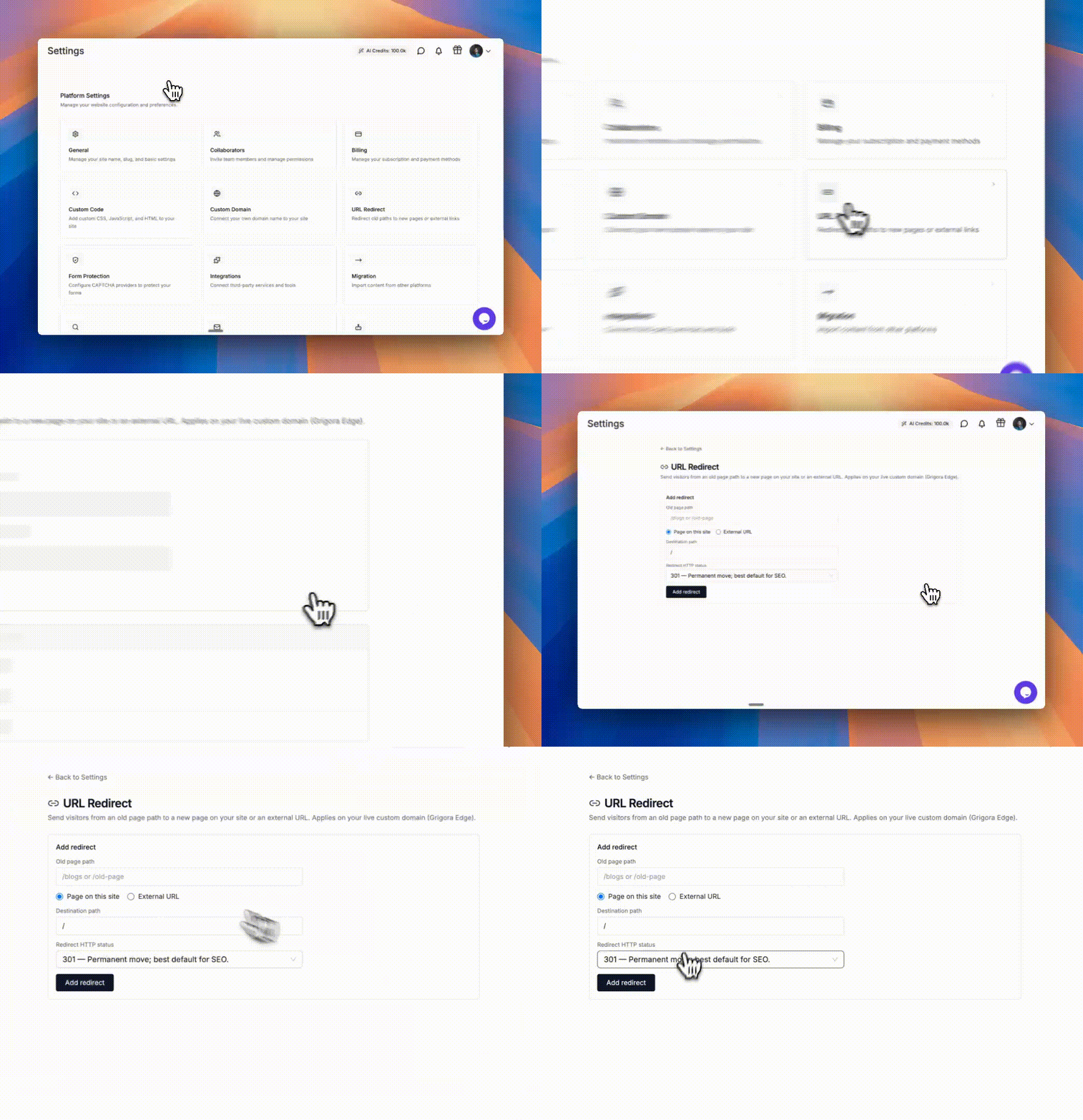
301 URL Redirects
You can now create 301 redirects for websites connected to custom domains. This makes it easy to redirect old blog URLs or pages to new ones directly from your website settings, helping preserve SEO and avoid broken links.
301 URL Redirects
Fixes
Fixed an issue where website publishing could fail when using a specific type of gradient.
–
Password-Protected Pages and URL Conflict Checks
Protect individual pages with a password and catch conflicting URLs before publishing. Tablet navigation, section dividers, custom domain connections, and analytics also receive improvements.
Read updateShow less
New features
Password-protected pages
Lock any page behind a password. Great for private drafts, members-only content, or gated pages.
Mobile header on tablets
Your mobile menu now shows up on tablets too, so navigation looks right on every screen size.
Smarter web addresses (slugs)
Page URLs are now checked for conflicts as you edit — across pages, blog posts, directories, authors, and categories — so you won't accidentally create duplicate or broken links.
Improvements
Section dividers
Smoother, more reliable dividers between sections, with cleaner layering so nothing overlaps unexpectedly.
Stronger security
Behind-the-scenes upgrade to industry-standard AES encryption for protecting your data.
Fixes
Custom domains
Fixed domain connection records so custom domains link up correctly.
Analytics timezone
Visitor stats now show in the correct timezone instead of being offset.
Analytics view
Fixed a display issue in Advanced Analytics.
Faster page loads
Fixed a bug where page headers were being stripped out during optimization.
–
AI Discovery Files and Drag-and-Drop Image Uploads
Add an llms.txt file for AI discovery and upload images by dragging them into the picker. Forms gain room for longer labels, alongside fixes for blog pagination and freeform layouts.
Read updateShow less
New features
llms.txt Support
Your websites can now automatically serve an llms.txt file, making it easier for AI assistants and crawlers to understand, discover, and reference your content accurately.
Drag-and-Drop Image Picker
Uploading images is now much faster with drag-and-drop support in the Image Picker.
Improvements
Forms
Increased placeholder and label character limits to 400 characters, giving you more space for descriptive text and instructions. Improved toggle fields by enforcing a sensible minimum width to prevent layout issues.
CMS & Editor
Improved input handling for CMS and Table blocks.
Inner Sections now correctly expand to 100% width and height when using absolute positioning.
Fixes
Editor Fixed the Rich Text toolbar appearing behind grouped blocks in the Post Editor. Fixed blog pagination for cleaner multi-page blog navigation.
Layout
Fixed sizing issues with absolutely positioned Inner Sections.
–
More Reliable Freeform Layouts and Typography Defaults
Freeform layouts now handle nested sections, resizing, and positioning more consistently. Theme-aware typography defaults and clearer color values make everyday editing easier.
Read updateShow less
Smarter Freeform Layouts
We kept polishing the freeform, drag-and-drop layout experience:
Inner sections now correctly fill 100% width when you switch a frame from row to column.
Fixed nested inner sections overflowing their height.
Absolutely-positioned inner sections now fill their resizable container properly.
Fixed a bug where nested inner sections could get duplicated.
Overall position and container handling is more reliable.
Editor Polish
Typography settings now start from sensible defaults based on your active theme.
The color picker shows the actual hex code instead of an internal variable name, so you always know exactly which color you're working with.
Behind the scenes
Fixed behavior in the free tools API.
General cleanup and reliability work.
–
Safer Uploads and More Reliable Editing
Automatic NSFW upload detection helps protect the platform. This release also fixes unresponsive editor panels, blog pagination, checkout rendering, and media layout issues, with clearer feedback when uploads fail.
Read updateShow less
New features
NSFW Content Detection
Grigora now automatically detects NSFW content uploaded to our servers and rejects it. This helps:
Prevent abuse of the platform
Protect our infrastructure from policy violations
Reduce the risk of service disruptions or bans that could affect existing customers.
Fixes
Site Editor
Fixed an issue where certain panels became unresponsive after being clicked.
File Manager
Added a toast notification when file uploads fail.
Blog & CMS
Fixed blog pagination issues.
Commerce
Fixed product checkout rendering issues.
Media & Blocks
Fixed post author image shrinking issues.
Removed the static minimum height from Slider blocks to improve layout flexibility.
–
Blog Comments and Dynamic HTML Variables
A new Comments Block brings configurable discussions to blogs. Directory fields can now populate custom HTML through variables, and a CDN migration improves consistency across asset delivery.
Read updateShow less
New features
Blog Comments System: Added a new Comments Block for blogs with:
Custom HTML Directory Variables: Added a new Custom HTML Dynamic Mode for directory listings. You can now choose between:
Complete HTML
Variables
The new Variables mode allows you to use directory fields directly inside custom HTML using tokens such as: {{Field Label}}
These values are automatically replaced with listing data when rendered.
CDN Domain Migration: Migrated asset URL generation across the app, API, and renderer to the new CDN: https://prod.grigora-cdn.com This provides a more consistent and reliable asset delivery experience.
–
More Reliable AI Website Editing
AI website editing gets more reliable retries, hero redesigns, image replacements, and palette changes. Improvements to block controls accompany fixes for search, WordPress imports, category filtering, and menu links.
Read updateShow less
Improvements
Better handling of retry requests in AI Website builder
Improved hero section redesigns in AI Website builder
More accurate hero image replacements in AI Website builder
Improved color palette editing in AI Website builder
Fixed chat URL handling in AI Website builder
Improved form text and search block styling
Better table block behavior
Improved image block width handling
Enhanced Box Shadow opacity controls
Faster font-family searching in Global Theme settings
Improved CMS settings reliability
Fixes
Fixed website search issues
Fixed category template filtering issues
Fixed WordPress migration crashes
Fixed Tools API issues
Fixed menu anchor link attributes
–
Stronger Publishing Recovery and Content Checks
Publishing now recovers more reliably from service interruptions and gives clearer failure feedback. Stronger content checks help prevent empty or broken pages, and background parallax receives a fix.
Read updateShow less
Improvements
Made website publishing more reliable and easier to understand when something goes wrong.
Improved how saved website content is checked to prevent broken or unsafe pages from loading.
Stability
Added better handling when the publishing service is temporarily unavailable.
Reduced cases where website publishing could get stuck after a service issue.
Improved checks to prevent empty or placeholder pages from being saved.
Fixes
Fixed an issue where the background image parallax effect was not working correctly.
–
Responsive Tables and Easier Form Submission Reading
Tables gain three responsive display modes, and long form submissions can be expanded for easier reading. AI editing, saving, and publishing improve, alongside fixes for duplicate post content and audio sizing.
Read updateShow less
New features
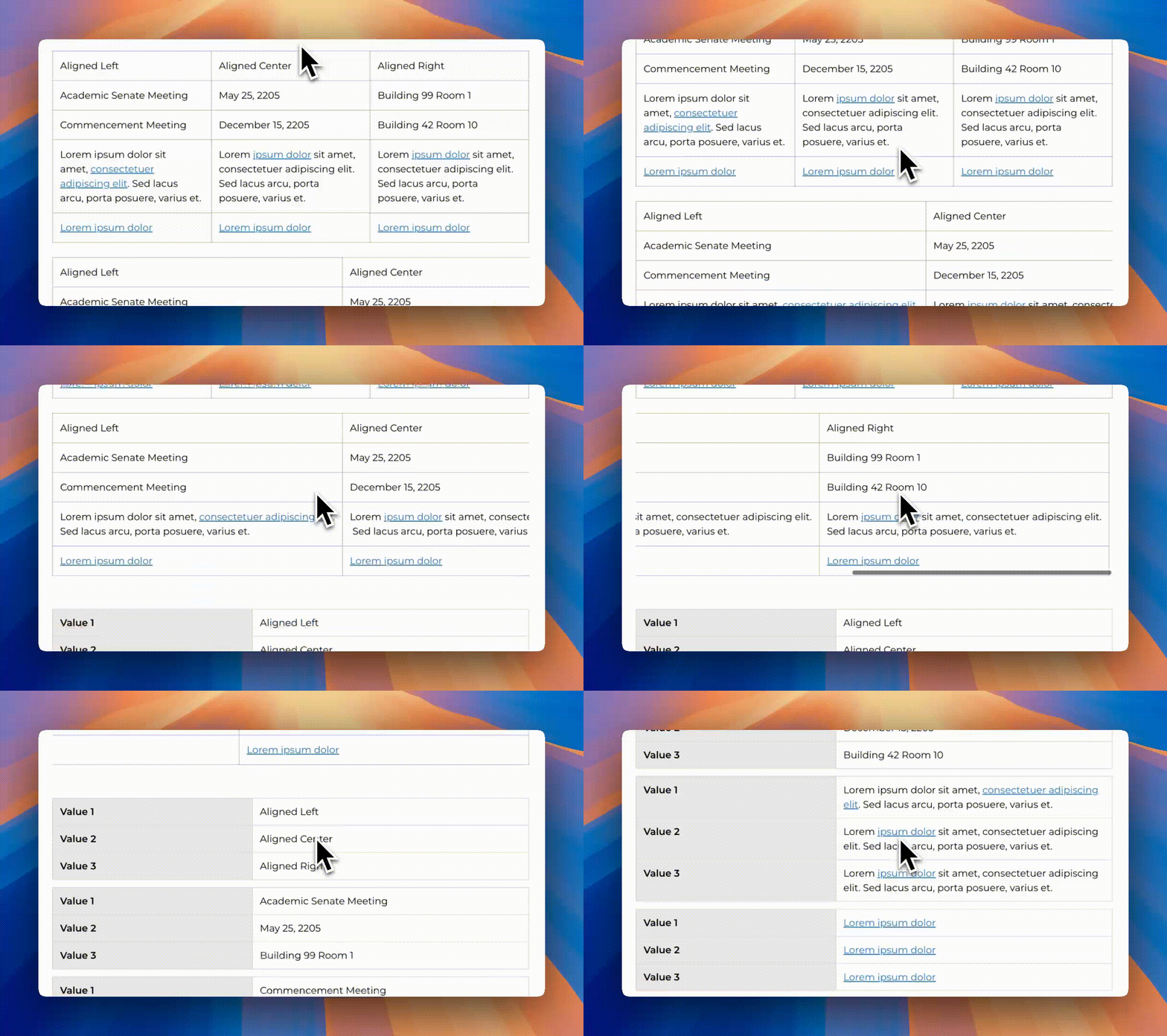
Responsive Modes for Table Block
Table blocks now support multiple responsive modes: Squish, Scroll and Collapse. You can configure these modes in both the Site Editor and Post Editor.
Responsive Modes for Table Block
Improvements
AI Website Builder Enhancements
Major improvements across the AI website builder, including: Better inline editing, Improved image/logo editing, Save/publish persistence improvements, Stale-save protection, Improved publish queue behavior, Better billing & credit tracking, Selected-element editing improvements, Gemini fallback support, Validation checks before publishing
Site Health Fix
Fixed incorrect Site Health reporting in the dashboard.
Post Content Block Patch
Resolved an issue where the Post Content block rendered posts twice in certain cases.
Marquee Visibility Update
Marquee block is now hidden from the Post Editor where not applicable.
Expanded Form Responses
Form responses now include an Expand option to view long submissions inside a modal.
Fixes
Fixed an issue where the Audio Block width was not rendering correctly. It now properly uses 100% width.
–
CAPTCHA Protection and Page Creation APIs
Protect forms with your preferred CAPTCHA provider and create pages through the API or MCP. Dynamic menu links expand navigation options, while migration and directory fixes improve content accuracy.
Read updateShow less
New features
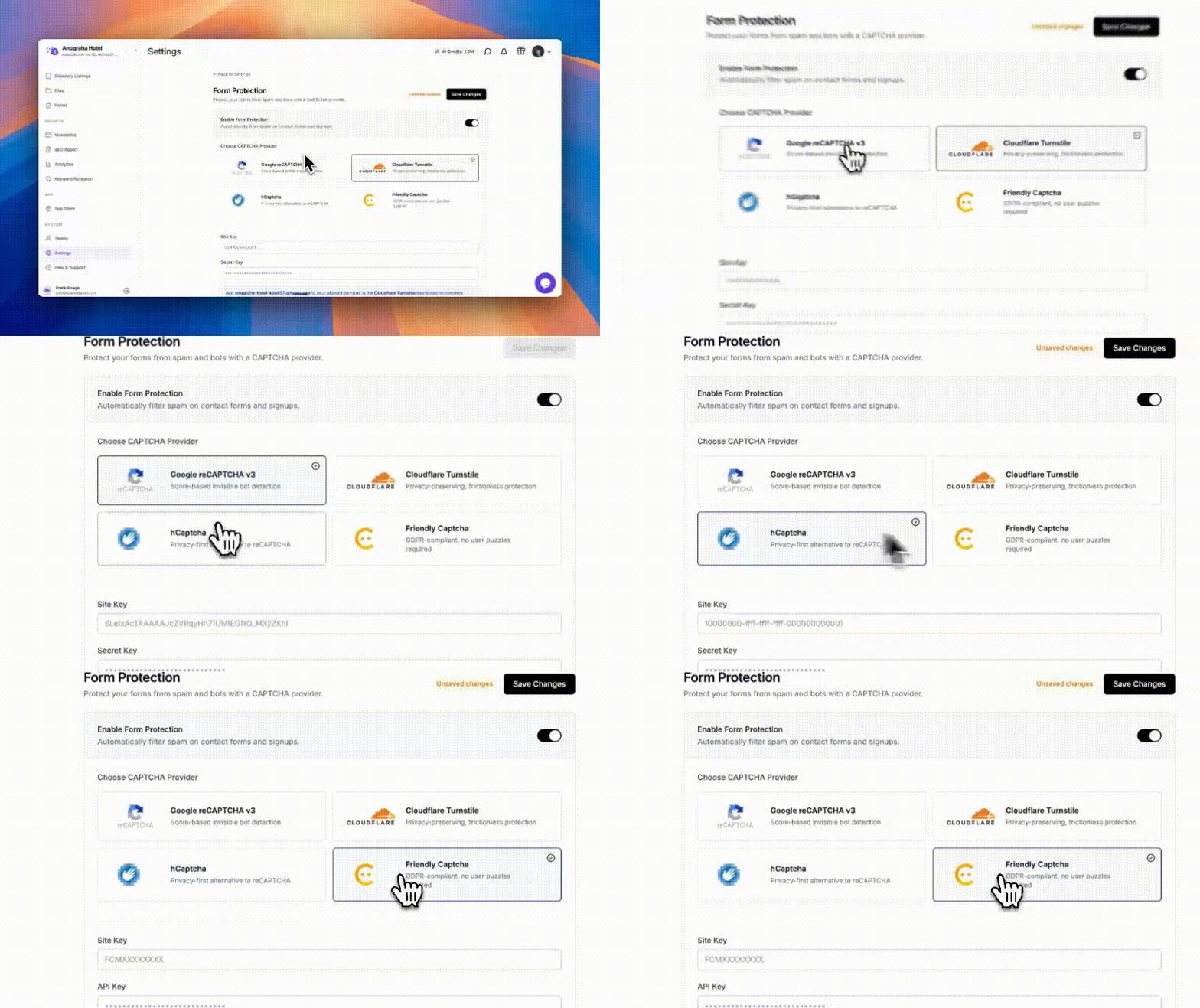
Captcha Protection for Forms
Protect your forms from bots by integrating Google reCAPTCHA, Cloudflare Turnstile, hCaptcha, or Friendly Captcha.
Captcha Protection for Forms
Create Pages via API & MCP
You can now create new pages directly using API and MCP, enabling more automation.
Improvements
WordPress Migration Fix (Categories)
Improved migration so imported posts now correctly link with their categories.
Dynamic Menu Links
Menu Links now support dynamic CMS posts, making navigation more flexible.
Fixes
Fixed an issue where CMS posts created via API/MCP showed incorrect categories and authors.
Fixed a bug where Directory filtering failed under certain conditions.
–
New Marquee and Accordion Blocks
New Marquee and Accordion blocks add movement and expandable content to your pages. A CDN update improves image indexability, with additional fixes for image sizing and editor controls.
Read updateShow less
New features
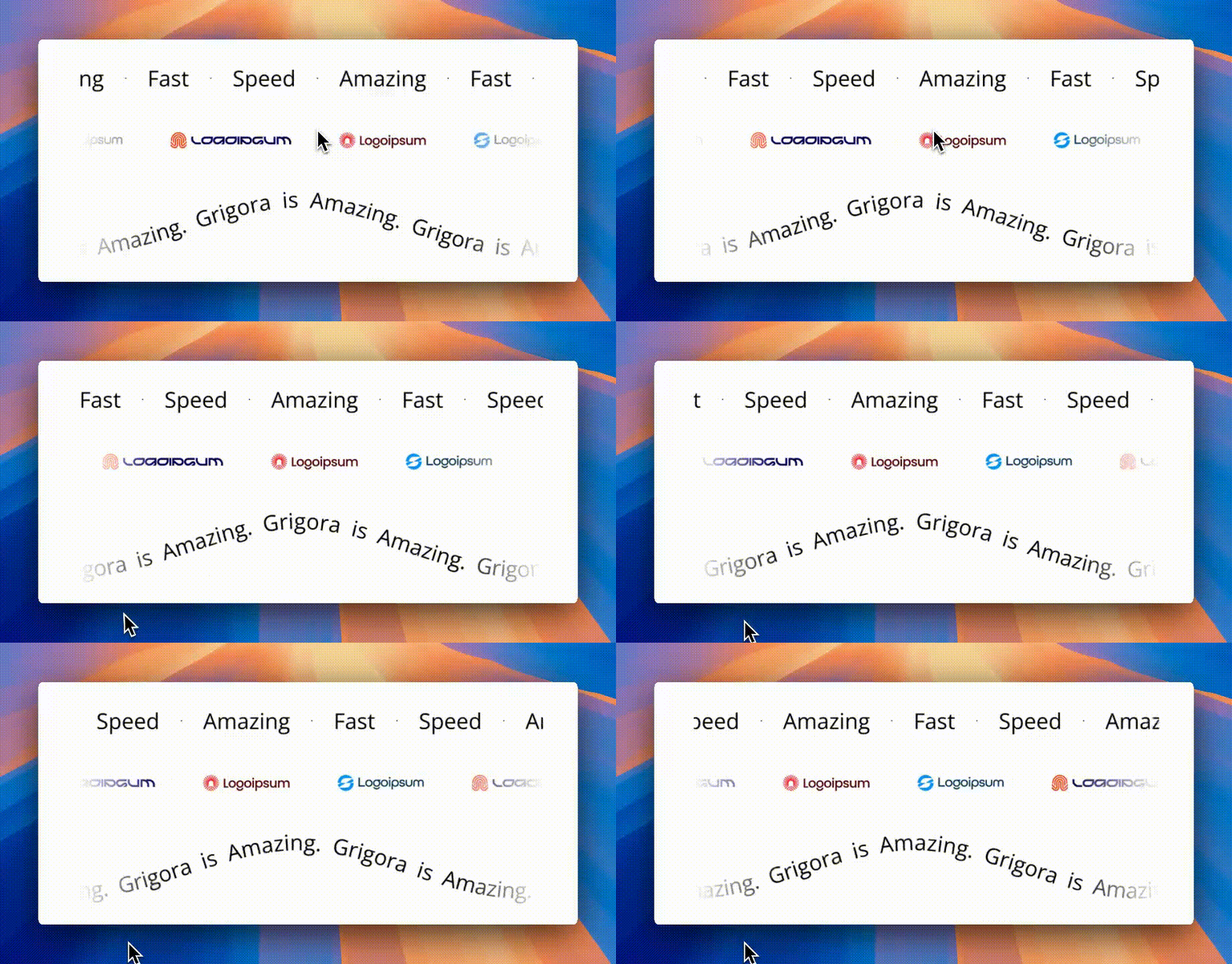
Marquee Block
Add eye-catching auto-sliding text, icons, and images with the new Marquee block.
Marquee Block
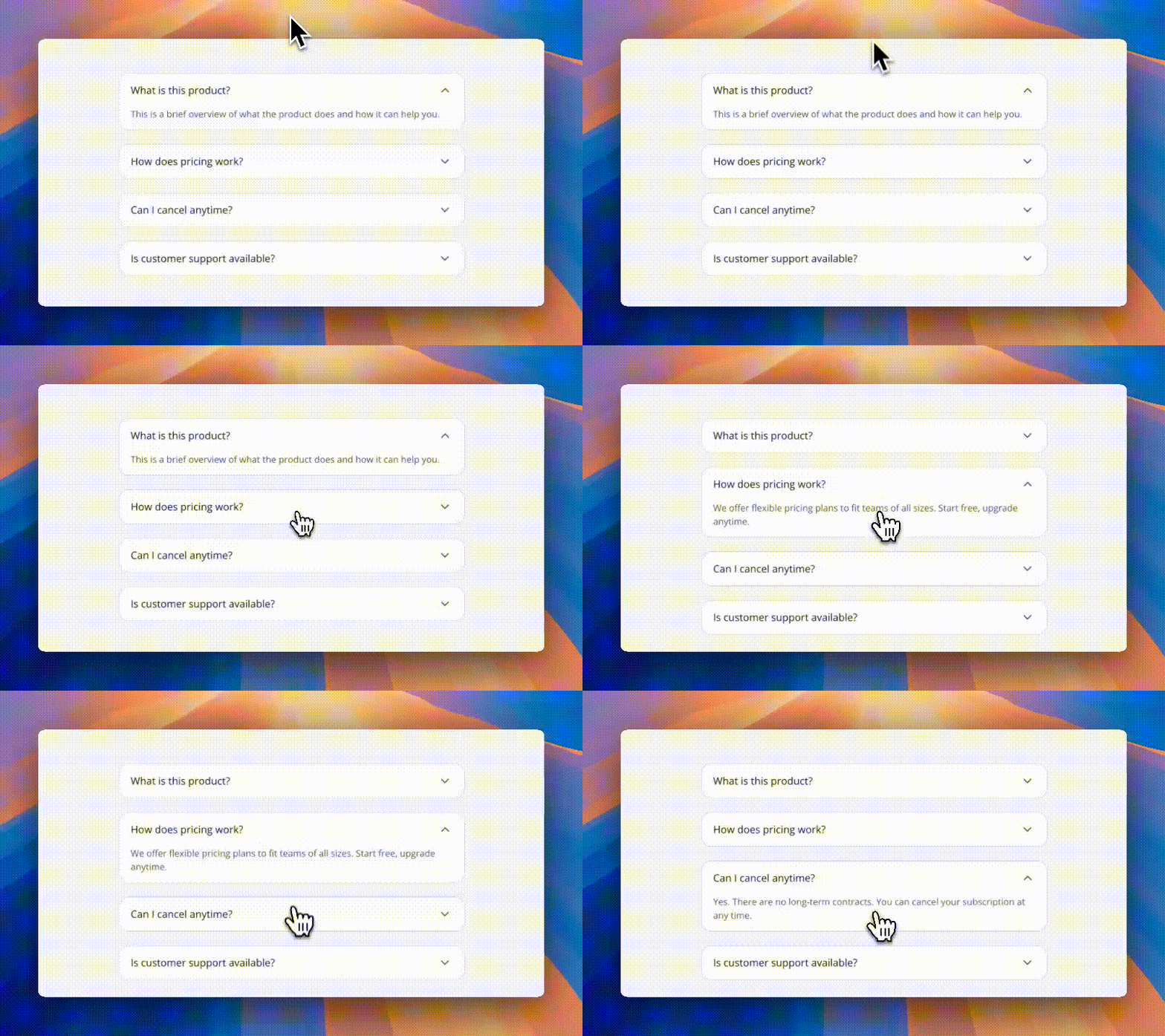
Accordion Block
Create native accordions easily, now also supports as dynamic field in directories.
Accordion Block
Improvements
CDN Upgrade for Better Indexing
Our CDN has moved from cdn.grigora.co to cdn.grigora.app, improving image indexability and SEO.
Fixes
Fixed an issue where images inside post content were incorrectly set to cover instead of contain.
Fixed a small gap at the top of the Image block inside the Site Editor.
Fixed UI inconsistency in the top-left page switcher, now aligned with the page creation sidebar.
–
Custom 404 Pages, Form Alerts, and Quick Navigation
Design your own 404 page, receive email notifications for form submissions, and jump around the dashboard with Command or Ctrl + K. Three additions make site management more flexible and convenient.
Read updateShow less
New features
Custom 404 Pages
You can now fully create and customize your 404 page directly from the Site Editor. Guide:Read the guide
Custom 404 Pages
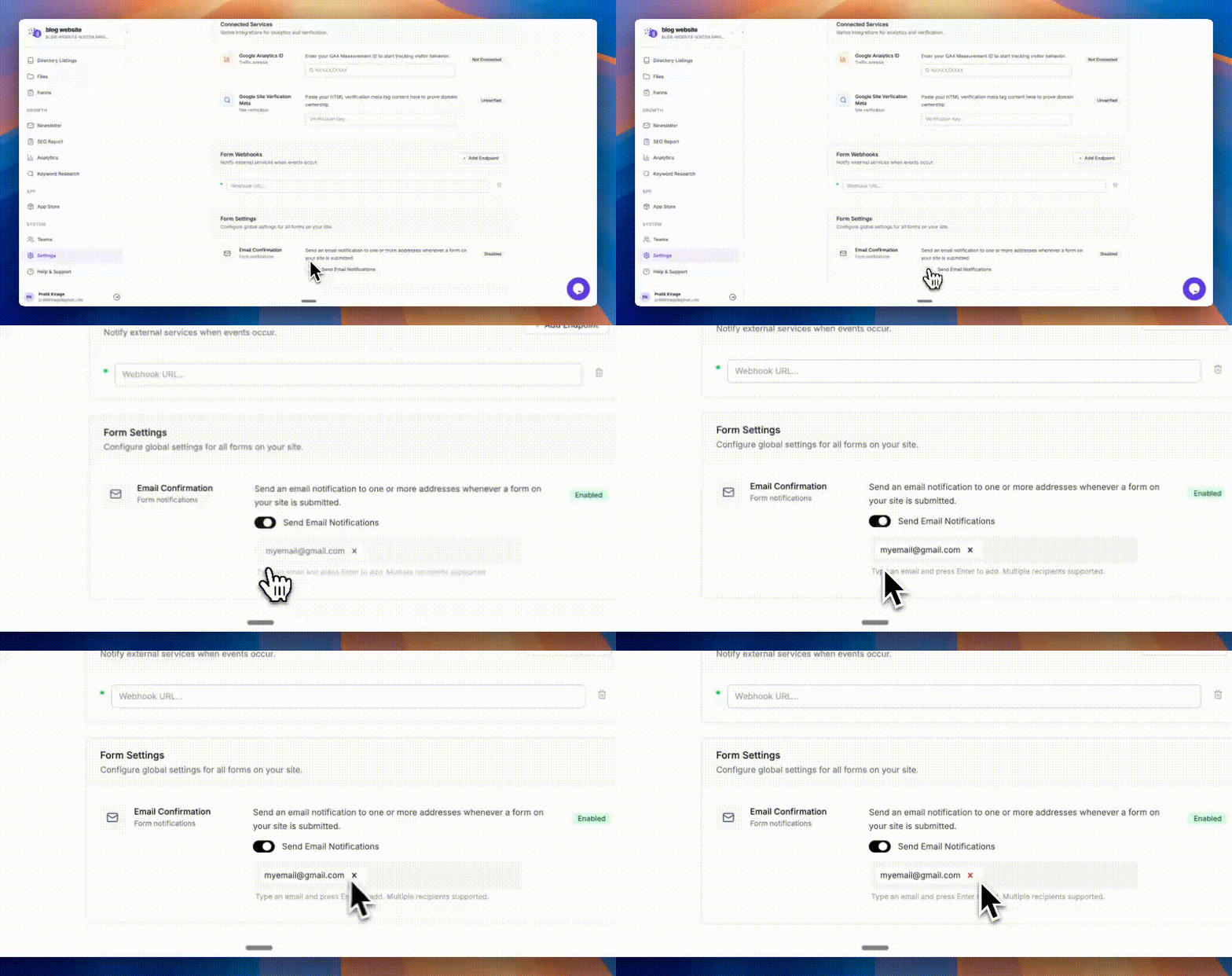
Email Notifications for Forms
Form submissions can now trigger email notifications. You can configure recipients directly in settings. Guide:Read the guide
Email Notifications for Forms
Quick Search with Command/Ctrl + K
Navigate faster! Press Command (Mac) or Control (Windows) + K in the dashboard to instantly search across all pages.
–
New AI Tools and Better Directory Automation
New AI tools help with business cards, cookie policies, and domain names. Directory automation and website APIs improve, alongside fixes for overflowing images and overlapping mobile layouts.
Read updateShow less
New features
New AI Tools Added
We’ve introduced new tools in our tools section, including a Business Card Generator, Cookie Policy Generator, Domain Name Generator, and more: https://www.grigora.co/tools/
Improvements
Directory MCP Actions
Added support for MCP actions within Directory workflows.
Enhanced Websites API
The Websites List API now includes the website URL for better usability.
Fixes
Fixed an issue where images overflowed when their width exceeded the Inner Section after publishing.
Fixed a bug where side-by-side layouts overlapped on mobile and tablet devices.
–
Version History and Responsive Background Images
Restore earlier versions of pages, posts, and directory items. Responsive background images and faster custom domains improve loading, while fixes address search styling and WordPress media imports.
Read updateShow less
New features
Responsive Background Images for Better LCP
Container backgrounds now support responsive image resizing, helping reduce LCP (Largest Contentful Paint) and improve Core Web Vitals, especially useful for image-heavy sections.
Faster Custom Domains (Cloudflare Migration)
We’ve fully migrated custom domains from AWS to Cloudflare, improving TTFB by ~30% for faster page loads.
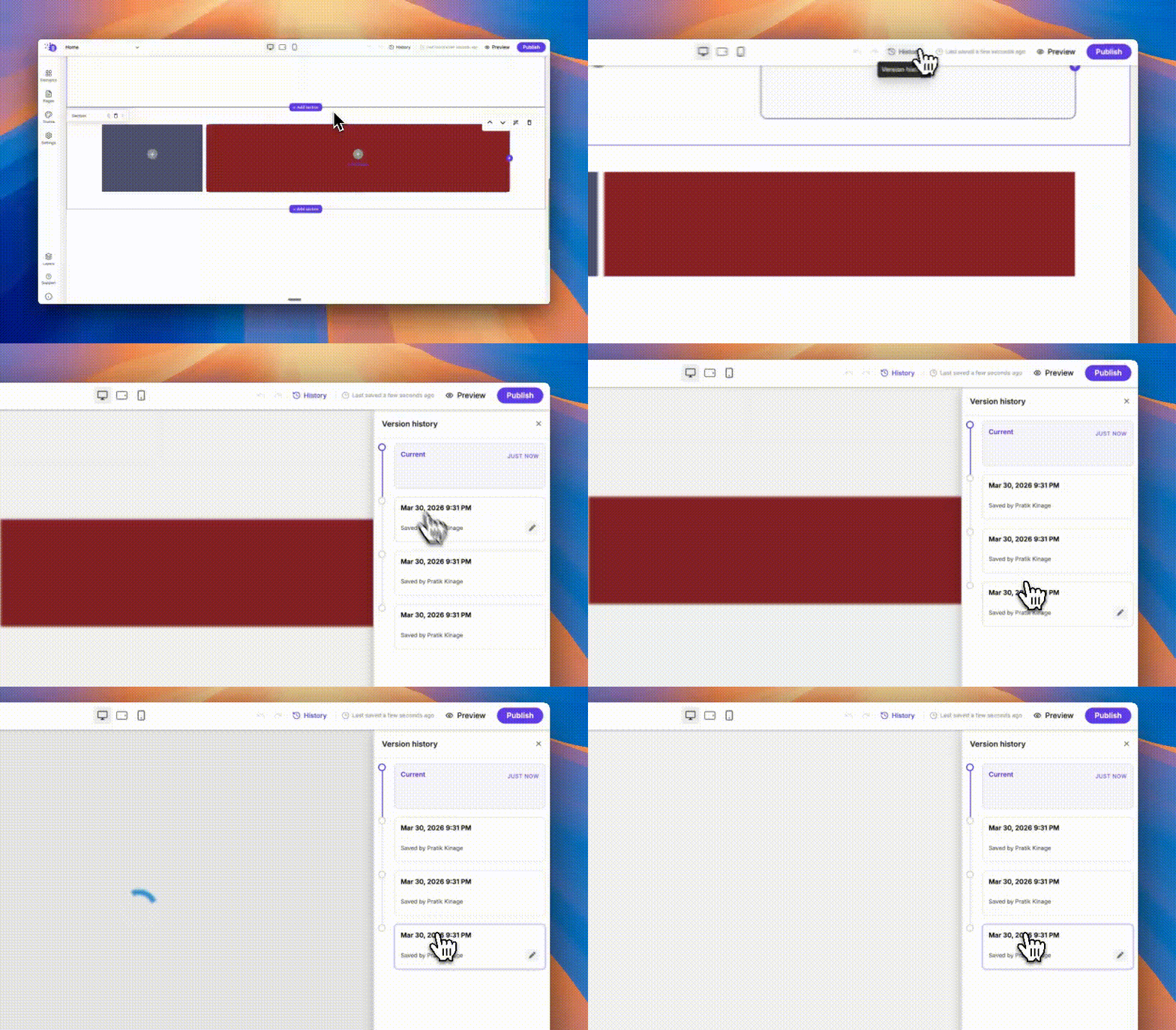
Version History & Restore
You can now restore Pages, Posts, and Directory items from any previous version — similar to Google Docs. Easily recover content and prevent accidental edits.
Fixed an issue where the Search element input showed an unwanted border.
Fixed a bug where WordPress imports failed if media files were missing extensions.
–
AI SEO Metadata and Flexible Social Links
Generate SEO titles and descriptions inside the editor and customize a more flexible Social Links Block. Image uploads, keyboard shortcuts, published layouts, and Grigora Mail attachments also become more reliable.
Read updateShow less
New features
Social Links Block now includes an updated set of platforms, supports custom icons, allows drag-and-reorder, and fixes vertical alignment issues
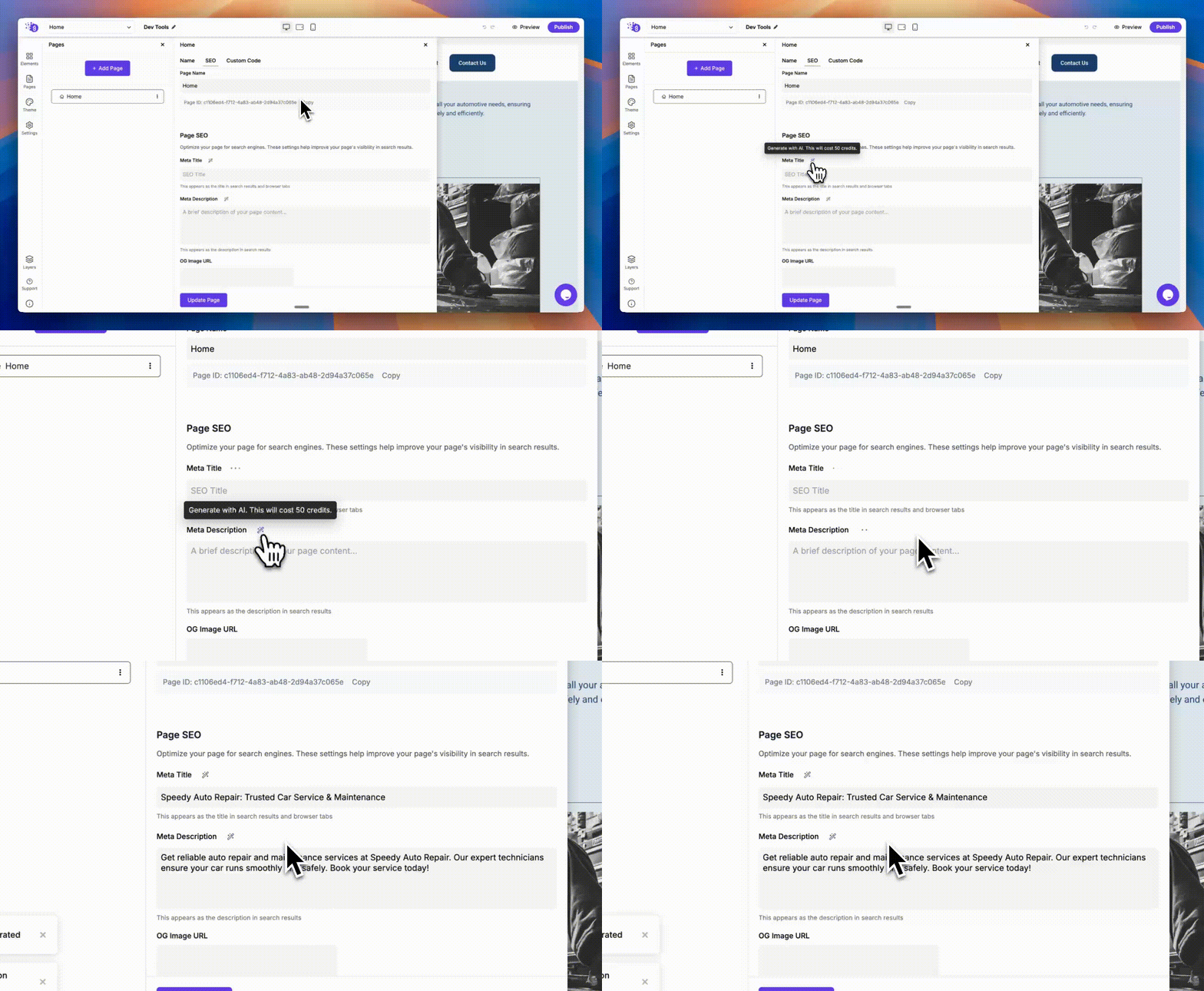
You can now generate SEO meta titles and descriptions directly within the Site Editor
You can now generate SEO meta titles and descriptions directly within the Site Editor
Improvements
Keyboard shortcuts now work within the Layers panel in the Editor
Improved the Image Upload API for more reliable AVIF conversion (previously, some images were uploaded without compression due to a bug)
Fixes
Fixed an issue where the Table Block caused CSS conflicts with sibling elements
Resolved a bug where Frame element width was not applied after publishing
Fixed YouTube embed preview not working in the Editor
Internal Link Suggestion Tool now shows a clear applied status after links are added
Fixed an issue where duplicate functionality created phantom nodes for default elements (e.g., Menu block)
Resolved an error in the Download Attachment option in Grigora Mail
–
Custom HTML for Newsletters
Add custom HTML to newsletters for more control over email content. New-account mail limits help prevent abuse, while fixes address Custom HTML crashes and text shifting outside published pages.
Read updateShow less
New features
Custom HTML in Newsletter
You can now add Custom HTML elements inside newsletters to include custom content within the email body.
Improvements
Stricter Grigora Mail Sending Limits
To prevent spam and misuse, new accounts now start with a limit of 50 emails per day. Sending limits will increase automatically over time as your usage grows and remains compliant.
Fixes
Fixed a rare issue where the editor crashed when a Custom HTML element was used.
Fixed a bug where text elements moved outside the screen after publishing a website.
–
New APIs for Website Automation
New public APIs open up custom code, analytics, assets, and pages to automation. A more consistent dashboard and improved handling of WordPress imports make everyday workflows smoother.
Updated the dashboard and other pages for a cleaner, more consistent user experience.
Improved WordPress Migration
Enhanced the WordPress migration process to properly handle cases where WPGraphQL returns non-paginated responses due to certain server configurations.
–
The App Store, Developer Portal, and Mail for Android
The App Store and Developer Portal launch alongside OAuth-enabled APIs and Grigora Mail for Android. The dashboard, file manager, and font library also receive updates.
Read updateShow less
New features
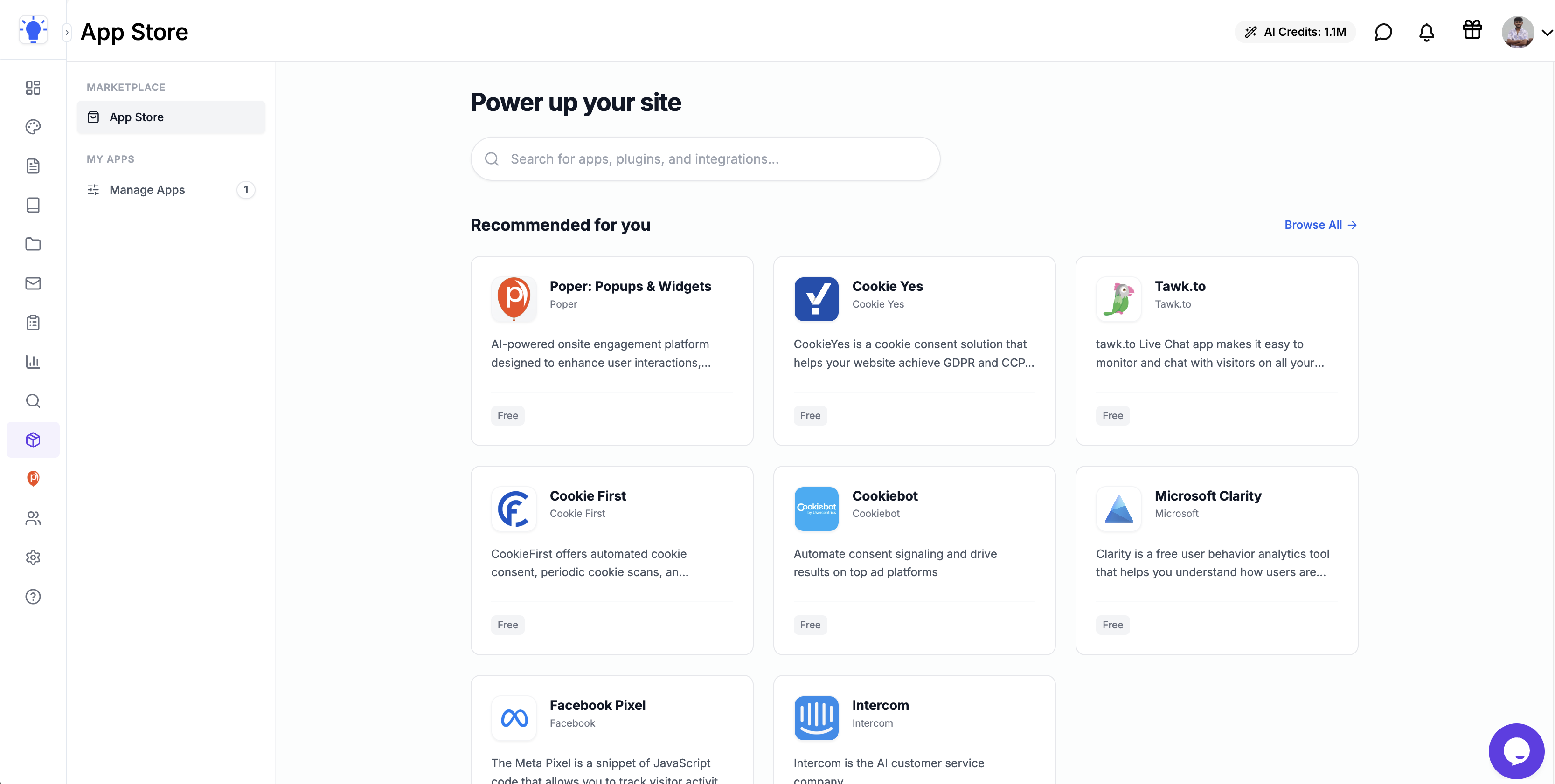
App Store is Live
Discover and install your favorite apps with a single click. Apps can be embedded directly inside your Grigora Dashboard, so you can use them without leaving Grigora - similar to Shopify and Wix.
Screenshot 2026-02-26 at 9.51.06 AM.png
Developer Portal & Documentation
We’ve launched a dedicated Developer Portal to help developers build and publish new apps. We’re actively encouraging developers to create apps and get promoted to thousands of Grigora users.
Added 50+ new fonts and synced with the latest Google Fonts dataset.
Improvements
Website Dashboard UI Update
Improved navigation and reduced the base font size from 16px to 14px for better readability and density.
Enhanced File Manager
Improved the UI and restricted certain file types to prevent abuse. You can now copy, paste, and edit files directly within the file manager.
CDN File Handling Changes
We’ve retired direct base file uploads in the CDN to prevent misuse.
Upload control is now limited to designated Root Files only.
Fixes
Fixed an issue where Custom Domain disconnect was not working properly.
–
Usage Tracking and the New Affiliate Program
Track storage and newsletter usage in Billing, adjust image corners across screen sizes, and explore the new affiliate program. Fixes improve post editing, imports, and responsive layouts.
Read updateShow less
New features
Usage Visibility in Billing - You can now see how much Storage and how many Newsletter Subscribers you’ve used directly inside Billing.
Responsive Image Border Radius - Image border radius settings now support responsive controls.
Affiliate Program is Live - Our Affiliate program is now officially live
https://www.grigora.co/affiliate/
Fixes
Fixed an issue where the Quote block color wasn’t updating in the Post Editor.
Updated the Star Rating block to use proper SVGs instead of emojis after publishing.
Fixed table behavior in the Post Editor, large tables with many columns no longer scroll incorrectly.
Fixed a bug where Custom HTML content wasn’t selectable in the Post Editor.
Fixed an issue where post categories were not being added during migration imports.
Removed Inner Section’s default 100% width on tablet and mobile for smoother transitions between older themes.
–
Syntax Highlighting, Directory APIs, and a New Template Gallery
Code blocks gain syntax highlighting, the API adds directory support, and a redesigned template gallery makes layouts easier to explore. Collaboration, SEO titles, and several editor workflows also improve.
Read updateShow less
New features
Syntax Highlighting for Code Blocks
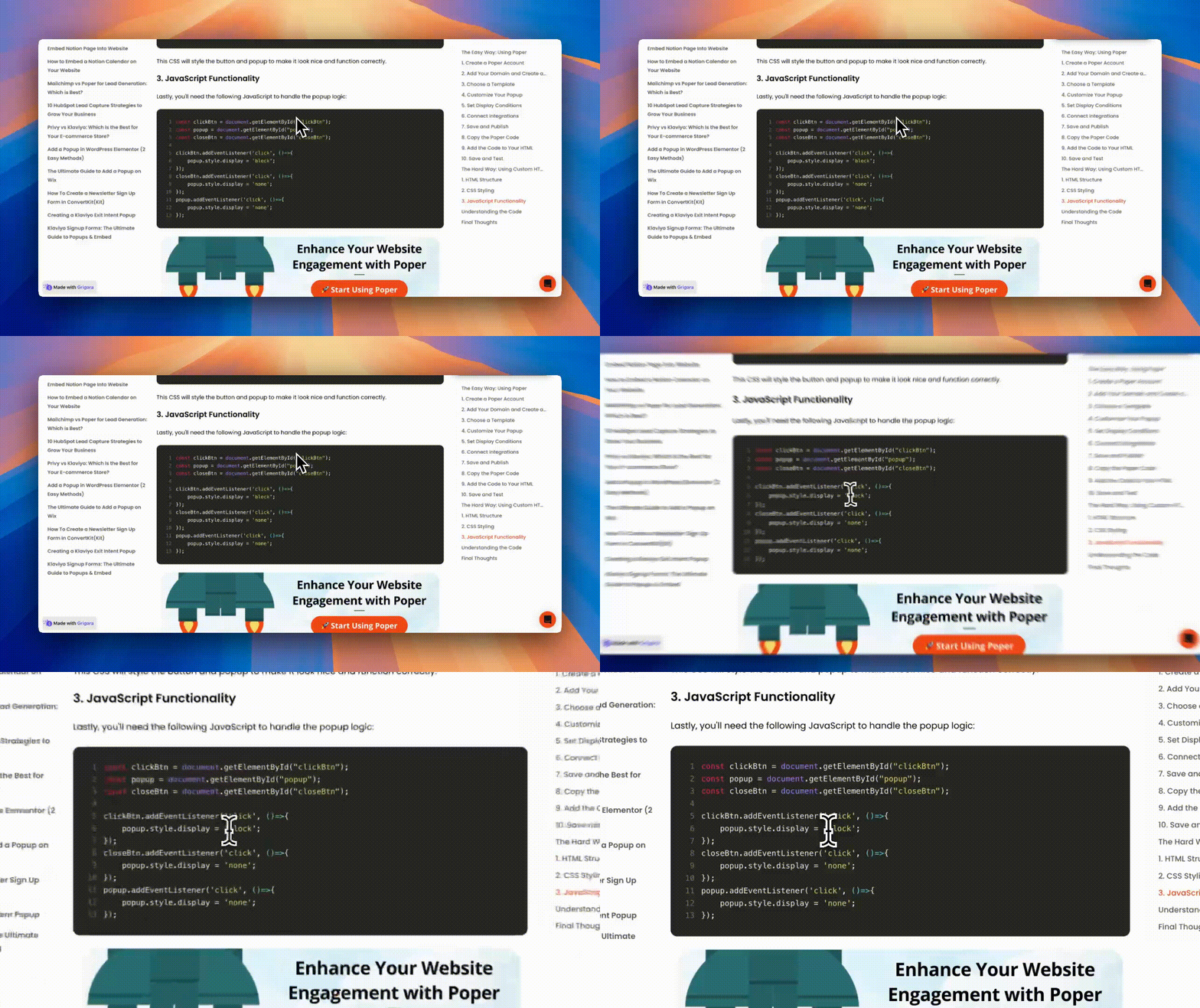
The Code element now supports syntax highlighting. It’s lightweight and server-side rendered, with no JavaScript required.
Syntax Highlighting for Code Blocks
Directory Support in Grigora API
The Grigora API now supports Directories, and the documentation has been revamped to be more developer-friendly. You can also live test APIs directly in the docs: https://api.grigora.co/api-docs/public
Directory Support in Grigora API
All-New Templates Page
Explore our brand-new Templates page to browse layouts, color palettes, and detailed page information: https://www.grigora.co/templates/
All-New Templates Page
Improvements
Smoother Collaborator Invites
Inviting collaborators is now more seamless. Instead of showing a failure message, new users are redirected straight to sign up.
Consistent Blog SEO Titles
Blog SEO titles now follow a consistent format: “Title – Website Name”.
Fixes
Fixed an issue where child elements overflowed inner sections after publishing.
Fixed a bug where the + New Section button went outside the section and sections resized unexpectedly during animations.
Fixed an issue where selecting an image after highlighting text in the Post Editor didn’t work.
Fixed a bug where a duplicated page’s title wasn’t editable until reopening the editor.
Fixed an issue where starting from a template on Grigora’s landing website failed.
Fixed a sitemap parsing error when website names contained unsupported characters (like &).
–
Two-Factor Authentication and Flexible Layout Controls
Secure your account with two-factor authentication and build layouts with draggable, resizable frames and sections. Directory filters, Custom HTML previews, and responsive block behavior receive substantial improvements.
Read updateShow less
New features
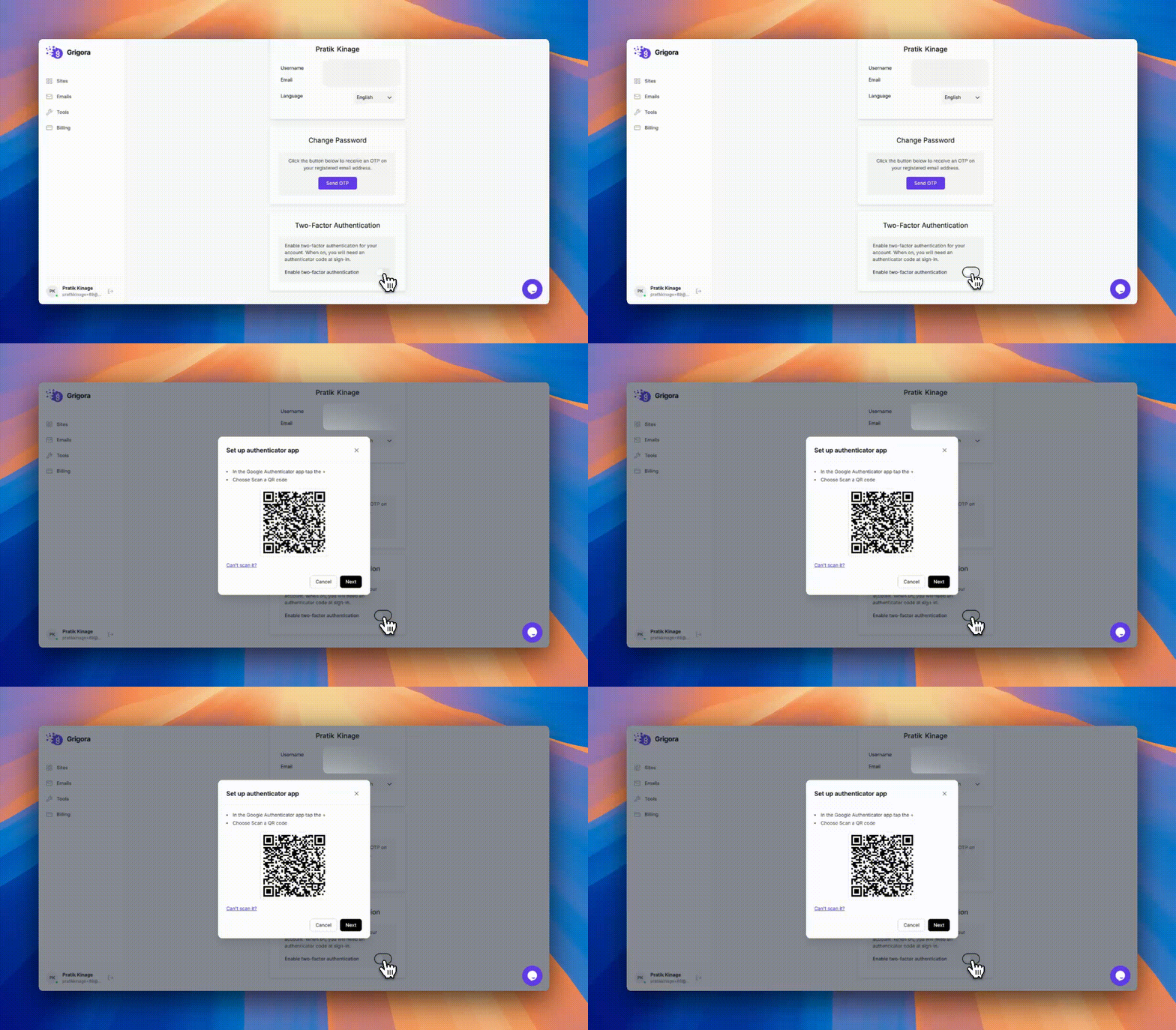
Two-Factor Authentication (2FA)
You can now enable 2FA to add an extra layer of security to your account.
Two-Factor Authentication (2FA)
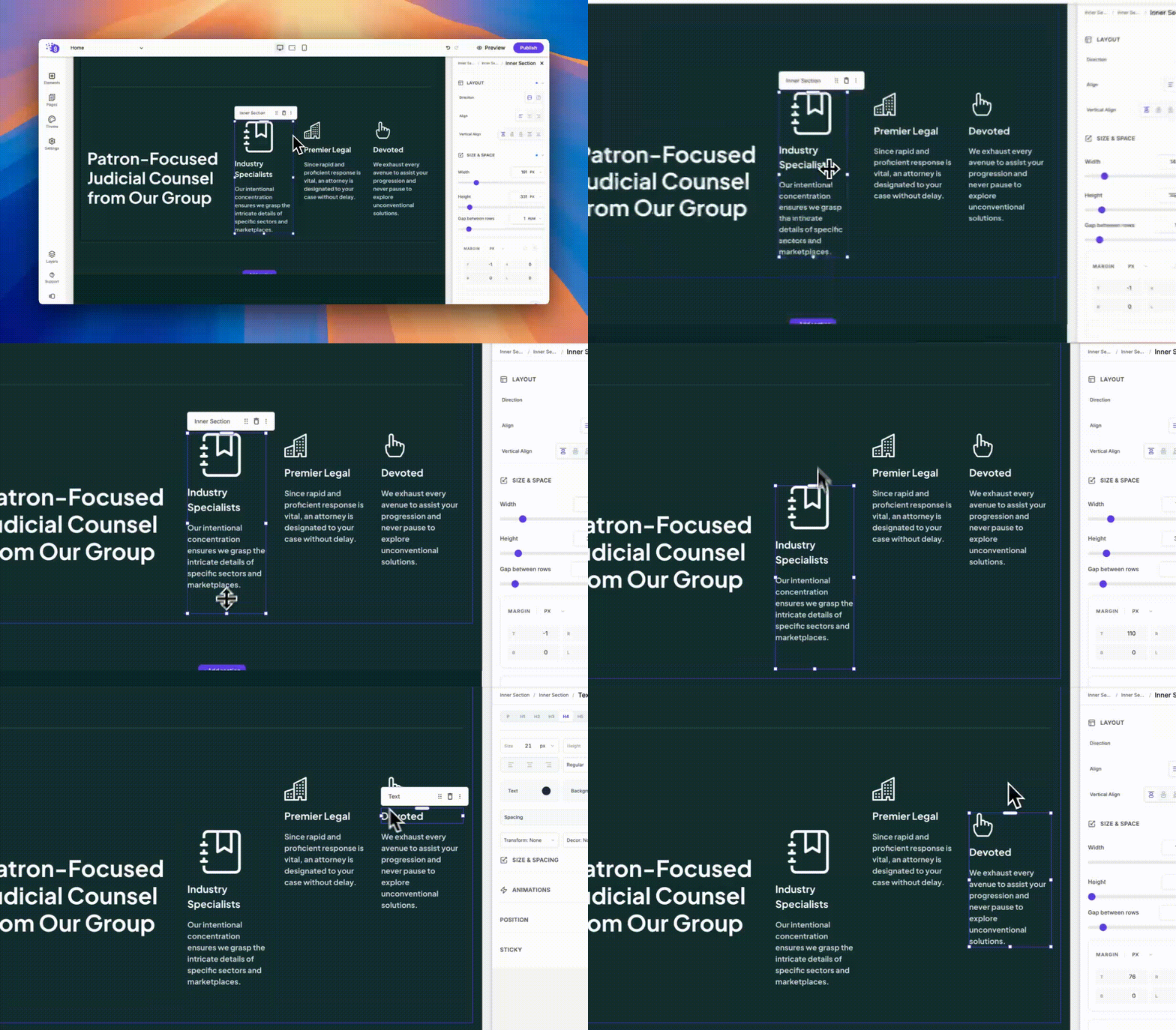
Goodbye Containers & Columns Mess
Layout building just got easier! You can now drag and resize frames and inner sections to create layouts faster. This also supports margin dragging. You’ll see a notice in the Editor to review updated blocks, and some layouts may need minor manual alignment fixes.
Goodbye Containers & Columns Mess
Responsive Frame Resizing
Frames are now fully responsive and can be resized using the new drag dots.
Responsive Spacer Dragging
The Spacer element now supports responsive dragging across breakpoints.
Improvements
Smarter Directory Filters & Sorting
Directory filters and sorting now support reference fields from linked directories.
Improved Tab Block Layouts
The Tab block’s left and right layouts now work smoothly and consistently.
Refreshed Website Settings UI
Website Settings now has an updated and cleaner interface.
Live Preview for Custom HTML
Custom HTML blocks now show a live preview directly inside the editor.
Fixes
Fixed an issue where Frame elements collapsed when sections had columns selected by enforcing stricter no-wrap behavior.
Improved the mobile layout of Menu Preset 3 to better display the logo.
Added responsive behavior to Tab block titles on mobile devices.
Fixed a bug where background images were not applied to Frame elements.
Fixed vertical alignment issues in the Slider block.
Fixed broken CSS in Inner Section elements.
Fixed a bug where Text elements were draggable in the Post Editor.
Fixed a crash when enabling Dynamic Fields in the Google Maps block.
Fixed an issue where dynamic blocks (Blog List, Directory Listing) did not work inside the Footer.
–
Pinned Sites and an Improved AI Builder
Pin frequently used sites and create better animated layouts with the refreshed AI builder. Updated settings and site navigation accompany fixes for generated images, preview mode, and Blogger imports.
Read updateShow less
New features
Pin Sites in Site Switcher
You can now pin your favorite sites in the Site Switcher popup for faster access.
Reworked AI Website Builder
The AI Website Builder now supports animations and delivers better layouts for a more polished result.
Improvements
Refreshed Site Switcher UI
The Site Switcher now looks cleaner and is easier to navigate.
Updated Website Settings UI
Website Settings has a refreshed interface for a smoother experience.
AI Builder Image Fix
Fixed an issue where the AI Website Builder generated broken images.
Fixes
Fixed an issue where the Layers panel stayed visible when switching from Edit mode to Preview in the Editor.
Fixed a bug where Blogger imports were not syncing post slugs correctly.
–
Magic Login and Centered Logo Menus
Magic Login offers another way to sign in, and a new menu layout puts your logo in the center. Grigora Mail sign-in gets faster, with fixes for animations, transactional emails, and add-on purchases.
Read updateShow less
New features
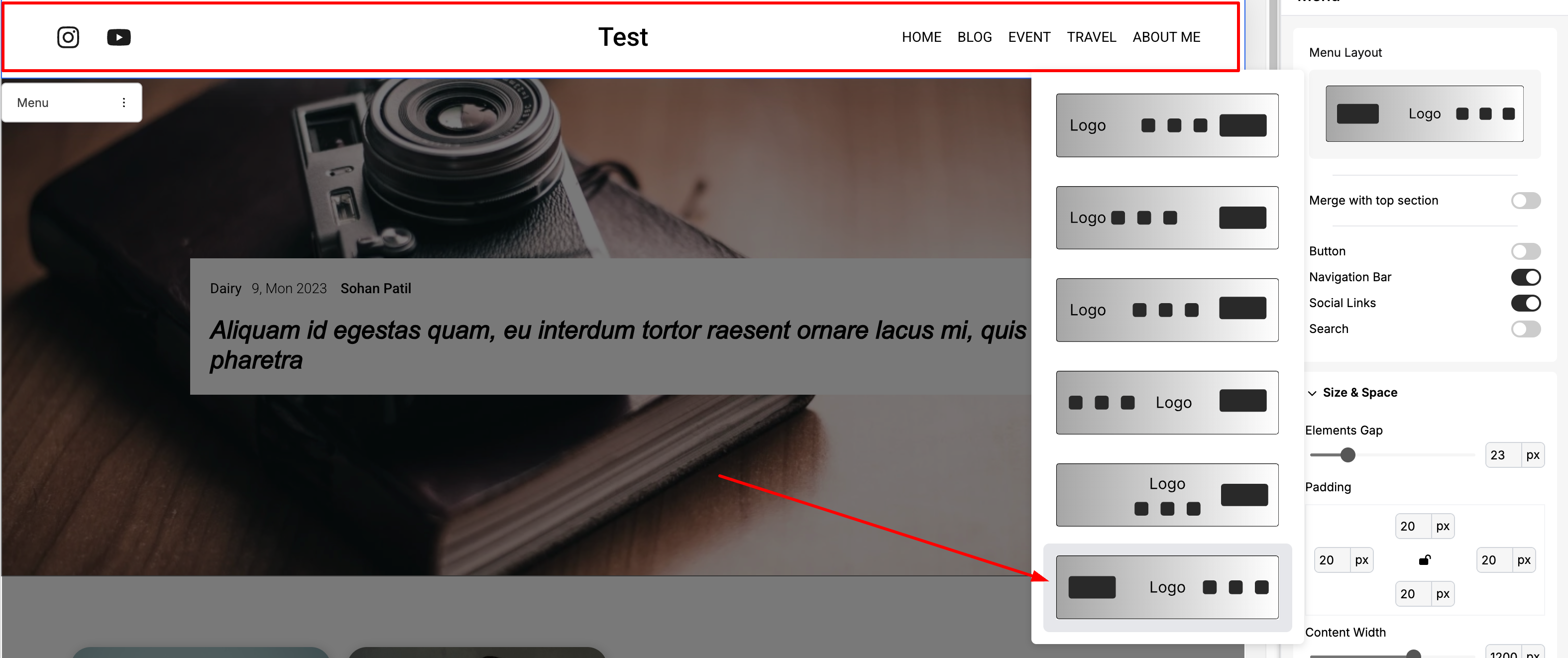
New Center Logo Menu Layout
A fresh menu layout is now available where the logo sits in the center and the menu appears on the right.
New Center Logo Menu Layout
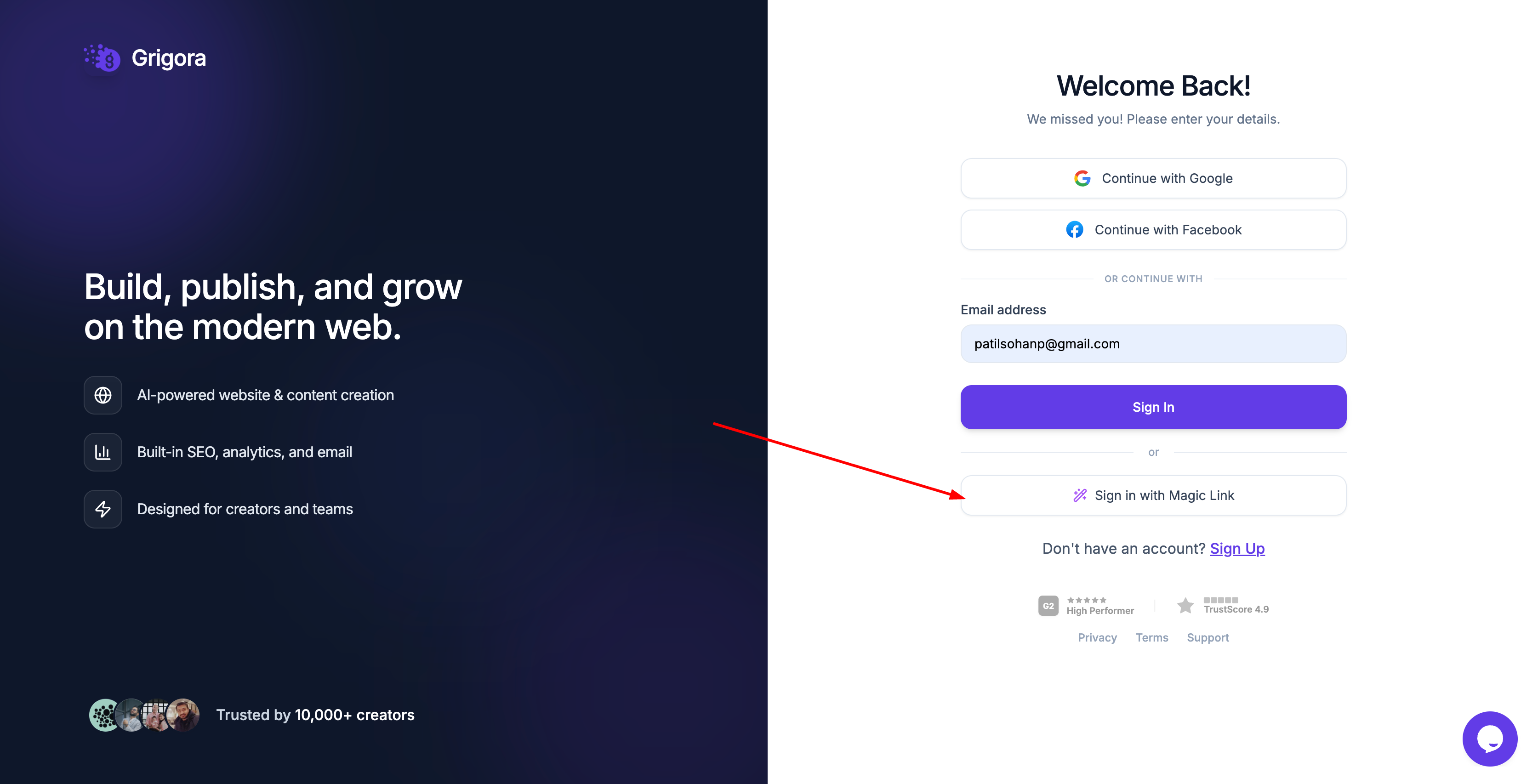
Magic Login
Forgot your password? No worries. Magic Login helps you sign in instantly without needing to reset your password.
Magic Login
Improvements
Faster Sign-In for Grigora Mail
Signing in is now quicker than ever. We’ve skipped IMAP checks by using our own optimized database layer instead.
Fixes
Fixed a crash in the editor related to certain text animations.
Fixed an issue where some transactional emails (like Forgot Password OTP) were being sent as plain text instead of HTML.
Fixed a bug where purchasing an add-on redirected users to a 404 page after successful payment.
Improved the notification message when adding an email that already exists as an alias in Mail Management.
Fixed a client-side error on websites using legacy mouse movement animations, which was causing console parsing errors.
–
Grigora Mail for Everyone and a New Read More Block
Grigora Mail becomes available to all users. The Read More block joins the editor, and page-specific custom code can now be previewed while you work.
Read updateShow less
New features
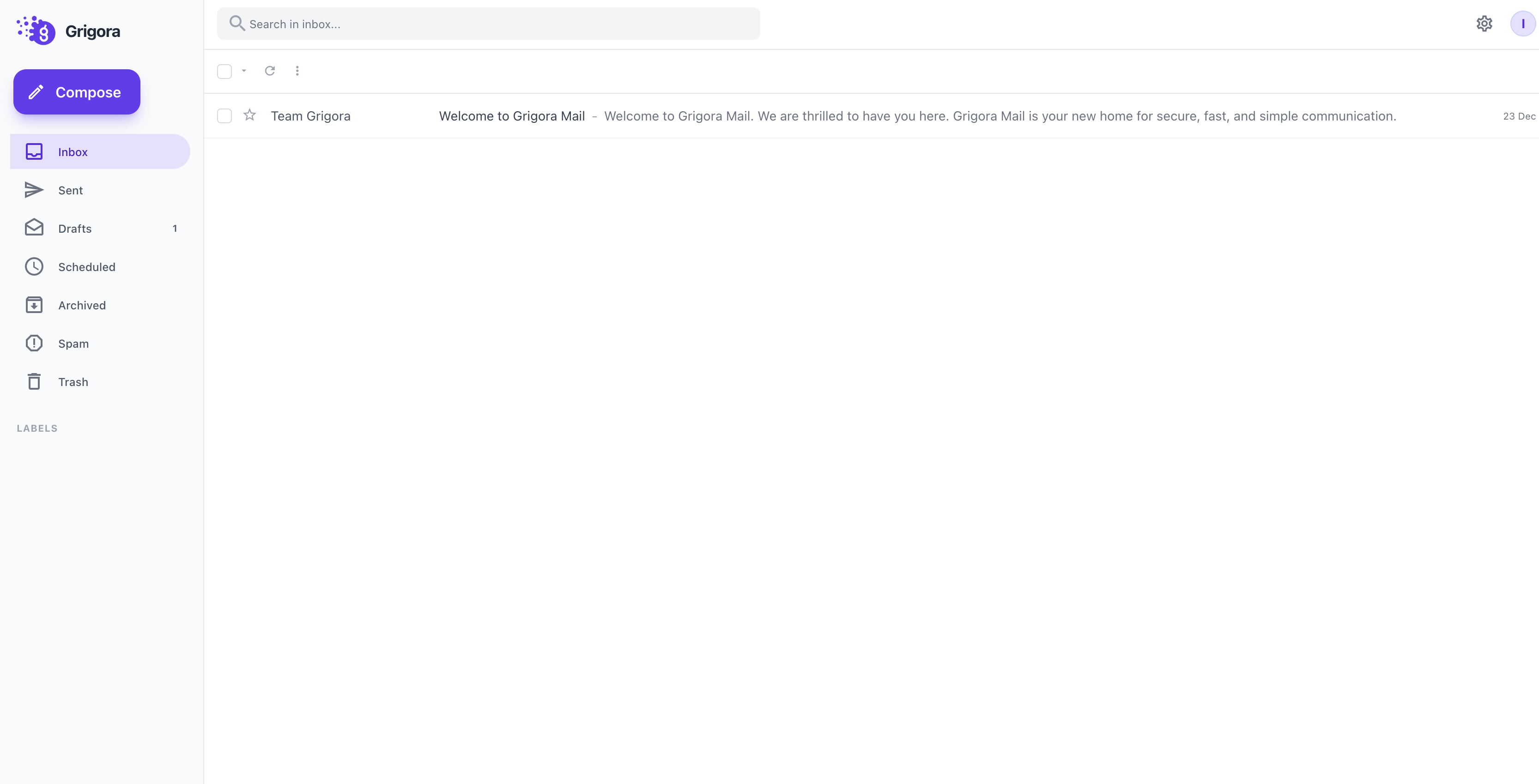
Mail feature is now available to all users
Mail feature is now available to all usersMail feature is now available to all users
Improvements
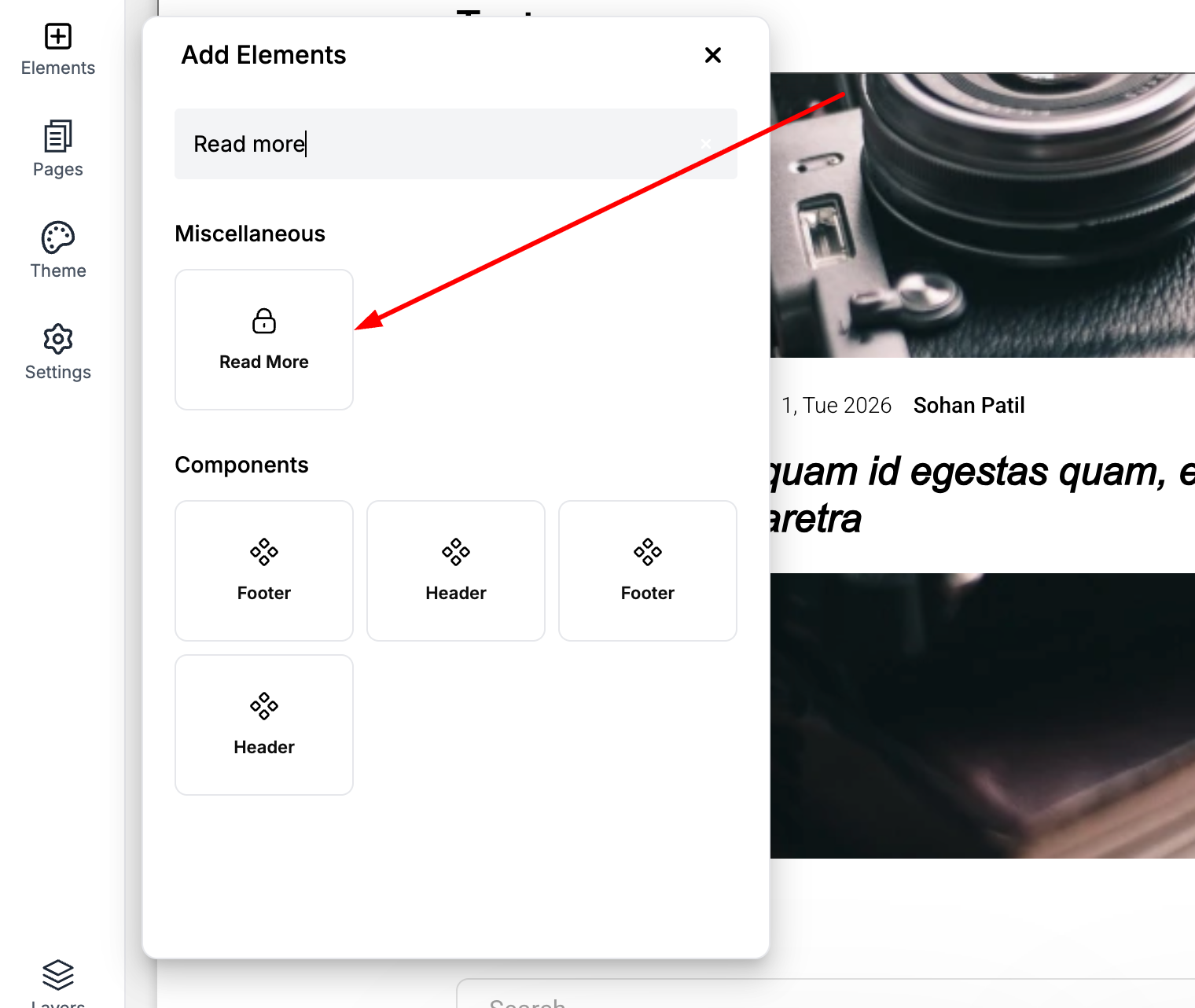
Read More block is now available in the Editor
Read More block is now available in the Editor
Page-specific custom code is now live-previewed directly in the Editors
–
Folder Uploads, Custom HTML Files, and Image Lightboxes
Upload entire folders, host custom HTML files, and open images in a fullscreen lightbox. Responsive image sizing, more frequent scheduled-post checks, and site duplication fixes improve publishing workflows.
Read updateShow less
New features
Upload Entire Folders to Files
You can now upload full folders from your computer directly to Grigora’s CDN — no need to upload files one by one.
Image Lightbox Option
Images now have a Lightbox setting. Enable it to make images clickable and view them in a beautiful fullscreen preview.
Image Lightbox Option
Now you can upload HTML files to the root folder, allowing you to extend Grigora to host custom HTML files.
Improvements
Smarter Image Resizing
The Image element resizer now supports responsive width and height, giving you better control across devices.
Fixes
Fixed an issue where the Background Overlay Image Picker was missing inside Container settings.
Fixed a bug where H6 showed a down arrow in the Post Editor’s Info tab.
Fixed an issue where Category Template Loops had an unwanted 100% height.
SVG Quality Preserved
SVG files are no longer optimized during upload to ensure maximum image quality.
Scheduled Posts Timing Fix
Post schedules are now checked every 2 minutes instead of 2 hours, so your posts go live right on time.
Improved Email Deliverability
Transactional emails from Grigora now have better deliverability, helping you receive notifications reliably.
Fixed a bug where Header and Footer were not duplicated during Site Duplication.
–
Website Duplication and the Mail Beta
Duplicate a complete website, try the Mail beta, and reorder directory fields by dragging. Video-to-blog generation, gallery layouts, billing, and post editing also become more reliable.
Read updateShow less
New features
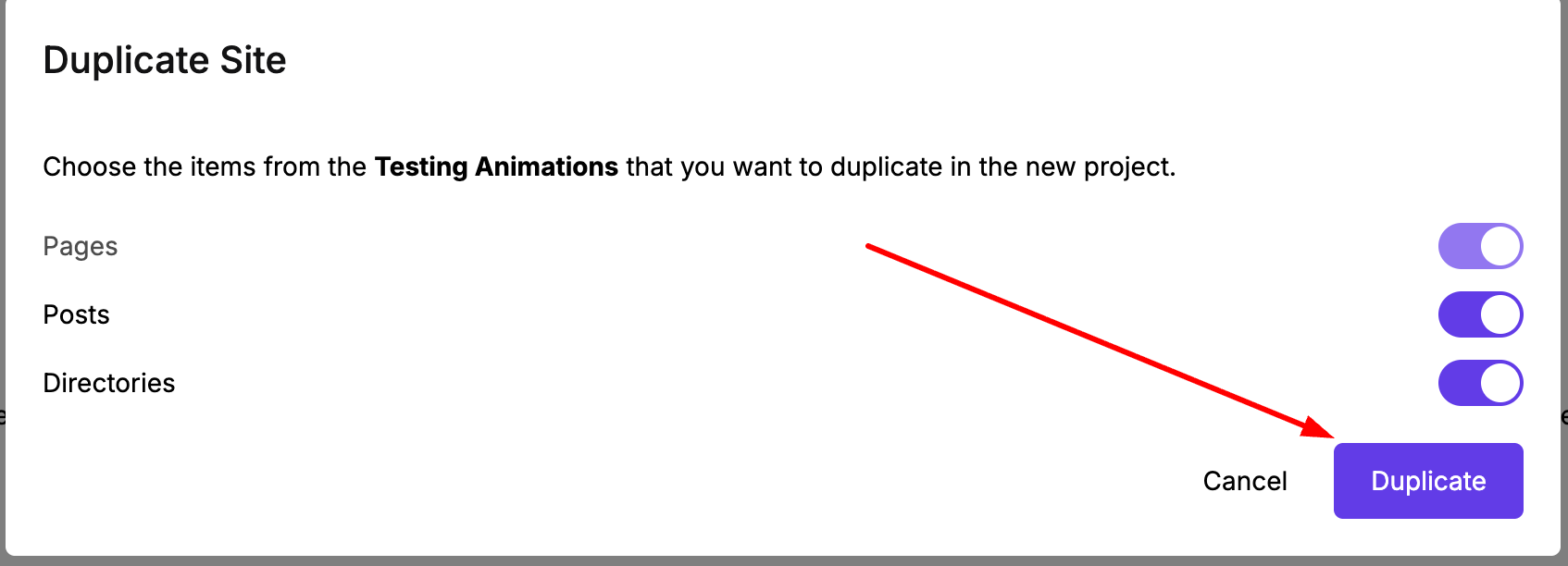
Duplicate Website
Instantly create a copy of your website — including all Pages, Posts, and Files.
Duplicate Website
Mail Beta Launch
Beta access for Mail is now live! 🎉
Mail Beta Launch
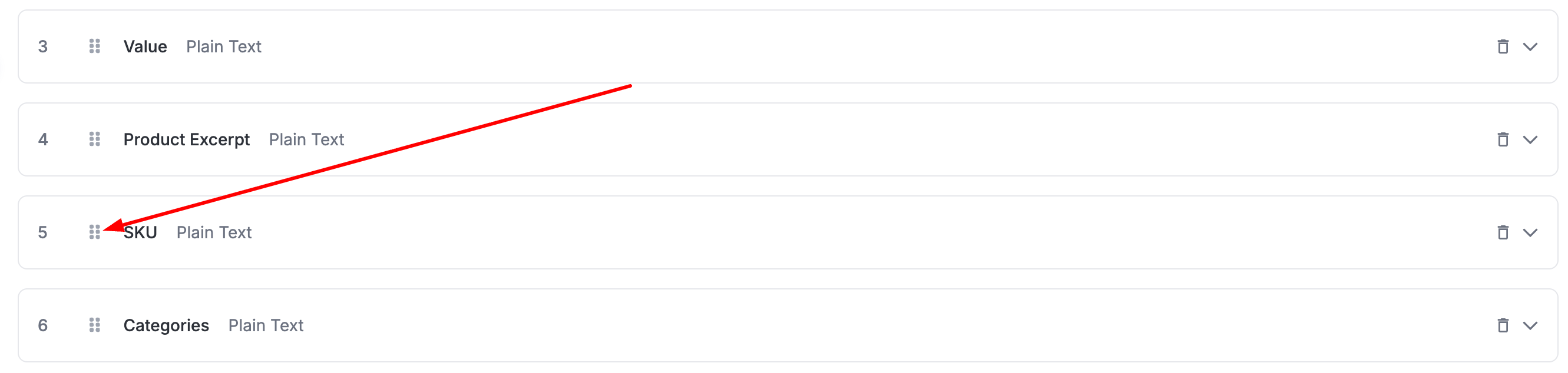
Reorder Directory Fields
You can now drag and rearrange fields directly in Directory Settings.
Reorder Directory Fields
Improvements
More Reliable Video to Blog
Improved stability and performance when generating blogs from large videos.
Better Gallery Responsiveness
Gallery blocks now behave better across screen sizes for certain layouts.
Improved Billing Page UI
The billing page is now cleaner, clearer, and easier to use.
Fixes
Fixed an issue where the Audio block couldn’t be selected after choosing another element in the editor.
Fixed a bug where Rich Text data in Directory Dynamic Text wasn’t displaying correctly in the editor.
Resolved a crash in the Blog Editor for certain posts using H1 headings.
–
Audio Blocks, RSS Feeds, and Faster Site Search
Add audio to pages and posts, enable an RSS feed, and give visitors faster site search. This update also improves site creation and fixes saving for websites with more than 50 pages.
Read updateShow less
New features
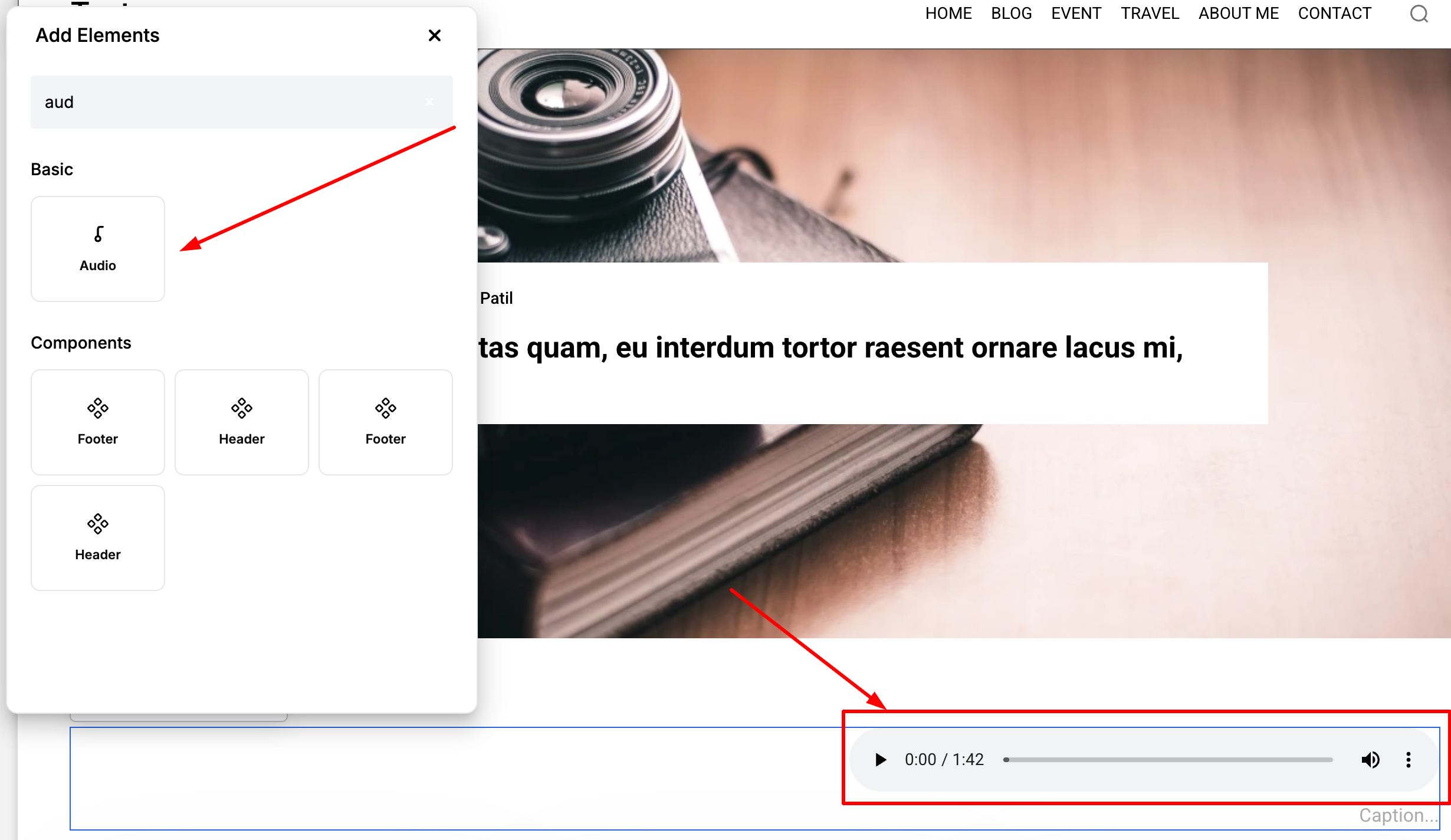
Audio Block
You can now add audio elements directly to your website! Available in both the Editor and Post Editor.
Audio Block
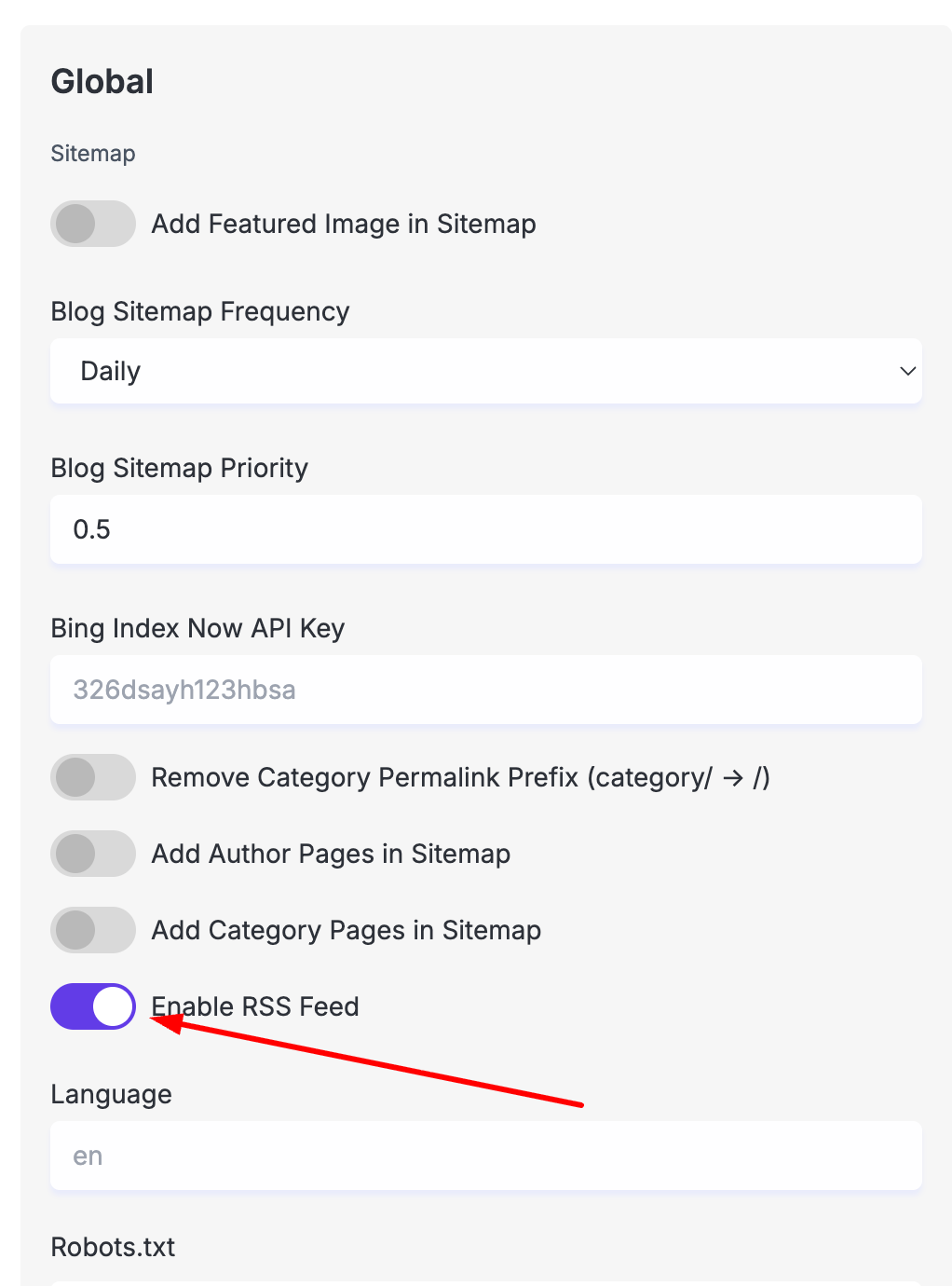
RSS Feed
You can now enable RSS feeds for your website. Go to Settings → SEO → Enable RSS Feed and your feed will be available at: yourwebsite.com/rss.xml
RSS Feed
Improvements
Enhanced the New Website Creation interface for a smoother experience.
Login data is now stored in cookies, allowing the landing page and main app to share common APIs seamlessly.
Website search is now significantly faster, with caching added for instant data lookups.
Fixes
Fixed an issue in Multiselect Input where the typed value wouldn't clear after pressing Enter to select an item.
Updated and improved several translation texts.
Fixed a bug where websites with 50+ pages in the editor were not getting saved properly.
–
Built-In Search, Analytics, and More Migration Tools
Built-in search and privacy-friendly analytics help visitors find content and help you understand traffic. New migration tools support Wix, Webflow, and Blogger, while Read More blocks add breaks to long posts.
Read updateShow less
New features
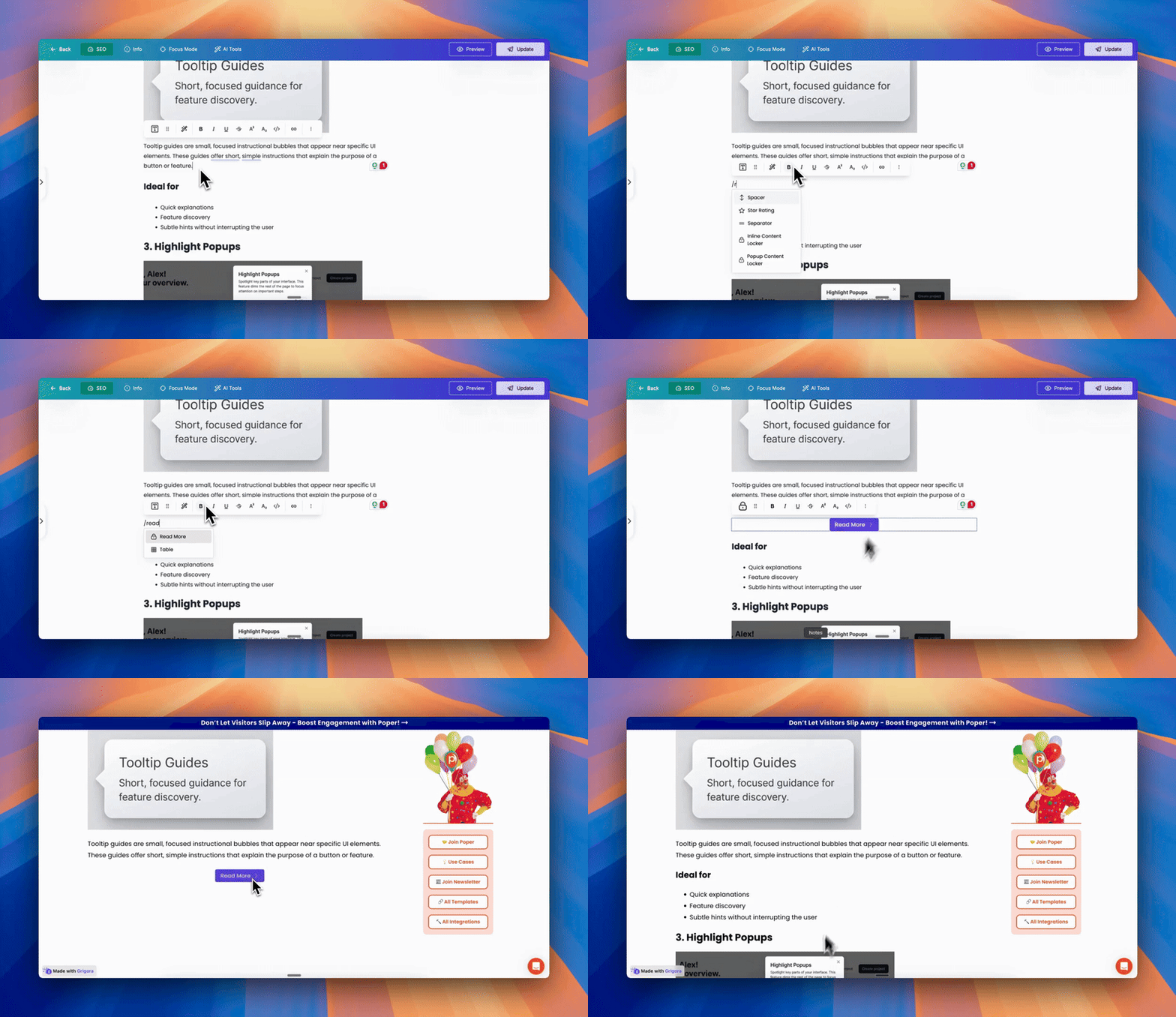
Read More Block
In the Post Editor, you can now insert a Read More element to split long posts into engaging page breaks, perfect for encouraging readers to click “Read more” or “Continue reading.”
Read More Block
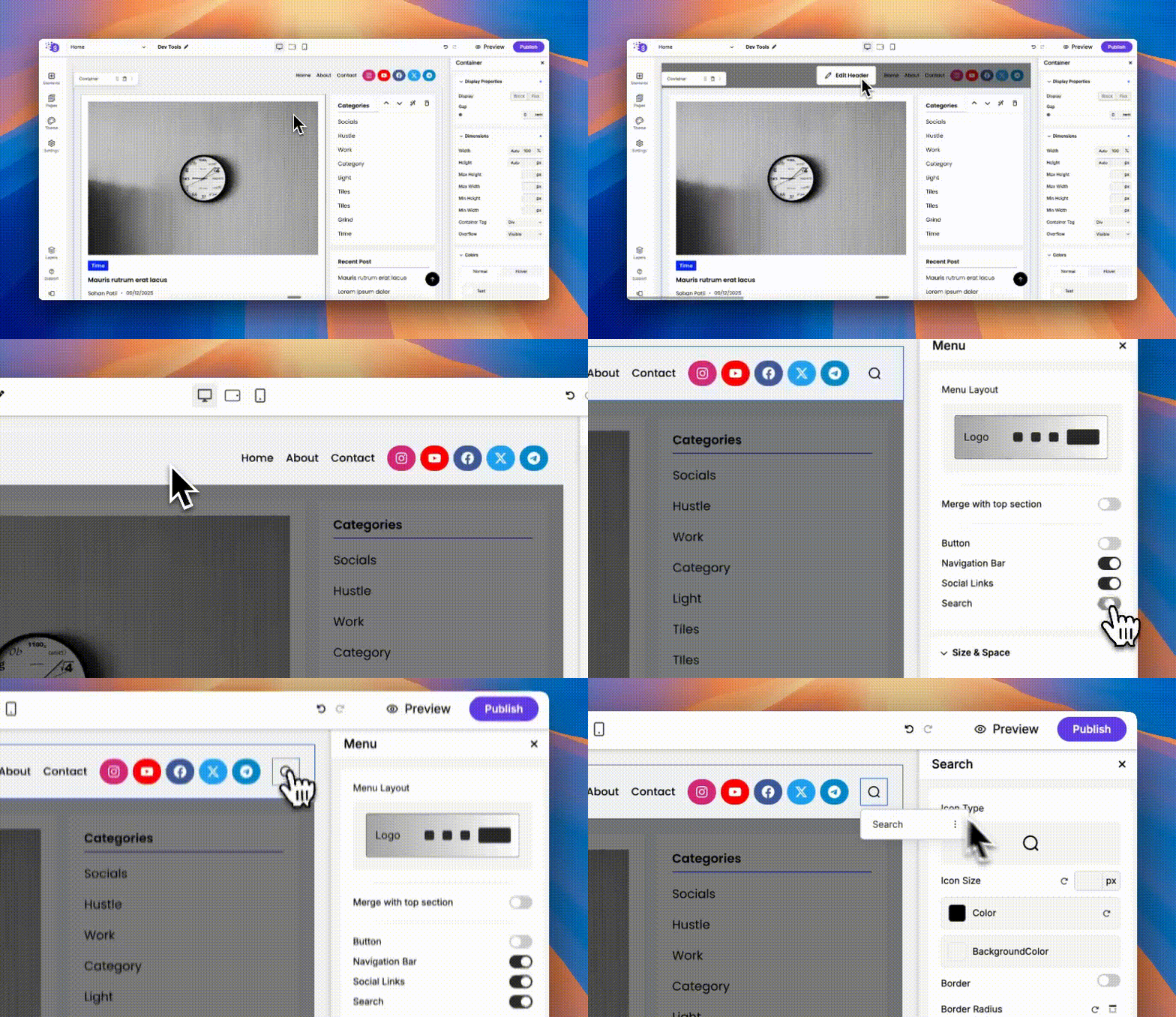
New Search Element
Add an inbuilt search experience to your website! You can enable search in your Menu or drag-and-drop the Search element anywhere on your page. It also supports a custom “search from” setting, letting you limit searches to blogs, specific directories, or pages.
New Search Element
CMS Migration Tools
We’ve launched automatic CMS migration for Wix, Webflow, and Blogger - making it easier than ever to switch to Grigora.
CMS Migration Tools
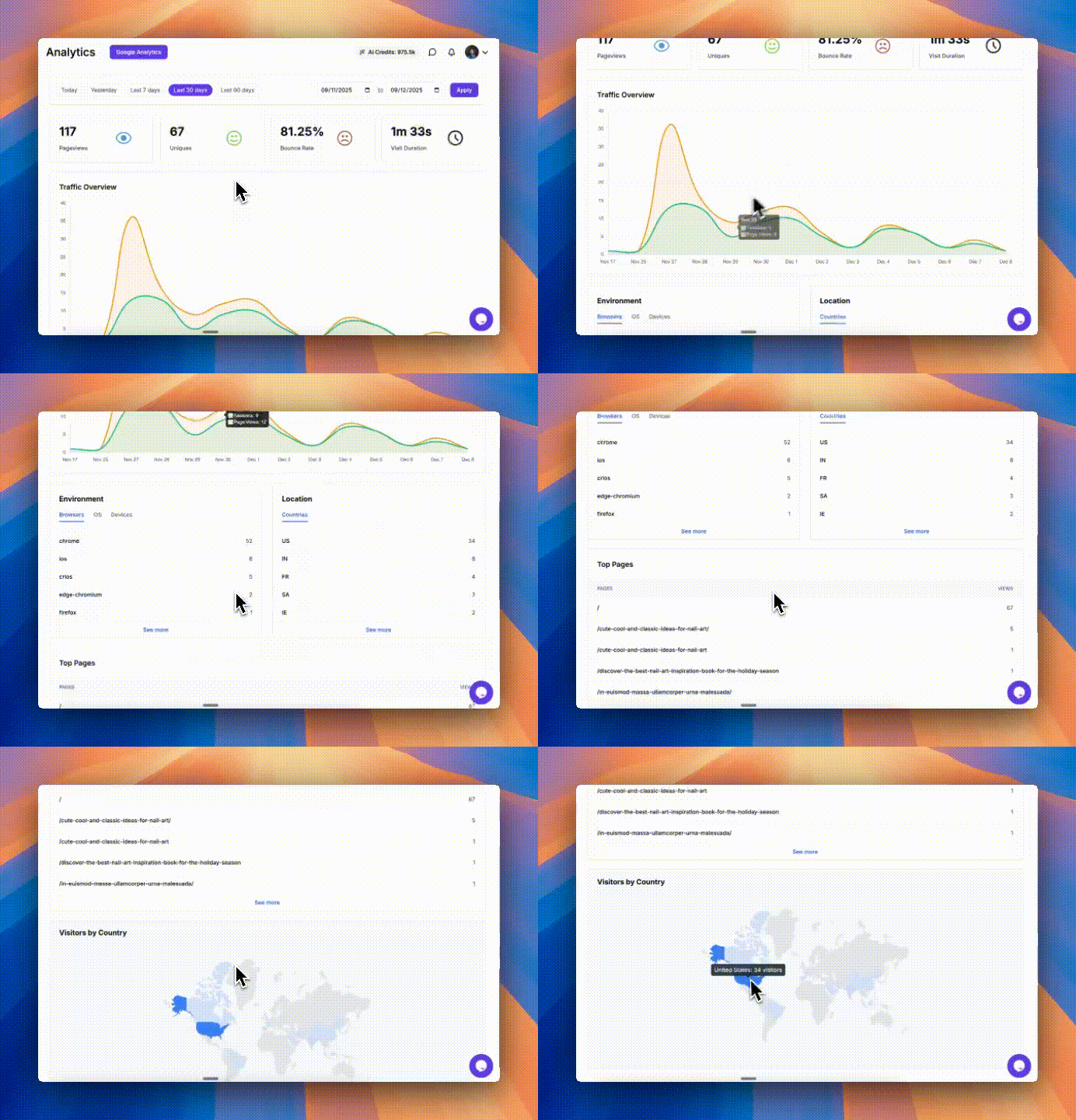
Built-In Detailed Analytics
Under Dashboard > Analytics, you’ll now find privacy-friendly, built-in analytics for your website, no Google Analytics required.
Built-In Detailed Analytics
Fixes
Fixed a crash in some devices that were experiencing on the Create with AI page.
Resolved a rare edge case where publishing failed on older websites that still used Components.
Fixed an issue where updated plan labels weren’t showing after subscribing.
–
Video-to-Blog Generation and Local SEO Settings
Turn videos into illustrated blog posts, merge menus with hero sections, and configure local SEO details. Directory duplication and a range of editor, navigation, and AI stability fixes are also included.
Read updateShow less
New features
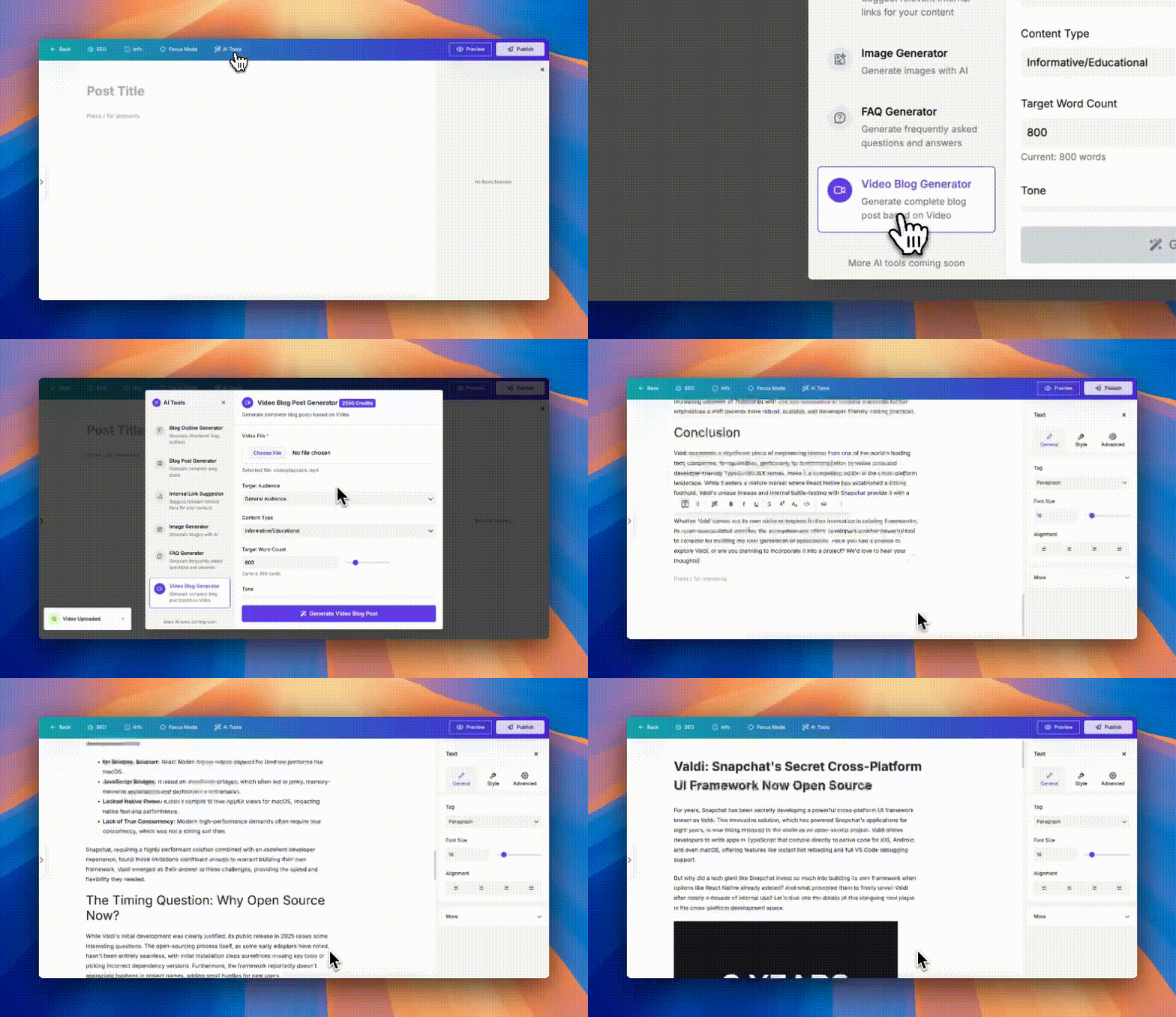
Video to Blog AI
Upload a video and instantly turn it into a full blog post - complete with images pulled directly from the video. Magic!
Video to Blog AI
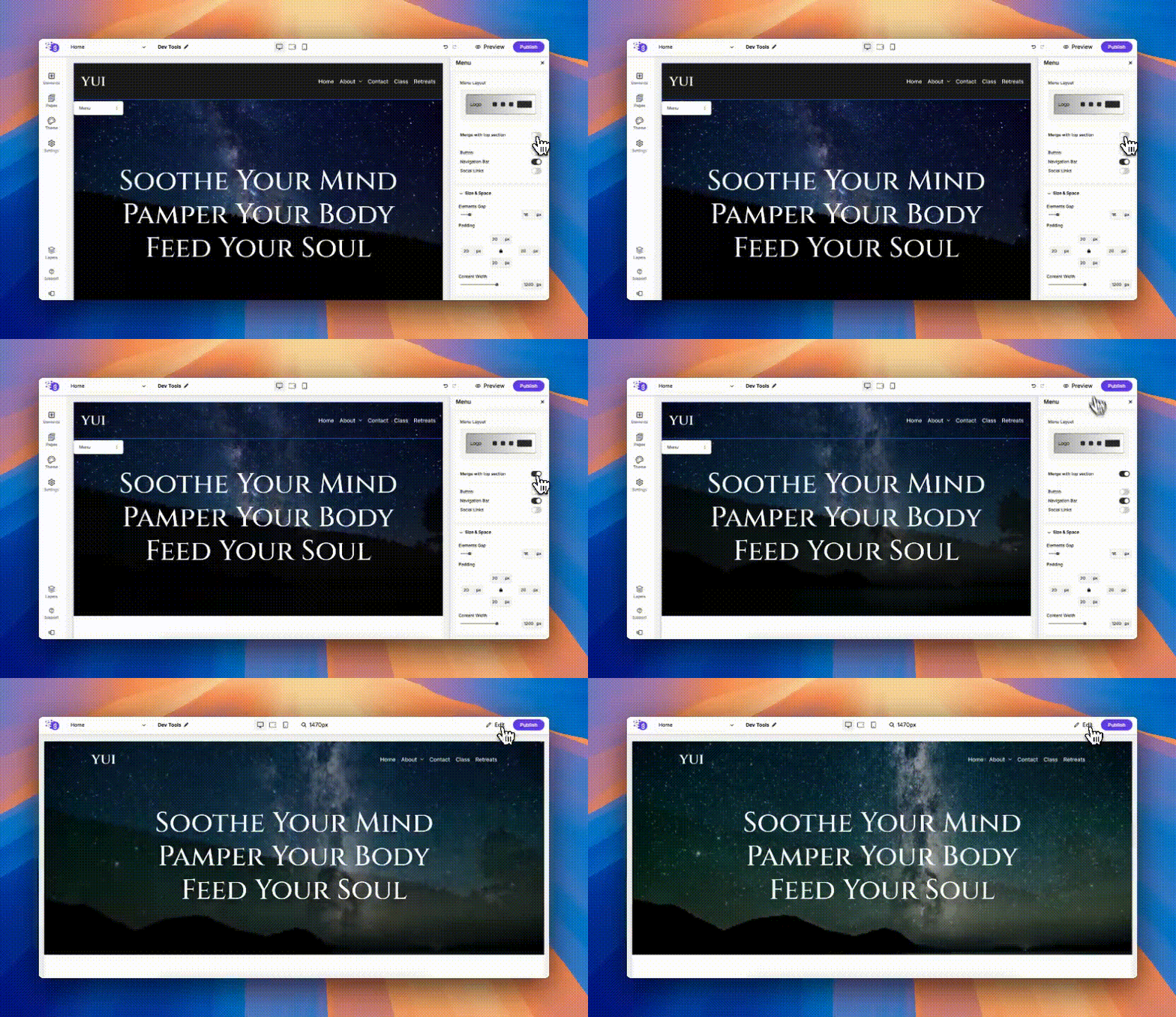
Merge Menu Option
You can now merge your Menu with the first section of your page for a seamless, immersive header with a shared background.
Merge Menu Option
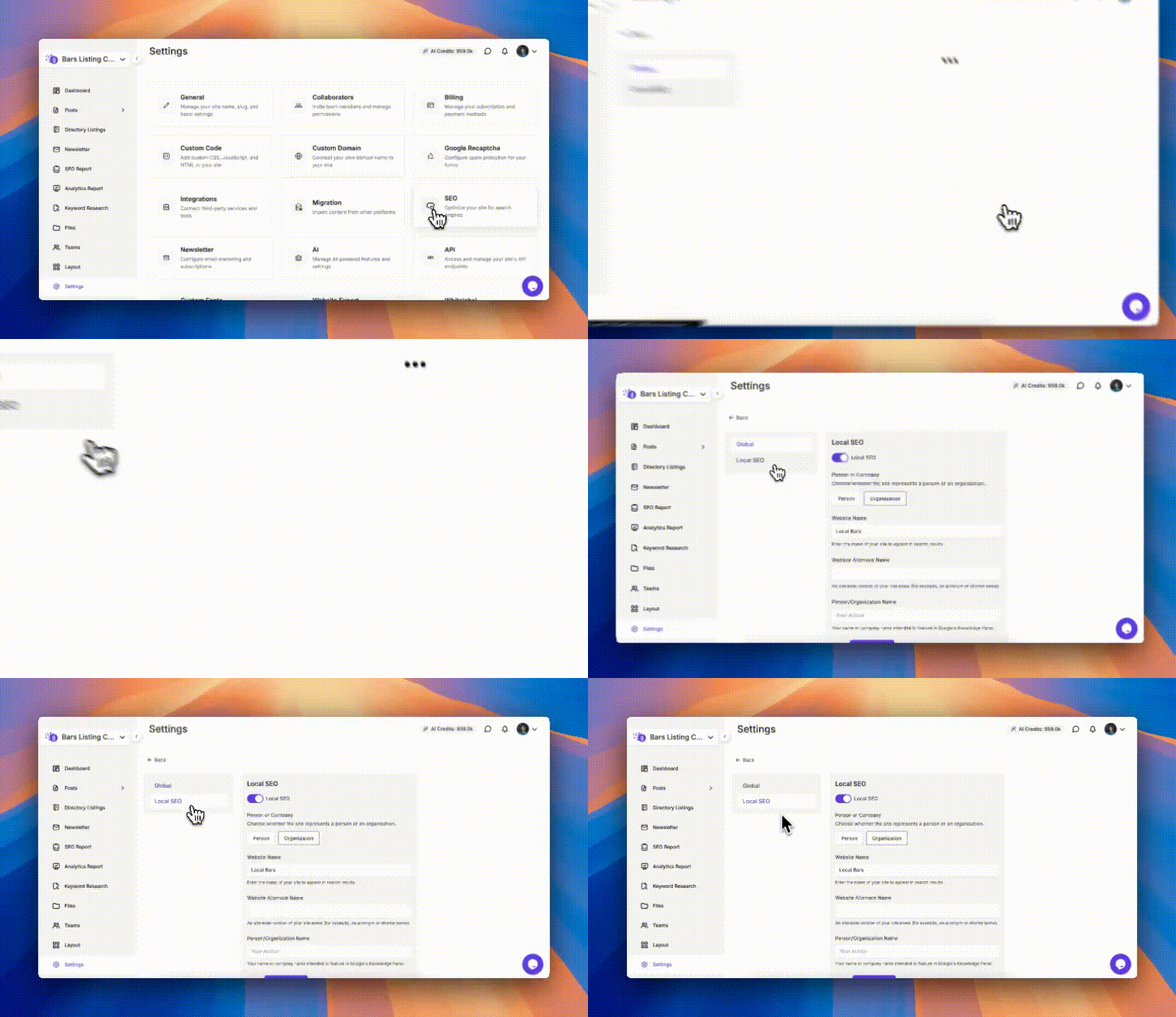
Local SEO
Update your website’s schema to enable rich query results and boost your Local SEO visibility.
Local SEO
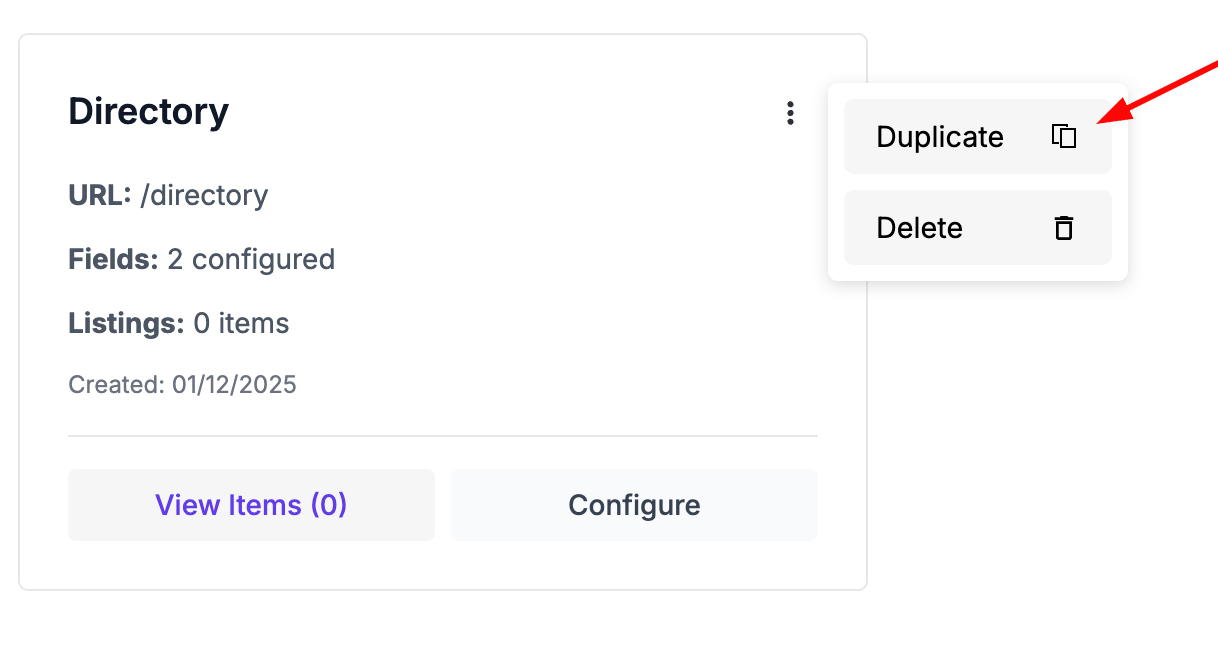
Duplicate Directory
Quickly duplicate any directory with the brand-new “Duplicate Directory” option.
Duplicate Directory
Improvements
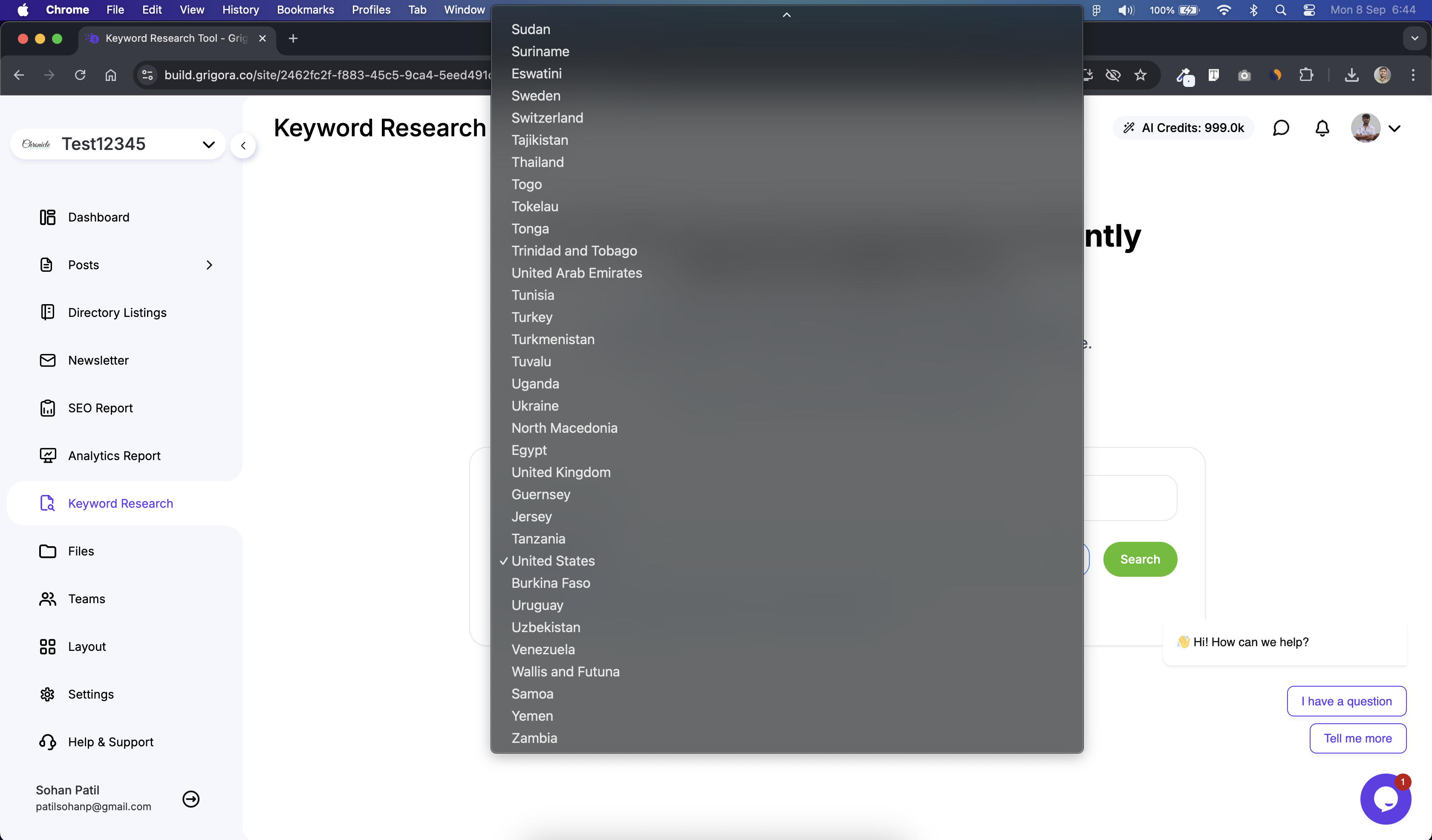
Smarter Keyword Research Dropdown
The country list now has better structure and a search bar to find countries instantly.
Better Pexels Upload Accessibility
Uploading images from Pexels inside the Image Picker is now more accessible and smoother.
Hire a Professional
A new button on the dashboard lets you easily connect with an expert if you need help designing your website.
Better Undo in Post Editor
Pressing Ctrl + Z on a post title now correctly undoes title changes instead of affecting the content.
Dynamic Submenu Hover Colors
Submenu hover colors now automatically adapt based on your background.
Fixes
Fixed an issue where the Content Locker Button color didn’t update in the Post Editor.
Post Author element’s size settings now work correctly.
The Rich Text editor toolbar now updates its position properly while scrolling.
Fixed the Rich Text paste issue in the Post Editor.
Fixed broken column layouts in new sections on certain screen sizes.
Resolved a crash on the Create with AI page for certain browsers.
–
AI Image Alt Text and Page-Specific Menus
Generate image alt text in one click and choose which pages display a menu or footer. Image generation, delete confirmations, analytics setup, and several editing controls also improve.
Read updateShow less
New features
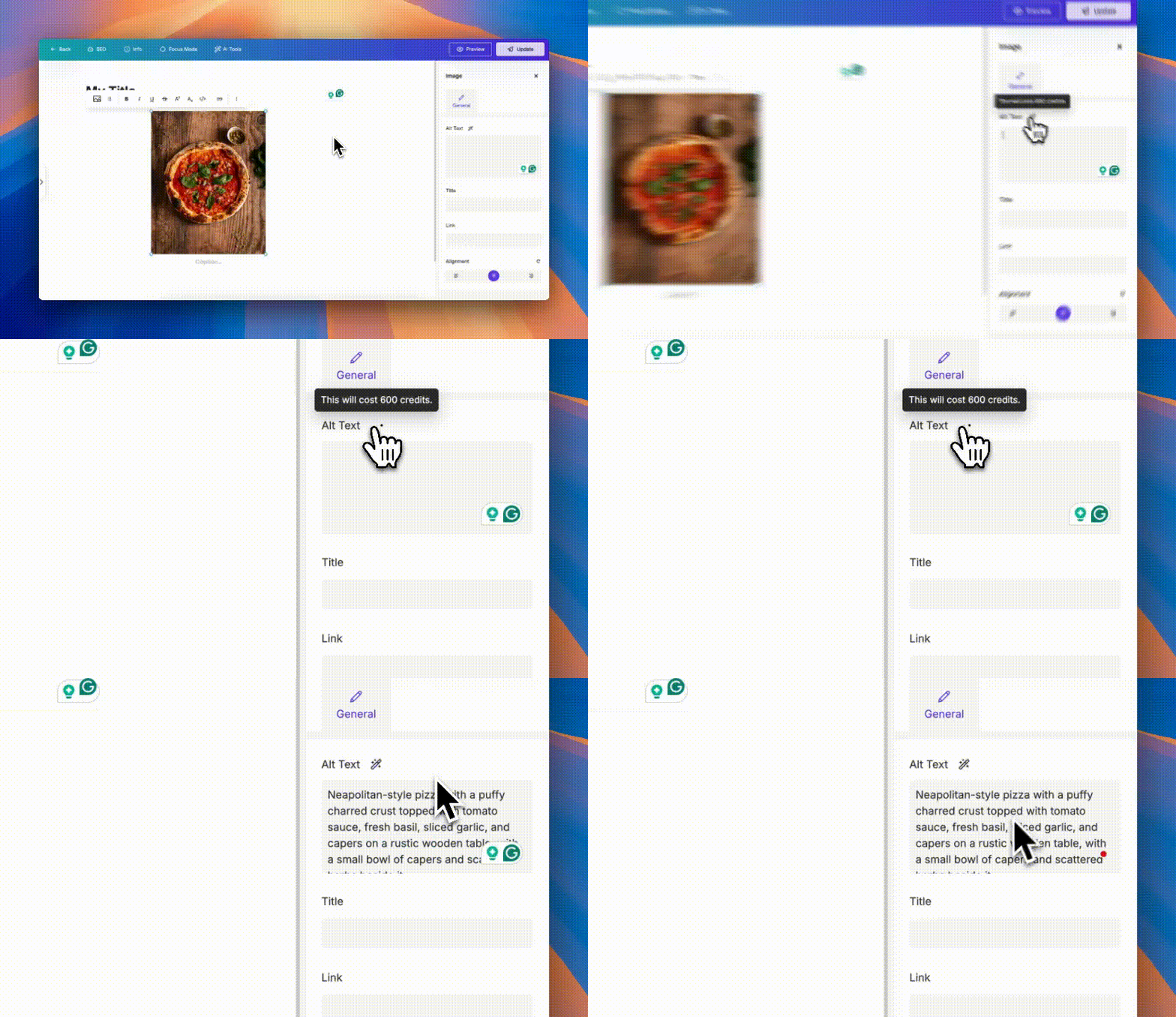
One-click Image Alt Text!
Generate perfect alt text for any image instantly. Each generation costs 600 AI Credits.
One-click Image Alt Text!
Hide Menu & Footer per Page
More control than ever! Choose exactly which pages show or hide your menu and footer.
Improvements
Better Image Generation
Imagen 4 is now the default model - sharper, smarter, and more realistic than Imagen 3.
Delete Confirmation Modals
No more accidental deletes! Every delete action now comes with a confirmation pop-up.
Automatic GA Installation
As soon as you connect Google Analytics under Integrations, we automatically install it for your website’s Analytics Report.
“Components” Retired
Components have been officially removed from the Site Editor.
Better FAQ Block Pasting
Pasting content inside FAQ blocks now works more smoothly.
Menu Shadow Fix
Menu element now shows its shadow even when the next section has a background.
Fixes
Directory Creation Refresh Fix
Creating a new directory now shows up instantly without needing a hard refresh.
Post Editor Roundness Fix
Some components had outdated corner styles — now they match perfectly.
–
Text Effects, Animations, and Dynamic Title Limits
New text effects and animations give headings more personality, while character limits keep dynamic titles tidy. Directory listings now show every item, and menu and footer changes save correctly when publishing.
Read updateShow less
New features
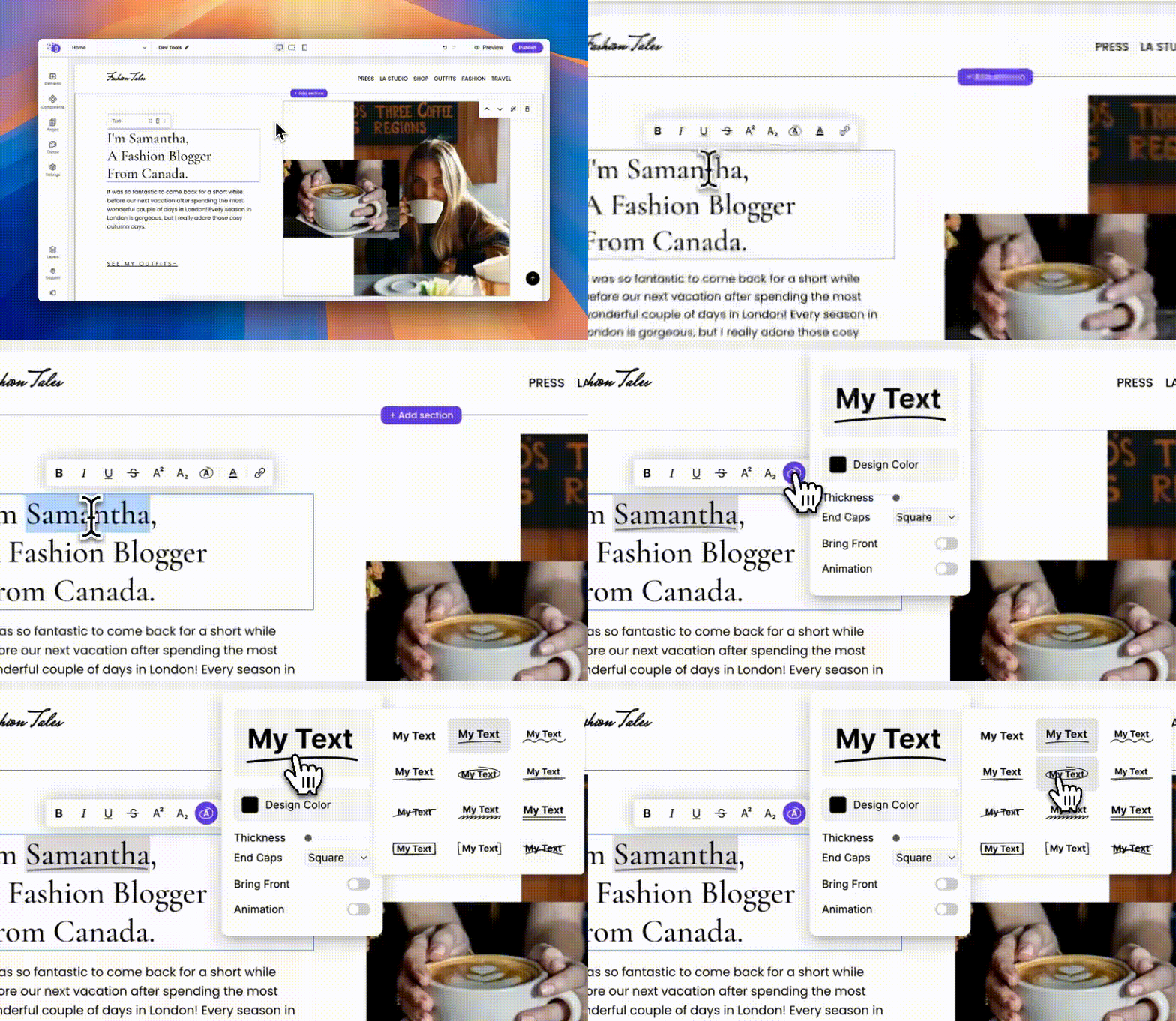
You can now add cool text effects like Box, Circle, Underline, Curvy Line, and even text animations right inside the editor!
New features
Text Block now has a “Limit Characters” option for dynamic text. This helps shorten long titles automatically (like Title…), especially useful for languages that use characters instead of words.
Improvements
Directory Listing in the Editor now shows all items instead of stopping at 15.
Added missing translations for Onboarding Tooltips.
Fixes
Fixed an issue where Menu and Footer changes were not saving when publishing your website.
–
Six Languages and Nano Banana Image Generation
Use Grigora in six languages, localize white-label platforms, and generate images with Nano Banana. A smaller core script speeds up the dashboard, with further improvements to fonts, page management, and mobile menus.
Read updateShow less
New features
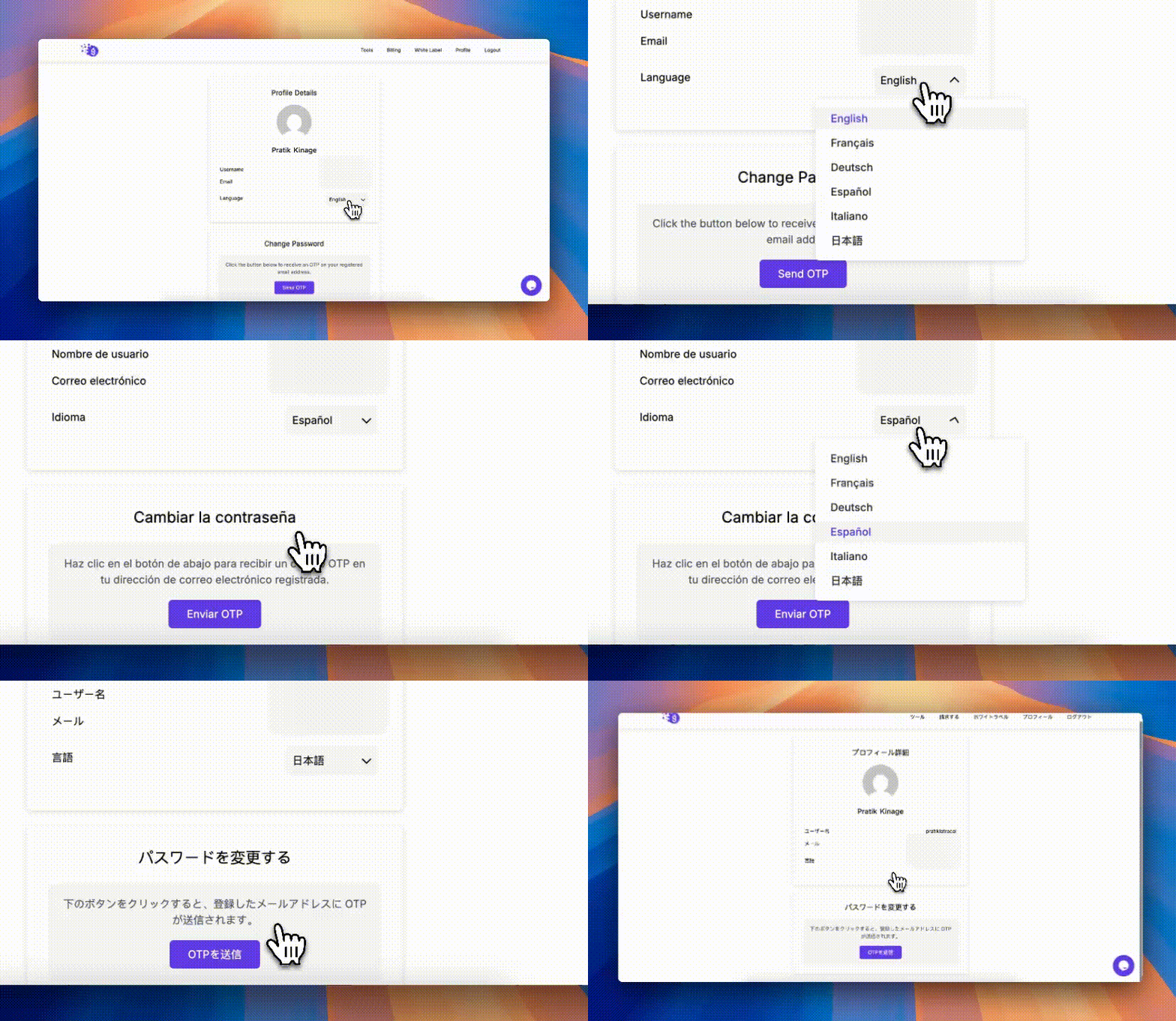
You can now experience Grigora in your preferred language . Head over to Dashboard → Profile to switch between English, Français, Deutsch, Español, Italiano, and 日本語.
You can now experience Grigora in your preferred language
Whitelabel platforms are now global-ready. Set a default language for your Whitelabel, yes, you can now have a fully localized Japanese Grigora!
Image Generator just got smarter. We’ve added support for Gemini’s Nano Banana model, offering incredible results at the same price as Imagen 4. Give it a try, you’ll be surprised by the quality!
Improvements
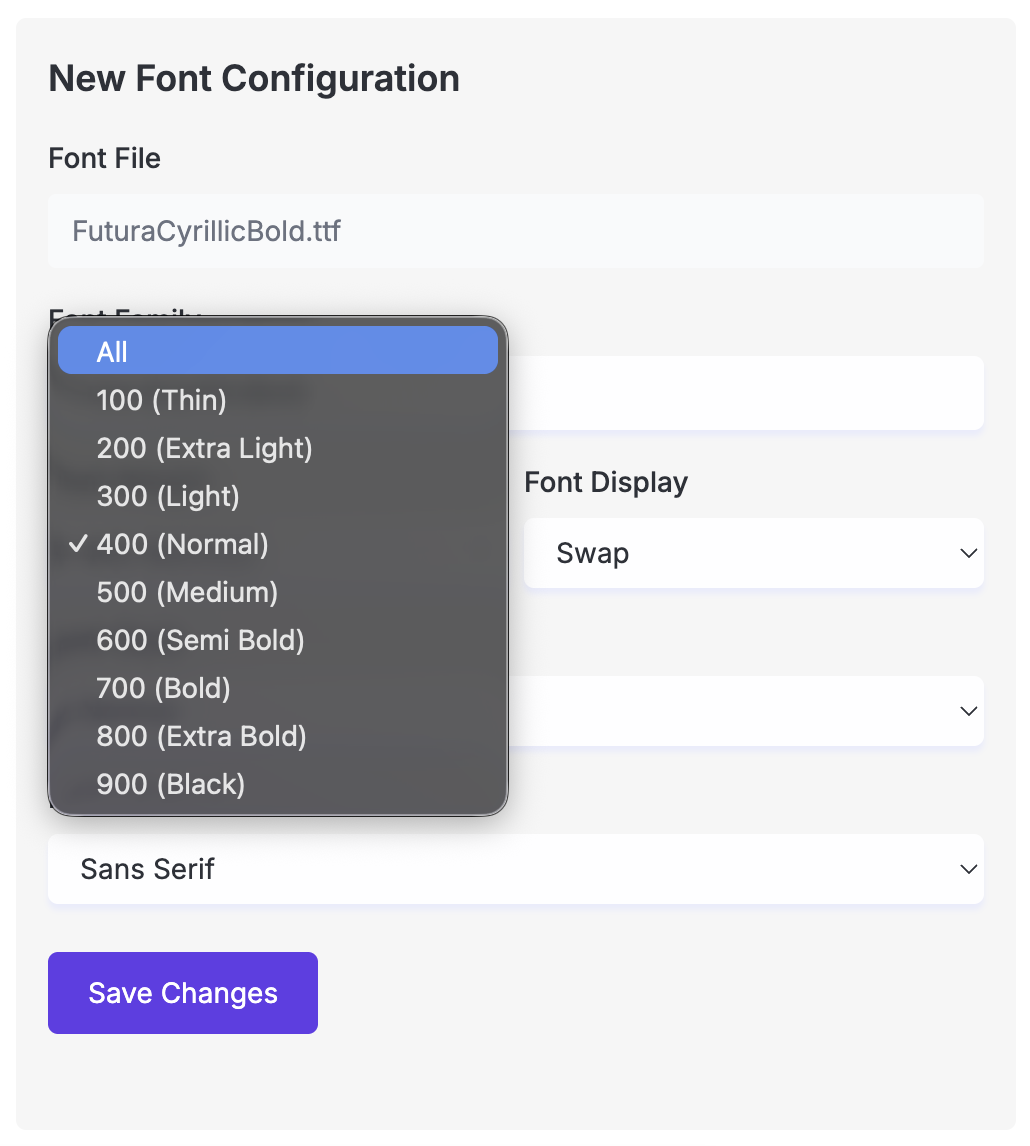
Better font flexibility. Custom Font Upload now supports the “All” weight option, allowing you to manage multiple font weights within a single TTF file.
Better font flexibility
Improved container behavior. Containers, Sections, and Frames no longer apply overflow: hidden when using background colors or images. This gives you more creative freedom to adjust margins for inner elements.
We’ve removed heavy dependencies, reducing Grigora’s core script size by over 70% (from 1 MB to just 300 KB). Your dashboard now loads much fast.
Smarter page management. When you rename or delete a page, it now automatically removes the old version from your live site, no more phantom pages lingering around.
Improved mobile navigation. Menu links on mobile now auto-close when tapped, fixing the issue where jump links kept the menu open.
Fixes
Fixed an issue where Custom Font Upload failed if the file name contained a period (.).
Resolved a crash in the Image Block when applying CSS Filters.
–
Text Gradients, Button Shadows, and Video Fields
Text gradients, inner button shadows, video fields, and menu effects expand your design options. Language settings and social icons improve, alongside fixes for newsletter forms and the gradient picker.
Read updateShow less
New features
Text Gradients
You can now add beautiful gradient colors to your text directly in the editor. Perfect for adding a modern, eye-catching touch to your headings or titles.
Text Gradients
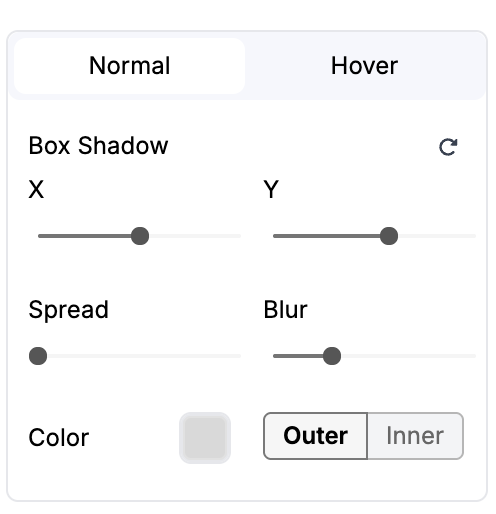
Button Shadows (Inner & Outer)
The Button element now supports inner shadows! This gives you more control to create subtle depth or 3D effects for a standout look.
Button Shadows (Inner & Outer)
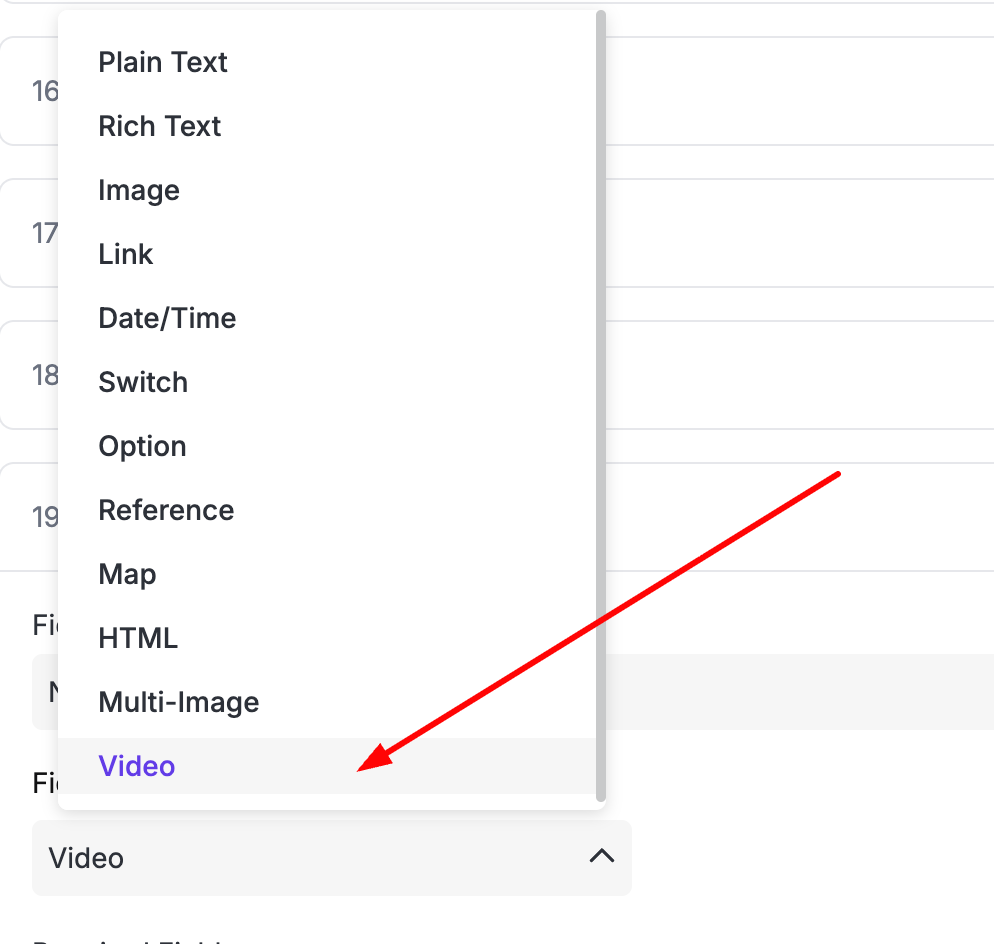
Video Support in Directory
The Directory feature now includes a new “Video” data type — great for showcasing dynamic video content on your directory pages.
Video Support in Directory
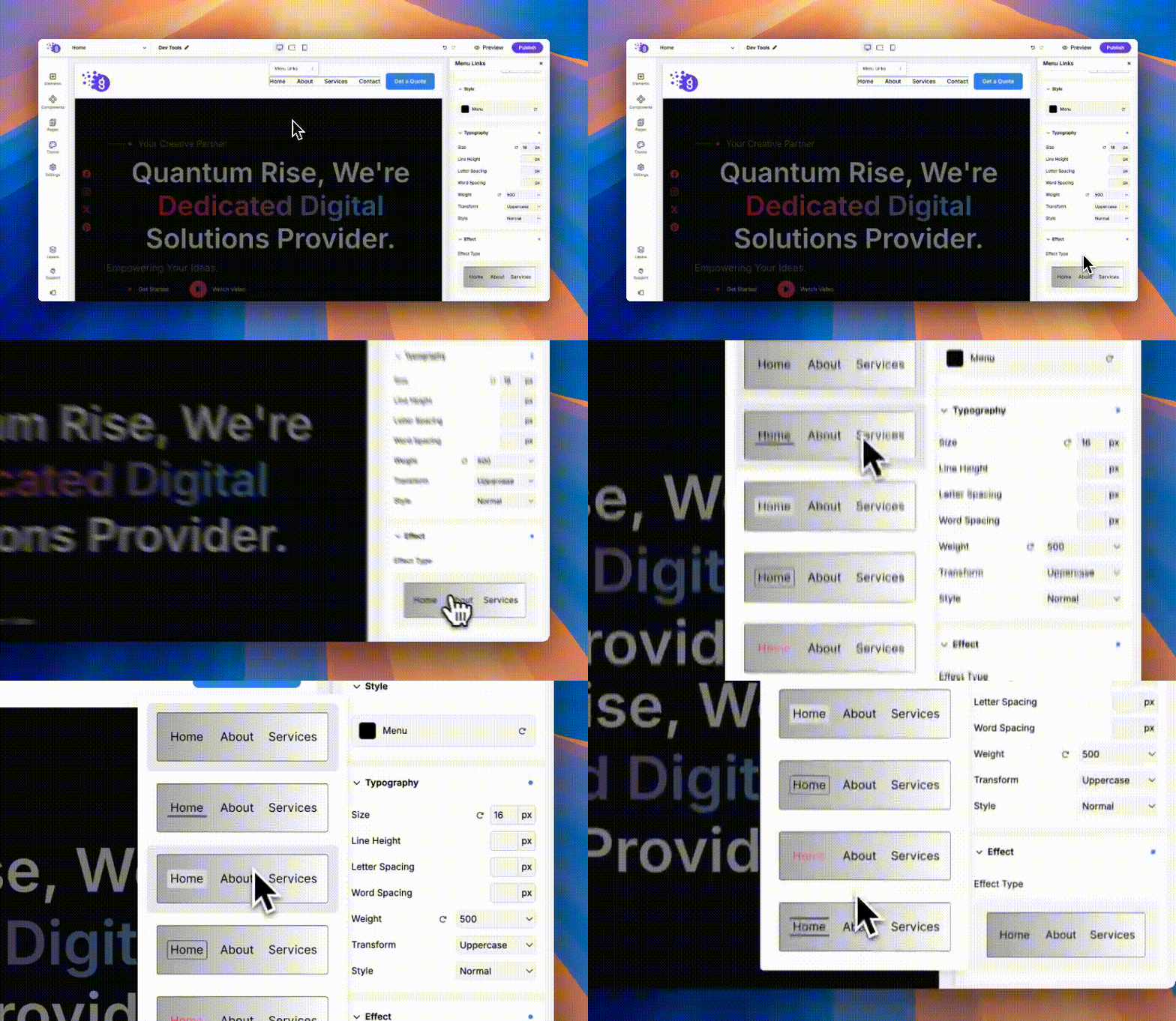
Menu Link Effects
Menus just got more stylish! You can now customize hover and active state effects to make your navigation more interactive and visually engaging.
Menu Link Effects
Language Settings in SEO
We’ve added a new “Language” editor in SEO Settings, allowing you to change your site’s HTML language attribute. Ideal for multilingual websites that need to go beyond the default “en” tag.
Improvements
The Social Links element now includes TikTok and Threads icons — so you can connect your audience everywhere you are.
Improvements
Menu Links will now automatically wrap when you have many menu items, keeping your design clean and responsive.
We’ve updated our Google Fonts library with the latest fonts — giving you even more creative options to choose from.
Fixes
Fixed an issue where selecting the “Newsletter Detailed” form type accidentally created a nested form.
Fixed crashes related to the Gradient input — everything should now work smoothly.
–
AI Logos, Content Lockers, and Live HTML Previews
Create a logo with AI, add content lockers to blog posts, and customize your site icon. Live HTML previews and vertical menus arrive with fixes for domain labels and published custom HTML.
Read updateShow less
New features
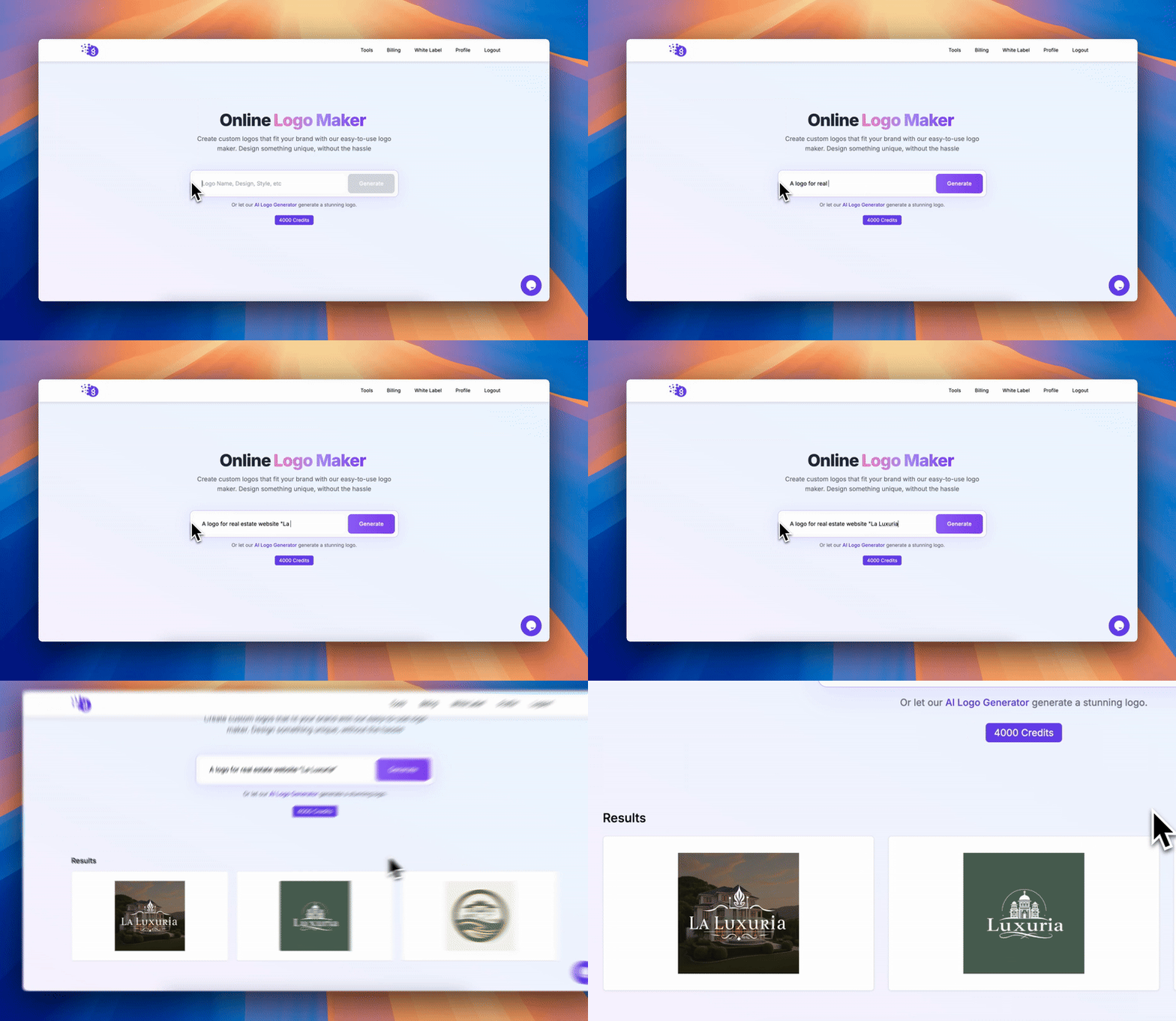
AI Logo Generator Tool
Introducing a brand-new AI-powered tool to generate logos for your websites. Our goal is to provide more in-house AI tools so you can make full use of your AI credits. Try it now → https://build.grigora.co/tools/logo-generator
AI Logo Generator Tool
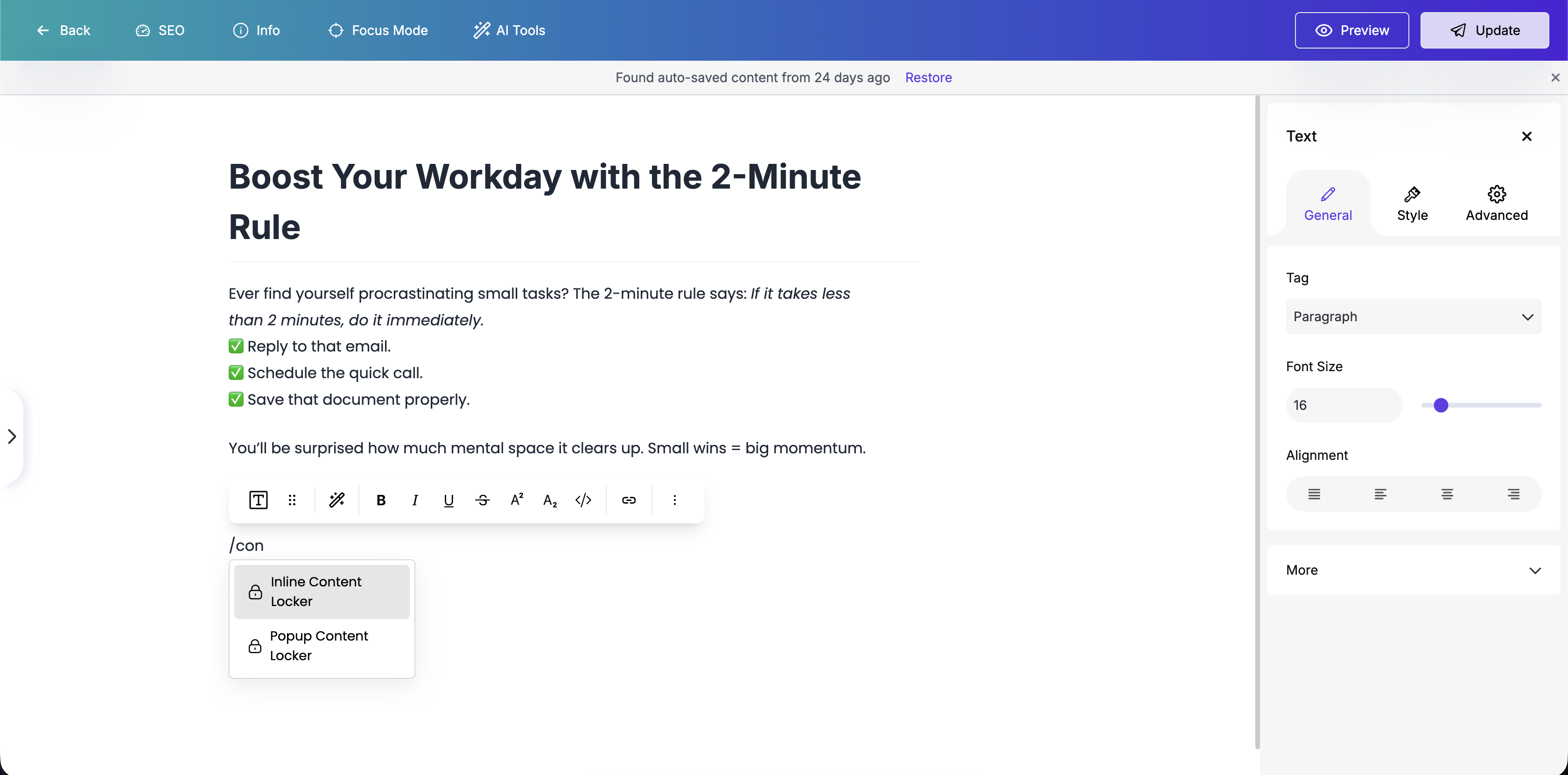
Content Locker in Post Editor
You can now add Content Locker elements directly inside the Post Editor. This allows you to lock content after a few paragraphs to boost engagement and conversions. Just type / in text element to insert it.
Content Locker in Post Editor
Custom Icon for Site Logo
In the new Header, the “Site Logo” element now lets you override the default website icon by uploading your own custom icon.
Improvements
Custom HTML Preview
The Custom HTML element now renders a live and accurate preview of your code instead of showing a blank space.
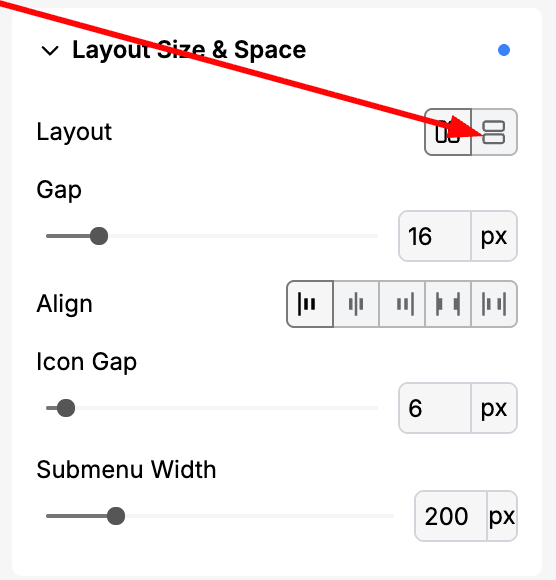
Menu Links Orientation
The Menu Links element now supports a “Vertical” layout option, making it easier to create page-side menus or in-content navigation links.
Menu Links Orientation
Fixes
Fixed an issue where editing a page displayed the old Grigora staging domain even after connecting a custom domain.
Fixed a bug where the Custom HTML in Single Page layouts wasn’t rendering correctly.
–
Coordinated AI Site Designs and Faster Publishing
AI-generated sites gain coordinated headers, footers, and custom logos. Faster publishing, more menu-link controls, and fixes for maps, galleries, spacing, and scheduled posts improve the overall experience.
Read updateShow less
New features
Menu Links now support “Open in New Tab”, “Nofollow”, and more options.
Menu Links now support “Open in New Tab”, “Nofollow”, and more options.
AI-generated websites now include the new Adrastea version Headers & Footers, automatically synced across all pages, no more repetitive edits.
AI-generated websites now receive custom logos automatically created based on the website’s name and brand.
Improvements
Optimized the CSS minification algorithm, improving publishing speeds by 40–50% for larger websites.
Enhanced the Blog Post Generator to remove unnecessary styles and unwanted links.
The Post Date element now correctly displays the original publish time instead of the update time.
Added aria-labels to the Menu Hamburger link for better accessibility.
Fixes
Fixed extra margin appearing below Category, Blog List, and Directory sections.
Fixed an issue where Google Maps integration caused CSS breakage for elements below it.
Fixed a Gradient Picker crash caused by NaN values.
Fixed an issue preventing publishing when scheduled CMS Posts already existed.
Fixed a CSS break caused by using double quotes (“) in image alt text.
Fixed an issue where the Gallery didn’t appear after publishing unless a layout was selected.
Feature
Dynamic Custom HTML element
Connect directory data to custom HTML so listings can supply the values used in your own markup.
Read updateShow less
Request to use directory field in Custom HTML element and with directory field.
Feature
Gallery Block Enhancements
More gallery layouts, lightbox options, and clickable images give media-rich pages greater flexibility and interactivity.
Read updateShow less
Introducing options like lightbox, different layouts, and clickables to enhance user experience. Expected to improve visual presentation and interactivity for users creating media-rich content. Target users include content creators and web designers.
Feature
Add Location Type Input in Directory
A location input type extends directories with location-based information, helping visitors filter and find relevant places more easily.
Read updateShow less
Introduce a location type input feature in the directory to enhance user search capabilities. This will allow users to filter and find locations based on specific types, improving search efficiency.
Feature
Custom Robots.txt Configuration
Customize your site's robots.txt file to give search engines more precise instructions about crawling and indexing.
Read updateShow less
Introduce the ability to customize robots.txt files, allowing users to manage search engine indexing more effectively.
Feature
New Gallery Element Feature
Display groups of images in a dedicated gallery element for a more organized visual presentation.
Read updateShow less
Introduce a gallery element to enhance visual content display, allowing users to showcase images in a structured format.
–
Editable Tabs and Maps Connected to Directory Data
Remove individual tabs from the Tab Block and connect Google Maps to directory data. A site-name editing fix improves support for different languages.
Read updateShow less
New features
Now you can delete the tabs in Tab Block.
Now Google Maps support Dynamic Value option from Directory. Directory has a new datatype "Map".
Fixes
Fixed a bug where you cannot type in different language in Website's Name in Site Editor.
–
More Efficient API Publishing and Editor Fixes
API content updates now trigger a single publish instead of repeated runs. Fixes restore missing editor components, quote styling, sidebar popovers, and publishing after custom code is removed.
Read updateShow less
Improvements
Publishing algorithm
API-pushed content now triggers a single publish instead of multiple.
Fixes
Publishing
Crash resolved when custom code was removed after being set.
Site Editor
Components now appear in the “Add” option.
Site Editor
Sidebar
Popovers in collapsed sidebar no longer show with a black background.
Quote element
Styling is now visible after publishing.
Quote element
–
Social Sharing Images and Mobile Navigation Fixes
Choose social sharing images directly in Page Settings. More efficient session refreshes reduce unnecessary work, and mobile navigation dropdowns become visible again.
Read updateShow less
New features
You can now set OG images for your pages directly from Page Settings.
Improvements
Optimized token refresh algorithm to reduce server load and minimize unnecessary frontend re-renders.
Fixes
Fixed an issue where navigation dropdowns were not visible on mobile devices.
Behind the scenes
We’re working hard on the new editor — can’t wait to share it with you soon!
Bug
Copy/paste bug
This update addresses a clipboard issue where pasting recently copied text could also insert an element copied earlier.
Read updateShow less
After copying an element such as a content box and later copy text separately, when you go to paste, it pastes the text and the element as well.
–
Automatic YouTube Embeds and Broader Keyword Research
Pasted YouTube embeds are recognized automatically, and keyword research covers more countries. Directory filtering, SEO snippets, quote editing, and post display blocks also receive fixes.
Read updateShow less
New features
Now we auto-parse YouTube Embeds when you copy many paragraphs.
Added Many more Countries in Keyword Research.
Added Many more Countries in Keyword Research.
Improvements
Updated the default states of Dropdown and Menu Block
Updated the default states of Dropdown and Menu Block
Fixes
Fixed Filters and Sorting in Directory Block.
Updated the Offset minimum limit to 0 in Directory Block.
Fixed a bug where Quote block was not editable in Editor.
Added SEO Snippet Editing option for Directory Pages.
Added SEO Snippet Editing option for Directory Pages.
Fixed the Post Content block where it was getting lagged if it was used inside a CMS Loop.
Fixed Post Time to Read block’s font size issue and also added support for its responsiveness.
Feature
Custom Files Upload Feature
Upload files such as ads.txt and ad-network verification files to support advertising setup and other site integrations.
Read updateShow less
Useful to upload files like ads.txt and other verification for ad networks and other use cases, too.
Feature
More countries in Keyword Research
Keyword research expands its country coverage and adds the ability to select multiple countries for broader research.
Read updateShow less
Add more countries and also provide a way to select multiple countries.
Feature
Snippet Editor for Directory Pages
Edit the search snippets for directory pages to better control how those pages are presented in search results.
Read updateShow less
Introducing a Snippet Editor to enhance directory pages, allowing users to easily customize content snippets for better SEO and user engagement.
Feature
Implement Lossless Image Compression
Lossless image compression focuses on reducing file sizes while retaining image data and quality, particularly for photography and design work.
Read updateShow less
Develop a new feature for lossless image compression to enhance image quality and reduce file size without losing data. Expected to launch in Q2 2024, this will benefit photographers and graphic designers who require high-quality images with efficient storage.
–
Ghost Migration and Website Unpublishing
Move content from Ghost and temporarily unpublish a website from the Layout menu. Copy-and-paste behavior, avatar uploads, list conversion, and Firefox editing also improve.
You can now unpublish your website from the Layout menu. -
Unpublish
Improvements
Fixed an issue where right-click copy sometimes pasted old content instead of the latest copied text.
Fixed avatar image upload issue.
Improved text-to-list auto-conversion – it now only converts when you’re editing the block.
Fixed a problem where the edit component wasn’t working in Firefox.
Feature
Unpublish Website
Temporarily take your website offline while you make updates, with an unpublish control designed to make the process straightforward.
Read updateShow less
Enable users to unpublish their websites easily. This feature will provide a straightforward way to temporarily take a website offline, catering to users who need to make significant updates or changes without public visibility.
Export Website / Content
Export your website as HTML to keep a copy of its content outside Grigora.
Read updateShow less
Ability to export the website in HTML format.
Feature
White Label
White-label capabilities let agencies and entrepreneurs offer Grigora-built websites under their own brand.
Read updateShow less
White label websites built with Grigora, allowing users to resell them under their own brand and earn revenue. This would benefit entrepreneurs and agencies looking to expand their offerings without building from scratch.
Pre-built Section Library
Build pages faster with ready-made sections organized by layout and industry, with responsive designs and customizable presets.
Read updateShow less
Comprehensive collection of ready-to-use section templates:
Categorized section layouts
Industry-specific designs
Responsive section templates
One-click section insertion
Customizable section presets
Mobile-optimized layouts
WordPress CMS Migration Tool
Move WordPress content and media into Grigora while preserving URL structure and mapping post categories and tags.
Read updateShow less
Seamless WordPress transition system offering:
One-click content migration
Media file transfer
URL structure preservation
1:1 conversion in Blog Posts
Category and Tags mapping
Dynamic Slider Component
Create responsive sliders with transitions, custom navigation, autoplay, and touch gestures through a drag-and-drop interface.
Read updateShow less
Feature-rich slider block implementation with:
Drag-and-drop interface
Multiple transition effects
Responsive design
Custom navigation controls
Auto-play options
Touch gesture support
Feature
Native Blog Post Editor
Write and manage blog drafts in a visual editor with rich text, media embeds, custom blocks, and Markdown support.
Read updateShow less
A comprehensive WYSIWYG editor that offers:
Rich text formatting with visual controls
Image and media embedding
Custom blocks and components
Markdown support
Draft management system
Feature
Subscribers List
Manage website subscribers and send notifications based on activity on your site.
Read updateShow less
Managed subscribers list and notifications based on activity in website
Feature
AI Blog Posts
Start a blog post with an AI-generated draft that gives you a starting point for your own writing and editing.
Read updateShow less
Create a draft for your blog post using AI.
Color Variables
Manage a shared color palette from one place to keep your website's visual design consistent.
Read updateShow less
Advanced color management system providing:
Global color palette management
Performance Optimization Suite
Published sites gain CSS minification, JavaScript compression, caching, and image optimization to reduce the work needed to load a page.
Read updateShow less
Advanced optimization system for deployed sites featuring:
Automatic CSS minification
JavaScript compression and bundling
Resource caching strategies
Image optimization
Feature
Customer HTML code blocks in blog post.
Add your own HTML inside blog posts when you need content that goes beyond the standard editing blocks.
Read updateShow less
Ability to add custom HTML code blocks to blog posts.
Auto semantic internal link generator
Find internal linking opportunities across your pages and posts, review the suggestions, and apply approved links with their anchor text.
Read updateShow less
Ability to analyse pages/posts and suggest internal linking opportunities between pages. We then review the suggestion and approve or reject. Approved links and anchor text the automatically get changed/added. (like LinkBoss).
Feature
AI Image Generation Feature
Text-to-image generation is introduced as a way for designers and marketers to create visuals from written prompts.
Read updateShow less
Developing AI-based tool for generating images from text inputs. Expected benefits include enhanced creativity and efficiency for designers and marketers. Targeting release in Q4 2024.
SEO Enhancement Tools
Real-time SEO scores and on-page suggestions help you identify ways to improve blog posts before publishing.
Read updateShow less
Comprehensive SEO toolkit including:
Real-time SEO scoring for blog posts
On page optimization suggestions
Feature
Generate Blog Posts with AI
AI-assisted blog writing adds another way to create content, with bring-your-own-key support proposed for more flexibility.
Read updateShow less
Use AI to write your Blog Posts.
BYOK model can bring flexibility.
Feature
Lock Content
Content locking adds a way to restrict access to selected content on your website.
Read updateShow less
Lock Content on your website
Feature
Custom Fonts
Upload your own fonts to bring your brand's typography into Grigora.
Read updateShow less
Ability to upload custom fonts.
Feature
Improved Custom Domains
Custom domains move to Cloudflare Workers to reduce the delay before pages begin responding to visitors around the world.
Read updateShow less
Shifted the custom domains from a private server to Cloudflare Workers.
This reduces the TTFB to <100ms at any location.
WordPress CMS Migration Tool
The WordPress migration tool brings over posts and media while retaining URL structure and mapping categories and tags.
Read updateShow less
Seamless WordPress transition system offering:
One-click content migration
Media file transfer
URL structure preservation
1:1 conversion in Blog Posts
Category and Tags mapping
Pre-built Section Library
A library of responsive, industry-focused sections helps you assemble pages quickly and customize each section to fit your site.
Read updateShow less
Comprehensive collection of ready-to-use section templates:
Categorized section layouts
Industry-specific designs
Responsive section templates
One-click section insertion
Customizable section presets
Mobile-optimized layouts
Dynamic Slider Component
A new slider component combines responsive layouts, transition effects, autoplay, custom controls, and touch navigation.
Read updateShow less
Feature-rich slider block implementation with:
Drag-and-drop interface
Multiple transition effects
Responsive design
Custom navigation controls
Auto-play options
Touch gesture support
Native Blog Post Editor
A native visual editor brings together rich text, media, custom blocks, Markdown, and draft management for blog publishing.
Read updateShow less
A native WYSIWYG editor that offers:
Rich text formatting with visual controls
Image and media embedding
Custom blocks and components
Markdown support
Draft management system
Performance Optimization Suite
Automatic optimization reduces the size and loading overhead of published sites through compressed code, caching, and image processing.
Read updateShow less
Advanced optimization system for deployed sites featuring:
Automatic CSS minification
JavaScript compression and bundling
Resource caching strategies
Image optimization
Color Variables
Global color variables provide one place to manage your site's palette and maintain a consistent visual identity.