Free H1, H2, H3 Heading Checker
Paste any URL. We extract every H1-H6, show the outline, and flag duplicate H1s, missing levels, and skipped hierarchy, the structure issues that quietly hurt SEO.
What the Heading Checker does
Search engines and screen readers both rely on your page's heading hierarchy to understand its structure. A well-formed outline (one H1, sequential H2-H6, no skipped levels) signals to Google what your page is about and helps it surface the right snippet for the right query. A messy outline depresses snippet wins, hurts long-tail rankings, and breaks accessibility.
This tool fetches any public URL, extracts every H1 through H6 tag, shows them as an indented outline, and flags the structural issues that quietly cost ranking: missing H1, duplicate H1s, skipped levels, and over-stuffed sections. The fixes are usually 30 seconds in your CMS, once you know which tag to change.
How to use the H1 H2 H3 Heading Checker, step by step
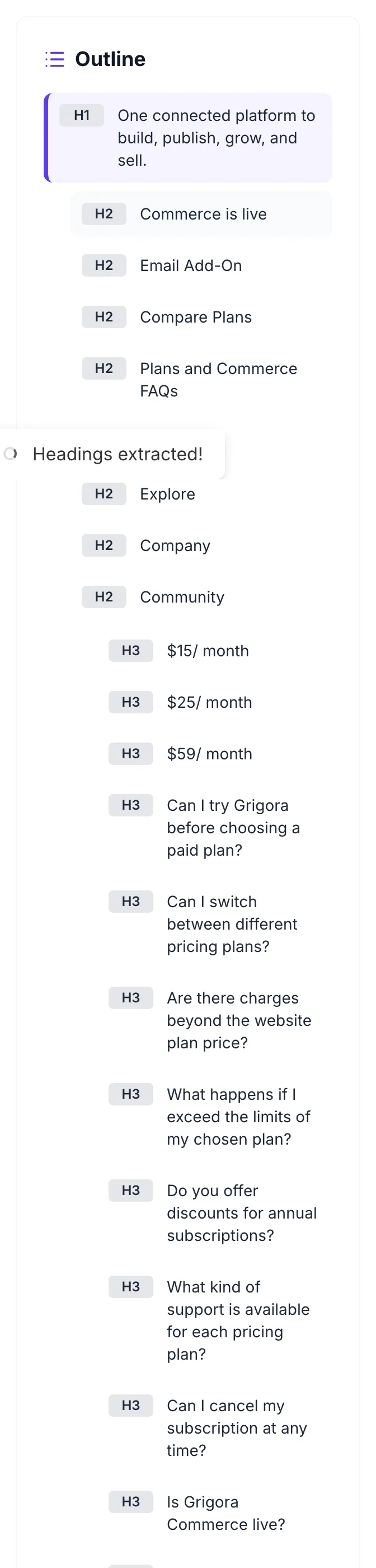
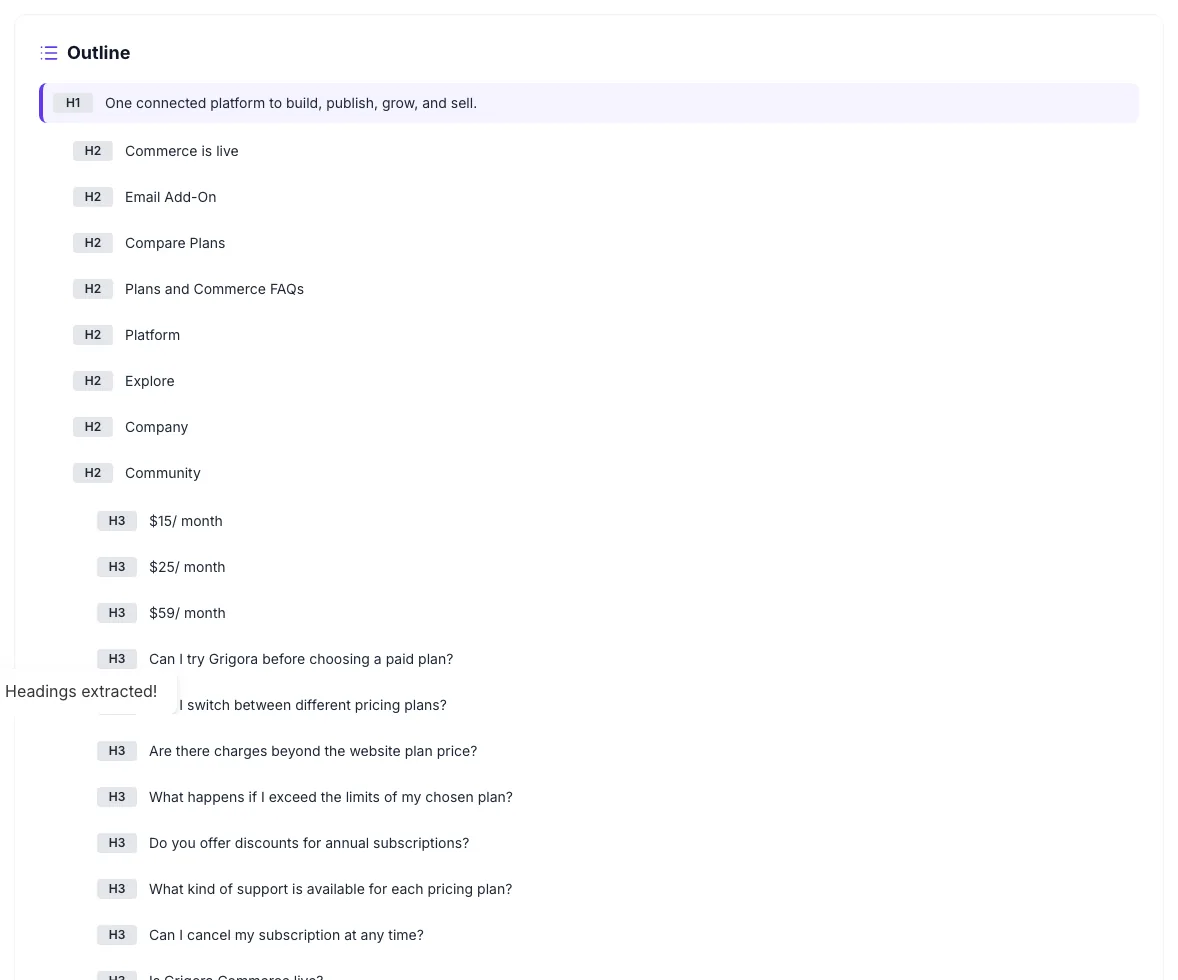
Real screenshots of the tool, taken while running it with the Check Headings button.
- 1
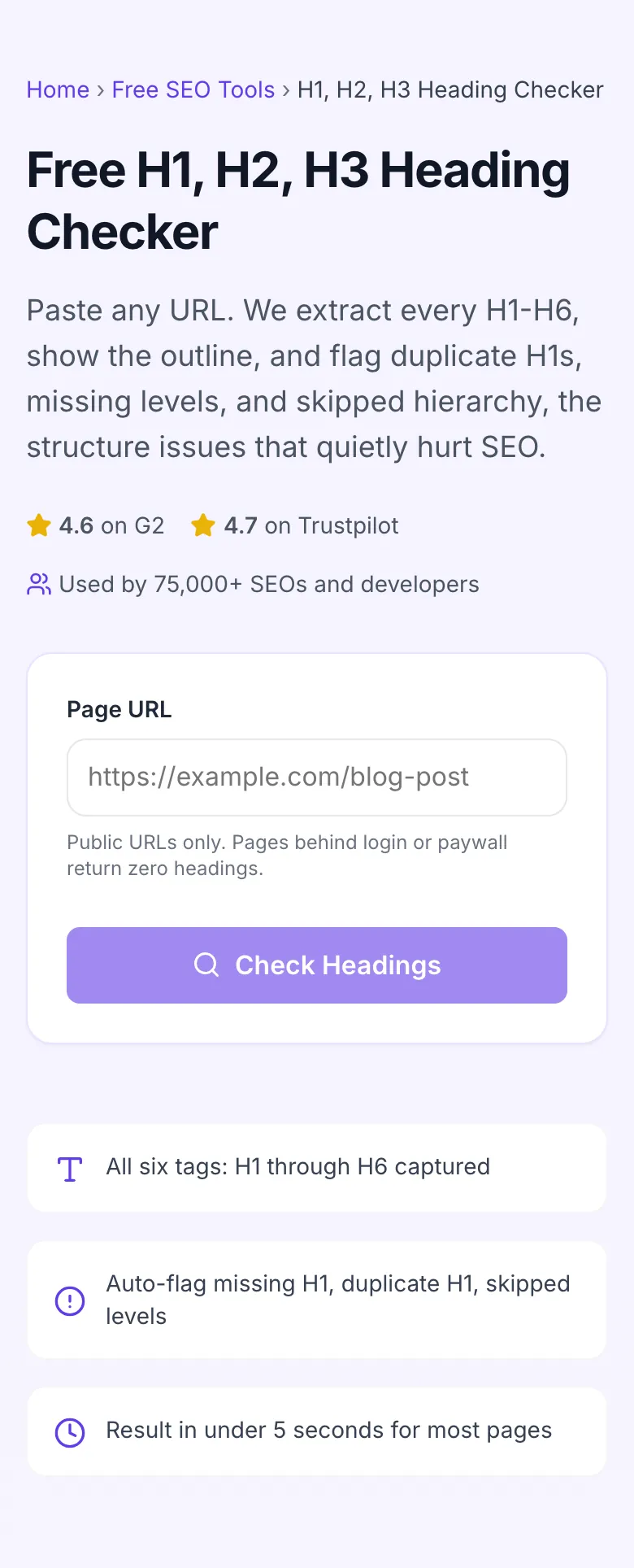
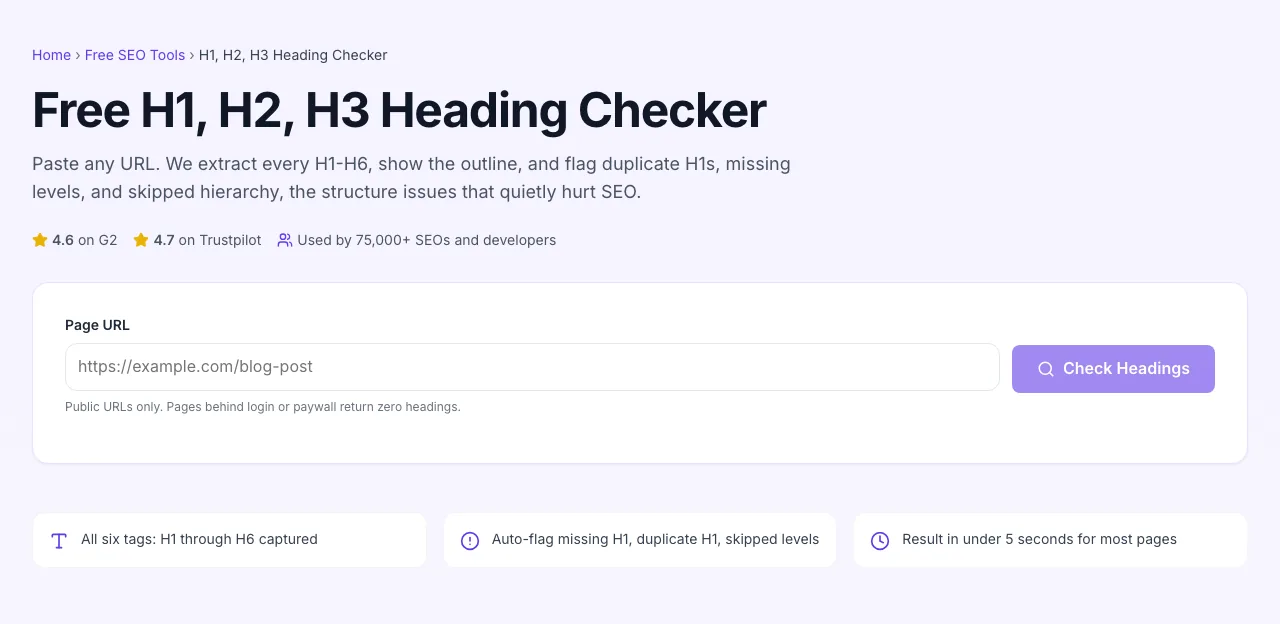
Add your input
Paste or type into the field H1 H2 H3 Heading Checker works from.
- 2
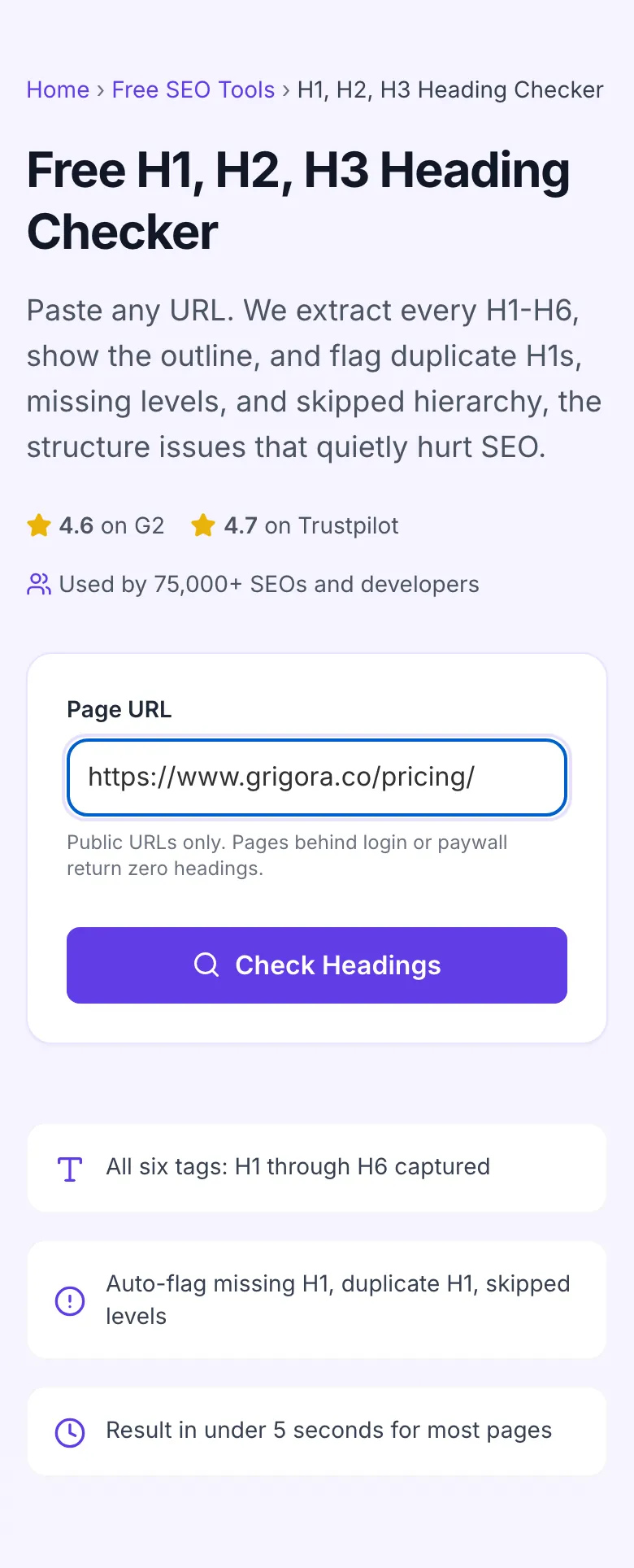
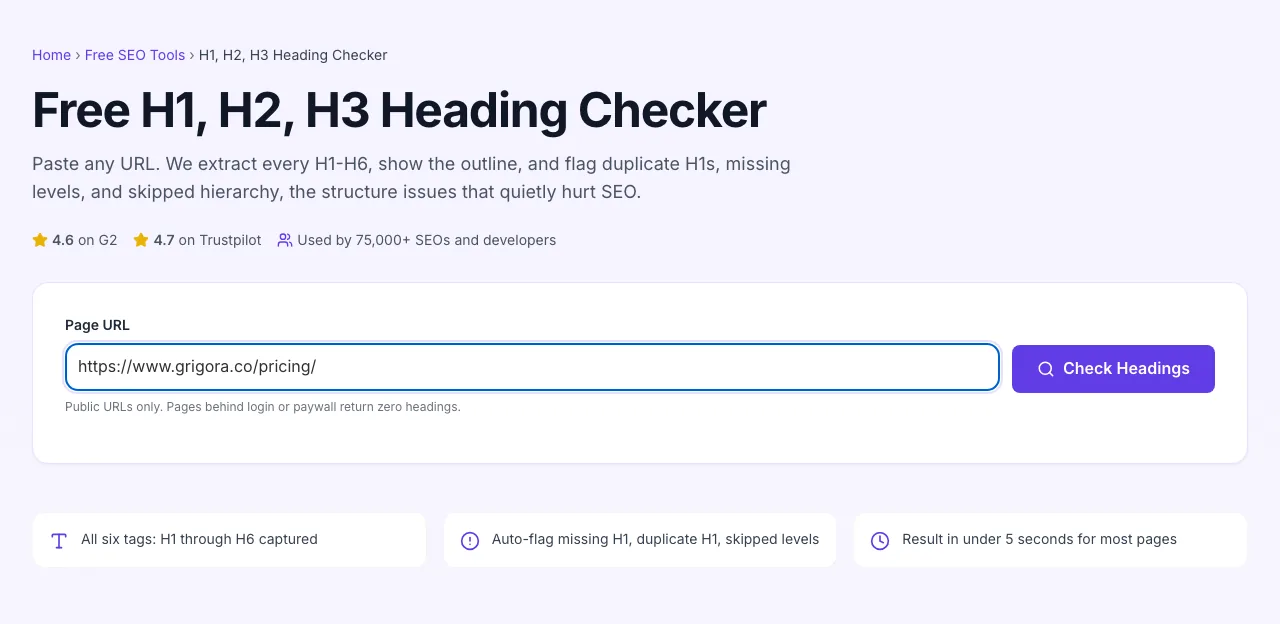
A page URL in place
With a page URL entered, H1 H2 H3 Heading Checker is ready to run.
- 3
See what Check Headings produces
Clicking Check Headings runs the check and shows the result right below.
How to audit a page
Five steps from URL to clean outline.
Paste any URL
http or https. Public pages only, pages behind authentication will not load.
Click Check Headings
The tool fetches the page server-side and parses every H1 through H6 in the rendered HTML.
Read the summary
Per-tag counts at the top, full outline below. Warnings appear automatically for missing or duplicate H1s.
Spot the issues
Look for: zero H1, multiple H1s, skipped levels (H2 to H4), or 30+ of a single tag. Each is a fix.
Edit and re-run
Make the fix in your CMS, publish, paste the URL again, confirm clean outline. Done.
When SEOs and developers use it
Six workflows where the heading checker pays for itself.
Pre-publish content audit
Right before hitting publish on a long-form post, run the staging URL through this tool. You catch missing H1s, accidental duplicate H2s, and skipped levels in 10 seconds. Fixes that take 60 seconds in the CMS but save weeks of debugging once the page is indexed.
Competitor outline reverse-engineering
You are writing a "best CRM for startups" post. Run the top 5 ranking competitors through the heading checker, see their H2/H3 structure, then build a deliberately better outline that covers what they cover plus a section they all miss.
SEO audit for a new client
You inherited a site with 200 pages and questionable structure. Run a sample of the top organic pages through the checker, count broken outlines, and lead your audit report with "31 of your top 50 pages have heading structure issues. Here is the priority list".
Accessibility compliance check
WCAG audits flag heading hierarchy issues. This tool is the fastest way to verify each page passes the "logical heading order" rule before you sign off on a client's a11y claim.
Refreshing legacy blog posts
You are running a content refresh on 50 old posts. Run each through the checker first; the ones with broken outlines are the highest-ROI to fix. The ones with clean outlines are likely fine and can stay near the bottom of your priority list.
Theme migration QA
Switching from one WordPress theme to another? Heading tags are easy to break in a theme migration (themes wrap things differently). Run a representative sample of post types and pages through the checker after switch to spot regressions before they hurt rankings.
Platform-specific setup guides
How to fix heading issues on the CMSes most teams actually use.
WordPress
- In the post editor, look at the right sidebar Outline panel (Block Editor), it shows the heading hierarchy live.
- For full audits, run the published URL through this tool. WordPress themes often wrap site titles in H1, conflicting with the post H1.
- If you find duplicate H1s, edit your theme's header.php to change the site logo to
instead of an H1.
Webflow
- In Designer, every text element has a tag dropdown. Check that your page title is H1 and section headers are H2/H3 sequentially.
- Headings inside Collection items inherit the tag you set in the template, change there, not on each item.
- Run published pages through this tool to catch issues that only show up after CMS data fills in.
Ghost
- Ghost posts use Markdown-style heading levels (# = H1, ## = H2, etc). Convention is to skip ## the first H1 since the post title becomes H1 automatically.
- If you accidentally start your post body with another # heading, you get duplicate H1s. Switch to ## for sections.
- Verify with this tool after publishing. Ghost themes are usually clean but custom themes can introduce extra H1s.
Next.js / React custom builds
- Use semantic <h1>, <h2>, <h3> in your JSX. Avoid wrapping styled text in <div>s when an H tag would be correct.
- For dynamic content (CMS-driven pages), confirm getStaticProps or getServerSideProps returns headings in the HTML, not just JSON for client hydration.
- Run each page route through this checker after deploy, JS-only sites are the most likely to have hidden heading issues.
Squarespace / Wix
- These platforms hide tag selection in style panels. Look for "Heading 1", "Heading 2" labels in text editor toolbars.
- Templates often hardcode the site logo or top nav as H1, limited fix without code injection.
- Audit with this tool. If duplicate H1s are unfixable in your plan tier, accept it as a known limitation and focus on the rest of the outline being clean.
Grigora vs. other heading checkers
Side-by-side feature comparison with the tools SEO teams reach for.
| Capability | Grigora | Screaming Frog | SEMrush Audit | Free generators | View Source |
|---|---|---|---|---|---|
| Free + unlimited URLs | Yes | Limited free tier | Free trial | Free, ad-supported | Manual only |
| All H1-H6 tags | Yes | Yes | Yes | H1-H3 only | Manual |
| Outline view (indented hierarchy) | Yes | Yes | Yes | Flat list | Manual |
| Auto-flag missing H1 | Yes | Yes | Yes | Manual | Manual |
| Auto-flag duplicate H1 | Yes | Yes | Yes | No | Manual |
| Per-tag count summary | Yes | Yes | Partial | Yes | Manual |
| No signup | Yes | Account required | Account required | Yes | Yes |
| Bulk URL audits | On request | Paid tier | Yes | No | No |
Common errors and how to fix them
Eight issues SEOs hit when auditing heading structure, with the exact fix.
Tool returns "no headings found" but the page has them
Cause: Page is a single-page app that injects content via JavaScript after initial render. Server HTML has no headings.
Fix: For SPA pages, server-render or pre-render the headings (Next.js getStaticProps, Nuxt asyncData, etc.). If the headings are dynamically generated and cannot be SSRed, accept that this checker will miss them and use a Lighthouse audit run from a real browser instead.
Multiple H1s detected
Cause: A theme or template wraps both the site logo and the page title in H1, or you copy-pasted content with its own H1 still wrapping the title.
Fix: Pick the H1 that represents the actual topic of this page. Demote the other to H2 (if it is a section title) or wrap in a non-heading element like <p class="logo"> for a logo. Test in Search Console's URL Inspection to confirm.
No H1 detected
Cause: Designer styled the page title with custom typography in a <div>, never wrapping it in a heading tag.
Fix: Add an H1 around the page title. The visual styling can stay the same, semantic tag is what Google reads. This is a quick 1-line CMS edit that often shifts ranking on long-tail queries.
Heading skips a level (H2 -> H4)
Cause: A developer or content team picked H4 because it "looks the right size", ignoring that there should be H3s between them.
Fix: Either insert missing H3s or demote the H4 to H3. Use CSS to control visual size (font-size: 1rem on H3 is fine), and keep the tag semantically correct.
Heading text contains entity-encoded characters in output
Cause: You typed an apostrophe or ampersand in the CMS, and the renderer encoded it.
Fix: No fix needed, the encoding is fine. Search engines handle & and & identically. The output preserves the raw HTML for transparency.
Page has 30+ H2s
Cause: You used H2s as visual subheadings throughout a long article, without an H3 layer.
Fix: Group related H2s under broader H2s, demoting the inner ones to H3. A 30-H2 page reads as a flat list of equal-weight topics; structure matters more than count.
Headings include navigation, footer, and sidebar items
Cause: Your theme uses H2 or H3 tags for "Recent Posts" widgets, footer column titles, etc.
Fix: Convert non-content headings to <p> with a heading-like CSS class. Reserve real heading tags for the article body. Sidebars and footers should not contribute to the page outline.
Tool times out on a large URL
Cause: The page is huge or hosted somewhere with strict rate-limiting.
Fix: Wait 30 seconds and retry. If it persistently fails, copy the page HTML manually (View Source, save) and inspect headings yourself with browser DevTools.
Original data from our 2026 audit
We sampled 2,000 random pages to see how heading structure looks across the open web.
Frequently asked questions
Twelve answers to what SEO teams ask us about heading audits.
Related free tools
Other utilities that pair well with the Heading Checker.
H1 Tag Checker
A focused check for the H1 tag specifically.
Try itHeading Tag Generator
Generate optimized headings for a target keyword.
Try itHeading Structure Extractor
Pull the full outline as a copyable list.
Try itMeta Tag Generator
Pair good headings with optimized title and description tags.
Try itSocial Snippet Checker
Audit social meta tags alongside heading structure.
Try itSERP Snippet Preview
See how your title and meta render in Google search results.
Try itAudit a URL right now
Paste a link, see the outline, fix the structure. Free, unlimited, no signup.
Try the Heading Checker