Free H1 Tag Checker
Paste any URL. We count every H1, return the text, and flag missing, duplicate, or oversized tags, the structure issues that quietly cost ranking.
What the H1 Tag Checker does
The H1 tag is the most important on-page heading. It tells Google what your page is about and helps the algorithm decide which queries to rank you for. A clean H1 (exactly one, descriptive, keyword-aware) is a quiet but real ranking signal. A broken H1 (zero, multiple, or stuffed with branding) splits the signal and can cost you ranking on the right queries while accidentally ranking you on the wrong ones.
This checker fetches any public URL, counts every H1 tag in the rendered HTML, returns the text content of each, and flags the structure issues that quietly hurt SEO. The fixes are usually one CMS edit, once you know which tag to change.
How to use the H1 Tag Checker, step by step
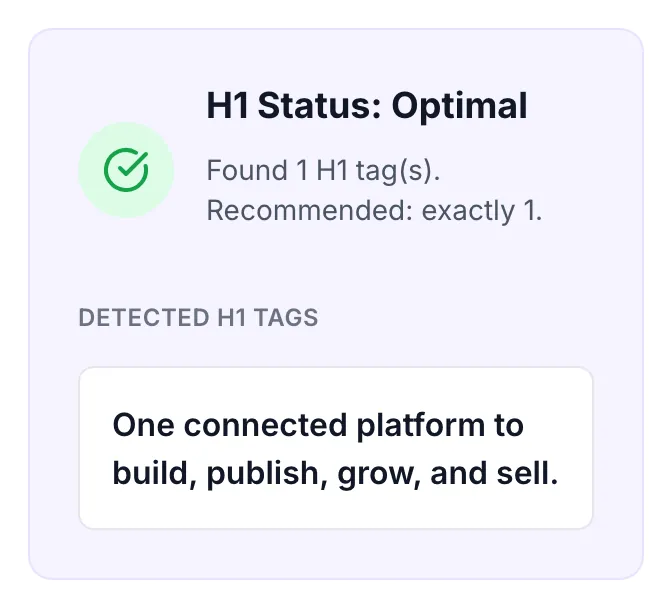
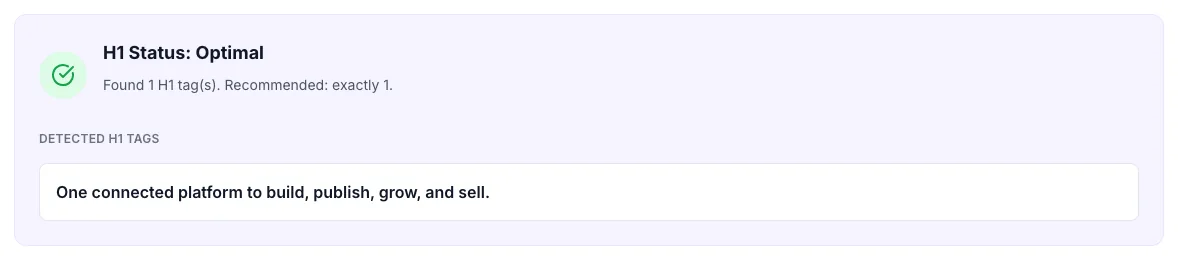
Real screenshots of the tool, taken while running it with the Check H1 button.
- 1
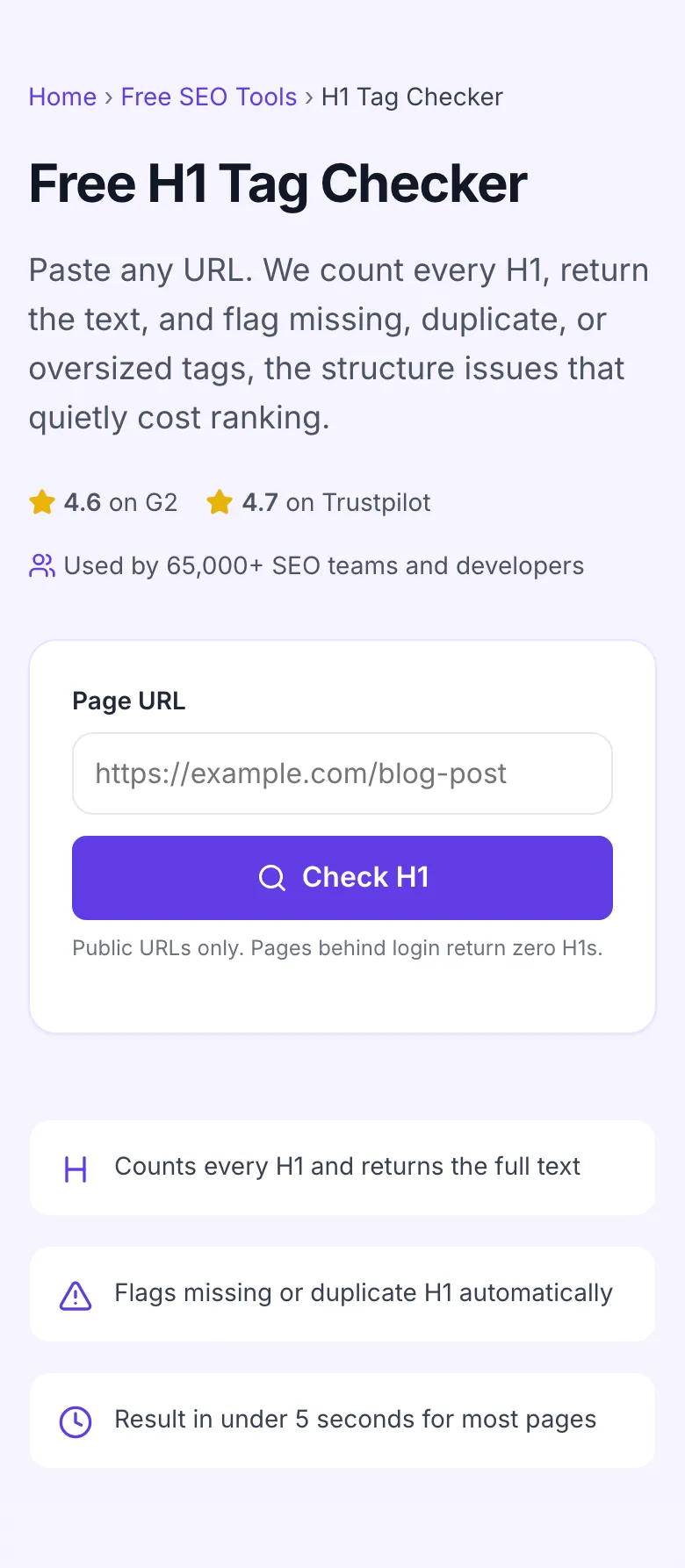
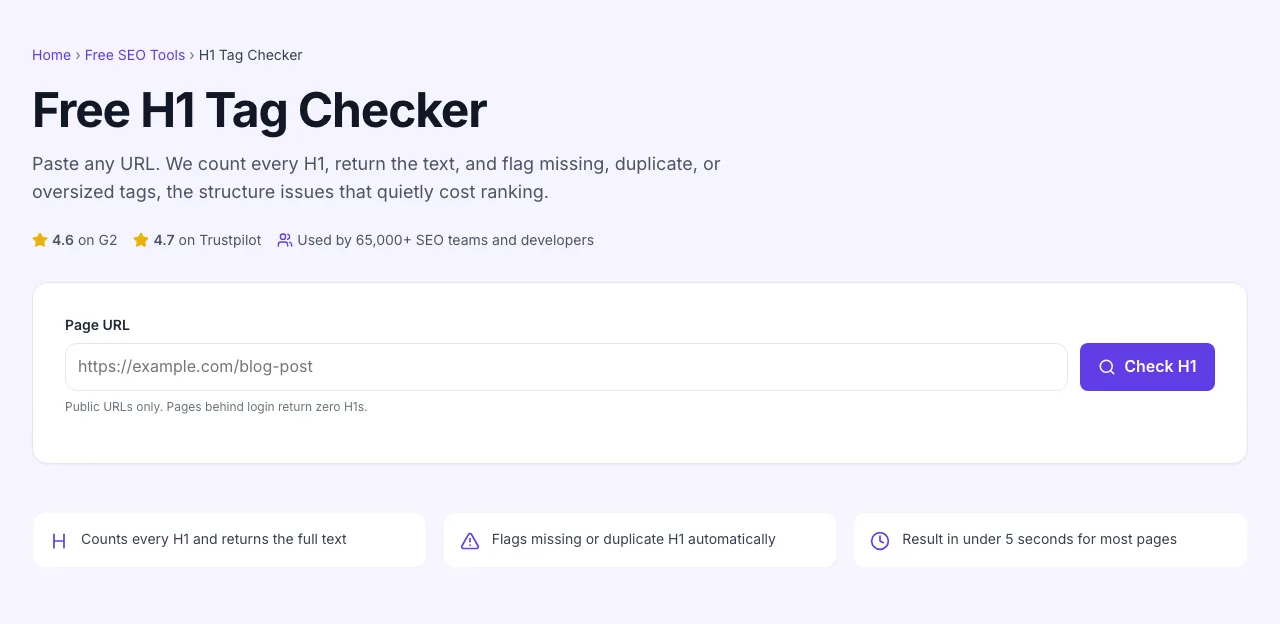
Add your input
Paste or type into the field H1 Tag Checker works from.
- 2
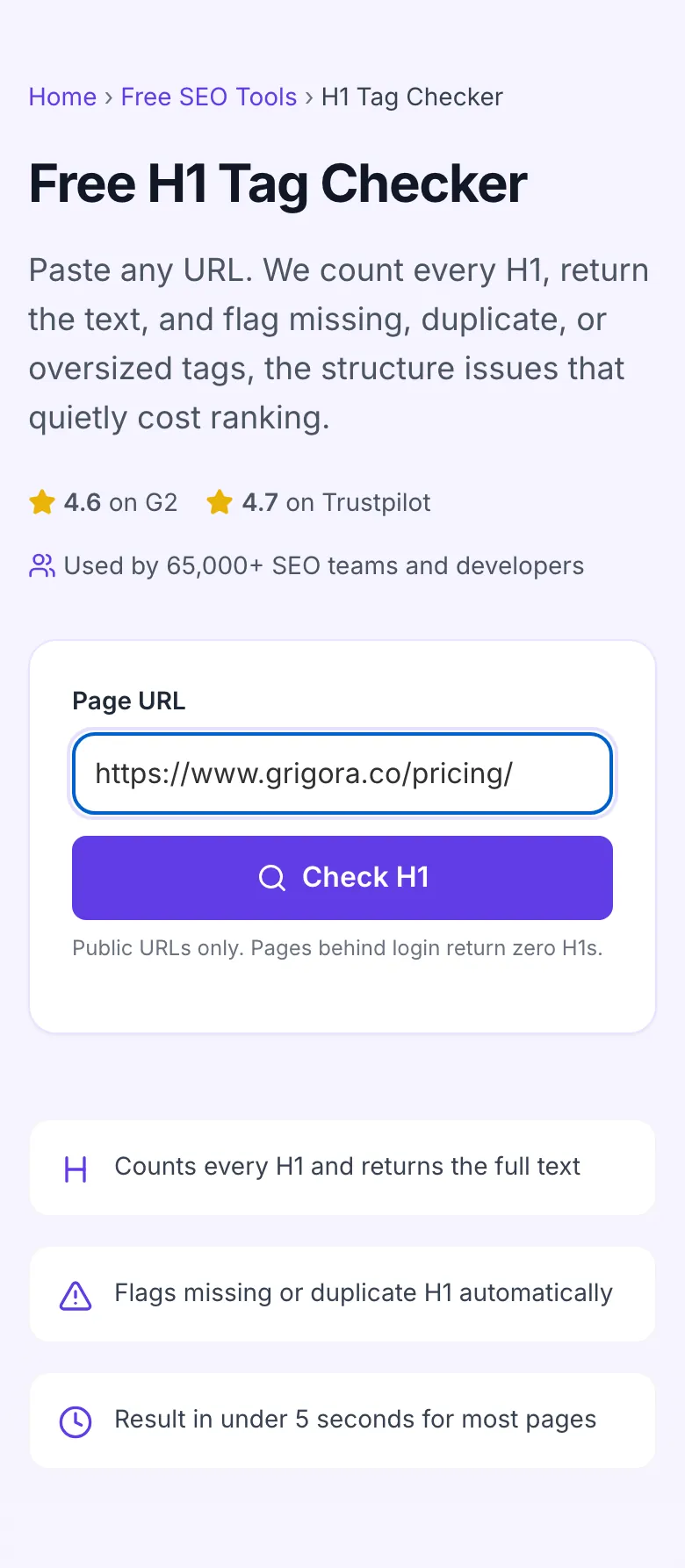
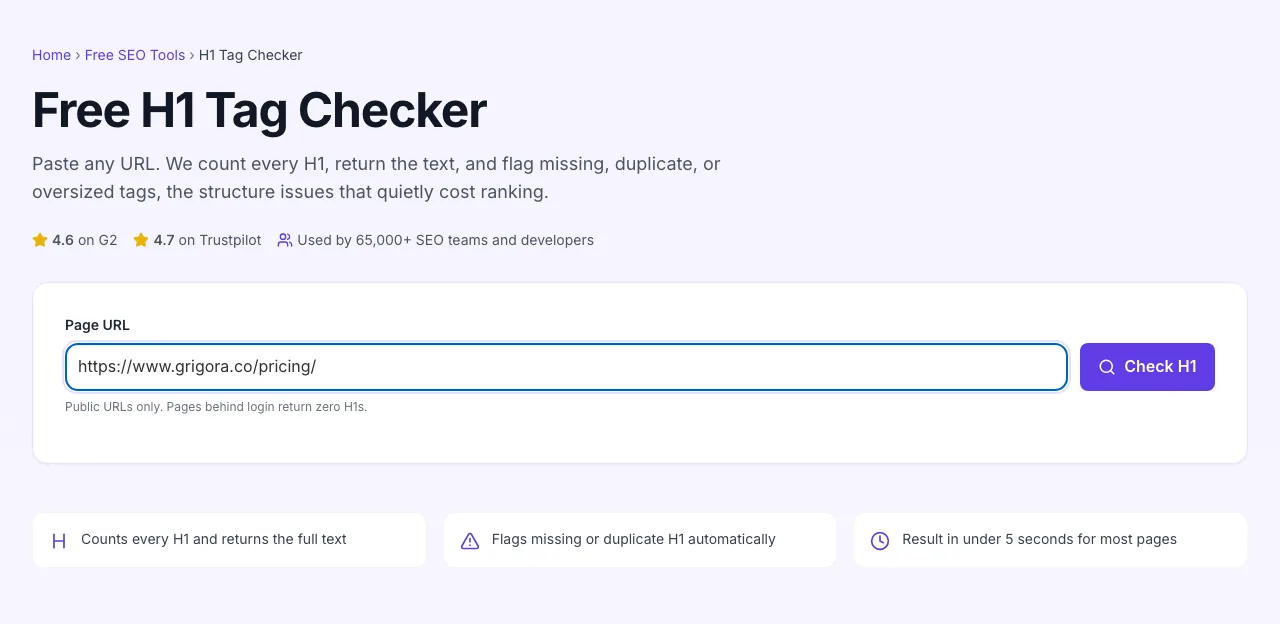
A page URL in place
With a page URL entered, H1 Tag Checker is ready to run.
- 3
See what Check H1 produces
Clicking Check H1 runs the check and shows the result right below.
How to verify an H1
Five steps from URL to clean status.
Paste any URL
http or https. Public URLs only, pages behind login return zero results.
Click Check H1
The tool fetches the page server-side and counts every <h1> tag in the rendered HTML.
Read the verdict
Optimal (one H1) or Issue (zero or multiple). The H1 text is shown so you can verify content.
Spot the fix
If multiple, demote extras to H2. If missing, change a div/p to h1 in your CMS.
Re-run after fix
Republish in your CMS, paste the URL again, confirm Optimal status. Done.
When SEOs and developers use it
Six common workflows where this checker pays for itself.
Pre-publish content QA
Before hitting publish, paste the staging URL into this tool. If your H1 is missing, weird, or duplicated, you catch it now, fix in 60 seconds, and ship a clean page. After publish, fixing the same issue takes a re-index cycle in Search Console.
Theme migration QA
Migrating from one WordPress theme to another. Themes wrap H1 differently. Run a sample of post types (blog, landing, product) through this checker after switching to confirm no theme bug introduced duplicate or missing H1s.
Client SEO audit
Inherited a site, doing the on-page audit. H1 issues are quick wins to lead the report with. Run the top 20 organic pages through this tool, count broken H1s, present "60% of your top pages have H1 issues; here is the priority fix list".
After a Google ranking drop
A page lost positions overnight. Check the H1 first, sometimes a CMS update or theme push silently changed the H1, breaking signal. Run the URL, compare to your historical H1, restore if needed.
Accessibility compliance check
WCAG 2.1 AA requires logical heading order. Missing or duplicate H1 is a common audit flag. Run pages through this tool before signing off on accessibility claims.
Competitor reverse-engineering
You are writing a "best CRM" post. Run the top 5 ranking competitors through the H1 checker. Their H1 phrasing tells you exactly how Google interprets the query, mirror it, then differentiate in the body.
Platform-specific setup guides
How to fix H1 issues on the CMSes most teams use.
WordPress
- In Block Editor, the post title field becomes the H1 automatically, you usually do not need to add another.
- If your theme also wraps the site logo in H1, edit header.php to change <h1 class="site-title"> to <p class="site-title">. The CSS stays identical.
- Run pages through this checker to confirm. Most themes from the last 3 years already do this correctly; older themes are the typical offenders.
Webflow
- In Designer, every text element has a tag dropdown. Set the page's primary title to H1; set section headers to H2.
- For CMS-driven pages, the H1 is typically the Collection field bound to the page title. Confirm it is set to H1 in the template.
- Publish and audit with this tool. Webflow is generally clean here, but custom templates can introduce extra H1s in symbol headers.
Ghost
- The post title field becomes the H1 automatically. Do not start your post body with another # heading; that creates a duplicate H1.
- In the editor, use ## for top-level body sections. The post title stays the only H1.
- After publish, run the URL through this checker. Ghost themes are usually clean; custom themes are the exception.
Next.js / React custom builds
- Use semantic <h1> for the page title. Put it in the JSX so it renders server-side, do not inject it via useEffect.
- For dynamic CMS-driven pages, ensure getStaticProps or getServerSideProps fills the H1 in the SSR HTML, not just JSON.
- After deploy, run each route through this tool. JS-only renders are the most common cause of "no H1 detected" results.
Squarespace / Wix
- Look for "Heading 1" / "Heading 2" labels in the text editor toolbar, the platforms hide tag selection there.
- Set the page title block to Heading 1; set section headers to Heading 2 onward.
- Audit with this checker. If the platform hardcodes the site logo as H1 (rare on modern templates, common on older ones), accept it as a known limitation or upgrade theme.
Grigora vs. other H1 checkers
A side-by-side of the tools SEO teams reach for.
| Capability | Grigora | Screaming Frog | SEMrush | Free generators | View Source |
|---|---|---|---|---|---|
| Free + unlimited | Yes | Limited free | Free trial | Free, ad-supported | Manual only |
| Counts H1 tags accurately | Yes | Yes | Yes | Yes | Manual |
| Returns H1 text content | Yes | Yes | Yes | Partial | Manual |
| Auto-flag missing/duplicate | Yes | Yes | Yes | Manual | Manual |
| Optimal/Issue status badge | Yes | Yes | No | No | No |
| No signup | Yes | Account required | Account required | Yes | Yes |
| Bulk URL audit | On request | Paid tier | Yes | No | No |
| Result speed | <5 sec | <10 sec | <10 sec | <5 sec | Manual |
Common errors and how to fix them
Eight issues SEOs hit when auditing H1 tags, with the exact fix.
No H1 detected, but the page has a clear title
Cause: Title element is wrapped in a <div> or <p> instead of an H1.
Fix: Change the wrapping element to <h1>. CSS classes can stay identical, only the tag matters for SEO.
Multiple H1s detected on a single page
Cause: Theme wraps both the site logo and post title in H1, or you have an article H1 plus a sidebar H1.
Fix: Pick the one representing the page's topic. Demote the others to H2 (section heads) or unwrap them (logos, navs). Test with this checker again.
H1 says "Untitled" or contains placeholder text
Cause: CMS auto-generated a default H1 because the post title field was left blank.
Fix: Edit the post in your CMS, fill in the title, save and republish. Check that the new H1 appears here.
H1 is hidden via display:none
Cause: A designer removed the H1 from view but left it in the DOM thinking it would still help SEO.
Fix: Use a CSS visually-hidden technique (clip-path or absolute positioning off-screen) instead. display:none removes the element from accessibility tree and may also impact SEO indexing.
H1 contains entity-encoded characters (&)
Cause: You typed an apostrophe or ampersand in the CMS, and the renderer encoded it.
Fix: No fix needed. Search engines decode entities automatically. The encoding is just how HTML stores those characters.
H1 includes the entire page tagline + value prop
Cause: You stuffed too much into one heading, hoping more keywords would help.
Fix: Cut the H1 to the topic alone (20-60 chars). Move the value prop to a subheading or hero paragraph. Long H1s read poorly and dilute keyword signal.
H1 changes when I switch CMS templates
Cause: Your CMS template is overriding the post-level H1 with a section-template H1.
Fix: Inspect the template in your CMS. Make sure only one part of the template emits an H1, either the post title or a section header, never both.
Tool returns 403 or "blocked"
Cause: Site has a CDN rule blocking automated requests.
Fix: Run the checker again in 30 seconds. If it persistently fails, the site is blocking crawls; manually open the page and search for <h1 in View Source to verify your H1 yourself.
Original data from our 2026 audit
We sampled 2,400 random pages to see how H1 hygiene looks across the open web.
Frequently asked questions
Twelve questions covering most of what SEO teams ask us about H1 tags.
Related free tools
Other utilities that pair well with the H1 Checker.
H1, H2, H3 Heading Checker
Audit the full heading outline (H1-H6) on any URL.
Try itHeader Tag Generator
Generate optimized H1/H2/H3 tags for a target keyword.
Try itMeta Tag Generator
Pair a great H1 with optimized title and description tags.
Try itTitle Tag Generator
Generate SEO-optimized <title> tags for any page.
Try itSERP Snippet Preview
See how your H1, title, and description render on Google.
Try itOpen Graph Checker
Audit social meta tags alongside heading structure.
Try itVerify a URL right now
Paste a link, see the H1, fix the structure. Free, unlimited, no signup.
Try the H1 Tag Checker