Free Hashtag Generator
Type your topic. Get 12 hashtags, trending, niche, brand-safe, platform-aware. Copy, paste, post. No signup, no rotating ad walls.
What the Hashtag Generator does
Hashtag strategy has changed in the last two years. The old playbook of reusing one broad tag set, mixing big and small tags, and rotating sets still kind of works on Instagram, but TikTok rewards 3-5 tags, LinkedIn wants industry-specific clusters, and X (Twitter) ignores most hashtags entirely. The right strategy is per-platform, and the right hashtags are per-post.
This generator takes your post topic, returns 12 platform-aware hashtags, a mix of mid-volume tags you can rank in, niche tags for the targeted audience, and brand-safe tags vetted against banned-list patterns. Each query rotates the output so the algorithm sees fresh signal. Free, unlimited, and tuned for what actually moves engagement in 2026.
How to use the Hashtag Generator, step by step
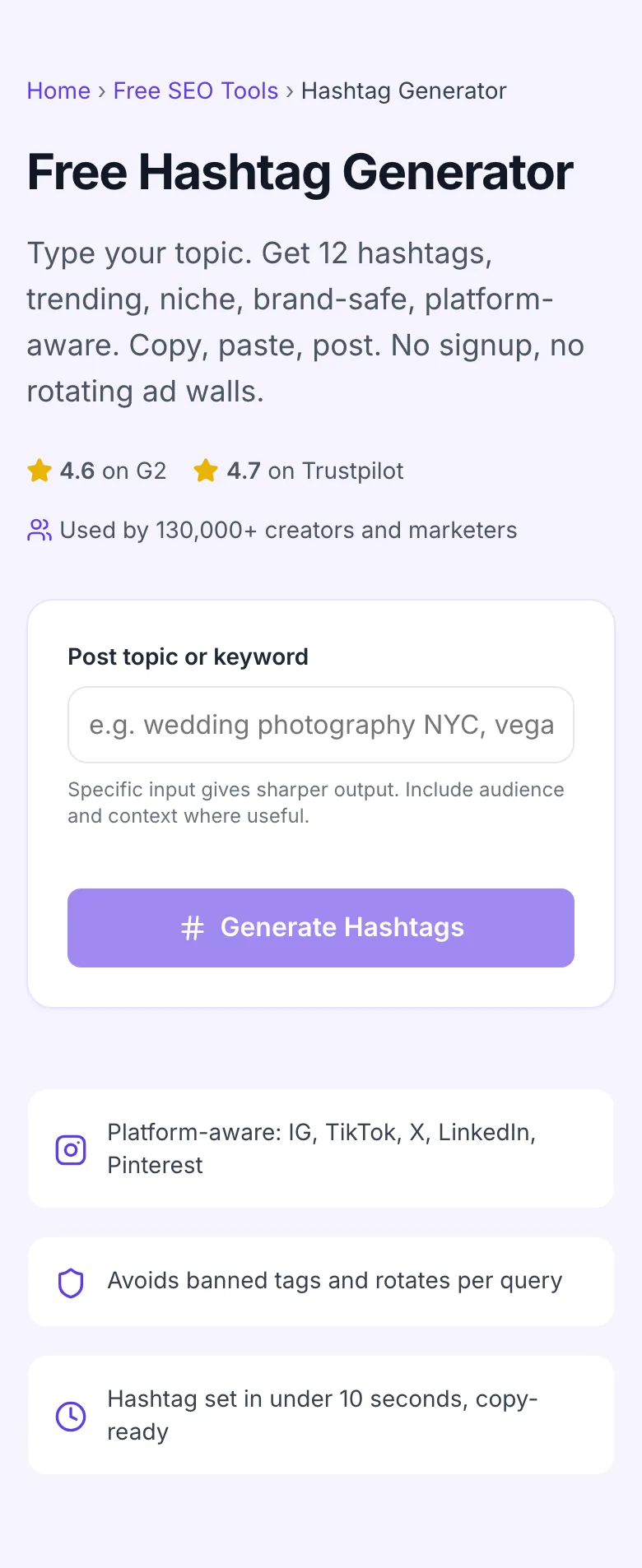
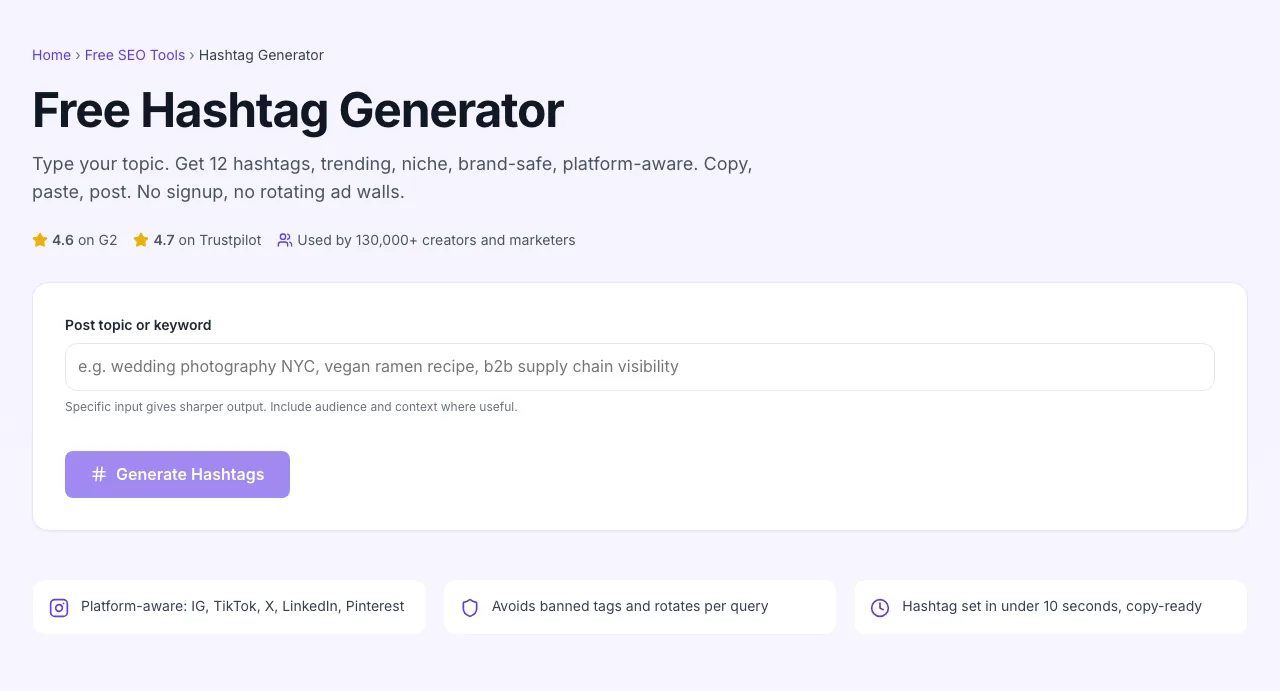
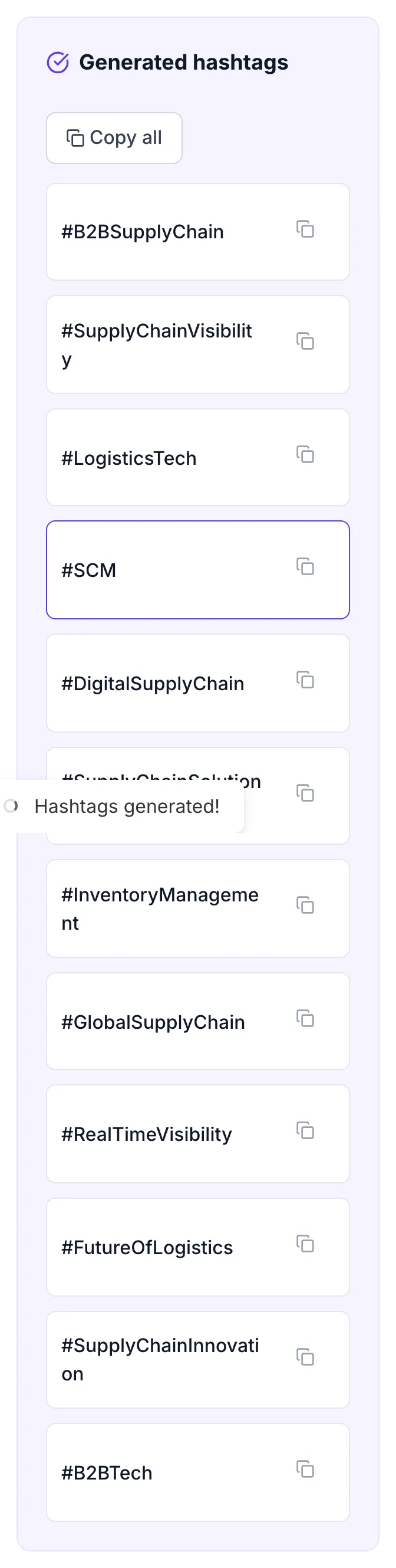
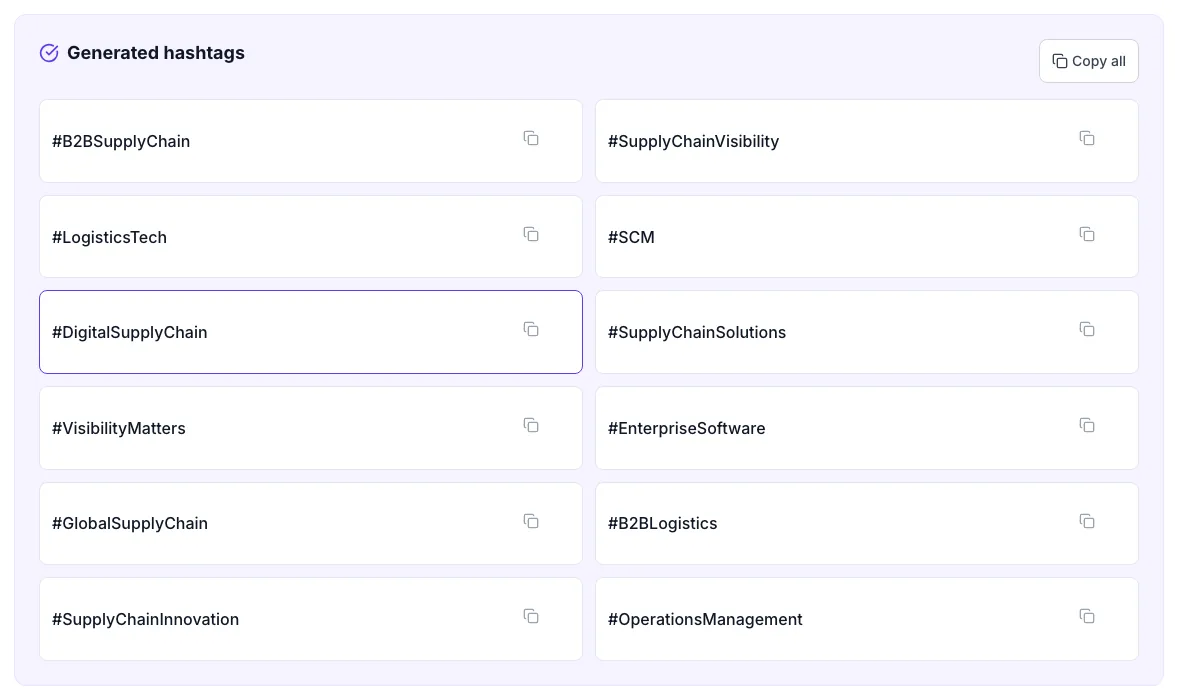
Real screenshots of the tool, taken while running it with the Generate Hashtags button.
- 1
Add your input
Paste or type into the field Hashtag Generator works from.
- 2
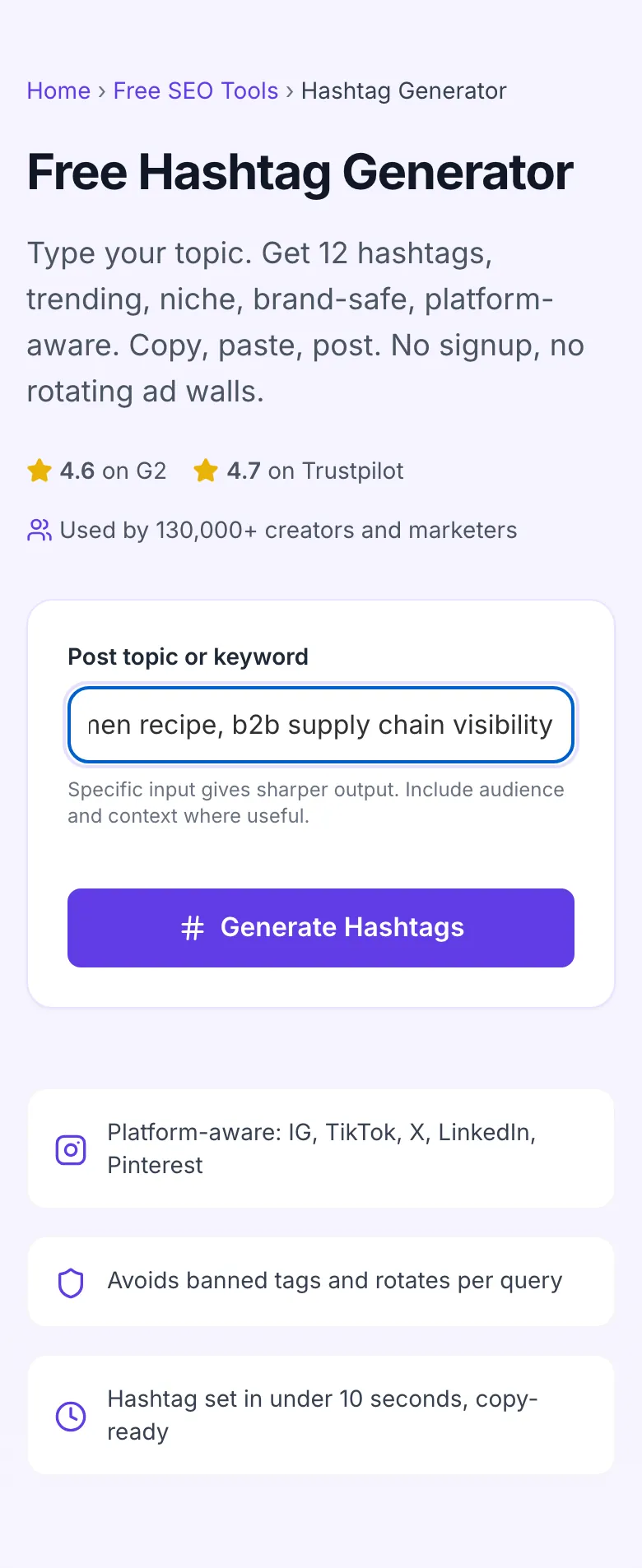
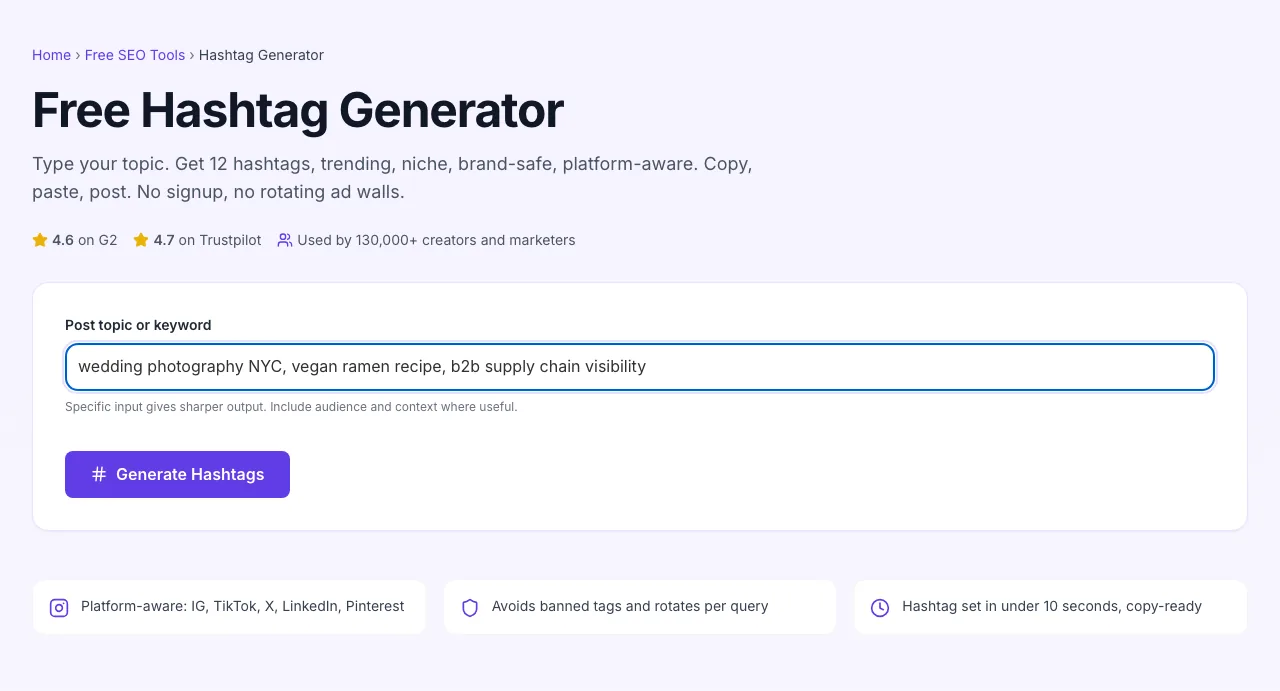
Sample text in place
With sample text entered, Hashtag Generator is ready to run.
- 3
See what Generate Hashtags produces
Clicking Generate Hashtags runs the check and shows the result right below.
How to use the generator
Five steps from topic to posted.
Type a specific topic
Be precise: "vegan ramen recipe" beats "food". The AI mirrors how specific your input is.
Click Generate Hashtags
In about 5 seconds, you get 12 platform-aware tags. Mix of trending, niche, and brand-safe.
Copy individual or all
One-click copy for the full set, or copy individual tags to mix with your saved core set.
Paste into your post
Drop the tags into your caption or first comment per platform. Match each platform's convention.
Re-run for variety
For your next post, re-run the generator. Each query rotates the tag set so the algorithm sees fresh signal.
When creators and marketers use it
Six common workflows where the generator earns its keep.
Daily Instagram posting cadence
You post 5-7 times a week to a creator account. Manually researching tags eats 15 minutes per post; the AI gives you a fresh varied set in 10 seconds. Over a month that is 7+ hours of saved time, with the same or better reach.
Launching a new product on TikTok
You shoot 30 product videos for a 4-week launch campaign. Each needs 3-5 niche tags, product features, customer pain points, lifestyle context. Generate per video, vary tags so the algorithm sees signal, not repetition.
B2B LinkedIn thought leadership
Posting weekly on LinkedIn about your domain. The right 3-5 industry tags increase impressions 30-50% on long-form posts. Run each draft through the generator, pick the most specific tags, post.
Multi-platform repurposing
You shoot one video, post it on TikTok, IG Reels, and YouTube Shorts. Tag strategy is different per platform; the generator adapts to platform context, so you do not slow your repurposing pipeline researching tags three times.
Local business expanding social presence
A bakery, a boutique gym, a hair salon. Local. Niche-tags + city-tags is the right mix to find local followers (#austinbakery, #downtownboutique). The generator surfaces those when you include the city in the input.
Influencer collab discovery
Searching for niche micro-influencers in your category. Generate the hashtag set first, then sort the top posts under each tag by engagement, the consistent posters with strong engagement-per-follower are your shortlist.
Platform-specific setup guides
How to deploy hashtags on each major platform without working against the algorithm.
- Generate a focused set of 12 tags using a specific input ("Italian seafood restaurant Brooklyn"). Algorithm currently rewards mid-volume tags more than mega-tags.
- Drop 5-7 in the caption, the rest in the first comment to keep the caption visually clean.
- Rotate 60-80% of tags per post. Repeating the same 30-tag block triggers the "spam" detector and depresses reach.
TikTok
- Generate the set, then ruthlessly cut to 3-5 most-relevant tags. The For You Page is content-led, not tag-led.
- Place tags inline in the caption, not at the end. TikTok captions are short anyway.
- Avoid #fyp / #foryou, they do not actually push you to FYP, despite the persistent myth. Specific tags are stronger signal.
X (Twitter)
- Use 1-2 tags maximum. More than that and the post reads as a marketing tweet, depressing engagement.
- Pick the most specific tag from the generated set. Trending+broad tags get drowned out; niche tags surface to the right audience.
- For long-running campaigns, create a branded tag and use it consistently across the campaign tweets.
- Generate with B2B context ("supply chain visibility for mid-market manufacturers").
- Pick 3-5 industry-specific tags. LinkedIn algorithm uses them to categorize for the "topics" feature.
- Place at the end of the post. LinkedIn does not wrap them inline cleanly, so end-positioning is the convention.
- Pinterest treats hashtags like keywords. Use up to 20 in the pin description.
- Mix broad (interior design) and niche (mid-century-modern bedroom) tags. Pinterest searches both ways.
- Place hashtags at the end of the description, after the natural-language pin copy.
Grigora vs. other hashtag tools
A side-by-side of the popular alternatives.
| Capability | Grigora | Hashtagify | RiteTag | Free generators | Manual |
|---|---|---|---|---|---|
| Free + unlimited generations | Yes | Limited free | Free trial | Free, ad-supported | Manual only |
| Platform-aware output | Yes | No | Yes | No | Manual |
| Mix of trending + niche | Yes | Trending only | Yes | Mostly trending | Manual |
| Avoids banned hashtags | Yes | No | Yes | No | Manual |
| Output rotates per query | Yes | Same every time | Yes | No | Manual |
| No signup | Yes | Account required | Account required | Yes | Yes |
| Multi-language | Yes | English only | Yes | English only | Yes |
| Number of tags returned | 12 | 10 | 30 | 15 | Manual |
Common errors and how to fix them
Eight issues creators hit with hashtags, with the exact fix.
Generated hashtags include a banned tag
Cause: AI rarely generates banned tags, but it can happen for ambiguous inputs.
Fix: Cross-check the output against Instagram's banned list (a quick Google search returns the current list). Replace any flagged tag with a niche alternative from the same cluster.
All tags are too broad (#love, #photography)
Cause: Your input was too generic ("photos", "love", "fun").
Fix: Re-input with specifics: "wedding photography NYC", "couples portraits", "elopement photography Italy". The AI mirrors specificity in its output.
Tags do not match the platform
Cause: You used the same set on TikTok and Instagram, but they reward different patterns.
Fix: Run the generator twice with platform context: "Instagram travel post" vs. "TikTok travel post". Adjust input phrasing per platform.
Reach has dropped despite using hashtags
Cause: You are using identical sets on every post, which the algorithm treats as repetitive.
Fix: Generate a fresh set per post. Save 3-4 "core" tags you reuse, but rotate the other 80% per post. Algorithm sees variety, ranks fairer.
Tags include words that look like keywords but are not hashtags
Cause: Some output includes plain words instead of #-prefixed tags.
Fix: Add the # prefix manually if missing. Or copy each line and paste into your social-app caption box, which auto-detects #.
Branded tag has no posts in it
Cause: You created a branded tag and have not used it consistently.
Fix: Use it on every brand-related post for at least 90 days. Include it in customer-facing collateral (email signatures, packaging) so customers know to tag too. Branded tags need critical mass before they become useful.
Tags work for one post but reach drops on the next
Cause: Algorithm rewards content quality over hashtag tactics. Hashtags only get you to the venue; the post has to perform once there.
Fix: Improve the post itself: better hook in first 3 seconds (video) or first line (text), stronger visual, clearer call-to-action. Hashtags amplify; they do not rescue.
Output language does not match my audience
Cause: Generator defaulted to English; your audience is non-English.
Fix: Type the input in your audience's language. The AI generates output in the same language as the input. For multi-language audiences, generate sets per language and combine.
Original data from our 2026 hashtag study
What we observed across 5,000 IG and TikTok posts tracked over 90 days.
Frequently asked questions
Twelve answers to what creators ask us about hashtags.
Related free tools
Other utilities that pair well with the Hashtag Generator.
Instagram Caption Generator
Generate captions to pair with the hashtag set.
Try itTikTok Caption Generator
TikTok-aware captions tuned for FYP-friendly hooks.
Try itInstagram Bio Generator
Polish your bio with branded tags and a CTA.
Try itYouTube Tag Generator
Generate tags for YouTube videos and Shorts descriptions.
Try itSocial Media Post Generator
Full post drafts with hashtags woven in.
Try itTagline Generator
Find a tagline you can use across social profiles.
Try itGet hashtags for your next post
Type your topic. Get a fresh set in 10 seconds. Free, unlimited, no signup.
Try the Hashtag Generator