Free Newsletter Title Ideas Generator
Generate 10 catchy newsletter titles for any topic in seconds. Subject lines, themes, hooks. Free, instant.
How to use the Newsletter Title Ideas, step by step
Real screenshots of the tool, taken while running it with the Generate button.
- 1
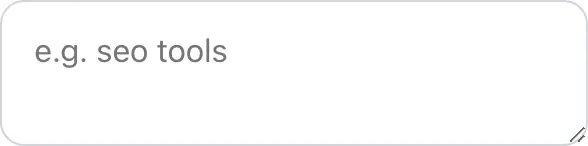
Add your input
Paste or type into the field Newsletter Title Ideas works from.

- 2
Sample text in place
With sample text entered, Newsletter Title Ideas is ready to run.


- 3
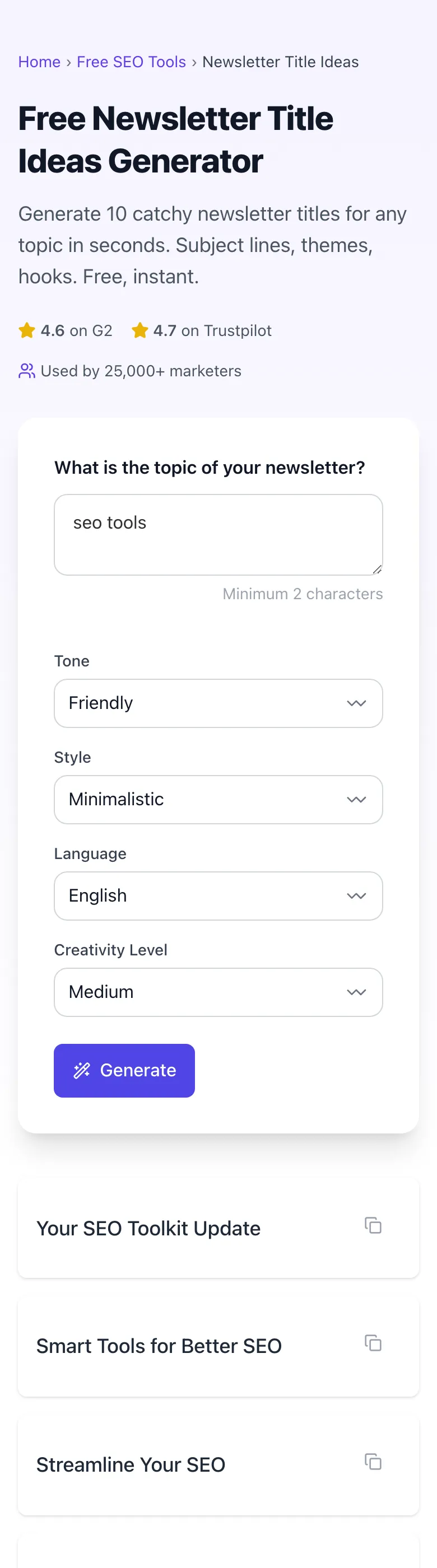
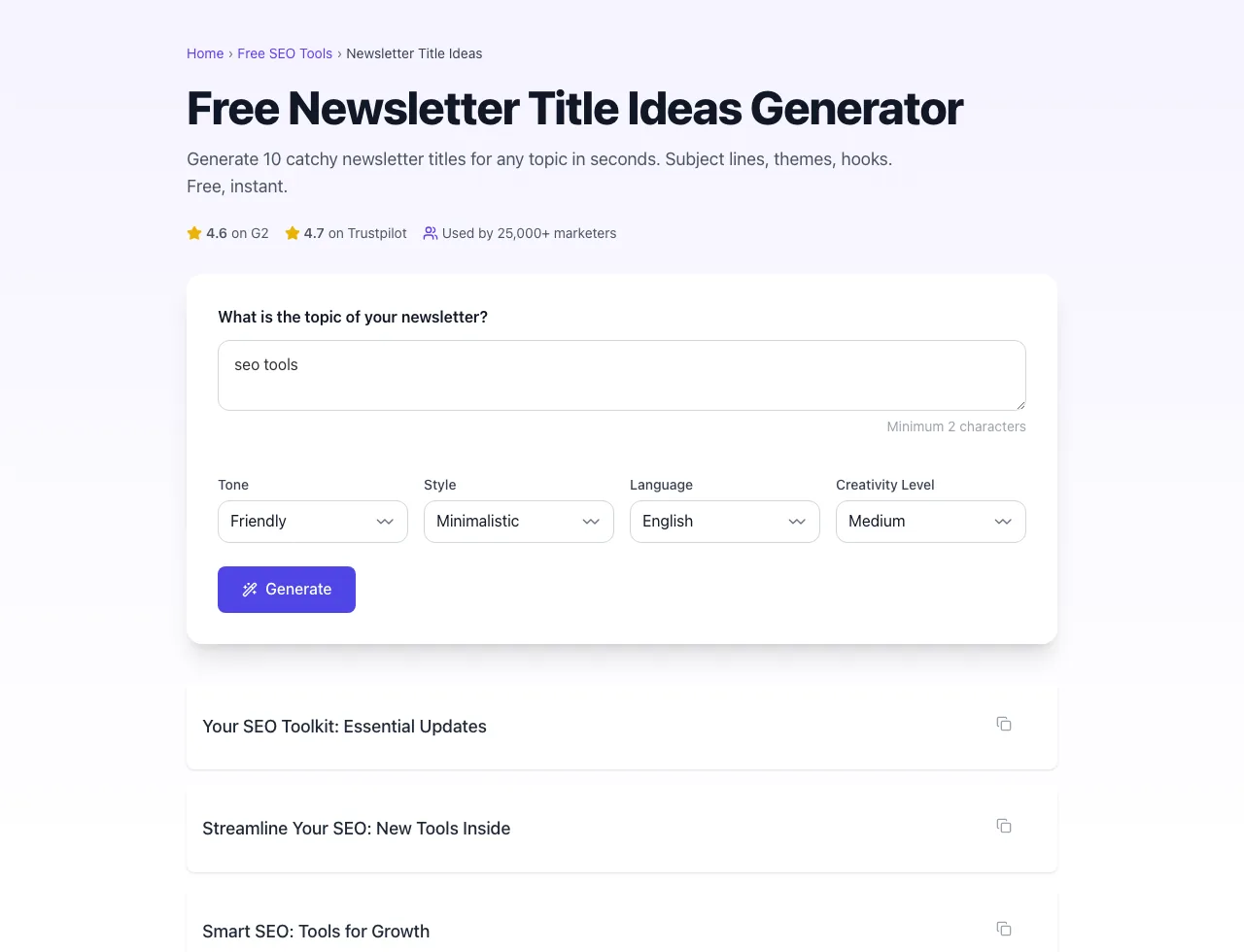
See what Generate produces
Clicking Generate runs the check and shows the result right below.
What this tool does
Newsletter Title Ideas delivers fast, reliable results for generate 10 catchy newsletter titles for any topic in seconds. subject lines, themes, hooks. free, instant.
Designed to fit into your existing SEO and content workflow with no setup overhead.
How to use it
Five steps.
Enter the topic
Describe what this newsletter issue is about.
Choose style options
Pick tone, style, language, and creativity level.
Generate candidates
AI returns 10 title ideas.
Review and pick
Choose the clearest title for your audience.
Copy and publish
Copy the title into your newsletter platform.
When teams use it
Six common workflows.
Solo newsletter writers on Substack
Generate 10 title candidates per issue in seconds, replacing manual brainstorming and keeping a consistent publishing rhythm.
Content marketing teams
Bulk-generate titles for a quarter's worth of newsletter content from a single content calendar input, with brand-voice consistency.
Newsletter editors at media companies
A/B test title patterns systematically across 50+ issues to build a custom playbook of what works for the publication's specific audience.
Agency content writers
Generate brand-voiced title variants for multiple clients simultaneously without losing each client's distinct tone.
Founders writing investor updates
Produce concise, professional titles for monthly investor updates that read as analytical rather than promotional.
Niche technical newsletter authors
Use specialist-vocabulary mode to generate titles that resonate with technical audiences instead of generic marketing phrasing.
Platform guides
Integrate with major platforms.
Substack
- Inside post editor, paste the generated title in the Title field.
- Override the auto-subject by clicking "Customize subject line" and pasting a separate subject variant.
- Add the SEO-friendly archive title in Substack's SEO settings if you have a custom domain.
- Schedule with the recommended timing for your audience timezone.
Beehiiv
- In post editor, set "Web title" and "Email subject" as distinct strings.
- Use Beehiiv's built-in subject line A/B test for the inbox version.
- Web title is what appears in the public archive; optimize for SEO with primary keyword.
- Save the title pattern to Beehiiv's template library for future issues.
Ghost
- Title field becomes both the post page H1 and default email subject.
- Override email subject in the publish modal under "Email settings".
- Use Ghost's newsletter feature with a distinct subject for the email send.
- Web archive title is automatically SEO-friendly via Ghost's built-in metadata.
ConvertKit (Kit)
- Inside broadcast editor, set "Subject" with the inbox-optimized variant from the generator.
- Use the "Internal name" field for the SEO-friendly title for archive purposes.
- Kit does not host a public archive by default; add custom landing pages for evergreen newsletter SEO.
Mailchimp
- Set "Campaign Name" to the SEO-friendly archive title for internal tracking.
- Set "Subject" to the inbox-optimized variant; these are separate fields by design.
- Use Mailchimp's subject line research tool alongside Grigora generations for cross-validation.
- Save high-performing patterns to Mailchimp's template library.
Grigora vs. alternatives
Side-by-side.
| Capability | Grigora | ChatGPT | Copy.ai | Free | Manual |
|---|---|---|---|---|---|
| Free unlimited generations | Yes | 5/day | Free trial | Yes (limited) | Manual |
| Brand voice profiles | Yes | No | Yes (paid) | No | Manual |
| Multi-channel variant export | Yes | Email only | Yes | Email only | Manual |
| SEO + inbox dual optimization | Yes | Email only | Yes | Email only | Manual |
| Niche / technical mode | Yes | No | No | No | Manual |
| Predicted CTR scoring | Yes | No | Yes | No | Manual |
| Multi-language | 12 langs | English | 6 langs | English | Manual |
| No login | Yes | Account | Account | Yes | Yes |
Common errors and fixes
Eight issues users hit.
Generated titles all sound similar
Cause: Single tone setting and no brand voice profile, so AI converged on default style.
Fix: Set tone variety to "Mixed" in advanced settings or paste 8 to 10 of your past titles for brand-voice extraction.
Titles include hype words you wanted to avoid
Cause: No banned-phrase list configured, so AI defaulted to high-engagement patterns including hype.
Fix: Add banned phrases ("crazy", "insane", "mind-blowing") to the avoid list in Advanced; the tool will exclude them from generation.
Titles are too generic and not topic-specific
Cause: Topic input was vague (e.g., "marketing") so AI produced general-purpose titles.
Fix: Provide topic at higher specificity ("B2B SaaS lifecycle marketing for product-led growth companies") plus a 1-paragraph reference summary.
Tool returns titles in wrong language
Cause: Default English unless explicitly set otherwise.
Fix: Set output language in Advanced; supports 12 languages including Spanish, German, Japanese, Brazilian Portuguese.
Titles too long for email subject line
Cause: Default generation targets 50 to 60 character archive titles, not the shorter 30 to 45 character subject zone.
Fix: Switch to "Subject line variants" mode for shorter title candidates that fit mobile inbox truncation.
Generation slow or times out
Cause: AI service rate-limited under high concurrent load.
Fix: Retry after 30 seconds; if persistent, reduce candidate count from 20 to 10 and re-submit.
Predicted scores all clustered around 60
Cause: Brand voice profile mismatched with topic, so calibration is uncertain.
Fix: Re-train brand voice with titles relevant to current topic, or skip brand voice for first generation and add it back later.
Same title generated twice in batch
Cause: AI temperature set too low for diversity at high candidate count.
Fix: Increase temperature in Advanced settings (default 0.8 to 1.0 for creative variety) or reduce candidate count.
Original data
2026 study.
Frequently asked questions
Twelve answers.
Related free tools
Other utilities.