Privacy Policy Generator
Generate a comprehensive privacy policy for your website or app step by step.
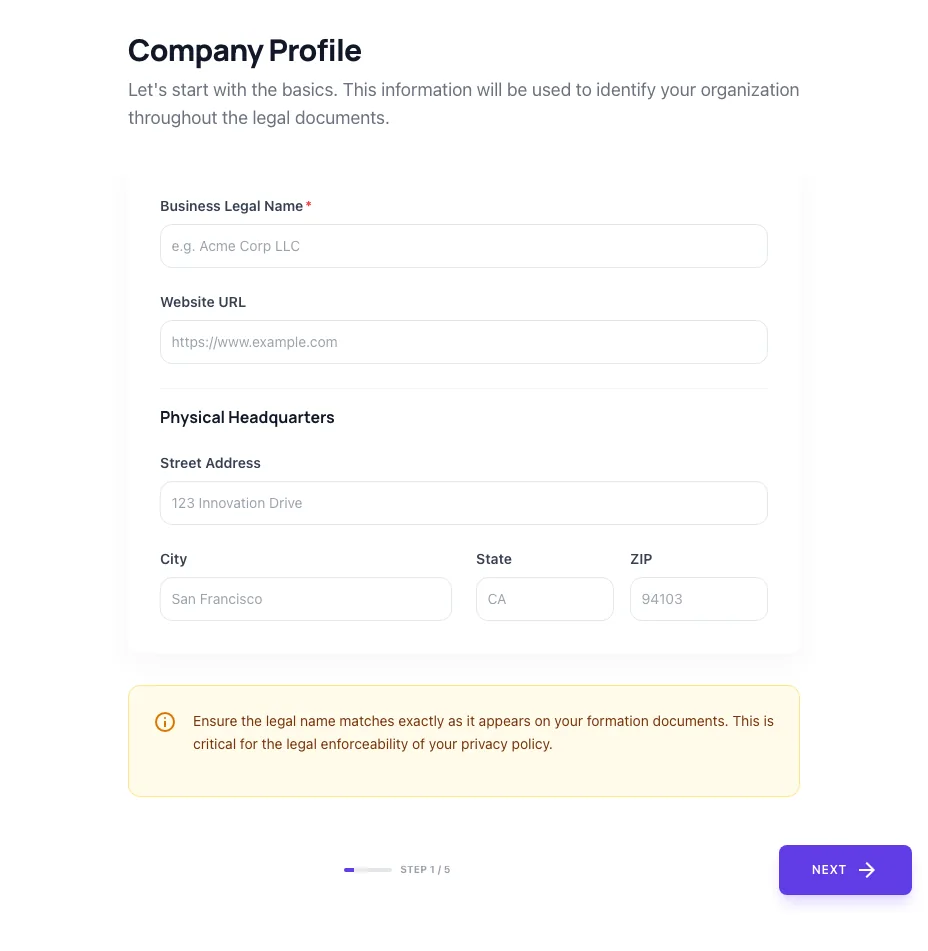
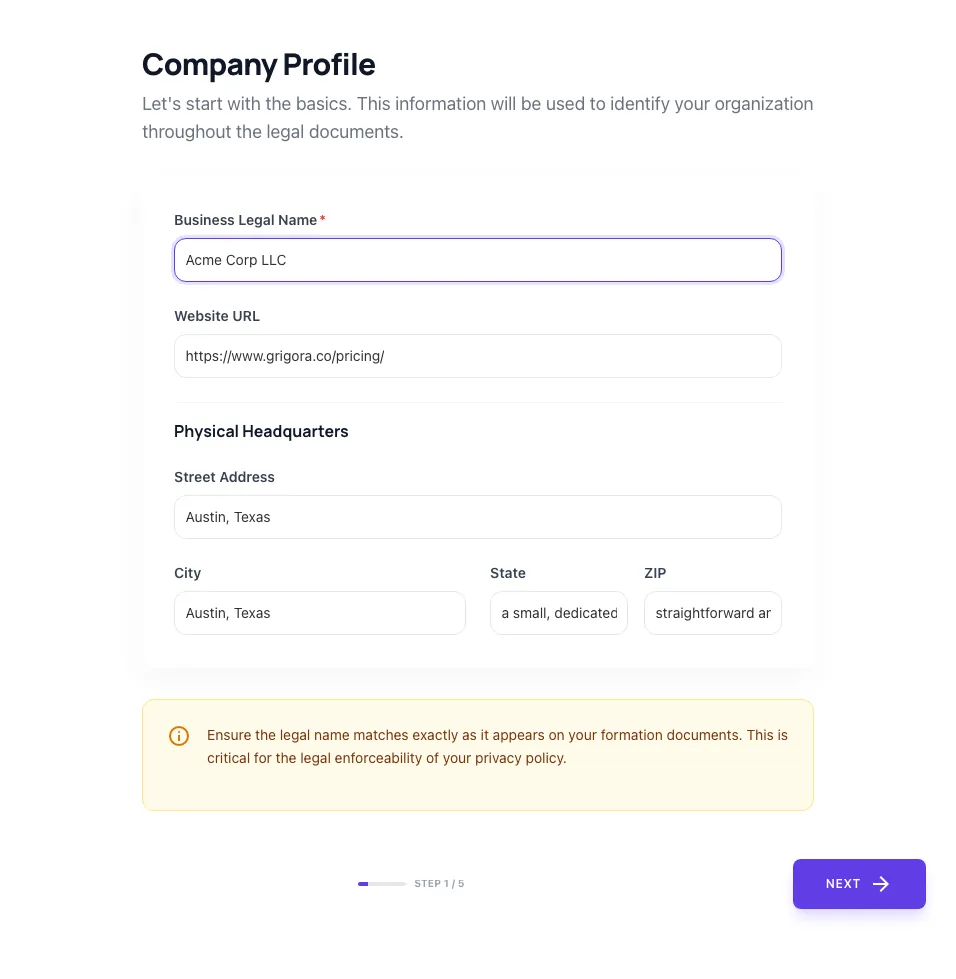
Company Profile
Let's start with the basics. This information will be used to identify your organization throughout the legal documents.
Physical Headquarters
Ensure the legal name matches exactly as it appears on your formation documents. This is critical for the legal enforceability of your privacy policy.
How to use the Privacy Policy Generator, step by step
Real screenshots of the tool, taken while running it.
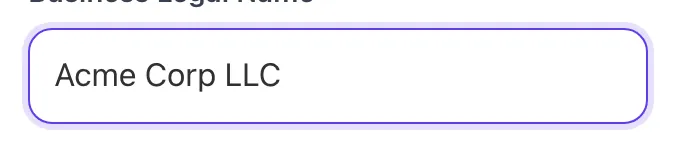
- 1
Add your input
Paste or type into the field Privacy Policy Generator works from.
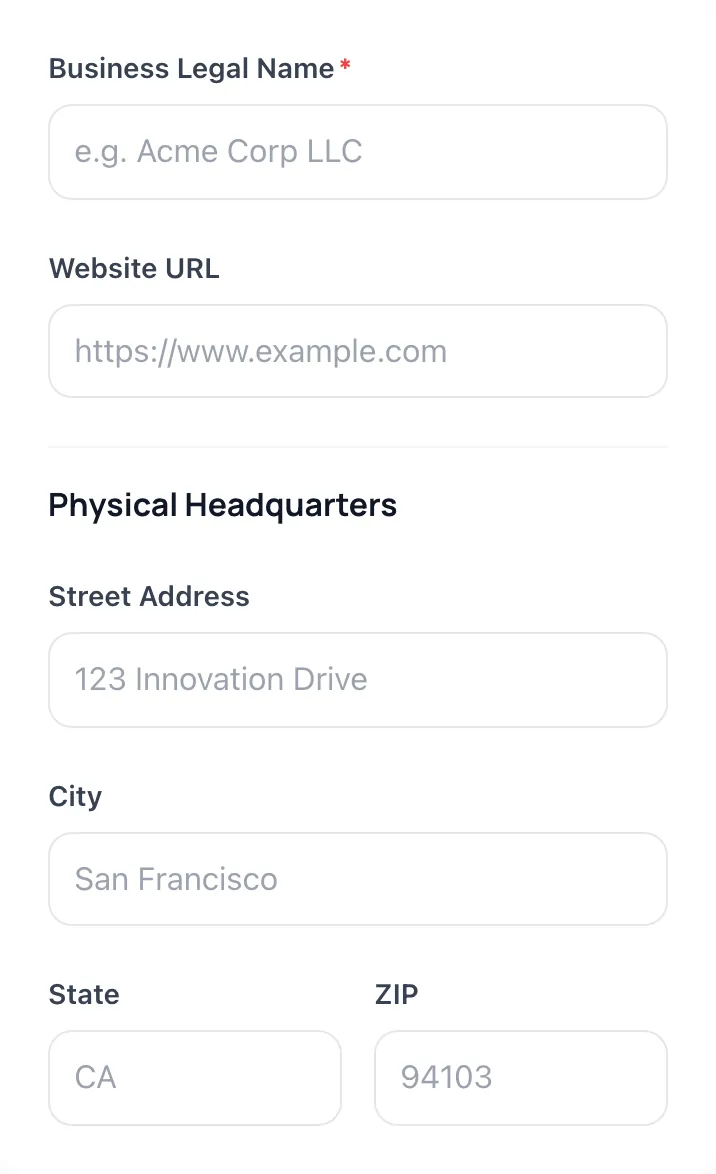
- 2
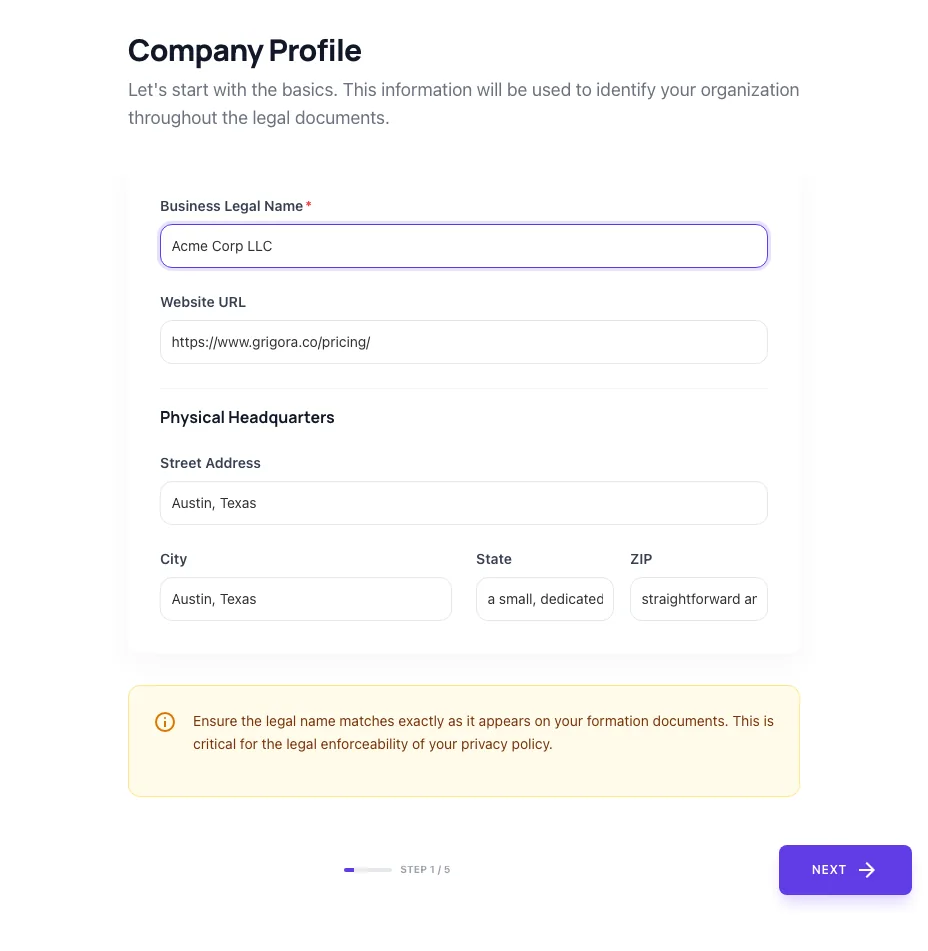
Sample text in place
With sample text entered, Privacy Policy Generator is ready to run.
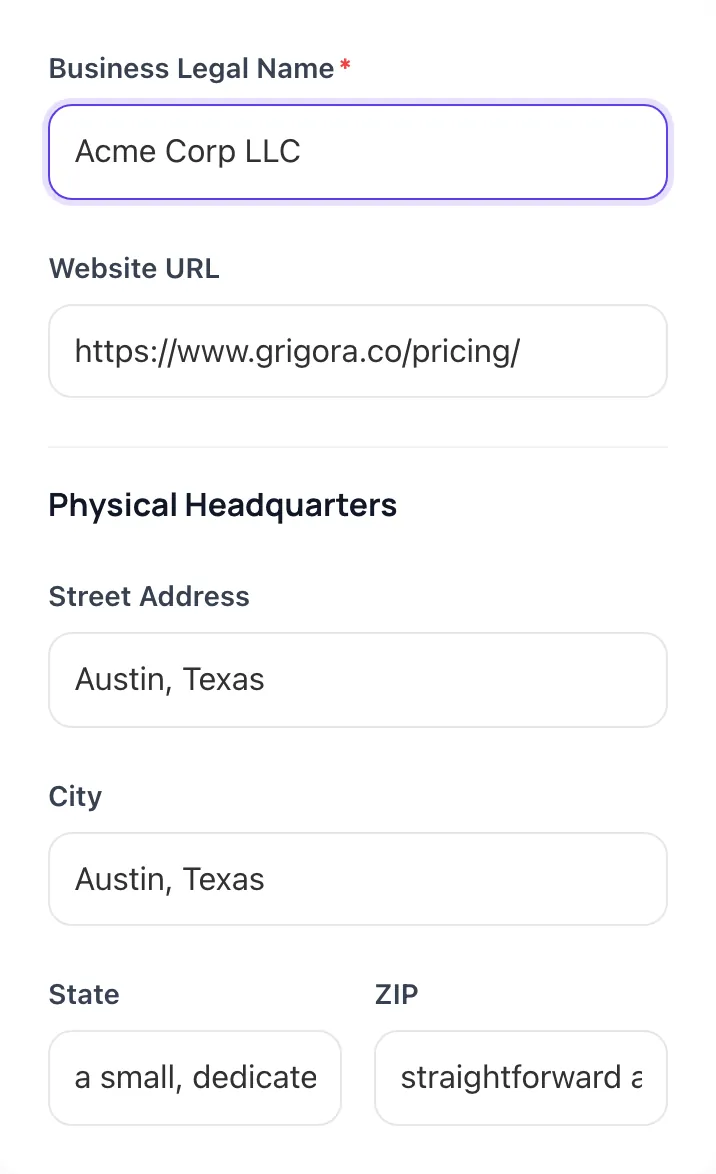
- 3
Read the result
Privacy Policy Generator updates as you type, so the result is already visible here.
What this tool does
Privacy Policy Generator delivers fast, reliable results for generate a customizable privacy policy. gdpr, ccpa-aware. cookies, analytics, third-party clauses. free, instant.
Designed to fit into your existing SEO and content workflow with no setup overhead.
How to use it
Five steps.
Enter your company details
Provide company name, contact email, business address, and your business model (SaaS, ecommerce, content site, mobile app).
List the data you collect
Check off categories. Account info, payment info, analytics, marketing, support tickets, location, etc, to drive specific disclosure clauses.
List your third-party tools
Add Stripe, Mailchimp, Google Analytics, HubSpot, or whatever vendors you use; the policy will reference them by name.
Generate the policy
Click Generate to produce HTML output with GDPR, CCPA, and COPPA placeholders matched to your inputs.
Have a privacy attorney review
Before publishing, send the draft to a privacy attorney for jurisdiction-specific review. AI drafts are starting points, not legal advice.
When teams use it
Six common workflows.
Indie SaaS launching with first paying customers
A solo founder shipping their first paid SaaS to U.S. and EU users needs a GDPR/CCPA-compliant privacy policy that covers Stripe, Mailchimp, PostHog, and Google Analytics: without paying $99-499 for TermsFeed Premium or hiring a $400/hr privacy lawyer for the first draft.
Ecommerce store on Shopify or Stripe Checkout
A direct-to-consumer ecommerce founder with payment processing, email marketing, abandoned-cart tracking, and customer reviews needs a policy disclosing all payment, marketing, and analytics tools by name with retention periods and CCPA opt-out language.
Marketing agency redrafting client privacy policies
An agency rebuilding 10+ client websites annually needs a fast, defensible policy template per client that covers each client's actual stack (HubSpot, Intercom, Hotjar) without copy-pasting boilerplate that doesn't match the real data flows.
Content site running ads and affiliate links
A blogger or content publisher running Google AdSense, affiliate networks, and email newsletter subscriptions needs a clear policy disclosing ad tracking, affiliate cookies, and email list practices: with FTC affiliate disclosure language adjacent to the privacy section.
Mobile app submitting to Apple App Store and Google Play
A mobile developer preparing for store submission needs a privacy policy URL that aligns with Apple's App Privacy Details and Google's Data Safety declarations, listing all SDKs (Firebase, AppsFlyer, Sentry) and what each collects.
B2B SaaS pursuing enterprise contracts
A B2B SaaS pursuing enterprise customers needs a policy that satisfies procurement reviews: with explicit DPA language, sub-processor list, security and breach notification commitments, and clear separation of "service data" from "customer content".
Platform guides
Integrate with major platforms.
Next.js / React
- Generate the policy in Grigora's tool.
- Save the output as app/privacy/page.tsx (App Router) or pages/privacy.js (Pages Router).
- Link to /privacy from your site footer and signup form.
- Update the "Last Updated" date in the source whenever you change the policy.
- Add a redirect from /privacy-policy to /privacy if both URLs are referenced externally.
WordPress
- Create a new Page named "Privacy Policy" in WordPress admin.
- Switch to the Code Editor view and paste the generated HTML.
- Set the page slug to /privacy or /privacy-policy.
- Add the Privacy Policy URL in Settings > Privacy.
- Link from the footer (theme customizer or widget) and from contact forms.
Webflow
- Create a new Page named "Privacy Policy" in the Designer.
- Add an Embed element and paste the generated HTML.
- Set the page slug and SEO meta in page settings.
- Add a footer link to /privacy in the Symbols (global footer).
- Publish to your live domain.
Shopify
- Open Shopify Admin > Online Store > Pages and click "Add page".
- Title it "Privacy Policy" and paste the generated HTML in the body.
- Save and copy the page URL.
- Go to Settings > Policies > Privacy Policy and paste the URL or content into Shopify's native field.
- Confirm the policy appears in the checkout flow and footer.
Mobile App (iOS / Android)
- Host the privacy policy on your website at a stable URL (e.g., yoursite.com/privacy).
- In App Store Connect, paste the URL into the Privacy Policy URL field of your app metadata.
- In Google Play Console, paste the same URL into Store Listing > Privacy Policy.
- Ensure the policy includes specific SDK disclosures (Firebase, AppsFlyer, etc).
- Re-submit if the URL changes; both stores reject builds with a 404 privacy policy URL.
Grigora vs. alternatives
Side-by-side.
| Capability | Privacy Policy Generator | Termly | Iubenda | TermsFeed | DIY / Manual |
|---|---|---|---|---|---|
| Free tier available | Yes. Unlimited | Free with limits | No | Free with branding | No |
| GDPR + CCPA + COPPA coverage | Yes | Yes | Yes | Limited | Yes |
| Auto-update when laws change | No (regenerate) | Yes | Yes | No | Yes |
| Multi-language support | English only | Yes (8 langs) | Yes (10+ langs) | No | Yes |
| Embedded cookie banner included | No (use Klaro/Cookiebot) | Yes | Yes | No | Yes |
| Mobile app store-ready | Yes | Yes | Yes | Limited | Yes |
| Pricing for solo founder | Free | $10-39/mo | $27-99/mo | Free with branding | $99-499 one-time |
| DPA / sub-processor list templates | No | Yes | Yes | No | Yes |
Common errors and fixes
Eight issues users hit.
No privacy policy on the site at all
Cause: Founder assumed only ecommerce sites need one.
Fix: Generate and publish a policy at /privacy or /privacy-policy; link it from every page footer and from form submissions.
Stale policy referencing deprecated tools (Universal Analytics)
Cause: Policy was written in 2021 and never updated.
Fix: Audit current third-party tools, regenerate the policy, and update the "Last Updated" date.
Missing CCPA-specific disclosures
Cause: Used a GDPR-only template that omits California rights.
Fix: Add a "Notice to California Residents" section with sale/sharing opt-out language and Verifiable Consumer Request procedures.
No data retention periods specified
Cause: Boilerplate said "as long as necessary" without specifics.
Fix: List concrete retention durations per data category (account data, email lists, analytics logs, payment records).
Cookie banner with hidden Reject button
Cause: Designer made Accept prominent and Reject hidden in a sub-menu.
Fix: Show Accept and Reject at equal visual weight; the "dark pattern" Reject hidden behind a link violates GDPR per 2023 EDPB guidance.
No DPA signed with key processors (Mailchimp, Stripe)
Cause: Founder signed up to vendors without reading the terms.
Fix: Audit your vendor list, confirm DPA is in place for each (most major SaaS auto-include in TOS), document the status.
Privacy policy contradicts what the cookie banner says
Cause: Banner offers granular cookie categories but the policy doesn't describe them.
Fix: Align the policy's cookie section with the categories shown in the banner; both should reference the same vendor list.
Children's data collection without COPPA disclosure
Cause: App or site that's "general audience" but actually appeals to under-13s.
Fix: If 25%+ of users could be under 13, add COPPA-compliant parental consent flow and explicit COPPA section in the policy.
Original data
2026 study.
Frequently asked questions
Twelve answers.
Related free tools
Other utilities.