Free Product Schema Generator
ID Properties
Aggregate Rating
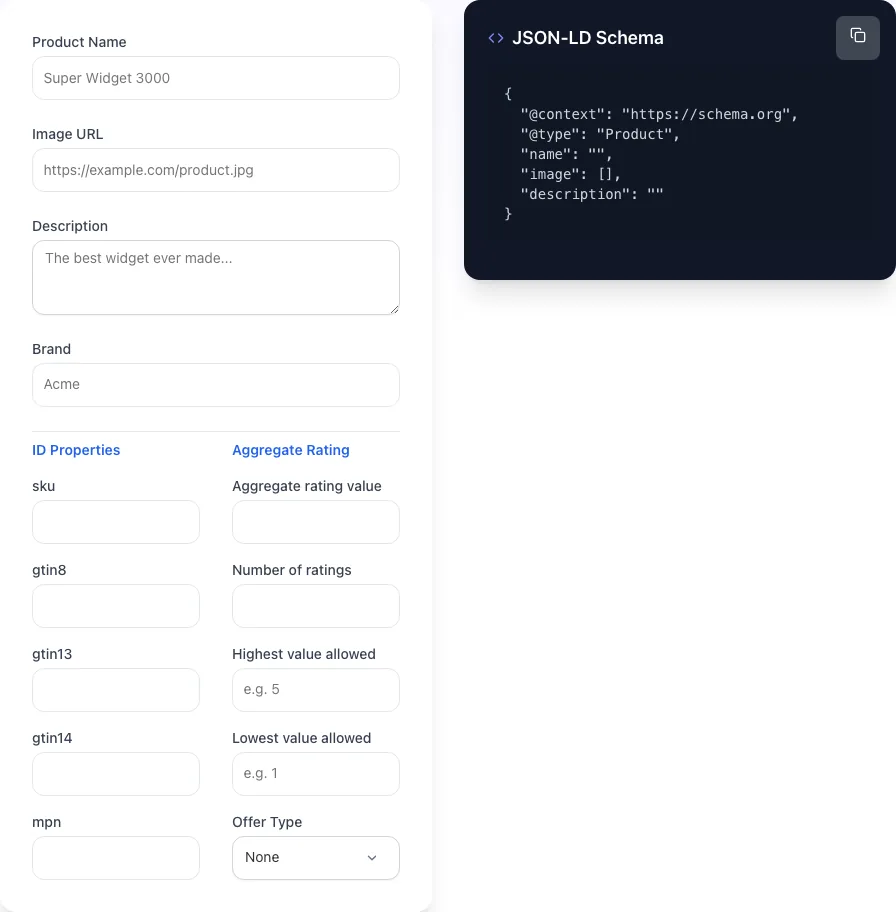
JSON-LD Schema
{
  "@context": "https://schema.org",
  "@type": "Product",
  "name": "",
  "image": [],
  "description": ""
}
Generate Product JSON-LD schema for ecommerce SERP rich results. Price, reviews, availability. Free, instant.
How to use the Product Schema Generator, step by step
Real screenshots of the tool, taken while running it.
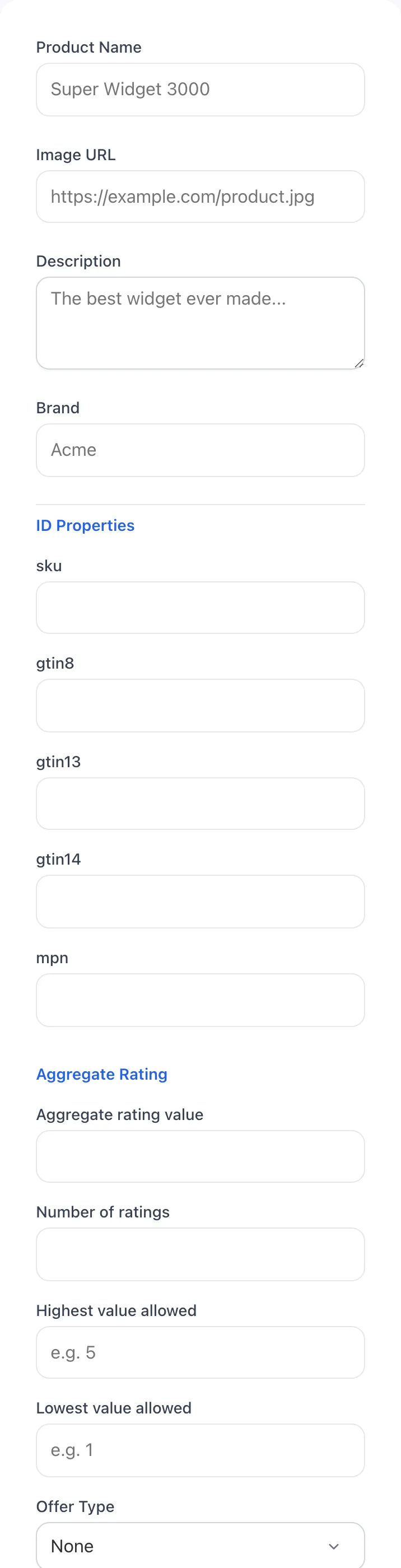
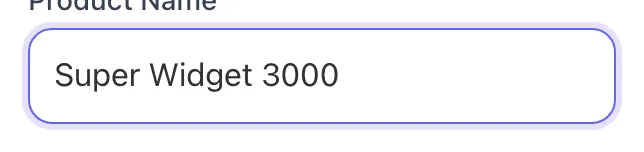
- 1
Add your input
Paste or type into the field Product Schema Generator works from.
- 2
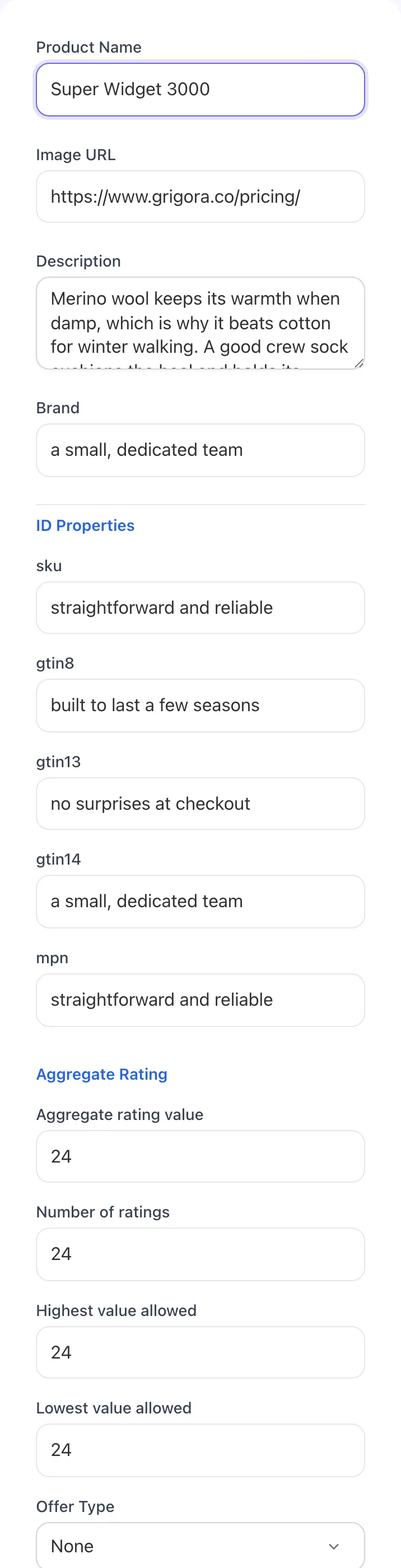
Sample text in place
With sample text entered, Product Schema Generator is ready to run.
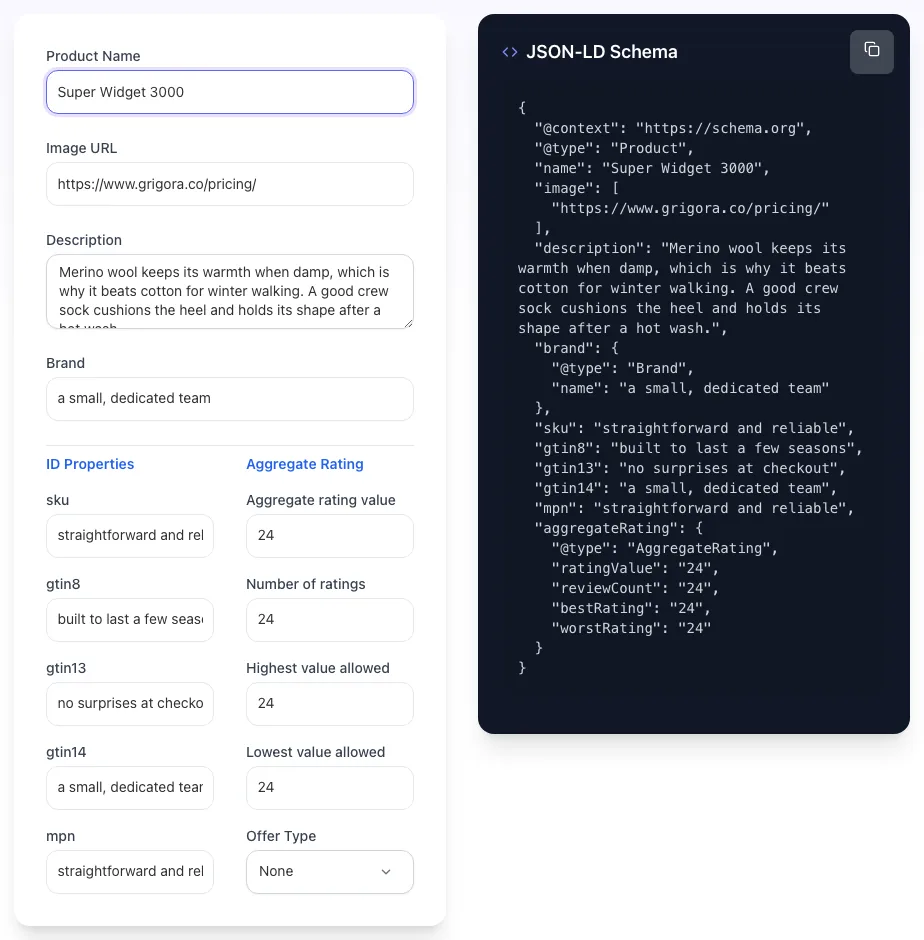
- 3
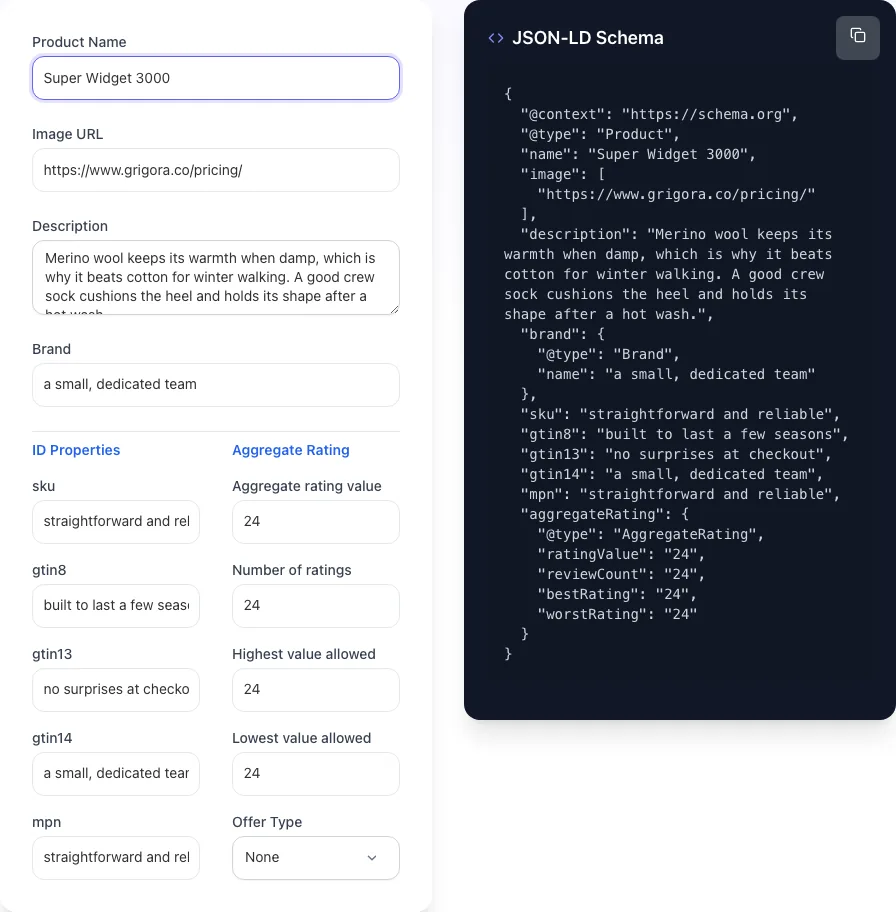
Read the result
Product Schema Generator updates as you type, so the result is already visible here.
What this tool does
Product Schema Generator delivers fast, reliable results for generate product json-ld schema for ecommerce serp rich results. price, reviews, availability. free, instant.
Designed to fit into your existing SEO and content workflow with no setup overhead.
How to use it
Five steps.
Enter product details
Provide product name, description, image URL, brand, SKU, GTIN/MPN, and category. These populate the required Product schema fields.
Add pricing and availability
Enter price, currency (USD/EUR/GBP), availability (InStock/OutOfStock/PreOrder), and priceValidUntil for sales.
Add ratings and reviews
Optionally add aggregate rating, review count, and individual review snippets. Must match what's actually displayed on the page.
Generate JSON-LD
Click Generate to produce a clean JSON-LD block ready to paste into your page <head>.
Validate and deploy
Test via Google's Rich Results Test (search.google.com/test/rich-results), paste into your page, and monitor Search Console for warnings.
When teams use it
Six common workflows.
Shopify store earning Google rich snippets
A direct-to-consumer Shopify store with 200+ products needs valid Product schema with reviews, GTINs, and Merchant Center alignment to earn star-rating SERP results and free Shopping organic placements driving 28%+ more clicks.
Etsy seller migrating to a custom site
A handmade goods seller moving from Etsy to a custom Webflow or WooCommerce site needs Product schema with MPN (no GTINs for handmade), aggregateRating built from imported Etsy reviews, and proper offers.priceCurrency for international buyers.
Affiliate publisher running product roundups
A product roundup blog ("Best Linen Aprons of 2026") needs ItemList wrapper with individual Product nodes for each linked product, helping Google generate the carousel rich result and driving outbound affiliate clicks from search.
B2B SaaS marketing landing pages
A B2B SaaS marketing team building campaign landing pages for a flagship product (using SoftwareApplication or Product schema) needs structured data that surfaces in Google's sidebar knowledge panel and AI overview citations.
Ecommerce migrating off WooCommerce/Shopify
An ecommerce team rebuilding on a headless stack (Next.js + Sanity, Astro + Stripe) needs hand-rolled Product schema for each product detail page, dynamically generated from the CMS data with all the rich fields the SaaS plugins normally provide.
Marketplace operator displaying multiple sellers
A marketplace platform listing products from 50+ sellers needs Product schema per listing with seller as part of the offers field (offers.seller), distinguishing each seller's pricing and availability while maintaining a unified product entity.
Platform guides
Integrate with major platforms.
Next.js / React
- Generate the JSON-LD in Grigora's tool.
- In your product page component, render the schema as <script type="application/ld+json" dangerouslySetInnerHTML={{ __html: JSON.stringify(schema) }} />.
- Place it inside <Head> from next/head (Pages Router) or in the <head> of layout.tsx (App Router).
- Validate via Google Rich Results Test before deploying.
- Monitor Search Console > Enhancements > Products for warnings.
Shopify (theme.liquid)
- Open Online Store > Themes > Edit Code.
- Locate templates/product.liquid or sections/product.liquid.
- Add a {% schema %} block with the generated JSON-LD, replacing static values with Liquid variables (product.title, product.price, etc).
- Save and preview.
- Validate via Google Rich Results Test on a live product URL.
WordPress (WooCommerce)
- Use Yoast SEO Premium or RankMath for auto-generated Product schema (recommended).
- For custom schema, paste the JSON-LD into a Custom HTML block on the product template via the theme builder.
- Disable the plugin's native schema if running both, to avoid duplicate-schema errors.
- Validate via Google Rich Results Test.
- Confirm appears in Search Console > Enhancements > Products within 7-14 days.
Webflow
- Open the product page template in Designer.
- Go to page settings > Custom Code > Inside <head> tag.
- Paste the generated JSON-LD wrapped in <script type="application/ld+json">.
- For dynamic CMS pages, replace static values with CMS field references using Webflow's embed system.
- Publish and validate.
Plain HTML / Static Site Generators (Astro, 11ty)
- Generate the JSON-LD per product page.
- Add to the page <head> as <script type="application/ld+json">{ ... }</script>.
- For static site generators, template the schema using the page's frontmatter or data file.
- Build the site and verify the schema is included in the rendered HTML.
- Validate each product URL via Google Rich Results Test.
Grigora vs. alternatives
Side-by-side.
| Capability | Product Schema Generator | Yoast SEO | RankMath | Schema App | Manual |
|---|---|---|---|---|---|
| Free tier available | Yes. Unlimited | Premium only ($99+/yr) | Free + premium | No | No |
| JSON-LD output (preferred format) | Yes | Yes | Yes | Yes | Yes |
| All optional fields exposed (GTIN/MPN/etc) | Yes | Limited | Yes | Yes | Yes |
| Aggregate rating + review nodes | Yes | Yes | Yes | Yes | Yes |
| Auto-sync with product database | No (manual) | Yes (WooCommerce) | Yes (WooCommerce) | No | Yes |
| Visual schema builder | No (text input) | No | Limited | No | Yes |
| Pricing for solo founder | Free | $99-449/yr | Free or $59-499/yr | Free + paid | $25-300/mo |
| Works outside WordPress | Yes (any framework) | No | No | Yes | Yes |
Common errors and fixes
Eight issues users hit.
Schema price doesn't match displayed price
Cause: Schema was hard-coded with old price, then sale was applied to the page CSS.
Fix: Generate schema dynamically from the same data layer that renders the visible price; never hard-code prices in JSON-LD.
Missing offers.priceValidUntil for sale pricing
Cause: Used a sale price in the schema without the validity end date.
Fix: Add priceValidUntil with the sale end date in ISO 8601 format; remove the field once the sale ends.
Reviews schema with no visible reviews on page
Cause: Marked up aggregate ratings from a third-party platform that aren't shown on the page itself.
Fix: Either display the reviews on the page (matching the schema) or remove the schema; Google penalizes phantom-review markup.
Invalid GTIN format
Cause: Stripped leading zeros from GTIN-13 by storing as integer.
Fix: Store GTINs as strings preserving leading zeros; validate against GS1 length rules (8, 12, 13, or 14 digits).
Multiple conflicting Product schemas on same page
Cause: A Shopify app injected its own schema in addition to the theme's native schema.
Fix: Audit which schemas are present (View Source > search "application/ld+json"), disable the redundant one in the app settings.
Schema in <body> instead of <head>
Cause: Pasted JSON-LD inside the page content without specifying location.
Fix: Either location works for Google; <head> is preferred. Confirm the script tag is properly closed and not inside a <p> or other text element.
Aggregate rating math doesn't add up
Cause: Claimed "4.7 from 247 reviews" but only 12 reviews exist on the page.
Fix: Make the aggregateRating reflect actual review count and be defensible from displayed data; Google audits.
Mismatched currency between schema and Merchant Center
Cause: Schema uses "USD" but Merchant Center feed uses "EUR" for the same SKU.
Fix: Pick one source of truth (usually the schema) and align all downstream feeds; Merchant Center will warn on mismatch.
Original data
2026 study.
Frequently asked questions
Twelve answers.
Related free tools
Other utilities.
Product Schema Checker
Check Product JSON-LD against Google rich result rules.
Try itSKU Generator
Generate SKU codes in bulk from a product list or pattern.
Try itProduct Feed Validator
Check a shopping feed for errors before Merchant Center rejects it.
Try itMeta Tag Generator
Generate page meta tags.
Try itMeta Description Generator
AI-write descriptions.
Try itSERP Snippet Preview
Visualize SERP rendering.
Try itOpen Graph Checker
Audit OG tags.
Try itMeta Title Checker
Audit page title.
Try itLink Metadata Scraper
Pull all metadata from URL.
Try it