Free Readability Score Checker
Score any text on Flesch reading ease, grade level, sentence/word complexity. Free, instant.
How to use the Readability Score Checker, step by step
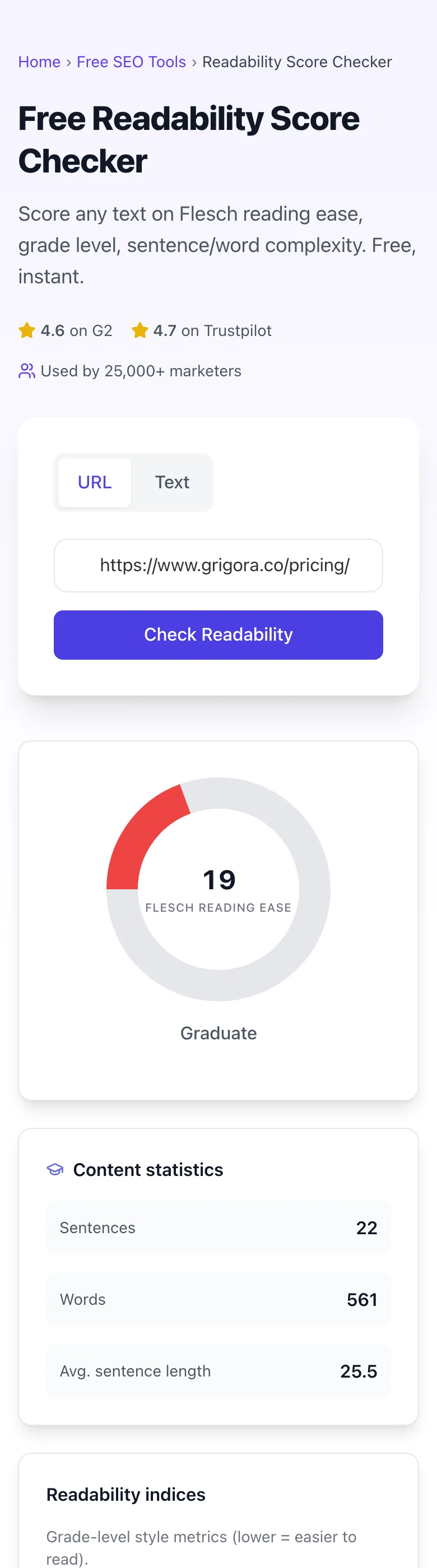
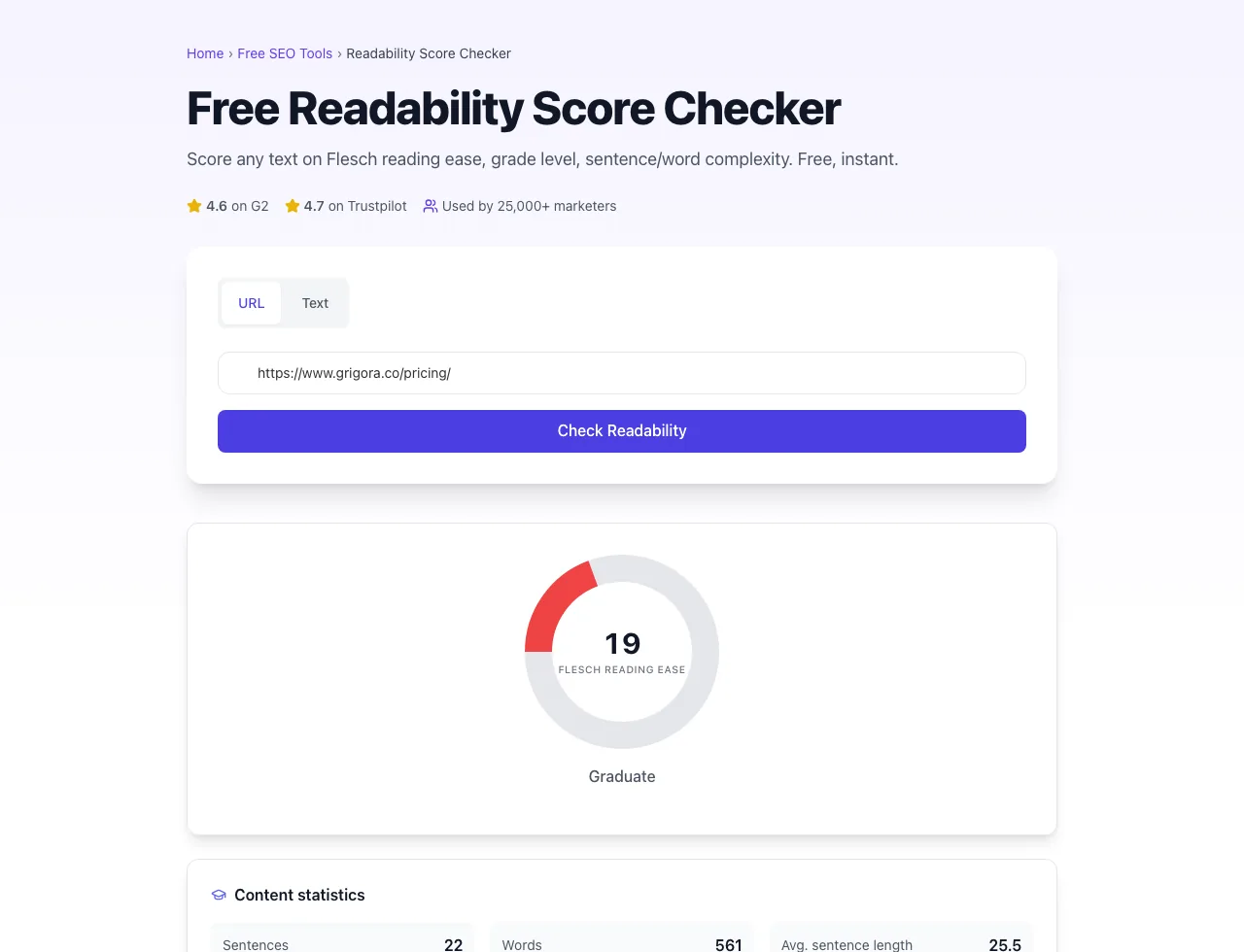
Real screenshots of the tool, taken while running it with the Check Readability button.
- 1
Add your input
Paste or type into the field Readability Score Checker works from.


- 2
A page URL in place
With a page URL entered, Readability Score Checker is ready to run.


- 3
See what Check Readability produces
Clicking Check Readability runs the check and shows the result right below.
What the Readability Score Checker does
Readability Score Checker delivers fast, reliable results for score any text on flesch reading ease, grade level, sentence/word complexity. free, instant.
Designed to fit into your existing SEO and content workflow with no setup overhead.
How to use it
Five steps.
Paste your text
Drop up to 5,000 words of body copy, blog posts, or marketing content into the input area.
Run the readability check
Submit a URL or pasted text. The tool returns the available readability metrics together in one dashboard.
Review the dashboard
See word and sentence counts, average sentence length, grade-level indices, and Flesch Reading Ease together.
Inspect the underlying stats
Review word count, sentence count, average sentence length, and grade-level indices to find the likely cause of a low score.
Edit and re-check
Edit the sentences or vocabulary that need attention, paste the revised text back, and verify the score moved toward your target.
When teams use it
Six common workflows.
Benchmark blog posts before publishing
Run each draft through the same checker and compare it with your publication target before scheduling.
Audit existing site content
Check important URLs or pasted drafts one at a time and prioritize the pages with the lowest readability scores for revision.
Compare representative content
Check comparable public pages one at a time, then use the same implementation to establish a directional editorial benchmark.
Review legal copy for plain language
Use the scores to identify dense drafting, then have qualified counsel confirm that the final language meets the applicable legal requirements.
Review English localization copy
Check the English version of localized content against the intended audience. Use a language-specific checker for every non-English version.
Train writers and editors on readability
Use the aggregate score, grade indices, and average sentence length to compare revisions and teach plain-language editing habits.
Platform guides
Integrate with major platforms.
WordPress (Yoast)
- Install Yoast SEO and open any post in the editor.
- Note the Yoast readability score in the right sidebar.
- Copy the post body and paste it into this checker.
- Compare the result directionally rather than expecting an exact match.
- Edit until both tools show acceptable readability, then publish.
Google Docs
- Open your draft in Google Docs.
- Use Tools > Word count to confirm word count over 100 (formulas are unstable below that).
- Select all and copy the body text.
- Paste it into the checker and review the aggregate metrics.
- Edit in Google Docs and recheck until the score reaches your target.
Notion
- Open the Notion page and copy the readable body text.
- Avoid including navigation labels, database properties, or code blocks you do not want scored.
- Paste the text into the checker and review the aggregate metrics.
- Edit the source page in Notion.
- Copy and re-check the revised text until it reaches your target.
GitHub Wiki / Docs
- Pull the markdown source of any docs page.
- Strip code blocks before pasting if you only want to score prose.
- Score against your documentation target.
- Edit prose sections, leaving code blocks untouched.
- Push the updated docs and verify with a re-check.
Webflow CMS
- Open the Webflow CMS Collection and select a post.
- Copy the rich text body.
- Paste into the checker for full multi-formula reading.
- Edit in Webflow rich text editor.
- Publish staging and re-run the check to confirm green before pushing live.
Grigora Readability Score Checker vs. alternatives
Side-by-side comparison.
| Capability | Grigora | Yoast | Hemingway | Free Tools | Manual |
|---|---|---|---|---|---|
| Readability metrics | Flesch, grade level, SMOG, Coleman-Liau | Flesch only | Three | Flesch + FK | Manual |
| Aggregate readability dashboard | Yes | Yes | Yes | Varies | No |
| Single URL or pasted text input | Yes | No | Yes | Yes | Manual |
| Yoast-compatible mode | No | No | No | No | Manual |
| Bulk URL scoring | No | Pro tier | No | Yes | Manual |
| Free unlimited checks | Yes | Trial only | Yes | Plan-capped | Yes |
| API access for CI/CD pipelines | No | Pro tier | No | Pro tier | No |
| Code-block exclusion | No | No | No | Limited | Manual |
Common errors and fixes
Eight issues users hit.
Score reported as 0 or NaN
Cause: Input had no terminal punctuation, so the formula divided by zero sentences.
Fix: Add at least one period, question mark, or exclamation point to your input. The formula needs sentence boundaries to compute syllables-per-sentence ratios.
Score wildly different from Yoast or RankMath
Cause: Different tools use slightly different formula implementations, text extraction, and rounding.
Fix: Use this checker as a consistent baseline and compare revised drafts inside the same tool.
Bullet lists report unexpectedly high grade level
Cause: Readability formulas can treat fragments and line breaks differently across tools.
Fix: If the result looks off, paste the prose version of the list or add clearer sentence punctuation before checking.
Score does not change after major edit
Cause: The edit changed tone or structure without materially changing sentence length, word length, or syllable counts.
Fix: Compare the aggregate word count, sentence count, and average sentence length, then simplify the longest sentences or vocabulary manually.
Non-English text returns a misleading score
Cause: The checker uses English formulas and does not detect or select another language.
Fix: Use a language-specific readability checker for translated or non-English content.
Score for code blocks is misleading
Cause: Code uses unusual punctuation and abbreviations that confuse readability formulas.
Fix: Remove code blocks before scoring when you only want to evaluate prose.
Grade level shows decimal (e.g., 8.7)
Cause: Flesch-Kincaid produces a continuous numeric result, so fractional grade levels are expected.
Fix: Keep the decimal when comparing revisions, or round consistently when reporting a house benchmark.
Acronyms change the score
Cause: Readability tools tokenize and estimate acronyms differently, so acronym-heavy copy can produce divergent results.
Fix: Keep the input format consistent when comparing drafts and treat acronym-heavy results directionally; this checker does not provide an acronym-exclusion control.
Method at a glance
Implementation-backed facts about the current scores.
Frequently asked questions
Twelve answers about the Readability Score Checker.
Related free tools
Other utilities.