Free Schema Rich Results Checker
Validate any URL's structured data for SERP rich result eligibility. JSON-LD, microdata, RDFa. Free, instant.
How to use the Schema Rich Results Checker, step by step
Real screenshots of the tool, taken while running it with the Check URL button.
- 1
Add your input
Paste or type into the field Schema Rich Results Checker works from.


- 2
A page URL in place
With a page URL entered, Schema Rich Results Checker is ready to run.


- 3
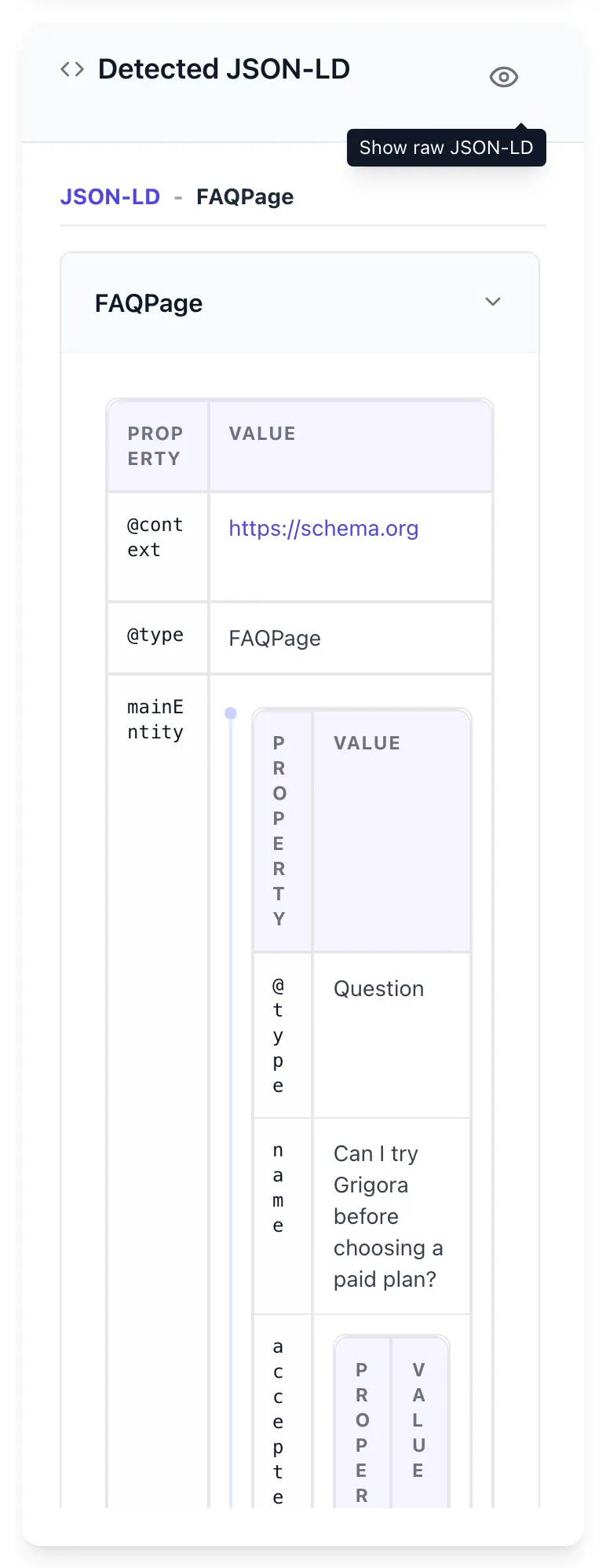
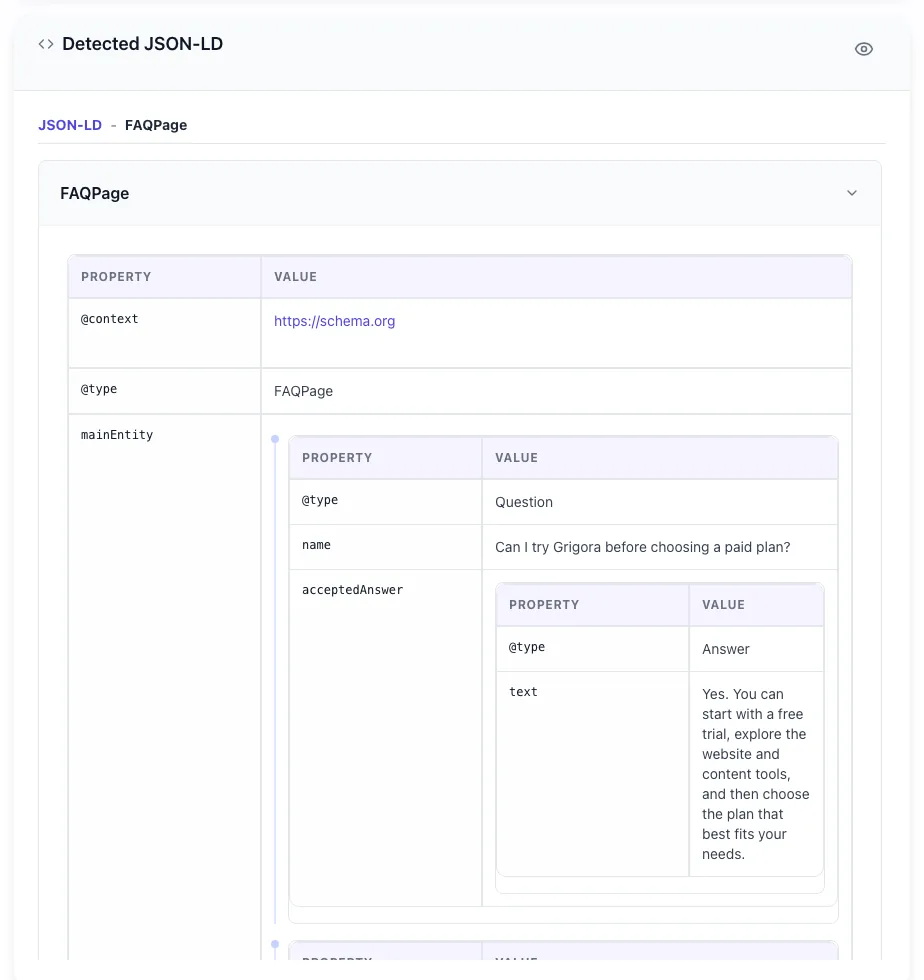
See what Check URL produces
Clicking Check URL runs the check and shows the result right below.
What this tool does
Schema Rich Results Checker delivers fast, reliable results for validate any url's structured data for serp rich result eligibility. json-ld, microdata, rdfa. free, instant.
Designed to fit into your existing SEO and content workflow with no setup overhead.
How to use it
Five steps.
Enter your URL
Paste the live page URL or switch to JSON-LD paste mode for development-time validation before deploy.
Run the checker
We crawl the page, extract every JSON-LD, Microdata, and RDFa block, and validate against schema.org and Google Rich Results spec.
Review errors and warnings
Errors prevent rendering and must be fixed; warnings are missing optional fields that improve snippet quality.
Inspect the schema graph
Visualize how entities relate via @id and @graph references. Catches duplicate or orphaned entities common in CMS-injected schema.
Fix and re-validate
Apply suggested fixes, redeploy, and re-run. SERP rich snippets typically appear within 7-14 days of valid schema reaching production.
When teams use it
Six common workflows.
Validate new schema before pushing to production
After adding Product, Article, or LocalBusiness schema in your CMS, validate the deployed page through our checker before announcing the deployment. Catches CMS-injection conflicts and theme-override issues.
Audit existing site schema for hidden errors
Bulk-check up to 100 URLs and surface any pages where schema parsing fails or rich result eligibility was lost. Most sites have 5-15% schema error rate they did not realize.
Debug missing rich snippets in Search Console
When Search Console > Enhancements report shows errors but does not explain them clearly, our checker shows the exact JSON-LD issue and provides a corrected example.
Verify FAQ and Article schema for AI search visibility
AI search engines (Google SGE, Perplexity, ChatGPT Search) cite pages with comprehensive schema 2-3x more often. Validate your most-trafficked pages have full schema coverage.
Compare schema implementations across competitors
Paste competitor URLs into the checker to see what schema types they implement. Useful for identifying schema gaps where you can outperform their SERP visibility.
Test JSON-LD generated by your build pipeline
Static-site generators (Next.js, Hugo, Eleventy) can produce schema dynamically. Add our checker to your CI/CD via API to fail builds when schema breaks before deploy.
Platform guides
Integrate with major platforms.
Google Search Console
- Verify your site in Google Search Console.
- Navigate to Enhancements in the left sidebar.
- Click any rich result type with errors (e.g., Products, Reviews).
- Click on a specific URL with errors to see Google detection report.
- Run the same URL through our checker for line-by-line debugging guidance.
WordPress (Yoast / RankMath)
- Open any page in the WP editor.
- Yoast or RankMath shows schema preview in the sidebar.
- Click "View source" or copy the rendered HTML.
- Paste page URL into our checker.
- Check for conflicts between plugin-generated schema and any custom schema you added.
Shopify
- Open any product page on the storefront.
- View page source and look for application/ld+json scripts.
- Copy the URL.
- Paste into our checker.
- Verify Product schema includes offers, sku, brand, and aggregateRating fields. Edit theme.liquid if missing.
Next.js
- Deploy your Next.js page with schema implemented.
- Open the deployed URL.
- Paste into our checker for live page validation.
- For build-time validation, use our API endpoint in CI/CD to fail builds with broken schema.
- Pair with Search Console for production monitoring.
JSON-LD direct paste
- Copy your JSON-LD code from any source (CMS, build tool, manual).
- In our checker, switch to "Paste JSON-LD" mode.
- Paste the code and submit.
- Errors and warnings shown without needing live URL.
- Useful for schema development before page deployment.
Grigora vs. alternatives
Side-by-side.
| Capability | Grigora | Google Rich Results | Schema.org Validator | Semrush | Manual |
|---|---|---|---|---|---|
| Validates JSON-LD, Microdata, RDFa | Yes | JSON-LD only | Yes | Yes | Manual |
| Google Rich Results compatibility check | Yes | Yes | No | Yes | Manual |
| AI search readiness score | Yes | No | No | Limited | No |
| Bulk URL audit | Yes | Pro tier | No | Pro tier | Manual |
| Free without signup | Yes | Yes (limited daily) | No | Plan-capped | Yes |
| Continuous monitoring with alerts | Pro tier | No | Pro tier | Yes | No |
| Direct JSON-LD paste mode | Yes | Yes | Yes | No | Manual |
| Schema graph visualization | Yes | No | No | Limited | No |
Common errors and fixes
Eight issues users hit.
JSON syntax error breaks all schema parsing
Cause: Missing comma, mismatched bracket, or wrong quote type (smart quotes from Word) in JSON-LD.
Fix: Validate JSON syntax through jsonlint.com first, then re-validate the schema. Most "schema not parsing" errors are actually JSON syntax errors, not schema errors.
Missing required field reviewCount or ratingCount
Cause: AggregateRating included ratingValue but neither count field.
Fix: Add either reviewCount (count of reviews with text) or ratingCount (count of ratings without text). Google requires at least one for star snippet eligibility.
Wrong @type name (typo)
Cause: Google does not auto-correct typos like "Recipie" or "Producto".
Fix: Verify @type matches schema.org exactly: Article, Product, LocalBusiness, FAQPage, etc. Case matters (Article not article). Our checker flags unknown types.
FAQPage schema not appearing as rich snippet
Cause: Since August 2023, Google limits FAQ rich snippets to authoritative sites (.gov, .edu, established medical and government).
Fix: Add FAQ schema anyway for AI search visibility. Real rendering for non-authoritative sites is unlikely but it still helps SGE and other AI search engines.
Breadcrumb schema validates but breadcrumbs do not show in SERP
Cause: Breadcrumb position values were not sequential or hierarchical.
Fix: Verify position values are 1, 2, 3 in order matching the actual page hierarchy. Item URLs must match the URL patterns Google has crawled.
Schema validates locally but fails on production
Cause: CMS plugin or theme injected additional schema that conflicts with manually-added schema.
Fix: View source on production page. Look for multiple JSON-LD script tags. If duplicates exist, disable one source (typically the plugin) or merge into single @graph format.
Image fields missing in schema
Cause: Schema referenced image URLs that returned 404 or were under 500x500px.
Fix: Use absolute URLs for images, ensure they are publicly accessible (no auth), and use minimum 1200x675px for Article and Product schemas. Smaller images may parse but reduce snippet quality.
Date fields rejected as invalid
Cause: Date format was not ISO 8601 (e.g., "April 19, 2026" instead of "2026-04-19").
Fix: Always use ISO 8601: YYYY-MM-DD for dates, YYYY-MM-DDTHH:MM:SS+HH:MM for datetimes. Schema.org and Google reject other formats.
Original data
2026 study.
Frequently asked questions
Twelve answers.
Related free tools
Other utilities.
Product Schema Checker
Check Product JSON-LD against Google rich result rules.
Try itMeta Tag Generator
Generate page meta tags.
Try itMeta Description Generator
AI-write descriptions.
Try itSERP Snippet Preview
Visualize SERP rendering.
Try itOpen Graph Checker
Audit OG tags.
Try itMeta Title Checker
Audit page title.
Try itLink Metadata Scraper
Pull all metadata from URL.
Try it