Free Video Schema Generator
Required video information
Optional information
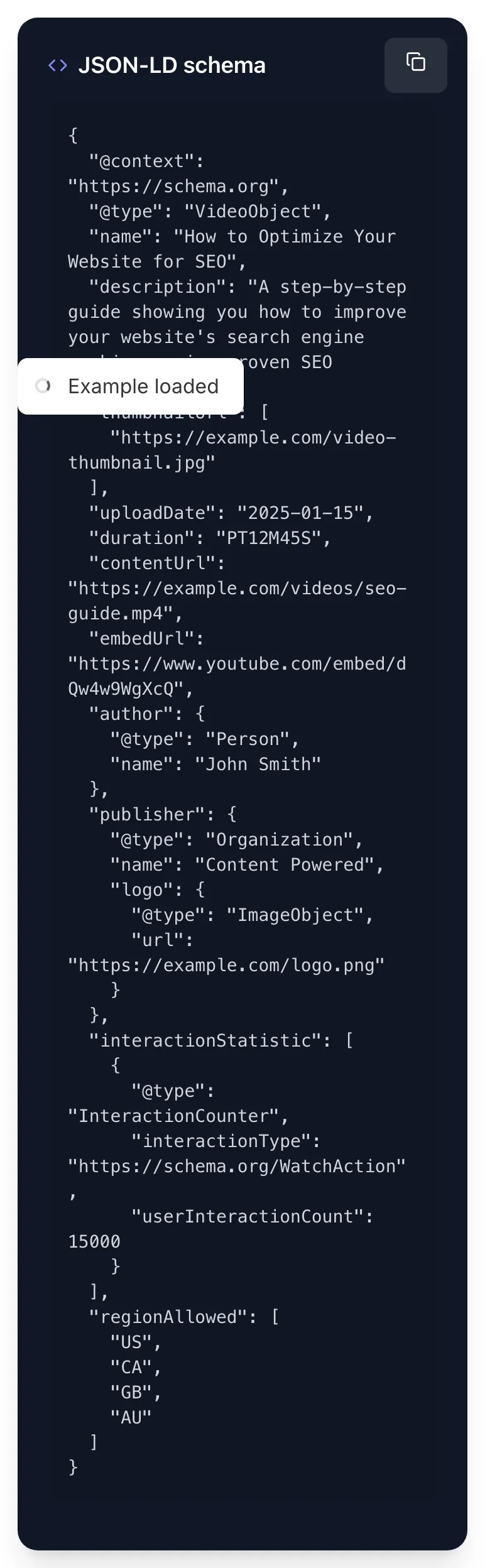
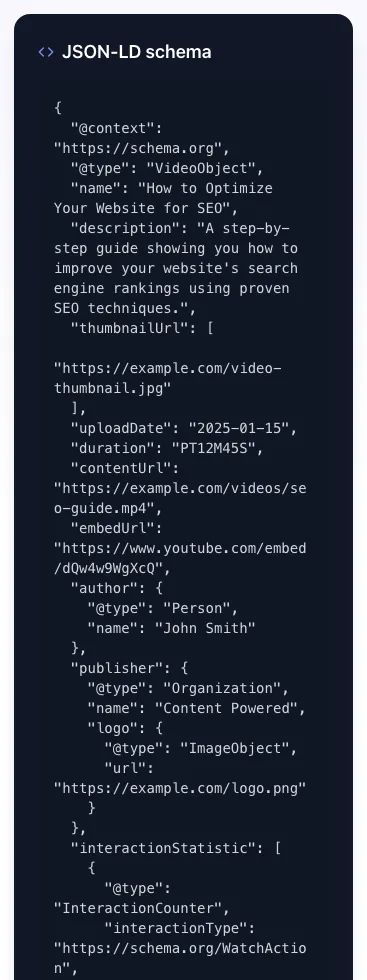
JSON-LD schema
Please enter thumbnail url.
Generate VideoObject JSON-LD schema markup for YouTube, Vimeo, hosted video. Free, instant, valid.
How to use the Video Schema Generator, step by step
Real screenshots of the tool, taken while running it with the Generate Schema button.
- 1
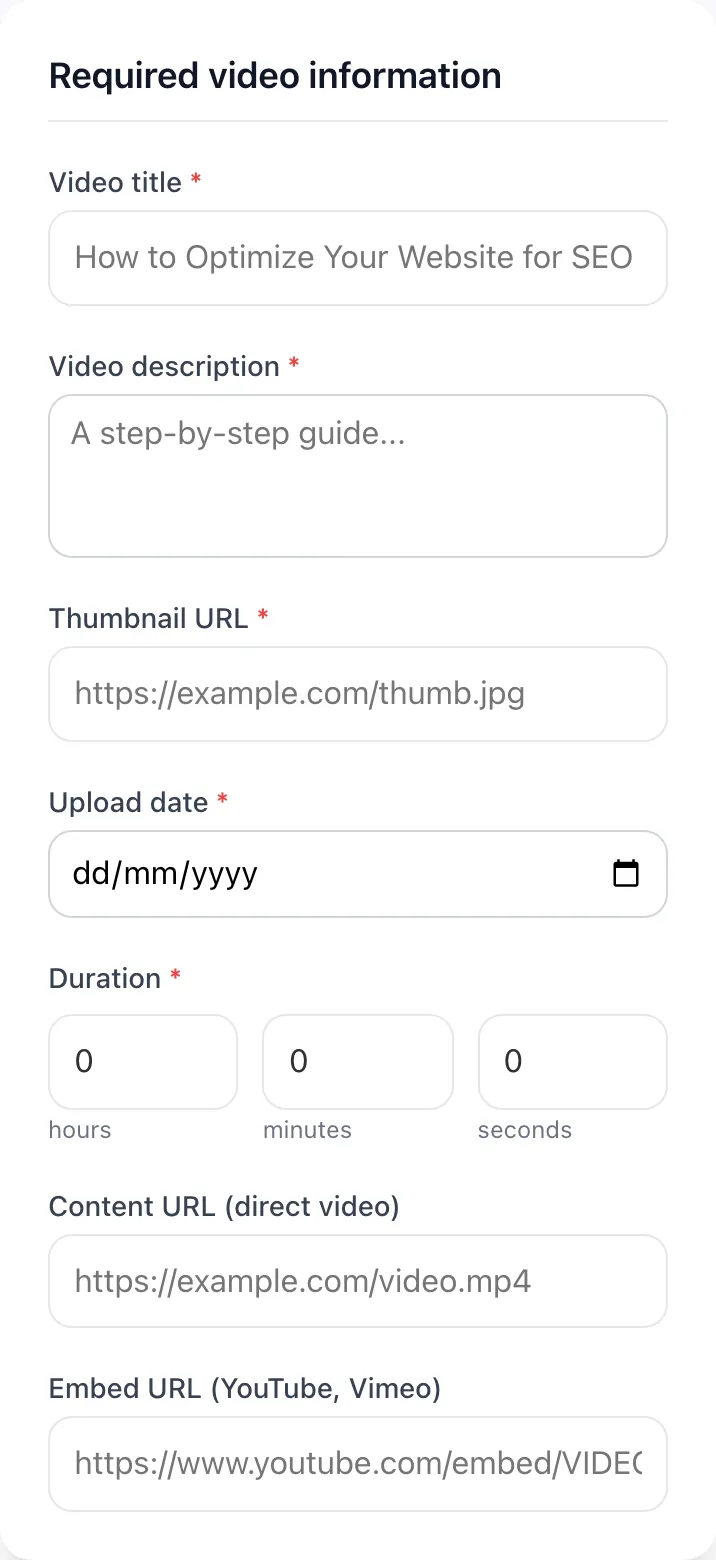
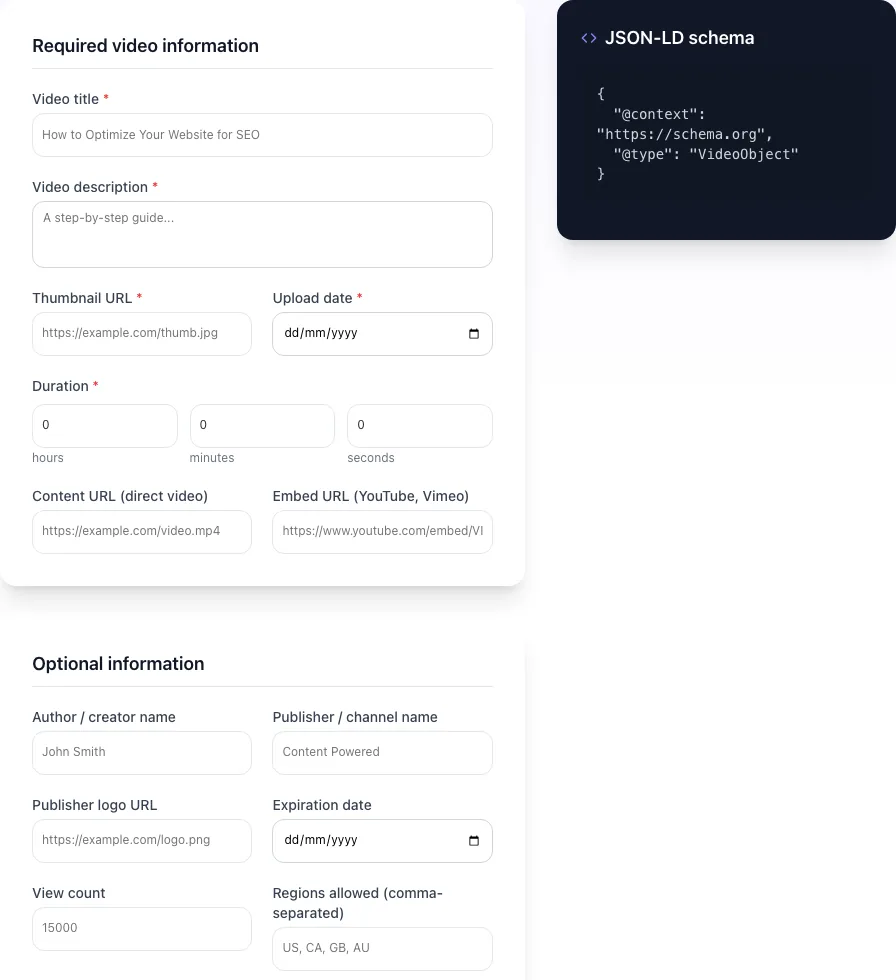
Add your input
Paste or type into the field Video Schema Generator works from.
- 2
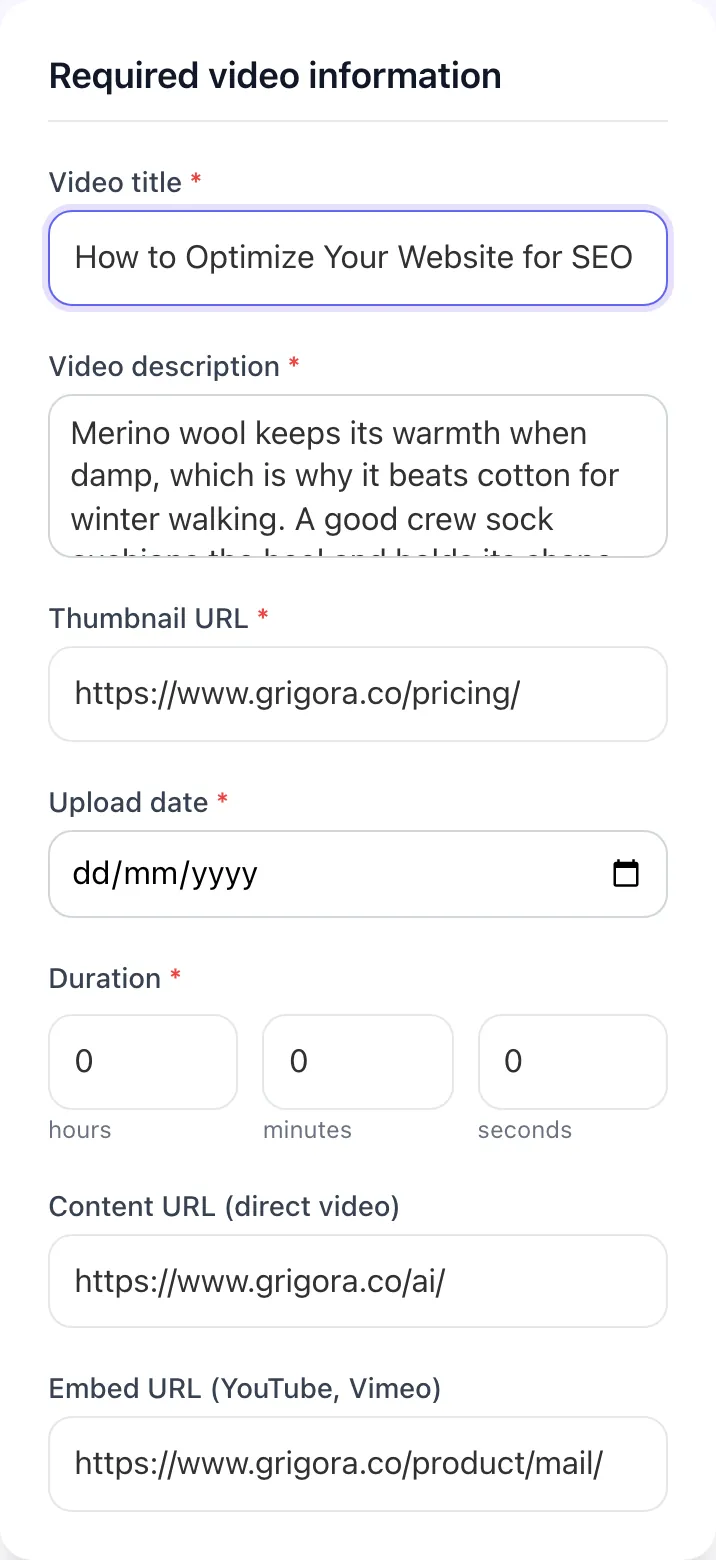
Sample text in place
With sample text entered, Video Schema Generator is ready to run.
- 3
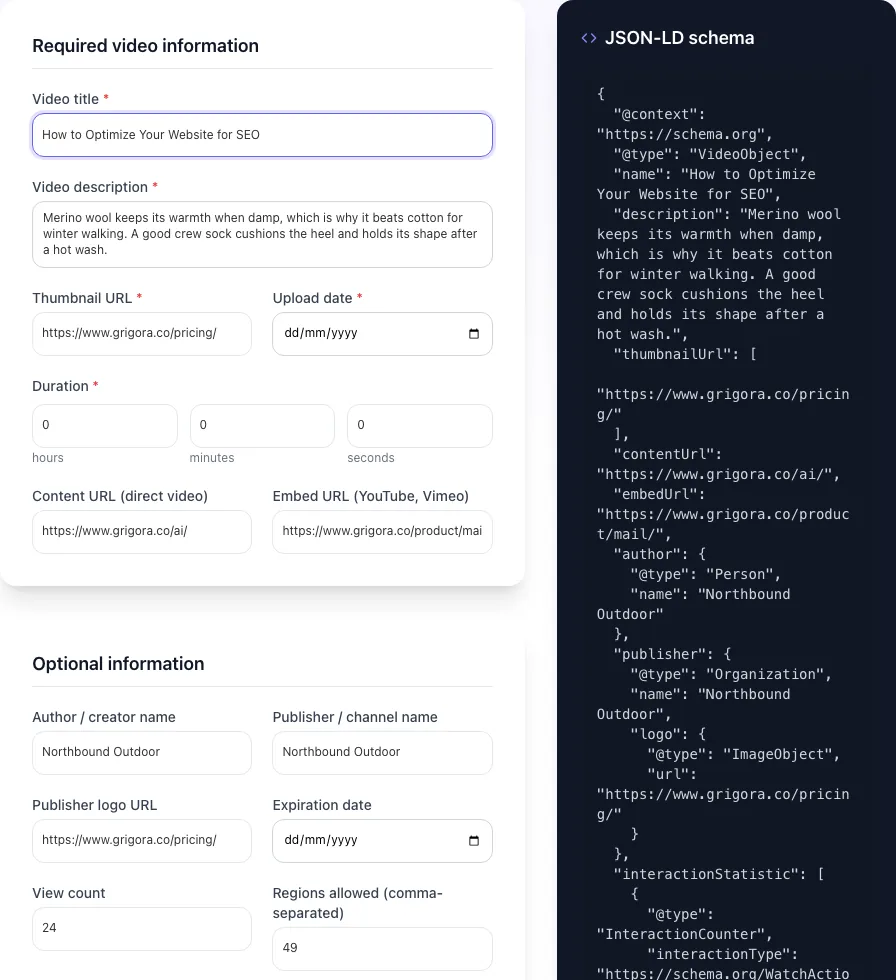
See what Generate Schema produces
Clicking Generate Schema runs the check and shows the result right below.
What this tool does
Video Schema Generator delivers fast, reliable results for generate videoobject json-ld schema markup for youtube, vimeo, hosted video. free, instant, valid.
Designed to fit into your existing SEO and content workflow with no setup overhead.
How to use it
Five steps.
Fill in the required fields
Enter the video name, description, thumbnail URL, and upload date. Google requires all four for rich results.
Add duration and embed URLs
Specify the runtime in hours/minutes/seconds (auto-converts to ISO 8601 PT format) and the embed or content URL.
Optionally include publisher and view count
Add author, publisher with logo, and interaction stats for a richer schema that improves attribution.
Generate and copy the JSON-LD
The tool produces a clean JSON-LD block ready to paste into <head> as <script type="application/ld+json">.
Validate via Google Rich Results Test
Submit the URL or paste the schema into search.google.com/test/rich-results to confirm eligibility for video rich results.
When teams use it
Six common workflows.
YouTube video on your blog
Embed a YouTube video on your tutorial post and add VideoObject schema to attribute the video to your domain for SEO purposes.
Self-hosted product demo
Host MP4 product demos on your CDN and add schema so Google indexes them in the video carousel for product-related queries.
Live event streaming
Add isLiveBroadcast schema to display a red LIVE badge in SERPs during a webinar, conference stream, or product launch.
Video sitemap for content hubs
Sites with 50+ videos benefit from a dedicated video sitemap. Schema feeds the sitemap and accelerates crawling.
Educational tutorials with chapters
Long-form tutorials with key moments rank for chapter-specific queries via Google's deep-linking feature in SERPs.
Marketing landing page video
Lead-gen pages with hero videos boost rankings when paired with proper schema; transcripts add additional keyword coverage.
Platform guides
Integrate with major platforms.
WordPress
- Install Schema Pro, Yoast Premium, or Rank Math Pro (all support VideoObject schema).
- In the post editor, scroll to the schema section and add a Video block with the required fields.
- For YouTube embeds, paste the video URL and the plugin auto-fills metadata.
- Save and validate with search.google.com/test/rich-results.
Next.js
- Use this generator to produce JSON-LD output, then embed via next/head or the metadata API.
- For dynamic videos, use generateMetadata() to inject schema per page based on CMS data.
- Wrap the JSON-LD in <script type="application/ld+json" dangerouslySetInnerHTML={{ __html: JSON.stringify(schema) }} />.
- Deploy and validate the live URL.
Webflow
- Open Page Settings > Custom Code > Inside <head> tag.
- Paste the generated JSON-LD wrapped in <script type="application/ld+json">.
- For CMS-driven video pages, use Webflow Designer to embed dynamic field references in the script.
- Publish and validate.
Shopify
- Edit theme.liquid in the code editor.
- Wrap the schema in {% if template == "page.video" %}...{% endif %} to scope to video pages.
- Use Liquid variables for dynamic fields like product video metadata.
- Save the theme and validate live pages.
YouTube channel page
- You cannot add custom schema to youtube.com pages directly. YouTube uses its own internal markup.
- Instead, embed the YouTube video on a page on your domain and add VideoObject schema there.
- This way the video ranks for both YouTube and your domain in SERPs.
- Optimize the YouTube video description with chapter timestamps so Google auto-detects key moments.
Grigora vs. alternatives
Side-by-side.
| Capability | Grigora | Merkle Generator | Schema App | Free | Manual |
|---|---|---|---|---|---|
| YouTube auto-detection | Yes | Limited | No | Yes | No |
| Self-hosted video support | Yes | Yes | Yes | Yes | Manual |
| Key moments / chapters | Yes | Paid | No | Yes | No |
| Live broadcast schema | Yes | Paid | No | Limited | No |
| Transcript field | Yes | No | No | Paid | No |
| Multi-region restrictions | Yes | No | No | Yes | No |
| View count / interaction stats | Yes | Limited | No | Yes | No |
| Free with no signup | Yes | Trial only | Yes | Trial only | Yes |
Common errors and fixes
Eight issues users hit.
Missing required field (name, description, thumbnail, or uploadDate)
Cause: Schema generated without one of Google's four required fields fails the Rich Results Test.
Fix: Fill in all four required fields. Use the form above to ensure no field is left blank before generating.
Duration not in ISO 8601 format
Cause: duration entered as "5:30" or "5 minutes" instead of the required PT5M30S format.
Fix: Use PT[H]H[M]M[S]S syntax. The form converts hours/minutes/seconds inputs to the correct PT format automatically.
Thumbnail URL returns 404
Cause: Thumbnail image was moved, renamed, or removed after schema was published.
Fix: Validate thumbnailUrl returns 200 and serves a valid image. Use a stable CDN URL not a CMS-generated path.
contentUrl behind authentication
Cause: Video file is hosted at an authenticated endpoint that returns 401/403 to Googlebot.
Fix: Make contentUrl publicly accessible without auth, or remove contentUrl and use only embedUrl from a public host.
Embed URL uses HTTP instead of HTTPS
Cause: Older embed URLs from legacy players use HTTP, which Google rejects in 2026.
Fix: Update embedUrl to HTTPS. For YouTube use https://www.youtube.com/embed/ID; for Vimeo use https://player.vimeo.com/video/ID.
isLiveBroadcast: true after broadcast ended
Cause: Schema not updated after live stream ended, leaving stale "LIVE" status.
Fix: Update schema to isLiveBroadcast: false and set publication.endDate after broadcast concludes.
Key moments overlap or have invalid offsets
Cause: startOffset and endOffset values overlap between Clip entries, or exceed video duration.
Fix: Ensure each Clip has non-overlapping startOffset/endOffset within the total duration. Validate manually or with the Rich Results Test.
Multiple VideoObject schemas on one page
Cause: CMS or theme injects duplicate schemas, confusing Google about which video is canonical.
Fix: Use a single VideoObject per page. If multiple videos are on the page, use ItemList with VideoObject children.
Original data
2026 study.
Frequently asked questions
Twelve answers.
Related free tools
Other utilities.