Free Word Frequency Counter
Find most frequent words and phrases in any text. Identify top keywords for SEO. Free, instant, accurate.
How to use the Word Frequency Counter, step by step
Real screenshots of the tool, taken while running it with the Analyze button.
- 1
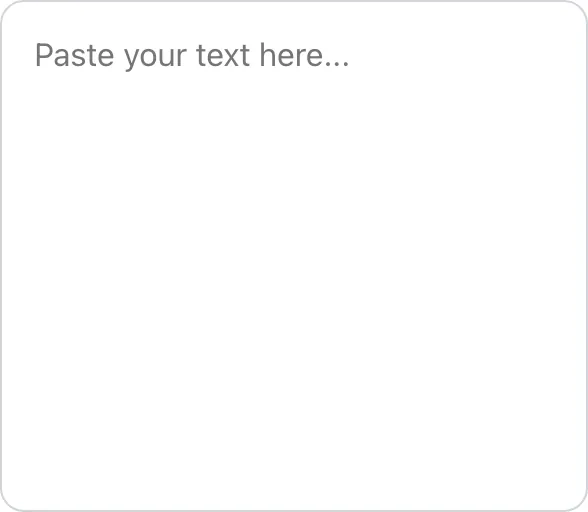
Add your input
Paste or type into the field Word Frequency Counter works from.

- 2
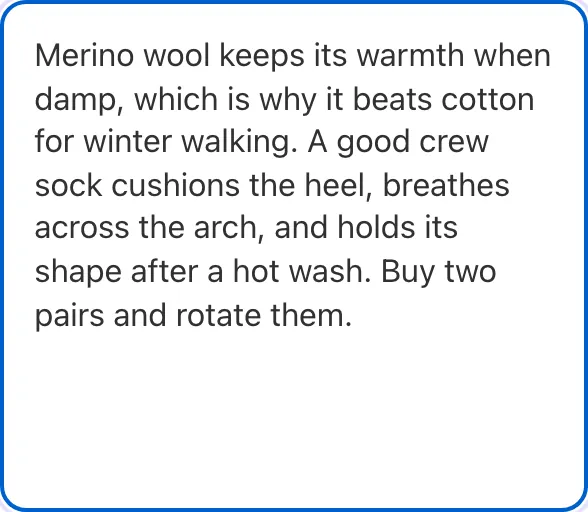
Sample text in place
With sample text entered, Word Frequency Counter is ready to run.
- 3
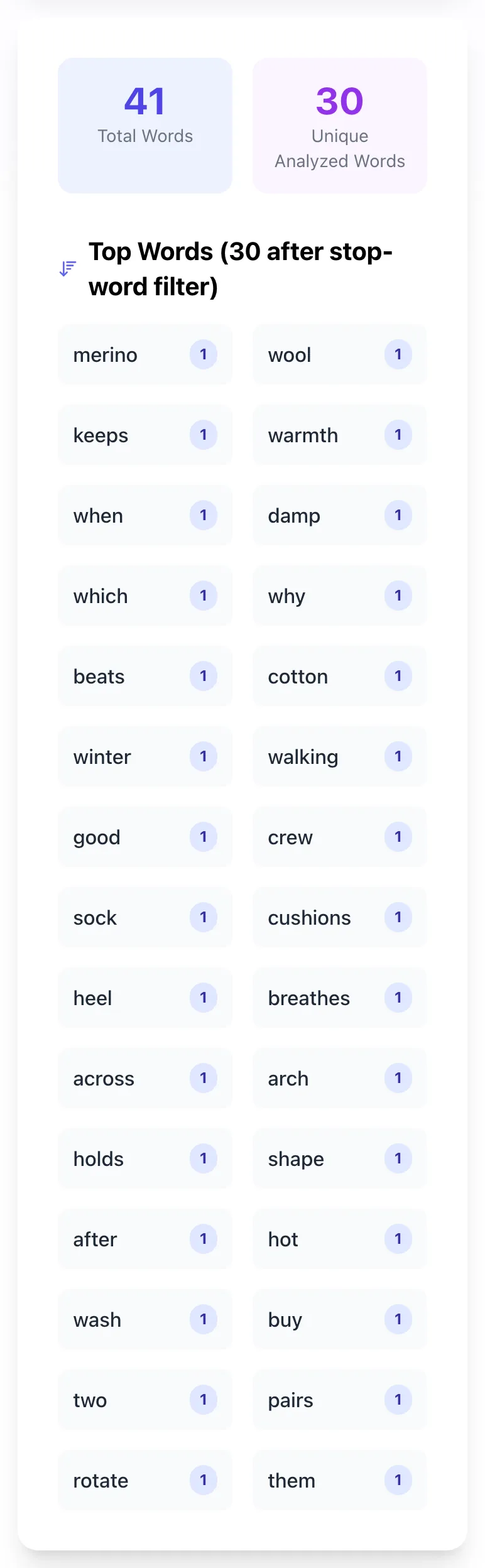
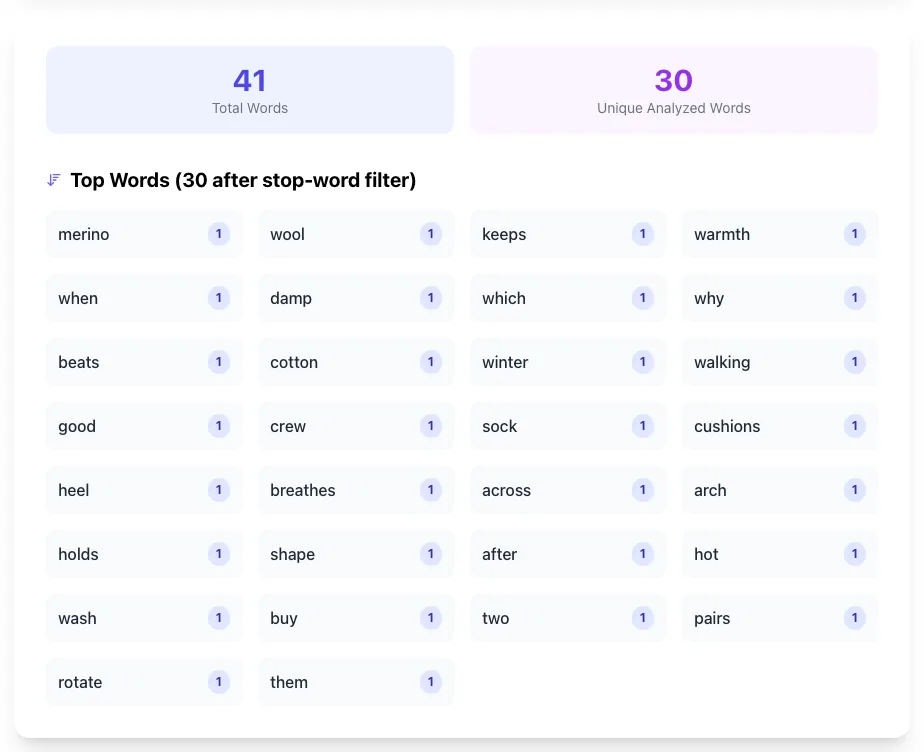
See what Analyze produces
Clicking Analyze runs the check and shows the result right below.
What this tool does
Word Frequency Counter analyzes visible text, strips markup, and shows the most repeated words after optional stop-word filtering.
Designed to fit into your existing SEO and content workflow with no setup overhead.
How to use it
Five steps.
Paste your content into the analyzer
Drop in a blog post, product description, transcript, or any text. The tool tokenizes the input automatically.
Apply the stop word filter
Toggle off common function words (the, and, of, is) so the frequency table surfaces topically meaningful words.
Review the top 20-50 frequencies
Examine which words dominate. Compare against your target keyword density (1-2.5%) and look for over-optimization.
Run the same analysis on competitor content
Paste top-ranking competitor pages, generate frequency tables, compare against yours to find topic gaps.
Adjust your draft based on findings
Add missing topical terms competitors use, replace over-mentioned keywords with synonyms, and tighten repetitive language.
When teams use it
Six common workflows.
Content optimization audit
Run frequency analysis on top-ranking competitors and your draft to identify keyword and topic gaps before publishing.
Avoiding keyword stuffing
Check that no single word exceeds 2-3% density. Identify over-mentioned phrases and replace with synonyms or pronouns.
Editorial style review
Surface overused filler words (just, really, very) and transitions. Editors trim repetitive language to tighten copy.
Customer feedback theme extraction
Run frequency on a year of support tickets or product reviews to identify the most common issues and feedback themes.
Academic and research analysis
Analyze speeches, articles, or document corpora for linguistic patterns, author signatures, or rhetorical strategies.
Brand voice consistency
Compare frequency profiles across product, marketing, and support content to ensure consistent tone and terminology.
Platform guides
Integrate with major platforms.
Manual paste from any CMS
- Open your post in WordPress, Ghost, Webflow, or any editor.
- Switch to plain text view (or use Ctrl+A then copy from rendered preview).
- Paste into this tool and click Analyze.
- Apply stop-word filter and review the top 20-50 frequencies.
Google Docs
- Select all text (Cmd+A or Ctrl+A) and copy.
- Paste into this tool. Google Docs preserves rich formatting; the tool strips it before analysis.
- For multi-document analysis, run each separately and combine top-N lists in a spreadsheet.
- Use Tools > Word count for total word count baseline.
Notion
- Open the page, click into the body, select all (Cmd+A).
- Copy and paste into this tool.
- For nested pages, copy each child page separately.
- Notion's native word count (under three-dot menu) gives total only; use this tool for frequency.
Programmatic via Node.js or Python
- For batch analysis, use Node.js with natural library: const stem = natural.PorterStemmer.stem(word).
- Or Python with NLTK: from nltk import FreqDist; fdist = FreqDist(words).
- Iterate over all documents in a corpus, aggregate frequencies, output to CSV.
- Use this tool for one-off ad hoc analysis without coding.
SEO tools (Surfer, Clearscope, Frase)
- These tools automate competitor comparison and term suggestions.
- They include built-in TF-IDF analysis and content briefs.
- Use them for paid, automated content optimization at scale.
- Use this tool for free, manual analysis when you need quick frequency counts without a subscription.
Word Frequency Counter vs. alternatives
Side-by-side with common word analysis tools.
| Capability | Grigora | WordCounter.net | TextFixer | SurferSEO | Spreadsheet |
|---|---|---|---|---|---|
| Word frequency table | Yes | Yes | Yes | Yes | Yes |
| Stop word filter | Yes | Yes | No | Yes | No |
| Bigram and trigram analysis | Coming soon | Paid | No | Yes | No |
| Stemming (run/runs/running unified) | Coming soon | Paid | No | Yes | No |
| Keyword density percentage | Yes | Yes | No | Yes | No |
| Free with no signup | Yes | Yes | Yes | Trial only | Yes |
| Visual word cloud | Coming soon | Yes | No | Yes | No |
| CSV export | Coming soon | Paid | No | Paid | No |
Common errors and fixes
Eight issues users hit.
Stop words dominate the frequency results
Cause: Stop word filter is disabled, so "the", "and", "of", "is" appear at the top of the list.
Fix: Enable the stop word filter toggle. The list excludes 50-150 common English function words.
Plural and singular counted separately
Cause: No stemming applied; "shoe" and "shoes" appear as separate entries.
Fix: Use a tool with optional stemming (Porter or Snowball algorithm) to normalize word forms.
Analysis is case-sensitive (CAPITAL different from lowercase)
Cause: Default analysis treats "SEO" and "seo" as different words.
Fix: Lowercase all text before analysis. This tool does this by default.
Hyphenated words split incorrectly
Cause: "State-of-the-art" tokenizes as "state", "of", "the", "art" instead of one phrase.
Fix: Use a tokenizer that preserves hyphens, or analyze bigrams/trigrams to surface multi-word phrases.
HTML tags counted as words
Cause: Pasting raw HTML source includes tag names ("div", "span") in word frequency.
Fix: Paste only rendered text. This tool strips HTML before tokenizing.
Numbers and dates skew results
Cause: Years (2026), prices ($99), and IDs (12345) appear as high-frequency words in product/news content.
Fix: Use the optional number-stripping filter to exclude numeric tokens from analysis.
Non-English text not handled correctly
Cause: Tokenizer assumes whitespace-separated words; languages like Mandarin require character-level segmentation.
Fix: Use a language-specific tokenizer (jieba for Mandarin, MeCab for Japanese). This tool supports English and Latin-script languages.
Compound words counted as components
Cause: "Smartphone" is one word but tokenizer might split if it sees punctuation; some compound words are inconsistently spaced.
Fix: Most modern tokenizers handle compounds correctly. For German compounds, use a specialized German tokenizer.
Original data
2026 study.
Frequently asked questions
Twelve answers.
Related free tools
Other utilities.