Repair services
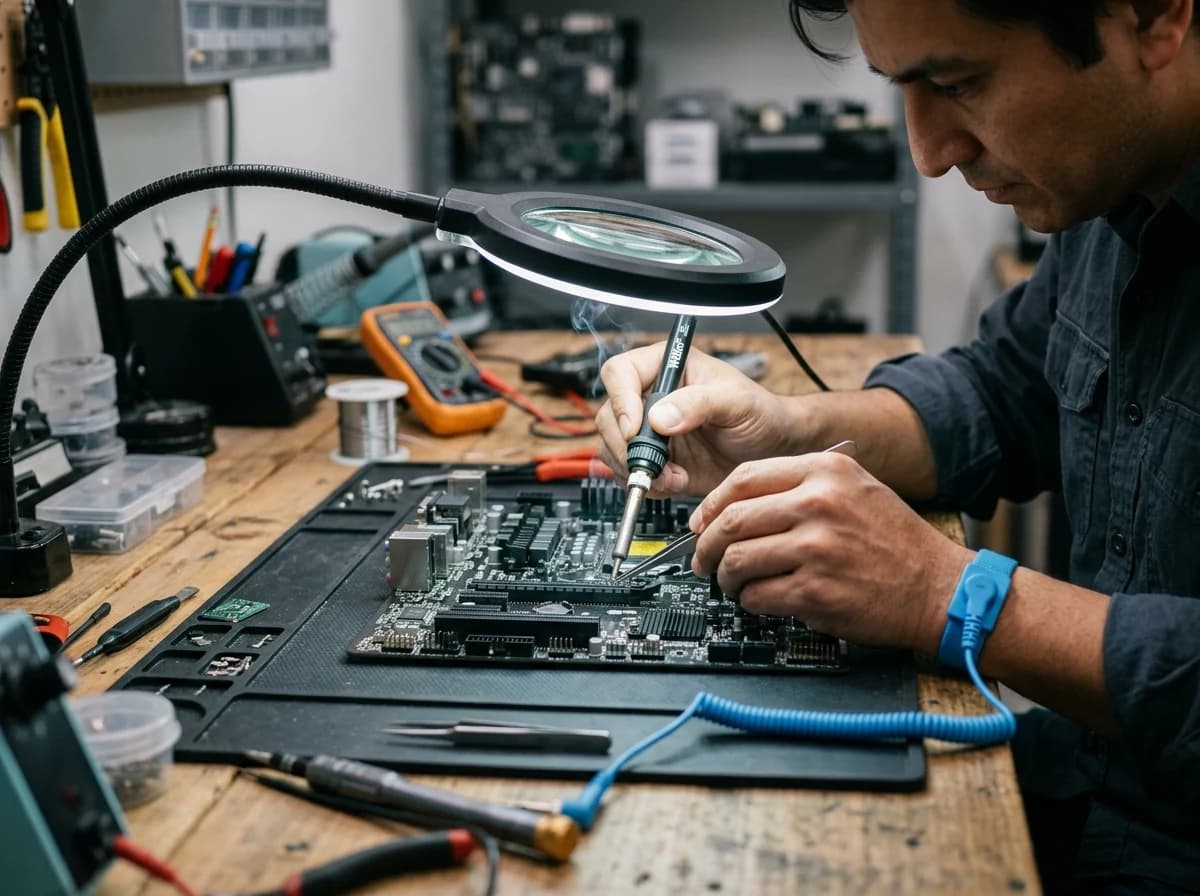
Describe the devices and repair work your shop accepts. Separate diagnostics, parts replacement and software help so visitors understand your scope.
AI website builder for computer repair shop
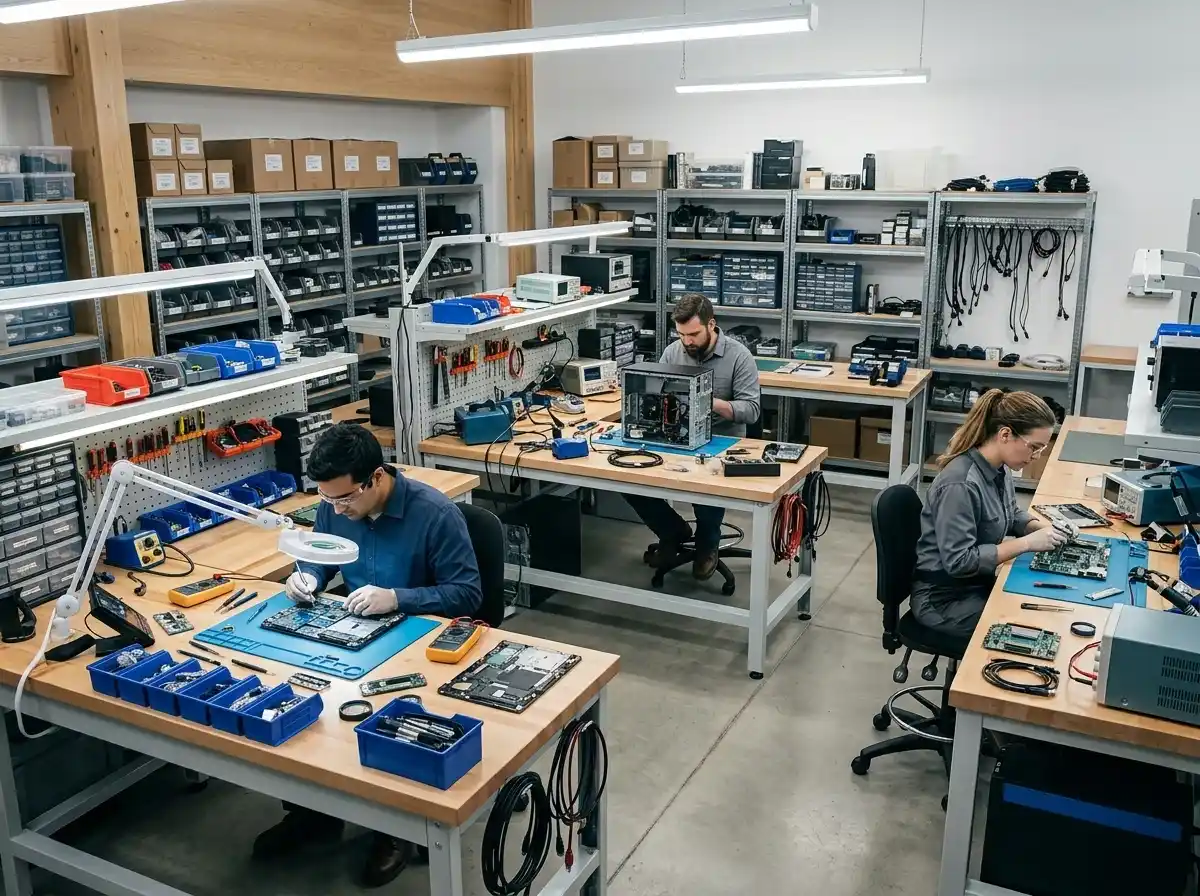
Explain supported devices, assessment steps and how customers can contact your workshop.
Your work deserves a good first impression
Explore templates for computer repair shop websites. Preview a design, then make the content, photographs and colours your own.
A first draft, with room to make it yours
Start with an idea or a relevant template. Refine it around your computer repair shop audience and the information they need.
Tell the AI who you serve, what you offer and the style you want. Include repair services and brands and devices supported in your brief, or choose a relevant template.
Name your audience and the next action you want visitors to take.Ask the AI Editor for any change, or click an element to show what you mean. Add your own photographs and review repair services, brands and devices supported, assessment and quote process before sharing your website.
Confirm every claim and replace sample content with your actual details.Check the website on phones, tablets and desktop screens. Publish with hosting and SSL, and connect a domain you own when your plan includes custom domains.
Test your contact form and every external service link after publishing.The details that help visitors choose
Grigora builds a computer repair shop website from a plain description of your bench: the machines you fix, your turnaround and the neighbourhood you serve. The AI writes and lays out the first draft, images included, and you finish it by describing changes in the AI Editor, no code needed.
Describe the devices and repair work your shop accepts. Separate diagnostics, parts replacement and software help so visitors understand your scope.
List the device types and brands your team actually services. Explain how customers can check support for an unfamiliar model.
Explain how a device is assessed and how a quote is confirmed. Make any diagnostic charges and approval steps clear.
 Downtown Laptop Clinic
A clear first impression
Describe the devices and repair work your shop accepts. Separate diagnostics, parts replacement and software help so visitors understand your scope.
Your work, clearly presentedInteractive design inspiration. Illustrative photography and sample copy.
Plan the pages your visitors will use
A practical computer repair shop website content guide. Choose the pages that fit what you do and keep the important answers close.
Describe the devices and repair work your shop accepts. Separate diagnostics, parts replacement and software help so visitors understand your scope.
List the device types and brands your team actually services. Explain how customers can check support for an unfamiliar model.
Explain how a device is assessed and how a quote is confirmed. Make any diagnostic charges and approval steps clear.
Show your workshop and introduce the people who carry out repairs. Use photographs and credentials you have permission to publish.
Publish opening hours, the shop location and drop-off instructions. Collect initial device and problem details for your team to review.
Explain your approach to data access, customer backups and repair warranties. Have your team verify policies and avoid promising data recovery for every device.
Review site analytics to understand which pages people visit. Keep repair services and contact information easy to reach, and update them when your work changes.
Explore the tools behind your websiteMake the next step obvious
Choose how visitors to your computer repair shop website reach you. Make each action fit the services and processes you already use.
Help visitors ask about repair services. Use a contact form that collects the details your team needs, and explain what happens after an enquiry.
Your team reviews requests and confirms the next step.
Keep specialist workflows for your computer repair shop website in the services you already use. Add clear links and explain their process before visitors leave your site.
Your chosen provider handles its own availability, confirmations and account access.
If you sell products or agreed services, add Grigora Commerce product pages, a cart and checkout with your connected Stripe, Razorpay, PayPal, or Paddle account. Explain prices, terms and fulfillment before accepting payment.
Your team manages orders and fulfillment; payment provider fees and terms apply.
SEO for computer repair shop websites
Good computer repair shop website SEO starts with useful pages. Make repair services, your contact details and your story easy to find.
Your website
https://computer-repair-shop.example/Explore repair services and brands and devices supported, learn about our approach and find out how to contact us.
Fictional example. Search engines choose the final title and snippet.
Give pages for repair services and brands and devices supported clear titles. Write descriptions that match their actual content.
Explain repair services with original copy and relevant photographs. Keep contact details and any locations you serve accurate.
Publish with hosting, HTTPS and a sitemap. Use clear navigation so visitors and search engines can reach your pages. Custom domains are available on paid plans.
Room to start. Room to grow.
Build and review your first computer repair shop website draft with no card needed. Choose a plan before the trial ends to keep the site online.
Compare plans for your domain and the content your computer repair shop website needs. Paid plans keep your site online after the trial and let you connect a domain you own.
Check current plan limits and feature eligibility before choosing. Connected payment providers have their own terms and processing fees.
The last check before going online
Walk through your computer repair shop website as a visitor would. Review these details before publishing, and again whenever your content changes.
0 of 5 items reviewed
Before you go online
Clear answers about creating a computer repair shop website, its content and the tools you can use.
Yes. Grigora Commerce handles physical stock with inventory counts, variants and SKUs, so RAM kits, SSDs, chargers and refurbished laptops can be listed with real quantities. Customers pay through your own Stripe, Razorpay, PayPal, or Paddle account and each order produces a receipt. You fulfil orders manually and issue refunds from the same place.
Give each common job its own section or page: screen replacement, battery swap, virus removal, data recovery, upgrades. State a flat price or a starting price, the usual turnaround, and whether diagnosis is free. If prices move often, keep services in a directory collection and update a field instead of editing page copy.
Five carry most shops: a home page saying what you fix and where, a services and pricing page, a repair request form, an about page with credentials and warranty terms, and a contact page with hours, parking and a map. A parts store and a blog answering common faults are useful additions.
Plans start at $15 a month for Starter, or $144 a year, which works out to $12 a month, and Pro is $25 a month. There is a free trial rather than a free forever plan, so you can build the whole site before paying. Hosting, SSL and the CDN are included, while the domain and payment accounts stay yours.
Describe your computer repair shop website. Get a first draft you can edit and make your own.
Start building free