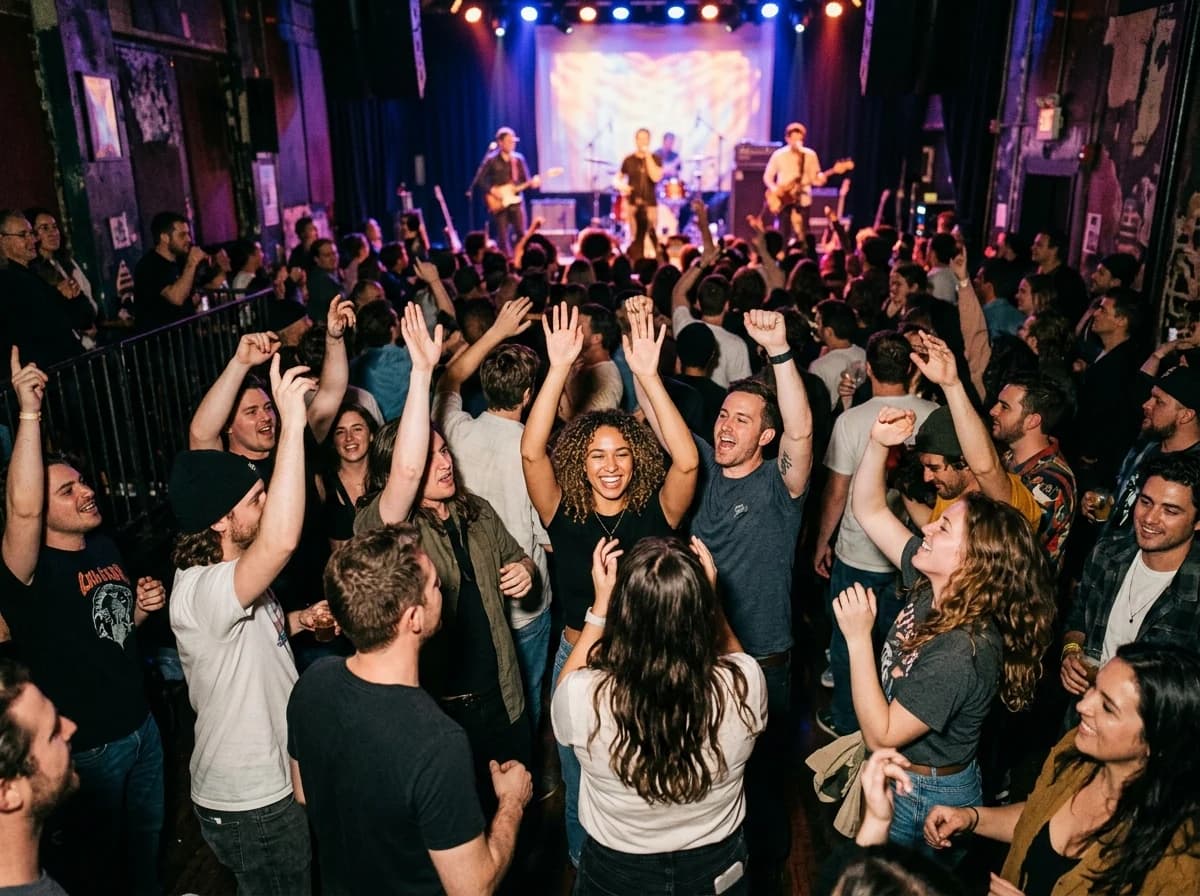
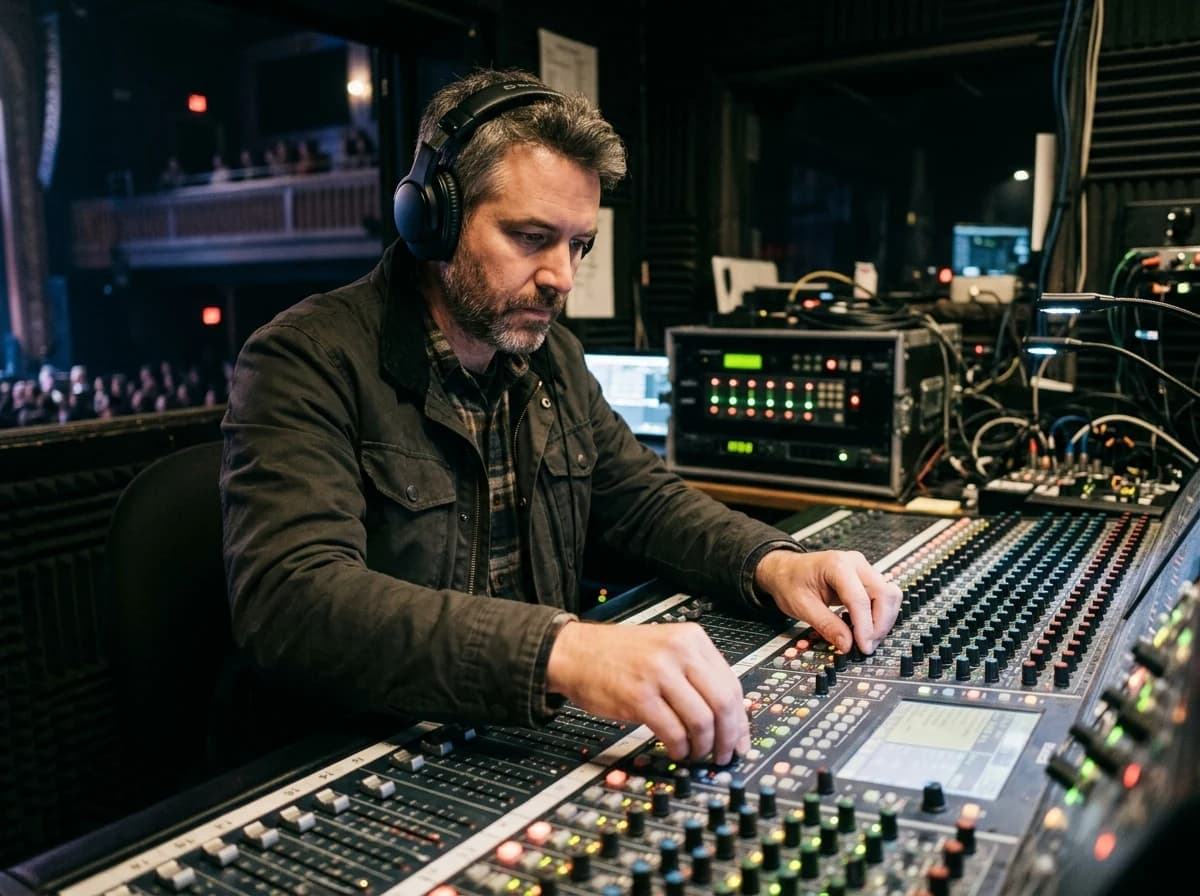
Start with an idea or a relevant template. Refine it around your concert venue audience and the information they need.
Describe your concert venue website
Tell the AI who you serve, what you offer and the style you want. Include upcoming events calendar & listings and artist profiles & media in your brief, or choose a relevant template.
Name your audience and the next action you want visitors to take.
Review and make it yours
Ask the AI Editor for any change, or click an element to show what you mean. Add your own photographs and review upcoming events calendar & listings, artist profiles & media, venue information & facilities before sharing your website.
Confirm every claim and replace sample content with your actual details.
Preview, then publish
Check the website on phones, tablets and desktop screens. Publish with hosting and SSL, and connect a domain you own when your plan includes custom domains.
Test your contact form and every external service link after publishing.
The details that help visitors choose
Upcoming Events Calendar & Listings. One clear website.
A concert venue site has to answer three questions fast, who is playing, when doors open and how to buy, and Grigora drafts that site for your venue from a short description of the room. Give it capacity, programming and location, and the AI returns layout, copy and images you change by prompt in the AI Editor.
Upcoming Events Calendar & Listings
A clear, prominent, and regularly updated calendar of all upcoming concerts, shows, and events. Each listing should include the artist, date, time, genre, ticket prices, and a direct link to purchase tickets. Make it easy to browse by date or artist.
Artist Profiles & Media
For each event, provide a dedicated page or section for the performing artist(s). Include bios, high-quality photos, links to their music (Spotify, YouTube), and social media. This helps potential attendees discover new artists and get excited about shows.
Venue Information & Facilities
Provide all practical details: address, directions, parking information, public transport options, accessibility details, and seating charts. High-quality photos of the venue's interior and exterior help set expectations.
A clear, prominent, and regularly updated calendar of all upcoming concerts, shows, and events. Each listing should include the artist, date, time, genre, ticket prices, and a direct link to purchase tickets. Make it easy to browse by date or artist.
Your work, clearly presented
Interactive design inspiration. Illustrative photography and sample copy.
Plan the pages your visitors will use
The right information. A complete picture of your work.
A practical concert venue website content guide. Choose the pages that fit what you do and keep the important answers close.
Upcoming Events Calendar & Listings
A clear, prominent, and regularly updated calendar of all upcoming concerts, shows, and events. Each listing should include the artist, date, time, genre, ticket prices, and a direct link to purchase tickets. Make it easy to browse by date or artist.
Artist Profiles & Media
For each event, provide a dedicated page or section for the performing artist(s). Include bios, high-quality photos, links to their music (Spotify, YouTube), and social media. This helps potential attendees discover new artists and get excited about shows.
Venue Information & Facilities
Provide all practical details: address, directions, parking information, public transport options, accessibility details, and seating charts. High-quality photos of the venue's interior and exterior help set expectations.
Ticketing & Box Office Information
Clearly outline how to purchase tickets (online, phone, in-person), refund policies, and any membership or season pass options. Integrate smoothly with your chosen ticketing platform for a seamless user journey.
Booking Inquiries & Private Event Information
For artists or promoters looking to book your venue, provide clear instructions and a dedicated inquiry form. If you host private events, detail your capacity, amenities, and contact information for event planning.
Past Shows & Photo Gallery
Showcase the vibrant history of your venue with a gallery of past events, concert photos, and perhaps short video clips. This highlights the atmosphere, attracts new audiences, and serves as a rich archive, building your venue's legacy and appeal.
Learn from the pages visitors use.
Review site analytics to understand which pages people visit. Keep upcoming events calendar & listings and contact information easy to reach, and update them when your work changes.
Choose how visitors to your concert venue website reach you. Make each action fit the services and processes you already use.
Give enquiries a clear route
Help visitors ask about upcoming events calendar & listings. Use a contact form that collects the details your team needs, and explain what happens after an enquiry.
Your team reviews requests and confirms the next step.
Connect the services you use
Keep specialist workflows for your concert venue website in the services you already use. Add clear links and explain their process before visitors leave your site.
Your chosen provider handles its own availability, confirmations and account access.
Add commerce when it fits
If you sell products or agreed services, add Grigora Commerce product pages, a cart and checkout with your connected Stripe, Razorpay, PayPal, or Paddle account. Explain prices, terms and fulfillment before accepting payment.
Your team manages orders and fulfillment; payment provider fees and terms apply.
Good concert venue website SEO starts with useful pages. Make upcoming events calendar & listings, your contact details and your story easy to find.
Illustrative search result
Your website
https://concert-venue.example/
Your website | Concert Venue
Explore upcoming events calendar & listings and artist profiles & media, learn about our approach and find out how to contact us.
Fictional example. Search engines choose the final title and snippet.
Titles and descriptions you can edit
Give pages for upcoming events calendar & listings and artist profiles & media clear titles. Write descriptions that match their actual content.
Useful information for your audience
Explain upcoming events calendar & listings with original copy and relevant photographs. Keep contact details and any locations you serve accurate.
Connected hosting and published pages
Publish with hosting, HTTPS and a sitemap. Use clear navigation so visitors and search engines can reach your pages. Custom domains are available on paid plans.
Use relevant photographs, helpful image descriptions and original copy about your work and the people you serve.
Build and review your first concert venue website draft with no card needed. Choose a plan before the trial ends to keep the site online.
A first draft you can review and customize
Website hosting, SSL and CDN included
Page, form and newsletter usage limits to review
Choose room for your website to grow
Compare plans for your domain and the content your concert venue website needs. Paid plans keep your site online after the trial and let you connect a domain you own.
Connect a domain you own
Keep the site online after the trial
Choose capacity for your pages, content and enquiries
Check current plan limits and feature eligibility before choosing. Connected payment providers have their own terms and processing fees.
The last check before going online
Ready for your first online visitor?
Walk through your concert venue website as a visitor would. Review these details before publishing, and again whenever your content changes.
0 of 5 items reviewed
Before you go online
Concert Venue website builder FAQs.
Clear answers about creating a concert venue website, its content and the tools you can use.
Can I collect email sign-ups for concert announcements and newsletters?
Absolutely. Grigora includes a built-in newsletter system. You can easily add newsletter subscription forms and popups to your website to collect email addresses from interested concert-goers. Once you have a subscriber list, you can create, send, and track email campaigns about new shows, special offers, and venue news, keeping your audience engaged.
Can we sell tickets and merch from the same venue website?
Merch sells directly through Grigora Commerce as a physical product, with sizes and colors handled as product options and variants, inventory tracked, and checkout through Stripe, Razorpay, PayPal, or Paddle. Commerce checkout must use one of these supported payment gateways.
Can we sell recordings of past shows?
Yes. Grigora Commerce supports digital downloads delivered by email, so a live set recording, an EP, or a photo set from a show can be listed as a one-time purchase, or offered at pay-what-you-want pricing for fans who want to pay more. Commerce checkout must use one of these supported payment gateways.
How do we keep a structured archive of past and upcoming shows?
Build a "Shows" directory in the CMS. Each show entry can use a datetime field for the date, a multi-image field for lineup or crowd photos, a link field for the ticket page, and a reference field connecting it to an artist entry in a separate directory. That keeps your full show history organized as structured data instead of scattered blog posts. Commerce checkout must use one of these supported payment gateways.
Can booking agents and press reach us without clogging our general inbox?
Grigora Mail includes up to 10 aliases on your own domain, so you can run booking@yourvenue.com and press@yourvenue.com alongside your general address, all landing in one inbox where you can file booking requests and fan email under labels you create yourself. Commerce checkout must use one of these supported payment gateways.
How do we email fans about a new lineup or show?
Use the built-in Newsletters and Email Builder to design and send a lineup announcement to your mailing list, right from the same platform running your site. It's a separate tool from Grigora Mail, built for one-to-many sends rather than day-to-day inbox use. Commerce checkout must use one of these supported payment gateways.
How do I add ticket links to my venue website?
Each show entry carries a ticket URL field, so the button on that listing points straight at whatever ticketing provider you use. Grigora is not a ticketing system, with no e-tickets, scanning or seat maps. If you want to sell direct for a smaller night, list the ticket as a limited stock product.
How do I move my venue website off Wix?
There is no importer for sites made with the AI builder, so the site gets rebuilt. In practice you describe the venue, let the AI draft the new site, then paste in your bios, policies and show history. Set up redirects for your old URLs before you point the domain across.
Can people request the venue for private events through the site?
Yes, through a hire inquiry form. Ask for date, event type, headcount and what they need from the room and the bar, then add a page with capacities, tech specs and floor plans. Grigora has no calendar or booking engine, so you confirm availability and hold dates however you do now.
How much does a concert venue website cost?
Paid plans start at $15 a month for Starter, or $144 a year, which works out to $12 a month, with Pro at $25 a month. A free trial covers the build and there is no free forever tier. Merch and recording sales settle into your own Stripe, Razorpay, PayPal, or Paddle account, and each mailbox on your domain is $5 a month.