Services and areas of care
Describe the dermatology services your practice offers and the concerns patients can discuss. Have a qualified member of your team review all clinical copy.

AI website builder for dermatologist
Introduce your dermatology services and practitioners, and help patients find the details they need.
Your work deserves a good first impression
Explore templates for dermatologist websites. Preview a design, then make the content, photographs and colours your own.
A first draft, with room to make it yours
Start with an idea or a relevant template. Refine it around your dermatologist audience and the information they need.
Tell the AI who you serve, what you offer and the style you want. Include services and areas of care and practitioner profiles in your brief, or choose a relevant template.
Name your audience and the next action you want visitors to take.Ask the AI Editor for any change, or click an element to show what you mean. Add your own photographs and review services and areas of care, practitioner profiles, what to expect at a visit before sharing your website.
Confirm every claim and replace sample content with your actual details.Check the website on phones, tablets and desktop screens. Publish with hosting and SSL, and connect a domain you own when your plan includes custom domains.
Test your contact form and every external service link after publishing.The details that help visitors choose
Grigora builds dermatology websites for medical, surgical, and cosmetic skin practices from a plain description of the clinic. The AI produces a full first draft, layout, copy, and images, and you refine it by describing changes in the AI Editor, no code and no agency retainer.
Describe the dermatology services your practice offers and the concerns patients can discuss. Have a qualified member of your team review all clinical copy.
Introduce your clinicians with verified credentials and areas of practice. Use accurate biographies and photographs published with permission.
Explain the consultation process and the information patients may need to bring. Keep the description practical without promising a diagnosis or outcome.
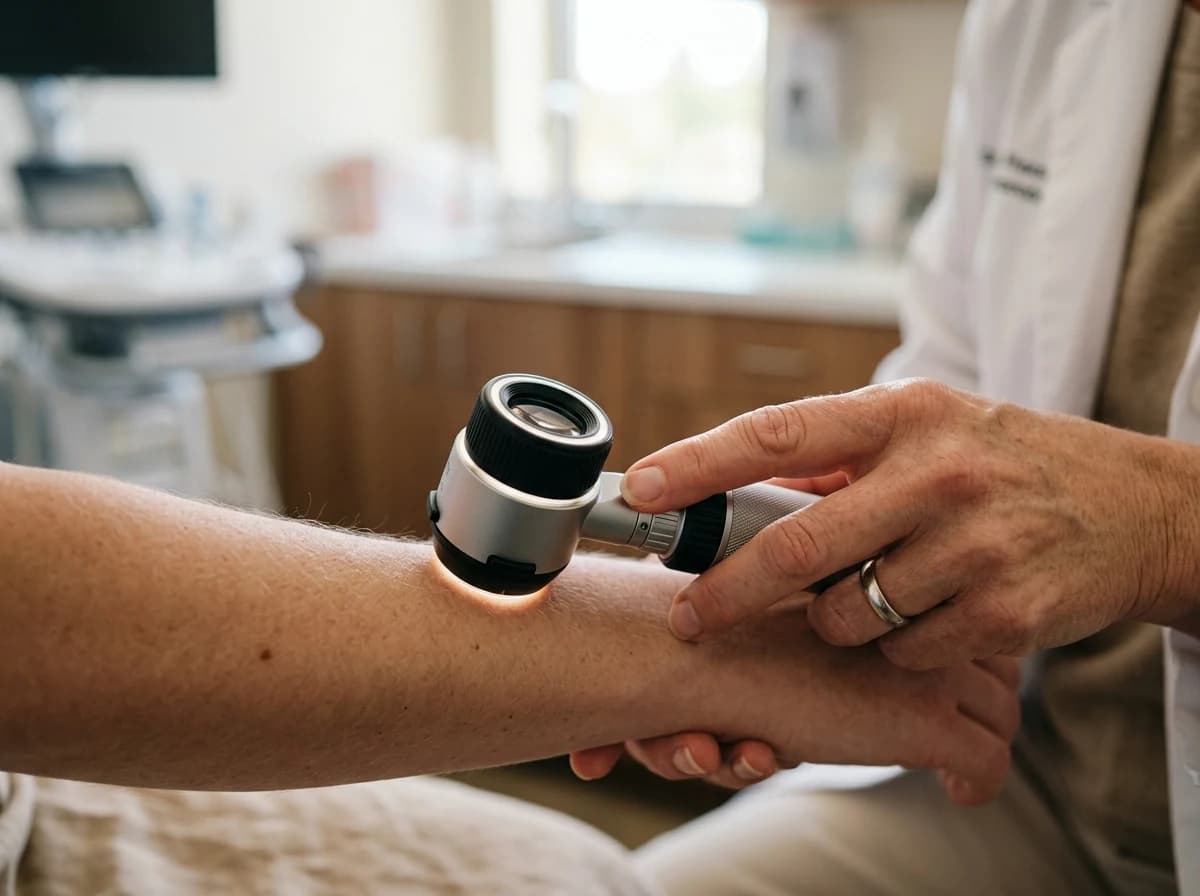 Medical Dermatology Clinic
A clear first impression
Describe the dermatology services your practice offers and the concerns patients can discuss. Have a qualified member of your team review all clinical copy.
Your work, clearly presentedInteractive design inspiration. Illustrative photography and sample copy.
Plan the pages your visitors will use
A practical dermatologist website content guide. Choose the pages that fit what you do and keep the important answers close.
Describe the dermatology services your practice offers and the concerns patients can discuss. Have a qualified member of your team review all clinical copy.
Introduce your clinicians with verified credentials and areas of practice. Use accurate biographies and photographs published with permission.
Explain the consultation process and the information patients may need to bring. Keep the description practical without promising a diagnosis or outcome.
Provide practice-approved preparation guidance, fees or insurance information where applicable. Explain how patients can contact the practice with individual questions.
Link to your existing appointment service or provide a form for general enquiries. Your practice confirms availability and tells patients how to share sensitive information through its chosen channels.
List your address, opening hours and contact details. Explain access arrangements and how patients can ask about support for their visit.
Review site analytics to understand which pages people visit. Keep services and areas of care and contact information easy to reach, and update them when your work changes.
Explore the tools behind your websiteMake the next step obvious
Choose how visitors to your dermatologist website reach you. Make each action fit the services and processes you already use.
Help visitors ask about services and areas of care. Use a contact form that collects the details your team needs, and explain what happens after an enquiry.
Your team reviews requests and confirms the next step.
Keep specialist workflows for your dermatologist website in the services you already use. Add clear links and explain their process before visitors leave your site.
Your chosen provider handles its own availability, confirmations and account access.
If you sell products or agreed services, add Grigora Commerce product pages, a cart and checkout with your connected Stripe, Razorpay, PayPal, or Paddle account. Explain prices, terms and fulfillment before accepting payment.
Your team manages orders and fulfillment; payment provider fees and terms apply.
SEO for dermatologist websites
Good dermatologist website SEO starts with useful pages. Make services and areas of care, your contact details and your story easy to find.
Your website
https://dermatologist.example/Explore services and areas of care and practitioner profiles, learn about our approach and find out how to contact us.
Fictional example. Search engines choose the final title and snippet.
Give pages for services and areas of care and practitioner profiles clear titles. Write descriptions that match their actual content.
Explain services and areas of care with original copy and relevant photographs. Keep contact details and any locations you serve accurate.
Publish with hosting, HTTPS and a sitemap. Use clear navigation so visitors and search engines can reach your pages. Custom domains are available on paid plans.
Room to start. Room to grow.
Build and review your first dermatologist website draft with no card needed. Choose a plan before the trial ends to keep the site online.
Compare plans for your domain and the content your dermatologist website needs. Paid plans keep your site online after the trial and let you connect a domain you own.
Check current plan limits and feature eligibility before choosing. Connected payment providers have their own terms and processing fees.
The last check before going online
Walk through your dermatologist website as a visitor would. Review these details before publishing, and again whenever your content changes.
0 of 5 items reviewed
Before you go online
Clear answers about creating a dermatologist website, its content and the tools you can use.
Every Grigora website includes free SSL encryption, CDN-powered hosting, and auto-scaling infrastructure by default. That means your site loads quickly, stays online during traffic spikes, and keeps every visitor connection encrypted, all included automatically without extra setup, plugins, or a separate hosting provider to manage.
Paid plans open at $15 a month for Starter, or $144 a year, which works out to $12 a month, and Pro at $25 a month; both include hosting, SSL, CDN, and a custom domain. Grigora offers a free trial rather than a free plan. Retail sales run through your own Stripe, Razorpay, PayPal, or Paddle account.
Yes. Commerce handles physical stock with SKUs, variants such as size or strength, inventory counts, shipping setup, and discount codes, and each order produces a receipt. You fulfil and ship yourself. Treatment packages can be sold too, though the appointments behind them are scheduled in your own system.
Write what patients ask in the chair: how to check a mole, what an isotretinoin course involves, aftercare for lasers and peels, sunscreen questions by skin type, and how a clinical treatment differs from the spa version. Categories and tags keep medical, surgical, and cosmetic topics apart.
Give every treatment its own page with what it does, session count, downtime, and price band, then group them by concern rather than by device name. Before and after galleries carry the work. Add provider profiles with credentials, a consultation request form, and a retail skincare section.
Describe your dermatologist website. Get a first draft you can edit and make your own.
Start building free