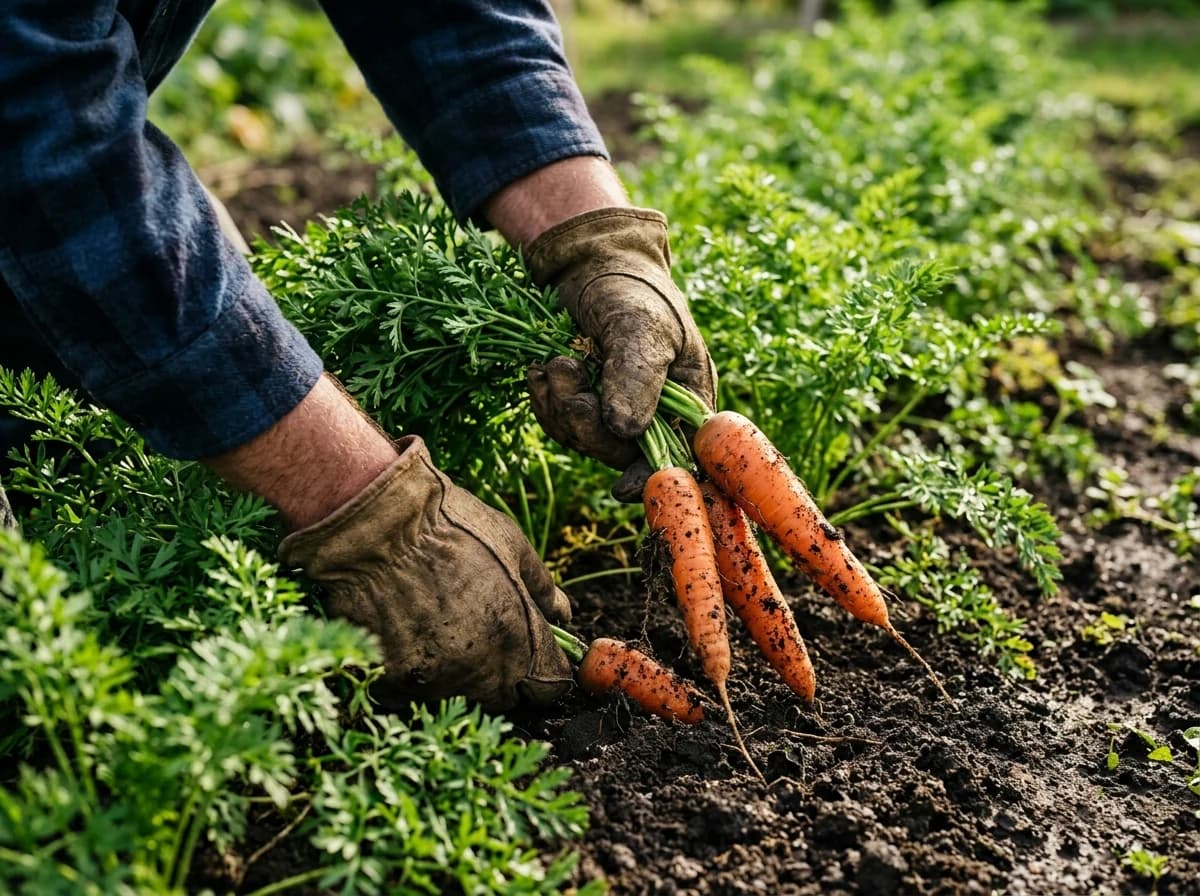
Our Products & Harvest Schedule
Clearly list what you grow, raise, or produce. If applicable, include a seasonal availability chart for produce, details about meat cuts, or descriptions of artisanal products like cheese or wine.
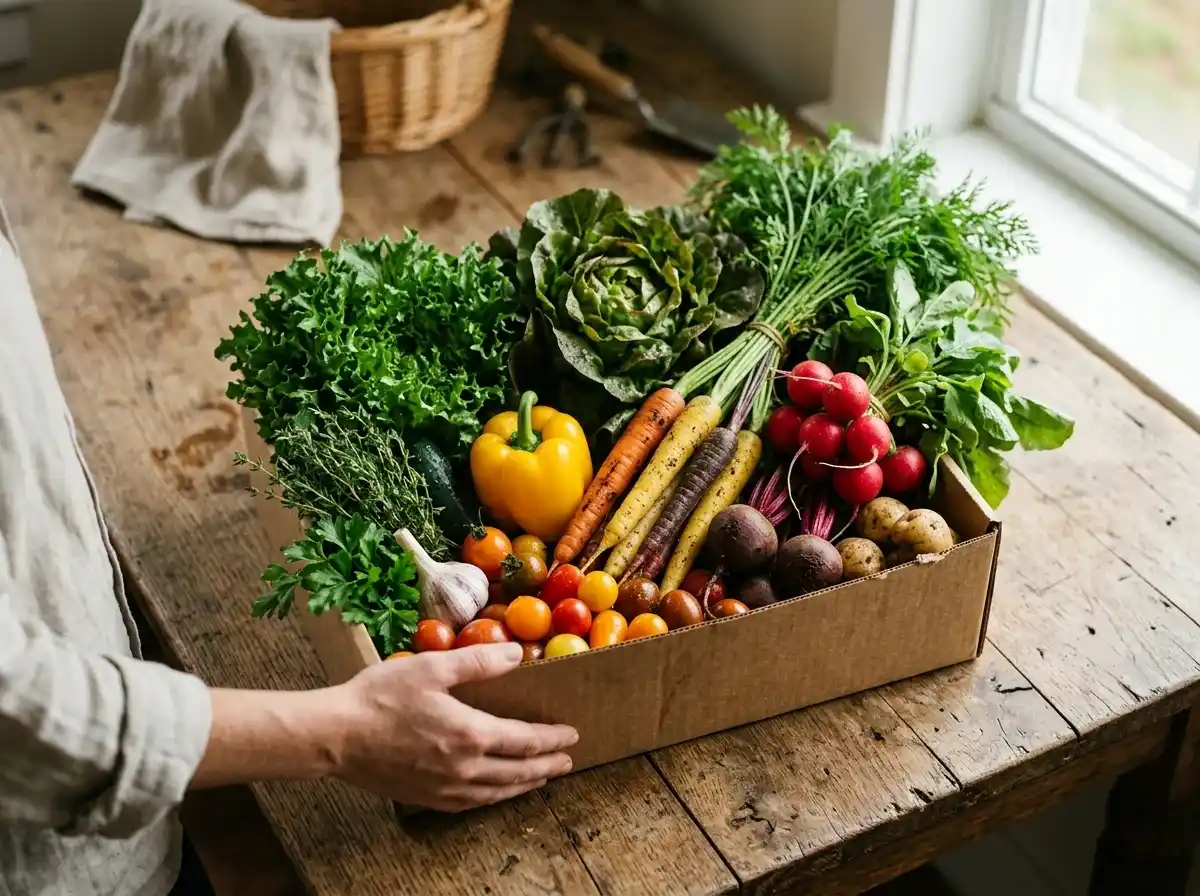
AI website builder for farms
Introduce your farm, seasonal produce and visiting or purchase information.
Your work deserves a good first impression
Explore templates for farms websites. Preview a design, then make the content, photographs and colours your own.
A first draft, with room to make it yours
Start with an idea or a relevant template. Refine it around your farms audience and the information they need.
Tell the AI who you serve, what you offer and the style you want. Include our products & harvest schedule and our story & farming philosophy in your brief, or choose a relevant template.
Name your audience and the next action you want visitors to take.Ask the AI Editor for any change, or click an element to show what you mean. Add your own photographs and review our products & harvest schedule, our story & farming philosophy, farm stand hours & location before sharing your website.
Confirm every claim and replace sample content with your actual details.Check the website on phones, tablets and desktop screens. Publish with hosting and SSL, and connect a domain you own when your plan includes custom domains.
Test your contact form and every external service link after publishing.The details that help visitors choose
A farm website is where neighbours check what is ready this week, how a CSA share works and when the stand is open, and Grigora builds one for a small farm without code. Describe the operation, vegetables, eggs, meat, flowers or u-pick, and the AI drafts a home page, a what we grow section, a stand hours page and a contact form you change by describing edits in the AI Editor.
Clearly list what you grow, raise, or produce. If applicable, include a seasonal availability chart for produce, details about meat cuts, or descriptions of artisanal products like cheese or wine.
Share the history of your farm, your family's journey, and your commitment to sustainable practices, organic methods, or animal welfare. This builds connection and trust with consumers.
Provide clear directions to your farm stand or market locations, including operating hours. Embed a map for easy navigation and highlight any special events.
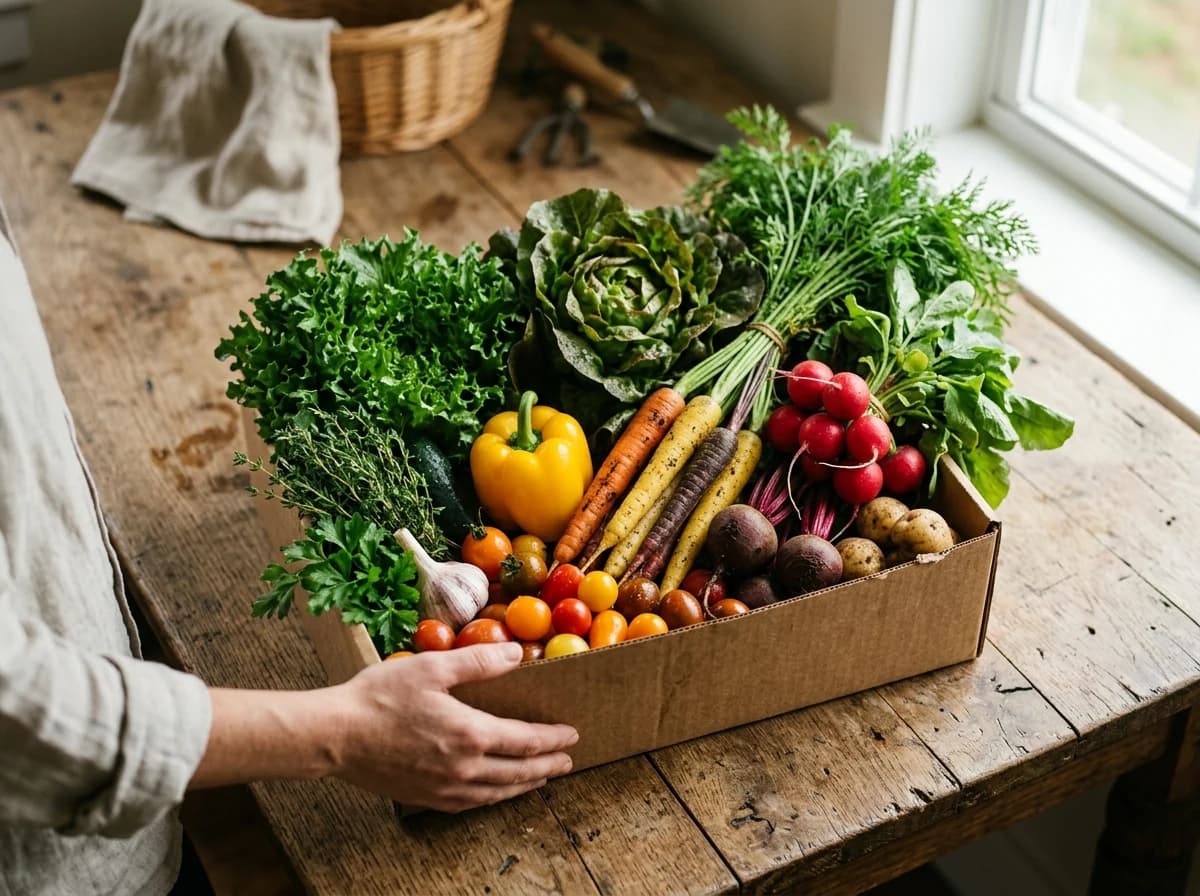 Heritage Vegetable Farm
A clear first impression
Clearly list what you grow, raise, or produce. If applicable, include a seasonal availability chart for produce, details about meat cuts, or descriptions of artisanal products like cheese or wine.
Your work, clearly presentedInteractive design inspiration. Illustrative photography and sample copy.
Plan the pages your visitors will use
A practical farms website content guide. Choose the pages that fit what you do and keep the important answers close.
Clearly list what you grow, raise, or produce. If applicable, include a seasonal availability chart for produce, details about meat cuts, or descriptions of artisanal products like cheese or wine.
Share the history of your farm, your family's journey, and your commitment to sustainable practices, organic methods, or animal welfare. This builds connection and trust with consumers.
Provide clear directions to your farm stand or market locations, including operating hours. Embed a map for easy navigation and highlight any special events.
If you offer a Community Supported Agriculture (CSA) program or other subscription services, dedicate a page to explain how it works, pricing, pickup details, and signup process.
Visuals are powerful. Showcase beautiful photos of your fields, livestock, fresh produce, and the people behind the farm. This helps customers visualize where their food comes from.
Share updates from the farm, talk about your growing process, introduce new animals, or provide recipes featuring your produce. This engages your audience, builds community, and improves SEO. Grigora's blogging platform is ideal for sharing your farm's journey.
Review site analytics to understand which pages people visit. Keep our products & harvest schedule and contact information easy to reach, and update them when your work changes.
Explore the tools behind your websiteMake the next step obvious
Choose how visitors to your farms website reach you. Make each action fit the services and processes you already use.
Help visitors ask about our products & harvest schedule. Use a contact form that collects the details your team needs, and explain what happens after an enquiry.
Your team reviews requests and confirms the next step.
Keep specialist workflows for your farms website in the services you already use. Add clear links and explain their process before visitors leave your site.
Your chosen provider handles its own availability, confirmations and account access.
If you sell products or agreed services, add Grigora Commerce product pages, a cart and checkout with your connected Stripe, Razorpay, PayPal, or Paddle account. Explain prices, terms and fulfillment before accepting payment.
Your team manages orders and fulfillment; payment provider fees and terms apply.
SEO for farms websites
Good farms website SEO starts with useful pages. Make our products & harvest schedule, your contact details and your story easy to find.
Your website
https://farms.example/Explore our products & harvest schedule and our story & farming philosophy, learn about our approach and find out how to contact us.
Fictional example. Search engines choose the final title and snippet.
Give pages for our products & harvest schedule and our story & farming philosophy clear titles. Write descriptions that match their actual content.
Explain our products & harvest schedule with original copy and relevant photographs. Keep contact details and any locations you serve accurate.
Publish with hosting, HTTPS and a sitemap. Use clear navigation so visitors and search engines can reach your pages. Custom domains are available on paid plans.
Room to start. Room to grow.
Build and review your first farms website draft with no card needed. Choose a plan before the trial ends to keep the site online.
Compare plans for your domain and the content your farms website needs. Paid plans keep your site online after the trial and let you connect a domain you own.
Check current plan limits and feature eligibility before choosing. Connected payment providers have their own terms and processing fees.
The last check before going online
Walk through your farms website as a visitor would. Review these details before publishing, and again whenever your content changes.
0 of 5 items reviewed
Before you go online
Clear answers about creating a farms website, its content and the tools you can use.
Grigora features a built-in newsletter system, enabling you to create, send, and track email campaigns to your audience. Use newsletter subscription forms on your website to build your mailing list. Email templates ensure professional communications for new harvest alerts, farm event invitations, or seasonal specials, keeping your customers engaged.
Grigora offers a built-in, privacy-friendly analytics dashboard to monitor your website's performance. You can track traffic, engagement, and other insights to see which produce pages or blog posts resonate most with your audience. Google Analytics integration is also available for more in-depth data, helping you understand visitor behavior and optimize your online presence.
Not as a subscription. Grigora Commerce products are one-time purchases, so sell a full-season CSA share or a block of weekly produce boxes as a single product paid upfront through your connected Stripe account, and cap the number of shares with a stock count.
Set up a directory, a structured content collection with typed fields like text, image, datetime, and switch, to list crops or products with an in-stock toggle. Pair it with Commerce inventory tracking on items you sell online so anything picked over shows as sold out automatically instead of you editing the page by hand.
Not for produce. Grigora Commerce offers pay-what-you-want pricing only on digital products, such as a recipe booklet or a planting guide, so farm stand items and bulk orders sell at a fixed price you set.
Not from scratch, though there is no importer for sites made with the AI builder. Give the AI builder the address of your current site and it drafts a new version from the public pages it can read; check every page, price and pickup detail against the original.
Yes. The Newsletters and Email Builder lets you write, design, and send harvest or pickup updates to your list from the same platform running the rest of the farm site, no extra service to manage.
List each item as a product with a price and a stock count, connect Stripe, Razorpay, PayPal, or Paddle, and set pickup as the fulfilment method rather than shipping. Customers order and pay ahead, you see the orders in your dashboard, and you mark them fulfilled when the box leaves the cooler.
Starter is $15 a month, or $144 a year, which works out to $12 a month, and Pro is $25 a month. There is a free trial instead of a free forever plan. Hosting and SSL are covered, a custom domain comes with any paid plan, and money from produce or share sales goes to your own Stripe, Razorpay, PayPal, or Paddle account.
Yes. Every product carries a stock count that drops as orders come in and stops selling at zero, which is how you cap CSA shares or a weekly egg allocation. Variants handle sizes, half and full shares for instance, each with its own count and price.
Field conditions and hours first, updated as a short post each week, then pricing, parking, what to bring and whether dogs come. You can sell u-pick passes as limited stock products, though there is no per-date capacity or ticket scanning, so busy weekends still need managing at the gate.
Describe your farms website. Get a first draft you can edit and make your own.
Start building free