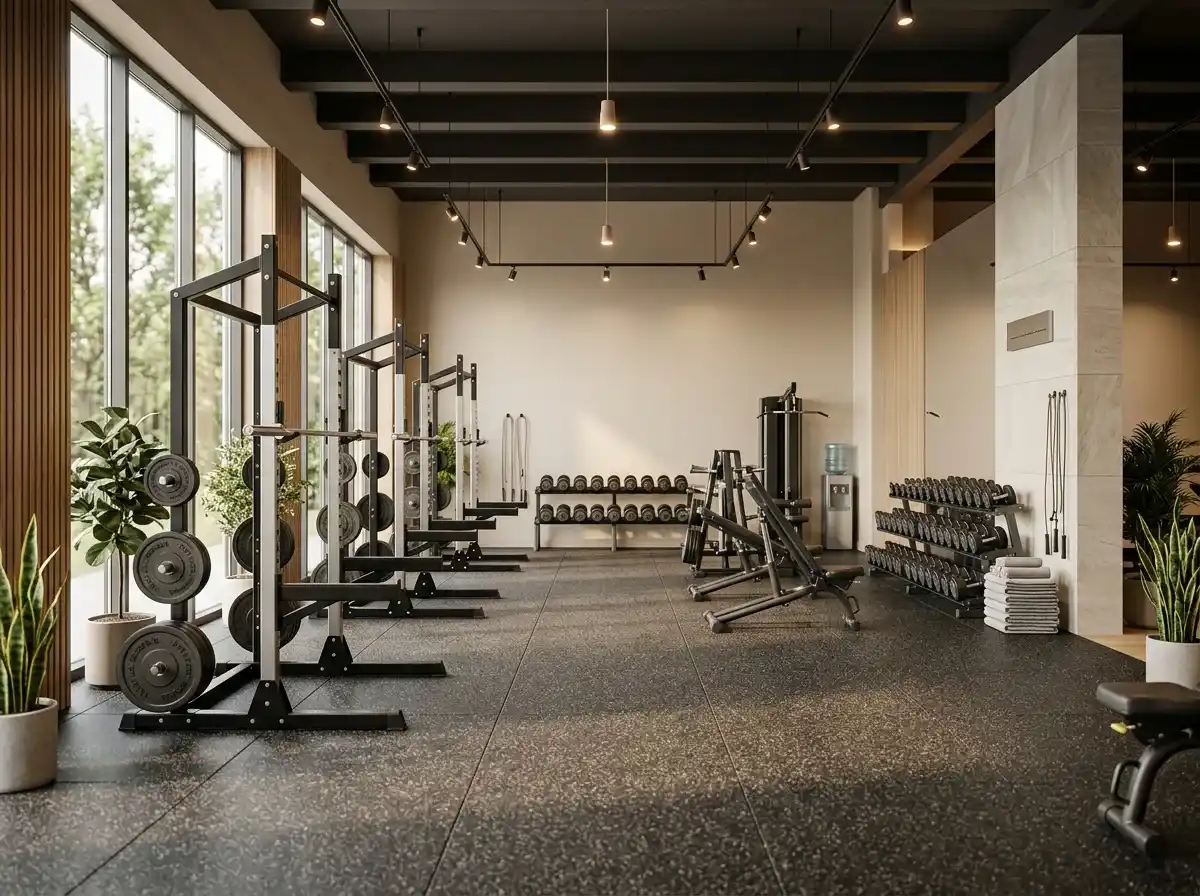
Start with an idea or a relevant template. Refine it around your gym audience and the information they need.
Describe your gym website
Tell the AI who you serve, what you offer and the style you want. Include membership options & pricing and class schedule & descriptions in your brief, or choose a relevant template.
Name your audience and the next action you want visitors to take.
Review and make it yours
Ask the AI Editor for any change, or click an element to show what you mean. Add your own photographs and review membership options & pricing, class schedule & descriptions, personal training & coach profiles before sharing your website.
Confirm every claim and replace sample content with your actual details.
Preview, then publish
Check the website on phones, tablets and desktop screens. Publish with hosting and SSL, and connect a domain you own when your plan includes custom domains.
Test your contact form and every external service link after publishing.
The details that help visitors choose
Membership Options & Pricing. One clear website.
A gym website is where prospective members find your timetable, your coaches, your prices and a way to join, and Grigora builds one for gyms and studios from a description of the facility. The AI drafts the pages, copy and photography, then you describe any change in the AI Editor, or click an element to show what you mean.
Membership Options & Pricing
Clearly display your various membership tiers, packages, and pricing structures (e.g., monthly, annual, class packs). Be transparent about initiation fees, cancellation policies, and any special offers to help potential members choose the best fit.
Class Schedule & Descriptions
Provide an up-to-date, easy-to-read class schedule, including times, instructors, and detailed descriptions of each class (e.g., 'Yoga Basics,' 'HIIT Blast,' 'Spin'). Highlight the benefits and target audience for each to encourage participation.
Personal Training & Coach Profiles
Introduce your personal trainers and coaches with their photos, bios, specializations, and certifications. This builds trust and allows potential clients to connect with instructors before committing, showcasing the expertise within your team.
Clearly display your various membership tiers, packages, and pricing structures (e.g., monthly, annual, class packs). Be transparent about initiation fees, cancellation policies, and any special offers to help potential members choose the best fit.
Your work, clearly presented
Interactive design inspiration. Illustrative photography and sample copy.
Plan the pages your visitors will use
The right information. A complete picture of your work.
A practical gym website content guide. Choose the pages that fit what you do and keep the important answers close.
Membership Options & Pricing
Clearly display your various membership tiers, packages, and pricing structures (e.g., monthly, annual, class packs). Be transparent about initiation fees, cancellation policies, and any special offers to help potential members choose the best fit.
Class Schedule & Descriptions
Provide an up-to-date, easy-to-read class schedule, including times, instructors, and detailed descriptions of each class (e.g., 'Yoga Basics,' 'HIIT Blast,' 'Spin'). Highlight the benefits and target audience for each to encourage participation.
Personal Training & Coach Profiles
Introduce your personal trainers and coaches with their photos, bios, specializations, and certifications. This builds trust and allows potential clients to connect with instructors before committing, showcasing the expertise within your team.
Facilities & Equipment Gallery
Showcase your gym's interior with high-quality photos and possibly a virtual tour. Highlight key equipment, workout areas, locker rooms, and any unique amenities (e.g., sauna, pool, climbing wall). This helps visitors visualize themselves working out there.
Success Stories & Testimonials
Feature inspiring member success stories, before-and-after photos (with permission), and glowing testimonials. This provides social proof and demonstrates the tangible results members achieve, motivating new sign-ups.
Health & Fitness Blog
Share valuable content like workout tips, nutrition advice, healthy recipes, or articles on wellness trends. This positions your gym as an authority, attracts organic traffic, and keeps your members engaged beyond their gym visits.
Learn from the pages visitors use.
Review site analytics to understand which pages people visit. Keep membership options & pricing and contact information easy to reach, and update them when your work changes.
Choose how visitors to your gym website reach you. Make each action fit the services and processes you already use.
Give enquiries a clear route
Help visitors ask about membership options & pricing. Use a contact form that collects the details your team needs, and explain what happens after an enquiry.
Your team reviews requests and confirms the next step.
Connect the services you use
Keep specialist workflows for your gym website in the services you already use. Add clear links and explain their process before visitors leave your site.
Your chosen provider handles its own availability, confirmations and account access.
Add commerce when it fits
If you sell products or agreed services, add Grigora Commerce product pages, a cart and checkout with your connected Stripe, Razorpay, PayPal, or Paddle account. Explain prices, terms and fulfillment before accepting payment.
Your team manages orders and fulfillment; payment provider fees and terms apply.
Good gym website SEO starts with useful pages. Make membership options & pricing, your contact details and your story easy to find.
Illustrative search result
Your website
https://gym.example/
Your website | Gym
Explore membership options & pricing and class schedule & descriptions, learn about our approach and find out how to contact us.
Fictional example. Search engines choose the final title and snippet.
Titles and descriptions you can edit
Give pages for membership options & pricing and class schedule & descriptions clear titles. Write descriptions that match their actual content.
Useful information for your audience
Explain membership options & pricing with original copy and relevant photographs. Keep contact details and any locations you serve accurate.
Connected hosting and published pages
Publish with hosting, HTTPS and a sitemap. Use clear navigation so visitors and search engines can reach your pages. Custom domains are available on paid plans.
Use relevant photographs, helpful image descriptions and original copy about your work and the people you serve.
Build and review your first gym website draft with no card needed. Choose a plan before the trial ends to keep the site online.
A first draft you can review and customize
Website hosting, SSL and CDN included
Page, form and newsletter usage limits to review
Choose room for your website to grow
Compare plans for your domain and the content your gym website needs. Paid plans keep your site online after the trial and let you connect a domain you own.
Connect a domain you own
Keep the site online after the trial
Choose capacity for your pages, content and enquiries
Check current plan limits and feature eligibility before choosing. Connected payment providers have their own terms and processing fees.
The last check before going online
Ready for your first online visitor?
Walk through your gym website as a visitor would. Review these details before publishing, and again whenever your content changes.
0 of 5 items reviewed
Before you go online
Gym website builder FAQs.
Clear answers about creating a gym website, its content and the tools you can use.
Can members pay monthly, and can I sell drop-in class passes through my gym website?
Passes yes, monthly billing no. Grigora Commerce products are one-time purchases only, with no subscriptions or automatic renewals, so set up a month or a year of gym access paid up front and a single class or day pass as one-time purchases, all sold through Grigora Commerce with your own connected Stripe, Razorpay, PayPal, or Paddle account handling checkout.
Can I run a small pro shop (apparel, shaker bottles, supplements) alongside my membership page?
Yes. Grigora Commerce handles physical products with inventory, variants, and SKUs, so a hoodie in three sizes or a branded shaker bottle can sit right next to your pass listings, with orders tracked and fulfilled manually as they come in.
Can I list my trainers with bios, specialties, and photos in an organized way instead of one long About page?
Yes. Build a trainers directory using typed fields, an image field for the headshot, rich text for the bio, an option field for specialties like strength or mobility, and reference fields to link each coach to the classes they run.
Can I sell digital workout plans or nutrition guides for members to download?
Yes. List a PDF training program or meal plan as a digital download in Grigora Commerce, and each buyer gets a download link by email after paying.
Can I get a business inbox for the gym instead of running everything through a personal Gmail account?
Yes. Grigora Mail gives you a business inbox on your gym's own domain starting at $5/month, with up to 10 aliases, enough to split front desk, membership billing, and personal-training inquiries into separate addresses in one Gmail-like inbox.
How much does a gym website cost?
Paid plans open at $15 a month on Starter, or $144 a year, which works out to $12 a month, and Pro is $25 a month. There is a free trial instead of a free forever plan. Pass and shop payments run through your own Stripe, Razorpay, PayPal, or Paddle account, which bills its own processing fees.
How do I accept online payments for class passes?
Sell each pass as a product, a single drop-in or a block of ten, and use stock limits if a session has a cap. Payment goes through your Stripe, Razorpay, PayPal, or Paddle account and the buyer gets a receipt. Check-in still happens at the desk, since Grigora does not run a booking engine.
What should a small gym website include?
A clear timetable page, coach profiles with qualifications, honest pricing, joining instructions, location and parking, and real photos of the floor rather than stock images. Add a short FAQ covering contracts and cancellation, and one obvious next step, usually a trial enquiry form or a checkout for a class pass.
How do I move my gym website off Wix?
There is no importer for sites made with the AI builder, so the site is rebuilt rather than copied, though you can give the AI builder the address of your current site and it drafts a new version from the public pages it can read. Describe the gym, let the AI draft it, then paste your existing class descriptions and coach bios in and re-upload photos. Add redirects from your old page URLs so search results and printed links still work.