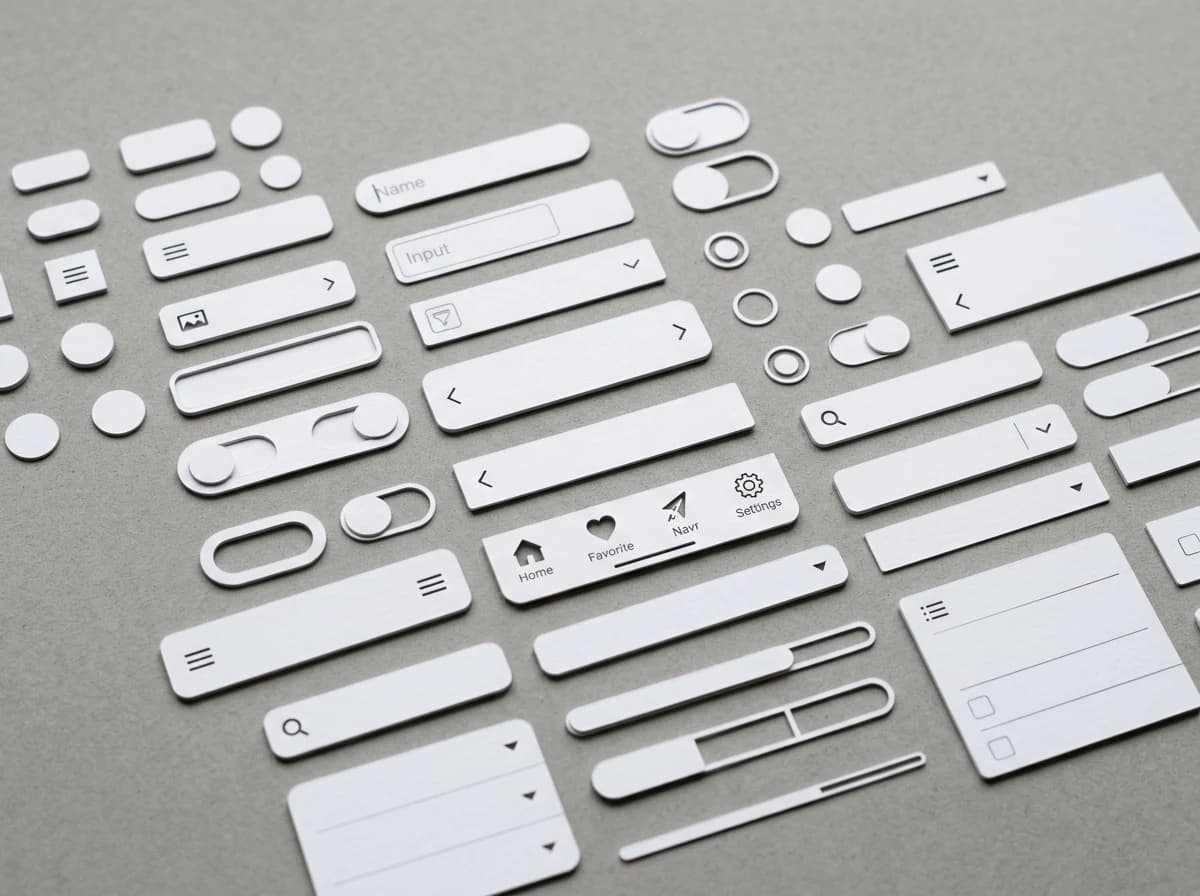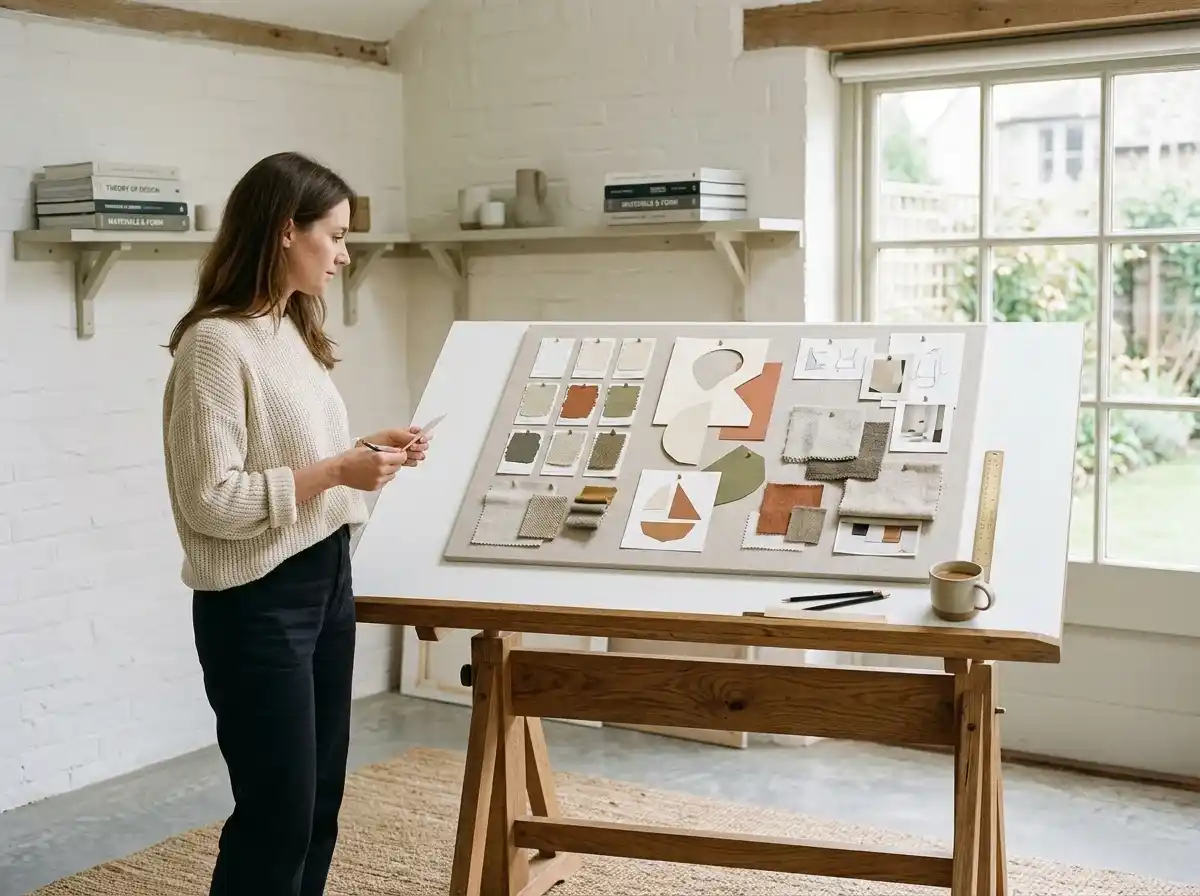
Portfolio of App Designs & Case Studies
Showcase your best mobile app designs with high-fidelity mockups, prototypes, and user flows. For each project, explain the client's problem, your design process, key UX decisions, and the impact of your work.
AI website builder for mobile app designer
Present app design projects, user journeys and your role with clear professional enquiries.
Your work deserves a good first impression
Explore templates for mobile app designer websites. Preview a design, then make the content, photographs and colours your own.
A first draft, with room to make it yours
Start with an idea or a relevant template. Refine it around your mobile app designer audience and the information they need.
Tell the AI who you serve, what you offer and the style you want. Include portfolio of app designs & case studies and ui/ux design skills & tools in your brief, or choose a relevant template.
Name your audience and the next action you want visitors to take.Edit your draft visually. Add your own photographs and review portfolio of app designs & case studies, ui/ux design skills & tools, design process & methodology before sharing your website.
Confirm every claim and replace sample content with your actual details.Check the website on phones, tablets and desktop screens. Publish with hosting and SSL, and connect a domain you own when your plan includes custom domains.
Test your contact form and every external service link after publishing.The details that help visitors choose
A mobile app designer's website is a case study library: the problem, the screens and what changed after launch. Grigora generates that site from a short description of your practice.
Showcase your best mobile app designs with high-fidelity mockups, prototypes, and user flows. For each project, explain the client's problem, your design process, key UX decisions, and the impact of your work.
Clearly list your proficiency in UI/UX design software (e.g., Figma, Sketch, Adobe XD), prototyping tools (e.g., InVision), and understanding of mobile platforms (iOS, Android) guidelines. Highlight skills like user research, wireframing, and usability testing.
Explain your approach to mobile app design, from discovery and ideation to testing and iteration. Detail how you ensure user-centered design principles are applied throughout the development lifecycle.
 Boutique App Studio
A clear first impression
Showcase your best mobile app designs with high-fidelity mockups, prototypes, and user flows. For each project, explain the client's problem, your design process, key UX decisions, and the impact of your work.
Your work, clearly presentedInteractive design inspiration. Illustrative photography and sample copy.
Plan the pages your visitors will use
A practical mobile app designer website content guide. Choose the pages that fit what you do and keep the important answers close.
Showcase your best mobile app designs with high-fidelity mockups, prototypes, and user flows. For each project, explain the client's problem, your design process, key UX decisions, and the impact of your work.
Clearly list your proficiency in UI/UX design software (e.g., Figma, Sketch, Adobe XD), prototyping tools (e.g., InVision), and understanding of mobile platforms (iOS, Android) guidelines. Highlight skills like user research, wireframing, and usability testing.
Explain your approach to mobile app design, from discovery and ideation to testing and iteration. Detail how you ensure user-centered design principles are applied throughout the development lifecycle.
Share your professional background, your passion for mobile design, and what drives your creative process. Include a professional headshot and links to your professional social media.
Feature testimonials from past clients or collaborators who can speak to your design skills, professionalism, and ability to deliver exceptional mobile experiences. This builds trust.
Regularly publish articles on mobile UI/UX trends, design best practices, usability insights, or reviews of new app interfaces. This positions you as a thought leader and expert in the ever-evolving mobile design space, attracting potential clients and collaborators by demonstrating your deep industry knowledge.
Review site analytics to understand which pages people visit. Keep portfolio of app designs & case studies and contact information easy to reach, and update them when your work changes.
Explore the tools behind your websiteMake the next step obvious
Choose how visitors to your mobile app designer website reach you. Make each action fit the services and processes you already use.
Help visitors ask about portfolio of app designs & case studies. Use a contact form that collects the details your team needs, and explain what happens after an enquiry.
Your team reviews requests and confirms the next step.
Keep specialist workflows for your mobile app designer website in the services you already use. Add clear links and explain their process before visitors leave your site.
Your chosen provider handles its own availability, confirmations and account access.
If you sell products or agreed services, add Grigora Commerce product pages, a cart and checkout with your connected Stripe or Razorpay account. Explain prices, terms and fulfillment before accepting payment.
Your team manages orders and fulfillment; payment provider fees and terms apply.
SEO for mobile app designer websites
Good mobile app designer website SEO starts with useful pages. Make portfolio of app designs & case studies, your contact details and your story easy to find.
Your website
https://mobile-app-designer.example/Explore portfolio of app designs & case studies and ui/ux design skills & tools, learn about our approach and find out how to contact us.
Fictional example. Search engines choose the final title and snippet.
Give pages for portfolio of app designs & case studies and ui/ux design skills & tools clear titles. Write descriptions that match their actual content.
Explain portfolio of app designs & case studies with original copy and relevant photographs. Keep contact details and any locations you serve accurate.
Publish with hosting, HTTPS and a sitemap. Use clear navigation so visitors and search engines can reach your pages. Custom domains are available on paid plans.
Room to start. Room to grow.
Try the AI builder and review your first mobile app designer website draft. Check the pricing page for current features and usage limits.
Compare plans for your domain and the content your mobile app designer website needs. Paid plans add custom domains and Directory Maker for structured content.
Check current plan limits and feature eligibility before choosing. Connected payment providers have their own terms and processing fees.
The last check before going online
Walk through your mobile app designer website as a visitor would. Review these details before publishing, and again whenever your content changes.
0 of 5 items reviewed
Before you go online
Clear answers about creating a mobile app designer website, its content and the tools you can use.
Grigora offers a versatile drag-and-drop website builder with over 50 customizable blocks and templates, perfect for mobile app designers. You can showcase your UI/UX projects, wireframes, prototypes, and live app screenshots. Responsive design ensures your portfolio looks impeccable on any device, and custom domain support solidifies your professional brand.
Absolutely! Grigora's built-in blogging platform is ideal for mobile app designers to share insights into the app design process, discuss user experience best practices, or analyze mobile tech trends. Leverage the AI blog writer and outline generator to create compelling content, or the AI image generation tool to visualize concepts, establishing yourself as a thought leader.
Grigora provides robust SEO tools to increase your online visibility. This includes built-in on-page SEO suggestions, a keyword research tool to target relevant app design terms, meta tag customization, and URL optimization. You can also integrate with Google Search Console to monitor your portfolio's performance and reach more opportunities.
Yes, Grigora includes automatic image optimization. This feature ensures that your high-resolution app screenshots, mockups, and design assets load quickly on your website without compromising their visual quality. Fast-loading visuals are crucial for a portfolio where demonstrating design fidelity is key.
Grigora's interactive form builder allows you to create custom lead capture forms. Potential clients or employers can easily submit inquiries about your app design services, request proposals, or discuss project opportunities directly through your portfolio website. This streamlines the process of connecting with interested parties.
Grigora offers a built-in privacy-friendly analytics dashboard, providing insights into traffic, engagement, and overall performance. You can also integrate with Google Analytics for more detailed data. This helps mobile app designers understand which projects are most viewed and how visitors interact with their portfolio, helping to refine their online presentation.
For professional email linked to your custom domain (e.g., hello@yourappdesigns.com), you would use Grigora Professional Mail. This separate product offers 30GB storage per mailbox, AI writing assistant, smart replies, and scheduled sending. It ensures secure and reliable communication, which is vital for building trust with clients.
Yes. Build a directory collection for your case studies with typed fields such as image, multi-image, rich text, link, and option, so each project can carry structured details like platform (iOS or Android), industry, tools used, and a screenshot gallery, rather than being forced into a single blog format.
Yes. Grigora Commerce supports digital downloads with protected delivery, so you can sell UI kits, icon sets, or template files as one-time purchases, pay-what-you-want, or a recurring Stripe subscription, checked out through Stripe or Razorpay.
No. Grigora automatically migrates sites from Webflow, Wix, and Blogger, so your existing pages and content carry over instead of you starting over.
Yes. Grigora Mail gives you business email on your custom domain starting at $5/month, with a Gmail-like inbox and up to 10 aliases, so you could run hello@ and projects@ addresses for client work, kept separate from the Newsletters and Email Builder tool used for broadcast sends.
Yes. Grigora's MCP server lets an AI agent like Claude manage your live site directly, including creating directory entries, posts, and pages, so an agent could add a finished case study to your portfolio directory as part of your project close-out process.
Starter is $15 a month billed annually, $144 for the year, and Pro is $25 a month. You begin on a free trial, as there is no free forever tier. Selling UI kits needs your own Stripe or Razorpay account, so their processing fees apply to each sale.
Lead with the constraint you were handed and the decision you made, not the tool list. Show three or four screens at readable size, include one before and after, and state the measured result if the client shared it. Two hundred honest words beat a scrolling wall of shots.
Squarespace handles a simple portfolio fine, but case studies with structured metadata get awkward and selling digital files means a plugin. Grigora keeps projects in typed directory fields you can filter, sells UI kits natively, and gives you email on your studio domain, so one subscription covers the lot.
Pick your four strongest projects and write them up properly before touching layout. Describe your work to the AI, drop each case study into a project collection, add an about page with your process, and put a real contact form up front. Ship four good pages, not twelve thin ones.
Describe your mobile app designer website. Get a first draft you can edit and make your own.
Start building free