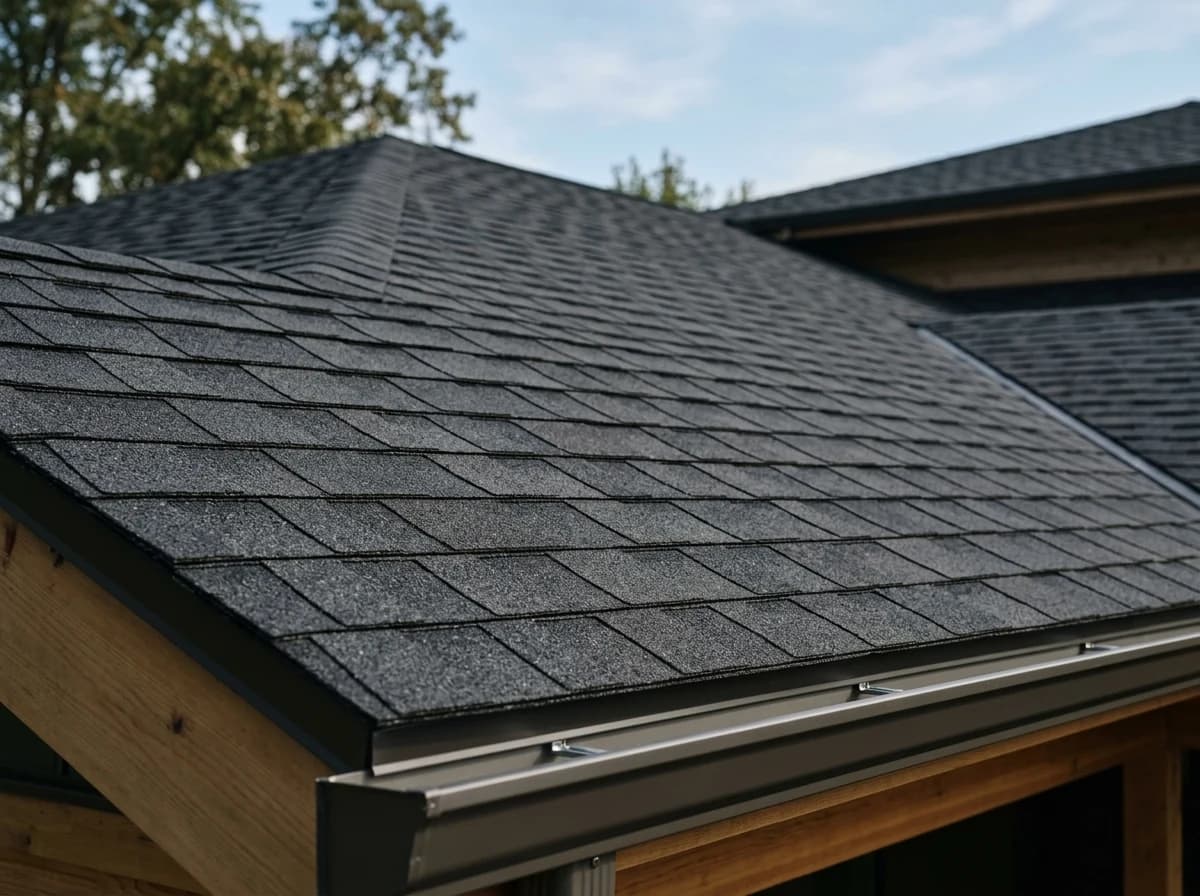
Start with an idea or a relevant template. Refine it around your roofing company audience and the information they need.
Describe your roofing company website
Tell the AI who you serve, what you offer and the style you want. Include services offered (residential, commercial, repair) and project gallery & case studies in your brief, or choose a relevant template.
Name your audience and the next action you want visitors to take.
Review and make it yours
Edit your draft visually. Add your own photographs and review services offered (residential, commercial, repair), project gallery & case studies, certifications & insurance information before sharing your website.
Confirm every claim and replace sample content with your actual details.
Preview, then publish
Check the website on phones, tablets and desktop screens. Publish with hosting and SSL, and connect a domain you own when your plan includes custom domains.
Test your contact form and every external service link after publishing.
The details that help visitors choose
Services Offered (Residential, Commercial, Repair). One clear website.
A roofing company website has one job, turning a homeowner with a leak into a phone call or a quote request, and Grigora builds one for roofing contractors from a plain description of your services and service area. The AI drafts the layout, copy and images, then you edit visually with drag and drop, no code.
Clearly list and describe all your roofing services, differentiating between residential and commercial projects, new installations, repairs, replacements, and maintenance. Detail the types of roofing materials you specialize in (e.g., asphalt, metal, tile).
Project Gallery & Case Studies
Showcase your completed roofing projects with high-quality photos. Include 'before and after' shots where possible. Provide brief case studies detailing the scope of work, materials used, and client satisfaction. Organize by project type or location.
Certifications & Insurance Information
Build trust by prominently displaying your licenses, certifications (e.g., GAF Master Elite, Owens Corning Preferred), and insurance details. This assures clients of your professionalism, compliance, and protection against liabilities.
Clearly list and describe all your roofing services, differentiating between residential and commercial projects, new installations, repairs, replacements, and maintenance. Detail the types of roofing materials you specialize in (e.g., asphalt, metal, tile).
Your work, clearly presented
Interactive design inspiration. Illustrative photography and sample copy.
Plan the pages your visitors will use
The right information. A complete picture of your work.
A practical roofing company website content guide. Choose the pages that fit what you do and keep the important answers close.
Clearly list and describe all your roofing services, differentiating between residential and commercial projects, new installations, repairs, replacements, and maintenance. Detail the types of roofing materials you specialize in (e.g., asphalt, metal, tile).
Project Gallery & Case Studies
Showcase your completed roofing projects with high-quality photos. Include 'before and after' shots where possible. Provide brief case studies detailing the scope of work, materials used, and client satisfaction. Organize by project type or location.
Certifications & Insurance Information
Build trust by prominently displaying your licenses, certifications (e.g., GAF Master Elite, Owens Corning Preferred), and insurance details. This assures clients of your professionalism, compliance, and protection against liabilities.
Client Testimonials & Reviews
Feature positive feedback from satisfied customers. Include specific comments about your reliability, quality of work, cleanup, and customer service. Testimonials are powerful for convincing new clients of your credibility.
Free Inspection / Quote Request Form
Make it effortless for potential clients to schedule a free inspection or request a quote. Provide a simple, user-friendly form that captures essential information like contact details, property type, and service needed. This is your primary lead generation tool.
Emergency Repair & Storm Damage Info
Dedicated information on how you handle emergency repairs and storm damage claims. Provide clear instructions, a hotline number, and guidance on working with insurance companies. This positions you as a reliable resource during critical times.
Learn from the pages visitors use.
Review site analytics to understand which pages people visit. Keep services offered (residential, commercial, repair) and contact information easy to reach, and update them when your work changes.
Choose how visitors to your roofing company website reach you. Make each action fit the services and processes you already use.
Give enquiries a clear route
Help visitors ask about services offered (residential, commercial, repair). Use a contact form that collects the details your team needs, and explain what happens after an enquiry.
Your team reviews requests and confirms the next step.
Connect the services you use
Keep specialist workflows for your roofing company website in the services you already use. Add clear links and explain their process before visitors leave your site.
Your chosen provider handles its own availability, confirmations and account access.
Add commerce when it fits
If you sell products or agreed services, add Grigora Commerce product pages, a cart and checkout with your connected Stripe or Razorpay account. Explain prices, terms and fulfillment before accepting payment.
Your team manages orders and fulfillment; payment provider fees and terms apply.
Good roofing company website SEO starts with useful pages. Make services offered (residential, commercial, repair), your contact details and your story easy to find.
Illustrative search result
Your website
https://roofing-company.example/
Your website | Roofing Company
Explore services offered (residential, commercial, repair) and project gallery & case studies, learn about our approach and find out how to contact us.
Fictional example. Search engines choose the final title and snippet.
Titles and descriptions you can edit
Give pages for services offered (residential, commercial, repair) and project gallery & case studies clear titles. Write descriptions that match their actual content.
Useful information for your audience
Explain services offered (residential, commercial, repair) with original copy and relevant photographs. Keep contact details and any locations you serve accurate.
Connected hosting and published pages
Publish with hosting, HTTPS and a sitemap. Use clear navigation so visitors and search engines can reach your pages. Custom domains are available on paid plans.
Use relevant photographs, helpful image descriptions and original copy about your work and the people you serve.
Try the AI builder and review your first roofing company website draft. Check the pricing page for current features and usage limits.
A first draft you can review and customize
Website hosting, SSL and CDN included
Page, form and newsletter usage limits to review
Choose room for your website to grow
Compare plans for your domain and the content your roofing company website needs. Paid plans add custom domains and Directory Maker for structured content.
Connect a domain you own
Organize content with custom directory fields
Choose capacity for your pages, content and enquiries
Check current plan limits and feature eligibility before choosing. Connected payment providers have their own terms and processing fees.
The last check before going online
Ready for your first online visitor?
Walk through your roofing company website as a visitor would. Review these details before publishing, and again whenever your content changes.
0 of 5 items reviewed
Before you go online
Roofing Company website builder FAQs.
Clear answers about creating a roofing company website, its content and the tools you can use.
Can Grigora help my roofing company create a professional website to attract new clients?
Yes, Grigora is an excellent platform for roofing companies. With its drag-and-drop editor, 50+ customizable blocks, and ready-made templates, you can easily build a professional and responsive website to showcase your services, display project galleries, and build trust with potential clients. The responsive design ensures your site looks great on any device, and free SSL, CDN, and hosting are included for reliability and security.
How can I effectively display my roofing projects and services on a Grigora website?
Grigora's Directory Maker feature is ideal for organizing your roofing portfolio. You can create individual project entries, complete with high-quality before-and-after photos, detailed descriptions of the work, and client testimonials. This allows potential clients to easily browse your past projects and understand the quality of your craftsmanship, building confidence in your company.
Does Grigora offer SEO tools to help new clients find my roofing company?
Absolutely. Grigora includes robust SEO tools to boost your roofing company's online visibility. You'll find built-in on-page SEO suggestions, a keyword research tool (e.g., for 'roof repair your city'), meta tag customization, and URL optimization. These features help your website rank higher in local search results, attracting more clients in your service area.
Can I use AI to help create content for my roofing company website or blog?
Grigora features powerful AI tools that can assist roofing companies. You can use the AI website generator to quickly set up new service pages, the AI blog writer for articles on roof maintenance or material choices, and the AI paragraph rephraser to optimize your service descriptions or 'About Us' section. AI image generation can create compelling visuals of finished roofs.
Is it possible to collect inquiries and build an email list for my roofing company?
Definitely. Grigora's interactive form builder allows you to create custom lead capture forms for service inquiries or quote requests. You can also implement newsletter subscription forms and popups to build an email list. Use the built-in newsletter system to send seasonal tips, promotions, or new service announcements, nurturing relationships with potential and existing clients.
Does Grigora support professional email addresses for my roofing company?
Yes, Grigora offers Professional Mail as a separate product. This service enables you to have a custom domain email, like info@yourroofingco.com, which enhances your company's professionalism. It comes with 30GB storage, an AI writing assistant, smart replies, and scheduled sending, ensuring secure and efficient communication with your clients, along with robust security features.
What kind of analytics does Grigora provide for my roofing company website?
Grigora offers a built-in privacy-friendly analytics dashboard to track your website's performance, including traffic and engagement. You can also integrate Google Analytics for more detailed insights. These tools help you understand which services or project galleries are most popular, how visitors are finding your company, and how they interact with your content, informing your marketing strategies and service offerings.
Can I show before-and-after photos for finished roofing jobs instead of just a blog feed?
Yes. Set up a directory collection like "Completed Projects" using multi-image and image fields for each job, plus rich text for the scope of work and typed fields for details like roof material or job type. That gives you a browsable project portfolio that stays separate from your blog posts.
Can homeowners pay a deposit or settle an invoice through the website?
Yes. Grigora Commerce includes invoices and connects to Stripe or Razorpay checkout, or an external checkout URL, so you can send a payable invoice for a job and collect payment online instead of chasing a check.
Can I sell recurring maintenance plans, like annual roof inspections or gutter cleanings, instead of only one-off jobs?
Yes. Grigora Commerce supports Stripe subscriptions, so a maintenance plan can be listed as a recurring product alongside your one-time repair and installation services.
We already have a roofing site on Wix. Do we have to rebuild it from scratch to switch?
No. Grigora automatically migrates sites from Wix, Webflow, and Blogger, so your existing pages carry over instead of starting from a blank template.
Can each town or neighborhood we service get its own page for local search?
Yes. Build a directory collection for service areas using fields like text, map, and rich text so each location gets a structured page, then use the on-page SEO controls to set meta details for that page.
How do I collect free roof inspection or quote requests?
Put a short form on every service and town page asking for address, roof type, the problem and the best time to call. Keep the fields few, since homeowners with an active leak will not fill in twelve boxes. Submissions arrive by email, and a tap to call button covers mobile.
How long does it take to get a roofing website up?
The first draft is generated from your description in one sitting. Realistically, budget an afternoon to swap in real job photos, write your service area list and check the phone layout. The slow part is gathering before and after shots, so pull those off your phone before you start.
Should each service have its own page, or one services page?
Give asphalt shingles, metal roofing, flat roofing, gutters, storm damage and repairs a page each. Homeowners search for the specific problem, and a dedicated page can carry its own photos, warranty terms and quote form. A single combined page has to be vague to cover everything.
How much does a roofing company website cost?
Starter is $15 a month billed annually, which is $144 a year, and Pro is $25 a month. There is a free trial rather than a free forever tier. Business email on your own domain is $5 a month per account, and payments use your own Stripe or Razorpay account.