
Project Showcase/Case Studies
Feature your strongest academic or personal projects. For each, include high-quality visuals, explain the problem, your role, your process, and the outcomes. Emphasize what you learned.
AI website builder for student portfolio
Present your coursework, projects and learning interests with clear context for your contributions.
Your work deserves a good first impression
Explore templates for student portfolio websites. Preview a design, then make the content, photographs and colours your own.
A first draft, with room to make it yours
Start with an idea or a relevant template. Refine it around your student portfolio audience and the information they need.
Tell the AI who you serve, what you offer and the style you want. Include project showcase/case studies and about me & resume in your brief, or choose a relevant template.
Name your audience and the next action you want visitors to take.Edit your draft visually. Add your own photographs and review project showcase/case studies, about me & resume, skills & technologies before sharing your website.
Confirm every claim and replace sample content with your actual details.Check the website on phones, tablets and desktop screens. Publish with hosting and SSL, and connect a domain you own when your plan includes custom domains.
Test your contact form and every external service link after publishing.The details that help visitors choose
A student portfolio is a site of your own that shows class projects, personal work and how you think, and Grigora builds a first version from a sentence or two about your field. Say you are a third year design student with five projects to show, and the AI drafts the pages, copy and images for you to edit visually.
Feature your strongest academic or personal projects. For each, include high-quality visuals, explain the problem, your role, your process, and the outcomes. Emphasize what you learned.
Share your academic background, career aspirations, skills, and personal interests. Include a downloadable PDF of your resume. This helps employers understand your personality and potential.
Clearly list the specific skills, software, programming languages, or tools you've mastered. This helps recruiters quickly match your abilities with their requirements.
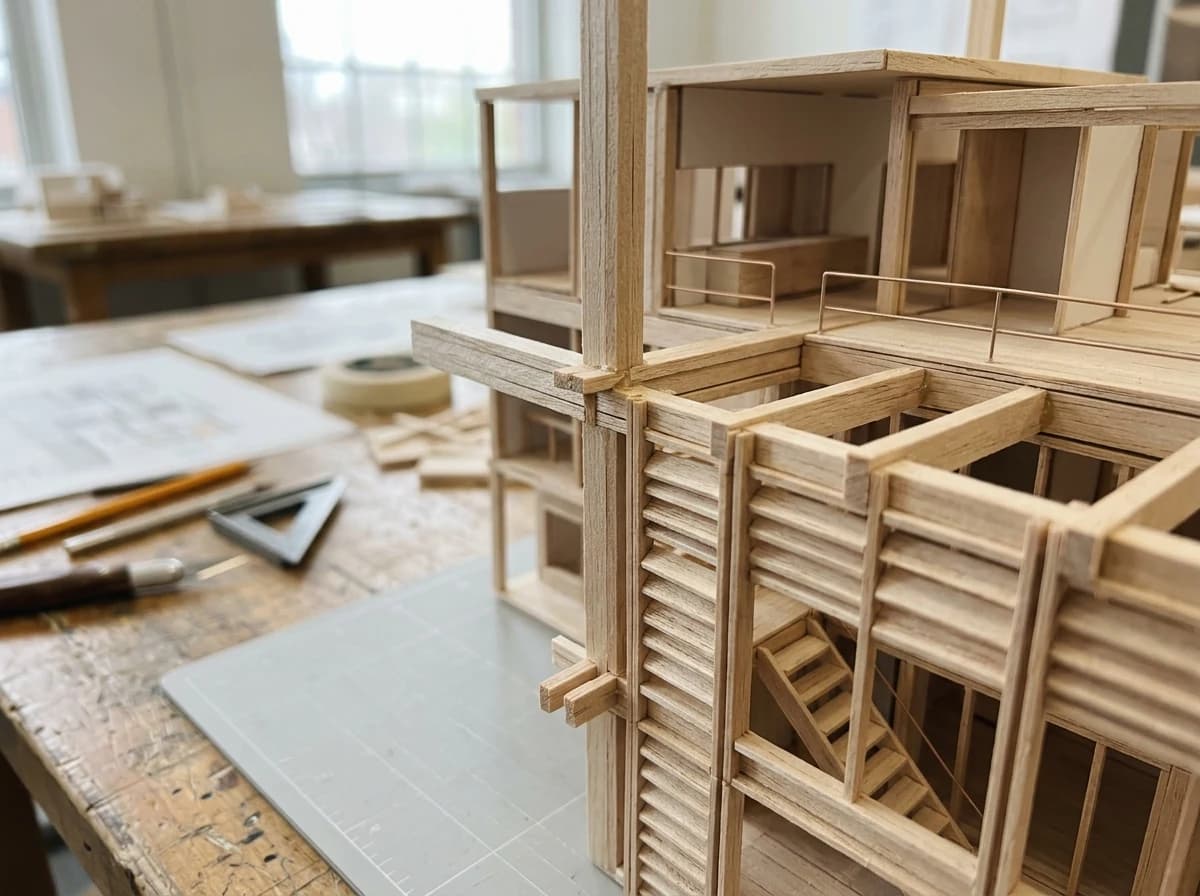 Architecture Student
A clear first impression
Feature your strongest academic or personal projects. For each, include high-quality visuals, explain the problem, your role, your process, and the outcomes. Emphasize what you learned.
Your work, clearly presentedInteractive design inspiration. Illustrative photography and sample copy.
Plan the pages your visitors will use
A practical student portfolio website content guide. Choose the pages that fit what you do and keep the important answers close.
Feature your strongest academic or personal projects. For each, include high-quality visuals, explain the problem, your role, your process, and the outcomes. Emphasize what you learned.
Share your academic background, career aspirations, skills, and personal interests. Include a downloadable PDF of your resume. This helps employers understand your personality and potential.
Clearly list the specific skills, software, programming languages, or tools you've mastered. This helps recruiters quickly match your abilities with their requirements.
If relevant and impressive, include a section for academic achievements, scholarships, awards, or Dean's list mentions. This reinforces your dedication and intellectual capability.
Make it easy for recruiters or mentors to reach out. Include a professional email address, links to LinkedIn, GitHub, or other relevant professional profiles, and a simple contact form.
Share your thoughts on industry trends, personal projects, or your learning process. This demonstrates initiative, critical thinking, and a passion for your field beyond assigned coursework.
Review site analytics to understand which pages people visit. Keep project showcase/case studies and contact information easy to reach, and update them when your work changes.
Explore the tools behind your websiteMake the next step obvious
Choose how visitors to your student portfolio website reach you. Make each action fit the services and processes you already use.
Help visitors ask about project showcase/case studies. Use a contact form that collects the details your team needs, and explain what happens after an enquiry.
Your team reviews requests and confirms the next step.
Keep specialist workflows for your student portfolio website in the services you already use. Add clear links and explain their process before visitors leave your site.
Your chosen provider handles its own availability, confirmations and account access.
If you sell products or agreed services, add Grigora Commerce product pages, a cart and checkout with your connected Stripe or Razorpay account. Explain prices, terms and fulfillment before accepting payment.
Your team manages orders and fulfillment; payment provider fees and terms apply.
SEO for student portfolio websites
Good student portfolio website SEO starts with useful pages. Make project showcase/case studies, your contact details and your story easy to find.
Your website
https://student-portfolio.example/Explore project showcase/case studies and about me & resume, learn about our approach and find out how to contact us.
Fictional example. Search engines choose the final title and snippet.
Give pages for project showcase/case studies and about me & resume clear titles. Write descriptions that match their actual content.
Explain project showcase/case studies with original copy and relevant photographs. Keep contact details and any locations you serve accurate.
Publish with hosting, HTTPS and a sitemap. Use clear navigation so visitors and search engines can reach your pages. Custom domains are available on paid plans.
Room to start. Room to grow.
Try the AI builder and review your first student portfolio website draft. Check the pricing page for current features and usage limits.
Compare plans for your domain and the content your student portfolio website needs. Paid plans add custom domains and Directory Maker for structured content.
Check current plan limits and feature eligibility before choosing. Connected payment providers have their own terms and processing fees.
The last check before going online
Walk through your student portfolio website as a visitor would. Review these details before publishing, and again whenever your content changes.
0 of 5 items reviewed
Before you go online
Clear answers about creating a student portfolio website, its content and the tools you can use.
Grigora is perfect for students building an online portfolio. Its drag-and-drop editor with 50+ customizable blocks and templates allows you to showcase projects, assignments, and creative work beautifully. The responsive design ensures your portfolio looks impressive on any device, making it ideal for sharing with professors or potential employers.
Yes, Grigora's directory maker is excellent for organizing your student portfolio. You can create distinct sections for different courses, academic projects, internships, or skill-specific work. This helps visitors easily navigate your accomplishments and understand the breadth of your abilities, presenting a clear and structured overview.
Grigora provides comprehensive SEO tools to improve your portfolio's visibility. Utilize built-in on-page SEO suggestions, a keyword research tool, meta tag customization, and URL optimization. You can generate schema markup for your specific academic field or projects, and integrate with Google Search Console to monitor your performance.
Updating your student portfolio with Grigora is very simple thanks to its intuitive drag-and-drop editor. You can easily add new project pages, upload images of your work, or revise descriptions without any technical knowledge. This ensures your portfolio always reflects your latest achievements and growing skill set.
Grigora's AI tools can be a valuable asset for students. Use the AI paragraph rephraser to refine your project descriptions or artist statements for clarity and impact. AI image generation can also help create unique background visuals or conceptual pieces for your site, enhancing the overall aesthetic of your portfolio.
Grigora provides free SSL, CDN, and hosting for every website, including student portfolios. This ensures your portfolio is secure, loads quickly for visitors around the world, and is always available. You won't need to worry about additional costs or managing these essential technical aspects yourself, letting you focus on your studies.
Grigora includes a built-in privacy-friendly analytics dashboard, and you can also integrate Google Analytics. These tools allow you to monitor traffic and engagement on your portfolio. Understanding which projects attract the most attention can help you tailor your presentation for future applications and opportunities.
Yes. Grigora includes automatic migration from Wix, Webflow, and Blogger, so an existing student portfolio can be brought over instead of manually rebuilding every project page.
Use directories - Grigora's structured content collections with typed fields such as image, multi-image, video, link, and rich text. You can set up a projects directory where each assignment or case study is its own structured entry with its own images and write-up, rather than one endless scrolling page.
Yes. Alongside your portfolio pages, Grigora includes a blog/post editor, so process write-ups, critique notes, or research logs can live separately from the polished project case studies.
Yes. Grigora Mail provides business email on your own domain starting at $5/month, with a Gmail-like inbox, up to 10 aliases, and a built-in AI assistant for drafting - useful for an address like you@yourportfolio.com instead of a personal or school email on application forms.
Yes. Grigora Commerce supports digital downloads with protected delivery as well as one-time purchases, so templates, presets, or print files can be sold straight from the site. You connect your own Stripe or Razorpay account and remain responsible for any tax or legal requirements on those sales.
LinkedIn shows a résumé in someone else's layout, alongside everyone else's. A portfolio site gives you a domain, full control of how each project is presented, and room for process, code and writing. Most students link the site from LinkedIn and treat the profile as the introduction rather than the work itself.
Three or four projects explained properly beats a long list. For each one, state the problem, your stack, what you actually built and what broke. Link the repository and a live demo. A directory with fields for language, course and year makes the set browsable, and a blog is good for build notes.
The CMS is already there: write posts, sort them with categories and tags, and schedule them to publish later. Use it for project write-ups, internship reflections or notes from a class. Posts appear on a blog page you place anywhere in the navigation, and the AI can draft a first pass you rewrite.
Paid plans begin at $15 a month on Starter, billed annually at $144 a year, with Pro at $25 a month. There is a free trial, not a free forever tier, so build it out first and decide after. If you sell prints or templates, payouts run through your own Stripe or Razorpay account.
Describe your student portfolio website. Get a first draft you can edit and make your own.
Start building free