
A Google Sites alternative for blogs, newsletters and online stores
Google Sites is a free collaborative website builder for simple public pages, team hubs and projects. Grigora is an alternative when you need native blogging, newsletters, a product store and more publishing controls, from $12/mo billed annually.
Published by Grigora · Updated · Sources and method
Is Grigora the right Google Sites alternative?
Grigora is a Google Sites alternative when you need a native blog, newsletter, store and more publishing controls. Google Sites is a practical free option for simple public pages, team hubs and collaborative projects. It supports custom themes and custom domains; choose based on the publishing workflow you need rather than assuming a paid builder is necessary.
Choose Grigora if you want…
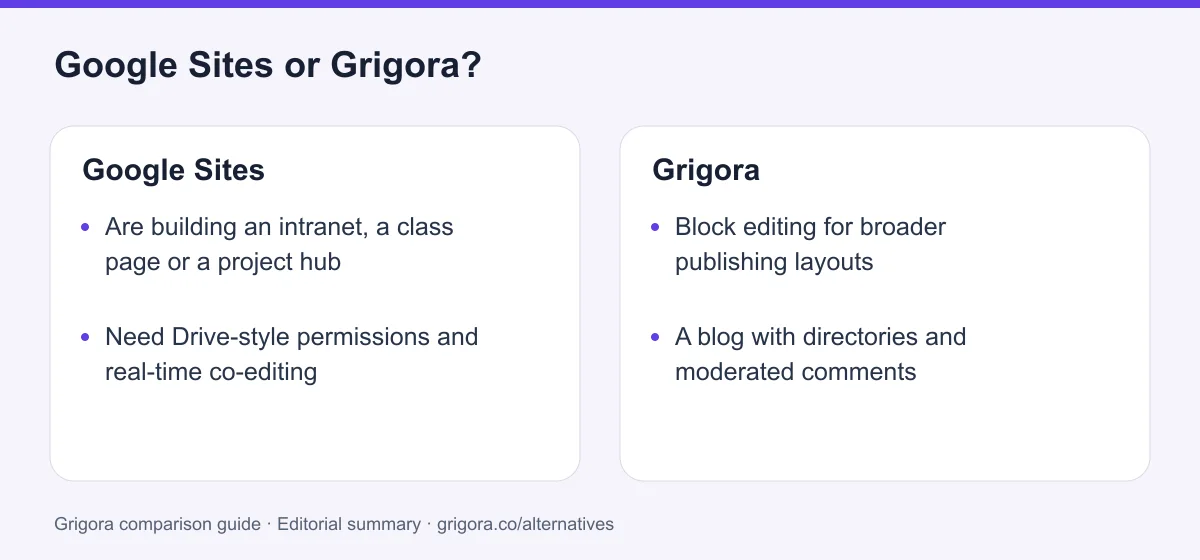
- Block editing for broader publishing layouts
- A blog with directories and moderated comments
- A store and a newsletter in the same plan
- SEO controls and a free toolkit
- An AI-generated first draft
Stick with Google Sites if you…
- •Are building an intranet, a class page or a project hub
- •Need Drive-style permissions and real-time co-editing
- •Want free publishing with a Google account
Google Sites or Grigora: the decision in one view
Google Sites alternatives at a glance
How free and near-free builders compare on what a business site needs.
Swipe the table sideways to see every column
| Platform | Best for | Free access | Starting price | Sales fees | Data and site portability |
|---|---|---|---|---|---|
| Grigora | Website, newsletter and store together | Free trial | From $12/mo billed annually | 0% platform fee; Stripe/Razorpay fees apply | Posts/content; rebuild design |
| Google Sites | Intranets and team pages | Yes, with a Google account | Free; domain and optional Workspace separate | No native store | Takeout archive; rebuild site behavior |
| Carrd | One-page sites, cheapest | Yes (3 sites) | Pro from $9/yr; custom domains $19/yr | No native store; embedded checkout | Client-side ZIP on Pro Plus |
| Wix | Templates and app market | Yes (Wix ads) | From $17/mo | 0% (processing only) | No |
| Zoho Sites | Businesses inside the Zoho suite | Trial | From $5/site/mo | Store is Zoho Commerce | No |
| WordPress.com | Blogs and content sites | Yes (ads) | From $4/mo | Varies by payment feature and plan | Content; themes and plugins separately |
Google Sites is free with a Google account. Workspace adds business administration and other services; it is not universally required for an existing custom domain. Compare current third-party plan terms directly.
Sources for the overview table
- Grigora: official reference 1
- Google Sites: official reference 1, official reference 2
- Carrd: official reference 1, official reference 2
- WordPress.com: official reference 1, official reference 2
Why people move from Google Sites to Grigora
The moments a shared page stops being enough.
Different layout and publishing needs
Google Sites supports custom themes and section layouts. Compare Grigora’s block editor if you need a different structure or a native blog and store workflow.
There is no blog
Pages added by hand, with no feed, categories, authors or comments.
Store and newsletter operations
No store, no newsletter. Both mean other products embedded into the page.
More direct SEO settings
Google Sites pages can appear in search. A specialised CMS may offer more control over metadata and structured data, but rankings depend on content and implementation.
What Google Sites does well
- Free with any Google account
- Real-time co-editing and Drive-style permissions
- Native embeds for Docs, Sheets, Slides, Maps and Calendar
- Exportable through Google Takeout
Where Google Sites falls short
- No blog engine, store or email marketing
- Minimal SEO controls
- Section-based layouts with fewer specialised publishing controls
- Work and school accounts have administrator domain and sharing rules
Grigora vs Google Sites at a glance
What free includes, and what a business site needs.
| Feature | Google Sites | Grigora |
|---|---|---|
| Price | Free; Workspace optional for business administration | $12/mo |
| Blog & CMS | No | CMS, directories, comments |
| Online store | No | Included |
| Email marketing | No | Included |
| Design and themes | Google themes and custom themes | website templates + AI art direction |
| SEO controls | Minimal | Meta, schema, sitemap, IndexNow |
| Real-time co-editing | Simultaneous editing | Roles |
| AI first-draft site | No | Yes |
| Export | Google Takeout | Content export |
Grigora vs Google Sites: feature by feature
A category-by-category breakdown, pricing, AI, design, e-commerce, email, SEO, performance, and support.
What it was built for
Depends on your needsGoogle Sites supports collaborative pages, Drive embeds and sharing controls. It can publish both public and restricted websites. Grigora provides a broader publishing and commerce workflow, while Google Sites may be sufficient for a straightforward information site.
| Feature | Grigora | Google Sites |
|---|---|---|
| Intranet or team page | Possible | Ideal |
| Public business site | Ideal | Possible, limited |
| Real-time co-editing | No | Yes |
| Drive-style sharing and permissions | Roles | Yes |
Takeaway: Right tool, different jobs. The question is which job your site is.
Design & themes
Depends on your needsGoogle Sites supports custom themes, colours, fonts, brand images, buttons, navigation styling and site width, as well as its pre-made themes. Grigora offers a block editor and AI-generated drafts. Compare the layouts and editing controls your site needs.
| Feature | Grigora | Google Sites |
|---|---|---|
| Themes | website templates | Pre-made and custom themes |
| Layout control | Block editor | Sections and grids |
| Custom code | Custom code injection | Embeds only |
| Fonts and brand control | Full | Custom fonts, colours and brand images |
| Distinctiveness | Varies by site | Depends on theme and layout choices |
Takeaway: Both allow visual customisation; test the desired layout rather than assuming every Google Site looks the same.
Blog & content
Fit: GrigoraGoogle Sites has no blog engine. Posts are pages you add by hand, with no categories, feeds, authors or comments. Grigora's CMS is the centre of the product.
| Feature | Grigora | Google Sites |
|---|---|---|
| Blog engine | Full CMS | No |
| Categories, feeds and authors | Yes | No |
| Directories and collections | Built in | No |
| Comments and moderation | Included, with admin replies | No |
| AI blog writing | Yes | No |
Takeaway: Google Sites supports manually maintained pages; Grigora adds a native blog workflow with post metadata and collections.
Selling and email
Fit: GrigoraGoogle Sites can embed or link to external checkout and newsletter tools but does not include their backend operations. Grigora includes a product store and newsletter tools; check subscriber limits and processor fees.
| Feature | Grigora | Google Sites |
|---|---|---|
| Online store | Included | No |
| Digital downloads | Yes | No |
| Email marketing | 2,500 to 25,000 subscribers | No |
| Signup forms tied to the site | Yes | Google Forms embed |
| Platform commission | 0% | Not applicable |
Takeaway: Choose whether external checkout and email tools cover the requirement or an integrated workflow would be more useful.
SEO & search presence
Depends on your needsGoogle Sites supports public indexing, page naming, custom paths and custom domains, but has fewer direct metadata and structured-data controls than specialised website CMS tools. Limited controls do not mean a page cannot appear in search. Grigora offers a broader SEO settings workflow.
| Feature | Grigora | Google Sites |
|---|---|---|
| Meta and sitemap controls | Yes | Minimal |
| Schema controls | Yes | No |
| IndexNow submission | Yes | No |
| Free SEO tools suite | Free tools | No |
| URL structure control | Yes | Limited |
Takeaway: Compare controls and test representative pages for crawlable content, accurate metadata and performance. No platform guarantees rankings or citations in AI answers.
Cost
Fit: Google SitesGoogle Sites is free with a Google account. Workspace adds organisational administration and other paid services. Grigora offers a trial and ongoing website plans from $12/mo billed annually.
| Feature | Grigora | Google Sites |
|---|---|---|
| Price of the builder | $12/mo | Free |
| Business use with a domain | $12/mo | Existing custom domain supported; admin rules vary |
| Free plan | Free trial | It is the plan |
| What the price includes | Site, CMS, newsletter, store | Pages |
Takeaway: Google Sites has the lower platform cost when its features are sufficient.
Collaboration & permissions
Fit: Google SitesThis is the category Google Sites was built for. Multiple people edit at once, changes are visible live, and access is managed like any Drive file. Grigora has roles; it does not have Docs-style co-editing.
| Feature | Grigora | Google Sites |
|---|---|---|
| Simultaneous editing | No | Yes |
| Permission model | Roles | Drive sharing |
| Version history | Limited | Yes |
| Embedding Drive content | Embeds | Native |
Takeaway: For a team page, Google Sites wins outright.
Ownership & export
Depends on your needsGoogle Sites can be exported through Google Takeout, which is better than most hosted builders offer. Grigora exports content. Neither hands over a design you can run elsewhere.
| Feature | Grigora | Google Sites |
|---|---|---|
| Export the site | Content export | Google Takeout |
| Move the design elsewhere | Rebuild | Rebuild |
| White label for agencies | $199/mo plan | No |
| Support | Email; priority, phone and onboarding by plan | Workspace support if subscribed |
Takeaway: Takeout provides an archive; check its contents and plan the rebuild rather than assuming a direct import.
Explore Grigora before switching from Google Sites
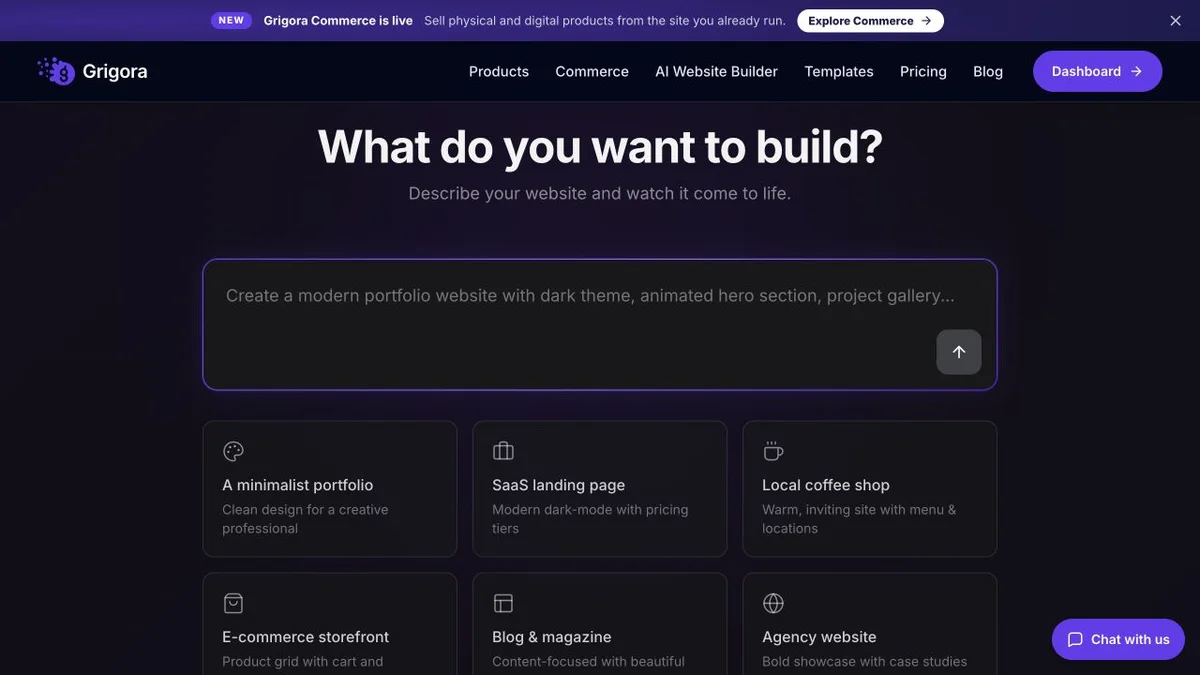
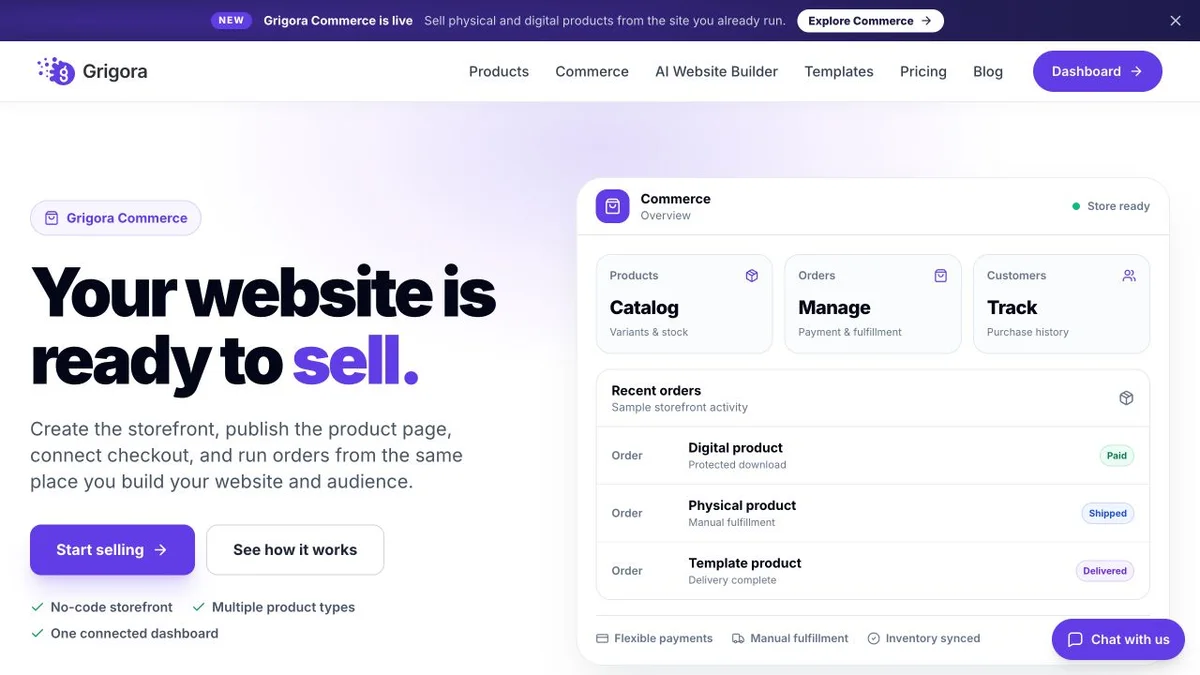
Current public product pages and plans, so you can inspect what you would be moving to. Open any image at full size.
Grigora vs Google Sites pricing
One is free and the other is $12. What each one is for matters more than the gap.
Website, newsletter & store in one plan
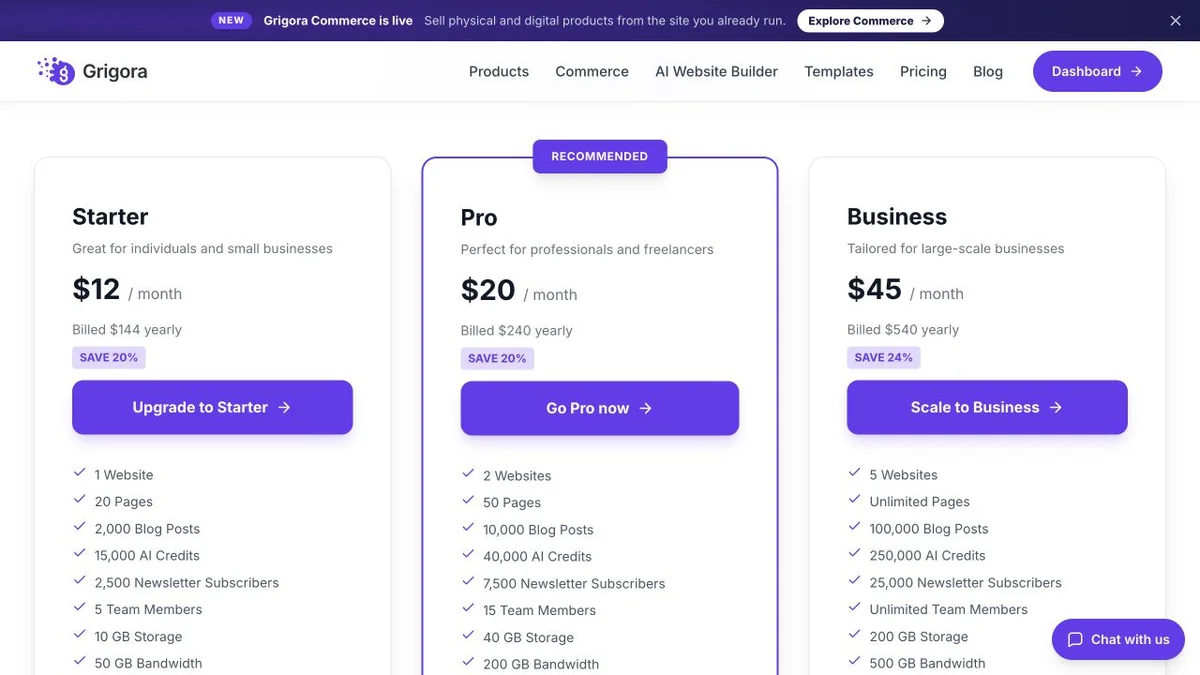
Annual rates shown. The CMS, newsletter and store are included on every paid plan, with 0% platform commission on connected checkout; processor fees apply.
Free pages; optional Workspace administration
Google Sites supports custom domains for sites you own, including setup through Settings and domain-ownership verification. Work or school accounts use administrator controls. A paid Workspace subscription is not a universal requirement for connecting an existing domain. Domain registration and optional Workspace services have separate costs.
Google Sites is free and includes pages. Grigora Starter is $12/mo and includes the site, the CMS, the newsletter and the store.
The real cost: Grigora vs Google Sites
Compare the tools required for the website’s actual publishing, collaboration and commerce needs.
| What you pay for | Google Sites | Grigora |
|---|---|---|
| The pages | Free | $12/mo billed yearly; optional services extra |
| A blog with feeds and categories | Another platform | Included |
| A store | Another platform, embedded | Included |
| Email marketing | Another platform | Included (2,500 to 25,000 subs) |
| SEO controls | Basic indexing/path controls; limited metadata settings | Included, plus free tools |
| Brand and layout controls | Custom themes supported | website templates + AI |
| Team co-editing | Included | Roles only |
If none of the middle rows apply, Google Sites is the correct and cheaper choice.
Google Sites and Grigora: public website references
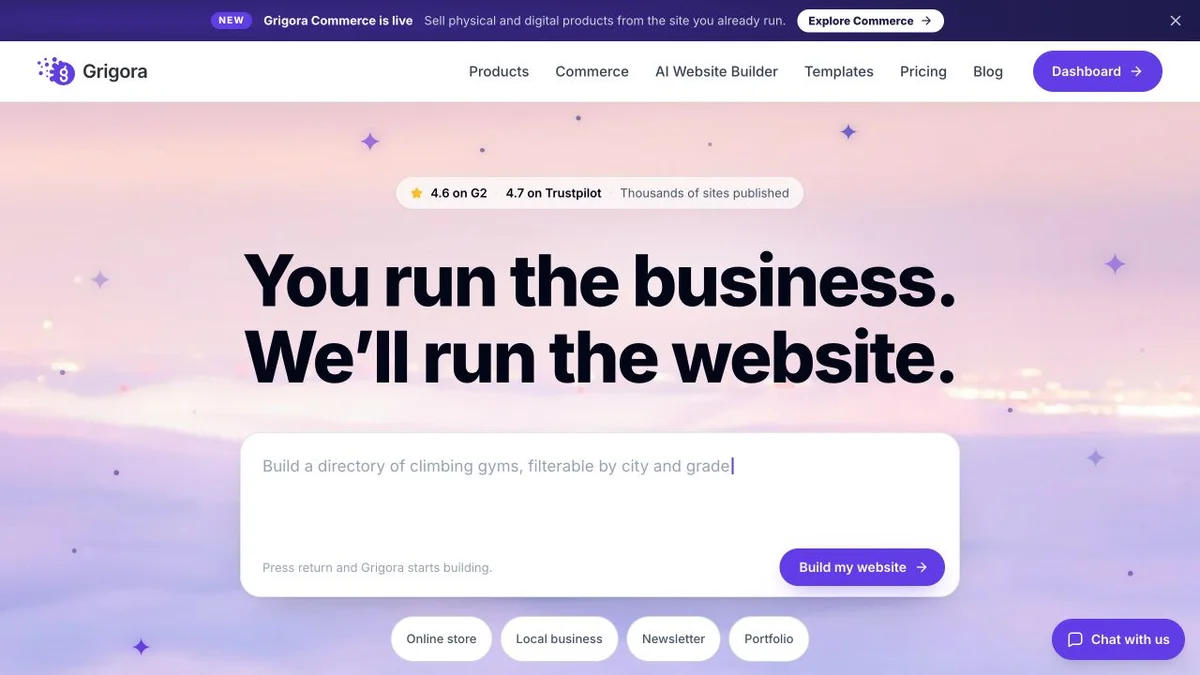
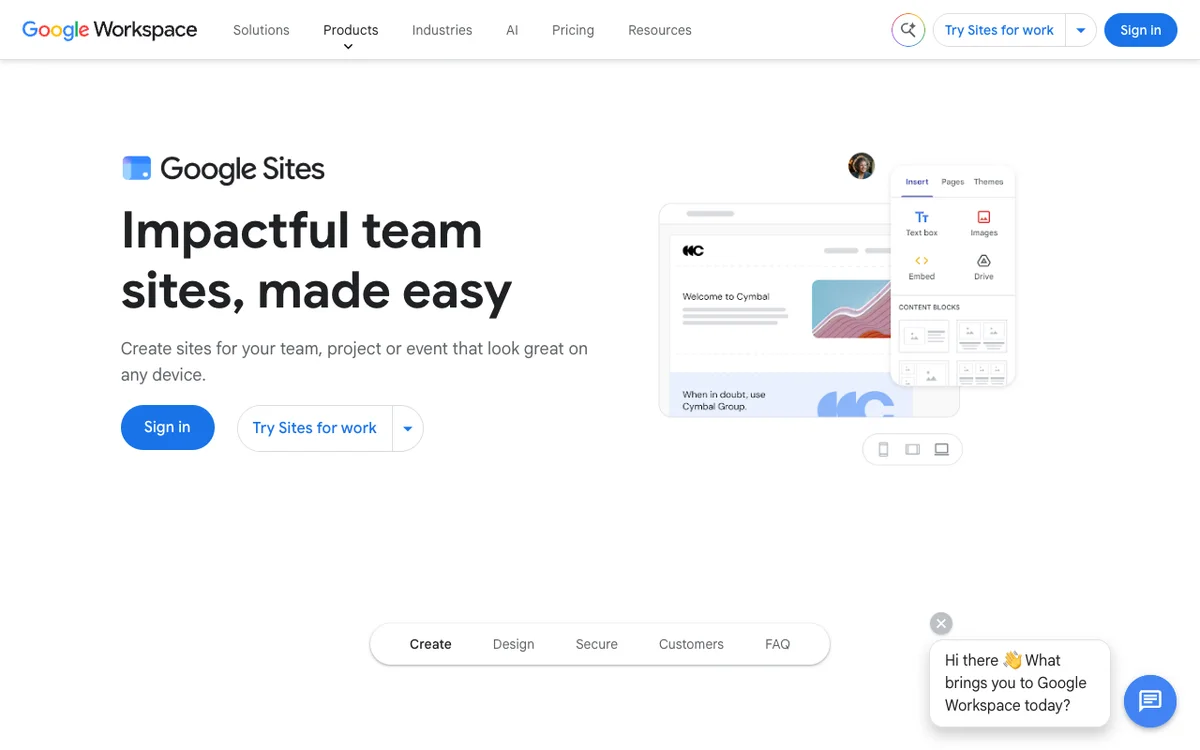
These captures show each product’s public website. See the feature and pricing sections for capabilities and plan details.
Is Grigora the right Google Sites alternative for you?
Where Grigora is the stronger choice, and where Google Sites is simply right.
For a business website
A website with native blogging, newsletters, product-store features and more publishing settings.
… for the club or school that outgrew the Site
When the newsletter, the shop and the blog moved onto three other tools, one platform is simpler.
… for creators and small brands
Directories, moderated comments, a store and a list, generated from a description.
Google Sites is the right call if…
The site is internal, a class hub or a project page, edited by a team inside Workspace. Keep it there.
Which one is right for you?
Choose Grigora if…
- The site needs a native publishing or store workflow
- You need a blog, a store or a newsletter
- You want SEO controls and tooling
- You prefer a block editor for the required layouts
- You are an agency that resells
Choose Google Sites if…
- •The site is internal or for a team
- •You need real-time co-editing and Drive permissions
- •Free Google-account publishing covers the requirement
How to move from Google Sites to Grigora
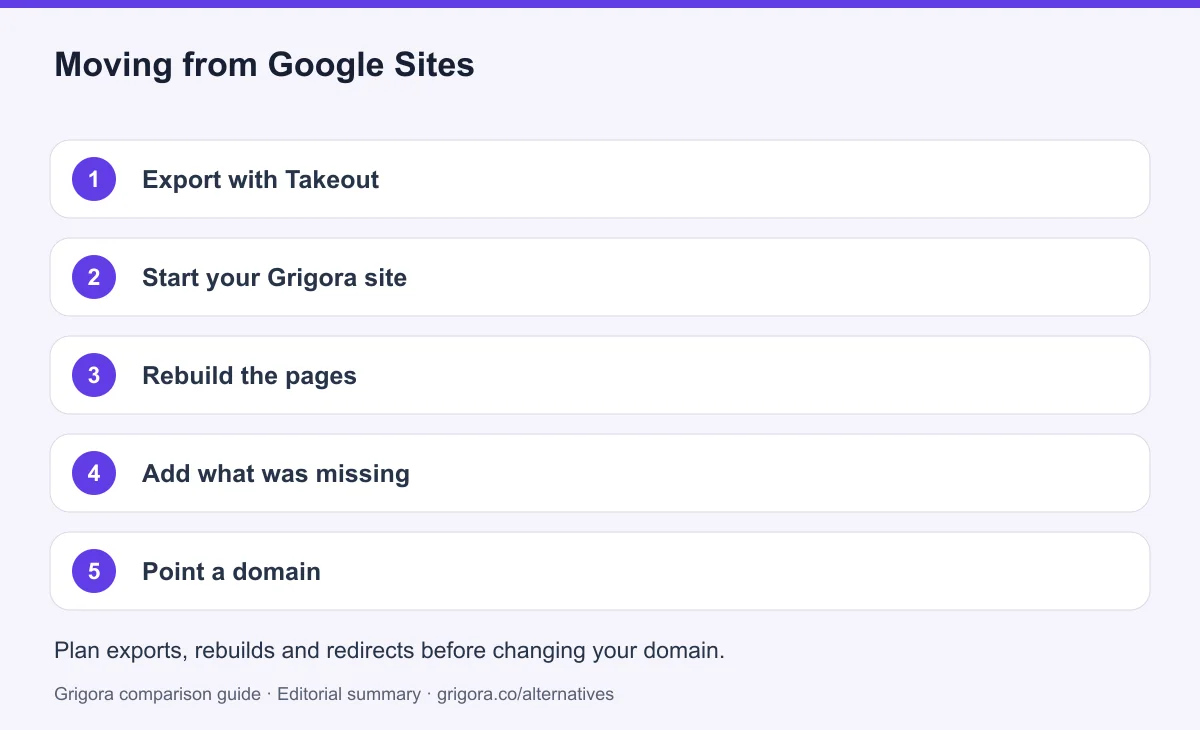
Export a Google Takeout archive and inspect which page content, media and embedded resources it contains. Rebuild suitable pages in Grigora and verify its supported import formats. Keep source documents and consent records separately; an archive is not a direct site import.
- 1
Export with Takeout
Create a Google Takeout archive and inspect the exported pages and assets. Preserve original images and embedded Drive documents separately when they are not included.
- 2
Start your Grigora site
Describe the business in a sentence and the AI generates a first draft with pages, layout and copy.
- 3
Rebuild the pages
Reproduce the key pages in the block editor from the export.
- 4
Add what was missing
Rebuild news content in the CMS and configure the store if needed. Import only newsletter contacts with marketing consent, preserving unsubscribes; a Drive sharing list is not marketing permission.
- 5
Point a domain
If you control an existing custom domain, preserve paths or configure redirects when moving DNS. You cannot generally install server redirects on an old sites.google.com address, so keep a visible move notice and update important links. Test the new site before changing the domain and monitor indexing afterwards.
Why people look for a Google Sites alternative in 2026
Google Sites can serve simple public sites as well as internal pages. Its appeal is free access, collaboration and integration with Google files. A move is most useful when native publishing, commerce or newsletter requirements go beyond that scope.
Collaborative information pages
Several people can collaborate on a site, and Google files can be embedded with their own sharing permissions. Those features suit project hubs, schools, clubs and some simple business pages. Check access settings carefully for anything intended to be public.
Blog, commerce and email requirements
Google Sites supports pages you maintain manually, with public indexing and some path settings. It lacks a native blog engine, product-store backend and newsletter service. External tools can be linked or embedded, while more specialised CMS products expose additional metadata and structured-data settings.
Custom themes and layout choices
Google Sites supports custom themes with colours, text styles, logos, banners and navigation settings. It remains a section-based builder with fewer layout and publishing controls than many specialised CMS products. Compare the design you need directly.
How Grigora compares
Grigora combines website publishing, newsletter and store tools, with metadata and structured-data controls. Those tools support implementation; they do not guarantee rankings or traffic.
Twelve dollars for the parts free leaves out
Grigora Starter is $12/mo billed annually and includes a CMS with directories and moderated comments, newsletter tools for 2,500 subscribers, and a product store. Connected Stripe or Razorpay checkout has 0% Grigora platform commission; processing fees apply. Google Sites has a lower platform cost and can connect to external tools for additional functions.
Where Google Sites still wins
Google Sites is a useful option for collaborative information pages, whether public or restricted, and has no separate builder fee. Grigora fits projects that need an integrated blog, newsletter and store. Use the actual requirements to decide whether moving is worthwhile.
Frequently asked questions
Grigora is a Google Sites alternative when you need a native blog, newsletter, store and more publishing controls. Google Sites is a practical free option for simple public pages, team hubs and collaborative projects. It supports custom themes and custom domains; choose based on the publishing workflow you need rather than assuming a paid builder is necessary.
Yes. Google Sites is free with a Google account. Optional Workspace plans add business administration and other services. Google Sites supports custom domains for sites you own, including setup through Settings and domain-ownership verification. Work or school accounts use administrator controls. A paid Workspace subscription is not a universal requirement for connecting an existing domain.
Yes. Google Sites can publish a simple business website and supports custom themes and domains. It lacks a native blog engine, product-store backend and newsletter platform, so more involved publishing or commerce needs may require other tools.
No. Posts are pages added by hand, with no feed, categories, authors or comments. Grigora includes a full CMS with directories and moderated comments.
Not natively. Selling means embedding another product's checkout. Grigora includes a store on every paid plan with 0% platform commission.
Yes. Google Takeout can produce an archive of Sites data. Inspect the archive and preserve media and embedded source files separately. Moving to Grigora normally means rebuilding layouts and mapping content into supported formats, rather than importing a fully working Google Site.
Sources and comparison method
Published by Grigora, one of the products compared here. This is a comparison of public product documentation and published plans. Recommendations reflect the use cases described; they are not independent performance benchmarks. Homepage screenshots show how each product presents itself and do not establish feature availability.
Check the billing term, currency, regional availability, usage limits and add-ons before purchasing. A content export does not necessarily include the design, integrations or a working store. Migration steps need testing on your own site.
- Google Sites custom domains
Owner-managed custom domains are supported; work/school accounts use administrator controls.
- Google Sites themes and design
Custom themes, fonts, colours and brand controls are available.
- Google Sites data export
Takeout export is an archive; verify assets and rebuild the destination workflow.
- Grigora pricing and included allowances
Annual and monthly prices, trial, team and usage allowances, newsletter tools and optional services.
Grigora references: plans and limits, commerce, MCP access, and help documentation.
Compare Grigora with other platforms



Build the publishing workflow your site needs
Site, CMS, newsletter and store in one plan from $12/mo. Try Grigora free, no credit card required.
14-day free trial • No credit card required • Cancel anytime