
The Ycode alternative for a fully managed business toolkit
Ycode now offers an open-source visual builder and CMS that can run on your own infrastructure or Ycode Cloud. Grigora is a candidate when your team wants newsletters and store operations beside a managed website. Ycode is compelling when source access, self-hosting and infrastructure control are core requirements.
Published by Grigora · Updated · Sources and method
Is Grigora the right Ycode alternative?
Ycode now offers an open-source visual builder and CMS that can run on your own infrastructure or Ycode Cloud. Grigora is a candidate when your team wants newsletters and store operations beside a managed website. Ycode is compelling when source access, self-hosting and infrastructure control are core requirements.
Choose Grigora for…
- AI website building and structured content
- Unlimited pages and blog posts
- Newsletter sending within plan allowances
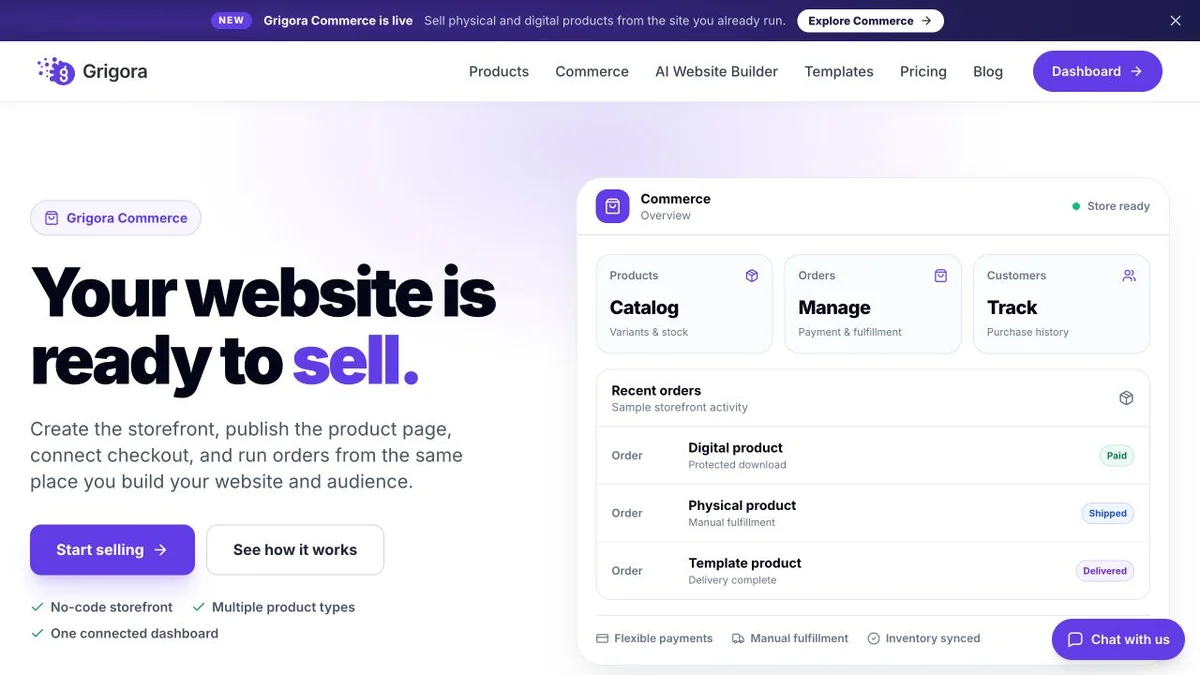
- Physical and digital products, stock and orders
Choose Ycode for…
- •Open-source platform and full code access
- •Self-hosting or managed Ycode Cloud
- •Visual builder with structured CMS
- •Bring your own AI provider
Ycode or Grigora: the decision in one view
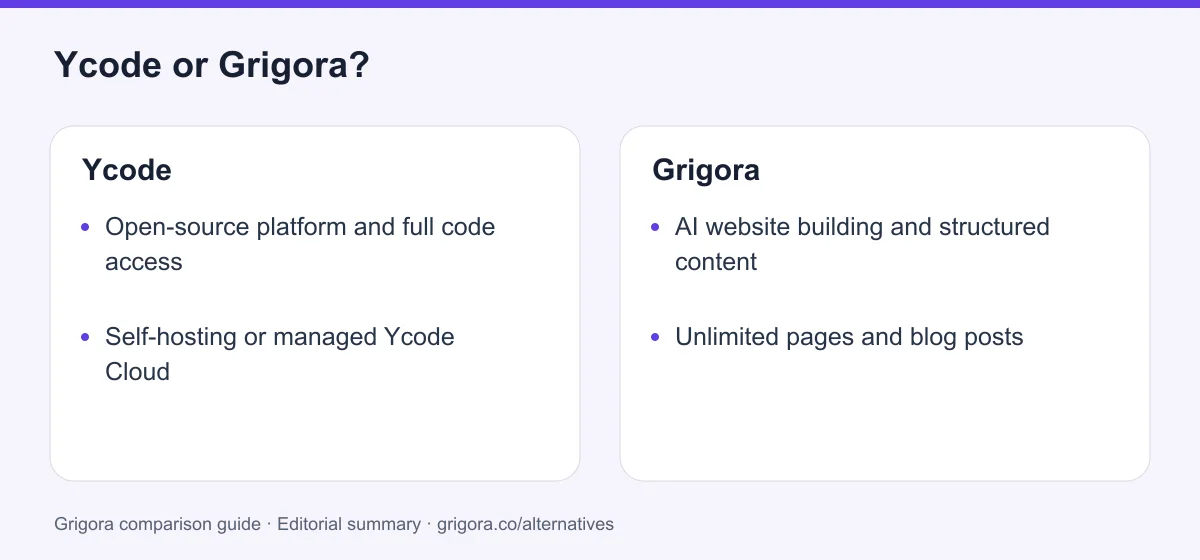
Ycode and Grigora at a glance
Match the product to the work you need after launch.
Swipe the table sideways to see every column
| Platform | Best for | Free access | Starting price | Sales fees | Data and site portability |
|---|---|---|---|---|---|
| Grigora | Website, CMS, newsletter and store | Free trial | From $12/mo billed annually | 0% platform fee; Stripe / Razorpay / PayPal / Paddle fees apply | Complete website and code export |
| Ycode | Open-source visual website building and CMS | Self-hosted software is free | Cloud Basic $10/mo billed yearly | Check payment and service terms | Open source; full code access |
Reviewed 23 October 2026. Billing periods, currencies and product scope differ; see the pricing notes below.
Sources for the overview table
- Grigora: official reference 1
Why consider Grigora instead of Ycode?
Keep Ycode if owning the deployment and extending source code are essential. Grigora’s managed workflow is a different operating model; a migration should be justified by the business work it simplifies.
Publish content on your own schedule
Organize a growing library with drafts, scheduled posts, categories and structured collections. Grigora supports unlimited pages and blog posts.
Keep reader updates beside the website
Manage newsletters and subscriber lists from the same workspace, within your plan’s subscriber and sending allowances.
Connect content with selling
Manage physical or digital products, inventory and orders alongside the website. Test your payment and fulfillment requirements before moving.
Grigora vs Ycode
| Feature | Ycode | Grigora |
|---|---|---|
| Ownership model | Open source and full code access | Complete website and code export |
| Hosting | Self-host or managed cloud | Managed website hosting |
| Page allowance | Unlimited pages | Unlimited pages and blog posts |
| CMS and languages | Allowances depend on self-host/Cloud tier | Structured collections; verify localization requirements |
| Free entry | Self-hosted software is free | 14-day trial |
| Starting cost | Cloud Basic $10/mo billed yearly | $15 monthly or $144 yearly |
Grigora vs Ycode: feature by feature
A category-by-category breakdown, pricing, AI, design, e-commerce, email, SEO, performance, and support.
Compare the work after launch
Depends on your needsKeep Ycode if owning the deployment and extending source code are essential. Grigora’s managed workflow is a different operating model; a migration should be justified by the business work it simplifies.
| Feature | Grigora | Ycode |
|---|---|---|
| Primary focus | Website, content, newsletter and store | Open-source visual website building and CMS |
| Entry option | 14-day trial | Self-hosted software is free |
Takeaway: Try the tasks your team repeats before committing to a migration.
Explore Grigora before switching from Ycode
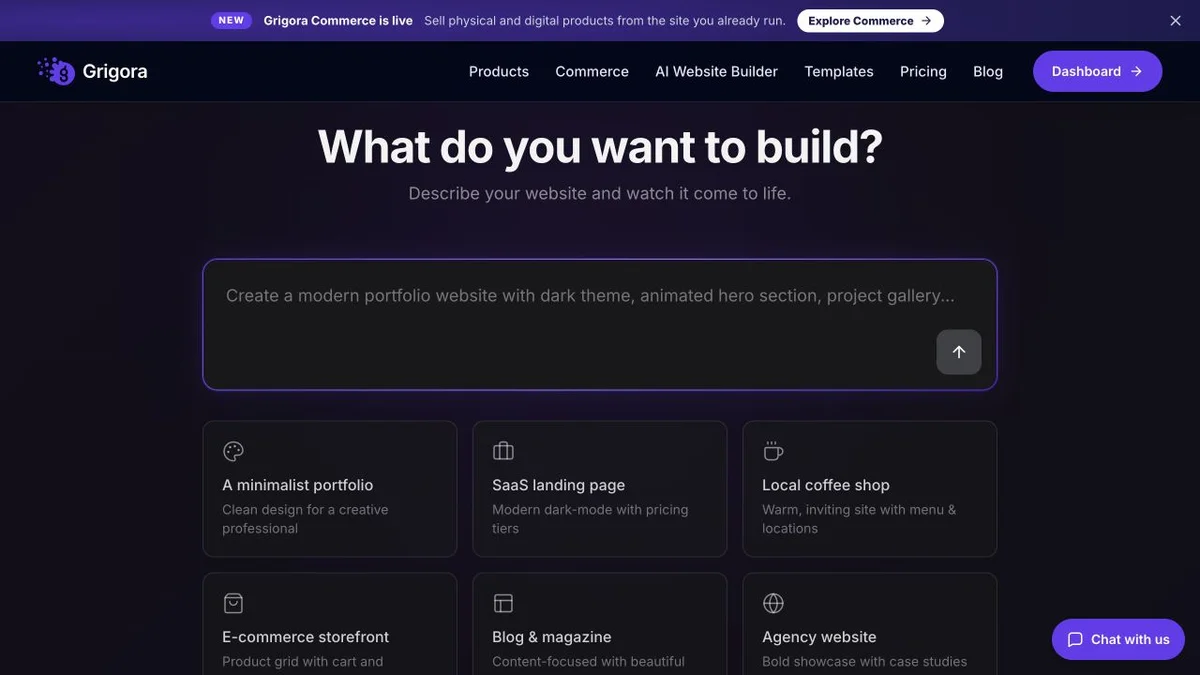
Current public product pages and plans, so you can inspect what you would be moving to. Open any image at full size.
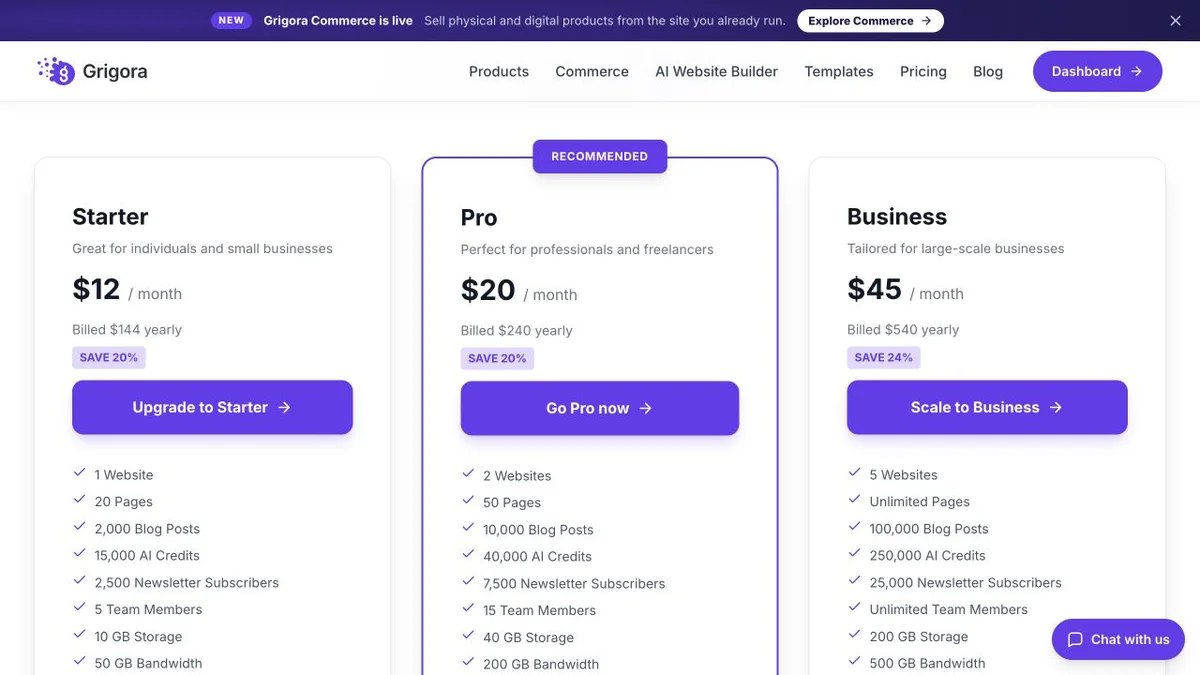
Ycode vs Grigora pricing
Keep billing terms, usage and outside services in the comparison.
Website, CMS, newsletter and commerce
USD. Annual subscriptions are paid upfront. Pages and blog posts are unlimited; AI, storage, bandwidth, subscriber and sending allowances vary by plan. Domains, mailboxes and payment-provider fees are separate.
Open-source visual website building and CMS
USD per project. Monthly and Yearly controls were checked on the current homepage. Self-hosting needs infrastructure; connected AI-provider usage is separate. These are the current open-source-era plans.
Ycode’s free software does not make hosting, database operations or AI usage free. Cloud Basic is below Grigora Starter at the reviewed annual rate. Compare those costs with the newsletter and commerce services your site will also require.
Plan the complete cost
Ycode’s free software does not make hosting, database operations or AI usage free. Cloud Basic is below Grigora Starter at the reviewed annual rate. Compare those costs with the newsletter and commerce services your site will also require.
| What you pay for | Ycode | Grigora |
|---|---|---|
| Subscription | Cloud Basic $10/mo billed yearly | Starter $15 monthly or $144 yearly |
| Specialist workflow | Open-source visual website building and CMS | Website, CMS, newsletters and commerce |
| Migration | Export and preserve source data first | Rebuild layouts, map content and test URLs |
Include the services and maintenance you will keep after the move.
USD per project. Monthly and Yearly controls were checked on the current homepage. Self-hosting needs infrastructure; connected AI-provider usage is separate. These are the current open-source-era plans.
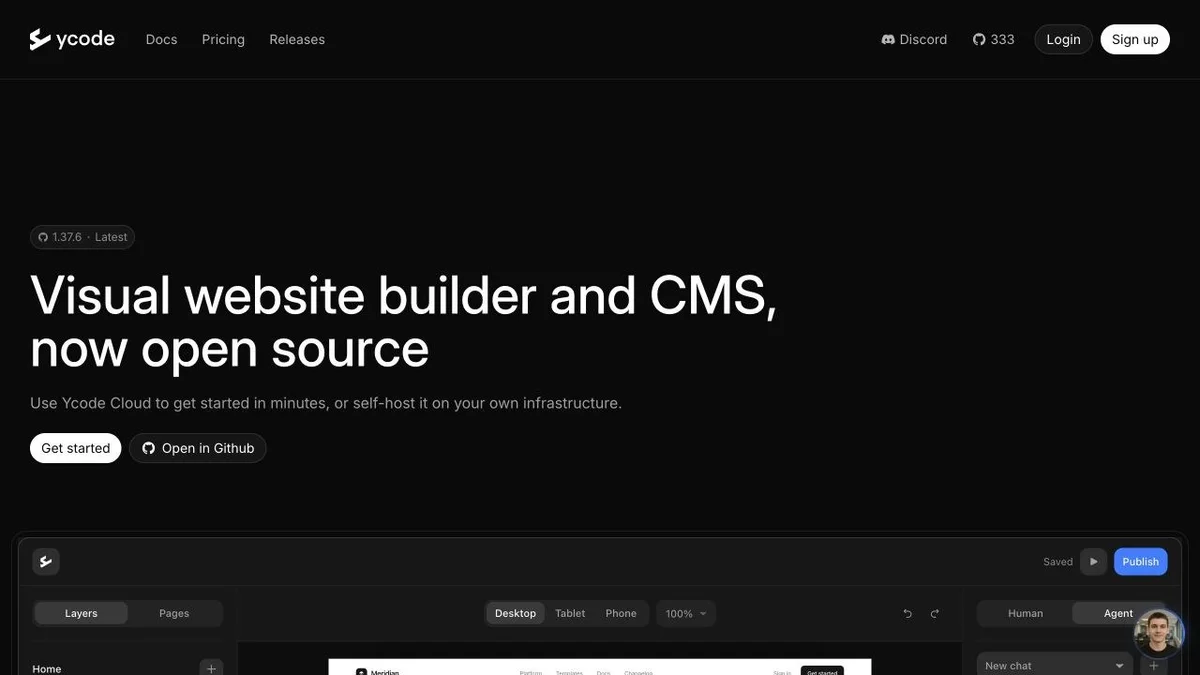
Ycode and Grigora: public website references
These captures show each product’s public website. See the feature and pricing sections for capabilities and plan details.

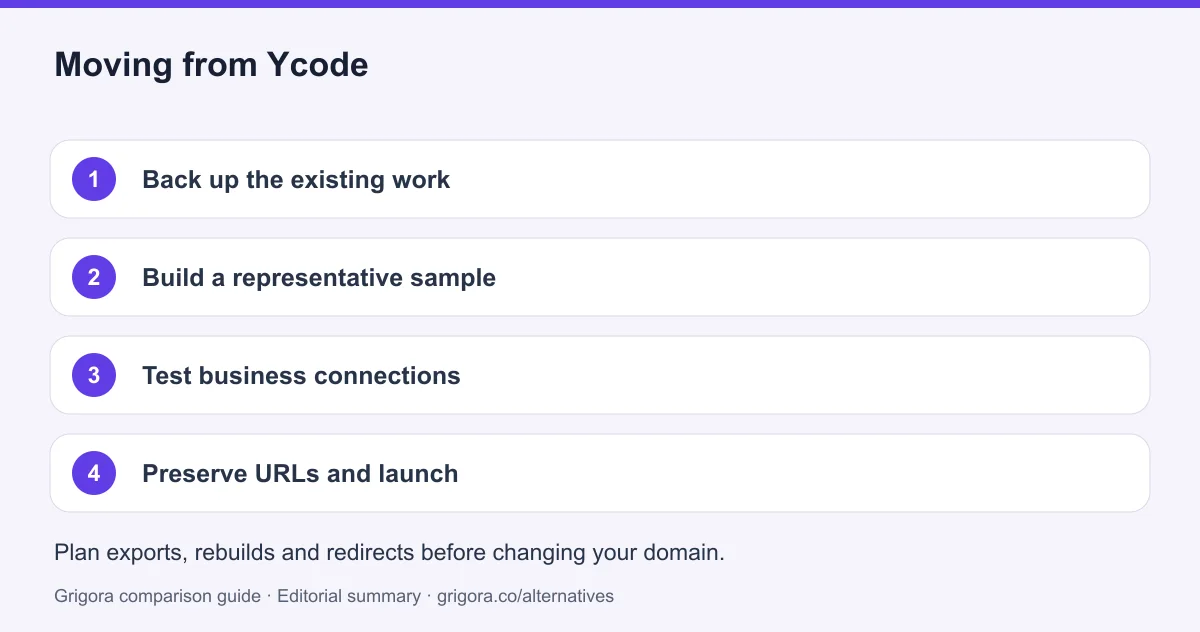
Moving from Ycode to Grigora
Back up the Ycode project, Supabase data and media. Map collections, references, language variants and dynamic paths. Preserve the original deployment until the replacement’s content and integrations have been tested.
- 1
Back up the existing work
Back up the Ycode project, Supabase data and media. Map collections, references, language variants and dynamic paths. Preserve the original deployment until the replacement’s content and integrations have been tested.
- 2
Build a representative sample
Recreate one important page and a small set of posts or records. Check formatting, media, navigation and your team’s editing workflow.
- 3
Test business connections
Verify forms, subscriber consent, payment settings and any services you plan to retain. A page rebuild does not automatically transfer accounts or integrations.
- 4
Preserve URLs and launch
Map old paths to new pages, set redirects where you control the domain, and check mobile layouts and metadata. Preserve email DNS records when connecting the domain.
Frequently asked questions
Ycode now offers an open-source visual builder and CMS that can run on your own infrastructure or Ycode Cloud. Grigora is a candidate when your team wants newsletters and store operations beside a managed website. Ycode is compelling when source access, self-hosting and infrastructure control are core requirements.
No. The current official website presents an open-source product with self-hosting, full code access and Ycode Cloud. This comparison uses that current offering rather than older Mini, Basic or Pro plan descriptions.
Ycode’s free software does not make hosting, database operations or AI usage free. Cloud Basic is below Grigora Starter at the reviewed annual rate. Compare those costs with the newsletter and commerce services your site will also require. USD per project. Monthly and Yearly controls were checked on the current homepage. Self-hosting needs infrastructure; connected AI-provider usage is separate. These are the current open-source-era plans.
No automatic complete transfer is established. Back up the Ycode project, Supabase data and media. Map collections, references, language variants and dynamic paths. Preserve the original deployment until the replacement’s content and integrations have been tested. Rebuild layouts and test a small content sample before migrating everything.
Grigora supports unlimited pages and blog posts. AI usage, storage, bandwidth, subscribers and newsletter sending still have plan-specific allowances.
Sources and comparison method
Published by Grigora, one of the products compared here. This is a comparison of public product documentation and published plans. Recommendations reflect the use cases described; they are not independent performance benchmarks. Homepage screenshots show how each product presents itself and do not establish feature availability.
Check the billing term, currency, regional availability, usage limits and add-ons before purchasing. A content export does not necessarily include the design, integrations or a working store. Migration steps need testing on your own site.
- Ycode official product
Reviewed 23 October 2026. Open-source visual website building and CMS. Public product information, not a hands-on performance benchmark.
- Ycode plans and terms
USD per project. Monthly and Yearly controls were checked on the current homepage. Self-hosting needs infrastructure; connected AI-provider usage is separate. These are the current open-source-era plans.
- Ycode CMS documentation
Collections and dynamic content.
- Grigora pricing
Starter $15 monthly or $144 yearly; Pro $25 monthly or $240 yearly; Business $59 monthly or $540 yearly. Unlimited pages and blog posts; other plan allowances apply.
Grigora references: plans and limits, commerce, MCP access, and help documentation.
Compare Grigora with other platforms



Build your next website with Grigora
Bring pages, content, subscribers and products into one workspace. Try Grigora for 14 days without a card.
14-day free trial • No credit card required • Cancel anytime