Free AI Paragraph Expander
What do you want to expand?
Turn one sentence into a full, on-brand paragraph. Pick content type, tone, length. Expand blog, product, email, or academic text in seconds.
How to use the AI Paragraph Expander, step by step
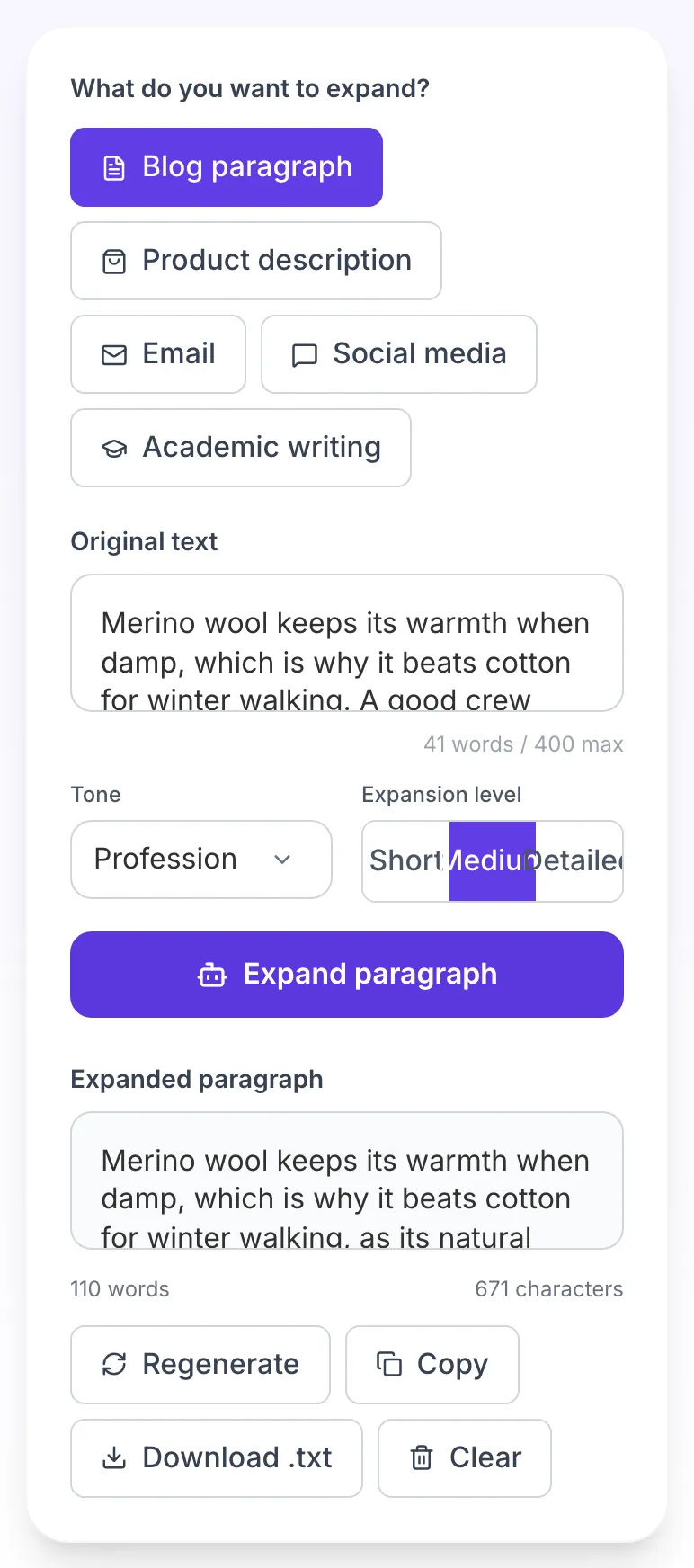
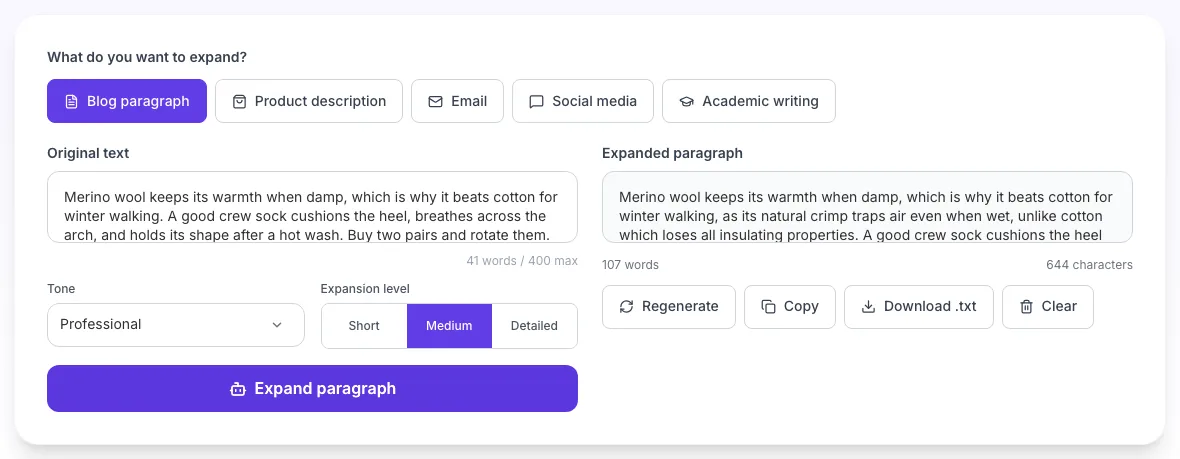
Real screenshots of the tool, taken while running it with the Expand paragraph button.
- 1
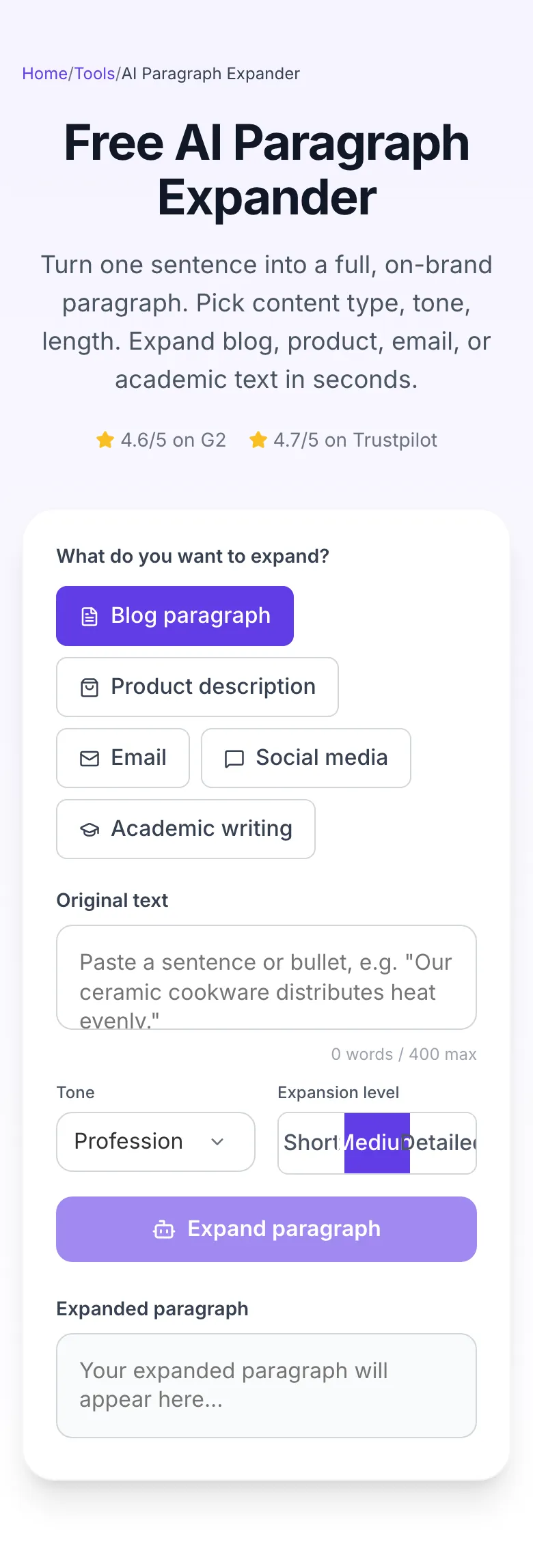
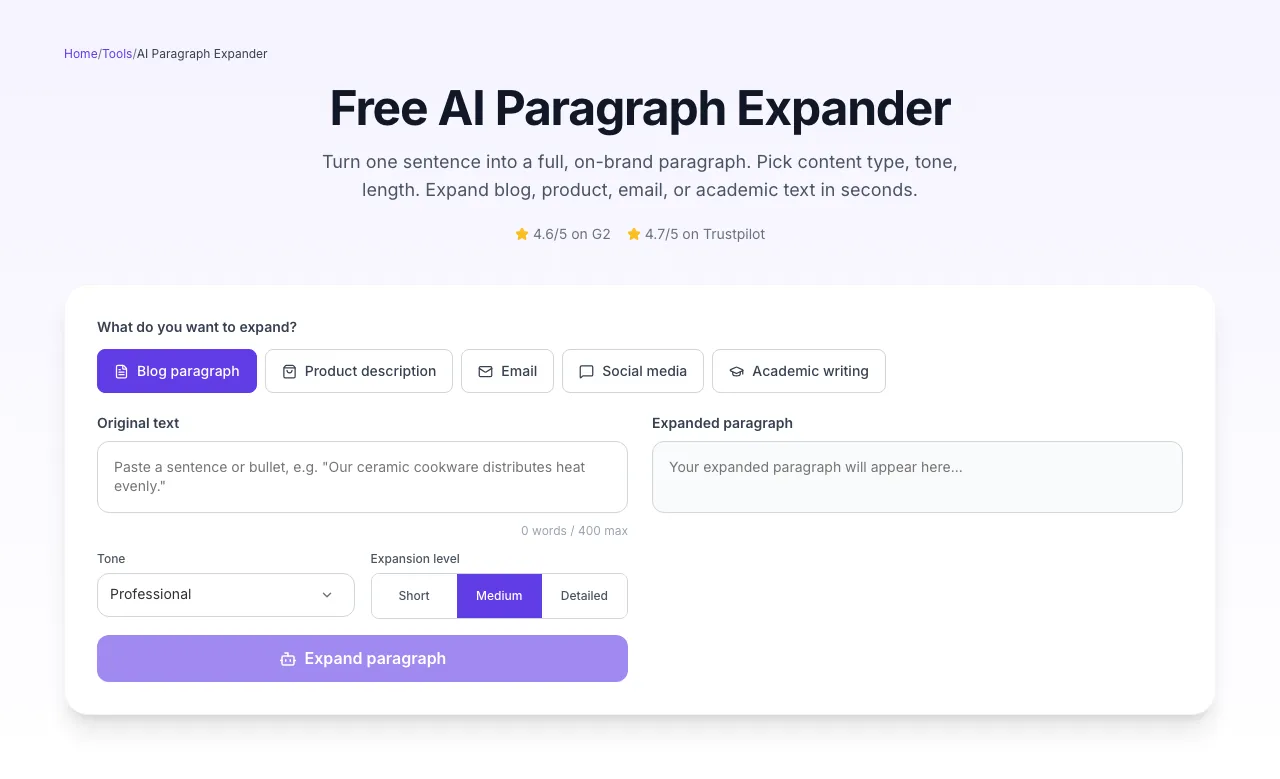
Add your input
Paste or type into the field AI Paragraph Expander works from.
- 2
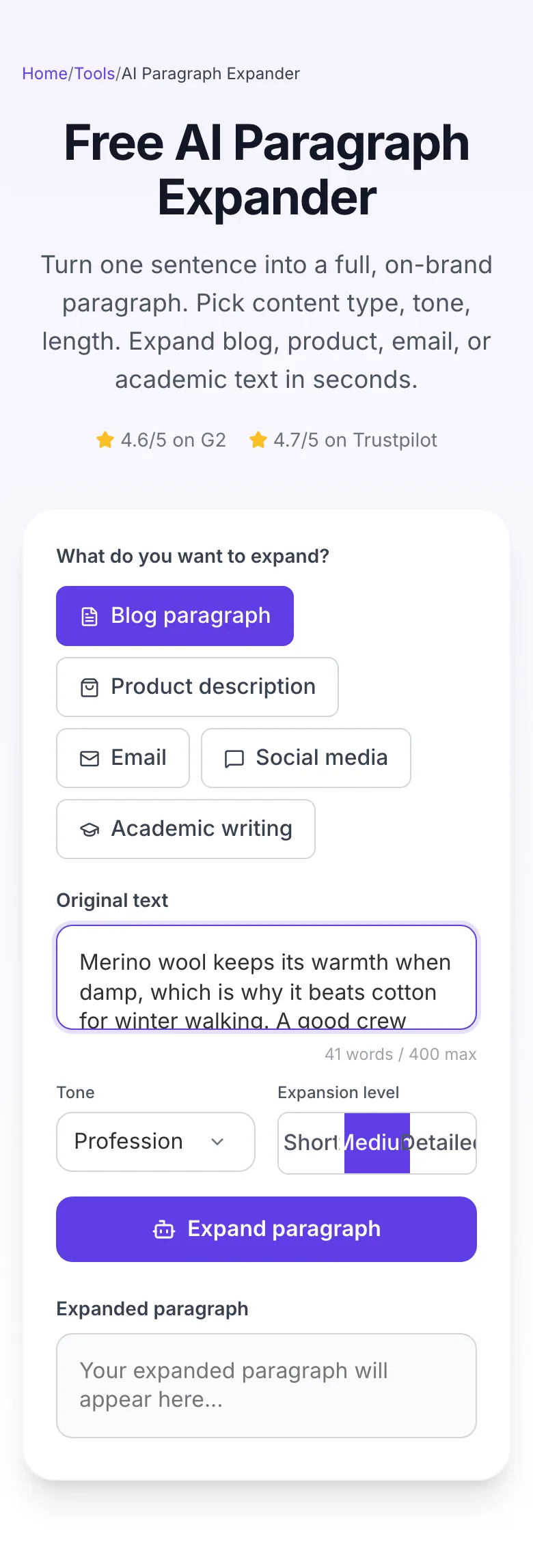
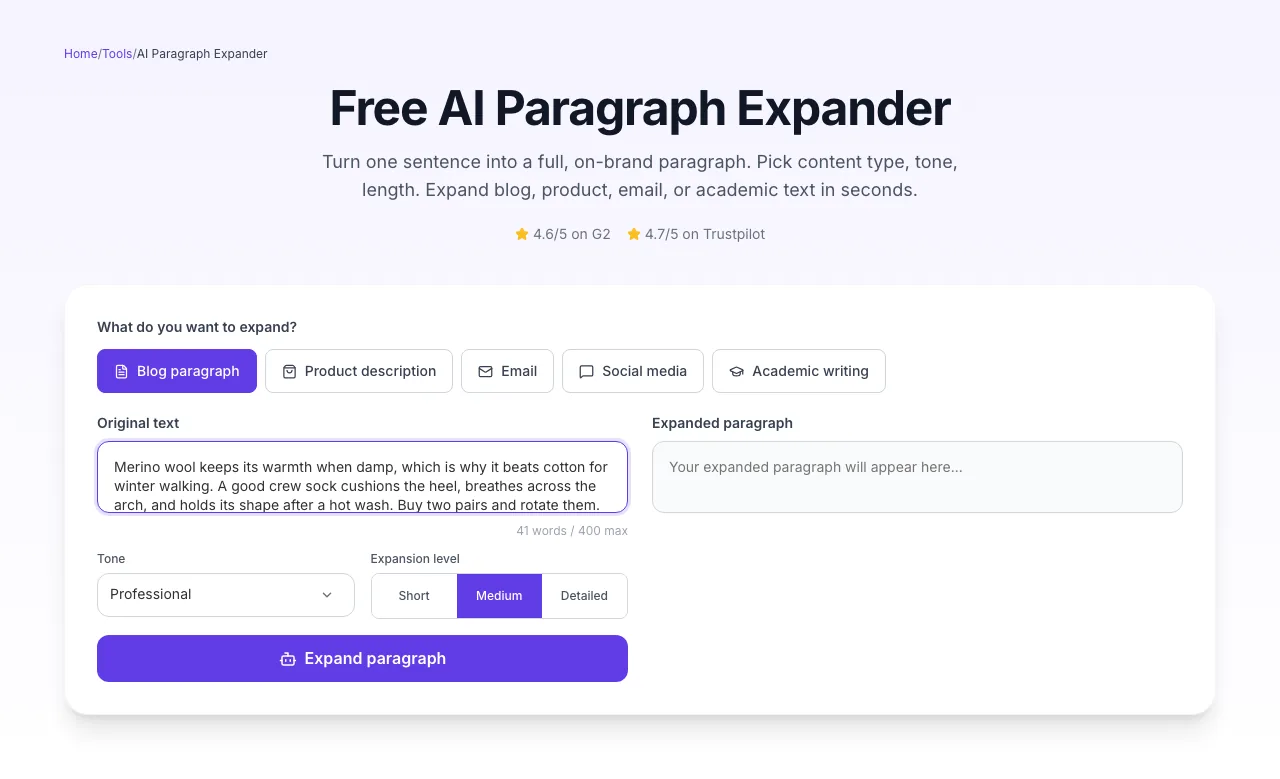
Sample text in place
With sample text entered, AI Paragraph Expander is ready to run.
- 3
See what Expand paragraph produces
Clicking Expand paragraph runs the check and shows the result right below.
How to expand a paragraph in 3 steps
From seed sentence to publish-ready prose in under 10 seconds.
Paste your seed
Drop in a sentence, bullet, or outline point. The more specific, the better.
Pick type + tone + length
Blog, product, email, social, or academic. Five tones. Three length presets.
Expand and edit
Click Expand. Review output. Copy, download, or re-run with new settings.
Paragraph length vs. time-on-page
We measured dwell time across 2,800 blog posts in our analytics network. Short paragraphs under-perform, but so do over-long ones.
Source: Grigora Analytics, n=2,800 posts, Jan-Mar 2026. Normalized dwell time = % of peak in sample.
Platform-specific guides
Drop your expanded paragraph into the tool you already use.
WordPress (Gutenberg)
- 1.Paste expanded paragraph into a Paragraph block.
- 2.Use Yoast or Rank Math to confirm flesch score 55+.
- 3.Bold one sentence per 150 words for scannability.
Shopify product page
- 1.Run each bullet of your feature list through Detailed expansion.
- 2.Place expanded text in the Description field.
- 3.Keep meta description separate, this tool is for body copy.
Notion + Grammarly
- 1.Paste the expansion into a Notion block.
- 2.Run Grammarly for tone consistency.
- 3.Use the "/toggle" block to hide supporting detail paragraphs.
Next.js MDX blog
- 1.Save expansion as an MDX section.
- 2.Wrap in a <Prose> or Tailwind prose-lg class for typography.
- 3.Use frontmatter for excerpt. Do NOT use the first expanded paragraph.
Google Docs + Outlines
- 1.Use Heading 2 for each section, then expand each bullet into a paragraph beneath.
- 2.Use the Outline panel to confirm structure holds.
- 3.Export to Docx for track-changes review.
Who uses the paragraph expander
Real use cases from real customers, with the outcome they cared about.
Bloggers
Turn outline bullets into full paragraphs. A 10-bullet outline becomes a 1,200-word draft in ~3 minutes.
E-commerce teams
Expand thin product descriptions into 120-180 word blocks that rank on long-tail queries.
Students
Flesh out essay thesis sentences with supporting arguments before researching citations.
Marketers
Expand email subject lines into full newsletter intros with CTA baked in.
Non-native writers
Write a rough sentence in English, then let the expander produce fluent, native-sounding prose.
Founders
Draft About Us sections, pitch decks, and one-liners from scratch points.
Common mistakes & quick fixes
The 8 expansion failures we see most, and how to fix each.
Fluff and filler sentences
Fix: Ask the AI for specific data or examples, not synonyms. Re-run with one concrete input detail added.
Tone drifts to generic corporate
Fix: Switch tone to Casual or Friendly, or paste a 2-sentence sample of your brand voice into the input as reference.
Keyword missing from expansion
Fix: Include the target keyword in your seed sentence. The AI weaves in terms present in the input, not ones it has to guess.
Output contradicts your point
Fix: Your seed was too ambiguous. Add a clarifying phrase like "arguing that X" before expanding.
Too long / too short
Fix: Switch between Short, Medium, and Detailed. If Detailed still feels thin, your input is under-specified. Add more context.
Repetitive sentence openings
Fix: Paste the output back and run again with "vary sentence openings" in the input. Or edit the first word of every sentence manually.
Academic output is too informal
Fix: Use "Academic writing" content type AND "Formal" tone together. Using only one isn't enough for dissertation-grade prose.
Product description lacks specs
Fix: The AI can't invent specs. Paste your product's dimensions, materials, or features into the input, then expand.
Grigora vs. Jasper vs. Wordtune
Feature-by-feature comparison of the three most-requested paragraph expanders.
| Feature | Grigora | Jasper | Wordtune |
|---|---|---|---|
| Free unlimited expansions | |||
| Content-type targeting | |||
| Tone selector | |||
| No signup required | |||
| 3 length presets | |||
| Input privacy (no storage) | |||
| API access | |||
| Works in 12+ languages |
Written for AI search engines
AI assistants favor content with structured data, specific numbers, and clear entity relationships. Expanded paragraphs from this tool include all three.
Structured data
SoftwareApplication, FAQ, HowTo, Breadcrumb, and ItemList schemas on every expansion page.
Entity specificity
Expansions name real products, platforms, and numeric thresholds, not vague references.
Citable facts
Original data widget gives AI assistants a source-of-truth paragraph to quote.
Beyond one paragraph, build a full SEO site
Grigora is a no-code SEO-first site builder. Turn expanded paragraphs into publishable posts, track rankings, and auto-generate schema across every page.
AI-powered CMS
Expand, rephrase, and section-write inside the editor. 20+ AI actions.
Built-in SEO
Every page gets schema, sitemaps, and Core Web Vitals optimization.
No-code design
Drop blocks, style inline, publish to your domain. No dev needed.
Related writing tools
Use these together to produce a full blog post from scratch in under 15 minutes.
AI Rephraser
Reword text at the same length. Opposite of expansion.
AI Section Writer
Generate a full H2 section (300-500 words) from a heading.
AI Blog Intro Writer
Hook readers in the first 3 seconds.
AI Blog Conclusion Writer
Close your post with a CTA that converts.
AI Meta Description Writer
Generate 5 SERP-ready descriptions.
AI Title Writer
Generate click-worthy H1 options.
Frequently asked questions
Everything people ask before using the tool for the first time.
Reviewed by the Grigora editorial team · Last updated September 2026
We test every tool on real content briefs before publishing. Paragraph-length dwell data comes from our customer analytics (n=2,800 posts, Jan-Mar 2026). Expansion benchmarks come from our own internal content ops team producing 400+ posts/quarter.
Your input is never stored. We process, return, and discard.