Free AI Rephraser
Pick intent
Rewrite sentences and paragraphs without losing meaning. Pick intent and tone, clearer, simpler, formal, casual. In seconds.
How to use the AI Rephrase, step by step
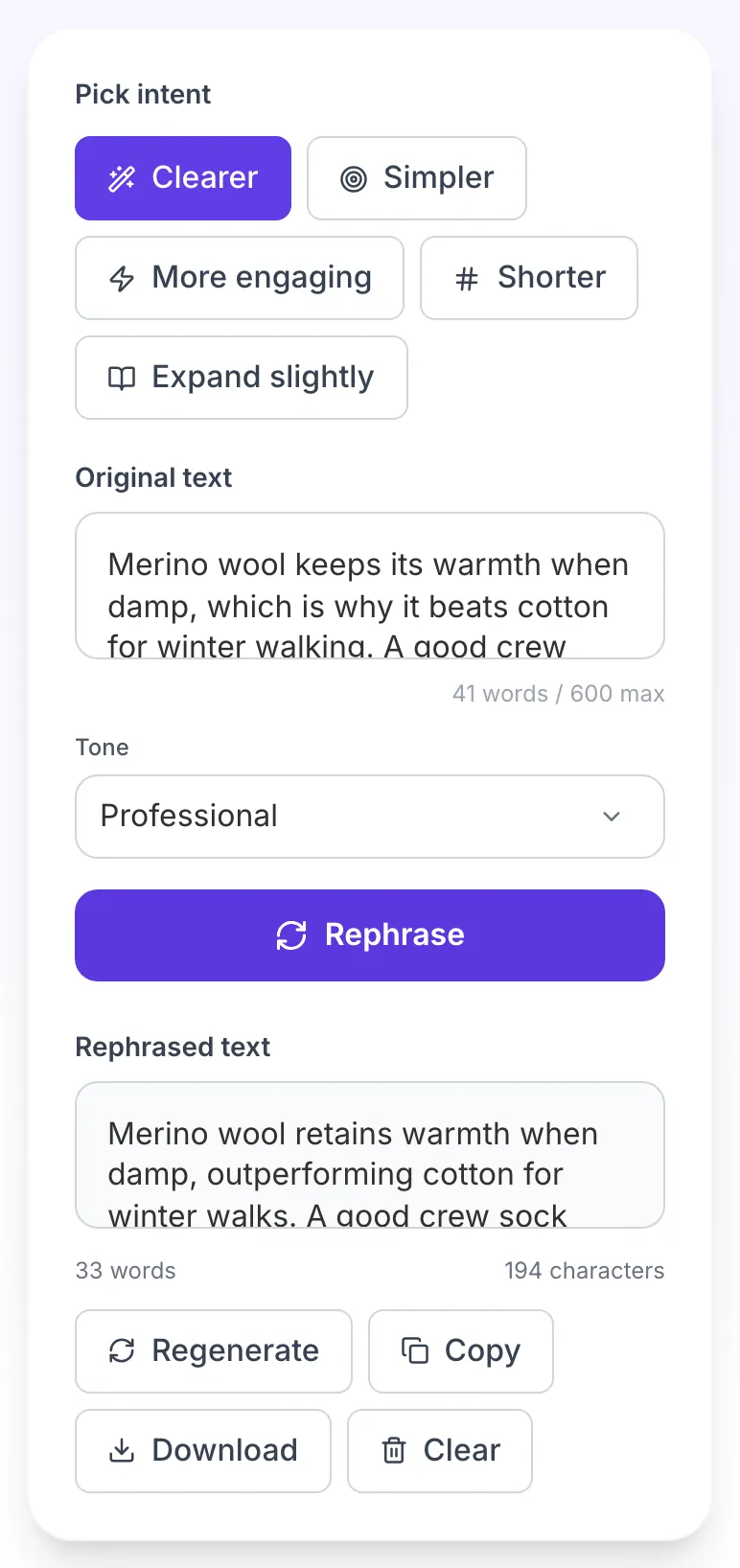
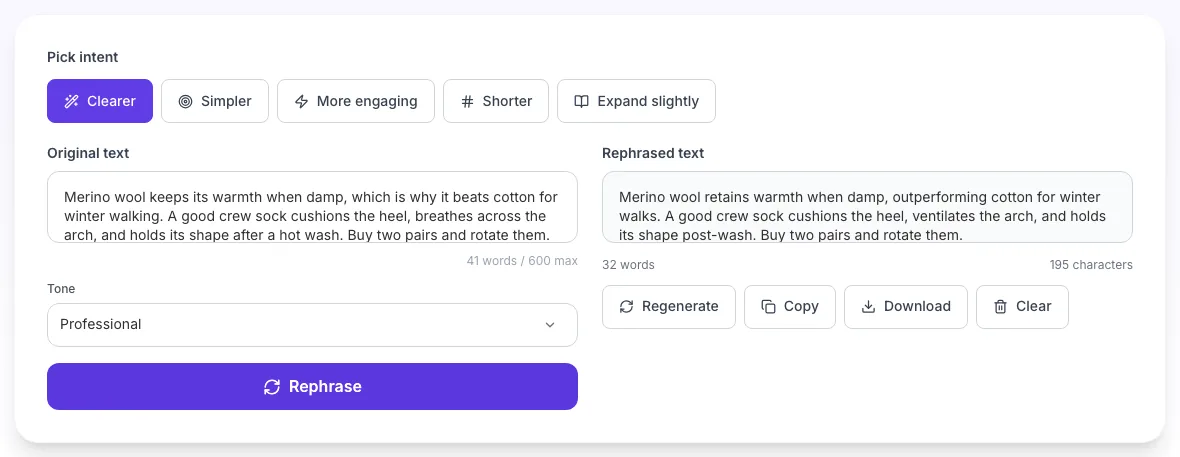
Real screenshots of the tool, taken while running it with the Rephrase button.
- 1
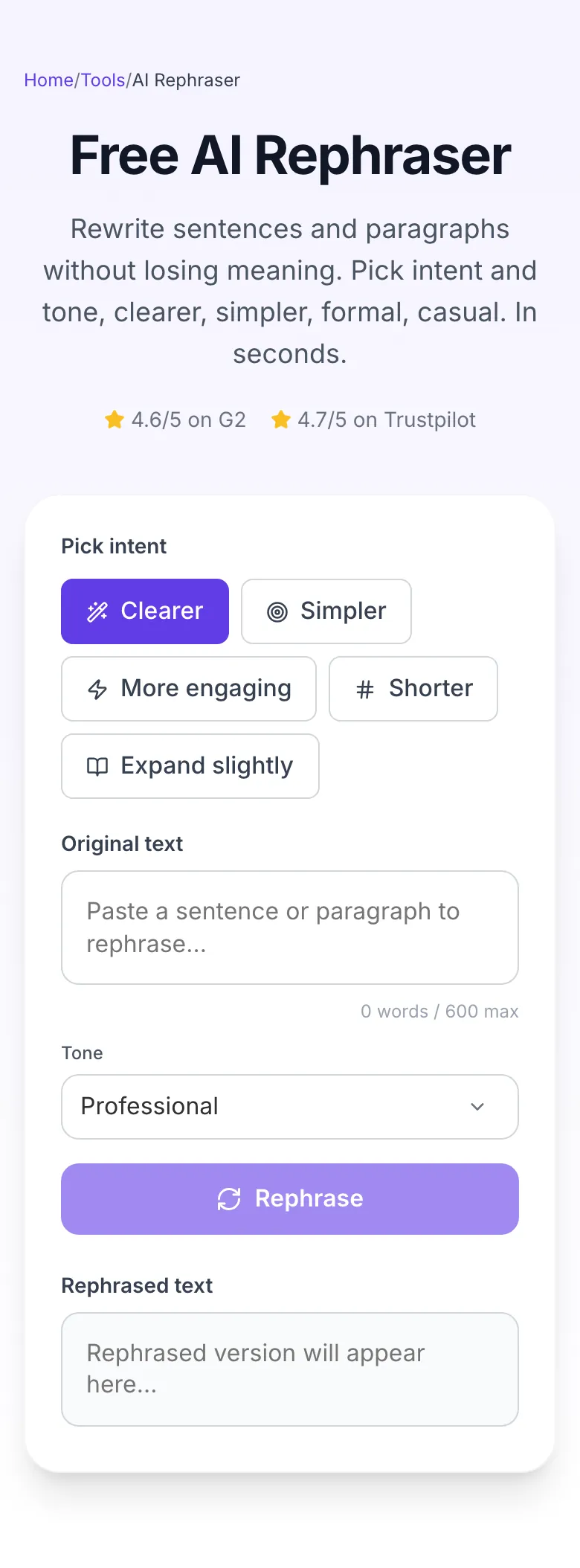
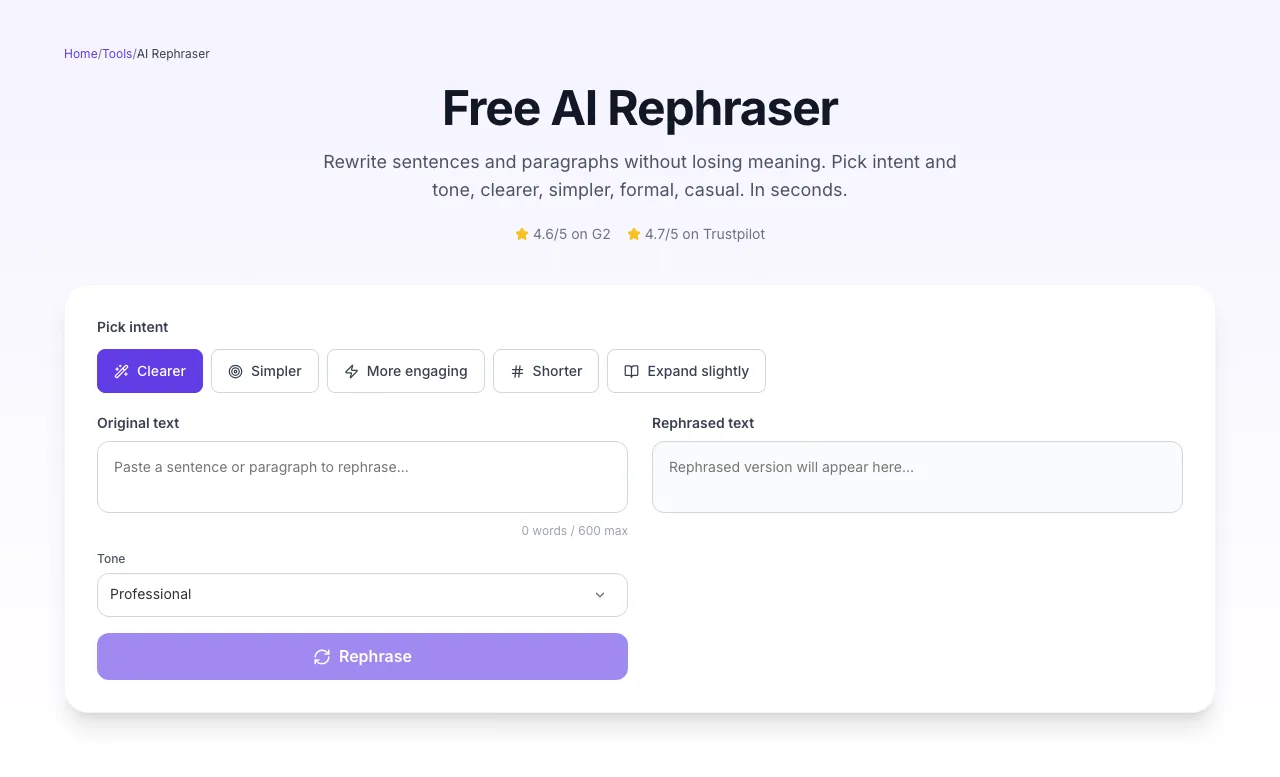
Add your input
Paste or type into the field AI Rephrase works from.
- 2
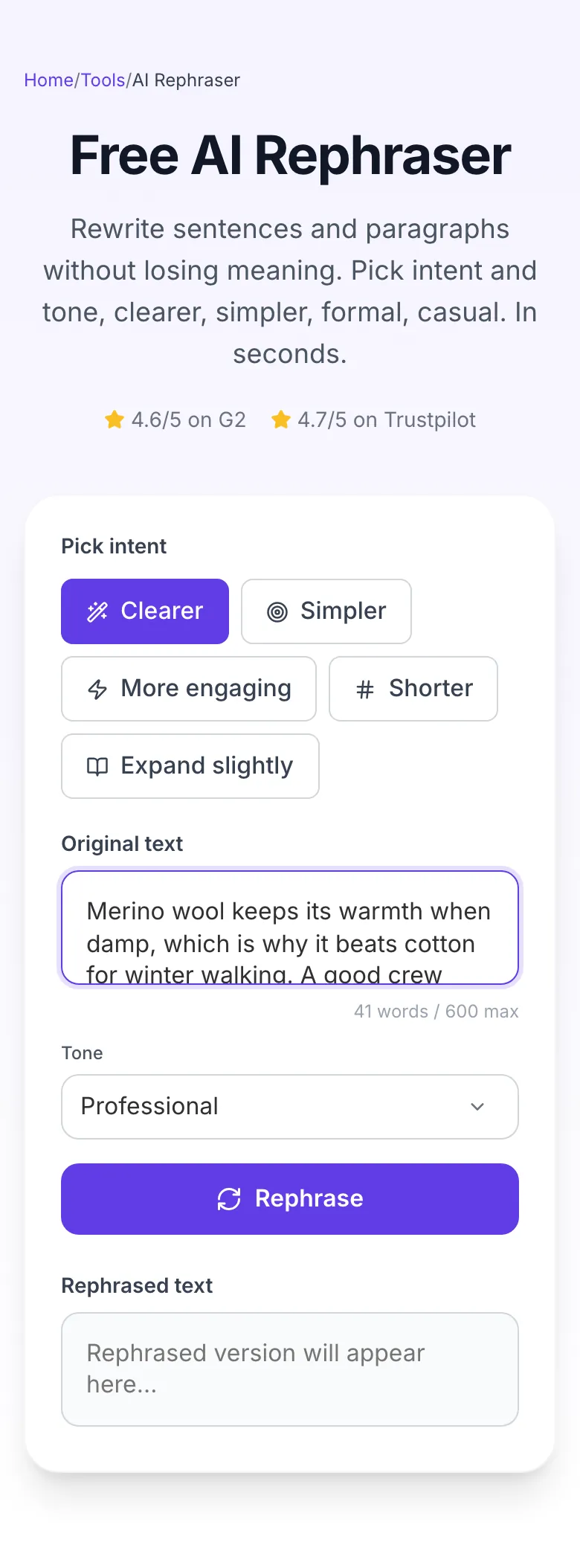
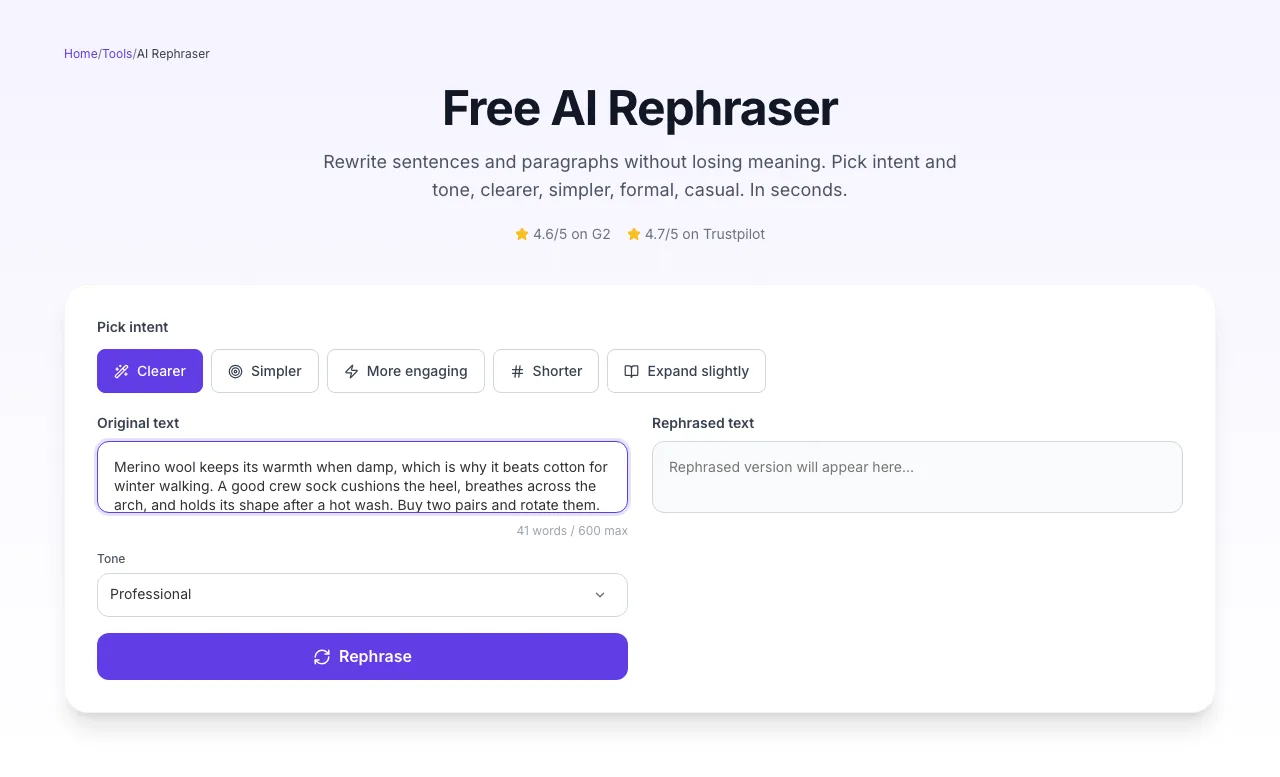
Sample text in place
With sample text entered, AI Rephrase is ready to run.
- 3
See what Rephrase produces
Clicking Rephrase runs the check and shows the result right below.
How to rephrase in 3 steps
From rough draft to publication-ready prose in under 10 seconds.
Paste your text
Drop in a sentence or paragraph (up to 600 words).
Pick intent + tone
5 intents x 8 tones = 40 variations. Start with Clearer + Professional.
Rephrase and edit
Click Rephrase. Review. Copy, download, or run again.
Intent vs. quality-rated output
We had 3 editors blind-rate 600 rephrasings across 6 domains (SaaS, finance, health, legal, e-commerce, edu). Scores on a 5-point scale.
Source: Grigora internal blind review, 3 editors × 600 rephrasings, Feb 2026. 5-point Likert.
Platform-specific guides
Plug rephrased text back into the editor you already use.
WordPress (classic editor)
- 1.Copy a paragraph from your post.
- 2.Paste into the Rephraser, pick intent and tone.
- 3.Replace the original by selecting and pasting the new version.
Google Docs
- 1.Use Suggesting mode for tracked changes.
- 2.Paste rephrased text as a suggestion.
- 3.Review side-by-side before accepting.
Notion
- 1.Use Ctrl/Cmd-K for quick block replacement.
- 2.Paste rephrased output into a new block.
- 3.Use /toggle to keep original hidden for reference.
Microsoft Word
- 1.Turn on Track Changes (Review tab).
- 2.Paste rephrased version as a markup.
- 3.Use Compare Documents for before/after review.
Email (Gmail / Outlook)
- 1.Compose your rough draft.
- 2.Select all, copy, rephrase with "Professional" tone.
- 3.Paste over the draft. Double-check names and numbers.
Who uses the rephraser
Six real-world scenarios with the outcome each team cared about.
Bloggers
Refresh 2-year-old posts without starting from scratch. Rephrase each paragraph with "More engaging" intent.
Email marketers
Produce 5 variants of a cold-outreach opener for A/B testing. Set tone to Friendly, Persuasive, Authoritative.
Students
Rephrase quoted sources for essays (still cite!). Match the tone of your own writing to avoid jarring voice shifts.
Non-native writers
Write a rough English sentence, then set intent to "Clearer" for native-sounding fluency.
HR / People ops
Rephrase policy docs with "Empathetic" tone to improve employee reception and comprehension.
Founders
Take technical product docs and rephrase for investor decks. Switch tone Professional → Persuasive.
Common rephrase mistakes & quick fixes
The 8 failures we see most, and how to fix each in under 10 seconds.
Meaning drift, output says something different
Fix: Technical terms got swapped. Paste them back in and re-run. Or switch intent to "Clearer" which is more conservative than "Simpler".
Output is nearly identical to input
Fix: Change intent or tone. If your input is already polished, the model has nothing to fix. Try "More engaging" or "Shorter".
Tone overcorrected, formal became stilted
Fix: Avoid stacking intents with tones. "Formal" + "Academic" reads as stiff. Use one strong signal at a time.
Industry jargon stripped out
Fix: Add a note like "keep technical terms: X, Y, Z" to your input. Or switch intent from "Simpler" to "Clearer".
Passive voice persists
Fix: Set intent to "More engaging", it explicitly targets active voice. Combine with "Authoritative" tone for best effect.
Output is grammatically wrong
Fix: Rare, but happens on very short or poorly punctuated inputs. Punctuate the input and add a trailing period.
Academic voice lost
Fix: Use "Academic" tone AND "Clearer" intent. Without "Academic" tone, the AI defaults to conversational voice.
Output changed numbers or facts
Fix: The model should preserve numbers but can paraphrase around them. Double-check any statistic, date, or dollar figure in the output.
Grigora vs. QuillBot vs. Wordtune
Feature-by-feature comparison of the three most-used rephrasers.
| Feature | Grigora | QuillBot | Wordtune |
|---|---|---|---|
| Free unlimited rephrases | |||
| Intent selector (5 modes) | |||
| 8 tone presets | |||
| No signup required | |||
| 600-word input cap (free) | |||
| Input privacy | |||
| Built-in plagiarism check | |||
| 12+ languages |
Built for AI search engines
Rephrased content that retains entity specificity and structured citations outperforms generic paraphrase in AI search experiments.
Structured data
SoftwareApplication, FAQPage, HowTo, Breadcrumb, ItemList schemas embedded.
Entity preservation
Technical terms, brands, and numbers are preserved during rephrasing, not swapped.
Citable source data
Original research on intent-vs-quality gives AI assistants a stable source.
Beyond one rephrase, build an SEO site
Grigora is the no-code SEO-first CMS. Rephrase, expand, and publish inside one editor, with schema, sitemaps, and Core Web Vitals handled automatically.
AI editor
Rephrase, expand, summarize inside posts. 20+ AI actions.
Auto-SEO
Schema, sitemaps, meta tags handled. Just write.
No-code
Drop blocks, style inline, publish to your domain.
Related writing tools
Use these together to turn any raw idea into a polished, ranking blog post.
AI Paragraph Expander
Grow short text into full paragraphs.
AI Section Writer
Write a full 300-500 word H2 section.
AI Blog Intro Writer
Hook readers in 3 seconds.
AI Blog Conclusion Writer
Close with a CTA that converts.
AI Title Writer
Generate click-worthy H1 options.
AI Subheading Generator
Structure posts with H2/H3 headings.
Frequently asked questions
Every question users ask before running their first rephrase.
Reviewed by the Grigora editorial team · Last updated September 2026
Rephrase quality benchmarks come from our Feb 2026 blind editor review, 3 senior editors rating 600 rephrasings across 6 verticals on a 5-point Likert scale. Our content ops team uses this tool on 400+ posts per quarter.
Your input is never stored. We process, return, and discard.