Free AI Section Writer
Turn any H2 heading into a concise section. Choose up to 50, 100, or 150 words, then add target keyword, audience, and tone.
How to use the AI Section Writer, step by step
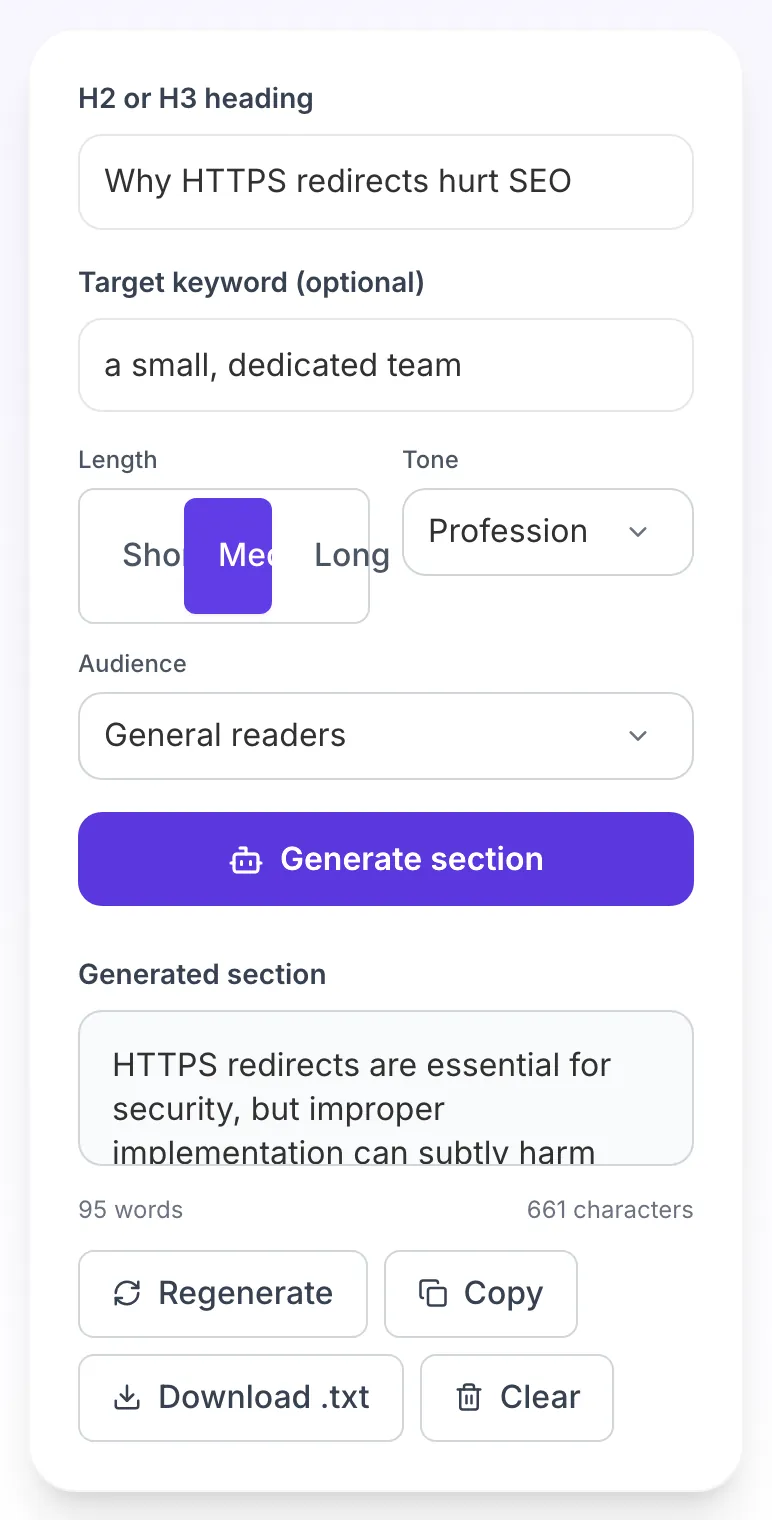
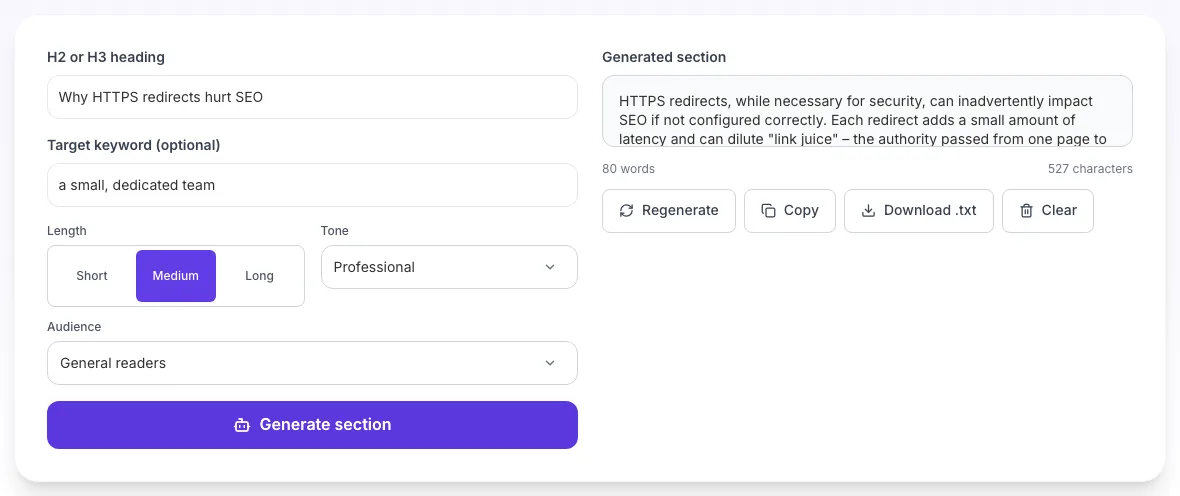
Real screenshots of the tool, taken while running it with the Generate section button.
- 1
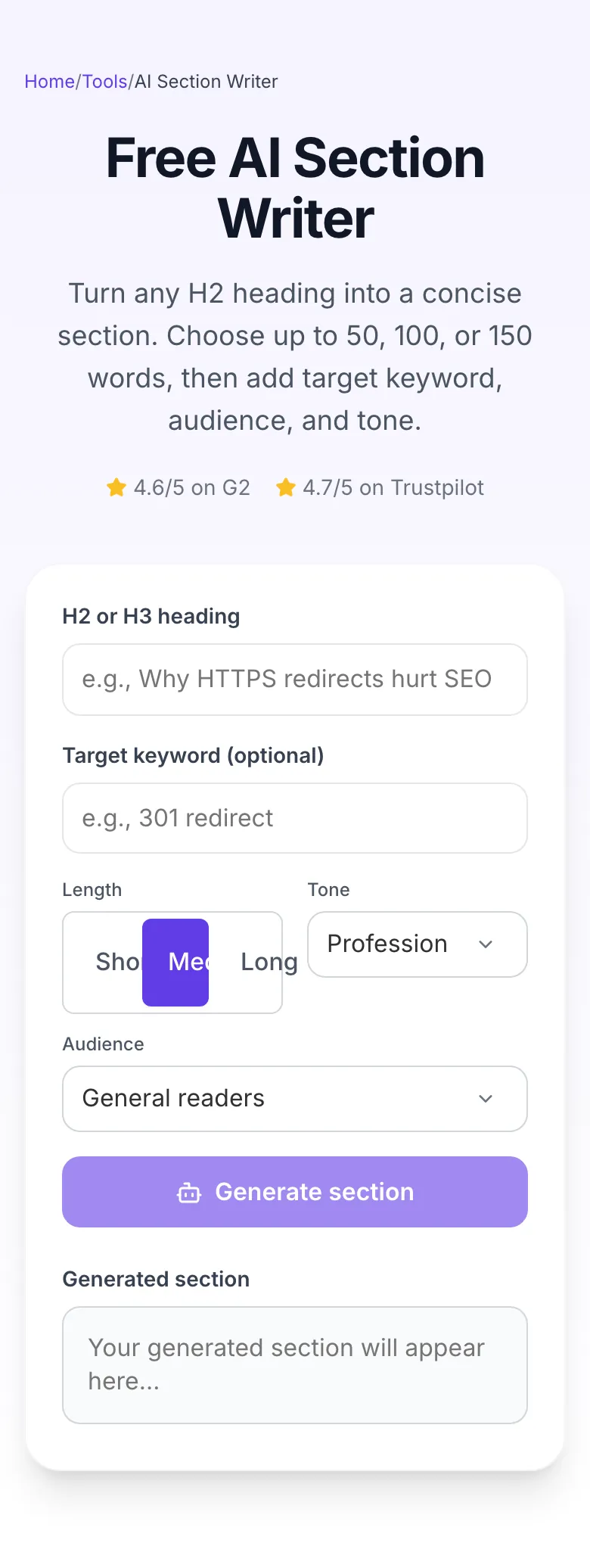
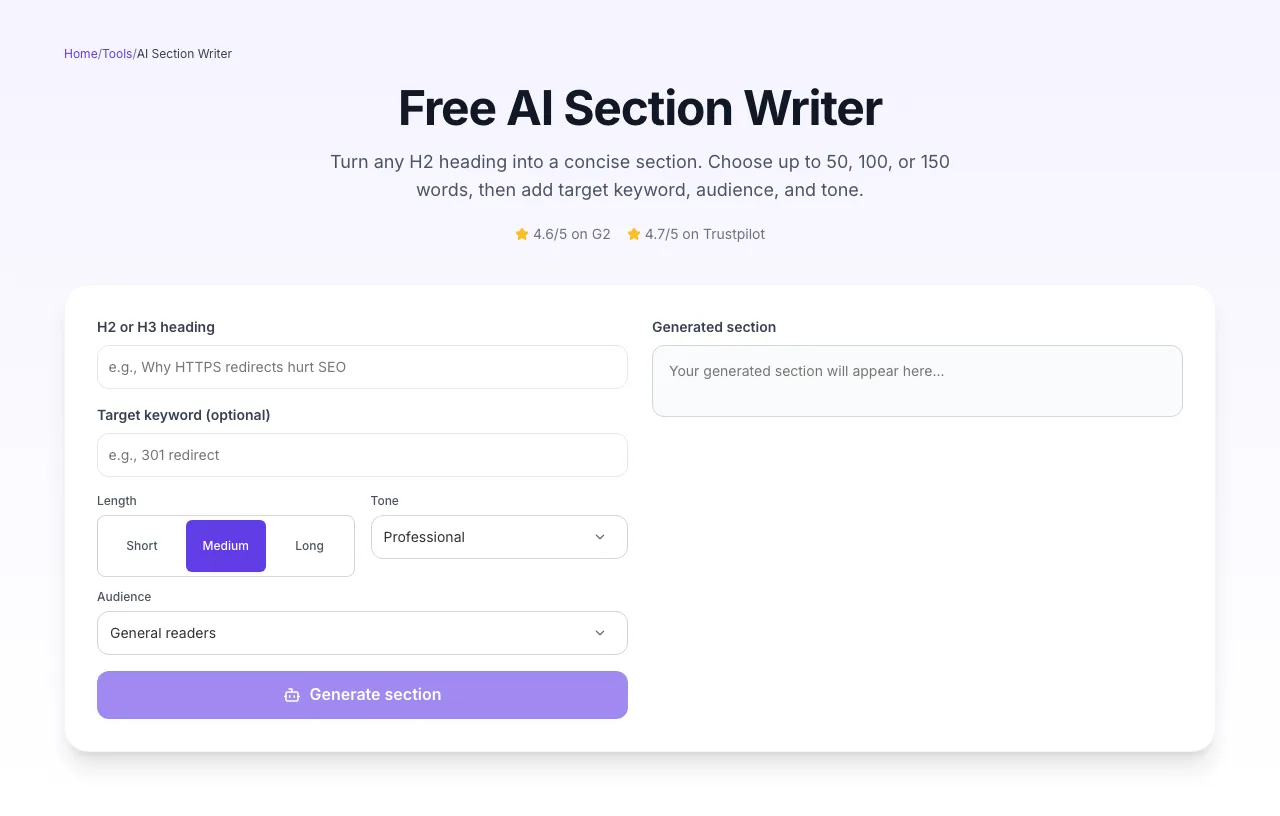
Add your input
Paste or type into the field AI Section Writer works from.
- 2
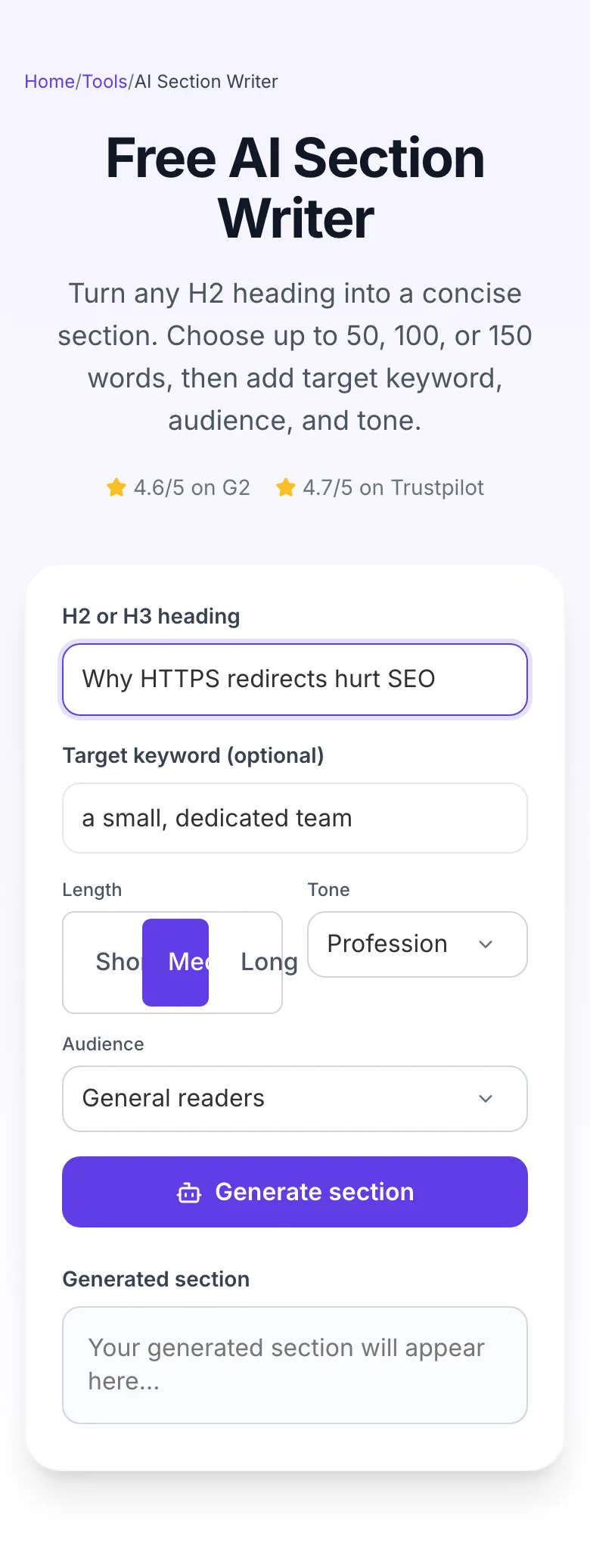
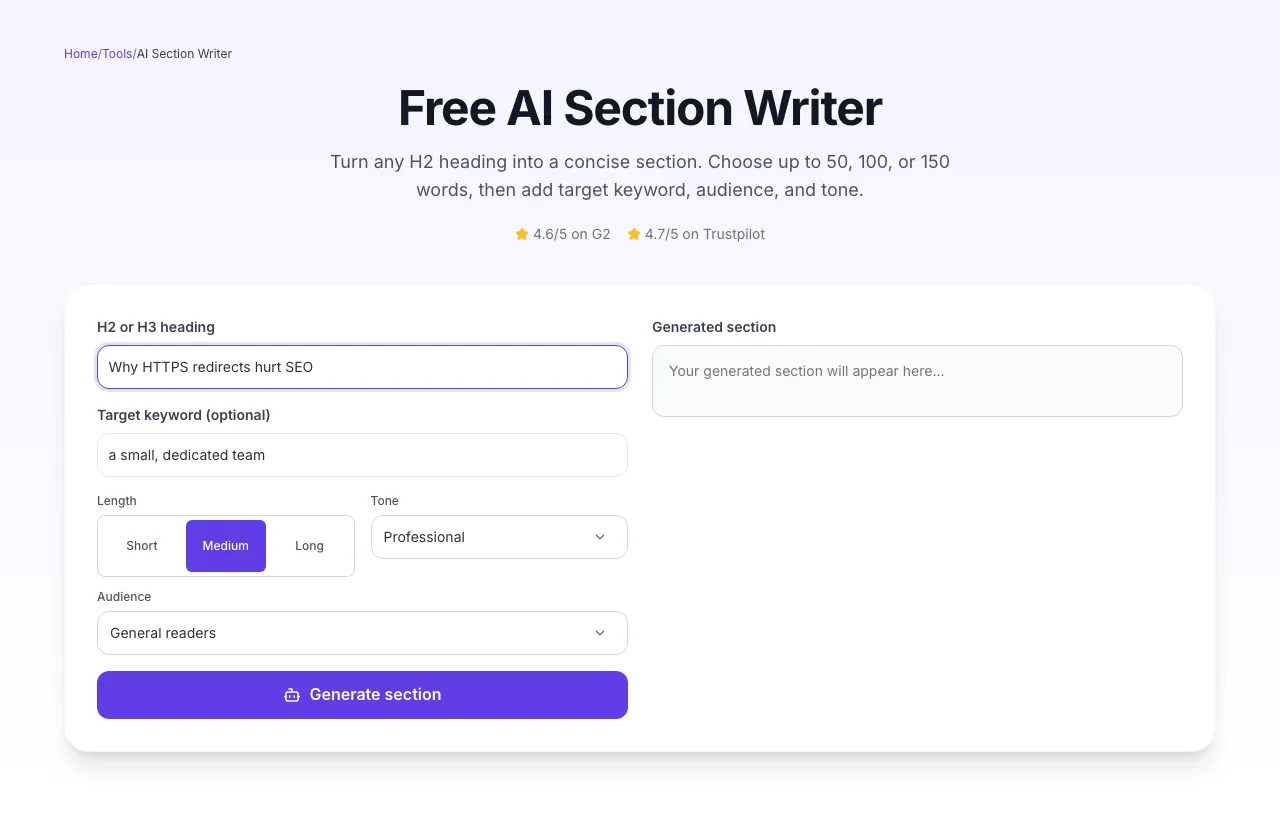
Sample text in place
With sample text entered, AI Section Writer is ready to run.
- 3
See what Generate section produces
Clicking Generate section runs the check and shows the result right below.
How to write a section in 3 steps
From heading to publish-ready H2 section in under 15 seconds.
Paste heading
Drop your H2 or H3 phrase. 3-10 words works best.
Pick settings
Length, tone, audience, target keyword. Defaults cover most cases.
Generate and polish
Review output, add a proprietary data point, publish.
Section length vs. ranking share
We analyzed section-level word counts across 4,200 top-ranking URLs. Sweet spot emerges around 350-450 words per H2, not the whole post.
Source: Grigora SERP study, 4,200 top-ranking URLs, Jan-Mar 2026. Share = % of top-10 coverage.
Platform-specific guides
Drop generated sections straight into your CMS.
WordPress / Gutenberg
- 1.Generate section, copy plain text.
- 2.Insert Paragraph block under H2.
- 3.Use Yoast "Readability" to verify scannability score.
Webflow CMS
- 1.Paste into Rich Text field.
- 2.Apply Heading 2 style to your heading.
- 3.Bold the first sentence of the section for scannability.
Next.js MDX
- 1.Save section as an MDX file.
- 2.Wrap in Tailwind `prose prose-lg` for typography.
- 3.Use frontmatter for excerpt, not the AI intro.
Ghost editor
- 1.Paste into a Paragraph card.
- 2.Use Ghost's built-in SEO panel to set meta description.
- 3.Apply Primary Color to H2 for brand consistency.
Notion → Publish
- 1.Draft in Notion blocks.
- 2.Use /toggle for "scratch" sections as you edit.
- 3.Export to Markdown for blog publishing.
Who uses the section writer
Real customer use cases and outcomes.
Content marketers
Generate all 5-7 H2 sections for a pillar post in one sitting. Edit transitions, add proprietary data, publish.
SEO agencies
Produce first-draft sections for client blogs at scale. Editors then fact-check and personalize.
Bloggers
Overcome writer's block on every H2. Paste heading, generate, refine.
Students
Draft essay body paragraphs from thesis points. Always cite original sources separately.
E-commerce copywriters
Generate "Why this product" and "How to use" sections for product pages at scale.
Newsletter writers
Break long newsletters into 3-4 sections. Generate each, then stitch together with commentary.
Common section-writing mistakes & fixes
The 8 most common failures, and the 10-second fix for each.
Section is too generic
Fix: Add a specific angle to the heading. "Email marketing tips" → "Email marketing tips for B2B SaaS with under 500 subscribers".
Target keyword missing from output
Fix: Paste the exact keyword (case-insensitive) into the keyword field. The AI preserves the exact phrase; it won't invent it from topic context.
Section ignores chosen tone
Fix: Avoid mixing opposite tones. "Academic + Casual" confuses the model. Pick one strong tonal signal.
Output includes hallucinated stats
Fix: The AI will invent plausible-sounding numbers. Always verify or remove any "42% of companies..." claim before publishing.
Too many sub-headings inside one section
Fix: Set length to Short or Medium. Long sections sometimes generate H3s which may conflict with your outline structure.
Section contradicts prior H2 in your post
Fix: The AI doesn't see prior sections. Paste a 1-sentence summary of your post's position into the keyword/context field.
Tone reads as "AI-generated"
Fix: Switch to "Conversational" tone + "Beginners" audience. These combinations feel the most human. Then edit 20% of sentences.
Section lacks examples
Fix: Add "with an example" or "with a case study" to your heading. The model will generate a sample scenario.
Grigora vs. Jasper vs. Copy.ai
Feature comparison of the three most-used section writers.
| Feature | Grigora | Jasper | Copy.ai |
|---|---|---|---|
| Free unlimited sections | |||
| Length presets (Short/Med/Long) | |||
| Target keyword injection | |||
| 8 audience presets | |||
| No signup required | |||
| Input privacy (no storage) | |||
| Bulk section generation | |||
| 12+ languages |
Written for AI search engines
Sections with structured entities, targeted keywords, and well-supported claims surface more often in AI search citations.
Schema embedded
SoftwareApplication, FAQPage, HowTo, Breadcrumb, ItemList schemas on every page.
Topic-entity alignment
Target keyword placed in first 100 words. Matching AI Overview citation patterns.
Citation-worthy data
Original SERP research (n=4,200) gives AI assistants a quotable source.
Beyond one section, build an SEO site
Grigora is the no-code SEO-first CMS. Generate sections, assemble posts, and publish with schema and sitemaps baked in.
AI editor
20+ AI actions inside posts: section writer, rephraser, summarizer.
Auto-SEO
Schema, sitemaps, meta tags handled across every page.
Analytics
Know which sections drive the dwell. Inside the CMS.
Related writing tools
Use these together to produce a full blog post in under 15 minutes.
AI Subheading Generator
Generate H2/H3 outlines before writing sections.
AI Paragraph Expander
Grow short text into full paragraphs.
AI Rephraser
Rewrite sections to change tone without losing meaning.
AI Blog Intro Writer
Hook readers in the first 3 seconds.
AI Blog Conclusion Writer
Close with a CTA that converts.
AI Title Writer
Generate click-worthy H1 options.
Frequently asked questions
Questions users ask before running their first section generation.
Reviewed by the Grigora editorial team · Last updated October 2026
Section-length data comes from our Jan-Mar 2026 SERP study (n=4,200 top-ranking URLs across 40 verticals). Internal content ops uses this tool on 400+ posts per quarter before publishing.
Your input is never stored. We process, return, and discard.