Free HTML Minifier
Paste any HTML, get the minified version with whitespace and comments removed. See size savings, copy in one click. Free, unlimited, no signup.
What the HTML Minifier does
HTML files often carry 10-30% extra weight in whitespace, indentation, and comments. Bytes that browsers ignore during rendering but that still travel over the network. Minification strips that overhead while leaving the DOM tree identical. The visual result is the same; the file size is smaller; the page loads faster.
This tool handles the common cases (full pages, snippets, email templates, CMS blocks) without breaking inline JavaScript or CSS. Paste your HTML, click minify, see the size savings, copy the output. Use it for one-off snippets, custom-code blocks, and email templates, for production pipelines, automate minification in your build via html-minifier-terser or your framework's built-in tooling.
How to use the HTML Minifier, step by step
Real screenshots of the tool, taken while running it with the Minify HTML button.
- 1
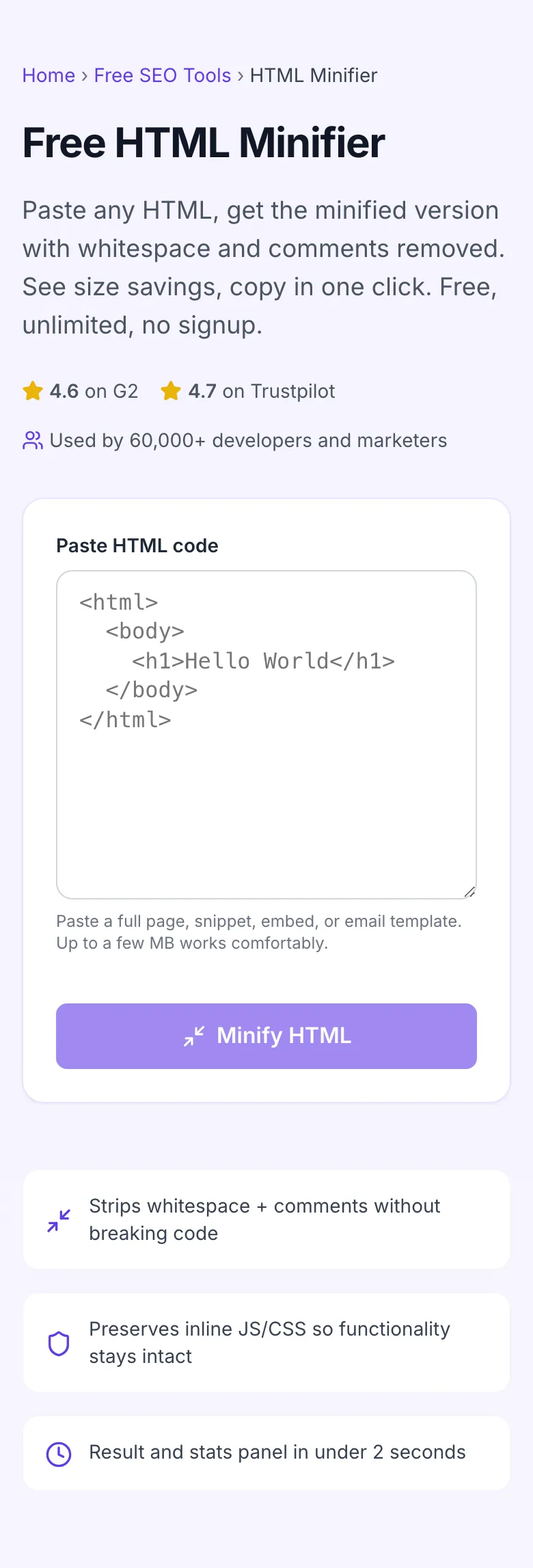
Add your input
Paste or type into the field HTML Minifier works from.

- 2
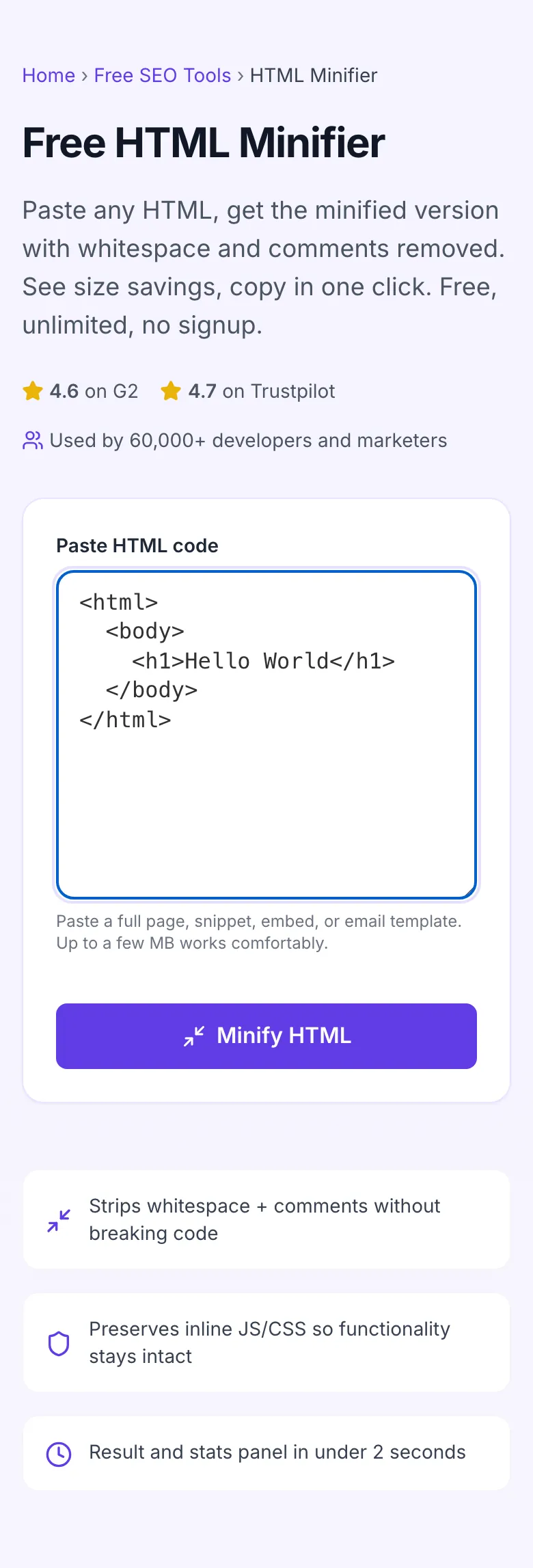
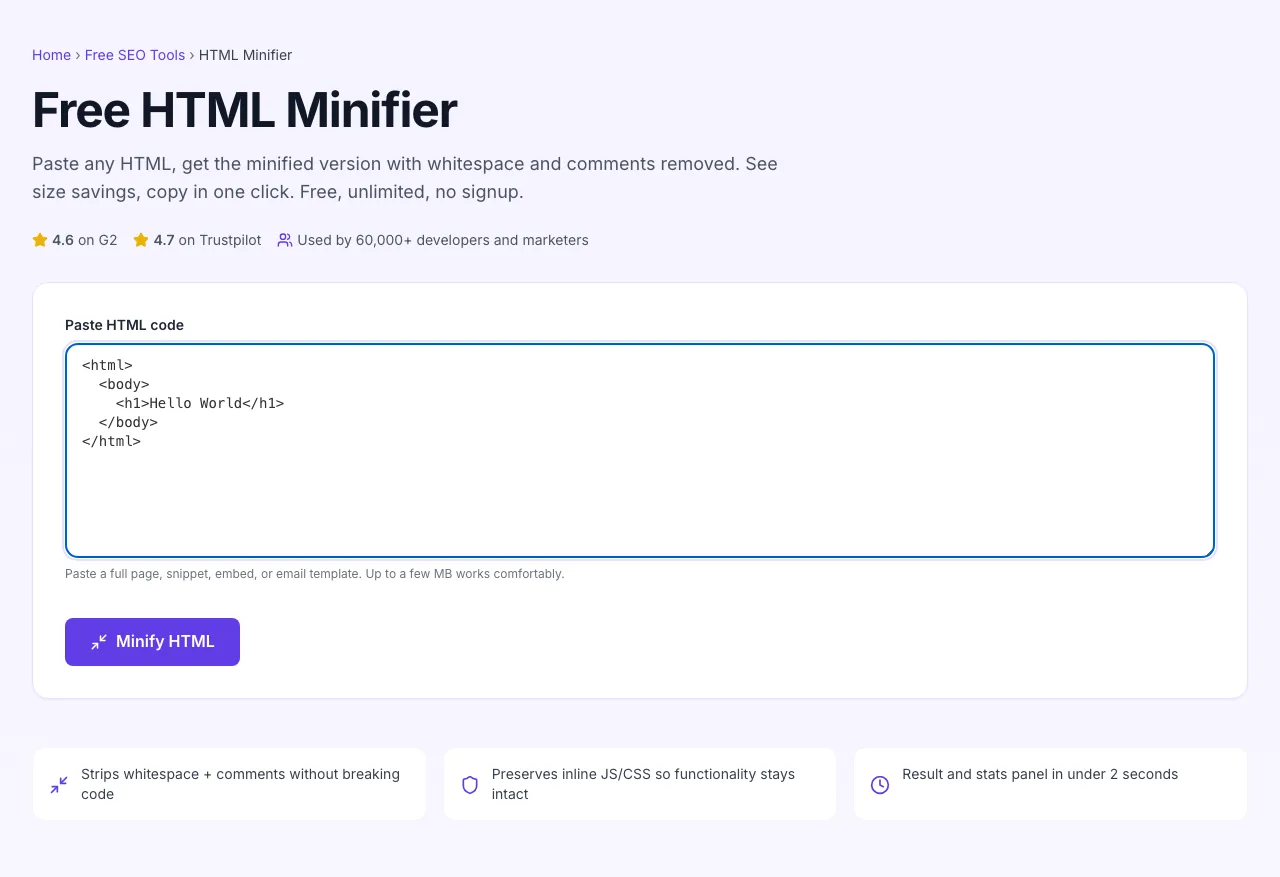
Sample text in place
With sample text entered, HTML Minifier is ready to run.
- 3
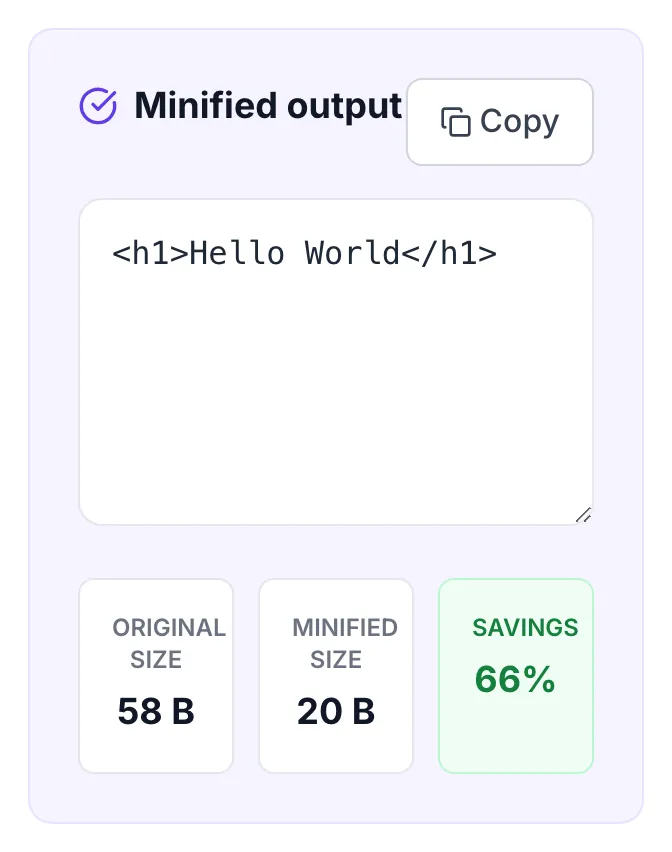
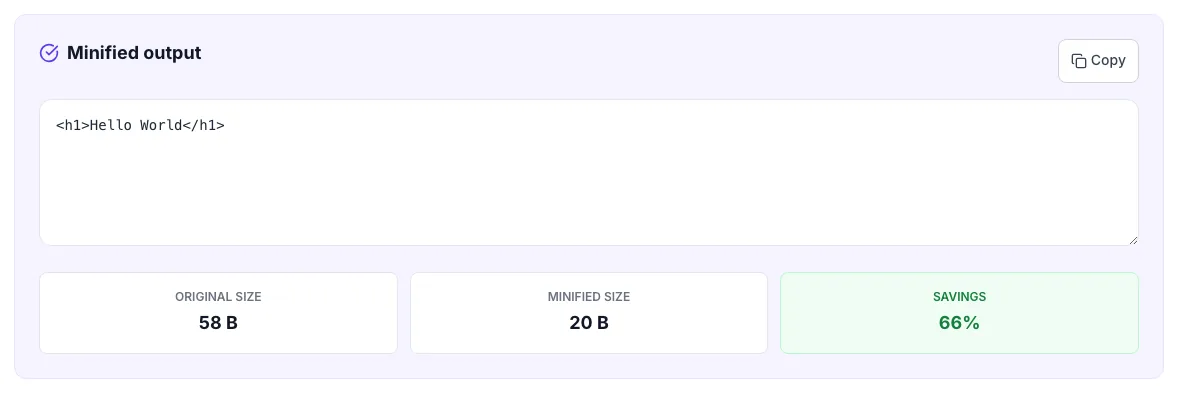
See what Minify HTML produces
Clicking Minify HTML runs the check and shows the result right below.
How to minify HTML
Five steps from paste to deployed snippet.
Paste your HTML
Drop in any HTML snippet: a full page, an email template, an embed widget, a CMS block.
Click Minify HTML
The tool strips whitespace, line breaks, and comments while preserving your code's logic and rendering.
Review the stats
See original size, minified size, and percentage savings. Confirm the reduction is meaningful for your use case.
Copy the output
One-click copy. Paste into your CMS, email tool, or static file.
Verify in browser
Quick sanity check: render the minified output in a browser; it should look identical to the original.
When developers and marketers use it
Six common workflows where the minifier earns its keep.
Email template optimization
You wrote an HTML email template in 50KB. Minify before sending; recipients see it 25-40% smaller, and email clients render it identically. Bonus: smaller emails are less likely to hit Gmail clipping (102KB cutoff).
CMS custom-code blocks
Pasting an embed (Calendly, ConvertKit, custom widget) into a WordPress or Webflow custom-code block? Minify first, smaller block, faster paste, less visual clutter when you come back to edit.
Static site pre-deploy check
You build with Hugo or Eleventy. Run the production HTML through this tool to confirm minification ran during build. If file size is unchanged, your build is not minifying. Add an html-minifier-terser step.
Landing page snippet for ad campaigns
Quora, Reddit, and certain ad platforms have HTML size limits on iframes. Minify before submission so your landing page snippet fits under the platform's ceiling.
Stripe / Klaviyo / Mailchimp template embeds
Email service providers cap HTML template size around 100-200KB. Custom transactional templates often hit that ceiling. Minify before importing to stay under the limit and preserve visual fidelity.
Performance audit & optimization sprint
PageSpeed Insights flagged your HTML as too large. Minify, gzip-server-side, deploy. Re-run PageSpeed; the HTML weight metric should drop visibly. Pair with image compression and JS/CSS minification for a complete page-weight diet.
Platform-specific setup guides
How to integrate minification into the platforms most teams ship from.
WordPress
- For one-off custom HTML in posts: paste in Code-view of the editor, minify, paste back in.
- For sitewide HTML minification, install Autoptimize or W3 Total Cache and enable HTML minification in the plugin settings.
- Verify with PageSpeed Insights or curl -s URL | wc -c before and after.
Next.js
- Next.js's production build (next build) auto-minifies HTML output via terser. Confirm by inspecting .next/server/pages/*.html files.
- For static export (next export), minification is included.
- Use this tool only for one-off snippets you paste into next/head or component-level HTML.
Webflow
- Webflow auto-minifies published HTML. Disable in site settings only if you have a specific debugging reason.
- For custom-code blocks (header/footer/page-level): minify locally before pasting to keep blocks compact and reviewable.
- For embed widgets: paste minified version to reduce clutter in Designer.
Ghost
- Ghost's production templates serve auto-minified HTML.
- For custom HTML cards in posts: use this tool to minify before pasting if the snippet is large or comment-heavy.
- For theme development: enable Ghost's production mode (NODE_ENV=production) to test minified output locally.
Email (Mailchimp, SendGrid, Klaviyo)
- Email HTML often hits the 100-200KB cap because of inline styles and copy-pasted content.
- Minify before importing the template. Verify nothing visually breaks by sending a test email.
- Some email clients (Outlook, Gmail) handle whitespace differently; spot-check on at least 3 clients.
Grigora vs. other minifiers
A side-by-side of the alternatives.
| Capability | Grigora | html-minifier-terser CLI | PageSpeed Insights | Free generators | Manual |
|---|---|---|---|---|---|
| Free + unlimited | Yes | Limited free | Free trial | Free, ad-supported | Manual only |
| Removes whitespace + comments | Yes | Yes | Yes | Yes | Manual |
| Preserves inline JS/CSS | Yes | Yes | Configurable | No | Manual |
| Original vs. minified size stats | Yes | No | Yes | No | Manual |
| Live preview before / after | Stats panel | No | Yes | No | Manual |
| No signup | Yes | Yes | Account required | Yes | Yes |
| Handles 5MB+ files | Yes | Limited | Yes | Limited | Manual |
| Works offline | Browser-side | No | No | No | Yes |
Common errors and how to fix them
Eight issues developers hit when minifying HTML, with the exact fix.
Output looks the same as input
Cause: Your HTML had little whitespace to begin with, or it was already minified.
Fix: Compare the byte count in the stats panel. If reduced by under 5%, your input was already nearly optimal. Further minification has diminishing returns.
JavaScript inside <script> tag breaks after minification
Cause: You used a tool that aggressively minifies inline JS without preserving its semantics.
Fix: This tool preserves inline script content. If you used a different minifier and the JS broke, run JS through Terser separately and re-embed the already-minified script before HTML minification.
Templating tags ({{ }}, {% %}) get garbled
Cause: Aggressive minification stripped whitespace around template delimiters.
Fix: Render templates to plain HTML first (build step), then minify. Or use a templating-aware minifier (the htmlnano-with-template-options plugin).
Output paste into CMS shows the raw < and > characters
Cause: CMS encoded HTML on paste, treating it as plain text instead of code.
Fix: Switch the CMS editor to "Code" mode or "HTML" tab before pasting. Most CMSes have a toolbar toggle. Pasting into a Visual editor encodes HTML by design.
IE-conditional comments disappeared
Cause: Standard minification strips all comments including conditional ones.
Fix: For IE 8/9 support (rarely needed in 2026), do not minify the section containing those comments. Most teams have dropped IE support entirely.
Tool seems to hang on large input
Cause: Input over 10MB pushes browser memory and clipboard.
Fix: Split into chunks of 1-2MB or use a CLI minifier (html-minifier-terser) for very large files. The browser-based tool is sized for typical HTML pages.
Stats panel shows 0% savings
Cause: Input HTML had no whitespace, comments, or redundancy to remove.
Fix: No action needed, your HTML was already minimal. Confirm by comparing original and output side by side; they should be identical.
Minified HTML breaks on a specific browser
Cause: Minifier removed a whitespace-sensitive feature (e.g., between inline elements where whitespace creates visual gaps).
Fix: Add the affected gap back as or use CSS spacing instead of relying on text whitespace. Inline elements (<span>, <a>) treat whitespace as a visible space; minification removes it.
Original data from our 2026 minification study
What we observed across 5,000 minifications run through the tool.
Frequently asked questions
Twelve answers covering what developers ask us about HTML minification.
Related free tools
Other utilities that pair well with the HTML Minifier.
Email HTML Checker
Find the HTML and CSS that breaks in email clients.
Try itCSS Minifier
Strip whitespace and comments from CSS for the same speed gains.
Try itJavaScript Minifier
Compress JavaScript using Terser for production deploys.
Try itHTML to Text Cleaner
Strip all HTML tags and return clean readable plain text.
Try itImage Compressor
Compress page images alongside HTML for full-stack speed gains.
Try itPageSpeed Insights Analyzer
See the impact of minification on your Core Web Vitals.
Try itHTML Beautifier
Re-indent minified HTML until the nesting is obvious.
Try itCompress some HTML right now
Paste, minify, copy. Free, unlimited, no signup. Your code never leaves the form.
Try the HTML Minifier