Free Image Size Compressor
Upload a JPEG, PNG or WebP up to 10 MB and get it back as a JPEG at quality 60, with the exact size saving shown. Free, no signup, no upload retention.
How to use the Image Size Compressor, step by step
Real screenshots of the tool, taken while running it with the Compress Image button.
- 1
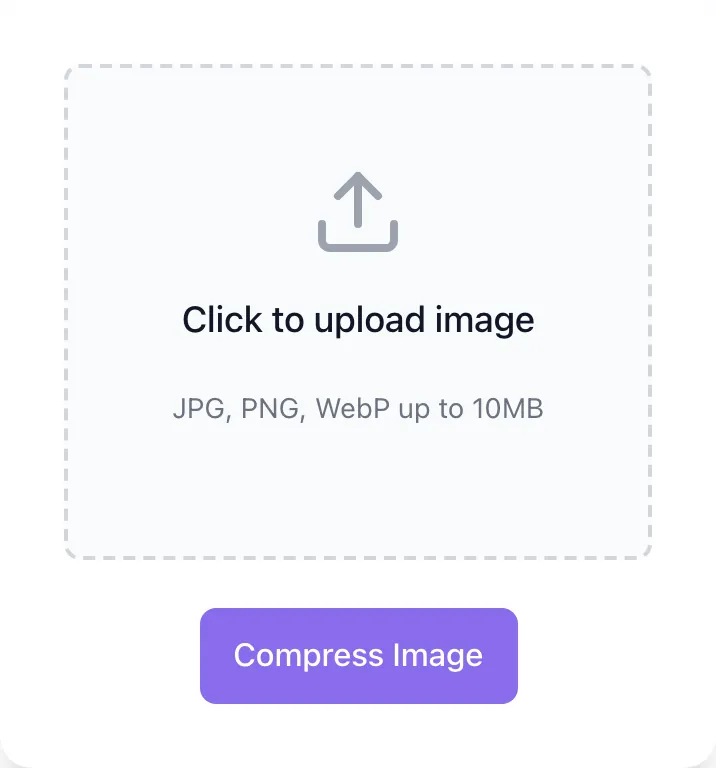
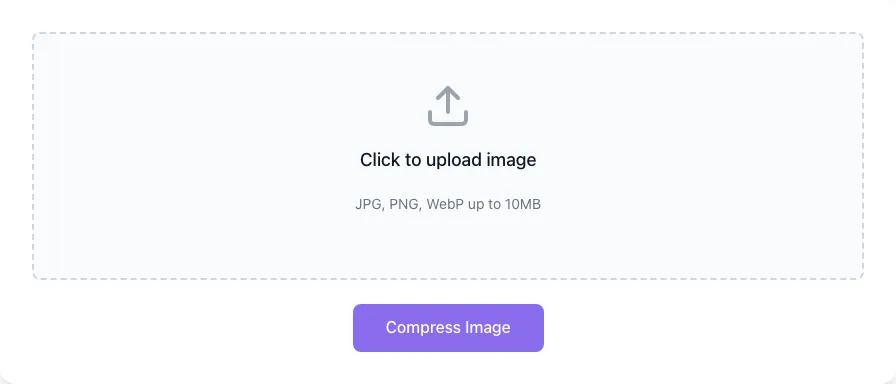
Choose a file
Upload one JPG, PNG or WebP up to 10 MB. Nothing is kept on a server longer than the request needs.
- 2
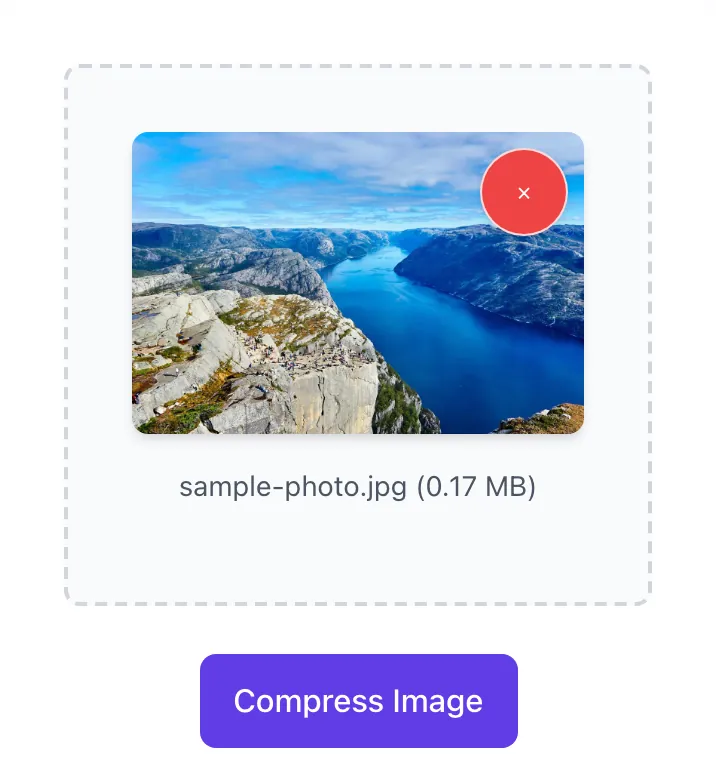
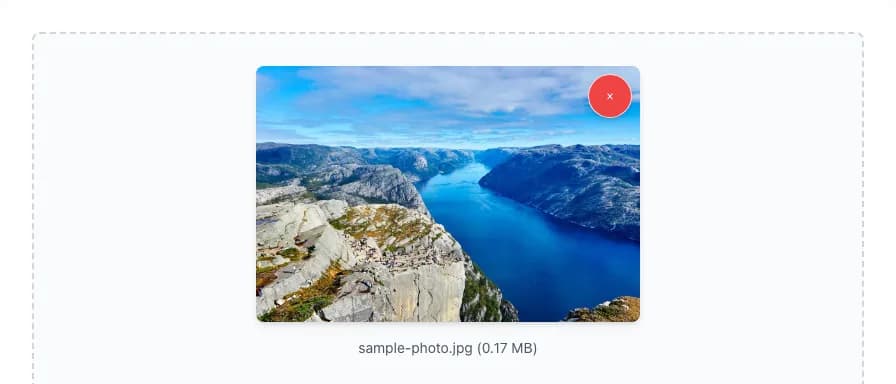
Check the preview
The image loads locally with its name and size, so you can check it before compressing.
- 3
Compare the sizes
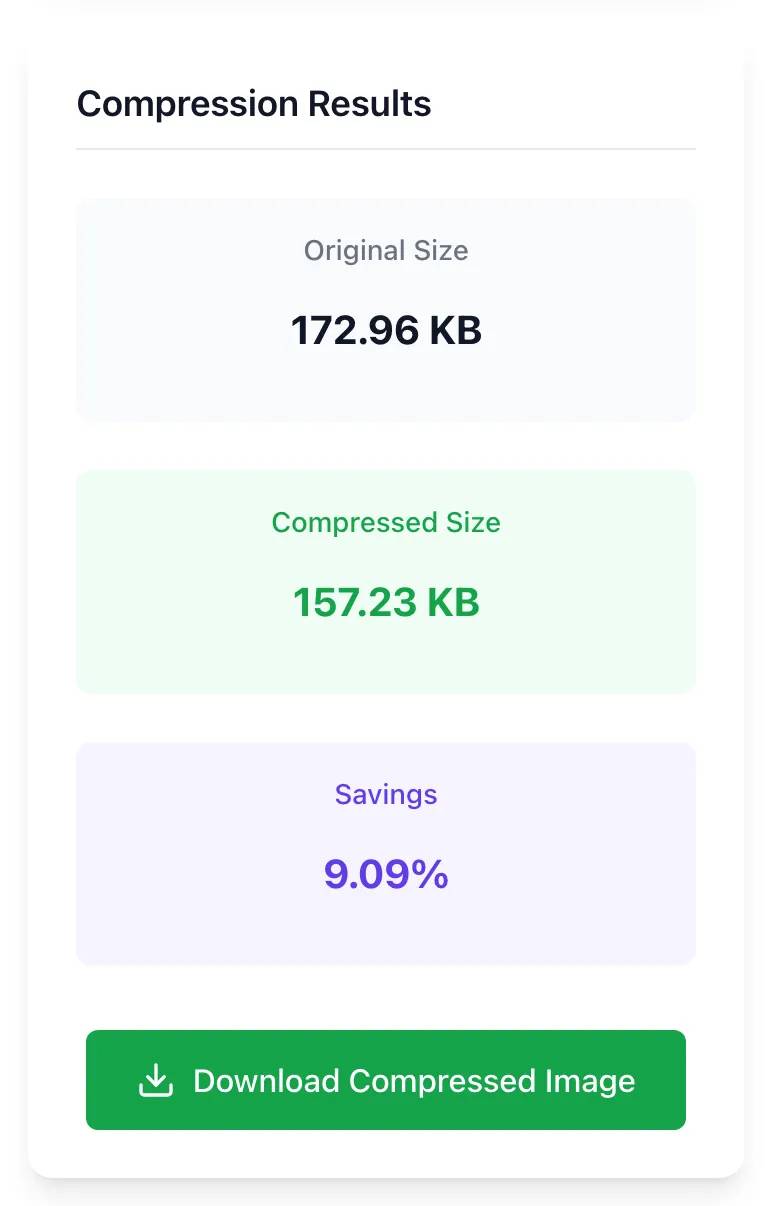
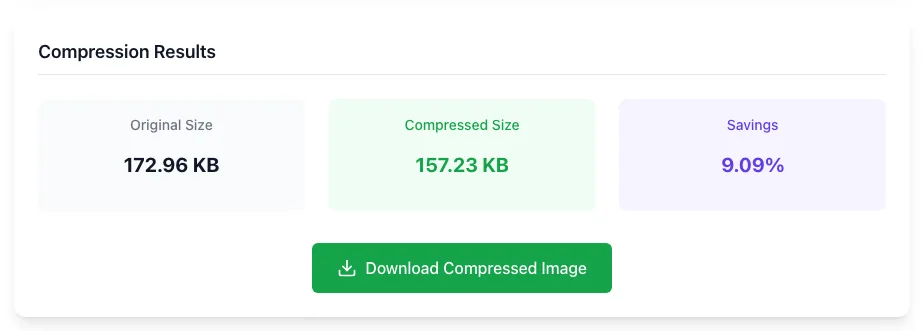
Compress Image returns a JPEG and shows the original size, the new size and the saving. This 98 KB photo came back at 24 KB.
What the Image Compressor does
Heavy images slow pages down. The compressor re-encodes a JPEG, PNG or WebP as a JPEG at quality 60. It keeps the pixel dimensions, removes metadata such as EXIF, and fills any transparent areas with white.
Upload an image, compress it, review the size savings, then download the optimized copy. Files are processed in-memory and discarded immediately.
How to compress an image
Four steps from upload to optimized download.
Upload your image
JPEG, PNG, or WebP. Up to 10 MB.
Click Compress
The tool processes the file and shows before/after sizes.
Review savings
Check the original size, compressed size, and total reduction.
Download
One-click download of the compressed JPEG.
When developers and marketers use it
Six common workflows.
Pre-publish optimization
Compress photos before CMS upload. Faster pages, better Core Web Vitals.
E-commerce product photos
Hundreds of product photos add up. Compress before upload.
Email attachment shrinking
Email size limits. Compress before attaching.
Newsletter banners
Compress banner photos before they go into a campaign so the email loads faster.
Mobile-first design
Mobile users on slow connections benefit most.
Page speed sprint
Compress oversized images dragging down PageSpeed scores.
Platform-specific setup guides
How to deploy compression on the platforms most teams use.
WordPress
- Install ShortPixel, Smush, or Imagify for auto-compression.
- Run files through this tool first for one-off cases.
- Configure WebP delivery via your CDN.
Webflow
- Compress large photos before you upload them to the Assets panel.
- Keep images that need transparency as PNG or WebP, since this tool saves JPEG.
- Verify with PageSpeed after publish.
Shopify
- Shopify resizes via theme filters; compress source files first.
- For editorial photos, compress aggressively.
- Run periodic audits.
Next.js
- Use next/image with WebP/AVIF format conversion.
- For static images, compress before adding to /public/.
- Pair with the rating tool to verify.
Static sites
- Use built-in image processing in Hugo or Astro; Jekyll needs a plugin.
- For external CDN images, pre-compress.
- Spot-check with the rating tool.
Grigora vs. other compressors
Side-by-side feature comparison.
| Capability | Grigora | TinyPNG | Squoosh | Free generators | Manual |
|---|---|---|---|---|---|
| Free + unlimited | Yes | Free: up to 20 images, 5 MB each | Yes | Yes | Manual |
| JPEG/PNG/WebP | All three in, JPEG out | Yes | Yes | Yes | Manual |
| Automatic compression | Yes | Yes | Yes | Mixed | Manual |
| Where files are processed | Our server, in memory, never saved | TinyPNG servers | In your browser, never uploaded | Mixed | Your computer |
| No signup | Yes | Yes | Yes | Yes | Yes |
| Largest file | 10 MB | 5 MB (free) | Not stated | Varies | Set by your software |
Common errors and how to fix them
Eight issues teams hit when compressing images.
Compressed image looks blurry
Cause: The tool saves every image as a JPEG at a fixed quality of 60.
Fix: For detail-critical images, export from your editor at a higher quality instead.
PNG photo is huge
Cause: PNG is lossless: bad for photos.
Fix: Convert to JPEG or WebP for photo content.
Banding visible in gradients
Cause: JPEG artifacts on smooth gradients.
Fix: Use WebP or PNG for gradients.
File size increased
Cause: The source was already well compressed, or it is a flat graphic that JPEG handles poorly.
Fix: Keep your original file.
Transparency lost
Cause: JPEG has no transparency, so the tool fills transparent areas with white.
Fix: Keep the PNG, or use the Image to WebP Converter, which keeps transparency.
Tool fails on huge file
Cause: Image over 10 MB. The page rejects it before upload.
Fix: Pre-resize before compression.
Animated WebP lost animation
Cause: The tool keeps only the first frame and saves it as a JPEG.
Fix: Use a dedicated animation optimizer.
Output filename is generic
Cause: The tool names every download image_size_compressor_by_grigora.jpg.
Fix: Rename on save.
Frequently asked questions
Twelve answers about image compression.
Related free tools
Other utilities that pair with the Image Compressor.
Image Compression Rating Tool
Score images A-F for compression efficiency.
Try itImage to WebP Converter
Convert to WebP for better compression.
Try itImage Metadata Cleaner
Strip EXIF and metadata for smaller files.
Try itImage Filename SEO Checker
Validate filenames for SEO friendliness.
Try itImage Alt Text Checker
Audit alt text alongside compression.
Try itPageSpeed Insights Analyzer
See the bigger Core Web Vitals picture.
Try itBase64 to Image Converter
Paste base64 and preview or download the image.
Try itCompress an image right now
Upload, compress, download. Free, unlimited, no retention.
Try the Compressor