Free Image Alt Text Checker
Paste up to 50 URLs. We scan every image, mark Good or Missing per alt text, and export the audit as a CSV. Free, unlimited, no signup.
How to use the Image Alt Text Checker, step by step
Real screenshots of the tool, taken while running it with the Check Alt Text button.
- 1
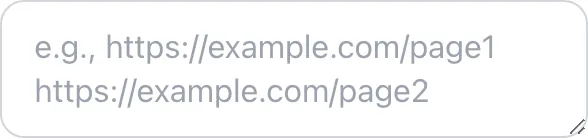
Add your input
Paste or type into the field Image Alt Text Checker works from.

- 2
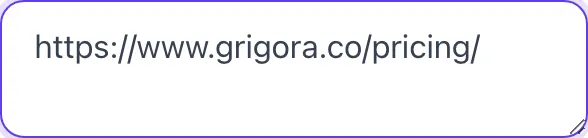
A page URL in place
With a page URL entered, Image Alt Text Checker is ready to run.

- 3
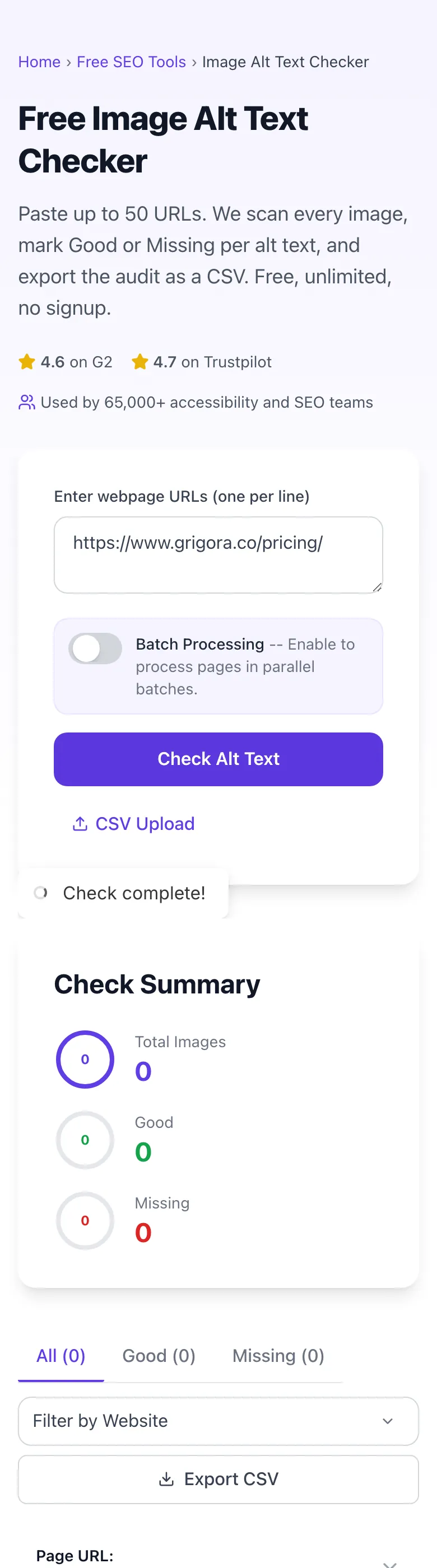
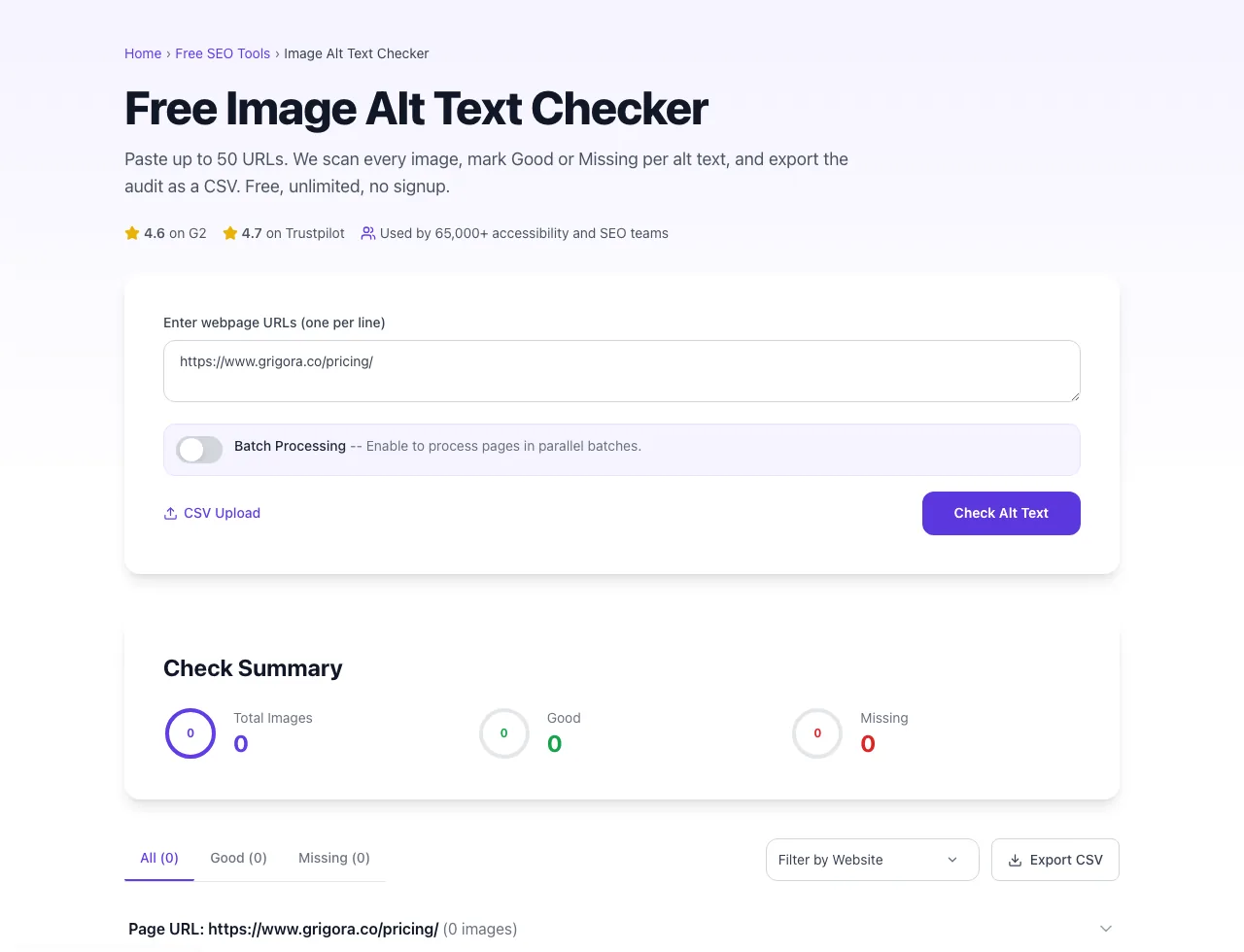
See what Check Alt Text produces
Clicking Check Alt Text runs the check and shows the result right below.
What the Image Alt Text Checker does
Alt text is the most-skipped accessibility item on the web. Designers add images, content editors paste them, no one fills in the alt field, and the page ships with image after image marked "decorative" by accident. Screen readers read out file names ("DSC_0042.jpg"). Google Image Search ignores the page. ADA lawsuits eventually find it.
This checker scans up to 50 URLs at once, parses every <img> tag, and marks each as Good (has alt text) or Missing (missing or empty alt). Results group into per-page accordions with thumbnail previews. Export the full audit as a CSV, hand to your team, fix the Missing items. The whole audit takes 5 minutes for a typical 30-page site.
How to audit alt text
Five steps from URL list to fixed pages.
Paste URLs (one per line)
Add 1-50 URLs in the textarea, or upload a CSV file with a list of URLs.
Toggle batch mode (optional)
For 10+ URLs, enable Batch Processing to fetch in parallel groups of 10.
Click Check Alt Text
The scanner fetches each page, parses every <img> tag, and returns alt presence for each.
Filter by Good / Missing
Click the Missing tab to focus on images that need alt text. Drill into each page accordion.
Export CSV
Download the full audit as a CSV. Import to a spreadsheet or share with the team for fix assignment.
When SEOs and accessibility teams use it
Six common workflows where the checker pays for itself.
Pre-launch accessibility audit
Before a major site launch or product update, run all template URLs through this tool. Catch missing alt text early; fix in CMS; re-scan to confirm. A 5-minute audit prevents legal exposure on ADA compliance and saves rework after launch.
WCAG 2.1 AA compliance check
You need to declare WCAG compliance for an enterprise client or a public-sector contract. Run all pages, export CSV as evidence, fix Missing items, re-export. The CSV becomes part of your compliance documentation.
Image SEO opportunity scan
You want to drive Google Image Search traffic. Run blog post URLs, identify images with thin or generic alt text, rewrite each with descriptive 8-15 word alt that includes target keywords. Re-index in Search Console.
Quarterly content audit
Once a quarter, audit your top 100 organic pages. Track alt-text completeness as a metric over time. New posts bring new gaps; the audit keeps the gap from compounding.
Theme migration QA
Migrating from one CMS theme to another. Sometimes alt text fields do not transfer cleanly. Run a sample of pages before and after the switch; compare the Good/Missing counts. Significant drops mean alt text was lost in migration.
Client SEO audit
You inherited a 200-page site for SEO consulting. Run the top 30 organic pages through this tool. The Missing count gives you a quick metric for the audit report ("X% of your top images lack alt text") and a prioritized fix list.
Platform-specific setup guides
How to fix alt text issues on the CMSes most teams use.
WordPress
- In Media Library, click any image. The right sidebar has Alternative Text field. Fill it in.
- For bulk editing, install Bulk Image Title Attribute and Alt Tag Pro (or similar) for batch operations.
- Re-scan with this tool after the bulk edit to confirm the gaps are filled.
Webflow
- In Designer, click any image element. The right panel has an Alt text field.
- For CMS-driven images, set alt text in the Collection field and bind it to images via the template.
- Publish and run a re-scan.
Shopify
- Product images: in admin, click product, click image, fill in Alt text.
- Theme images: in theme editor, settings have Alt text fields. Sometimes hard-coded in theme files (theme.liquid).
- After updates, run scan on product, collection, and homepage URLs to confirm coverage.
Ghost
- In post editor, click any image, the modal has an Alt text field.
- For featured images, the post settings (gear icon) include alt text fields.
- Run a re-scan. Ghost themes generally render alt text correctly when set.
Next.js / React
- Use <img alt="..." /> or next/image with required alt prop. Lint rules (eslint-plugin-jsx-a11y) catch missing alt at build time.
- For dynamic images from a CMS, set alt text as a required field in your data model.
- Run the checker after deploy on representative URLs to verify.
Grigora vs. other alt text tools
A side-by-side of the alternatives.
| Capability | Grigora | Screaming Frog | SEMrush Audit | Free generators | Manual |
|---|---|---|---|---|---|
| Bulk URL scan | Up to 50/scan | Yes (paid) | Yes | 1 URL | Manual |
| Free + unlimited | Yes | Limited free | Free trial | Free, ad-supported | Manual only |
| Good/Missing per image | Yes | Yes | Yes | Yes | Manual |
| Image preview thumbnails | Yes | No | Partial | No | View Source |
| CSV upload + export | Yes | Paid only | Yes | No | Manual |
| Batch parallel processing | Yes | Yes (paid) | Yes | No | No |
| No signup | Yes | Account required | Account required | Yes | Yes |
| Result speed (typical) | <5 sec/URL | <10 sec/URL | <10 sec/URL | <5 sec/URL | Manual |
Common errors and how to fix them
Eight issues teams hit when running alt text audits.
Tool returns "0 images" but the page has images
Cause: Images load via background-image CSS, JavaScript-injected after page load, or lazy-load patterns that hide src.
Fix: For background images, switch to <img> tags. For JS-injected images, server-render them so HTML has the src on first load. Most modern lazy-load libraries are detected; very custom implementations may not be.
Tool times out on a URL
Cause: Target server is slow, blocked our IP via WAF, or has rate limiting.
Fix: Retry that URL alone after 30 seconds. If persistent, the site is blocking automated fetches; check the page's alt text manually via View Source.
CSV upload includes empty rows
Cause: CSV has trailing commas or whitespace.
Fix: Open the CSV in any text editor, remove blank lines, save, re-upload. Or just paste URLs directly into the textarea, the parser is more forgiving.
Good count seems high but page still has weak alt text
Cause: You reviewed Good items but did not check whether the alt text is descriptive.
Fix: Good means "alt text exists" not "alt text is useful". Click into Good results and read the actual alt text. "image1.jpg" or "DSC_0042" technically counts as present but is functionally useless, rewrite descriptive.
Same image appears multiple times in results
Cause: A logo or icon appears in the header/footer of every page.
Fix: Expected behavior, the image is genuinely on every page. Fix the alt text once in your theme and it propagates everywhere. Re-scan to confirm.
Tool fails on a specific protected page
Cause: Page requires authentication.
Fix: Audit only public pages. For internal/protected pages, manually inspect via your authenticated browser and check alt text in DevTools or View Source.
Batch processing seems slower than non-batch
Cause: Some pages in the batch are very slow, holding up the whole group.
Fix: Standard mode processes pages sequentially with a per-URL timeout. Batch mode processes 10 in parallel, so the slowest one in each batch sets the time. For very mixed page speeds, standard mode may be more predictable.
Alt text contains the file name (e.g., "DSC_0042.jpg")
Cause: Default CMS behavior on some platforms when image is uploaded without explicit alt text.
Fix: Edit each image in your CMS to set descriptive alt text. WordPress, Webflow, and Shopify all have alt fields in the image edit modal. Bulk-edit via the CMS's Media Library if available.
Original data from our 2026 alt text audit
What we observed scanning 2,000 random pages.
Frequently asked questions
Twelve answers covering what teams ask us about alt text auditing.
Related free tools
Other utilities that pair well with the Image Alt Text Checker.
Broken Image Checker
Find every image on a page that fails to load.
Try itEmail Image to Text Ratio Checker
Measure the image to text ratio that trips spam filters.
Try itImage Alt Text Extractor
Pull alt text from any URL into a clean exportable list.
Try itImage Alt Text Generator
AI-write descriptive alt text for any image.
Try itImage Filename SEO Checker
Audit image filenames for SEO-friendly naming.
Try itImage Compressor
Pair alt-text fixes with file-size optimization.
Try itHeading Structure Checker
Audit heading hierarchy alongside image accessibility.
Try itOpen Graph Checker
Check OG image alt text for social sharing.
Try itAudit a batch of URLs right now
Paste your top organic pages, see every missing alt, export the CSV. Free, unlimited, no signup.
Try the Image Alt Text Checker