Free Broken Image Checker
Check a page for broken images
Any public page. Login protected pages return the login screen, so they cannot be scanned.
Enter a page URL and see which images fail to load. The scan finds every img src, every srcset candidate and every CSS background image, requests each file, and reports the status code, the alt text and the file size.
Images fixed? Keep them that way
Broken images are usually a hosting problem, not a content problem.
Most missing images come from media hotlinked to a service that changed its URLs, or from a migration that rewrote every upload path. Grigora serves your images from your own domain alongside the site, the newsletter and the store, so paths stay stable when the design changes.
How to find broken images on a page
Four steps from URL to a clean page.
Paste the page URL
Any public http or https page. The scan reads the HTML the server sends, so no login is possible.
Run the check
Every image reference is resolved to an absolute URL and requested, eight at a time.
Filter to broken only
Hide the healthy images and work through the failures and warnings.
Fix and re-run
Re-upload, correct the path or add a redirect, then scan the page again to confirm.
How to find broken images, step by step
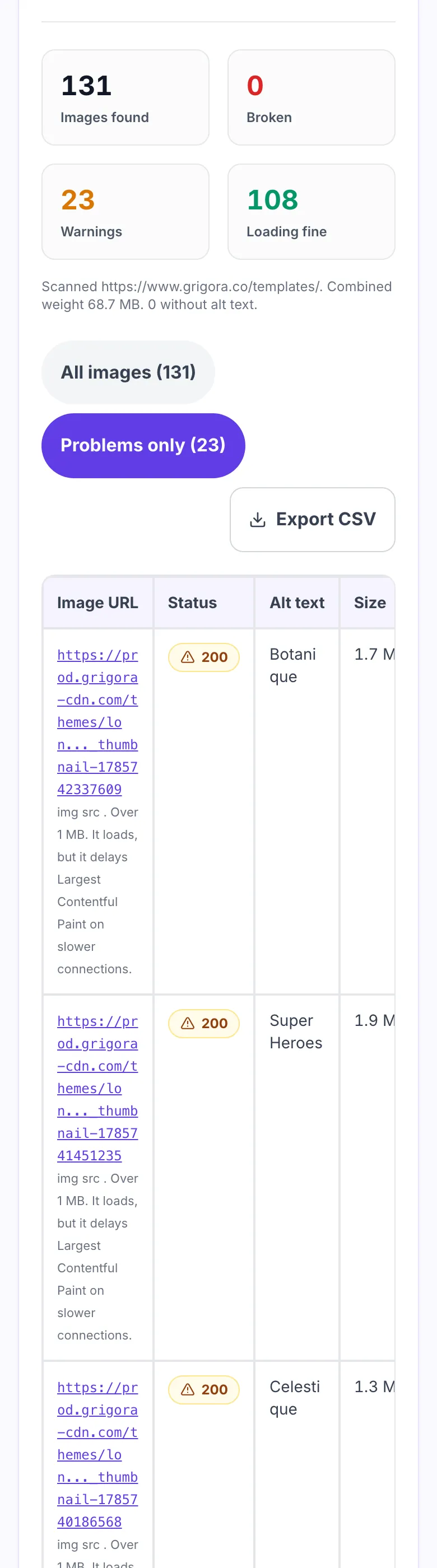
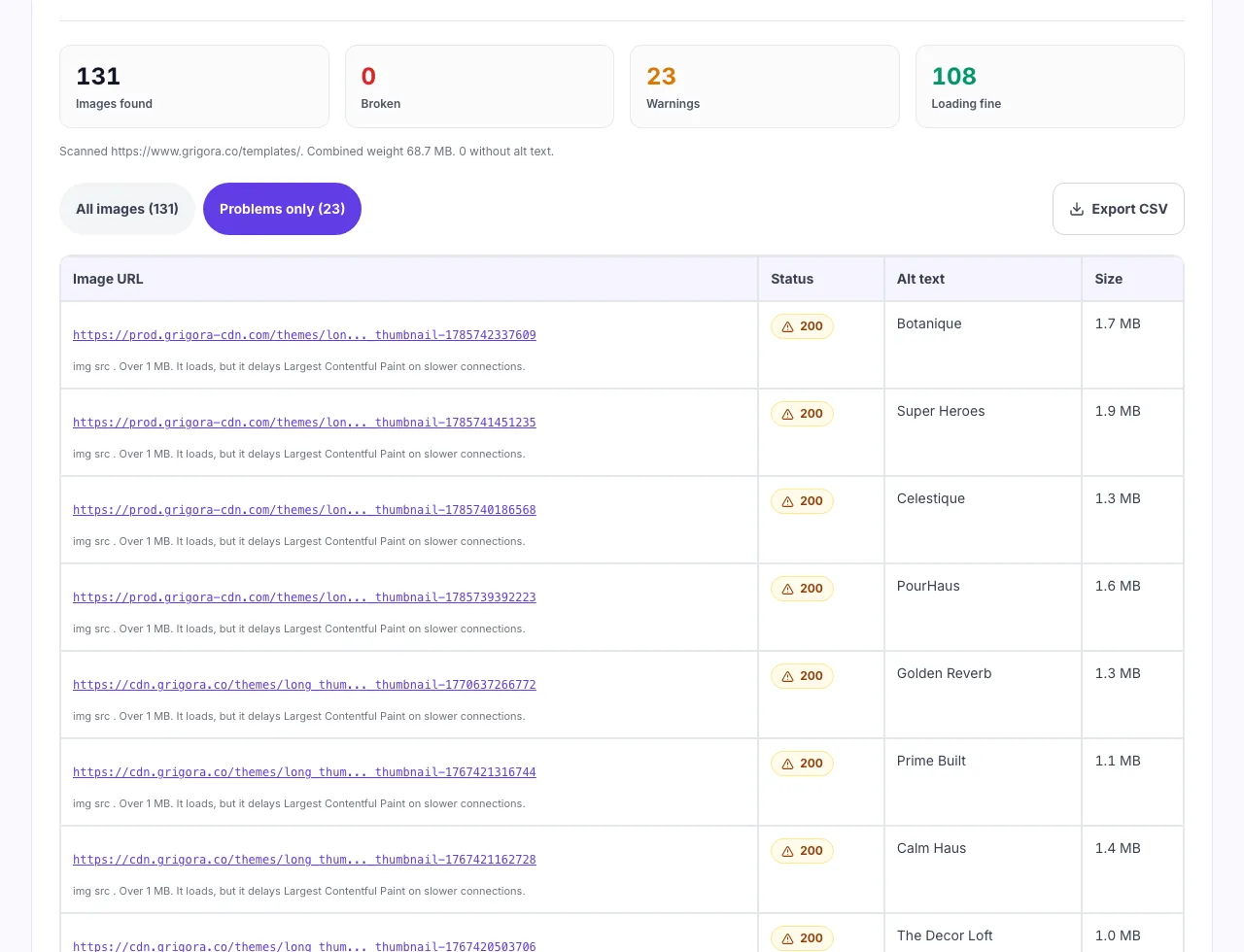
Real screenshots of the tool, taken while scanning a page with 131 images.
- 1
Enter the page URL
The page is fetched on the server, so you can check any public URL without installing anything or signing in.
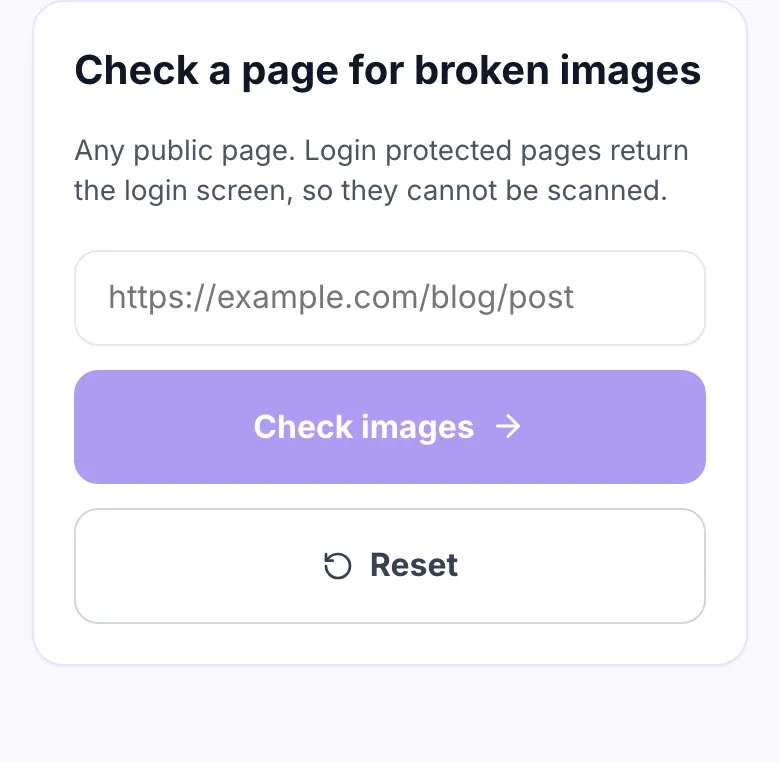

- 2
Point it at a real page
Any published page works, including a blog post or a category listing carrying dozens of images.
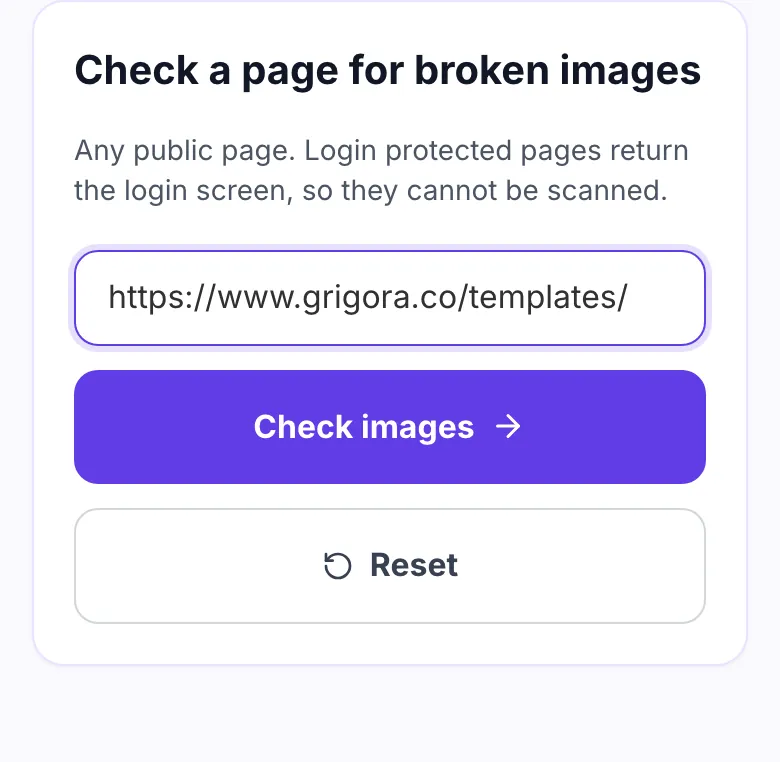

- 3
See every image it requested
Each image is requested on its own and reported with a status code, its alt text and its file size, so a slow 1 MB image is as visible as a 404.
When to run an image check
Six moments a missing image costs you something.
After a site migration
New platforms rewrite media paths. Old posts keep pointing at URLs that no longer exist.
Before a launch
A hero image that 404s on launch day is the first thing every visitor sees.
Auditing old blog posts
Images hotlinked from other sites disappear quietly, years after publishing.
Product pages that look empty
A missing product photo reads as an out of stock or untrustworthy listing.
Chasing a slow page
The scan reports file size, so the 3 MB banner nobody compressed shows up too.
Checking alt text coverage
Missing alt attributes are listed alongside the status of each file.
Fixing broken images by platform
Where the missing file usually went.
WordPress
- Broken images usually follow a media library move or a domain change.
- Run a search and replace on the old upload URL in post content.
- Re-scan the page here to confirm nothing is left.
Shopify
- Product images live on the Shopify CDN with a version query string.
- Re-upload the asset instead of editing the URL by hand.
- Check the theme settings for hard coded banner paths.
Webflow
- Check the Assets panel for files deleted while still in use.
- Background images set in the Style panel are the ones most often missed.
- Publish, then scan the live URL rather than the editor.
Grigora
- Open the page in the editor and re-link the image block.
- Images are served from your own domain, so paths survive a redesign.
- Publish and re-run this check on the live URL.
Grigora vs. other image checkers
Side by side.
| Capability | Grigora | Browser extensions | Crawler suites | Site audit tools |
|---|---|---|---|---|
| Checks CSS background images | Yes | Rarely | No | No |
| Checks srcset candidates | Every candidate | Sometimes | No | No |
| Reports file size | Yes | No | Yes | Yes |
| Shows alt text alongside | Yes | No | No | Separate report |
| Signup required | No | No | Yes | Yes |
| Page limit | One page, no cap on runs | Capped free tier | Crawl credits | Plan based |
Common causes and how to fix them
Eight reasons an image stops rendering.
404 Not Found
Cause: The file was renamed, moved or deleted, but the page still points at the old path.
Fix: Re-upload to the original path or add a redirect. Renaming media is the most common cause after a redesign.
403 Forbidden
Cause: The file exists but the host refuses the request, usually hotlink protection or a signed URL that expired.
Fix: Host the image yourself, or allow your own domain in the referrer rules of the CDN.
Relative path broken on inner pages
Cause: A src like images/photo.jpg resolves differently on /blog/post/ than on the homepage.
Fix: Use root relative paths starting with a slash, or absolute URLs.
HTTP image on an HTTPS page
Cause: Mixed content. The file exists, but browsers block it before it loads.
Fix: Update the src to https. Browsers do not show a warning, they just show nothing.
Returns HTML instead of an image
Cause: A soft 404. The server answers 200 with an error page rather than the file.
Fix: Check the content type. A 200 with text/html is still a missing image to the browser.
Zero byte file
Cause: An upload was interrupted, so the file exists with no data in it.
Fix: Re-upload the original. The status code looks healthy, which is why this one hides for months.
Lazy loaded image never resolves
Cause: The real file sits in data-src and the script that swaps it in fails.
Fix: Keep a valid src as the fallback so the image survives a script error.
Image over 1 MB
Cause: An unoptimised export straight from a camera or design tool.
Fix: Resize to the displayed dimensions and export as WebP. This is a speed problem, not a broken one.
What one scan covers
The limits this checker works within, and why they exist.
Frequently asked questions
Ten answers about checking images.
Related free tools
Other utilities that pair with the Broken Image Checker.
Broken Link Checker
Find dead links on a page the same way, by status code.
Try itImage Alt Text Checker
See which images on a page are missing alt text.
Try itImage Size Compressor
Shrink oversized images before you re-upload them.
Try itRedirect Checker
Follow a redirect chain and see every hop and status.
Try itPage Performance Checker
Check what is slowing a page down, images included.
Try itAccessibility Checker
Audit a page against WCAG, including image alternatives.
Try itHost the images on the site you own
Website, media, newsletter and store in one place. Try it free for 14 days, no card needed.
Start building free