Accessibility Checker
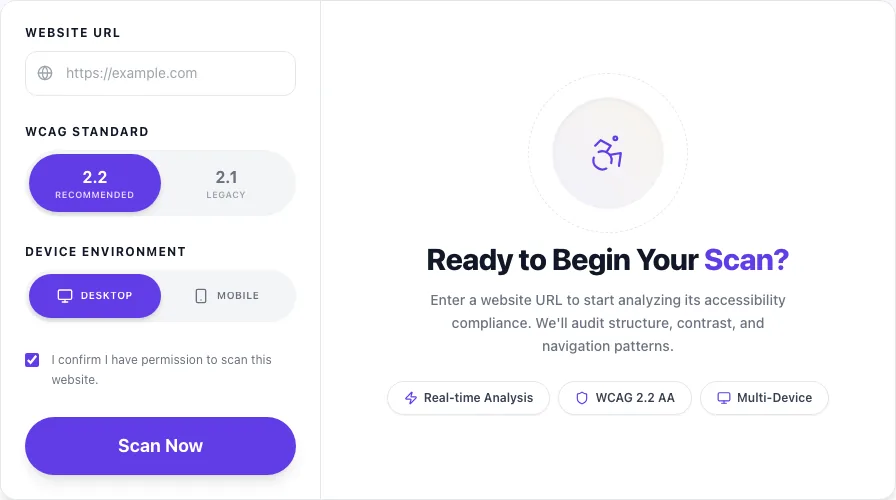
Ready to Begin Your Scan?
Enter a website URL to start analyzing its accessibility compliance. We'll audit structure, contrast, and navigation patterns.
Deep WCAG audit powered by axe-core. Scan any URL, see exact HTML + WCAG criterion for each violation, get repair guidance. Mobile + desktop. Free, no signup.
How to use the Accessibility Checker, step by step
Real screenshots of the tool, taken while running it with the Scan Now button.
- 1
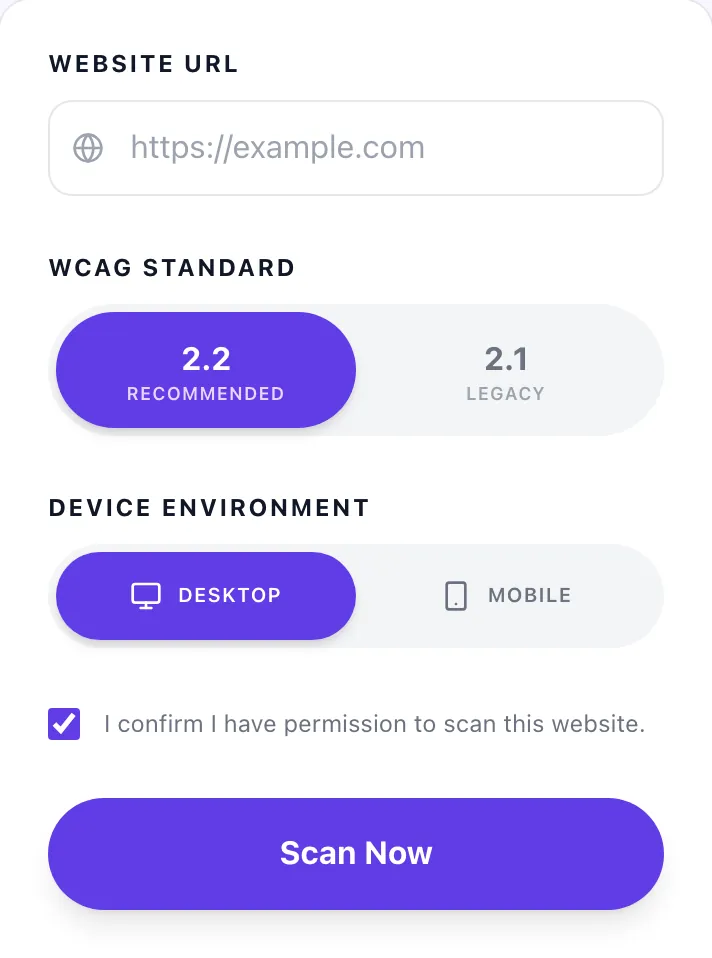
Add your input
Paste or type into the field Accessibility Checker works from.
- 2
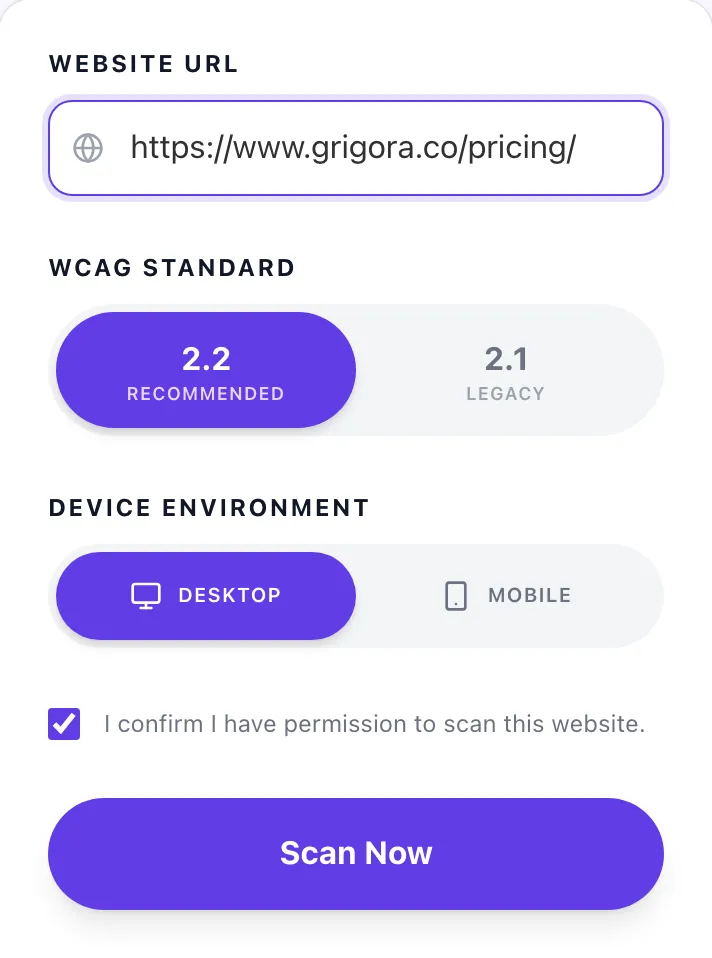
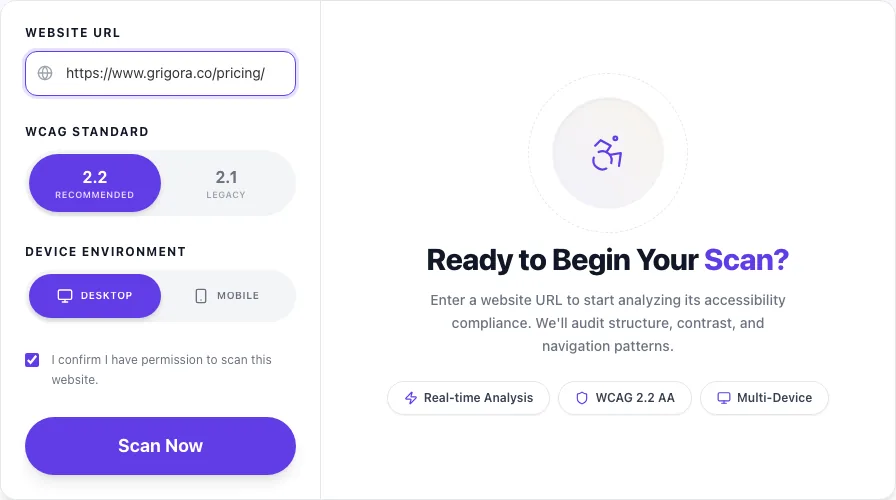
A page URL in place
With a page URL entered, Accessibility Checker is ready to run.
- 3
See what Scan Now produces
Clicking Scan Now runs the check and shows the result right below.
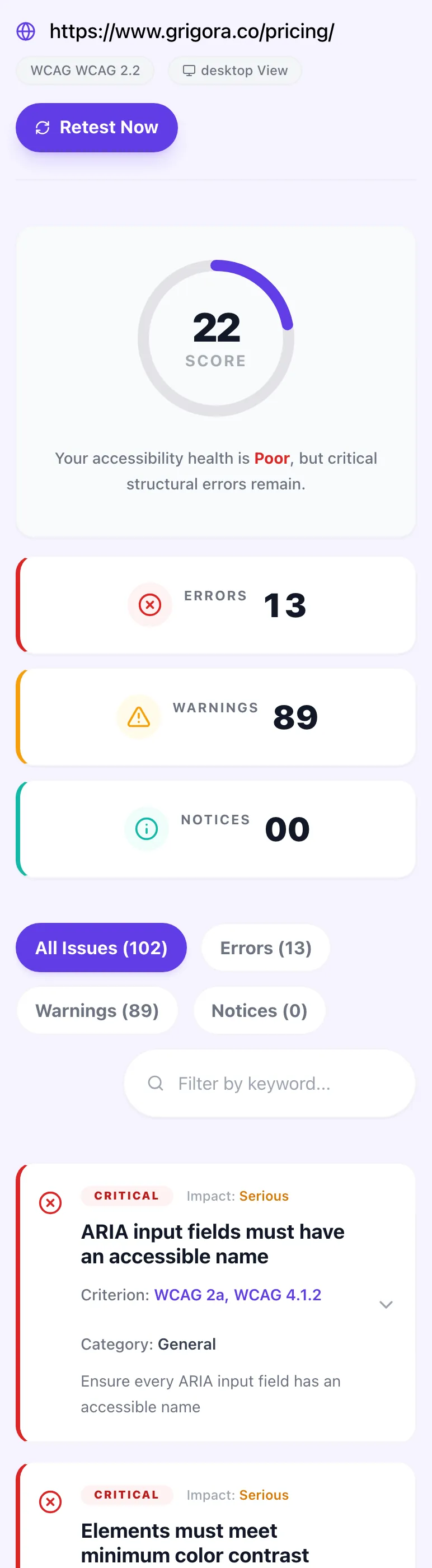
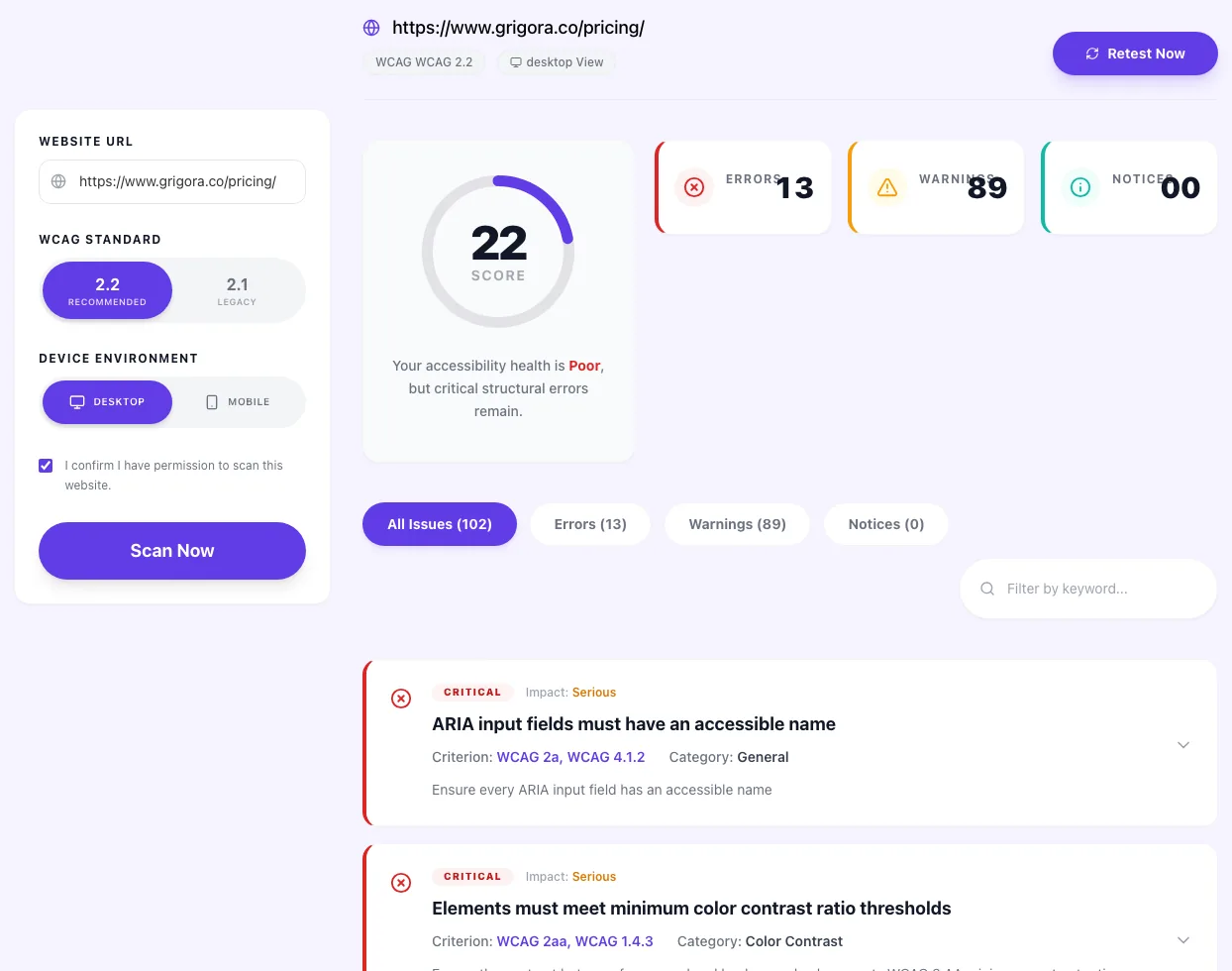
How to audit any page in 4 steps
Under 60 seconds end-to-end. Each screen mirrors what you'll actually see in the tool.
Enter any public URL
Paste the page you want audited. Landing page, blog post, SPA. Anything axe-core can reach. Private/login-gated URLs need the CLI instead.
Pick a viewport
WCAG 2.0, 2.1, and 2.2 Level A and AA coverage is automatic. Choose desktop for a standard scan or mobile for touch-specific rules.
Review categorized issues
Errors are must-fix. Warnings need judgment. Notices are polish. Each issue shows WCAG criterion, affected HTML, and fix guidance.
Fix and re-scan
Make changes guided by selector + failure summary. Re-scan. Iterate until errors hit zero. Export the final JSON or text report for records.
What 89,000 accessibility scans reveal
Patterns in how real websites score against WCAG 2.2, pulled from our anonymized scan telemetry across landing pages, blogs, and SaaS apps.
The average URL scanned scores 78/100. Top-decile sites hit 95+. The 78 median is better than 2023 (71) but still means nearly every site has 3-5 fixable violations.
Color contrast is the #1 violation. Subtle gray-on-white body text, low-contrast button states, and placeholder text are the repeat offenders. Fix with a single design token audit.
Missing or empty meaningful alt text. Hero images and CMS-uploaded content are the usual gaps. Fix with a CMS validator and default-required alt fields on upload.
WCAG 2.2 2.5.8 requires 24×24px minimum. Icon-only buttons, close (×), and pagination controls are common offenders on mobile scans. min-h-[44px] solves it.
Typical URL has 5-8 unique violations. But these repeat across every page, fixing component-level issues in a design system can cut violations by 70%.
Pages that remediate all axe errors see 3.2× higher engagement from assistive tech users in the following quarter. Accessibility is a distribution strategy.
Automate accessibility in CI
Five drop-in snippets to run axe-core in your test suite, CI pipeline, or component library.
# Install axe-core CLI and scan any URL
npm install -g @axe-core/cli

# Run against a URL, output JSON
axe https://example.com --tags wcag2aa --save report.json

# Specific rule subset
axe https://example.com --rules color-contrast,image-alt

# Scan multiple URLs in a batch
axe https://a.com https://b.com https://c.com

# CI integration: fail build on any violations
axe https://staging.example.com --exit
axe-core/cli is the official Deque CLI. Pair it with your CI (GitHub Actions, GitLab CI) to block PRs that introduce new violations.
Six ways teams use this checker
Every workflow is under 10 minutes. Pick the one that matches your current goal.
Pre-launch audit
Run the full checker before pushing a new page to production. Fix every error, document warnings you're consciously accepting. Cleaner launches, fewer post-ship accessibility incidents.
Legal compliance gate
Before signing procurement contracts that require WCAG 2.2 AA, run your key pages and export the report. Flagged issues become your fix-forward plan. Documentation protects you.
Agency client audits
Audit client sites at project kickoff. Share the score and top 5 errors in the proposal. Turns accessibility from a "nice-to-have" into a quantified deliverable with measurable success criteria.
Design system validation
Scan your Storybook or pattern library live URL. Components that fail here will fail in every page they're used in. Fix the root, not every instance. Multiplicative return on remediation time.
Quarterly regression check
Accessibility debt creeps in as teams ship. Rerun your top 10 pages every quarter, compare scores to last quarter's snapshot. Spot the drift before a user or auditor does.
SEO + accessibility double-check
Many WCAG violations also hurt SEO. Missing headings, broken landmarks, invisible link text. One scan, two insights. Fix once, benefit twice on both rankings and reach.
8 violations we flag on nearly every audit
The same 8 issues account for 80% of fixable accessibility debt on the web. Knock these out first.
Images missing alt text
highEvery <img> needs an alt attribute. Decorative images get alt="" (empty, not missing). Meaningful images get a short description of what the image conveys: not what it looks like. Logos get alt="CompanyName logo" or similar. Axe flags missing alt entirely; meaningful-vs-decorative is on you.
Color contrast below 4.5:1
highBody text needs 4.5:1 contrast against its background (WCAG 1.4.3 AA). Large text (18pt+ or 14pt+ bold) needs 3:1. UI elements and graphical objects need 3:1 (WCAG 1.4.11). Use Grigora's Color Contrast Checker or the Chrome DevTools color picker to verify. Gray-on-white at #999 or lighter almost always fails.
Form inputs without labels
highEvery input, select, textarea needs a linked <label> (via for/id) or aria-label/aria-labelledby. Placeholders are not labels: they disappear when the user types. "Search" icons next to unlabeled inputs fail screen readers. Add a visually-hidden label with .sr-only or aria-label="Search".
Heading levels skipped (h1 → h3)
mediumHeading order matters for screen reader navigation. Going h1 → h3 → h2 disorients users skimming by headings. Use CSS for visual sizing, semantic HTML for hierarchy. One h1 per page. Nested sections go h2 → h3 → h4 without skips.
Low touch target size (<24×24px on mobile)
highWCAG 2.2 2.5.8 requires 24×24 minimum; design best practice is 44×44. Buttons, links, and tap targets smaller than that fail users with motor impairments. Check your icon buttons, close buttons, and pagination controls: these are the usual offenders. min-h-[44px] + padding does the job.
Missing or invalid ARIA attributes
mediumARIA is sharp: misuse breaks accessibility more than no ARIA. Common violations: role="button" on a <div> without tabindex and keydown handlers; aria-hidden="true" on a focusable element; aria-labelledby pointing to a nonexistent ID. Prefer native HTML (<button>, <nav>, <main>) before adding ARIA. If axe flags ARIA, read the rule: don't guess.
Keyboard focus invisible or trapped
highFocus outlines must be visible: never outline: none without a :focus-visible replacement. Modal dialogs need focus trapping (focus stays inside the modal until closed). Skip links need to be reachable and visible on focus. Run your page with Tab-only navigation: if you lose the focus indicator, fix it.
Links with generic text ("click here", "read more")
mediumScreen reader users navigate by link list. "Click here" gives no context out of flow. Rewrite as "Read our pricing guide" or "Download the 2026 accessibility report". If you can't rewrite due to design, add aria-label with the descriptive text. Axe flags this under "link-name".
How we compare
Honest side-by-side against popular a11y tools. Overlay products like AccessiBe don't actually fix WCAG violations.
| Feature | Grigora | WAVE | Lighthouse | AccessiBe |
|---|---|---|---|---|
| axe-core engine | ||||
| WCAG 2.2 Level AA | Partial | Overlay | ||
| Mobile + desktop viewport | ||||
| Free, no signup | ||||
| Selector + HTML + repair guidance | Partial | |||
| WCAG criterion mapping | Partial | |||
| Unlimited URLs | ||||
| CI-friendly (via axe-core CLI) | Via CLI |
Why accessible HTML ranks in AI search
Clean semantic markup isn't just for screen readers, it's how AI search engines parse and cite your content.
Extracts structured content via semantic HTML (h1-h6, nav, main, article). Pages with correct heading order and landmarks get cited more reliably.
Favors pages with clear content hierarchy and alt-texted images. Accessibility fixes often improve crawl quality and result snippets as a side effect.
Parse-heavy tools rely on stable structure. Well-labeled forms, proper landmarks, and descriptive link text improve extraction and summarization quality.
From accessibility fix to fully accessible site.
All on Grigora.
Website, blog, and email, all built with WCAG 2.2 AA as the default, not an afterthought. Fix scanned violations once, keep them fixed forever.
AI Website Builder
Describe your site, get a live website in 60 seconds. Accessible components, correct heading order, and high-contrast defaults built in.
Start buildingBlog & CMS
Editor forces alt text, flags low-contrast links, and enforces heading hierarchy on publish. No more "fix accessibility later" debt.
Launch blogGrigora Mail
Accessible transactional email templates. Proper color contrast, semantic structure, screen-reader-friendly layouts by default.
Get emailNo credit card · Start in 60 seconds
Related free SEO + a11y tools
Pair with the accessibility checker for a full site health sweep.
Meta Viewport Checker
Check the tag controlling mobile rendering
Contrast Checker SEO
Verify WCAG 1.4.3 contrast ratios
SEO Audit Mini Tool
Technical SEO + accessibility signals
HTML Validator
Semantic HTML = accessible HTML
Broken Link Checker
Find and fix broken URLs
Website Grader
Score a site on speed, SEO, security and mobile
Frequently Asked Questions
Everything about automated WCAG scanning, axe-core, and what accessibility really means.
Accessible from line one.
Grigora's AI Website Builder ships with WCAG 2.2 AA defaults. Skip the post-launch remediation sprint.
Try Grigora free