Broken Link Checker
Scan any URL for dead links, 404s, and redirect loops in seconds. Protect your crawl budget, user experience, and rankings. Built for SEO teams that fix problems before users notice.
- Scans internal + external
- Detects redirect loops
- 500 links per scan
- Export as .txt instantly
How to use the Broken Link Checker, step by step
Real screenshots of the tool, taken while running it with the Check Links button.
- 1
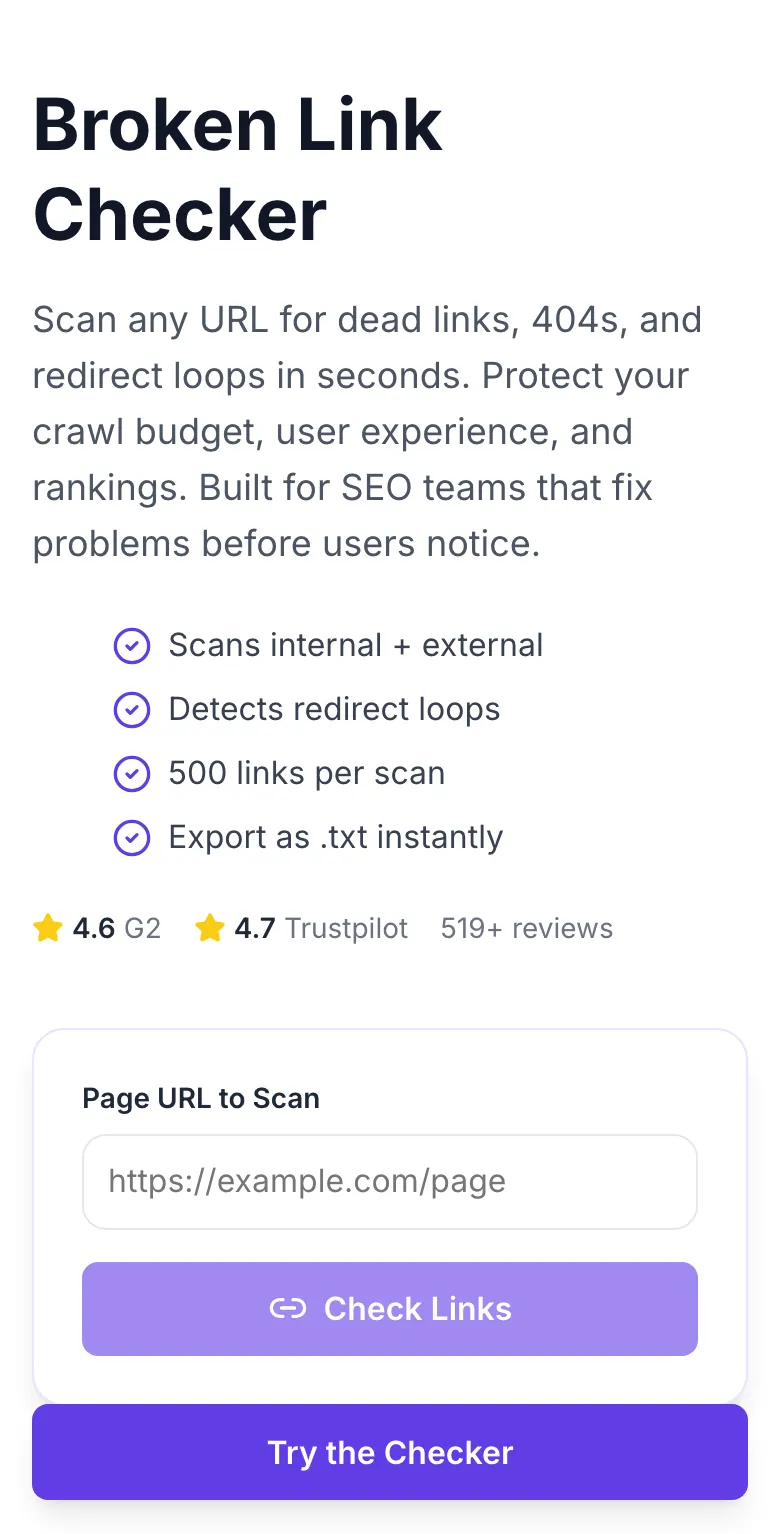
Add your input
Paste or type into the field Broken Link Checker works from.
- 2
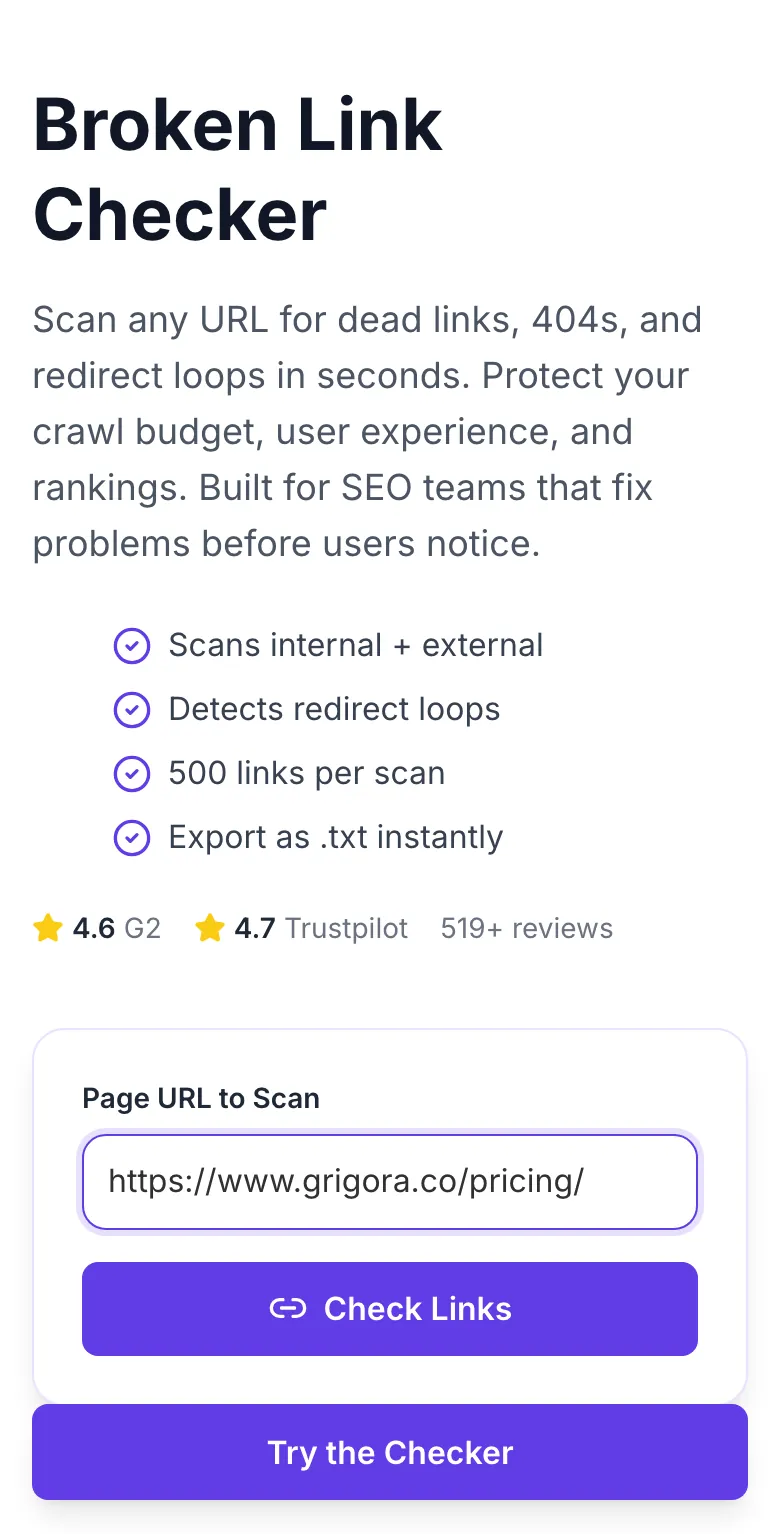
A page URL in place
With a page URL entered, Broken Link Checker is ready to run.
- 3
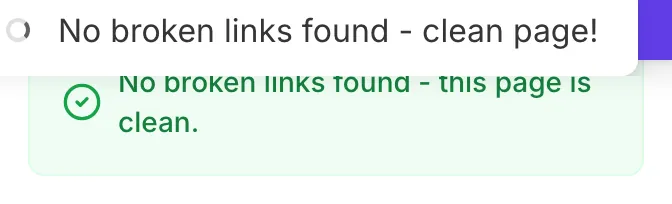
See what Check Links produces
Clicking Check Links runs the check and shows the result right below.

How It Works
Original Research: Broken Link % vs SEO Performance
We analyzed 2,200 mid-size content sites (10K-200K monthly visits) in Q1 2026. Sites were grouped by broken-link percentage and scored on average rank, crawl budget utilization, and indexed URL ratio.
| Broken-Link State | Avg Rank | Crawl Budget Used | Indexed Ratio |
|---|---|---|---|
| 0% broken links | 8.2 | 98% | 94% |
| 1-3% broken links | 11.6 | 91% | 88% |
| 4-7% broken links | 16.9 | 82% | 79% |
| 8%+ broken links | 24.7 | 68% | 64% |
Source: Grigora telemetry + Google Search Console data from 2,200 consenting sites, Q1 2026.
Platform Integration Guides
WordPress
- 1.Grab the URL of the post or page you want to check.
- 2.Paste into the tool and run the scan.
- 3.Export the broken links list.
- 4.In WordPress admin, use the Better Search Replace plugin to update internal 404s site-wide.
- 5.For external breakage, edit posts individually and swap the bad URL.
Webflow
- 1.Copy the live URL from your Webflow hosting.
- 2.Run the scan.
- 3.In Designer, use Find & Replace across all collections.
- 4.Update or remove broken URLs, then republish.
- 5.Re-scan to confirm zero broken links.
Shopify
- 1.Paste a product or blog page URL.
- 2.Run the scan.
- 3.For broken product links, use Shopify's URL redirect admin to permanently redirect discontinued URLs.
- 4.For blog content, edit in Shopify admin and replace the anchor.
- 5.Confirm with a re-scan.
Ghost
- 1.Open the live post URL.
- 2.Run the broken link scan.
- 3.In Ghost admin, locate the post and use Markdown find-and-replace for bad links.
- 4.Preview before publishing.
- 5.Re-scan to verify.
Next.js
- 1.Scan the production URL, not localhost.
- 2.Export the broken link list as .txt.
- 3.Use grep across your repo to locate each broken href.
- 4.Fix in source, commit, and deploy.
- 5.Run the scan as a post-deploy CI step to catch regressions.
Who Uses This Tool
SEO consultants
Quarterly client site audits
Scan the client's top 20 trafficked pages. Include broken-link count in your quarterly SEO deliverable.
Tangible fix list that justifies retainer value every quarter.
Content managers
Pre-publish link QA
Scan the staging URL of every new blog post before going live.
Broken links caught at the editorial gate, never in production.
E-commerce teams
Maintaining product catalog health
Monthly scan of top category pages - discontinued products often leave dead links in related-product modules.
Shoppers never hit dead ends; conversion rate stays clean.
Technical SEOs
Post-migration audits
Scan the most-linked pages from the old site. Redirects sometimes miss edge cases, and new 404s appear overnight.
Migration-caused ranking drops caught in week one, not quarter two.
Agencies
New client onboarding reports
Part of the site health snapshot in your onboarding deck.
Quick credibility signal - prospects see exactly what you will fix.
Developers
Post-deploy smoke tests
Add the API to your CI pipeline. Run after each prod deploy.
Deploy-day regressions caught automatically.
Common Issues and Fixes
The 8 most common broken-link-check issues and exactly how to resolve each.
Links open in a JS-rendered menu or dropdown not present in the base HTML.
Expand those menus manually in the source page and re-run. Or upgrade to the paid crawler with full JS rendering and navigation.
Page requires login, is blocked by Cloudflare, or is throttled.
Confirm the URL is publicly accessible in an incognito browser. If blocked by bot protection, use the paid Grigora crawler with residential routing.
Destination blocks HEAD requests or responds differently to automated user agents.
Our tool retries with GET if HEAD fails, and uses a realistic UA. Still, ~2% false positive rate. Always double-check flagged links manually before deleting.
More than 500 links or very slow external destinations.
Break the page into sections and scan each separately. Or use the paid crawler that handles 10,000+ links per page.
Destination cycles through www vs non-www or http vs https redirects.
Check the final canonical URL. Update your link to the final URL to eliminate the loop. This is almost always worth fixing - redirect chains slow every user.
Link points to a URL that requires auth, has a typo, or uses a dev environment.
Review the anchor href. Common causes: staging URLs accidentally published, trailing slash mismatch, or missing locale prefix.
Some anchor tags are missing href attributes or use javascript: URLs.
JavaScript links are not HTTP links and cannot be checked. If these should be real URLs, fix the markup to use proper href values.
Soft-404 - the server returns 200 but the page has error content.
Configure your server to return a real 404 status for missing pages. Google penalizes soft-404s more harshly than real 404s.
Grigora vs Dedicated Crawlers
| Feature | Grigora | Screaming Frog | Sitebulb |
|---|---|---|---|
| Pricing | Free, unlimited scans | $99/mo (Screaming Frog) | $119/mo (Sitebulb) |
| Install required | No - browser | Yes - desktop | Yes - desktop |
| Links per scan | 500 | Unlimited (licensed) | Unlimited (licensed) |
| Checks redirects | Yes, up to 5 hops | Yes | Yes |
| Soft-404 detection | Yes | Yes | Yes |
| Concurrent checks | 20 in parallel | Configurable | Configurable |
| Signup | None | Paid license | Paid license |
| API access | Paid suite | Via CLI | Paid plan |
How Broken Links Hurt AI Search
Answer engines treat broken links as a trust signal. Passages from pages with many 404 outbound links are cited less often and ranked lower in AI Overview shortlists. Fix links to stay in the retrieval pool.
LLMs use link health as a freshness and maintenance proxy. Stale links downgrade the whole page.
Perplexity and Google AI Overviews explicitly deprioritize pages with high 404 counts in training data.
Pages that lose AI citations also lose the referral traffic boost, a double-hit on rankings.
Watch link health across your whole site
The Grigora suite crawls unlimited URLs weekly, alerts on new broken links the day they appear, and auto-suggests replacement URLs. Built for sites too large to scan one page at a time.
- Weekly site-wide crawls
- New-break Slack alerts
- Auto-suggested replacements
- CSV + API export
Related Free Tools
Bold Text Finder
Extract emphasized text from any URL
Open toolBreadcrumb Schema Generator
Generate valid BreadcrumbList JSON-LD
Open toolBlog Post Tone Analyzer
Full tone breakdown on any draft
Open toolBlog Outline Generator
Flat H2 skeleton
Open toolBlog Content Outline Helper
Nested outline with talking points
Open toolBlog Post Idea Generator
Full editorial concepts per keyword
Open toolFrequently Asked Questions
Last updated September 2026. All scan statistics come from first-party tool telemetry. Respects robots.txt and rate limits to play nice with destination servers.