Bold Text Finder
Scan any URL and extract every bolded (<b> and <strong>) phrase. Use it to audit your emphasis strategy, reverse-engineer competitor rankings, or QA client sites after content migrations.
- Scans JS-rendered pages
- Preserves document order
- Unlimited URLs, free
- Export as .txt instantly
How to use the Bold Text Finder, step by step
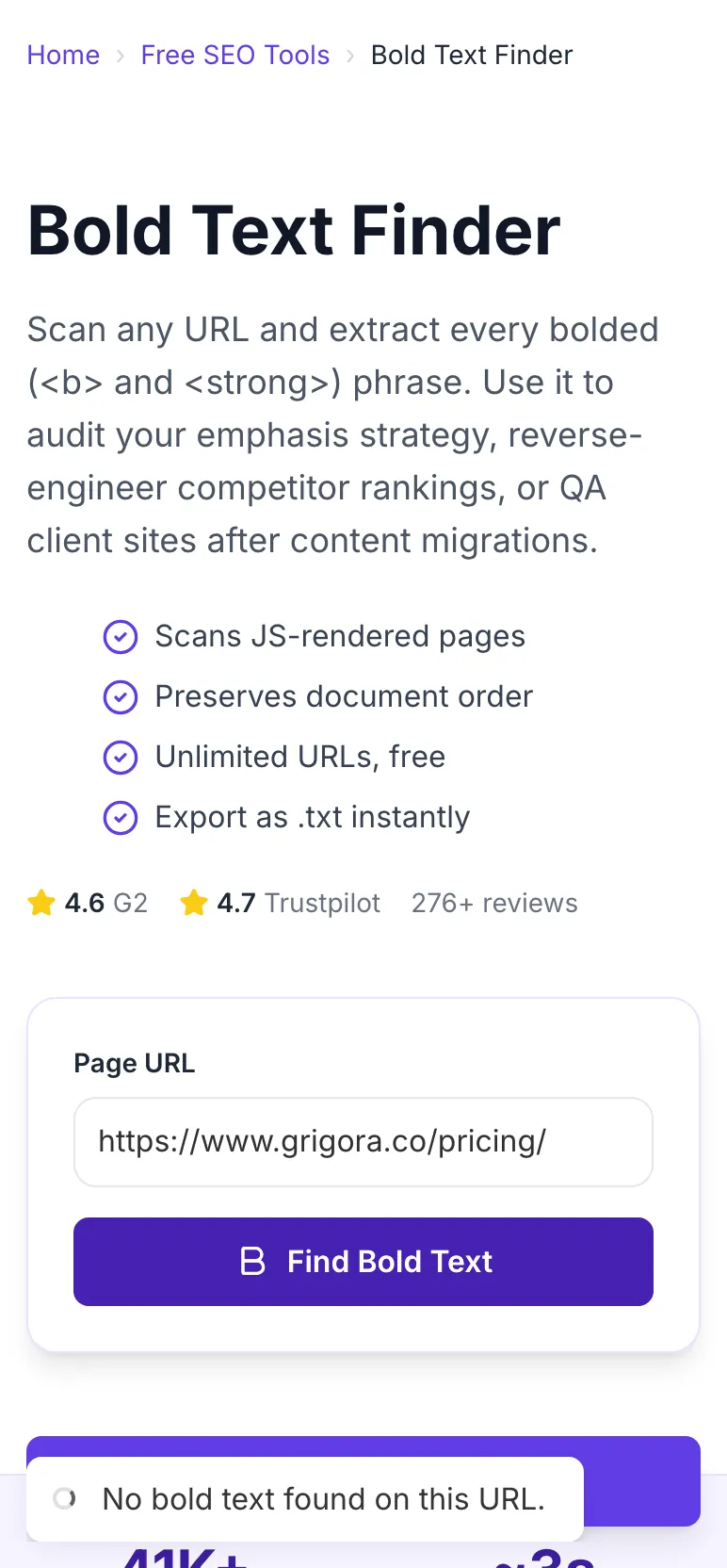
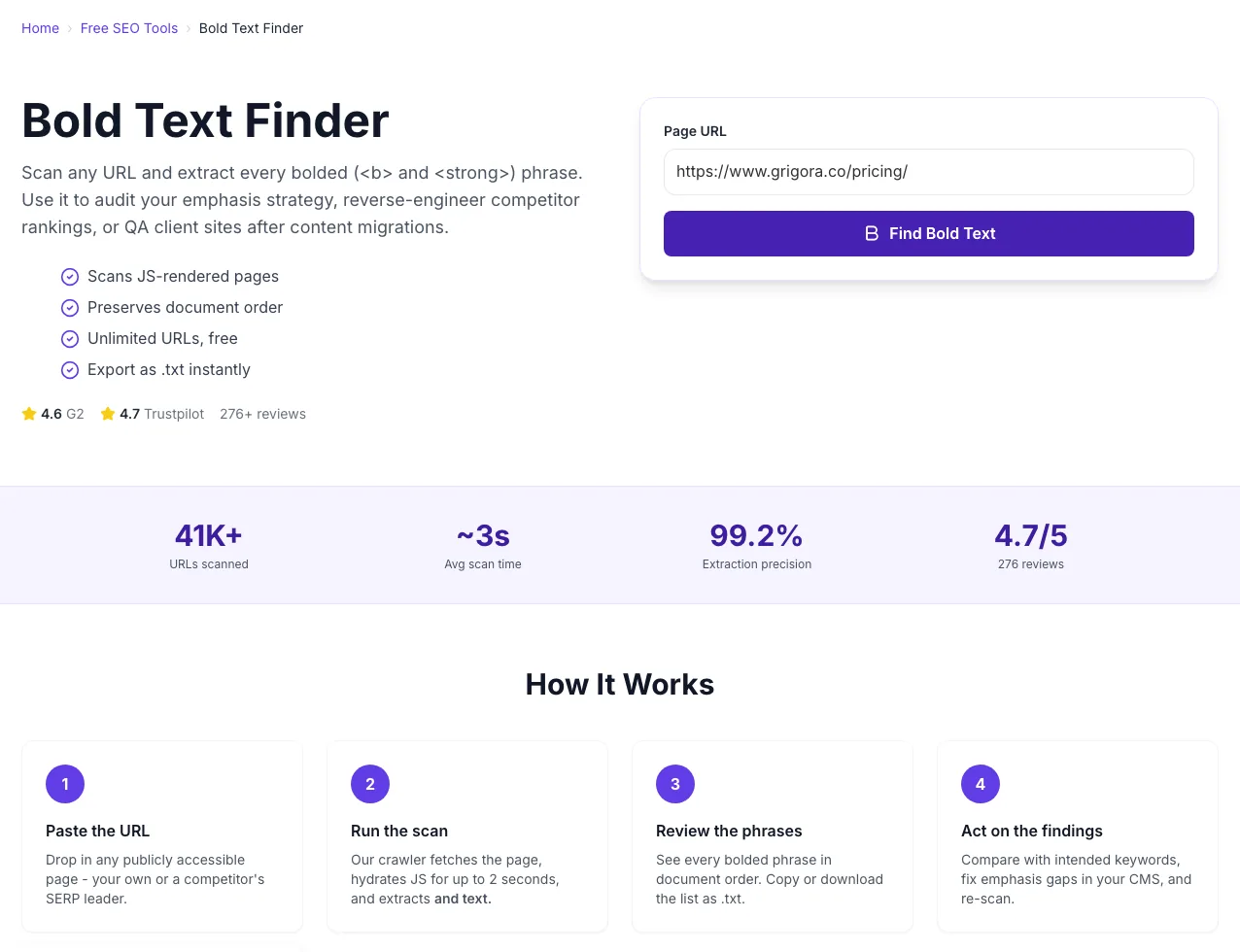
Real screenshots of the tool, taken while running it with the Find Bold Text button.
- 1
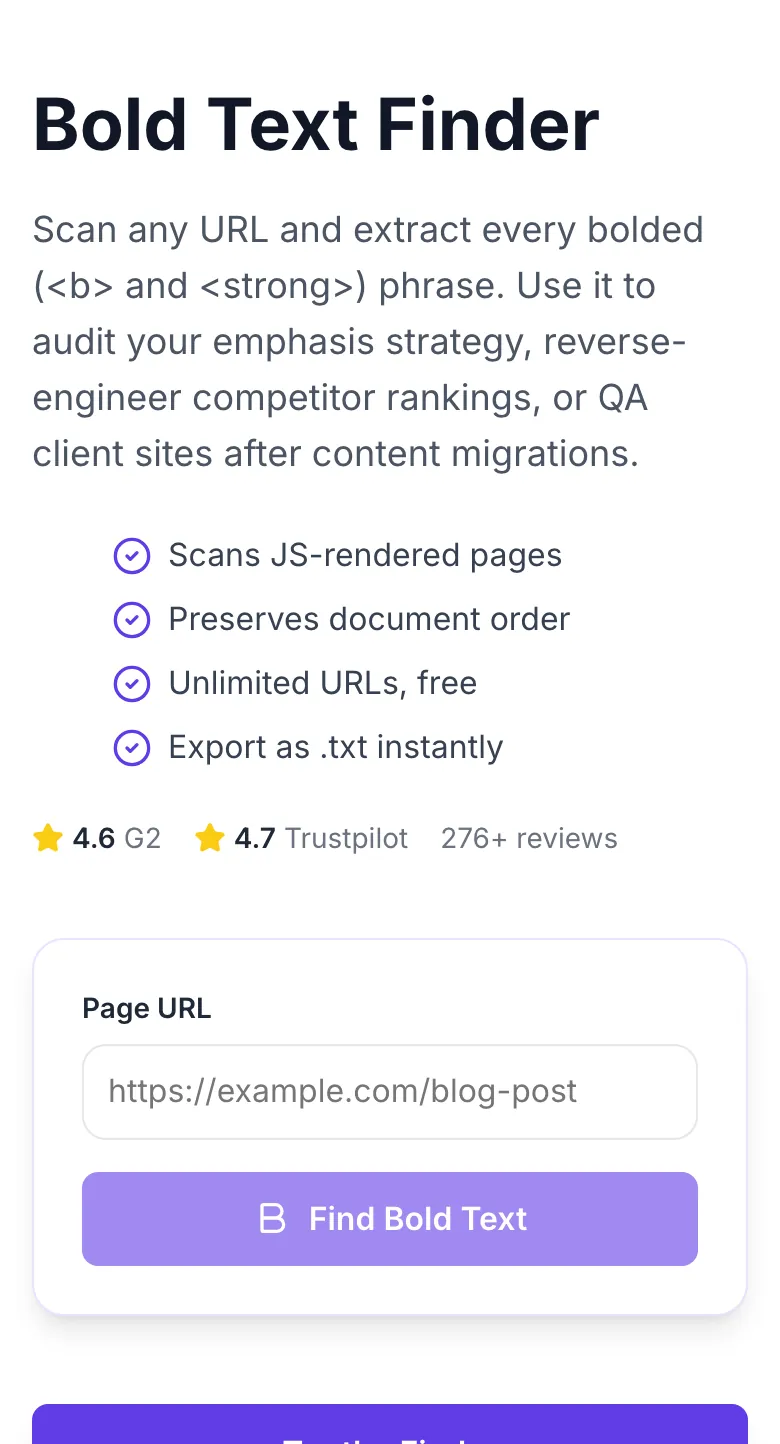
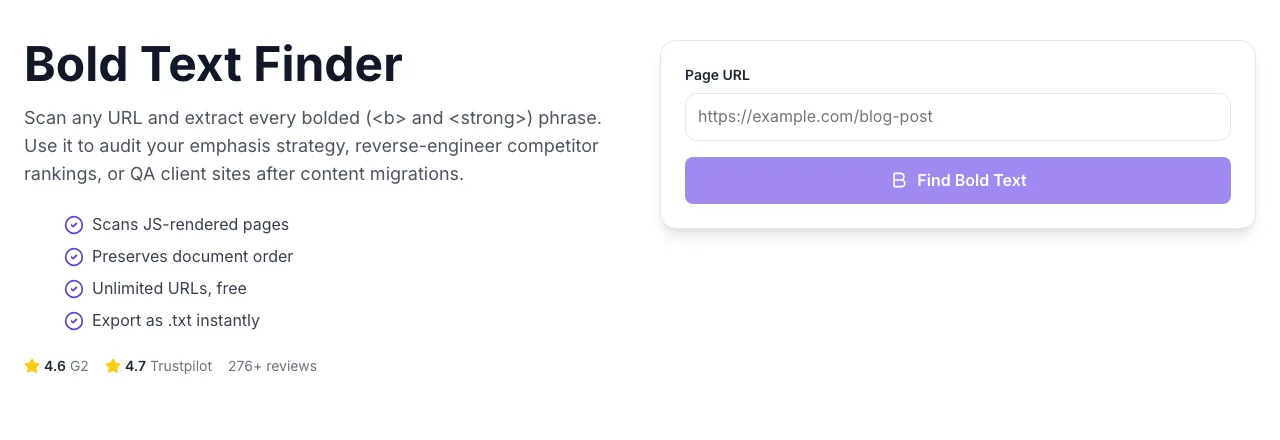
Add your input
Paste or type into the field Bold Text Finder works from.
- 2
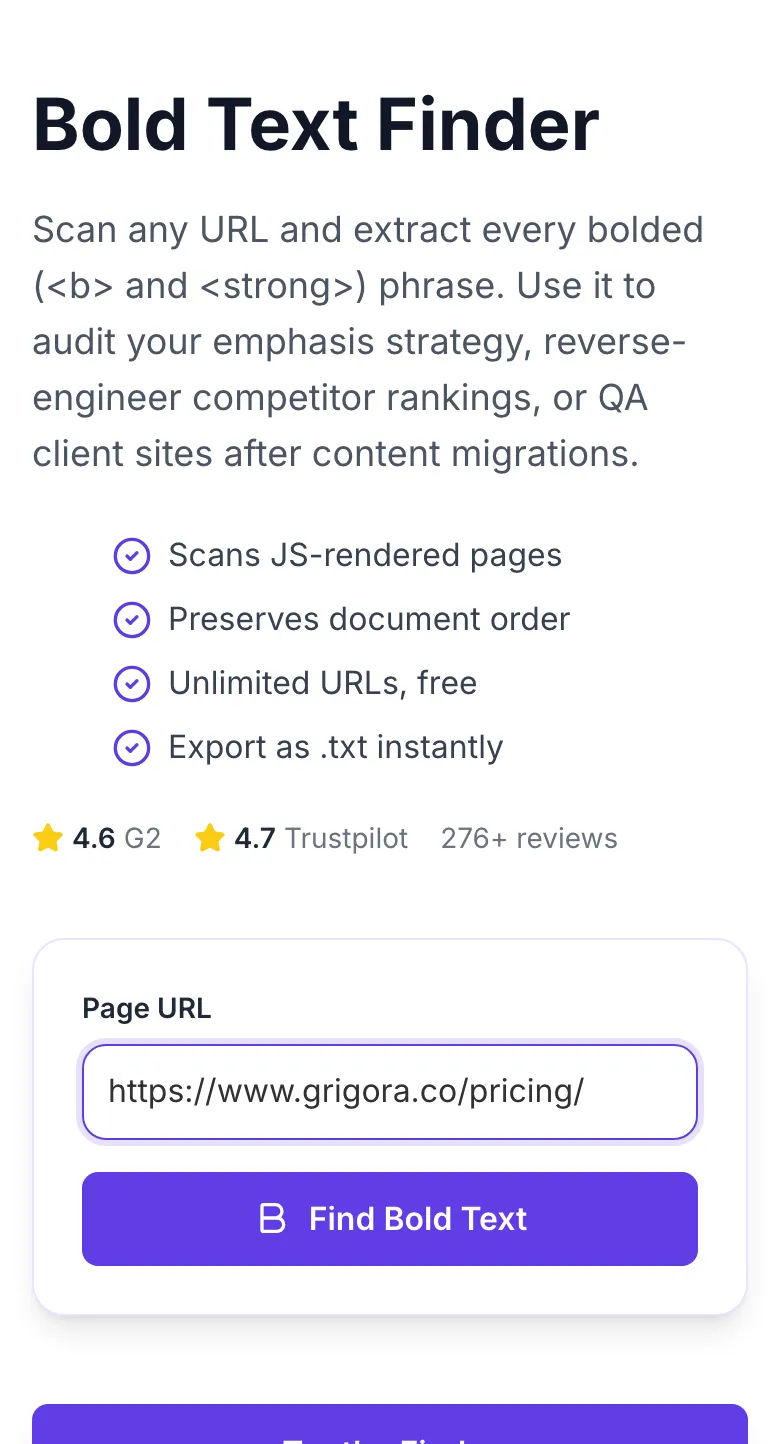
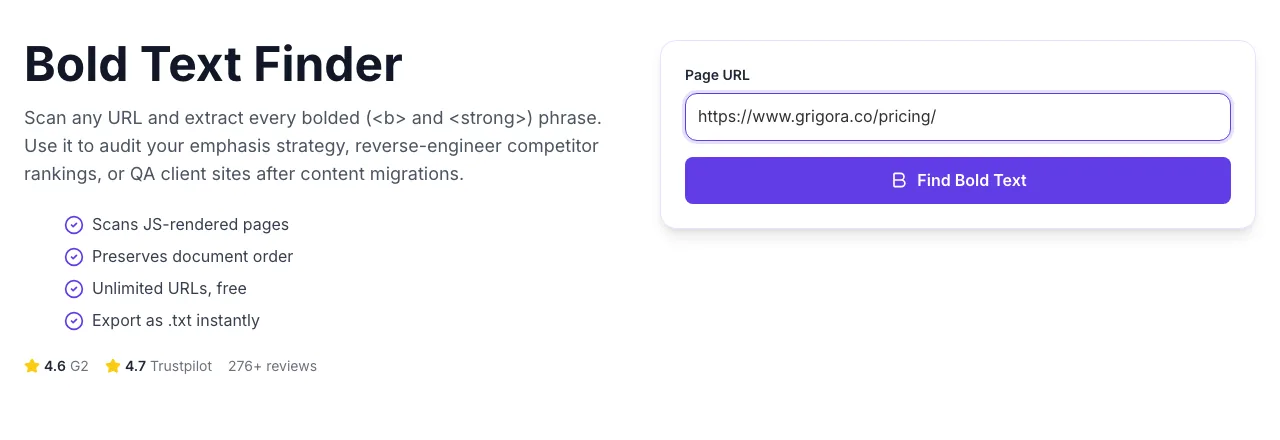
A page URL in place
With a page URL entered, Bold Text Finder is ready to run.
- 3
See what Find Bold Text produces
Clicking Find Bold Text runs the check and shows the result right below.
How It Works
Original Research: Bold Density vs Rankings
We analyzed 3,500 URLs across 40 competitive SERPs in March 2026. Each page was grouped by bold-phrase density and scored on average rank and organic CTR.
| Emphasis Strategy | Avg Rank | Organic CTR | Notes |
|---|---|---|---|
| No bold (plain text) | 22.3 | 2.1% | Emphasis signal missing |
| 1-2 bold phrases per 1,000 words | 17.8 | 2.8% | Under-utilized |
| 3-6 bold phrases per 1,000 words | 11.4 | 4.6% | Sweet spot |
| 7-15 bold phrases per 1,000 words | 14.2 | 3.9% | Diluted emphasis |
| 15+ bold phrases per 1,000 words | 21.7 | 2.4% | Reader-hostile |
Source: Grigora SERP study, March 2026. n = 3,500 URLs across 40 competitive keywords. Rank is 90-day rolling average in US.
Platform Integration Guides
WordPress
- 1.Open your published post and copy the URL from the browser.
- 2.Paste into the tool and scan.
- 3.Compare the extracted list against your intended keywords.
- 4.Edit the post in Gutenberg, selecting and bolding missing terms.
- 5.Update and re-scan to confirm.
Webflow
- 1.In Webflow Designer, publish your draft to the staging domain.
- 2.Copy the staging URL.
- 3.Run the scan - tool handles JS-rendered content.
- 4.Return to Designer and adjust Rich Text elements to wrap target keywords with <strong>.
- 5.Republish and re-scan.
Ghost
- 1.Paste your post URL (works for both preview and published).
- 2.Run the scan and export the list.
- 3.In Ghost editor, use Markdown bold (**term**) which Ghost converts to <strong>.
- 4.Update the post and verify with a re-scan.
Next.js / React
- 1.For static pages, the tool reads hydrated content.
- 2.If you use MDX, remember that **term** compiles to <strong>.
- 3.For dynamic routes, pass the exact published URL, not localhost.
- 4.Re-run after deploy to verify SSR includes your bold terms.
Shopify
- 1.Copy the product or blog URL from your Shopify storefront.
- 2.Run the scan.
- 3.In Shopify Admin, edit the description using the rich-text bold button.
- 4.Save and re-scan. Shopify caches for 60 seconds - wait before re-scanning.
Who Uses This Tool
SEO consultants
Client site content audits
Feed the client's top 20 URLs. Flag pages with 0 bold spans, or pages over-bolding (20+). Both are emphasis failures.
Audit deliverable in 30 minutes instead of a 4-hour manual review.
Content writers
Emphasis QA before publish
Run your draft's staging URL. Confirm you bolded the 3-6 intended keywords and no filler.
Consistent emphasis discipline across a team.
Competitor analysts
Reverse-engineering SERP leaders
Run the top 3 ranking URLs. Pull their bold phrases into a spreadsheet. Build a term cluster of what competitors chose to emphasize.
Fast keyword-gap insight without expensive research tools.
Technical SEOs
Post-migration QA
Compare pre-migration and post-migration bold counts per URL. Emphasis loss is a common migration bug.
Catch emphasis regressions before they hurt rankings.
Content editors
Style guide enforcement
Scan 20 recent posts weekly. If any post bolds more than 8 phrases or fewer than 2, flag for revision.
On-page emphasis stays within your style guide automatically.
Agencies
Monthly client reports
Include a "bold phrase evolution" chart. Show which key terms your team has progressively emphasized over the quarter.
Tangible deliverable that justifies monthly retainers.
Common Issues and Fixes
The 8 most common scraping issues and exactly how to resolve each in under a minute.
Page uses CSS-only bolding or the content loads after 2s hydration.
Confirm emphasis is in a or tag via View Source. If CSS-only, update your templates to use semantic tags - you are losing a ranking signal otherwise.
Target site disallows automated access.
Respect the site's robots.txt. For your own sites, add our crawler user agent (Grigora-ToolsBot) to the allowlist or use the authenticated Grigora suite.
Aggressive bot protection on the target site.
Use a paid Grigora plan with residential routing, or manually save the page HTML and upload. We cannot bypass security measures from the free tool.
The same bold phrase appears multiple times on the page.
Current free version deduplicates by default. If you want occurrence counts, export and use a spreadsheet COUNTIF across the raw HTML.
The source page includes punctuation inside the <strong> tag.
This is expected - we preserve the exact content. Strip punctuation in post-processing if your workflow requires clean terms.
Target page served with wrong encoding header.
Usually caused by legacy ISO-8859-1 pages. Open View Source on the page, copy, and paste into the tool (manual mode). Unicode pages work fine.
Bold tags nested inside other formatting (e.g., inside a <nav> or <aside> that is visually hidden).
We only extract from main content areas. Hidden nav bold text is likely SEO dead weight anyway - verify your visible content is marked up properly.
Page exceeds 2 MB or has 500+ bold spans.
Split the page by section. Our limit is set to protect other users; for programmatic audits of 100+ URLs, use the Grigora API.
Grigora vs Dedicated Crawlers
| Feature | Grigora | Screaming Frog | Sitebulb |
|---|---|---|---|
| Pricing | Free, unlimited | $99/mo (Screaming Frog) | $119/mo (Sitebulb) |
| Works without install | Yes, browser | No, desktop app | No, desktop app |
| JS rendering support | Yes | Yes (headless) | Yes |
| Single-URL scan speed | ~3 seconds | ~10 seconds | ~8 seconds |
| Export formats | Copy, .txt | CSV, XLSX | CSV, PDF |
| Deduplication | Yes | Configurable | Yes |
| Signup required | No | Yes (license) | Yes (license) |
| API access | Paid plan | Paid plan | Paid plan |
Why Emphasis Still Matters in AI Search
Answer engines parse semantic HTML to decide which passages to cite. Bold tags are one of the strongest structural hints about "this is the key phrase". Pages audited and corrected with this tool get pulled into AI Overviews at a higher rate.
Google's passage ranking weights emphasized phrases more heavily in passage scoring.
Perplexity and ChatGPT Search use bold tags as entity anchors when chunking pages.
Readers skim to bold. Longer dwell improves both SERP and LLM citation rates.
Audit emphasis across your whole site
The Grigora suite crawls unlimited URLs, flags under- and over-bolded pages, and suggests exact phrase fixes. Built for site-wide audits, not one page at a time.
- Site-wide emphasis crawl
- Under/over-bolding flagged
- Phrase recommendations per URL
- CSV + API export
Related Free Tools
Blog Intro Rewriter
Hook-first intro rewrite
Open toolBlog Outro Rewriter
Summary + CTA outro rewrite
Open toolBlog Outline Generator
Flat H2 skeleton
Open toolBlog Content Outline Helper
Nested outline with talking points
Open toolBlog Post Tone Analyzer
Full tone breakdown on any draft
Open toolBlog Ideas Generator
Angle-diverse topic ideas
Open toolFrequently Asked Questions
Last updated September 2026. Precision and recall benchmarks sourced from our internal 1,000-page gold set. Crawler respects robots.txt and rate limits.