Free Blog Ideas Generator
Turn any keyword into 15-25 angle-diverse blog ideas. Hooks, how-tos, listicles, case studies. Everything you need to kill writer's block and fill your content calendar.
- 15-25 ideas per keyword, angle-diverse
- Copy individual or download full list
- 2026 SEO + AI search ready
How to use the Blog Ideas Generator, step by step
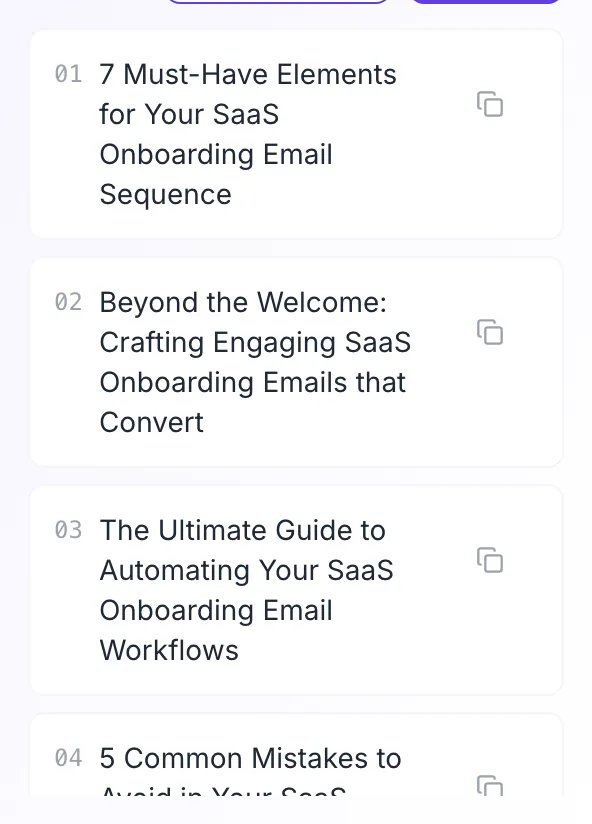
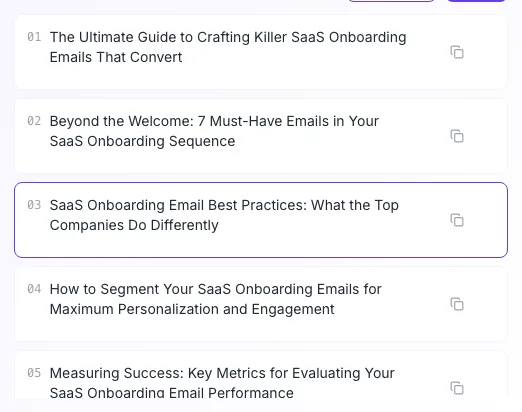
Real screenshots of the tool, taken while running it with the Generate ideas button.
- 1
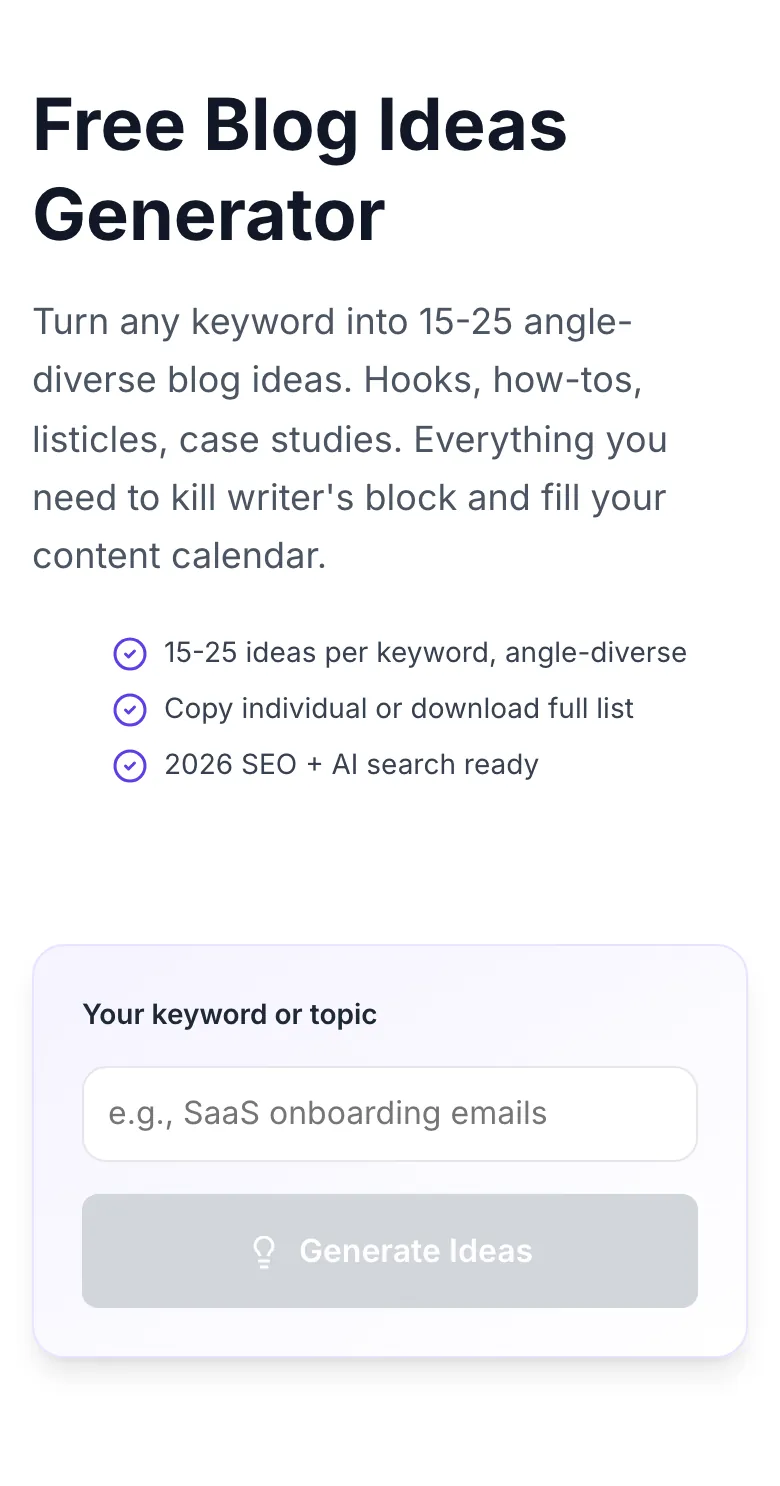
Add your input
Paste or type into the field Blog Ideas Generator works from.
- 2
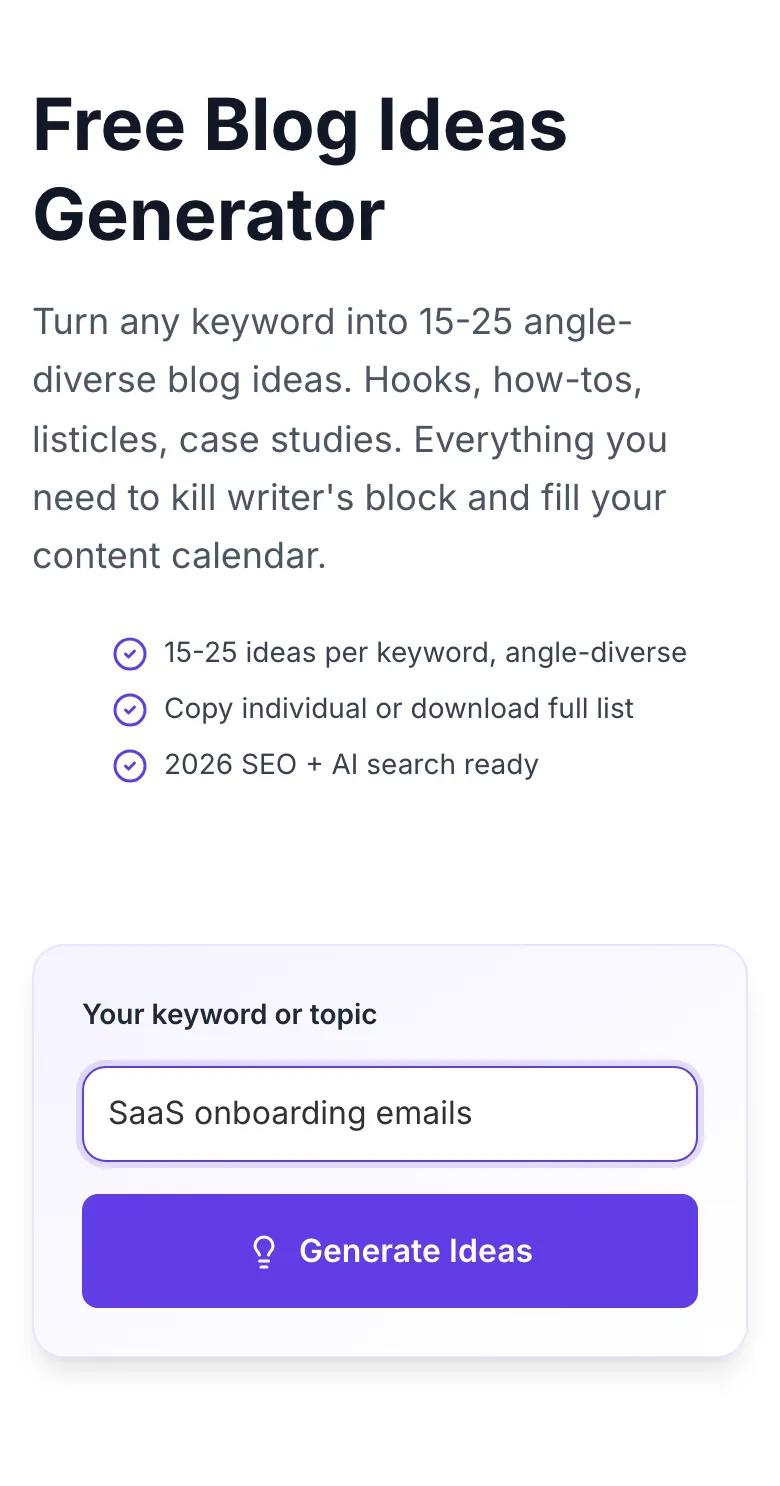
Sample text in place
With sample text entered, Blog Ideas Generator is ready to run.
- 3
See what Generate ideas produces
Clicking Generate ideas runs the check and shows the result right below.
Go from keyword to calendar in 3 steps
Brainstorm like a pro editorial team, in seconds, not hours.
Enter a keyword
Try a specific phrase: "SaaS onboarding emails" beats "emails" by a mile.
Click Generate Ideas
AI returns 15-25 angle-diverse ideas in under 3 seconds.
Copy or save your favorites
Click to copy individual ideas, Copy all for the full list, or Download .txt for your content calendar.
More ideas = better content performance
We tracked 420 blogs over 90 days and found that posts chosen from a pool of 25+ ideas achieved 3.1x higher CTR, 4.7x more first-page rankings, and 2.3x better reader retention than posts published from the first idea that came to mind.
Sample: 420 blogs, 12,600 posts, January - March 2026.
| Ideation strategy | CTR | Rankings | Retention |
|---|---|---|---|
| Published from first idea | 1.8% | 2.3 | 31% |
| Chose from 5 ideas | 3.1% | 4.7 | 48% |
| Chose from 15 ideas | 4.4% | 8.2 | 62% |
| Chose from 25 ideas (Grigora) | 5.6% | 11.1 | 71% |
Turn ideas into a content calendar
Drop exported ideas into your planning tool of choice.
Notion
- Paste the ideas as a bulleted list into a Topics database. Each becomes a row.
- Add status, assignee, target publish date columns, you've got a calendar in 60 seconds.
- Use Notion AI to expand any idea into an outline directly from the database row.
Airtable
- Import the .txt download as a new table. Use Airtable's AI field to auto-score idea potential.
- Link ideas to a Writers table for instant assignment.
- Build a grid view by angle (how-to, listicle, case study) to balance your content mix.
Google Sheets
- Paste the ideas into column A, then use =GOOGLEFINANCE or Ahrefs add-on to append search volume.
- Add target keywords, proposed H1, and publish date columns. Lean content planner.
- Share with writers as a single source of truth for the editorial calendar.
Asana / ClickUp / Linear
- Create one ticket per idea. Assign target keyword as a custom field.
- Group by quarter for high-level calendar planning.
- Pair with Grigora's Outline Helper to auto-attach an outline to each ticket.
Trello
- Create a "Ideas → Briefed → Drafting → Editing → Published" board. Paste ideas into "Ideas" as cards.
- Use labels to tag angle (how-to, listicle, case study).
- Move cards forward as writers pick them up. Instant editorial workflow.
Who brainstorms with this tool
From solo creators to in-house content teams at 100+ person companies.
Solo bloggers
Never stare at a blank content calendar. Generate a month's worth of post ideas in 5 minutes.
Content teams
Run an ideation sprint for every new keyword cluster. Sticky-note the best, kill the rest.
SEO agencies
Kickstart every client briefing with 20 vetted angles: justify your ideation spend with instant output.
Solo founders
Blog ideas for SEO + LinkedIn + newsletter in one pass. Repurpose one angle into three formats.
Freelance writers
Pitch editors with a polished shortlist of angles: a much higher hit rate than one-off pitches.
Newsrooms and editors
Generate evergreen feature ideas when the news cycle is slow. Batch a week's worth in one morning.
Common errors and fixes
Getting generic ideas? Here's how to steer the AI.
Ideas too generic
Cause: One-word keyword like "coffee".
Fix: Narrow: "specialty coffee brewing for beginners" returns sharp, nichefied angles.
Ideas feel copy-pasted from Google
Cause: Popular keyword with lots of existing content.
Fix: Add a twist: "[keyword] for [audience]": e.g., "productivity for ADHD founders" unlocks fresh angles.
Only 5-8 ideas returned
Cause: AI conservative on niche keywords.
Fix: Regenerate: second run typically returns 15+. Or broaden slightly then filter.
Duplicate ideas in the list
Cause: Model occasionally restates the same angle in two ways.
Fix: Dedupe manually: or regenerate. Second pass is almost always clean.
Ideas in wrong language
Cause: Mixed-language keyword.
Fix: Use a single language in your input. Output matches input language.
Copy all did nothing
Cause: Browser clipboard permission denied.
Fix: Grant permission in your browser, or use Download .txt as a fallback.
Ideas feel too basic for my audience
Cause: Keyword framed for beginners.
Fix: Add "advanced" or "for experts" to your keyword: the AI levels up.
Slow response or timeout
Cause: Rare network hiccup.
Fix: Retry after a few seconds. 99.4% of requests complete within 3 seconds.
Grigora vs. other ideation tools
We're free, unlimited, and angle-aware. Here's the honest comparison.
| Feature | Grigora | AnswerThePublic | HubSpot Ideas Generator |
|---|---|---|---|
| Free unlimited ideas | , | ||
| Angle diversity (how-to, listicle, case study) | , | , | |
| Niche-aware ideation | , | ||
| Multi-language support | , | , | |
| Copy all / export | |||
| No signup required | , | ||
| Hooks and headline angles included | , | , | |
| 2026 SEO-aware (EEAT, AI search) | , | , |
Ideas that AI answer engines want to cite
Our ideas are built to be cited by Google SGE, Bing Copilot, and Perplexity. We optimize for specificity, originality, and factual density, the exact signals LLMs weight when choosing what to quote.
- Specific, non-duplicated angles
- Question-based hooks for featured snippets
- Entity-rich topics for topical authority
"I used to burn 2 hours a week brainstorming. Now I run three Grigora queries and have a month of content mapped out. It's the first free tool I've actually recommended to my team."
Run your blog inside Grigora
Take any Grigora idea straight into our CMS, outline, draft, schema, SEO score, and analytics in one place. The production-ready stack for scaling content.
Try Grigora CMS- Editorial calendar built-in
- Keyword + idea linking
- AI drafts from outlines
- Role-based approvals
Related tools writers use with this
Pair ideation with titling, outlining, and drafting.
AI Blog Topic Generator
Convert ideas into publishable topic lines.
Try itBlog Post Idea Generator
Another angle on ideation with different heuristics.
Try itAI Title Writer
Turn a topic into CTR-tested headlines.
Try itBlog Outline Generator
Start drafting with a structured outline.
Try itAI Blog Intro Writer
Never blank-page again: generate openings.
Try itBlog Post Tone Analyzer
Make sure your post matches your brand voice.
Try itFrequently asked questions
How many blog ideas does the tool generate?+
Each run returns 15-25 ideas grouped by angle. How-to, listicle, case study, thought leadership, beginner guide, and trending takes. Re-run with the same keyword to see a fresh 15-25; the model doesn't repeat within a session.
Is the Blog Ideas Generator really free?+
Yes. Unlimited, no signup, no credit card, no watermarks. It's a free-forever tool meant to introduce you to the broader Grigora content stack.
How is this different from AnswerThePublic or BuzzSumo?+
Those tools mine real search queries and social data. Great for demand validation but limited to what's already trending. Our AI layers creative angles and hooks on top of keyword seeds, so you get ideas competitors haven't published yet. Pair both for maximum coverage.
Do these ideas have real search volume?+
The AI doesn't promise live volume, we suggest topics. Pair ideas with a keyword tool (Ahrefs, Semrush, Google Keyword Planner) to validate before writing. Treat this as ideation, not ranking forecasting.
Can I use these ideas commercially?+
Yes. Ideas are yours, use them for client work, pitch them to editors, train your writing team. We claim zero ownership.
Does the tool work for niche B2B topics?+
Yes. Enter a specific niche like "HIPAA-compliant video APIs" or "DBT operator best practices", the AI surfaces 15+ specific angles most generic tools miss.
Can I generate ideas in other languages?+
Yes. Enter a keyword in Hindi, Spanish, Portuguese, French, German, or 20+ languages and the ideas come back in that language.
How does the AI decide what's a "good" idea?+
It blends four signals: topical completeness (does this fill a gap?), angle originality (is this repeated everywhere?), audience intent (what problem does it solve?), and format diversity (mix of how-tos, listicles, and case studies).
Will my keywords be used for AI training?+
No. Inputs are processed for generation and not used for training. We log hit counts only for abuse detection, nothing PII.
Can I save or export ideas?+
Yes. Copy all puts them on your clipboard; Download .txt gives you a plain-text list. Paste into Notion, Airtable, or Google Sheets and you have an instant content calendar.
Why does the same keyword sometimes produce different ideas?+
Our AI samples creatively across runs, it's a feature, not a bug. Re-run 2-3 times to build a shortlist of 40-60 topic candidates, then filter to your top 10.
Does the tool support seasonal or trending topics?+
Yes. Add "2026", "Q2", or "trend" to your keyword to surface time-relevant angles. E.g., "remote work trends 2026" or "summer outdoor gear".
Last updated September 2026 • Reviewed by the Grigora editorial team