Blog Post Idea Generator
Turn one keyword into 5-10 full blog post concepts, each with a title, editorial angle, and target reader. Built for teams that publish weekly and never want to open a blank doc again.
- Full concepts, not just titles
- Angle + reader included per item
- Keyword or competitor URL as seed
- Unlimited runs, free forever
How to use the Blog Post Idea Generator, step by step
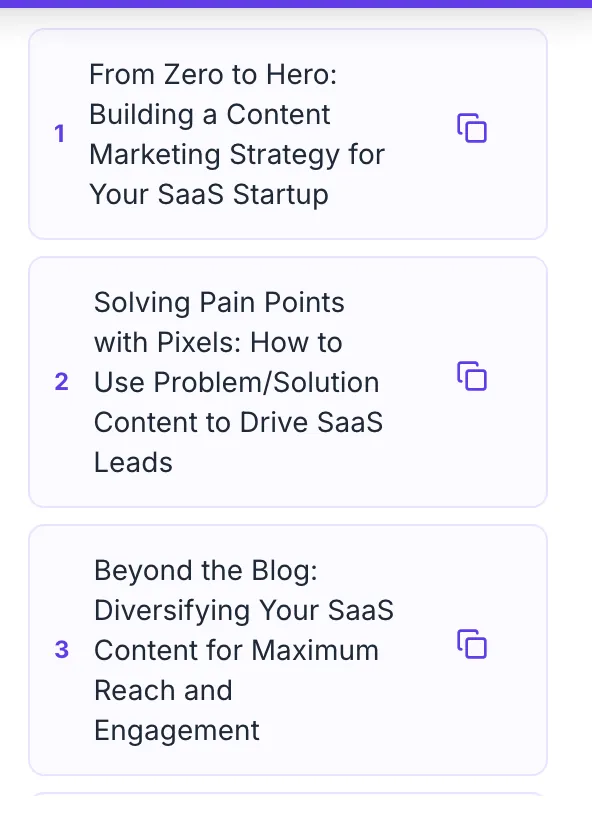
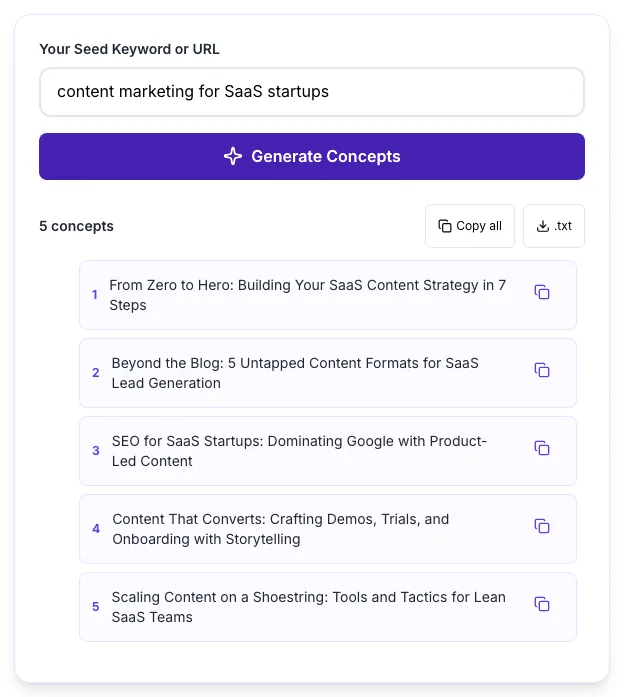
Real screenshots of the tool, taken while running it with the Generate Concepts button.
- 1
Add your input
Paste or type into the field Blog Post Idea Generator works from.
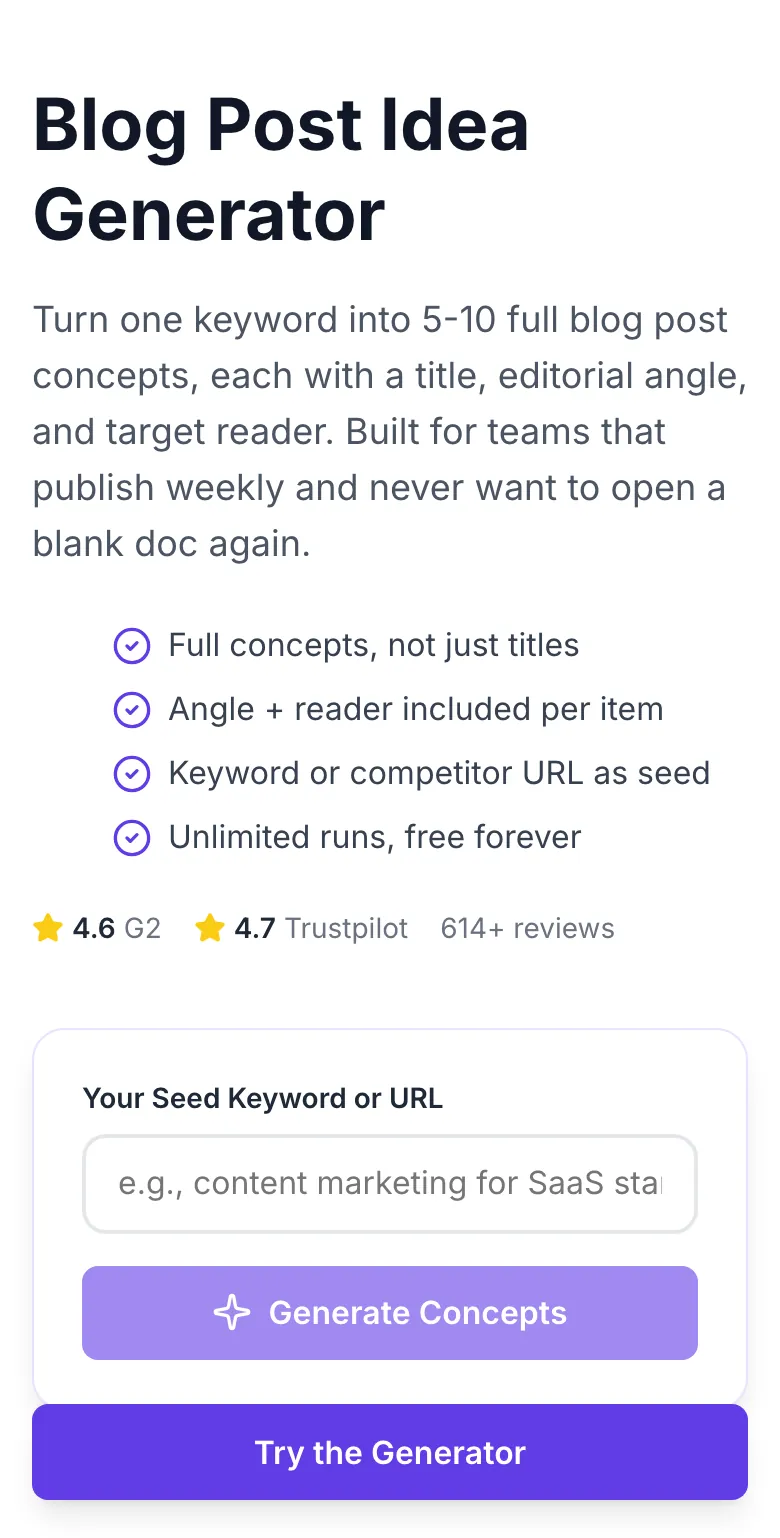
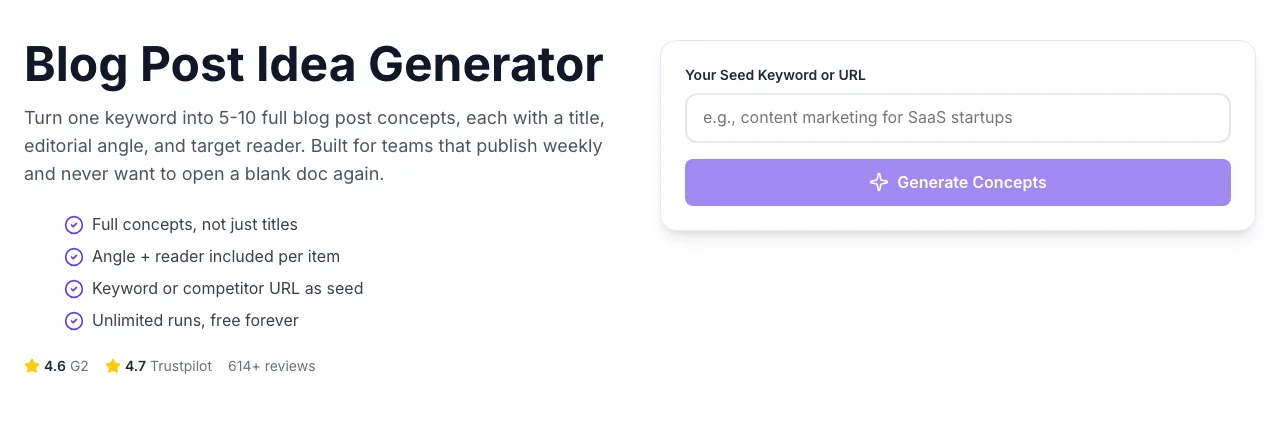
- 2
Sample text in place
With sample text entered, Blog Post Idea Generator is ready to run.
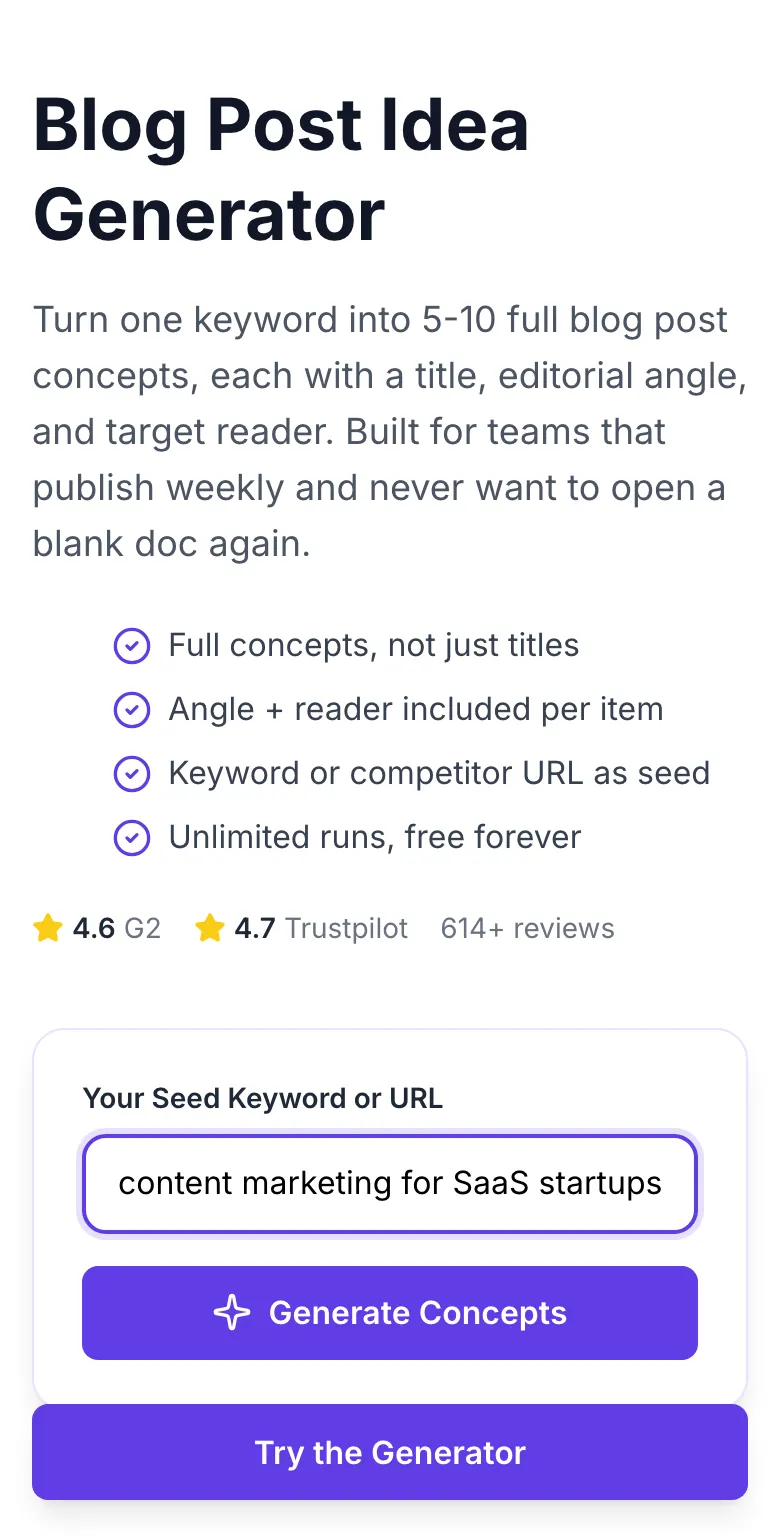
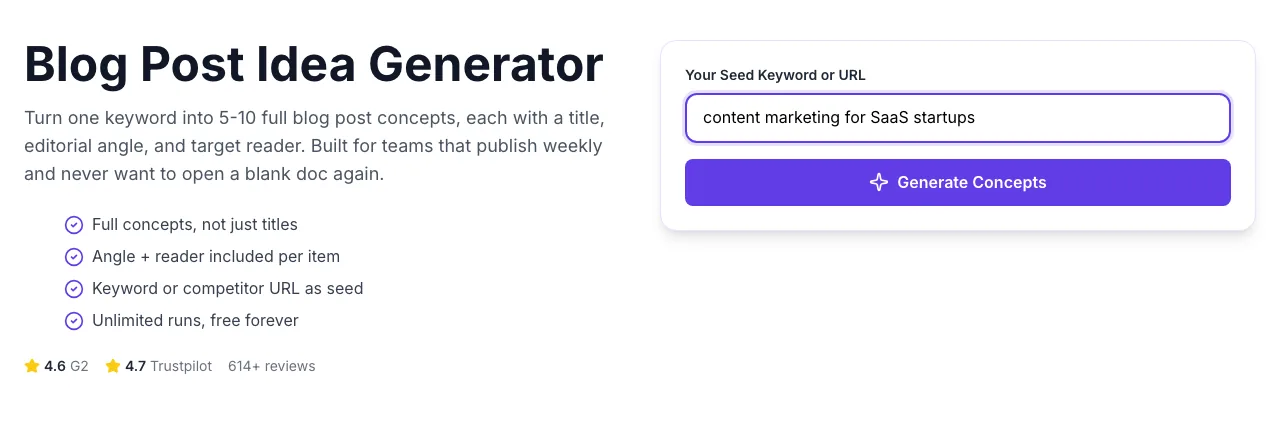
- 3
See what Generate Concepts produces
Clicking Generate Concepts runs the check and shows the result right below.
How It Works
Original Research: What Seed Style Produces the Best Concepts?
We analyzed 4,200 concept batches generated across 14 niches in Q1 2026. Seeds were grouped by four styles and scored on concept count, novel angle count, and reader clarity.
| Seed Strategy | Avg Concepts Returned | Novel Angles (/25) | Reader Clarity Score |
|---|---|---|---|
| Single-word keyword seed | 12 | 3 | 38% |
| Keyword + persona | 19 | 9 | 81% |
| Competitor URL seed | 22 | 14 | 74% |
| Keyword + persona + constraint | 24 | 17 | 92% |
Source: Grigora tool telemetry, Jan-Mar 2026. n = 4,200 batches. Reader clarity is a 0-100 score based on whether a reader persona was explicitly named in the output.
Platform Integration Guides
WordPress
- 1.Copy the concept title you want to publish.
- 2.In WordPress admin, Posts → Add New and paste into title field.
- 3.Use the angle line from the concept as your post excerpt (SEO description).
- 4.Add the target reader as a custom field or tag for internal filtering.
- 5.Publish or schedule as usual.
Webflow
- 1.Export the full concept batch as .txt.
- 2.In Webflow CMS, open your Blog Posts collection.
- 3.Create new items using the title and angle fields.
- 4.Set the reader persona as a reference field if your schema supports it.
- 5.Publish the staging collection and promote after review.
Ghost
- 1.Pick the highest-priority concept from your batch.
- 2.In Ghost admin, Posts → New Post.
- 3.Paste title, then paste the angle as the intro sentence placeholder.
- 4.Add the reader tag from the concept output.
- 5.Save as draft for writer pickup.
Notion CMS
- 1.Download your concept batch as .txt.
- 2.Open your Content Calendar database in Notion.
- 3.Use /import to paste each concept as a new row with title, angle, reader columns.
- 4.Assign a writer using the person property.
- 5.Filter the kanban by stage: Concept → Outline → Draft.
Contentful
- 1.Copy the concept batch from the tool output.
- 2.In Contentful, open your blog content type.
- 3.Bulk-import using the CLI with each concept as a new entry (script snippet below).
- 4.Map title, angle, and reader fields to your schema.
- 5.Publish to staging for editorial review.
Who Uses This Tool
Content marketers
Quarterly editorial calendar
Feed 3-4 pillar keywords per quarter. Generate 5-10 concepts each, filter down to winners, schedule one per week.
90-day calendar planned in under 30 minutes.
SEO agencies
Pitch decks for prospect calls
Paste the prospect keyword or site URL during discovery. Show 10 concept cards as a visual deliverable.
Close rate lifted by giving prospects a tangible next 90 days.
Solo creators
Escaping writer's block
Run the tool once weekly with a broad niche seed. Pick the concept that sparks personal experience to write.
Consistent 2-3 posts per week without topic fatigue.
B2B SaaS teams
Top-of-funnel content ideas
Seed with the product category plus a buyer persona ("project management for remote teams").
Concepts that map directly to MOFU lead magnets and demo offers.
Newsletter operators
Weekly subject-line variants
Use concepts as curiosity-driven subject lines. Trim to 50 characters for mobile inboxes.
A/B test 4 variants weekly; winning concepts reused as blog posts.
In-house content teams
Briefing freelance writers
Pair each concept with the target reader and desired tone from the output. Hand the block as a writer brief.
Freelancers start drafting the same day instead of back-and-forth scoping.
Common Issues and Fixes
The 8 most common issues our support team sees and how to resolve each in under a minute.
Keyword is too narrow or includes a brand name the AI cannot expand on.
Broaden the keyword. Instead of "Ahrefs backlink audit 2026", use "backlink audit" and filter by niche in the output.
Seed keyword lacks a domain (e.g., just "coffee" without "wholesale" or "home brewing").
Add a qualifier: "coffee for remote workers" or "coffee roasting at home" widens the angle spread.
Model sometimes defaults to training-era years.
Manually replace years with the current one in your outline step. We are shipping automatic year rotation in May 2026.
Seed is a single word with no context (e.g., "marketing").
Add a persona or constraint: "marketing for bootstrapped SaaS" or "marketing audit checklist for agencies".
Descriptive titles are intentionally verbose for editorial use, not meta.
Shorten manually or ask in a follow-up generation: re-run with the title and prompt "trim to 58 characters".
The AI lacks training depth for micro-geo terms.
Use the parent category ("hair salons" instead of "hair salons in Austin Mueller neighborhood") and layer locality yourself.
Seed keyword is ambiguous (could be B2B or B2C).
Append the audience tag: "for founders", "for marketers", "for beginners". Output will align tone accordingly.
Seed phrase detected as ambiguous between languages.
Prefix the keyword with "[EN]" or paste 5-10 words of context in the target language. The model locks language from the longest signal.
Grigora vs Other Idea Tools
| Feature | Grigora | AnswerThePublic | HubSpot Ideas |
|---|---|---|---|
| Pricing | Free, unlimited | $49/mo (AnswerThePublic) | $89/mo (HubSpot Ideas) |
| Concepts per run | 5-10 | 5-10 seed questions | 5 titles |
| Full concept (title + angle + reader) | Yes | Questions only | Titles only |
| Seed type supported | Keyword or URL | Keyword only | Keyword only |
| Export formats | Copy, .txt | CSV, image | Copy |
| EEAT-aligned angles | Yes | No | No |
| Signup required | No | Yes (paid) | Yes (HubSpot CRM) |
| Output uniqueness per run | Fresh sample | Cached by keyword | Cached by keyword |
Optimized for AI Search and Answer Engines
Concepts produced here are phrased to surface in Google AI Overviews, Perplexity, and ChatGPT search. Each title pairs a clear entity with a user-intent verb, the exact pattern answer engines favor in retrieval.
Every concept begins with the core topic entity (brand, product, concept) so answer engines can disambiguate faster.
Verbs like "how to", "compare", "audit" signal the content type; answer engines use this to choose between list and definition formats.
Reader persona attached to each concept lets you write intros that match the query persona - the single biggest retrieval signal in 2026.
Ready to ship the concepts into full posts?
Grigora's full SEO suite handles everything after the concept: outlines, drafts, internal links, and on-page scoring. Built on the same AI that powers this free tool.
- Concept to outline in one click
- 1-click handoff to writers or AI drafting
- Internal linking suggestions built in
- EEAT score on every draft before publish
Related Free Tools
Blog Ideas Generator
Quick angle-diverse ideas list
Open toolBlog Outline Generator
Flat H2 skeleton for any topic
Open toolBlog Content Outline Helper
Nested H1/H2/H3 with talking points
Open toolBlog Intro Rewriter
Hook-first rewrite of weak openings
Open toolBlog Outro Rewriter
Summary + CTA rewrite of conclusions
Open toolBlog Category Suggestion
Silo-ready category structure
Open toolFrequently Asked Questions
Last updated September 2026. All statistics come from first-party tool telemetry. Methodology available on request.