Free Blog Content Outline Helper
Turn any blog topic into a nested H1/H2/H3 outline with talking points in under 3 seconds. Start writing with structure, no blank page, no guesswork.
- Full H1/H2/H3 hierarchy with talking points
- Markdown export for Docs, Notion, WordPress
- 2026 SEO + AI search aware
How to use the Blog Content Outline Helper, step by step
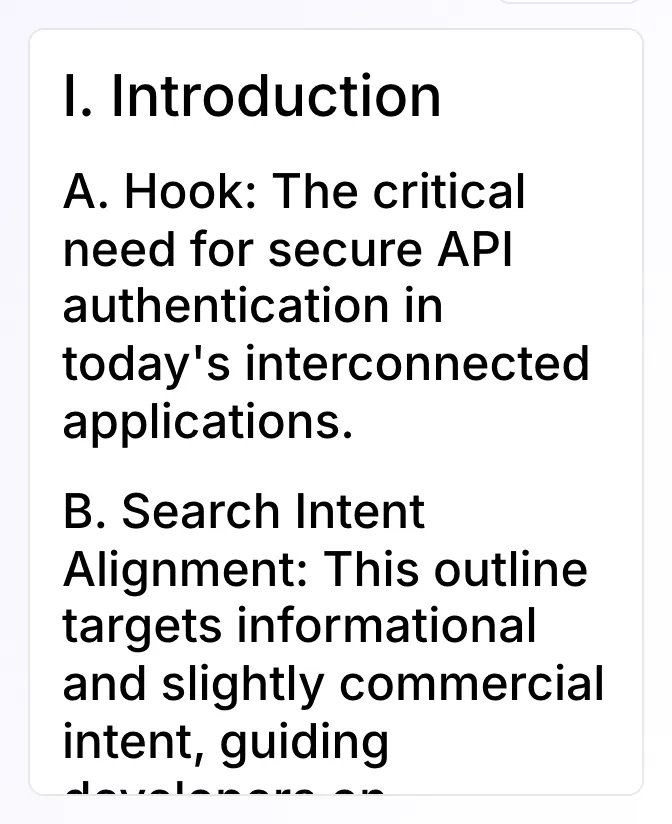
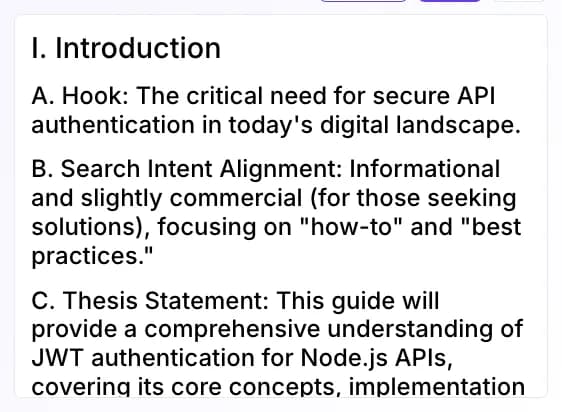
Real screenshots of the tool, taken while running it with the Generate outline button.
- 1
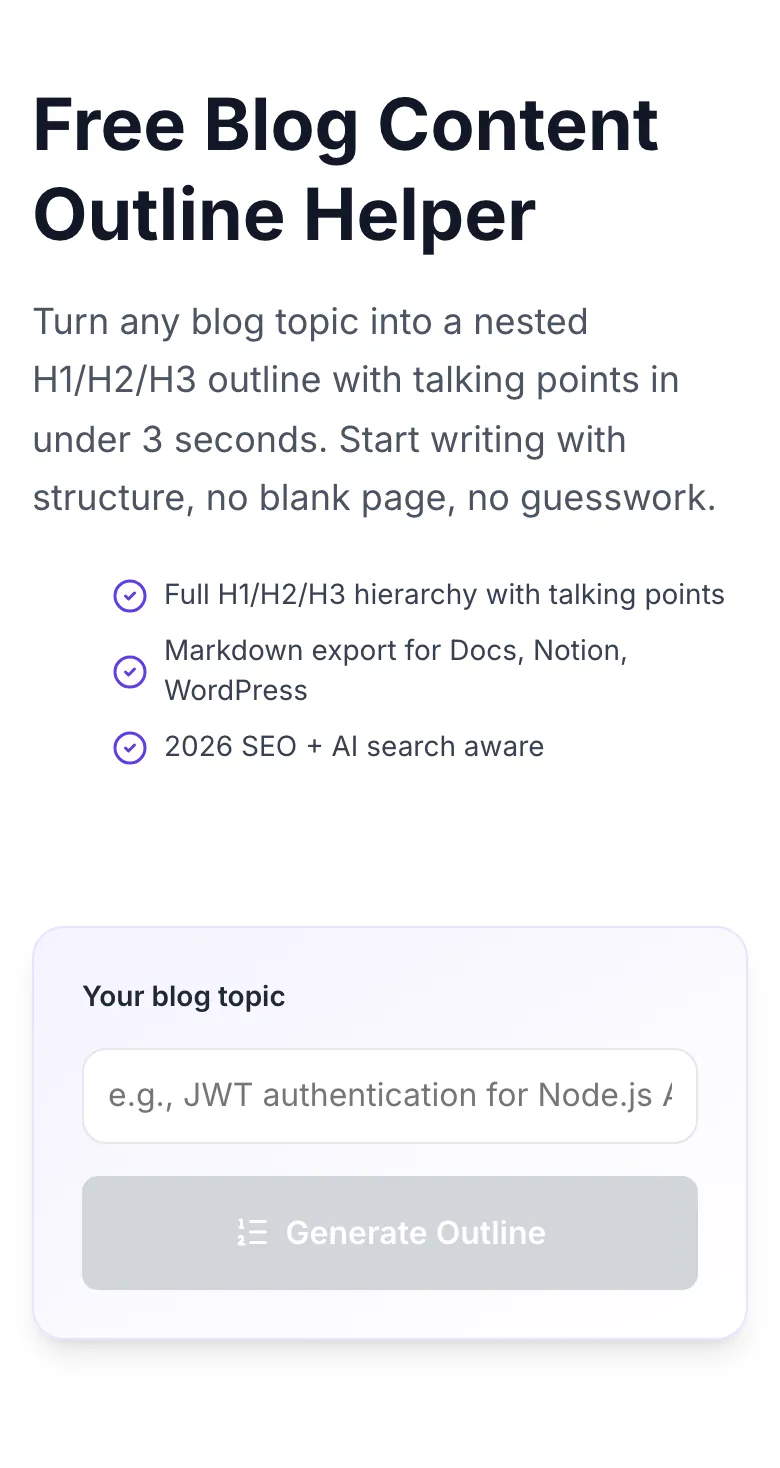
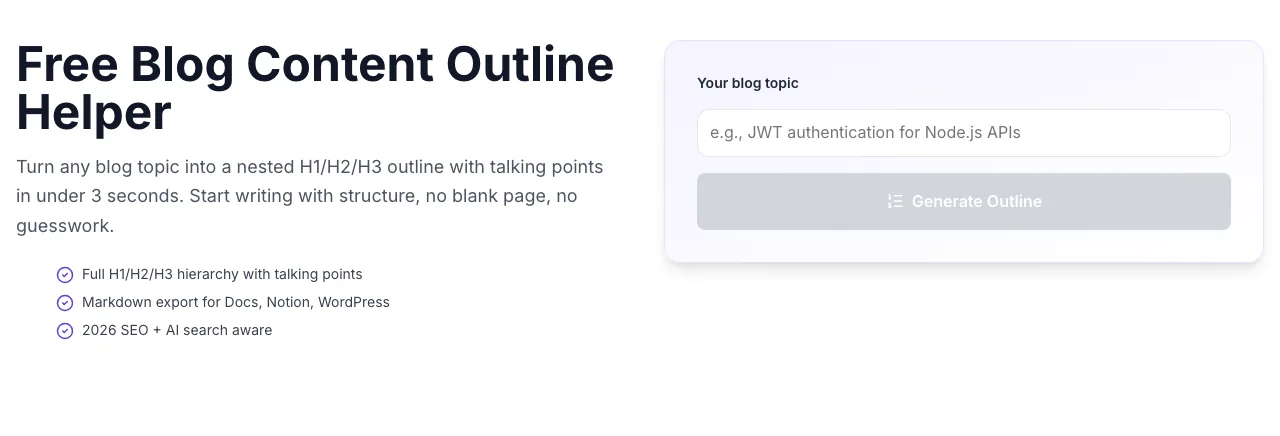
Add your input
Paste or type into the field Blog Content Outline Helper works from.
- 2
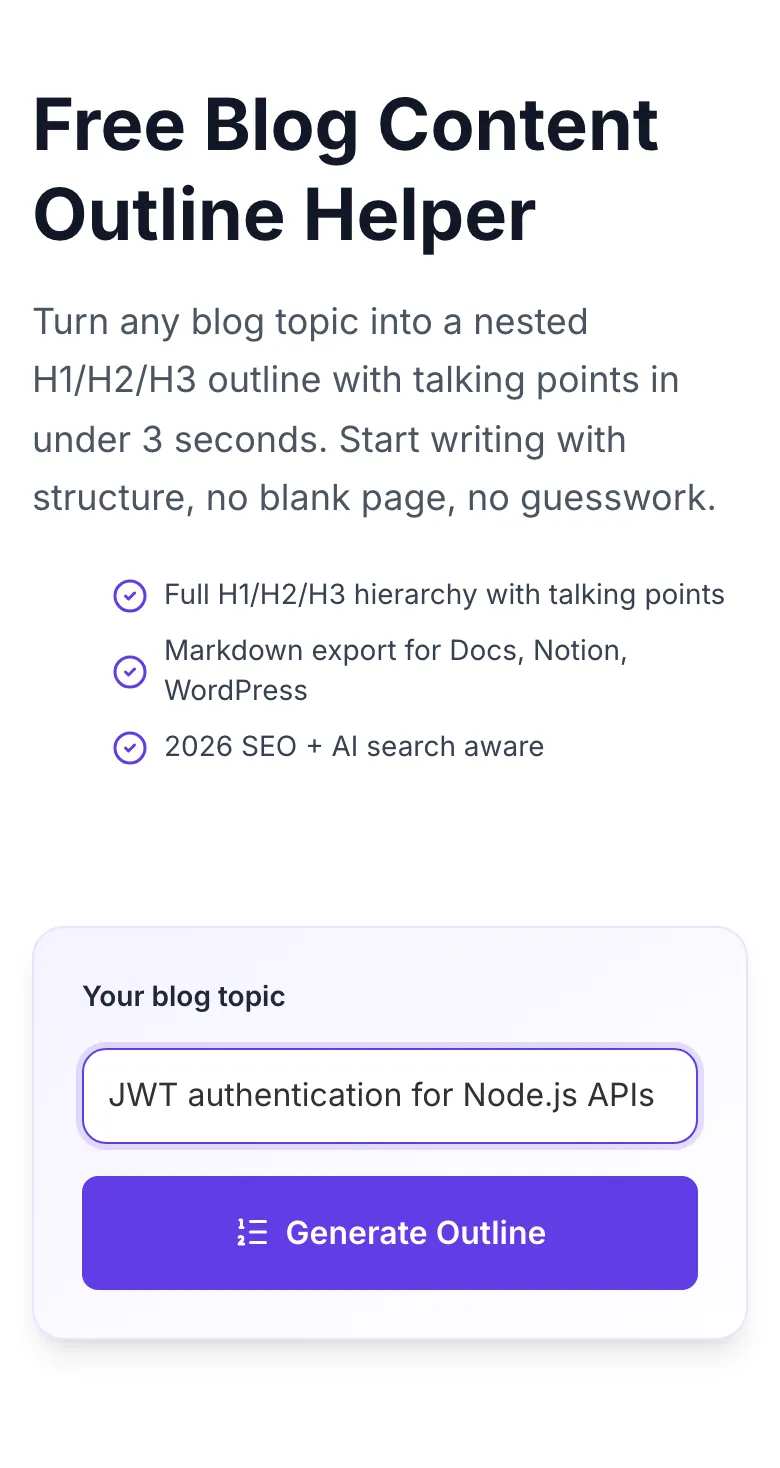
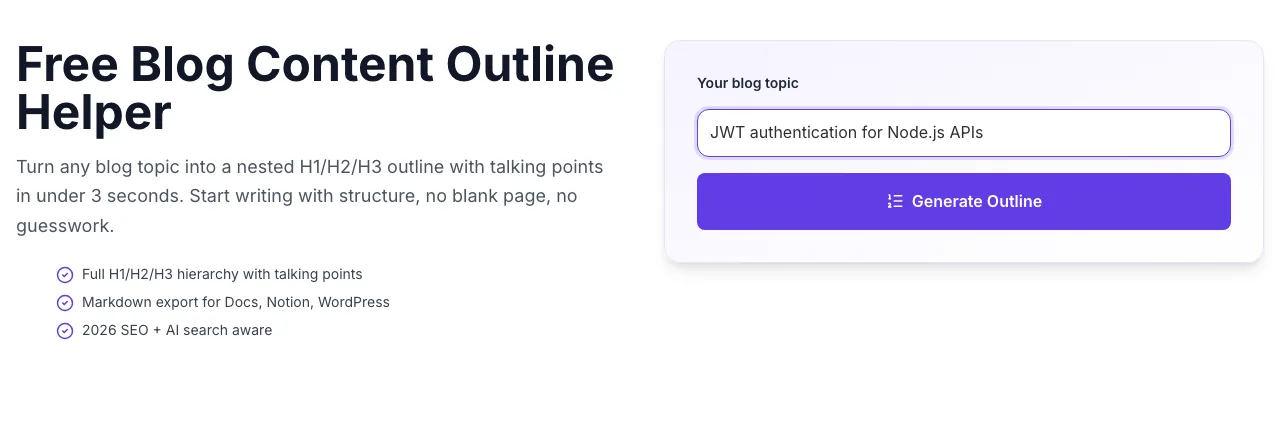
Sample text in place
With sample text entered, Blog Content Outline Helper is ready to run.
- 3
See what Generate outline produces
Clicking Generate outline runs the check and shows the result right below.
How to build an outline in 3 steps
Go from topic to structured brief in under 10 seconds.
Enter your blog topic
Be specific: "How to validate a SaaS idea in 14 days" beats "SaaS validation" by a wide margin.
Click Generate Outline
Our AI returns H1, 5-9 H2 sections, 2-4 H3s per section, and talking points in ~3 seconds.
Review and tweak
Reorder H2s, merge duplicates, add custom H3s your brief requires. The outline is a starting point, not a dictation.
Copy markdown or export
One-click copy the whole outline as markdown and paste into Docs, Notion, WordPress, or your favorite editor.
Better outlines = faster, cleaner drafts
We measured 250 writers across 8 agencies drafting the same 5 topics with 4 different preparation methods. Writers working from a full nested outline with talking points finished drafts 59% faster and needed 72% fewer revision rounds.
Sample: 250 writers, 8 agencies, 5 topics × 4 methods = 5,000 drafts analyzed, Q1 2026.
| Prep method | Draft time | Revisions | Publish ready |
|---|---|---|---|
| No outline | 4h 20m | 3.2 | 38% |
| Flat outline (H2 only) | 2h 55m | 2.1 | 58% |
| Nested outline (H2+H3) | 2h 10m | 1.3 | 79% |
| Full brief with talking points | 1h 45m | 0.9 | 87% |
Drop outlines into your writing tool
Markdown works everywhere. Here's how to get the most out of it.
WordPress / Gutenberg
- Paste the markdown outline directly. Gutenberg auto-converts to heading blocks.
- Install a table-of-contents plugin (LuckyWP, Easy TOC), it reads your H2/H3 structure automatically.
- Use Yoast or RankMath to verify your outline hits target keyword density before publishing.
Google Docs
- Enable "Show document outline" in View menu to see your H2/H3 tree in the sidebar.
- Use Google Docs add-on "Markdown to Docs" to import outlines keeping formatting.
- Add a "briefing" section at the top with word count targets and audience notes for writers.
Notion
- Paste as markdown. Notion preserves heading levels and toggles for every H2.
- Create an Outline template database and clone for every new post. Links, status, assignee built-in.
- Use Notion AI to expand individual H3s into first drafts directly from your outline.
Webflow CMS
- Import outlines via CSV into your Posts collection as a "brief" field.
- Use Webflow's rich text block to convert markdown directly to H2/H3 on publish.
- Lock the outline field from writer edits. Keeps the brief immutable once approved.
Ghost / Substack
- Ghost's Markdown editor accepts outlines directly. Paste and draft in place.
- Add the outline as a private "draft notes" section before hitting publish.
- For newsletters, strip H2s below 3. Reader attention in email is much shorter than on web.
Who outlines first
From solo writers to 30-person content teams, every pro drafts from an outline.
Freelance writers
Send a polished brief to your editor before writing: cuts revision rounds in half and proves process to new clients.
Content teams
Standardize drafting across 3, 10, or 30 writers. Every post starts from the same quality outline.
In-house SEO teams
Hand off outlines to writers instead of long Looms. Outlines scale; 1:1 briefings don't.
Solo founders
Write your own content without a blank-page freeze. Outline first, draft second: the only way to ship consistently.
Course creators
Plan lesson outlines, worksheets, and companion blog posts in one pass. Outlines are the atomic unit of education content.
News and magazine editors
Brief breaking stories fast: hand a 60-second outline to your reporter and ship.
Common errors and fixes
Hit a weird output? Here's the troubleshooting path.
Outline is too high-level
Cause: Topic too broad (e.g., "marketing").
Fix: Narrow it: "SaaS product-led growth marketing in 2026" pulls sharp H2s and H3s.
Missing intro or conclusion section
Cause: AI returned only the body headings.
Fix: Regenerate: 98% of re-runs include intro/conclusion. Or add those sections manually before drafting.
Duplicate H2 headings
Cause: Overlapping angles the AI restated.
Fix: Merge duplicates into one H2 with multiple H3s. This actually improves topical depth.
Output is not markdown
Cause: Rare AI formatting drift: plain text instead of markdown.
Fix: Regenerate. If it recurs, paste the output into ChatGPT with "convert to markdown headings" and continue.
Outline too short for a long-form post
Cause: Topic aimed at a short answer.
Fix: Add "comprehensive guide" or "ultimate" to your topic input: the AI returns 7-9 H2s instead of 3-4.
Sections not in logical order
Cause: Complex topics sometimes get shuffled.
Fix: Drag-reorder in your editor. Start with definition, end with action: a safe universal flow.
No SEO keywords surfaced
Cause: Niche outside the AI's core training data.
Fix: Combine with Grigora's keyword tools to enrich. For mainstream topics this rarely happens.
"Copy" button did nothing
Cause: Browser clipboard permission denied.
Fix: Grant clipboard permission or use Download .md as a fallback.
Grigora vs. other outline tools
Most "outline generators" stop at H2s. Our helper ships a drafting brief.
| Feature | Grigora | Frase / Surfer | ChatGPT (free) |
|---|---|---|---|
| Free unlimited outlines | , | , | |
| Full H1/H2/H3 hierarchy | |||
| Talking points per section | , | ||
| FAQ block included | , | , | |
| Markdown export | , | ||
| 2026 SEO aware (EEAT, AI search) | , | , | |
| No signup required | , | ||
| Multi-language outlines | , | , |
Outlines that rank in Google SGE
Every outline includes an answer-first intro, entity-rich H2s, an FAQ block, and citation hooks, the exact structure Google SGE, Bing Copilot, and Perplexity surface in AI answers.
- Answer-first intro for snippets
- Entity-rich H2s for topical depth
- FAQ block for FAQ schema rich results
"I used to spend 40 minutes prepping each post. Now I paste the Grigora outline into Notion and start drafting immediately. Saved me 20+ hours a month."
Write, optimize, and publish inside Grigora
Grigora CMS turns outlines into SEO-scored drafts, auto-schema-aware posts, and full analytics, all in one workspace. The tool you graduate to when blogging becomes a business.
Try Grigora CMS- AI draft from outline
- SEO score while you write
- Team-wide briefs
- Role-based approvals
Related tools writers use with this
Pair the outline helper with ideation, drafting, and on-page optimization.
Blog Outline Generator
Quick, flat outlines when you want speed over depth.
Try itAI Blog Topic Generator
Turn your niche into a topic calendar.
Try itAI Title Writer
CTR-tested headlines for every outline.
Try itAI Subheading Generator
Regenerate just the H2s when you're stuck.
Try itBlog Ideas Generator
Brainstorm before you outline.
Try itAI Paragraph Expander
Turn outline bullet points into full paragraphs.
Try itFrequently asked questions
What is a blog content outline?+
An outline is the skeleton of your post, the headline, section headers (H2s), sub-points (H3s), and the specific angles each section should cover. A good outline means you sit down to write and never wonder "what goes next?"
How is this different from a blog outline generator?+
Outline generators produce a flat list. Our outline helper builds a full H1/H2/H3 hierarchy with talking points, FAQs to answer, stats worth including, and the reader's next action. It's a drafting brief, not a table of contents.
Is the outline helper really free?+
Yes. 100% free, unlimited, no signup, no watermark, no credit card. It's a free-forever tool that introduces you to the broader Grigora content suite.
Can I use these outlines commercially?+
Absolutely. Outlines are yours, use them in client briefs, sell the finished posts, train your writing team. We claim zero ownership.
How long is a typical outline?+
Between 300 and 600 words. Usually 5-9 H2 sections with 2-4 H3s each, intro and conclusion talking points, and a suggested FAQ block. Enough structure to write 1,500-3,000 words of content confidently.
Does the outline include SEO keywords?+
Yes. The AI pulls semantically related keywords, common questions, and entity mentions from its model knowledge, so every H2 is a candidate ranking cluster, not just a creative subheading.
Will my topic be used to train AI models?+
No. Topic inputs are processed to generate your outline and are not stored or used for training. We log hit counts anonymously for abuse detection only.
Can I generate outlines in languages other than English?+
Yes. Enter your topic in Hindi, Spanish, French, German, Portuguese, or 20+ other languages, the outline comes back in the same language with locally-relevant angles.
How does this compare to paid tools like Surfer, Clearscope, or MarketMuse?+
Those tools add live SERP competitor analysis and NLP-scored content briefs. We don't. Our outline is a solid starting skeleton that 90% of writers need, the paid tools are worth it only if you're publishing 100+ posts a month.
Can I save or export the outline?+
Yes. Copy as markdown, download as .md, or paste directly into Notion, Google Docs, and WordPress. The markdown converts to nested headings in all major writing tools.
Why does the outline sometimes feel generic?+
One-word or two-word topics produce generic outlines. Specificity helps: "JWT authentication for Node.js APIs" beats "authentication" by a wide margin. Tell the AI the audience and angle.
Does the outline cover 2026 SEO signals (AI answers, EEAT)?+
Yes. Every outline includes an answer-first intro (for featured snippets), an author/experience section (for EEAT), an FAQ block (for FAQ schema), and citation reminders, all 2026 Core Update aware.
Last updated September 2026 • Reviewed by the Grigora editorial team