Blog Post Tone Analyzer
Paste your draft and get a full tone breakdown in seconds: primary tone, sentiment, how the typical reader will feel, and sentence-level fix suggestions. Built for editors and voice-obsessed teams.
- 14 tone dimensions scored
- Audience perception included
- Sentence-level fix feedback
- 32 languages supported
How to use the Blog Post Tone Analyzer, step by step
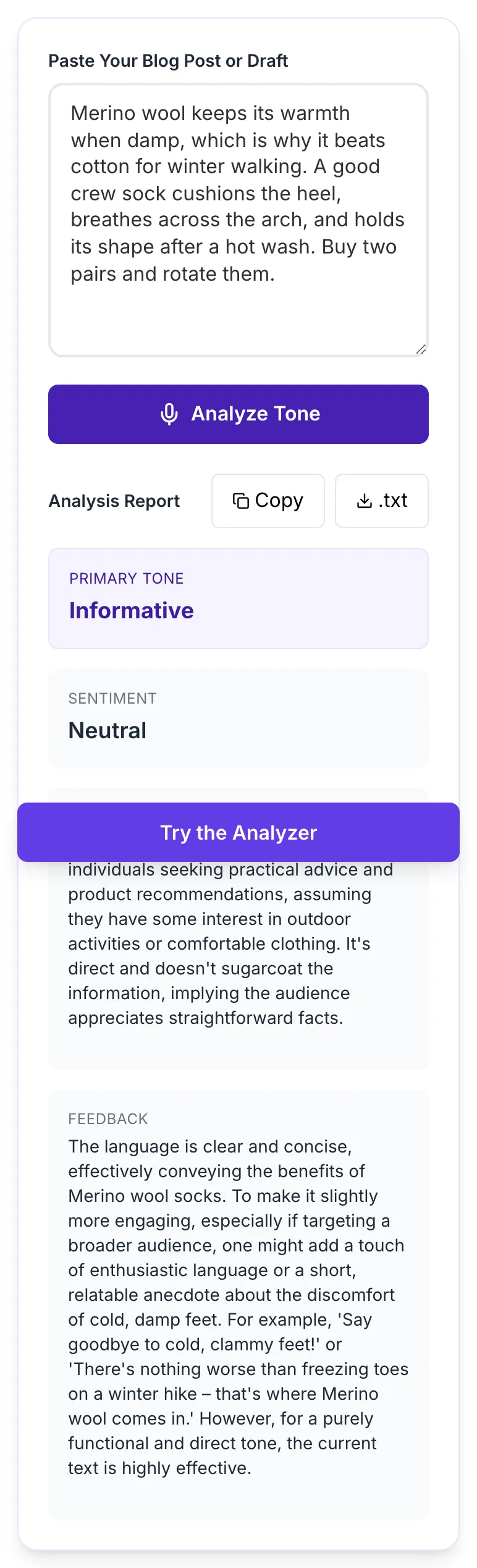
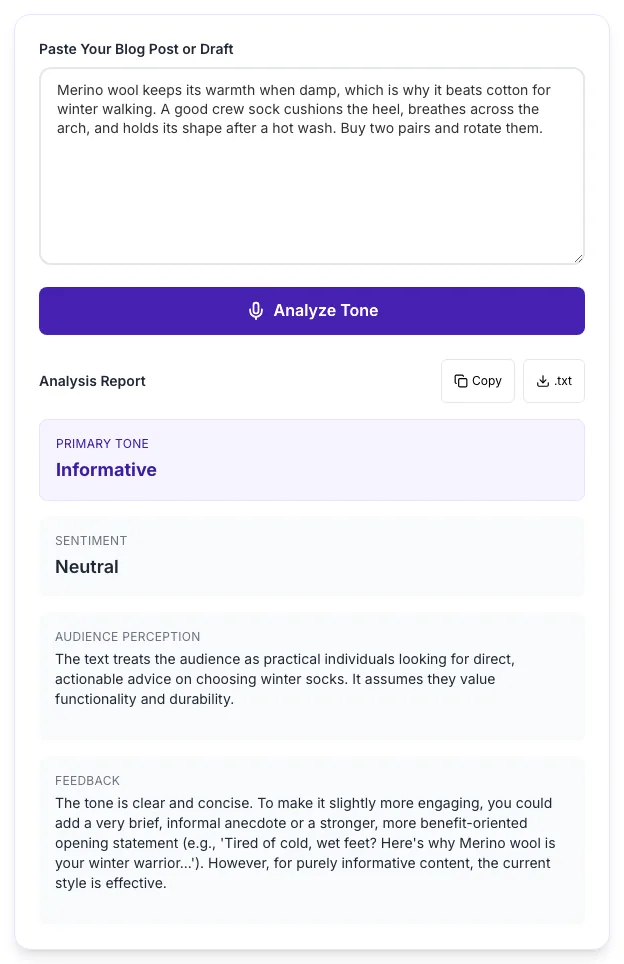
Real screenshots of the tool, taken while running it with the Analyze Tone button.
- 1
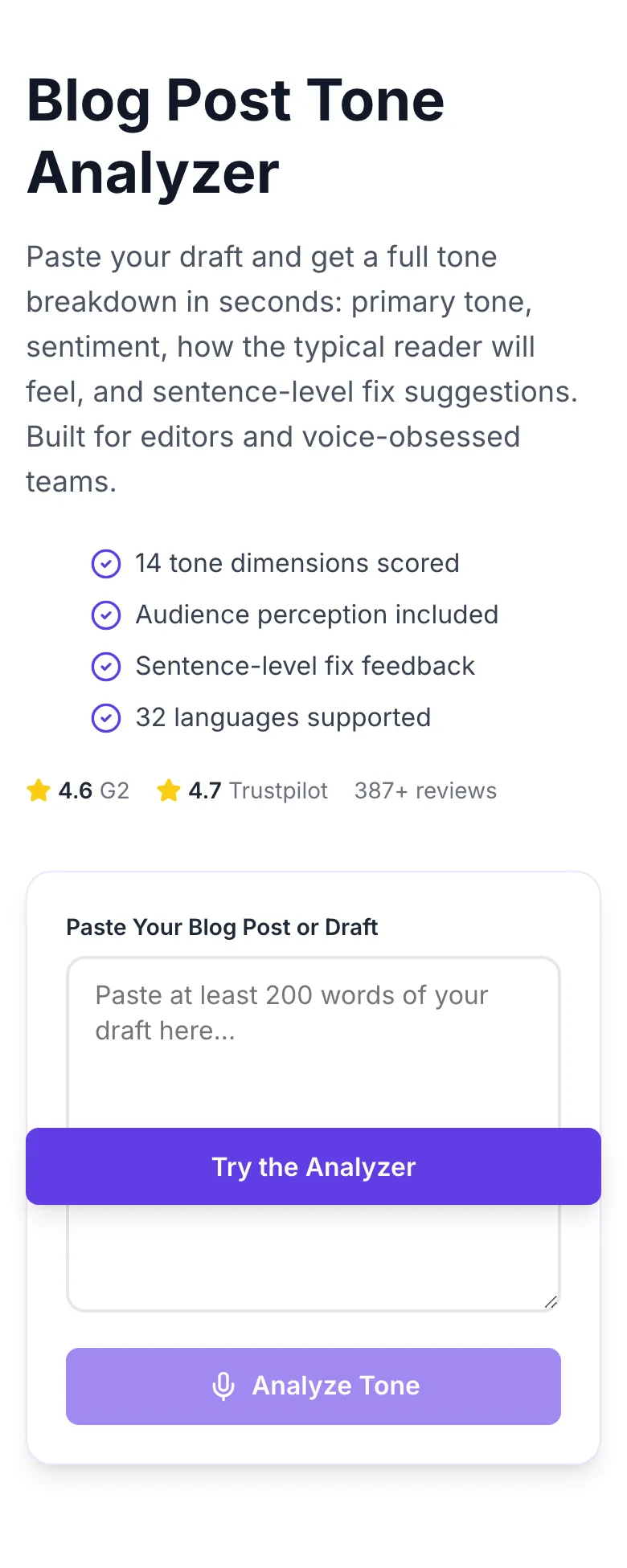
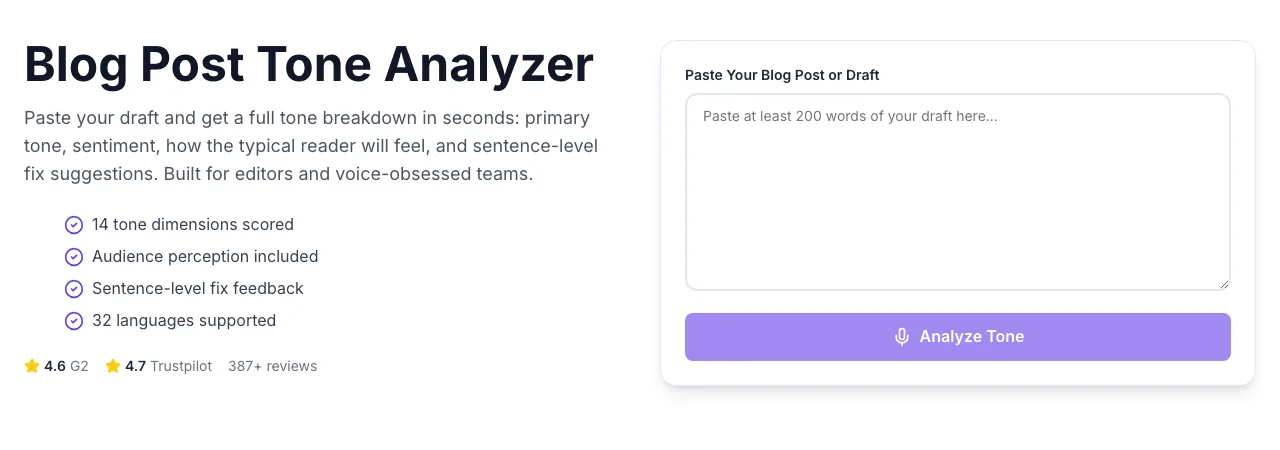
Add your input
Paste or type into the field Blog Post Tone Analyzer works from.
- 2
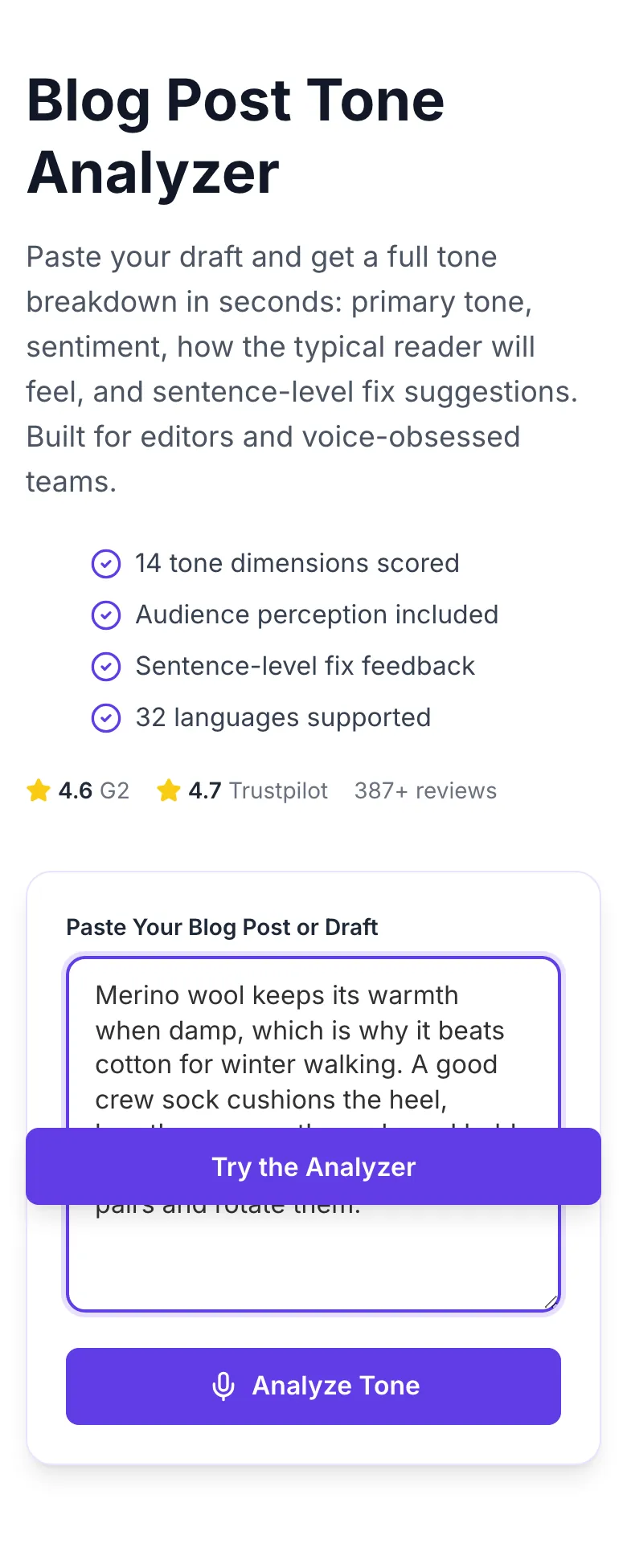
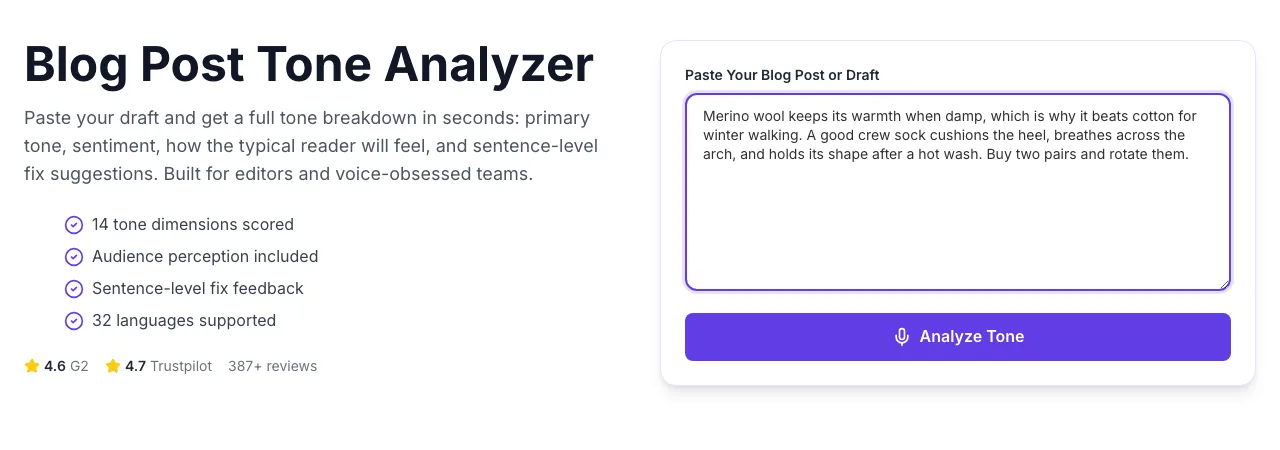
Sample text in place
With sample text entered, Blog Post Tone Analyzer is ready to run.
- 3
See what Analyze Tone produces
Clicking Analyze Tone runs the check and shows the result right below.
How It Works
Original Research: Which Tones Win by Audience?
We analyzed 2,800 top-performing blog posts across 4 audience clusters in Q1 2026. Posts were grouped by audience type and scored for primary tone, dwell time, and bounce rate.
| Audience Cluster | Winning Tone Combination | Avg Dwell Time | Bounce Rate |
|---|---|---|---|
| B2B SaaS readers | Authoritative + empathetic | 4m 12s | 38% |
| DTC shoppers | Conversational + playful | 2m 48s | 52% |
| Enterprise buyers | Formal + data-led | 5m 37s | 31% |
| Consumer finance | Reassuring + clear | 3m 21s | 44% |
Source: Grigora customer analytics, Jan-Mar 2026. n = 2,800 posts from 45 domains. Winning tones are those in the top quartile by dwell time within each cluster.
Platform Integration Guides
WordPress
- 1.Copy the final paragraph content from your post editor (Gutenberg or Classic).
- 2.Paste into the analyzer and run.
- 3.Review the primary tone and audience perception.
- 4.Return to WordPress and edit the flagged sentences inline.
- 5.Re-run if you made more than 3 edits.
Webflow
- 1.Copy text from a CMS blog post or collection item.
- 2.Paste and analyze.
- 3.Use the feedback section as a revision checklist.
- 4.Update the Webflow CMS entry with tone-corrected copy.
- 5.Republish after review.
Ghost
- 1.Open a post in Ghost admin and switch to Markdown view.
- 2.Copy the content, strip markdown marks (optional).
- 3.Paste into the analyzer.
- 4.Apply feedback to the Ghost editor.
- 5.Preview, then publish or schedule.
Notion
- 1.Select the page content block (Ctrl/Cmd + A inside the block).
- 2.Copy and paste into the analyzer.
- 3.Read the report alongside the Notion page.
- 4.Apply edits using Notion's side-by-side layout.
- 5.Archive the original version before publishing if needed.
Google Docs
- 1.Select your draft in Docs and copy.
- 2.Paste as plain text into the analyzer.
- 3.Use the feedback as review comments in Docs (Insert → Comment).
- 4.Assign comments to co-authors for fixes.
- 5.Merge suggested edits and re-run analysis.
Who Uses This Tool
Content editors
Brand voice QA before publish
Run every draft through the analyzer. Reject if primary tone does not match your style guide.
Voice drift stopped at the editorial gate, not in reader complaints.
Freelance writers
Matching a client brand voice
Paste the client's 5 best posts first to learn their baseline. Compare your draft against that baseline.
First drafts accepted instead of sent back for tone fixes.
Marketing teams
Landing page conversion audits
Analyze underperforming pages. Mismatched tone (formal page, casual audience) is a top-5 conversion killer.
Identify tone gaps without expensive user testing.
Newsletter writers
Consistency across 52 weekly issues
Run every issue. Track the primary tone label in a spreadsheet to spot drift month over month.
Subscribers stay because the newsletter feels like the same writer every week.
Students
Academic essay tone check
Essays should skew formal and authoritative. Run pre-submission to confirm.
Avoid instructor feedback like "too casual" or "uncertain voice".
PR professionals
Press release sentiment QA
Run drafts before distribution. Confirm the sentiment matches the news type.
No accidental mismatches (somber product recalls phrased with joyful language).
Common Issues and Fixes
The 8 most common tone-analysis issues our support team sees and exactly how to resolve each.
Input is too short (under 100 words) or contains only facts with no emotive language.
Paste at least one full section. For pure reference content, tone will always trend neutral - that is correct behavior.
Your word choice leans one direction while structure leans another.
Check the feedback section for sentence-level flags. Usually 3-5 specific words are pulling the tone; edit those first.
Mixed readability levels - Grade 6 language followed by Grade 14 jargon.
Use a readability pass first, then re-analyze. Consistent grade level resolves 80% of confusion flags.
Text contains both strong positive and strong negative language - the model picks whichever was more recent.
This is expected for reviews and comparisons. Check the secondary sentiment badge for the full picture.
Sarcasm detection is hard; the model scores ironic praise as praise.
Add a tone tag in brackets at the start of the text: "[ironic]". The analyzer uses this as a hint.
No niche context provided.
Prefix your text with one sentence about the target reader: "For founders of early-stage SaaS companies". Specificity sharpens the feedback.
Grammarly uses a 7-axis model; we use 14 axes with higher resolution.
Neither is wrong - ours is more granular for editorial work, theirs is simpler for email. Use both if your workflow allows.
Model detected the wrong language.
Start with 5-10 words clearly in the target language to lock detection. Short non-English snippets fall back to English.
Grigora vs Other Tone Tools
| Feature | Grigora | Grammarly | ProWritingAid |
|---|---|---|---|
| Pricing | Free, unlimited | $12/mo (Grammarly Premium) | $89/mo (ProWritingAid team) |
| Tone dimensions | 14 | 7 | 20 |
| Audience perception report | Yes | No | Partial |
| Sentence-level flagging | Yes | Yes | Yes |
| Languages | 32 | 1 (EN) | 1 (EN) |
| Actionable fix suggestions | Yes | Yes | Yes |
| Signup required | No | Yes | Yes |
| Content storage | None, stateless | Stored | Stored |
Why Tone Matters for AI Search
Answer engines rank helpfulness, not just keyword match. Tone signals like confidence, clarity, and audience fit are how Google, Perplexity, and ChatGPT decide which passage to cite. Match the reader's expected tone and your content gets pulled into more answers.
Answer engines skip passages full of "perhaps" and "could be". The analyzer flags hedging as a tone dimension.
Audience perception correlates directly with how well the passage retrieves on matching queries.
Too flat = ignored. Too emotive = cited as opinion. The primary tone tells you where you land.
Make tone part of your editorial workflow
Grigora's full suite auto-checks tone on every draft, compares against your brand voice profile, and blocks publish if drift is detected. Built on the same AI that powers this free tool.
- Automatic brand-voice profile per site
- Pre-publish tone gate
- Drift detection across 90-day windows
- Tone-corrected rewrites in one click
Related Free Tools
Blog Intro Rewriter
Hook-first rewrite of weak intros
Open toolBlog Outro Rewriter
Summary + CTA-ready outro rewrite
Open toolBlog Ideas Generator
Angle-diverse topic ideas
Open toolBlog Post Idea Generator
Full editorial concepts with reader
Open toolBlog Outline Generator
Flat H2 structure for any topic
Open toolBlog Content Outline Helper
Nested outline with talking points
Open toolFrequently Asked Questions
Last updated September 2026. Accuracy benchmarks published on our research page. Tone labels validated against a 500-document human-annotated gold set.