Free Email Image to Text Ratio Checker
Paste your email HTML
The full source, table markup and all. It stays in this tab.
Paste your campaign HTML and see how much of the rendered message is image and how much is readable text. The check measures pixel area from your img tags, audits alt text on every image, and says why each finding affects deliverability. Nothing is uploaded to a server.
Ratio checked? Next is the send
A balanced template still needs somewhere to send from.
Grigora Email builds campaigns with live text blocks rather than sliced images, keeps your list and your website on one platform, and handles the authentication records that matter far more to the inbox than any single ratio.
How to check your image to text ratio
Four steps from campaign HTML to a fixed template.
Copy your email HTML
Export or view the source of the campaign in your email platform and copy the full HTML.
Paste it in
Drop the markup into the box. Nothing is uploaded, the parsing happens in your browser.
Read the ratio and findings
Check the image share against the 40 percent ceiling and read why each finding matters.
Convert images back to text
Rebuild headlines and body copy as live HTML text, add alt text, then check again.
How to check the image to text ratio, step by step
Real screenshots of the tool, taken while checking an image heavy campaign.
- 1
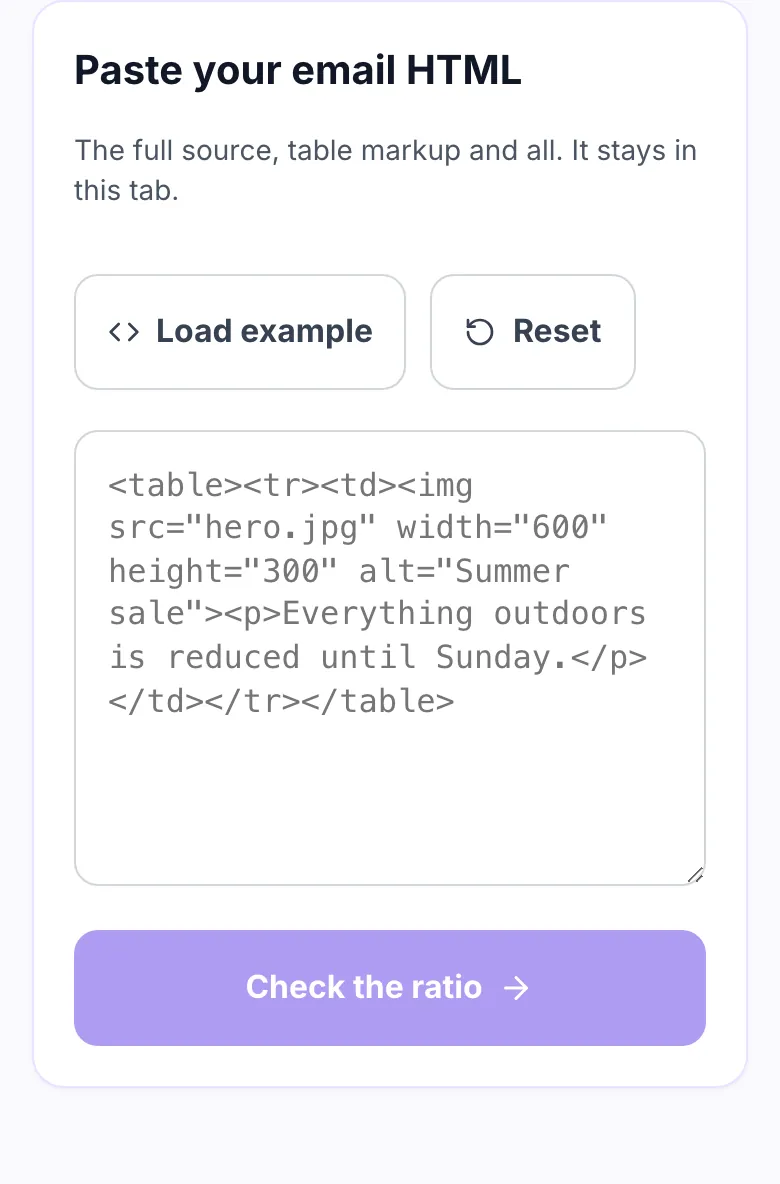
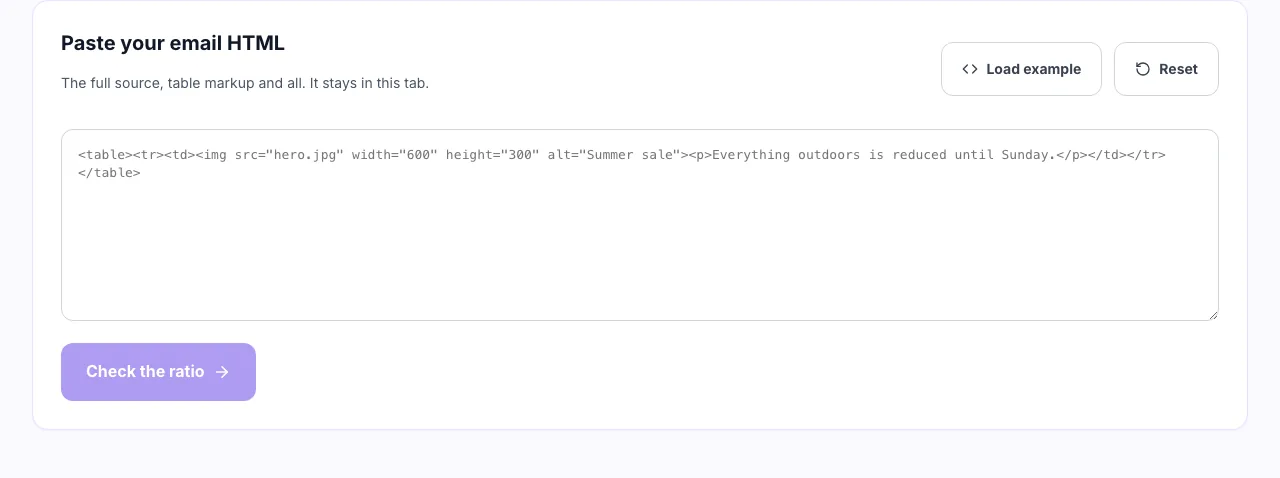
Paste the email HTML
Export it from your builder, or copy the source of a campaign you already sent. Nothing is uploaded anywhere.
- 2
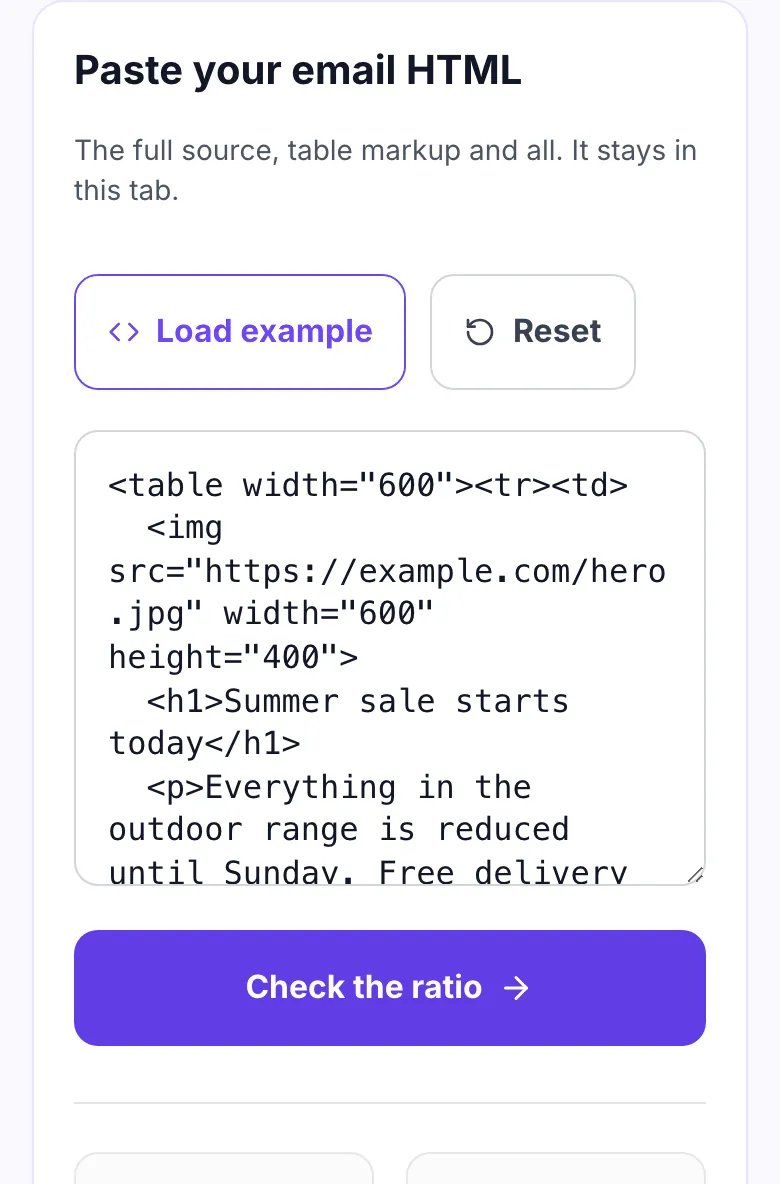
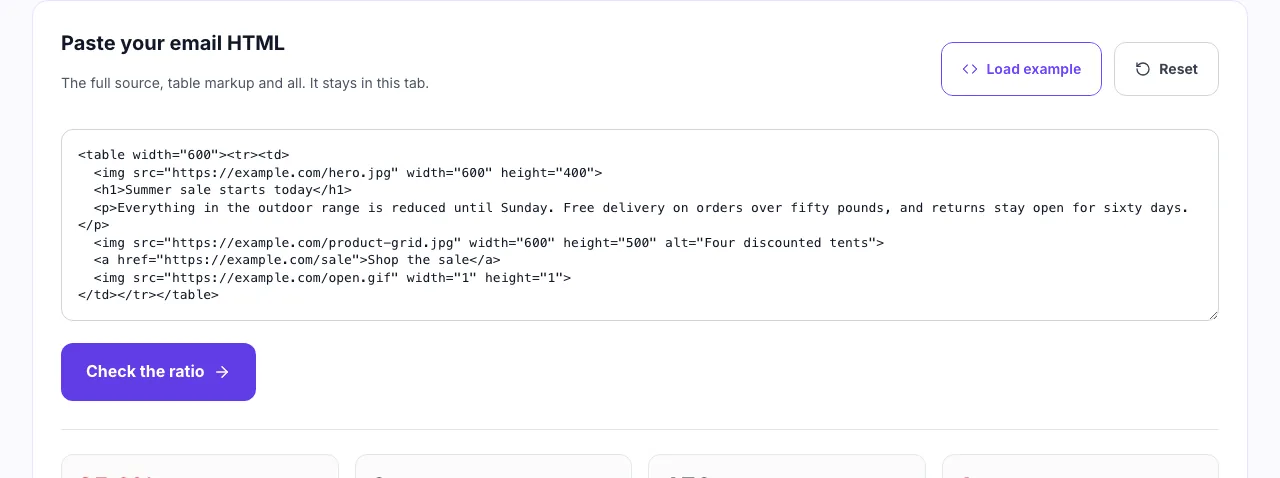
Use the example to try it first
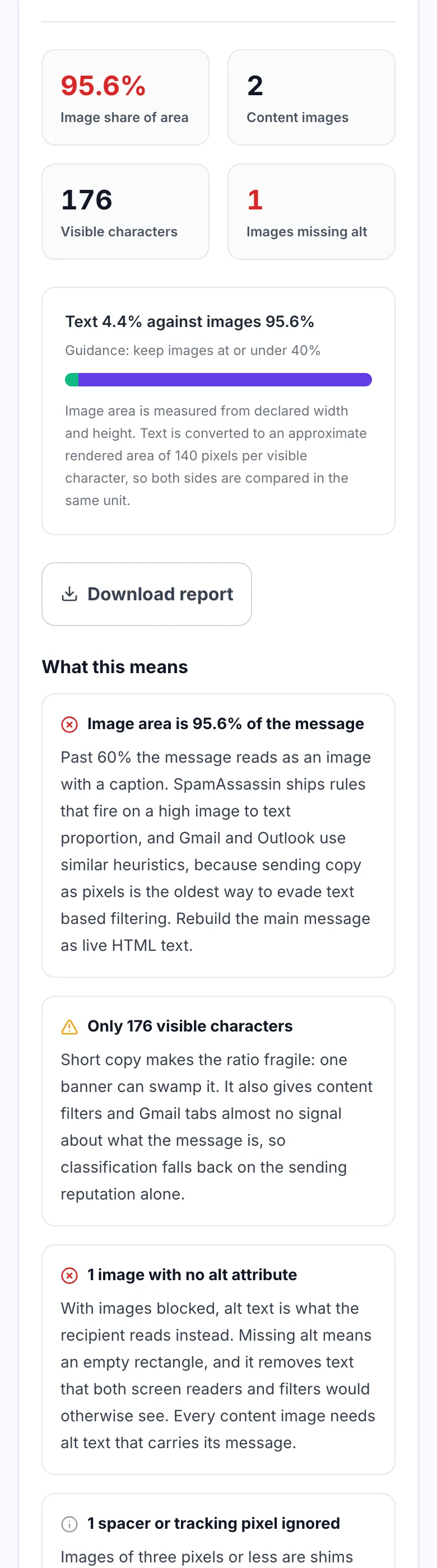
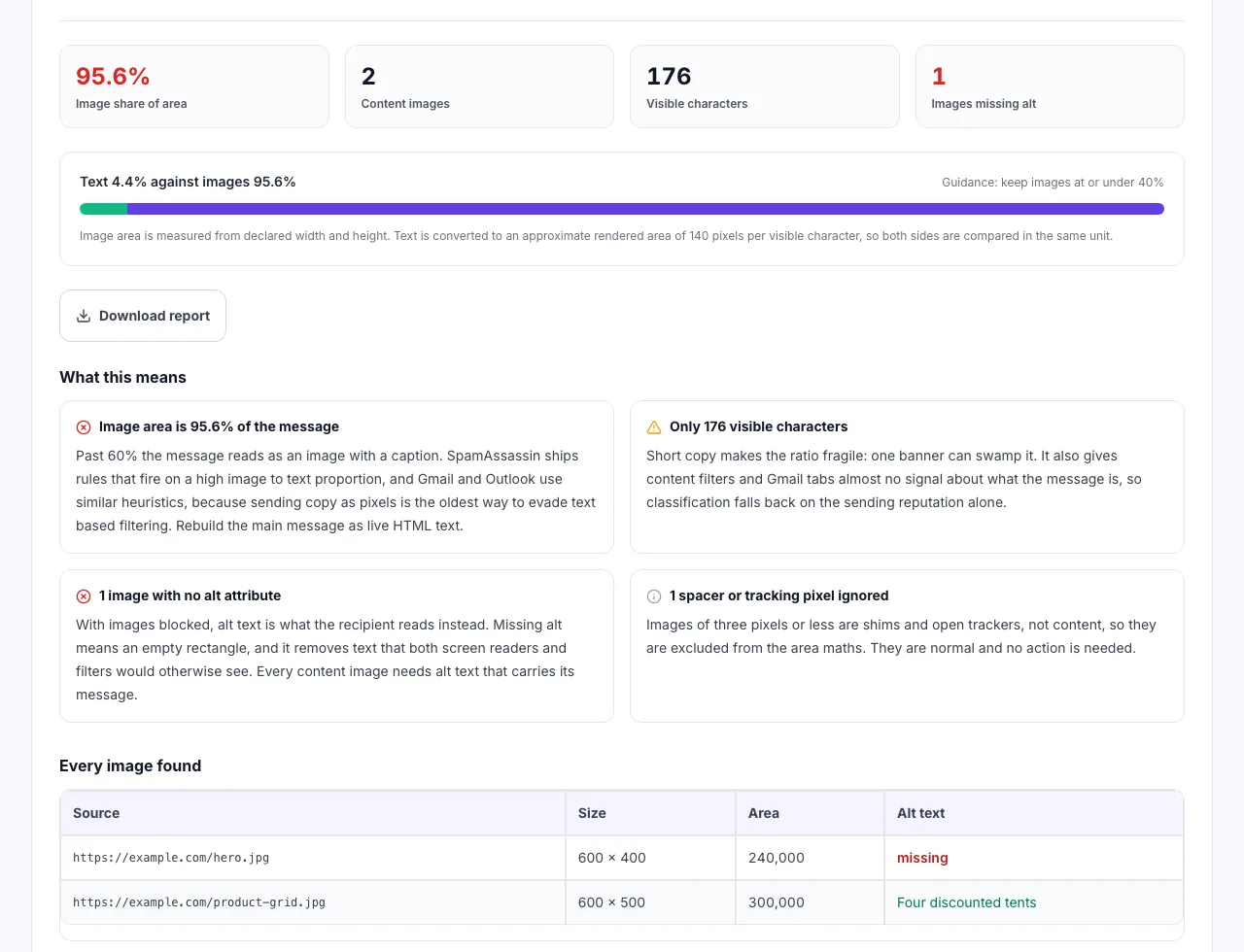
The example is a typical image heavy campaign, the kind that lands in Promotions and shows almost nothing when images are switched off.
- 3
See the ratio and what is missing
The split weighs visible text against image area, and flags images with no alt text, because a blocked image with no alt is a blank space to most readers.
When senders use it
Six moments the ratio is worth measuring.
Before sending a promotional campaign
Offer emails lean on graphics. Check the ratio while you can still edit the template.
When a campaign lands in Promotions
Image heavy mail is a common cause of tab placement changing between sends.
Auditing a designer built template
Sliced PSD templates often ship entire sections as one flat image.
Checking accessibility of a send
The alt text audit doubles as a screen reader check for every image.
Testing with images blocked
See what remains readable when a client refuses to load remote images.
Reviewing an agency handover
Confirm the HTML you inherited is not one banner with a footer under it.
Getting the HTML out of your platform
Where the source lives, by platform.
Mailchimp
- Open the campaign and choose Edit design.
- Use the code view or export the HTML.
- Paste the full markup above.
Klaviyo
- Open the template and switch to the HTML editor.
- Select all and copy the source.
- Paste it in and run the check.
Grigora Email
- Open the campaign draft.
- Export or preview the HTML source.
- Check the ratio before scheduling the send.
Hand coded HTML
- Open the .html file in a text editor.
- Copy everything including the table markup.
- Paste above, no minifying needed.
Grigora vs. other ratio checkers
Side by side.
| Capability | Grigora | Web checkers | Seed test tools | ESP built in |
|---|---|---|---|---|
| Runs without upload | Yes, in your browser | Uploads your HTML | Requires a test send | Requires account |
| Measures pixel area | Yes, from width and height | Counts images only | Yes | Varies |
| Per image alt audit | Yes | No | Sometimes | Yes |
| Explains the filtering reason | Yes, on every finding | Score only | Score only | Partly |
| Signup required | No | No | Yes | Yes |
Common problems and how to fix them
Eight issues behind most failing ratios.
Whole email is one image
Cause: A designer exported the layout as a single JPG.
Fix: Rebuild headline, body and button as HTML text. Keep images for photography only.
No alt text
Cause: Images added without an alt attribute.
Fix: Write alt text that says what the image communicates, not "banner1.jpg".
Text baked into a banner
Cause: Headline set in Photoshop rather than HTML.
Fix: Use a background colour plus live text, so the words are selectable and readable.
Missing width and height
Cause: Image tag has a src and nothing else.
Fix: Declare both in attributes. Outlook falls back to the natural size otherwise.
Gmail clips the message
Cause: Total HTML plus image markup past about 102KB.
Fix: Shorten the message and cut duplicated inline styles so the footer stays visible.
CSS background not showing
Cause: Section uses background-image in a style attribute.
Fix: Add a solid background colour fallback, and VML if Outlook support matters.
Preheader counted as content
Cause: Hidden preheader stuffed with keywords.
Fix: Keep the preheader short and honest. Hidden text does not lift the ratio.
Ratio passes but copy is thin
Cause: Fifty words of text next to one small image.
Fix: Write for the reader first. A passing percentage with no message still fails.
Numbers worth remembering
The thresholds this check is built around.
Frequently asked questions
Ten answers about image to text ratio in email.
Related free tools
Other utilities that pair with the Email Image to Text Ratio Checker.
Spam Score Checker
Score subject lines and body copy for common filter triggers.
Try itNewsletter Preview Tool
See how a campaign reads before you schedule it.
Try itSubject Line Tester
Check length, tone and cut off point of a subject line.
Try itImage Alt Text Checker
Find images missing alt text across a page.
Try itEmail Signature Generator
Build a clean HTML signature that renders everywhere.
Try itHTML to Text Cleaner
Strip markup to see the plain text a filter reads.
Try itSend from the site you already run
Website, newsletter and store on one platform. Try it free for 14 days, no card needed.
Start building free