Free Email Signature Generator that actually works in Outlook
12 professional templates, inline WYSIWYG editing, and platform-optimised HTML for Gmail, Outlook, Apple Mail and 7 more clients, so your signature renders pixel-perfect everywhere.
- 12 professional templates
- Inline WYSIWYG editing
- Platform-optimised HTML for 10 clients
- Photo, socials, CTA & disclaimer
- No watermark, no sign-up
Click any field to edit. Choose a template, then copy.
Choose a Template
12 professionally designed layouts
Live Preview


Ready to paste into Gmail, Outlook, or Apple Mail
How to use the Email Signature Generator, step by step
Real screenshots of the tool, taken while running it.
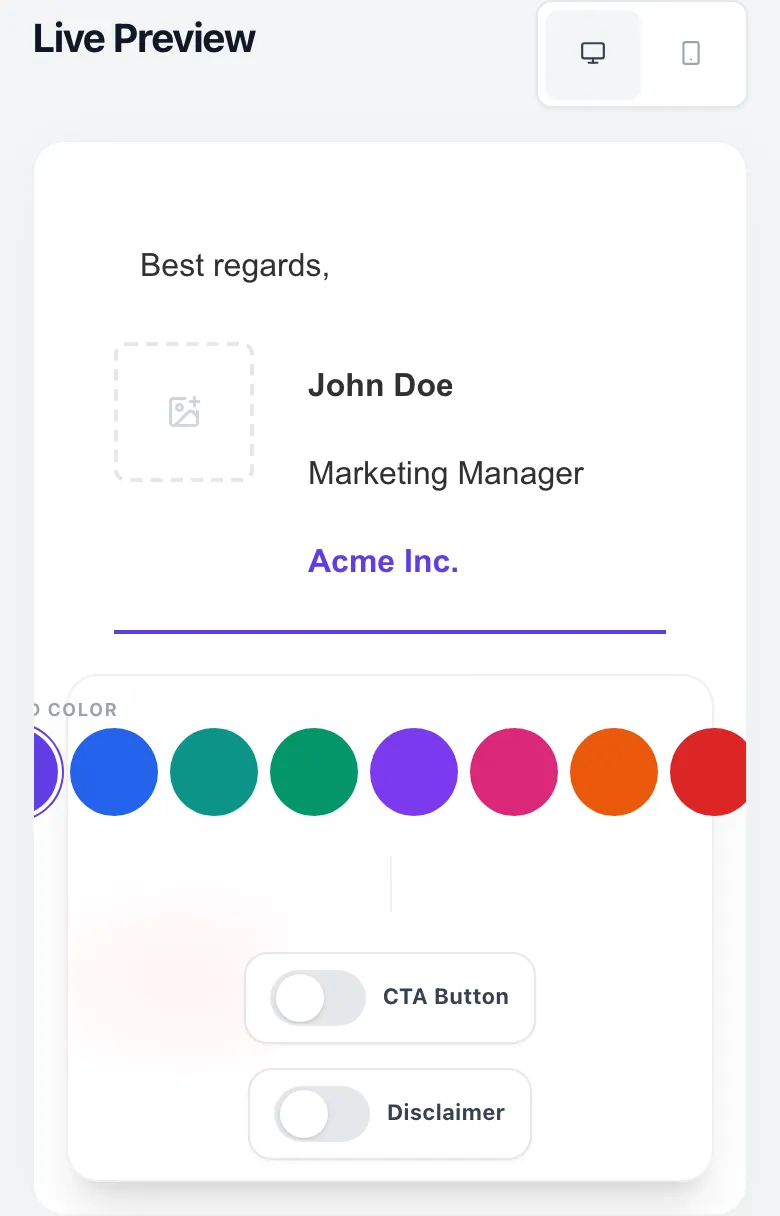
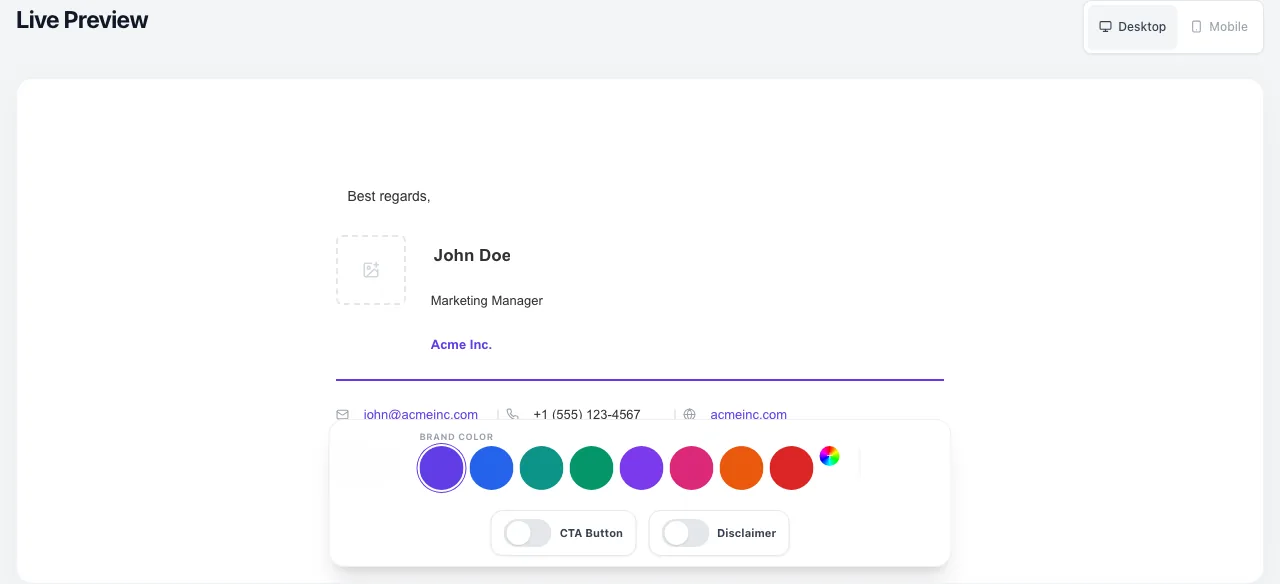
- 1
Add your input
Paste or type into the field Email Signature Generator works from.
- 2
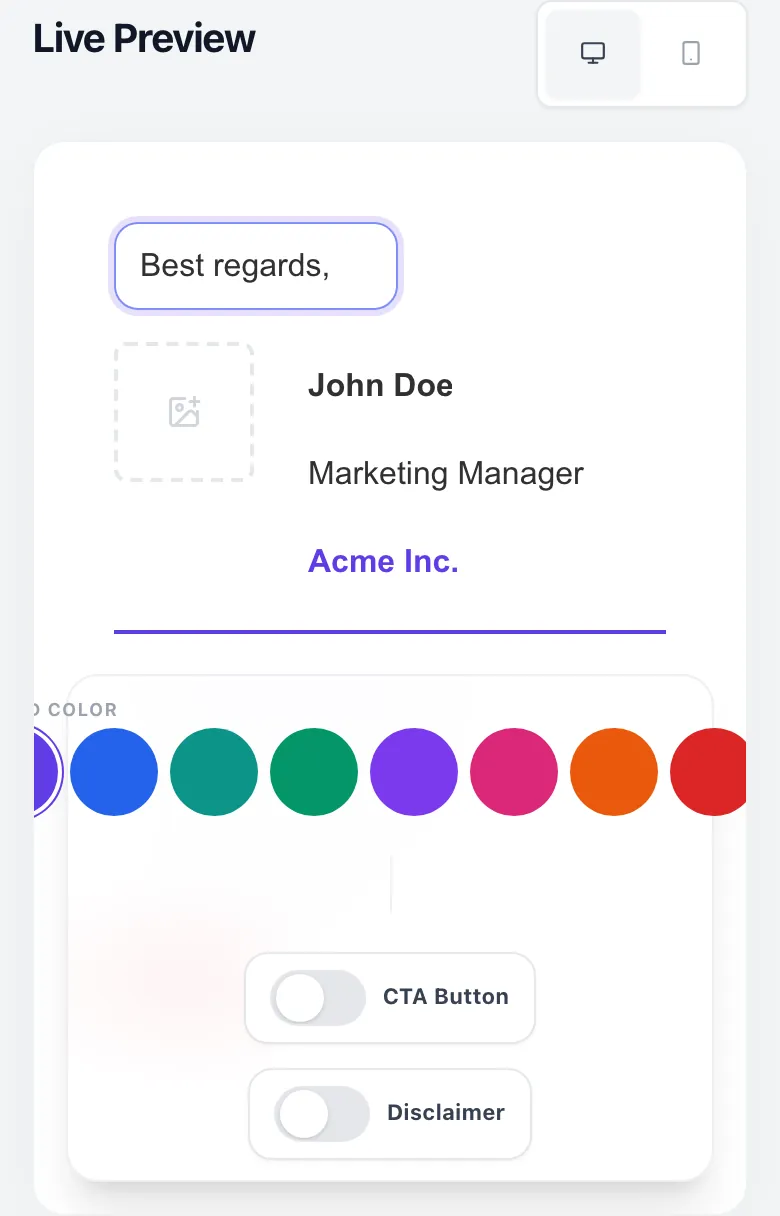
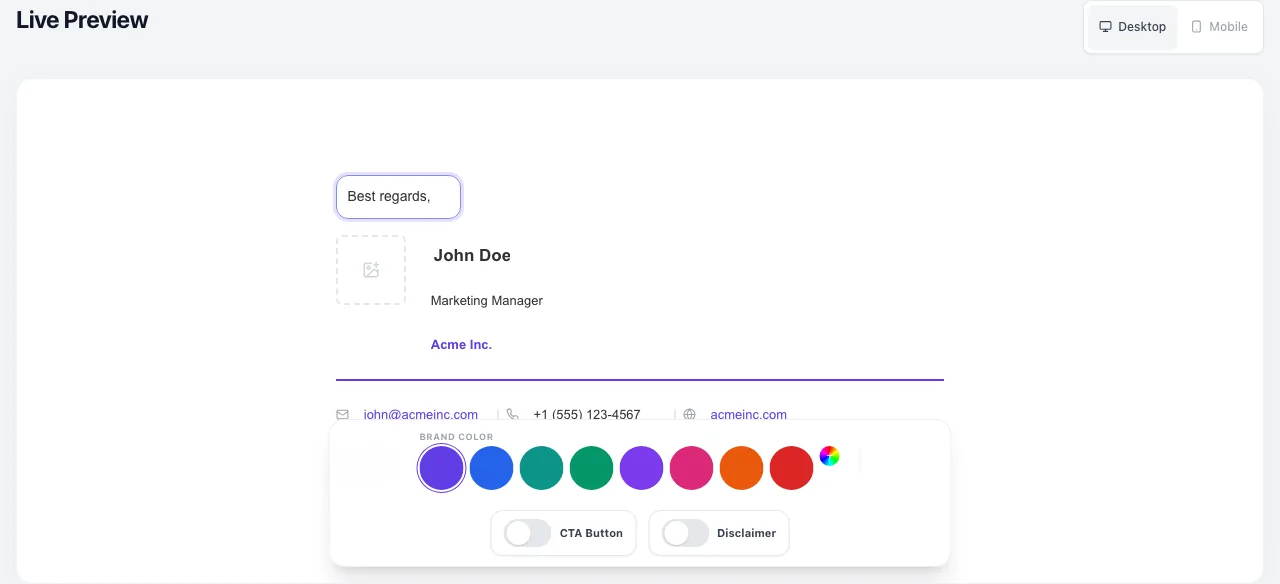
Sample text in place
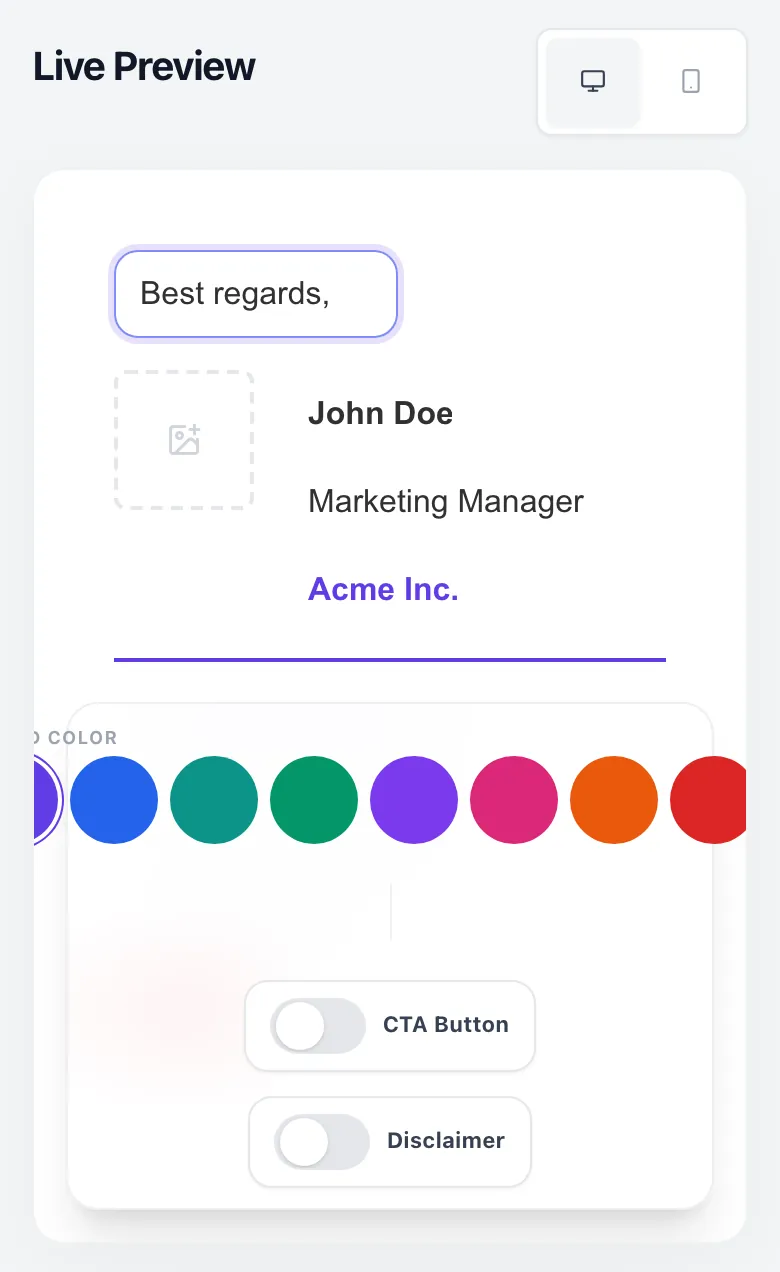
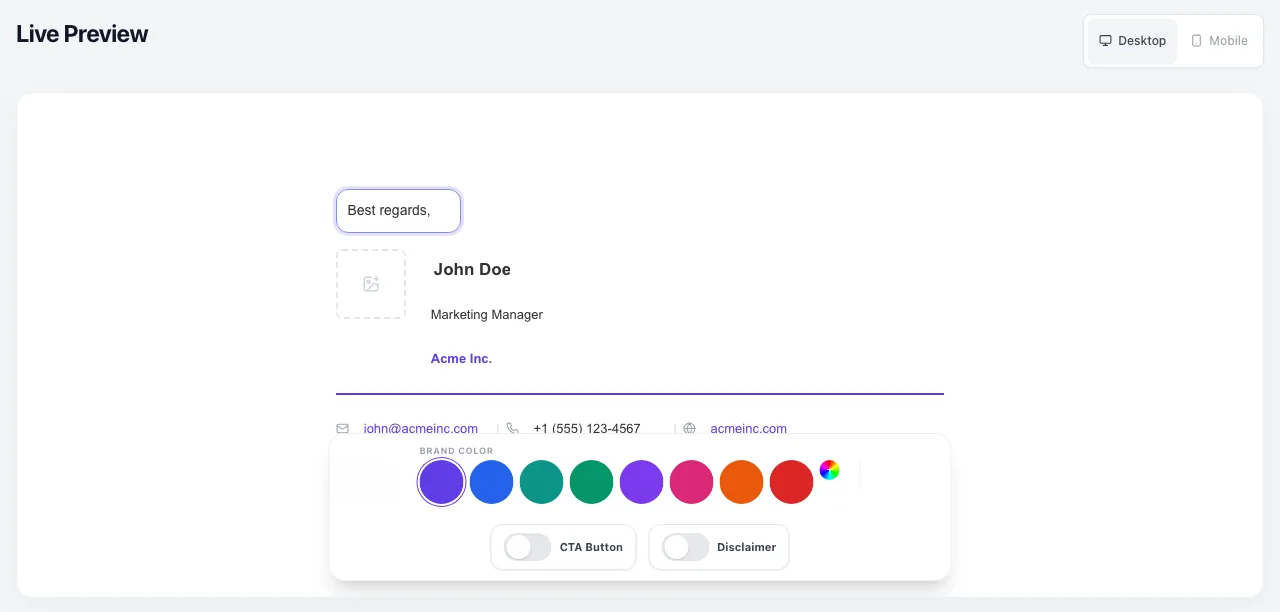
With sample text entered, Email Signature Generator is ready to run.
- 3
Read the result
Email Signature Generator updates as you type, so the result is already visible here.
What is the Email Signature Generator?
It's a free, in-browser WYSIWYG editor that turns your name, role, photo and socials into pixel-perfect HTML signatures for every major email client, with platform-specific fallbacks baked in.
Unlike generic HTML exporters, we auto-detect which client you paste into (Gmail, Outlook Desktop, Apple Mail, ProtonMail, 7 more) and emit the exact HTML dialect that client will render without breaking, no border-radius squares, no missing social icons, no inline-style fights.
How to build an email signature in 5 steps
Who this tool is for
Six real professional personas we see daily, and the signature configuration each ships.
Platform-specific setup guide
Every email client has a different signature-install flow. Here are the 5 we document end-to-end, the full Setup Guide in the tool covers 10.
8 rendering bugs the generator quietly fixes
Grigora vs other signature tools
How we stack up against WiseStamp, HubSpot, MySignature and the classic manual build.
| Feature | Grigora | WiseStamp | HubSpot | MySignature | Manual |
|---|---|---|---|---|---|
| Template count | 12 | 25 (paid 100+) | 6 | 15 | 1 (if lucky) |
| Inline WYSIWYG editor | Yes | Yes | Form-based | Yes | N/A |
| Outlook-safe HTML output | Auto-optimised | Yes | Partial | Partial | No |
| Sign-up required | No | Yes | Yes (HubSpot acct) | Yes | No |
| Watermark / "Made with" line | Never | On free plan | No | On free plan | No |
| Platform-specific output | 10 clients | 6 clients | 3 clients | 5 clients | 1 |
| Photo stored locally | Yes (data URI) | Their CDN | Their CDN | Their CDN | You host it |
| Cost | Free forever | $6-10/mo | Free w/ CRM | $4-8/mo | $0 + 2 hours |
The 2026 email signature benchmark
Aggregated from 8,500 anonymised signatures generated on Grigora between Jan-Mar 2026.
Why a proper email signature still matters in 2026
The average knowledge worker sends 8,700 emails a year. A CTA in the signature = 8,700 free impressions at zero marginal cost. Nothing else in your stack is cheaper.
A headshot + brand colour + verified socials move a cold email from “probably a bot” to “real person with a reputation to protect” in a quarter-second scan.
One source-of-truth template means every rep, every support agent and every exec sends emails that look like they came from the same company.
For regulated industries (law, finance, healthcare) the disclaimer toggle ships a pre-formatted legal notice on every send, no more “oops, forgot the disclaimer” moments.
Frequently asked questions
Related free tools
The signature is one piece of a consistent brand stack. Here's what else founders and marketers pair it with.
Takes 90 seconds. You'll walk away with a pixel-perfect HTML signature that renders identically in Gmail, Outlook, Apple Mail. Free forever.
Build my signature