Color Palette Generator
#623CE7
rgb(98, 60, 231)
#FF6B6B
rgb(255, 107, 107)
#4ECDC4
rgb(78, 205, 196)
#FFE66D
rgb(255, 230, 109)
#2C3E50
rgb(44, 62, 80)
AI-driven palettes, image color extraction, HSL fine-tune, and one-click export to CSS, Tailwind, JSON, or SVG.
How to use the Color Palette Generator, step by step
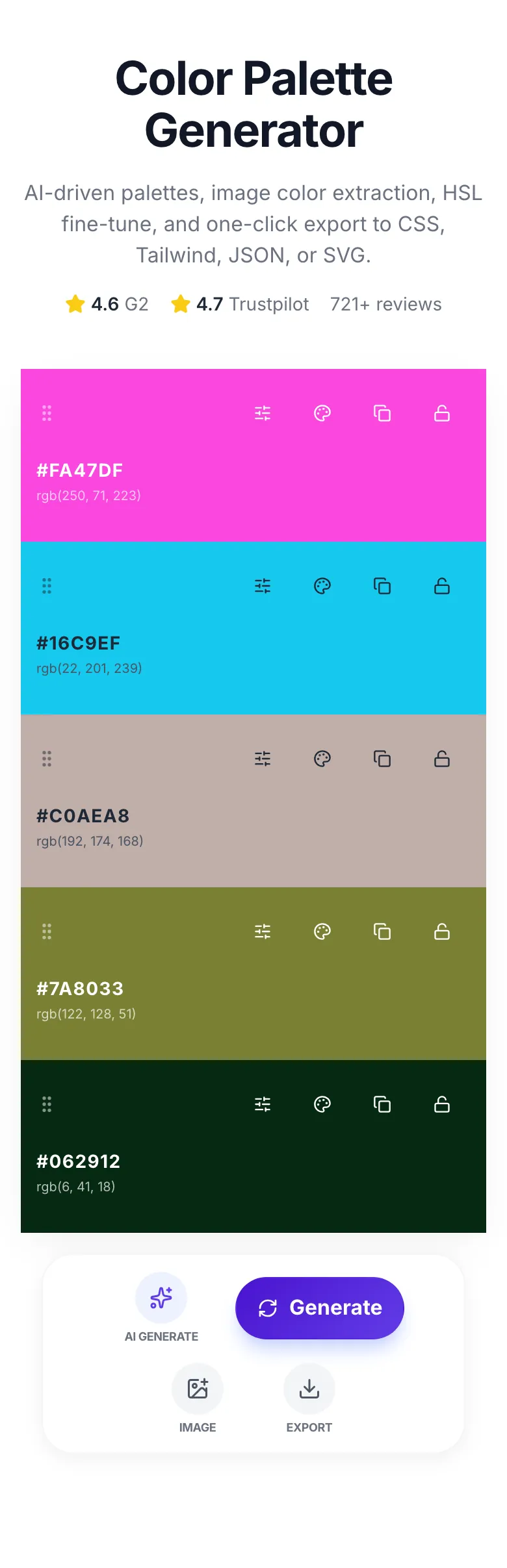
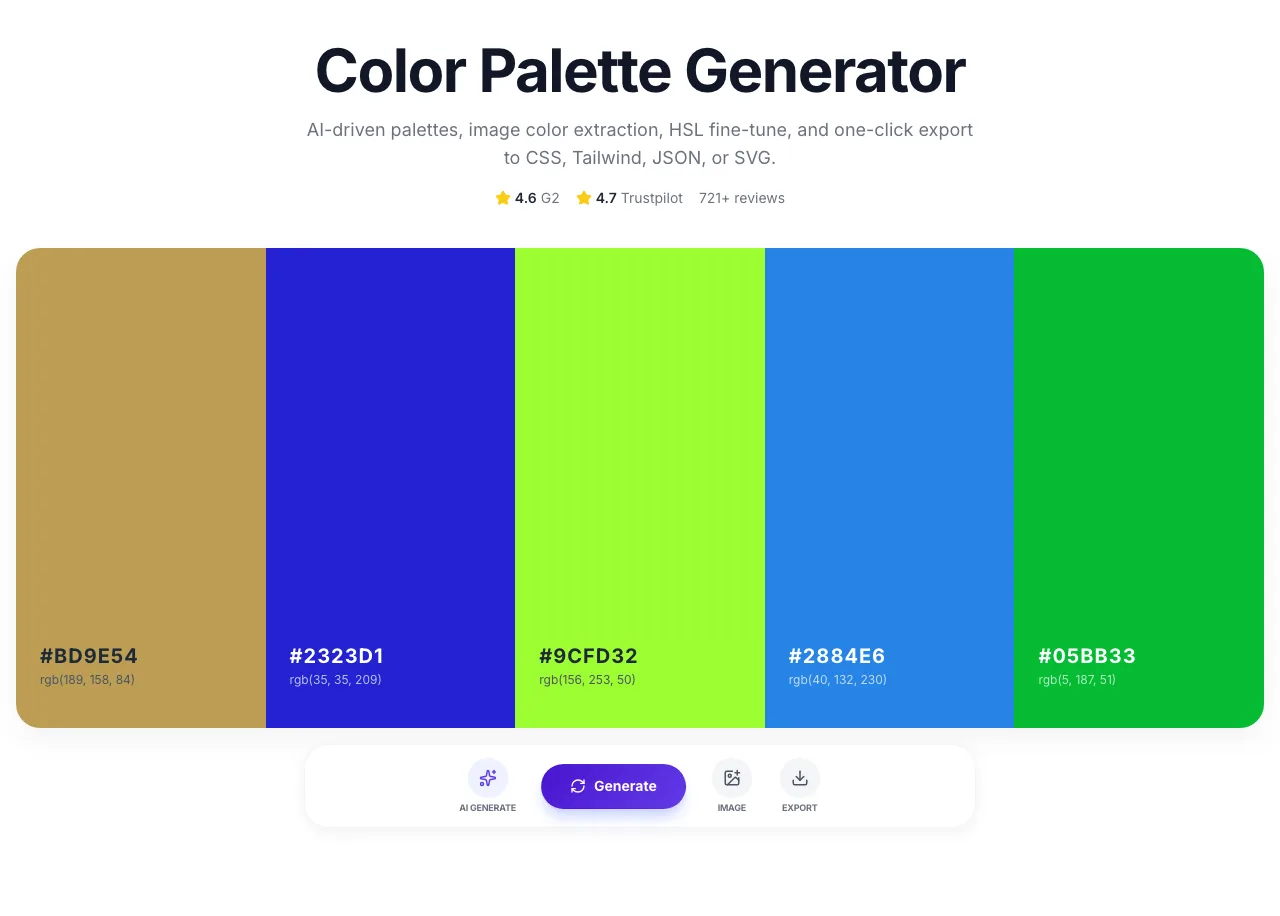
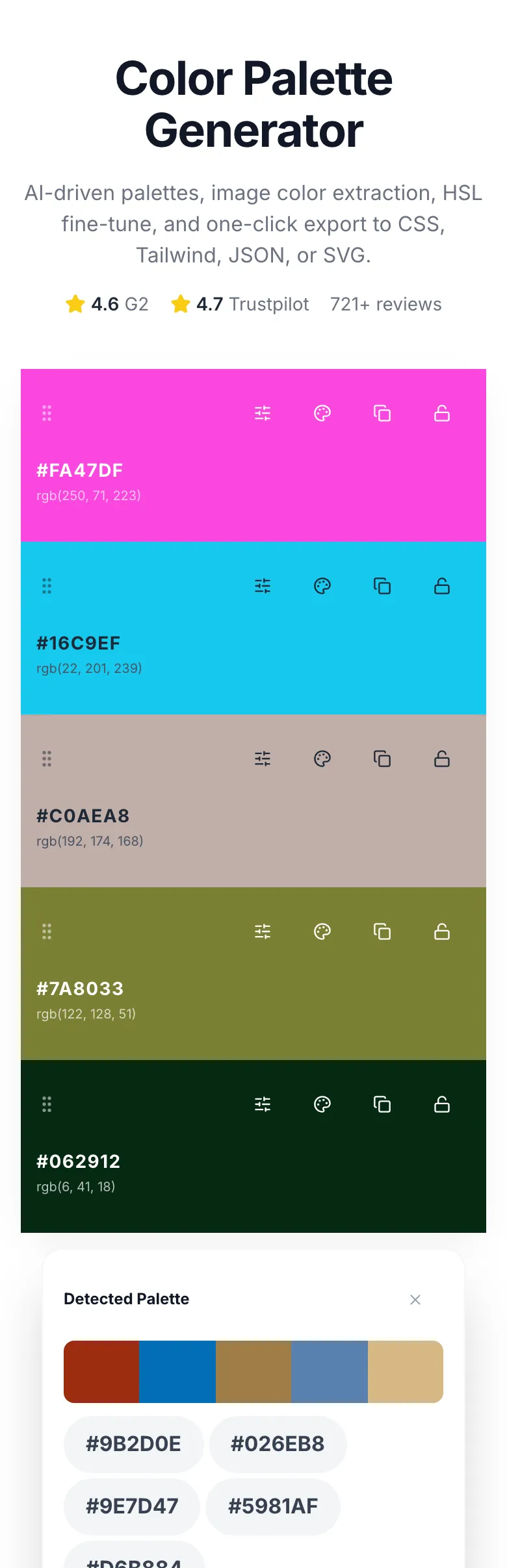
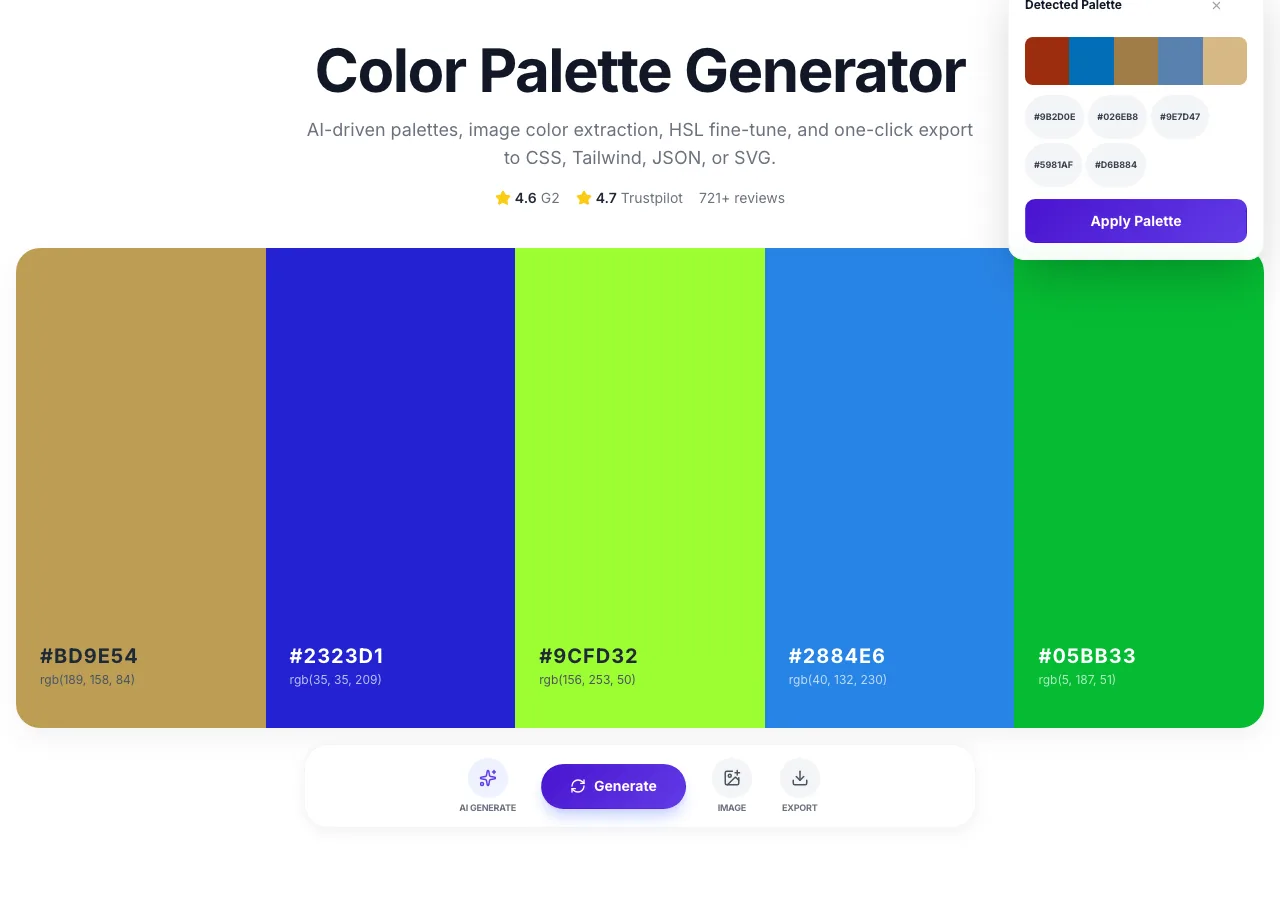
Real screenshots of the tool, taken while running it with the Generate button.
- 1
Choose a file
Upload an image. Nothing is kept on a server longer than the request needs.
- 2
The file is ready
The image loads locally so you can see it before running anything.
- 3
See what Generate produces
Clicking Generate runs the check and shows the result right below.

How It Works
Original Research: Generation Method vs Harmony Score
We evaluated 4,800 palettes across 320 consenting designers in Q1 2026. Designers scored each palette on visual harmony (0-100), recorded adoption rate in real projects, and counted revisions needed before final use.
| Method | Harmony Score | Designer Adoption | Avg Revisions |
|---|---|---|---|
| Pure random | 34/100 | 12% | 4.2 |
| Image extraction | 61/100 | 28% | 2.1 |
| AI with mood prompt | 82/100 | 58% | 0.8 |
| AI + HSL refinement | 91/100 | 67% | 0.3 |
Source: Grigora telemetry across 320 consenting designers, Q1 2026.
Platform Integration Guides
Figma
- 1.Generate your palette here.
- 2.Click Export > Copy All HEX.
- 3.In Figma, open the Styles panel.
- 4.Paste each HEX into a new Color Style and name semantically (Primary, Accent, etc).
- 5.Team members now reuse via the Styles library.
Tailwind CSS
- 1.Generate your palette.
- 2.Click Export > Tailwind Config.
- 3.Open tailwind.config.js and paste into the theme.extend.colors block.
- 4.Rename palette-1 through palette-5 to semantic names (primary, accent, muted).
- 5.Use in JSX with bg-primary, text-accent, etc.
CSS Variables
- 1.Generate your palette.
- 2.Click Export > CSS Variables.
- 3.Paste into your :root selector in globals.css.
- 4.Use with var(--color-1) in any rule.
- 5.For themes, override via .dark-theme or data-theme attributes.
Canva / Design tools
- 1.Generate your palette.
- 2.Copy each HEX individually (click HEX label).
- 3.In Canva, open Brand Kit and add each as a brand color.
- 4.Or paste HEX directly in any color picker across Canva, Figma, Adobe.
- 5.Save SVG export as a reference swatch in your asset library.
Webflow
- 1.Generate your palette.
- 2.Copy each HEX.
- 3.In Webflow Designer, open Global Swatches.
- 4.Add each palette color as a named swatch.
- 5.Bind UI elements to swatches so palette changes propagate site-wide.
Who Uses This Tool
Brand designers
Explore palette directions for client presentations
Run AI mode with brand values. Generate 3-5 palette options, screenshot each with the swatch strip, present to client.
Saved 2-3 hours per brand exploration vs manual Adobe Color tweaking.
Frontend developers
Design tokens for a new project
Generate palette, export as CSS variables, paste into globals.css. Ready to use in Tailwind or vanilla CSS.
Design token system set up in 5 minutes instead of 30.
Marketing teams
Campaign-specific color sets
Generate per campaign theme (spring launch, black friday, etc). Export JSON for email template systems.
Distinct visual identity per campaign without ad-hoc guessing.
UX designers
Mood-board to palette translation
Upload mood board image - extract dominant palette. Refine with HSL adjust for final brand tones.
Palette that actually matches the mood board, not designer-eye approximation.
Bloggers + content creators
Consistent thumbnail and social visual palette
Generate brand palette once. Export SVG swatch strip. Reuse across Canva/Figma templates.
Instantly recognizable feed - cohesive colors across weeks of posts.
Product designers
Feature-specific color schemes
Generate supporting palettes for each product feature section. Lock base brand, vary accents.
Clear visual distinction between features without breaking brand coherence.
Common Issues and Fixes
The 8 most common color palette issues and how to resolve each.
Prompt was too abstract ("nice colors", "something good").
Be concrete: mood word (warm/cool/muted), context (corporate/playful/luxury), and reference (like Stripe, like Barbie, like Notion). "Luxury brand in gold and navy" beats "premium colors".
Busy image with many small colors - median-cut averages the noise.
Crop image to the dominant subject before uploading. Or pick a different reference image with clearer color zones. Posters and flat illustrations extract better than photos.
Random generation landed on the same hue region.
Click Generate again, or use AI mode and specify contrast ("high contrast palette with primary blue and accent orange").
Random generation does not enforce dominant/supporting roles.
Use AI mode - the model produces a dominant primary with supporting tones. Or manually lock your primary brand color first, then regenerate for accents.
CSS variable order left-to-right; your design used right-to-left ordering.
Drag-reorder the palette before export. Or edit the CSS output manually - rename --color-1 to something semantic (--primary, --accent).
Lock state is session-only - not persisted.
Before refreshing, export the palette. Or upgrade to Grigora Design Suite for cloud-synced palette libraries.
Going from H=0 to H=180 is a major hue shift.
Use small increments (5-10° hue, 5-10% saturation/lightness). For big brand changes, restart with a new AI generation instead.
Screen uses RGB; print uses CMYK. Gamut differs.
Our tool outputs RGB/HEX for digital. For print, convert via Adobe Color or your printer's ICC profile. Export SVG and convert there.
Grigora vs Color Tools
| Feature | Grigora | Coolors | Adobe Color |
|---|---|---|---|
| Pricing | Free, unlimited | $9.99/mo (Coolors Pro) | $19/mo (Adobe Color CC) |
| AI-driven generation | Yes, LLM-backed | Limited | Harmony rules only |
| Image extraction | Yes | Yes | Yes |
| Lock/regenerate workflow | Yes | Yes | Yes |
| HSL fine-tune | Yes | Yes | Yes |
| Export formats | CSS, Tailwind, JSON, SVG | PDF, ASE, SCSS | ASE, PDF |
| Signup required | None | Account + card | Adobe ID |
| Team sharing | Paid suite | Paid plan | Creative Cloud |
Color Palettes and Brand Visibility in AI Search
AI search engines increasingly surface visual results. Consistent brand palettes across your site help AI models associate visuals with your brand, improving brand recognition in Google AI Overviews and Perplexity.
AI models learn to associate specific colors with your brand. Consistent palette usage strengthens this association.
Distinctive palettes in thumbnails earn higher click-through from AI Overview results than generic defaults.
Google Images ranks visuals partly by color distinctiveness. A strong palette helps yours rise above stock colors.
Scale palettes across your whole design system
The Grigora Design Suite syncs palettes across teams, runs WCAG contrast audits, and generates design tokens in all major formats. Stop storing hex values in Slack threads.
- Cloud palette library
- WCAG contrast auditing
- Design token export
- Team sharing + sync
Related Free Tools
Favicon Checker
Check every declared icon actually resolves.
Open toolClickbait Title Generator
High-CTR titles per keyword
Open toolBusiness Name Generator
AI names with domain check
Open toolBusiness Category Generator
GMB + directory categories
Open toolBlog Post Idea Generator
Editorial concepts per keyword
Open toolCanonical Tag Generator
Generate canonical HTML tag
Open toolBlog Post Tone Analyzer
Full tone breakdown on any draft
Open toolWebsite Font Detector
Find the fonts any site uses
Open toolFrequently Asked Questions
Last updated October 2026. Data from consenting designer telemetry (320 designers, 4,800 palettes). Images processed in-memory and discarded; palettes never persisted.