Free Favicon Checker
Check a site
Enter the address and the live page is fetched for you, so every declaration and every icon file is checked against a real response.
Enter a URL and see every icon the page declares, then whether each file actually comes back and what size it really is. Covers rel="icon", shortcut icon, apple-touch-icon, mask-icon, manifest icons and the root favicon.ico.
Icons fixed? Check what else the head is missing
Nobody should hand write eight icon tags.
Grigora generates the full icon set, the manifest and the head tags from one square logo, on the same platform that hosts your site, your newsletter and your store. Upload once and the declarations stay correct through every redesign.
How to check a favicon
Four steps from address to answer.
Enter your site URL
Type the address of the page you want checked, for example https://example.com.
Run the check
The page is fetched for you, the head is read, and every icon it declares is requested.
Read the real numbers
Each file reports its status code, byte size and true pixel size, next to the size the markup claims.
Fix the errors first
Broken files and a missing apple-touch-icon change what people see. Size warnings change how sharp it looks.
How to check your favicons, step by step
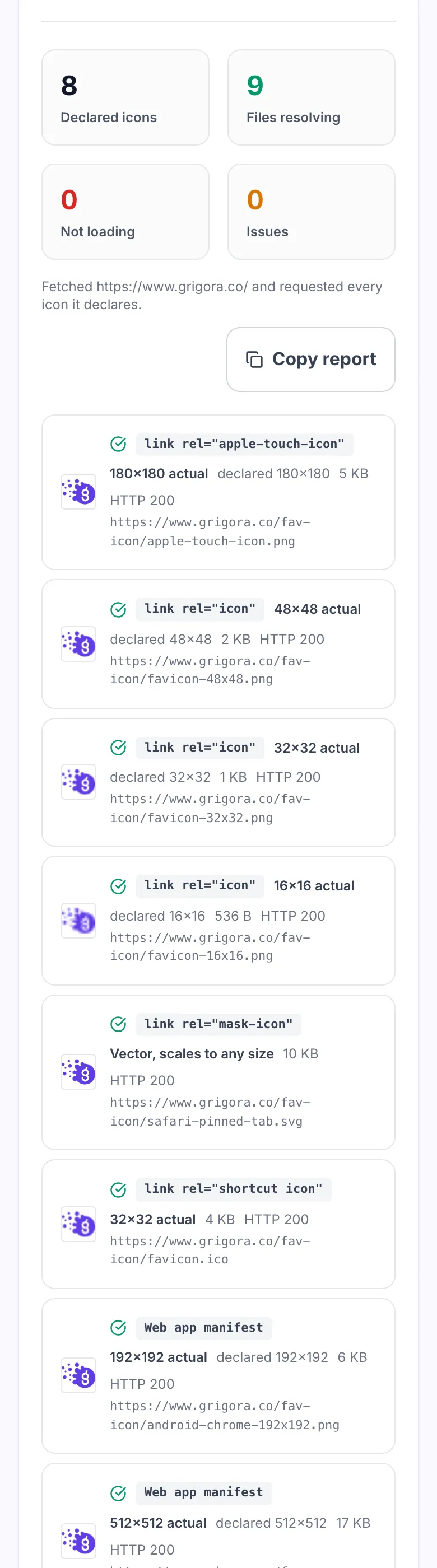
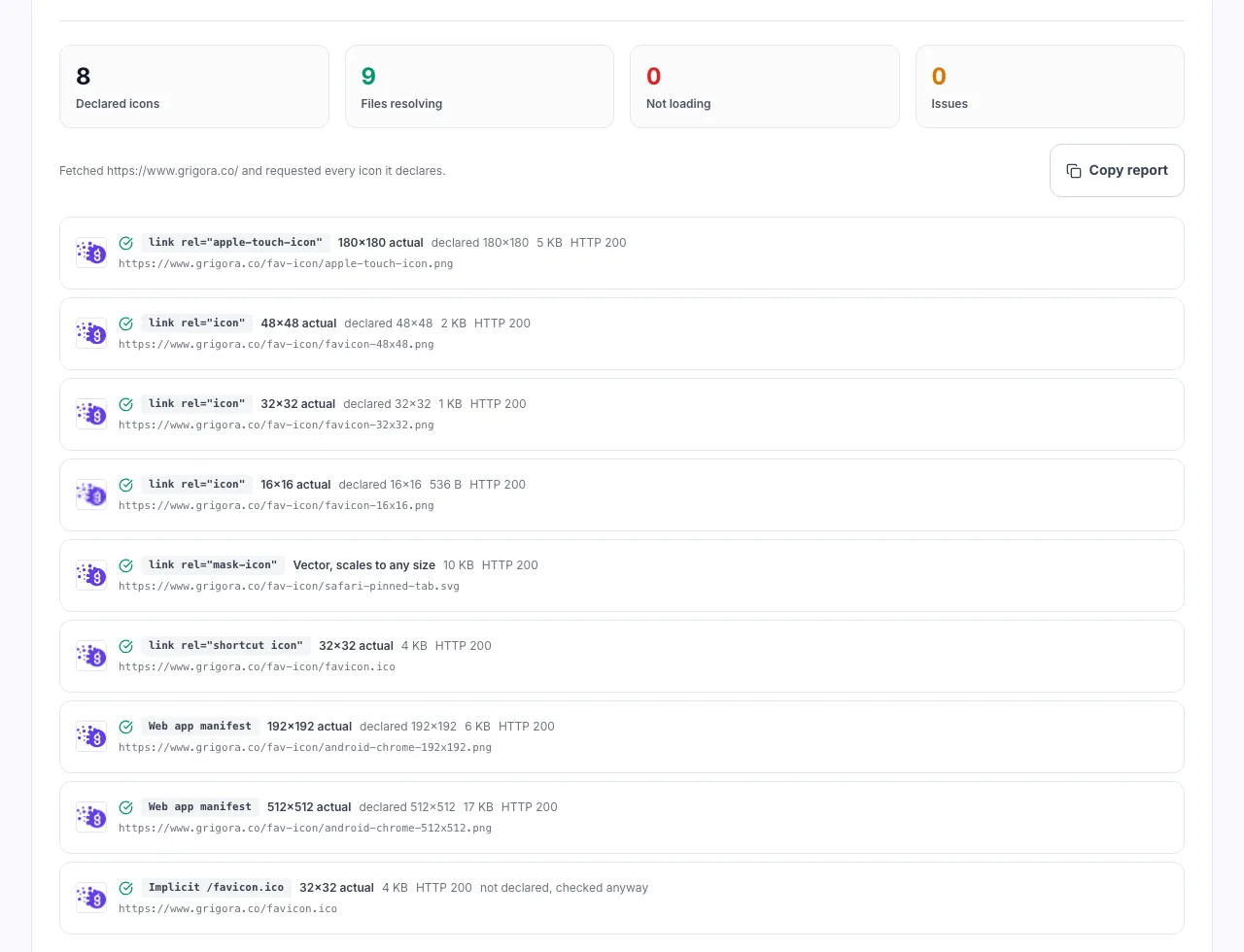
Real screenshots of the tool, taken while checking a site that declares eight icons.
- 1
Enter your site URL
Every icon the page declares is requested for real, including the implicit /favicon.ico that browsers ask for whether you declare it or not.
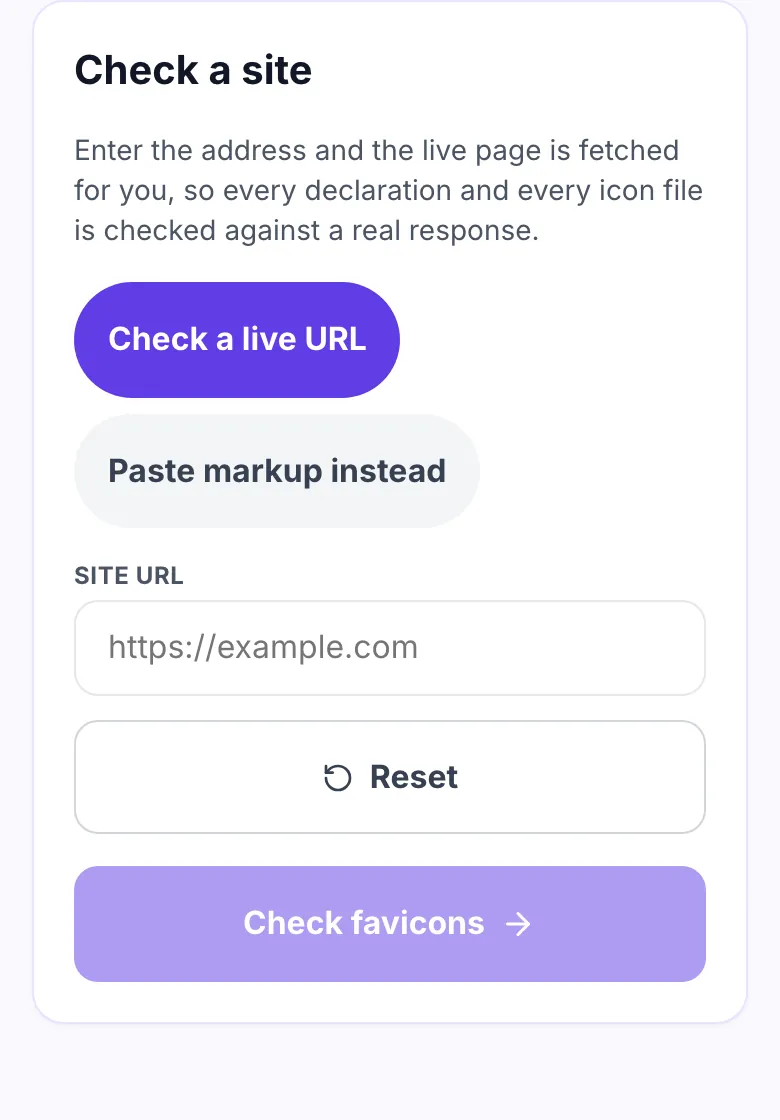
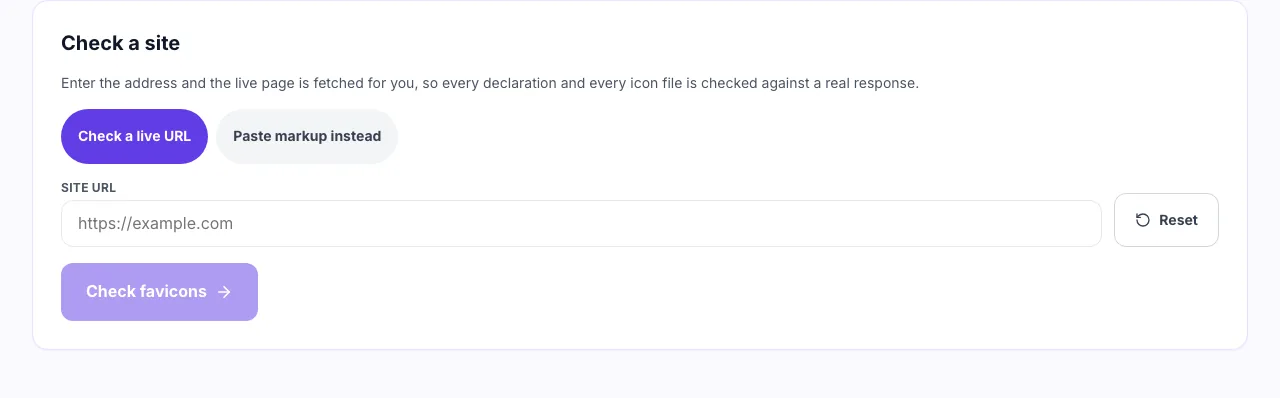
- 2
Check any public page
Icons are normally declared in the head of every page, so the homepage on its own is enough.
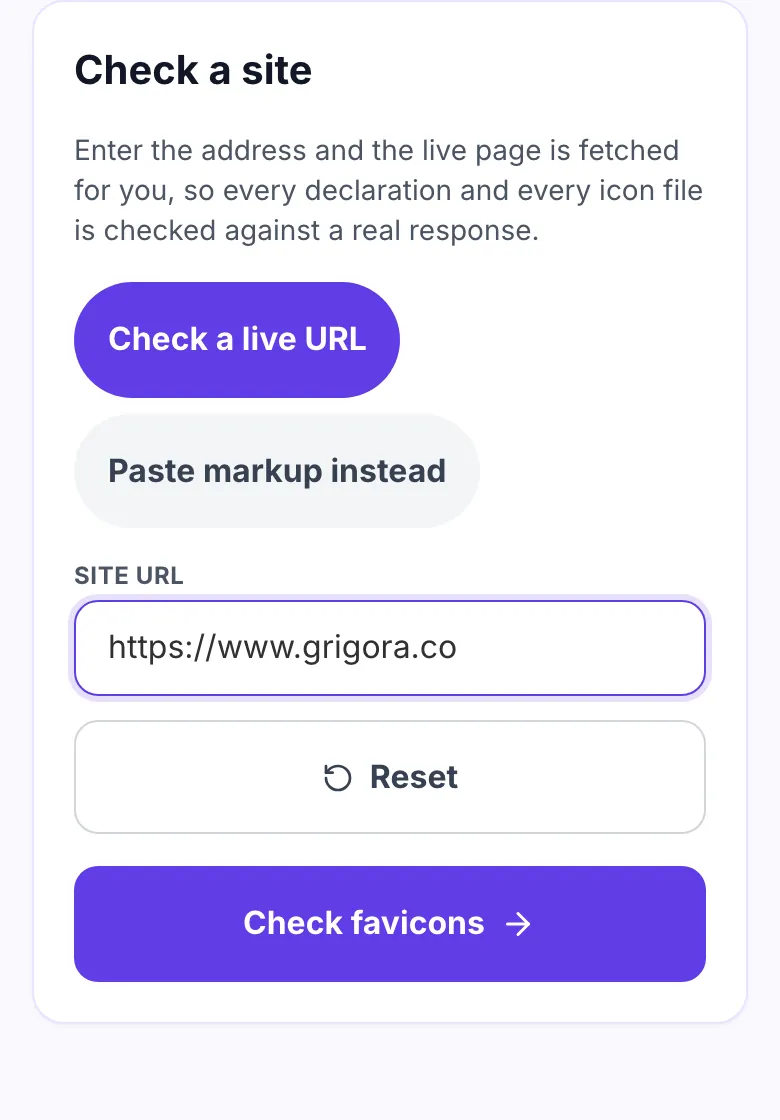
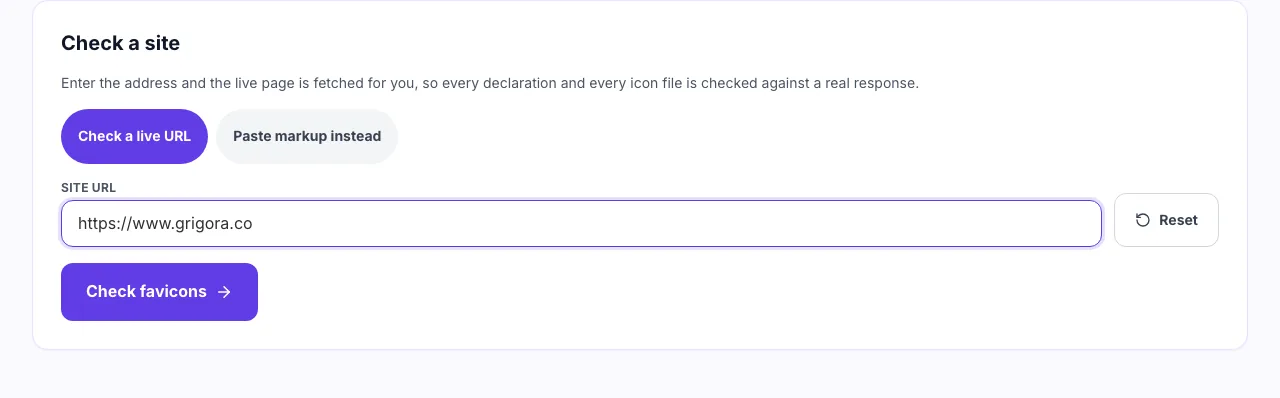
- 3
Confirm each icon actually loads
A declared icon that returns a 404 is the usual reason Google shows a plain globe. Real dimensions are compared against the declared sizes.
When people run this check
Six moments a broken icon shows up.
After a site redesign
Icon paths move with the theme. The old declaration keeps pointing at a file that is gone.
When Google shows a globe
A generic globe in search results usually means the icon is not square or not a multiple of 48px.
Before shipping a new site
The favicon is the last thing anyone remembers and the first thing in a browser tab.
Testing the iOS home screen
Confirm an apple-touch-icon exists before someone adds your site and gets a screenshot instead.
Auditing a client site
Read every declaration in one pass rather than opening devtools and checking paths by hand.
Setting up a PWA
Check the manifest actually lists a 192x192 and a 512x512 that both resolve.
Where favicons are set, by platform
Find the setting, then verify what actually shipped.
WordPress
- Open Appearance, then Customize, then Site Identity.
- Upload a square PNG of at least 512x512.
- View source and paste the head here to confirm what shipped.
Shopify
- Open Online Store, then Themes, then Customize.
- Set the favicon under Theme settings.
- Add an apple-touch-icon in theme.liquid, Shopify does not add one.
Next.js
- Drop icon.png and apple-icon.png into the app directory.
- Next generates the link tags at build time.
- Check the built page, not the source file.
Grigora
- Upload one square logo in site settings.
- Every icon size and the manifest are generated for you.
- Run this check afterwards to see what was emitted.
Grigora vs. other favicon checkers
Side by side.
| Capability | Grigora | Online checkers | Browser devtools | Manual view source |
|---|---|---|---|---|
| Checks the file actually loads | Yes, reads the bytes | Status code only | No | No |
| Reports real pixel size | Yes, read from the file header | No | Declared size only | No |
| Reads manifest icons | Yes | Sometimes | No | No |
| Works from a URL alone | Yes, the page is fetched for you | Yes | Manual | Manual |
| Accepts unpublished markup | Yes, paste mode | No | No | Not applicable |
| Explains why each rule exists | Yes | No | No | No |
Common errors and how to fix them
Eight favicon problems and what causes each one.
Declared icon returns 404
Cause: The path changed during a redesign or deploy.
Fix: Update the href, or restore the file at the old path. Browsers stop looking once a declaration exists.
Google shows a grey globe
Cause: The favicon is not square or not a multiple of 48px.
Fix: Serve one 96x96 or 192x192 square PNG and declare it with rel="icon".
iOS home screen shows a screenshot
Cause: No apple-touch-icon is declared.
Fix: Add a 180x180 PNG at rel="apple-touch-icon" with a solid background.
Icon looks blurry on retina
Cause: Only a 16x16 ICO is served.
Fix: Add a 32x32 and a 192x192 PNG, or a single SVG icon that scales cleanly.
sizes attribute lies
Cause: The markup says 32x32 but the file is 16x16.
Fix: Correct the attribute. Browsers choose which file to download from the declared value.
Android install prompt missing
Cause: No manifest, or the manifest has no icons.
Fix: Link a manifest and list at least a 192x192 and a 512x512 PNG.
Safari pinned tab is grey
Cause: mask-icon has no color attribute, or is not a flat SVG.
Fix: Supply a single path monochrome SVG plus color="#000000" or your brand hex.
Old icon still showing
Cause: Browsers cache favicons aggressively and separately from the page.
Fix: Change the filename rather than the file. A new path forces a fresh fetch.
Numbers worth remembering
The constraints behind most favicon problems.
Frequently asked questions
Ten answers about site icons.
Related free tools
Other utilities that pair with the Favicon Checker.
Favicon Size Generator
Produce every favicon size from one square source image.
Try itWebsite Icon Generator
Build a full icon set including apple-touch and manifest sizes.
Try itBroken Image Checker
Find images on a page that no longer resolve.
Try itCustom OG Image Maker
Design the preview image links to your site show.
Try itImage to WebP Converter
Convert artwork to WebP without leaving the browser.
Try itWebsite Launch Checklist
Everything to verify before a site goes live.
Try itSSL Checker
Check the certificate, expiry and HTTPS redirect for a domain and its www twin.
Try itWebsite Font Detector
See which fonts a website loads and whether they are free to reuse.
Try itBuild a site that gets the details right
Site, newsletter and store in one place, with the icon set and head tags handled for you.
Start building free