Free Favicon Size Generator
Upload once, get all four standard favicon sizes (16x16, 32x32, 48x48, 64x64) as sharp PNGs in under two seconds. No sign-up, unlimited runs, your image never stored.
What you get
- 4 sharp PNGs: 16x16, 32x32, 48x48, 64x64
- Transparent background preserved
- PNG + JPG + SVG sources accepted
- One-click download per size
- Images not stored, stateless processing
What is a Favicon Size Generator?
A favicon size generator takes a single logo or image and exports it at every standard size a browser, taskbar, or mobile home screen might need. Instead of manually resizing in Photoshop or Figma, you upload once and download four perfectly sharp PNGs.
The four sizes Grigora generates, 16x16, 32x32, 48x48, and 64x64. Cover the complete range of favicon use cases. 16x16 is the classic browser tab; 32x32 powers high-DPI taskbars and pinned tabs; 48x48 is Windows' site icon; 64x64 future-proofs for retina and 4K displays.
Processing happens in a single stateless request. Your image is resized server-side, encoded back to PNG with transparency preserved, and returned as data URLs. Nothing is stored, nothing is logged.
How to use the Favicon Size Generator, step by step
Real screenshots of the tool, taken while running it with the Generate Favicons button.
- 1
Choose a file
Upload an image. Nothing is kept on a server longer than the request needs.

- 2
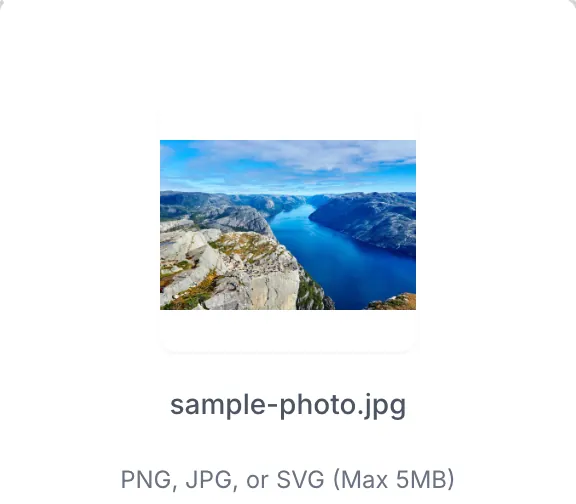
The file is ready
The image loads locally so you can see it before running anything.

- 3
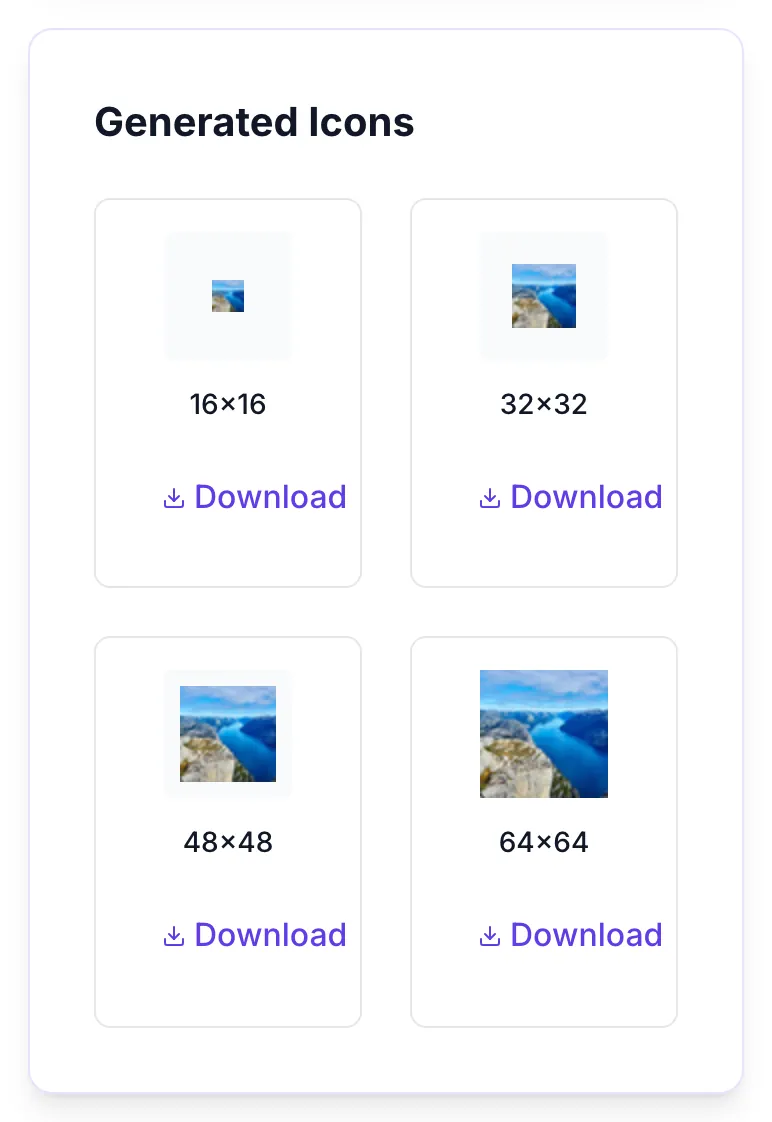
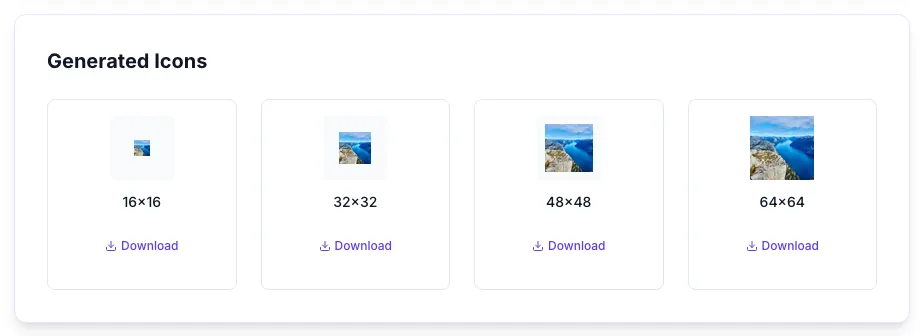
See what Generate Favicons produces
Clicking Generate Favicons runs the check and shows the result right below.
How it works
Five steps, under a minute.
Upload your logo
Click the drop zone and select a PNG, JPG, or SVG. For best results, upload 512x512 or larger with transparent background.
Preview the source
Confirm the image looks right before processing. If the logo has fine details or text, test whether it will read at 16x16.
Click Generate Favicons
The tool resizes your image server-side to 16x16, 32x32, 48x48, and 64x64. Typical processing time is under 2 seconds.
Preview each size
Check that sharpness holds at 16x16. If it looks fuzzy, simplify the source and regenerate.
Download and deploy
Click Download on each size. Upload to your site root, add <link rel="icon" sizes="..."> tags per size in <head>. Ship.
Who it's for
Six teams who ship favicons weekly.
Web developers launching new sites
Ship all four standard sizes for a new project without opening Photoshop. Drop into your public folder and done.
Designers testing logo scalability
See how your logo reads at 16px, 32px, 48px, 64px before locking the final mark. Many logos fail the favicon test.
Marketing teams launching campaigns
Each landing page can have its own sub-brand favicon. Generate in seconds, ship fast.
Agencies managing many client sites
Favicon work across 20+ client brands becomes seconds of work instead of an afternoon.
Bloggers and content creators
Personalize your browser tab with a custom icon that matches your brand and improves tab recognition.
Students building portfolio projects
Every project in your portfolio deserves a proper favicon. Free, fast, done.
Platform integration guides
Where to drop the PNGs on your stack.
WordPress
Upload your 512x512 master through Appearance > Customize > Site Identity > Site Icon. WordPress auto-generates the required sizes, or use this tool for more control and upload via FTP to /wp-content/uploads/.
Shopify
Go to Online Store > Preferences > Favicon. Upload a 32x32 PNG generated by this tool. Shopify handles the rest across all storefront pages.
Webflow
Project Settings > General > Favicon. Upload a 32x32 PNG. For retina displays, also upload 64x64 in the webclip field below.
Next.js / React
Drop favicons in /public/ and reference in _document.js or layout.tsx: <link rel="icon" sizes="32x32" href="/favicon-32x32.png" />. Repeat per size.
Static HTML sites
Upload PNGs to your site root and add to <head>: <link rel="icon" type="image/png" sizes="32x32" href="/favicon-32x32.png" />. Copy for each size.
Common errors and fixes
Spot the issue, apply the fix, regenerate.
Nothing happens when you click Generate
Upload an image first. The button is disabled until a file is selected. Check that your file is under 5 MB and a valid image type (PNG, JPG, SVG).
Favicons look pixelated at 16x16
Your source image is too small or has thin lines. Upload at least 512x512, simplify fine details, and avoid text. Text never reads at 16x16 on most monitors.
Colors look washed out after resize
Very small JPGs compress color data heavily. Start from a lossless PNG source. If your logo uses gradient fills, simplify them to solid colors for small sizes.
Transparent background turned white
Your source file was a JPG (which does not support transparency). Re-export from your design tool as PNG with alpha channel enabled.
Browser still shows old favicon
Browsers cache favicons aggressively. Hard-reload (Ctrl+Shift+R), clear site cache, or append a version query (?v=2) to the favicon URL to force a refresh.
Icons look fuzzy on retina/high-DPI displays
Add the 32x32 and higher sizes via multiple <link rel="icon" sizes="..."> tags in your head. The browser will pick the best resolution for the device.
Generate button shows a generic error
Check your internet connection and retry. Files over 5 MB can fail, compress with TinyPNG or similar before uploading.
SVG uploads look weird at small sizes
SVGs rasterize to pixels at small sizes. Test the 16x16 output carefully, if curves look rough, export a PNG from your SVG at 512x512 first, then upload that.
How Grigora compares
Favicon Size Generator vs common alternatives.
| Feature | Grigora | RealFaviconGen | Favicon.io | Canva | Photoshop |
|---|---|---|---|---|---|
| Free + unlimited | Limited trial | Free tier cap | N/A (manual) | ||
| All 4 standard sizes in one pass | × | ||||
| No sign-up required | × | × | |||
| Transparent PNG support | Depends | ||||
| Instant preview before generate | × | × | × | ||
| Privacy, image not stored | Unclear | Unclear | Stored | ||
| Processing time | <2s | ~5s | ~8s | ~10s | 10-20 min |
| Works with PNG + JPG + SVG | PNG only | Depends |
Original data, at a glance
Benchmarks from our production pipeline.
Average processing time
for a 512x512 PNG source across 4 output sizes
Default sizes generated
16, 32, 48, 64. Covering every mainstream browser and device requirement
Source file size ceiling
larger files should be compressed with TinyPNG before upload
Output file type
lossless, transparency-preserving, compatible with every modern browser
Why favicons still matter
Mobile SERP recognition
Google displays favicons next to search results on mobile. A sharp, on-brand favicon lifts CTR noticeably.
Tab recognition
Power users keep 20+ tabs open. A distinct favicon wins the glance war versus a generic placeholder globe.
Bookmark branding
When a user bookmarks your site, your favicon is what they scan for months later. Make it memorable.
Trust signal
A missing or broken favicon reads as “unfinished site”. Proper favicons signal professional polish.
Frequently asked questions
Everything builders ask before using this tool.
Related Grigora tools
Keep the momentum going.
Favicon Checker
Check every declared icon actually resolves.
Logo Color Palette Generator
Extract the dominant colors from your logo before resizing it for favicons.
Image Compressor
Shrink the original PNG before upload to speed up generation.
Custom OG Image Maker
Create matching Open Graph social share images using the same logo.
Image to WebP Converter
Convert your logo to WebP format for faster web delivery.
Social Image Cropper
Crop an image to the aspect ratio each network expects.
Website Icon Generator
Generate a full icon set including Apple Touch Icon and PWA icons.
Ship your favicons in the next 30 seconds
Free, unlimited, no sign-up. Upload once, download four sharp PNGs.
Generate favicons