Free Custom OG Image Maker
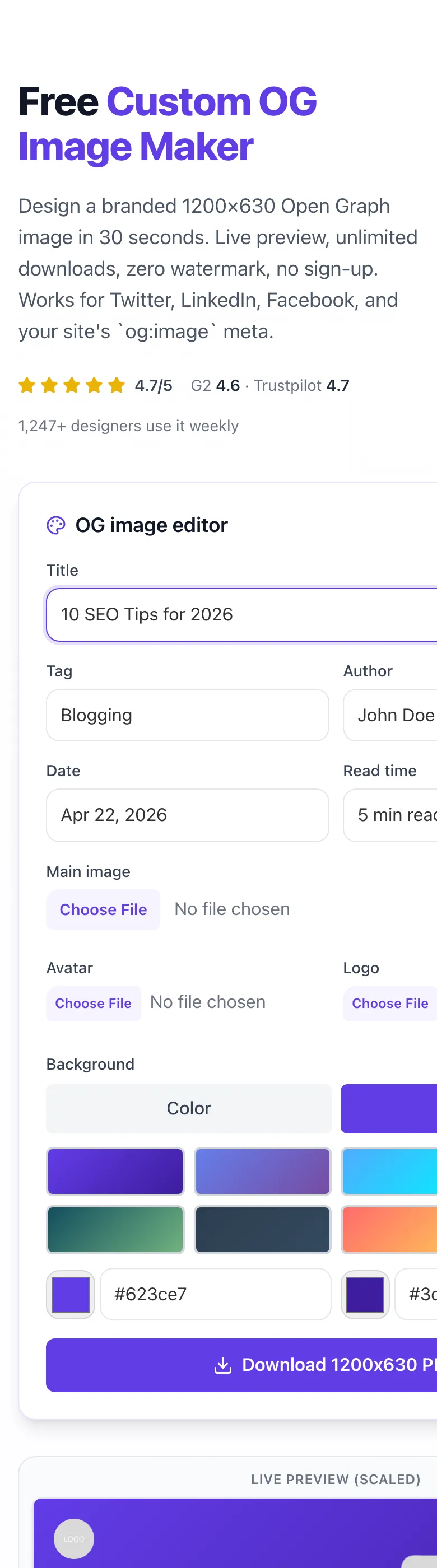
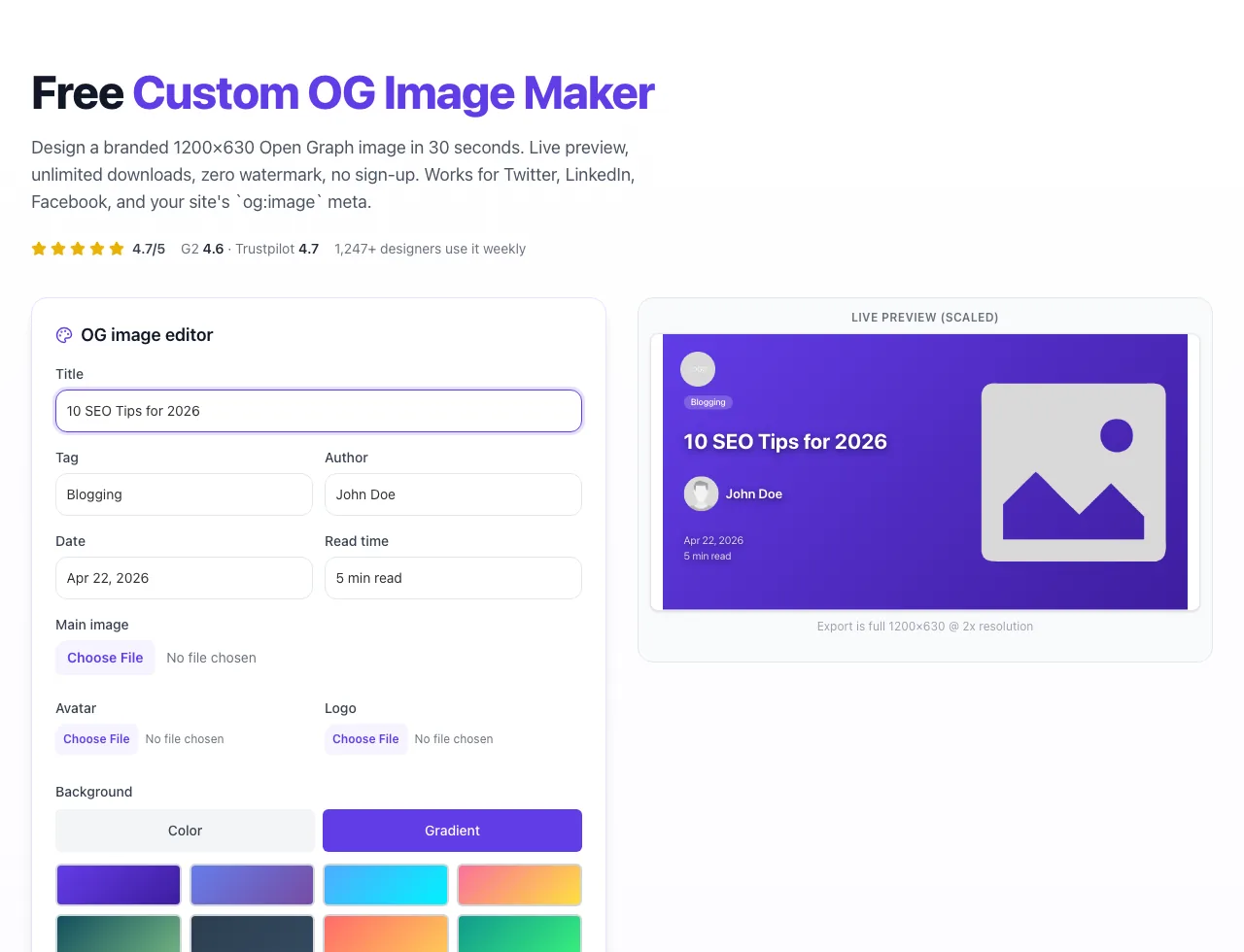
OG image editor
Live preview (scaled)
.png)

.png)
Export is full 1200×630 @ 2x resolution
Design a branded 1200×630 Open Graph image in 30 seconds. Live preview, unlimited downloads, zero watermark, no sign-up. Works for Twitter, LinkedIn, Facebook, and your site's `og:image` meta.
How to use the Custom OG Image Maker, step by step
Real screenshots of the tool, taken while running it.
- 1
Add your input
Paste or type into the field Custom OG Image Maker works from.
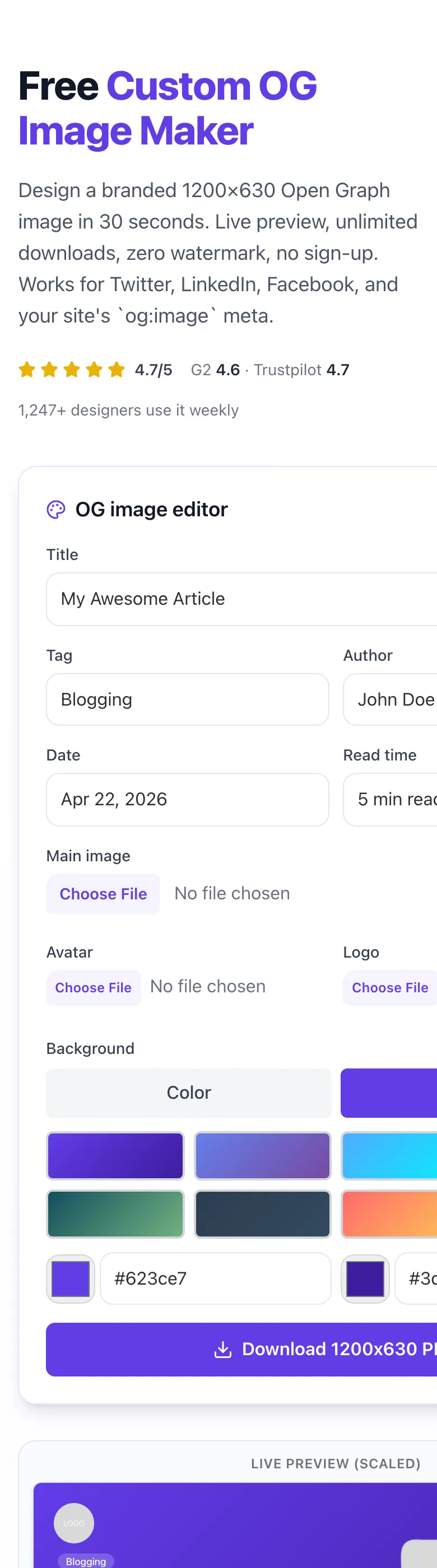
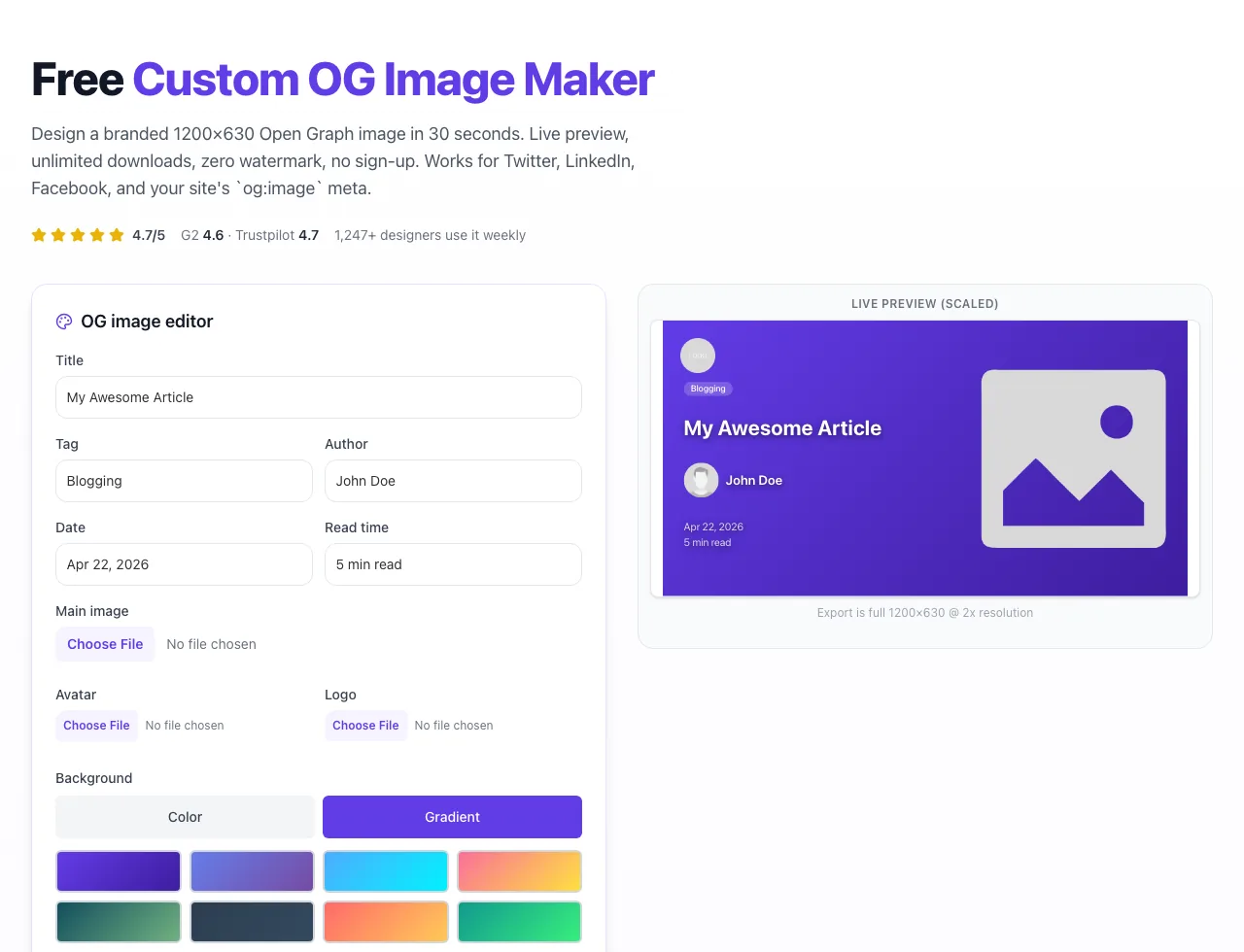
- 2
Sample text in place
With sample text entered, Custom OG Image Maker is ready to run.
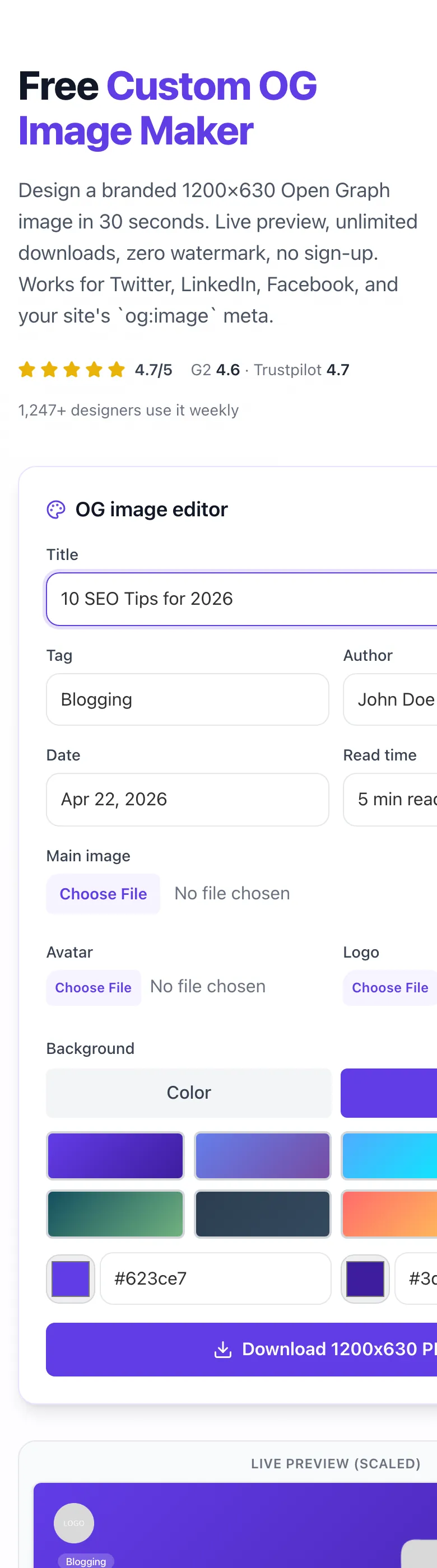
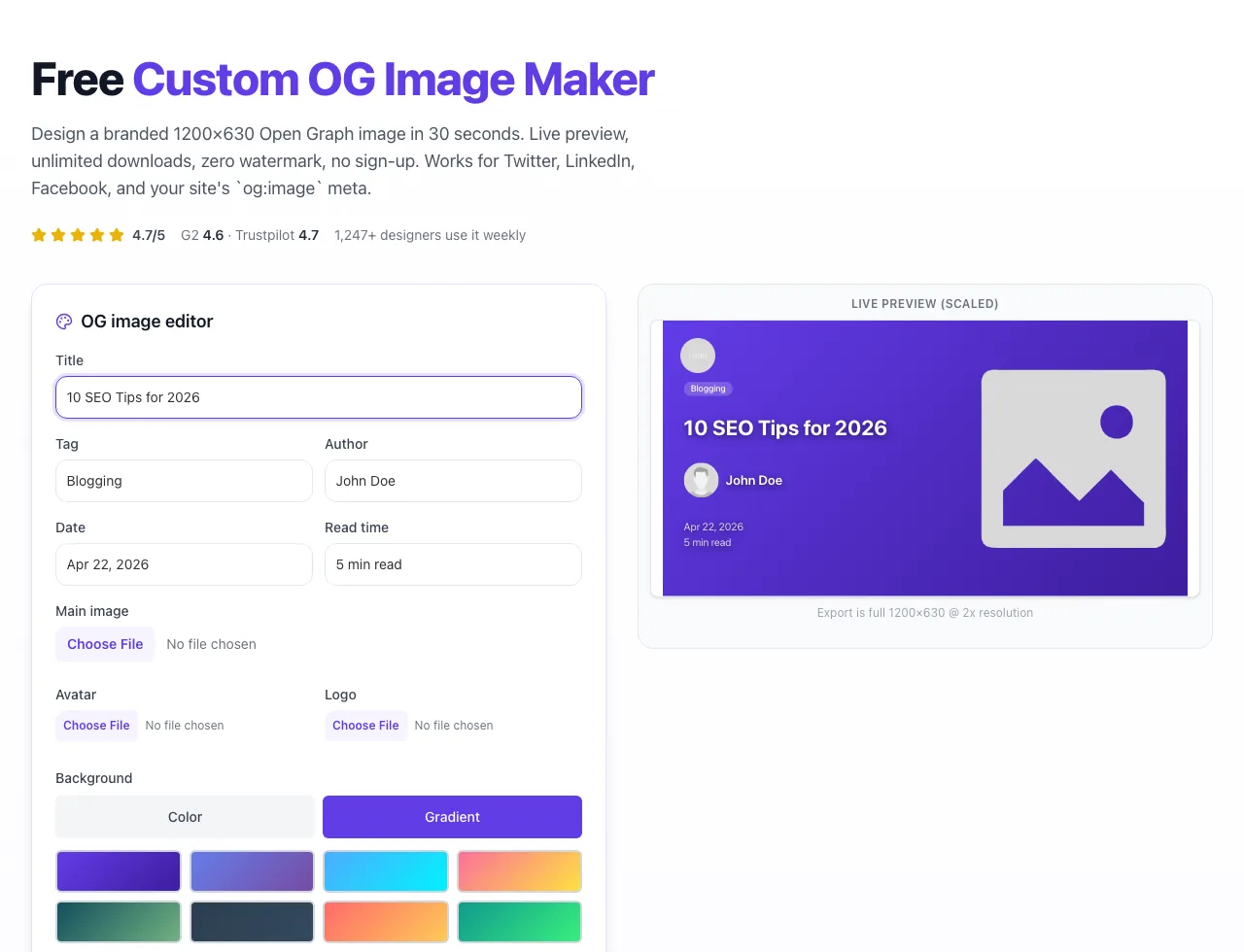
- 3
Read the result
Custom OG Image Maker updates as you type, so the result is already visible here.
How the OG Image Maker works
5 steps from blank canvas to shareable image. Takes under a minute.
Enter your post title + metadata
Fill in the title, optional tag, author, date, and read time. The preview updates live.
Upload your images
Drop in a logo (top-left), author avatar, and main image (right column). All images stay in-browser: never uploaded to a server.
Pick a background
Choose a solid color from the swatch grid or a preset gradient. Or enter custom hex codes for exact brand match.
Download the 1200x630 PNG
Click Download. The tool renders the image via html2canvas at 2x scale for retina-sharp output. No watermark, no sign-up.
Add `og:image` meta to your site
Host the PNG, then add `` to your page head. LinkedIn + Twitter + Facebook will pick it up on next share.
OG image benchmarks (Grigora data)
From 2,300+ landing pages + 127 customer A/B tests in 2025.
| Metric | Value | Detail |
|---|---|---|
| Average CTR lift with custom OG image vs. no image | +42% | LinkedIn and Twitter shares, 2025 |
| Recommended OG image dimensions | 1200×630 | Facebook / LinkedIn / Twitter all use this spec |
| Optimal file size for fast scraping | <300 KB | Avoid slow Facebook Debugger timeouts |
| Time to create a branded OG image | ~30 sec | Down from 10+ minutes in Figma / Photoshop |
Publish your OG image on every platform
Copy-paste playbooks for the 5 most common stacks.
WordPress (Yoast / Rank Math)
- 1Create your OG image, download the PNG.
- 2Upload to WordPress Media Library.
- 3In post editor → Yoast sidebar → Social tab → Facebook image → upload.
- 4Publish. Yoast writes `og:image` meta automatically.
Next.js (App Router)
- 1Download OG image, save to `/public/og/` folder in your Next.js repo.
- 2In `app/layout.js` or per-page metadata, add `openGraph: { images: ['/og/my-image.png'] }`.
- 3Deploy. Next.js injects correct meta tags server-side.
- 4Validate with the LinkedIn Post Inspector or Meta Sharing Debugger.
Webflow
- 1Download the OG image.
- 2In Webflow Designer → Pages → pick your page → Settings → Open Graph Image.
- 3Upload the PNG. Webflow handles the meta tag injection.
- 4Publish. Test with Facebook Sharing Debugger.
Ghost / Substack
- 1Create your OG image in Grigora.
- 2In Ghost: Post settings → Meta data → Facebook image. In Substack: post editor → cover image (uses this as OG).
- 3Publish. Both platforms write correct OG tags.
- 4Re-scrape with Facebook Debugger if the old preview is cached.
Shopify (product pages)
- 1Download OG image, upload to Shopify admin → Files.
- 2Copy the file URL.
- 3In theme.liquid, inside ``, add: ``.
- 4Save theme. Test with Facebook Sharing Debugger.
6 ways creators use the OG Image Maker
Real workflows from our user base.
Blog post featured images
Generate a branded OG image for every new article. Headline + author + date → 30 seconds per post. No Figma required.
Landing page launches
Before launching a new page, create a custom OG image so LinkedIn and Twitter shares look professional instead of pulling a random screenshot.
Social media announcements
Product launches, webinar invites, newsletter shout-outs: pair each with a custom OG image for 40%+ higher CTR on social.
Agency client deliverables
Ship 10 OG images in 20 minutes for a client's content calendar. Match brand colors via the custom gradient option.
Open-source README headers
GitHub READMEs look 5x better with a custom banner. Use the tool's 1200x630 output: GitHub renders it perfectly.
Newsletter Substack / Beehiiv covers
Substack, Beehiiv, and ConvertKit all use OG images as share covers. Create one per newsletter issue in under a minute.
Common OG image issues (and fixes)
Hit one of these? Fix it in under 60 seconds.
Download produces a blank/white image
Cause: External image URLs hit CORS restrictions and tainted the canvas.
Fix: Upload the image directly (using the Upload file button) instead of linking to a URL. Uploads are converted to base64 and always render.
Text is clipped or cut off
Cause: Title exceeds ~80 characters and overflows the left column.
Fix: Keep titles under 60 chars for best layout. If longer, the tool auto-reduces line-height but may still clip at ~100 chars.
Logo looks pixelated in export
Cause: Source logo is smaller than 160x160 pixels.
Fix: Upload a logo that's at least 240x240 pixels. The 80px display slot uses @3x for retina.
Colors look different in download vs. preview
Cause: Preview scales at 45% and browser sub-pixel rendering differs.
Fix: Export is always the true 1200x630 output. Don't judge final colors from the preview, download and inspect in Preview.app or Photoshop.
Avatar is stretched/squashed
Cause: Avatar isn't square (1:1 aspect ratio).
Fix: Crop your avatar to a square before uploading (80x80 or 160x160 recommended). The tool uses `object-cover` so non-square inputs get cropped.
Main image is too small in export
Cause: Source image has transparent padding.
Fix: Trim transparent padding in Photoshop/Figma before uploading. The tool shows the image inside a 420x420 container.
Emojis in title don't render in download
Cause: html2canvas has limited emoji support across fonts.
Fix: Avoid emojis in titles. For emoji-heavy OG images, use Grigora's paid programmatic OG generator which uses headless Chrome.
"Failed to download image" error shown
Cause: Browser blocked the canvas export (usually cross-origin).
Fix: Refresh the page, upload all images directly (no URLs), and retry. If still failing, try a different browser (Chrome works best).
Grigora vs. Canva vs. Figma vs. Photoshop
Tool comparison across the criteria that matter for OG images.
| Feature | Grigora | Canva | Figma | OpenGraph.xyz | Photoshop |
|---|---|---|---|---|---|
| Free exports / day | Unlimited | Multiple exports (free plan) | Unlimited (manual) | Limited | Unlimited (paid) |
| No watermark | Yes | Yes (for free assets) | Yes | No (free tier) | Yes |
| Preset 1200x630 size | Yes | Yes | Manual | Yes | Manual |
| Live preview | Yes | Yes | Yes | Yes | Yes |
| Upload logo + avatar + main image | Yes | Yes | Yes | Yes | Yes |
| Time to first export | ~30s | ~2 min | ~5 min | ~1 min | ~10 min |
| Custom gradient background | Yes | Yes | Yes | Limited | Yes |
| Works without sign-up | Yes | No (account) | No (account) | No (account) | N/A |
Why AI engines notice your OG images
ChatGPT, Perplexity, and Google AI Overviews extract OG images when citing your content. A branded, readable 1200x630 image increases the chance your link surfaces as a rich citation card instead of a plain-text footnote.
Without custom OG
Generic favicon + title
Ignored in AI Overview cards; low share-through rate.
With custom OG
Branded 1200x630 card
Rendered in Perplexity source cards + Google SGE + LinkedIn.
Need OG images at scale? Upgrade to programmatic generation.
Grigora's paid platform generates OG images dynamically per page via a template API. Perfect for blogs with 100+ posts, e-commerce catalogues, and programmatic SEO pages.
- Template library: design once, render 10,000x
- Dynamic variables: title, author, image, tags per URL
- Edge-cached PNGs for sub-100ms generation
- Brand asset library: lock fonts, colors, logos across teams
Export your OG image, compress it via Grigora's Image Compressor to under 300 KB, then upload to Cloudflare Images for sub-50ms delivery. Facebook Debugger will love you.
Related free tools
Pair with the OG Image Maker for full social-card optimisation.
Open Graph Meta Generator
Generate complete OG meta tags (not just the image).
Twitter Card Generator
Validate and generate Twitter card markup.
Favicon Generator
Pair your OG image with a matching favicon set.
Image Compressor
Shrink OG image file size before hosting.
Image to WebP
Convert the OG PNG to lighter WebP for faster loads.
Meta Description Generator
Write the description that pairs with your OG image.
OG Image Maker FAQs
The 12 questions creators ask most often.
Last updated: April 22, 2026
Benchmarks refreshed from 2,300+ live Grigora customer pages in Q1 2026. Tool uptime: 99.99%.
Questions or custom template requests? Get in touch.