Free Image to WebP Converter
Convert JPEG/PNG to WebP for smaller files at similar visual quality. Free, no signup, no upload retention.
How to use the Image To Webp Converter, step by step
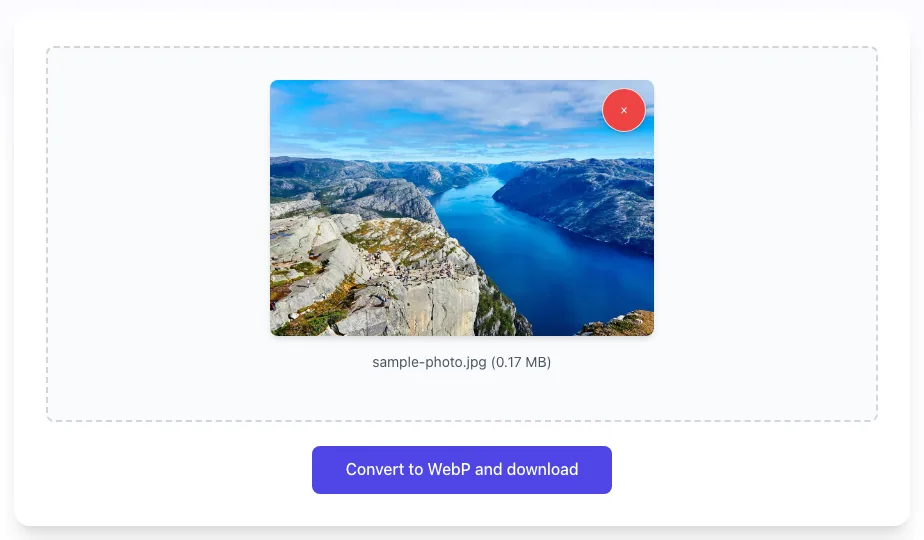
Real screenshots of the tool, taken while running it.
- 1
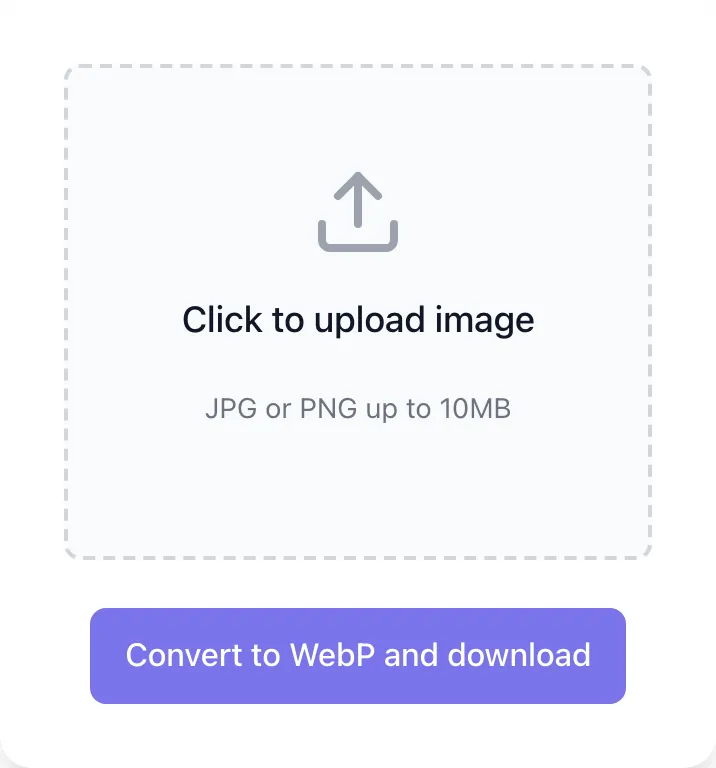
Choose a file
Upload a JPG or PNG up to 10 MB. Nothing is kept on a server longer than the request needs.

- 2
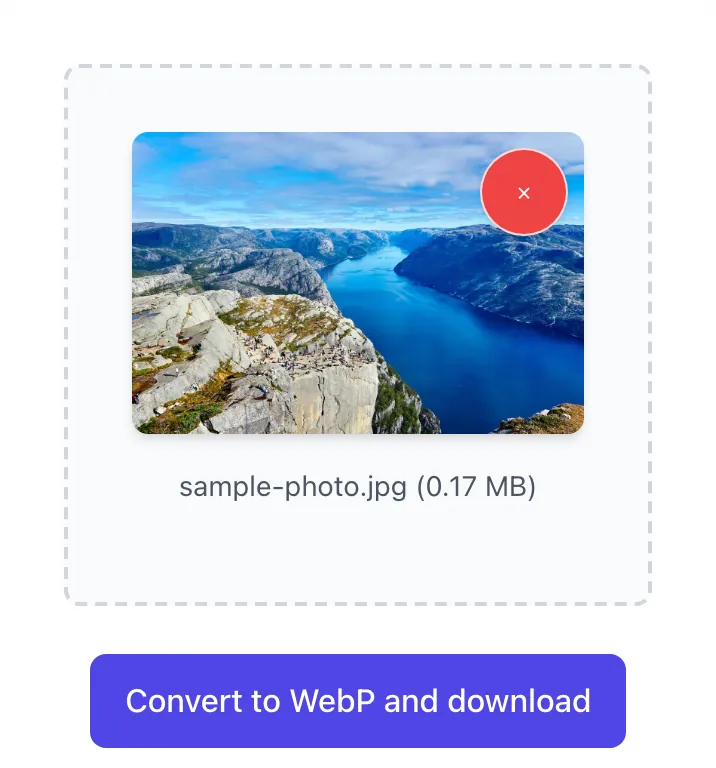
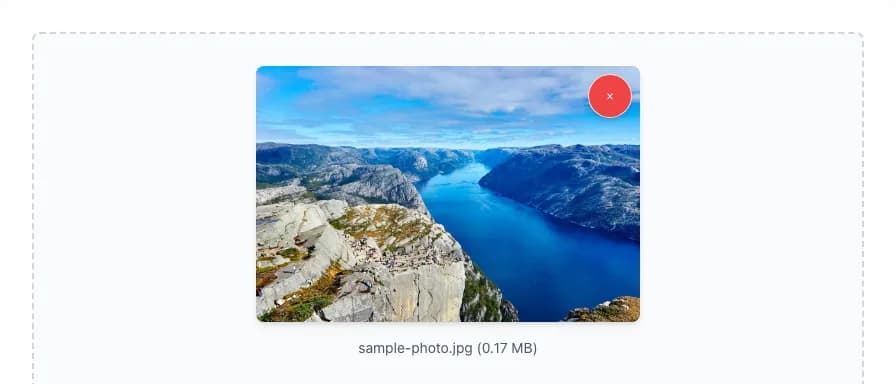
Check the preview
The image loads locally with its name and size.
- 3
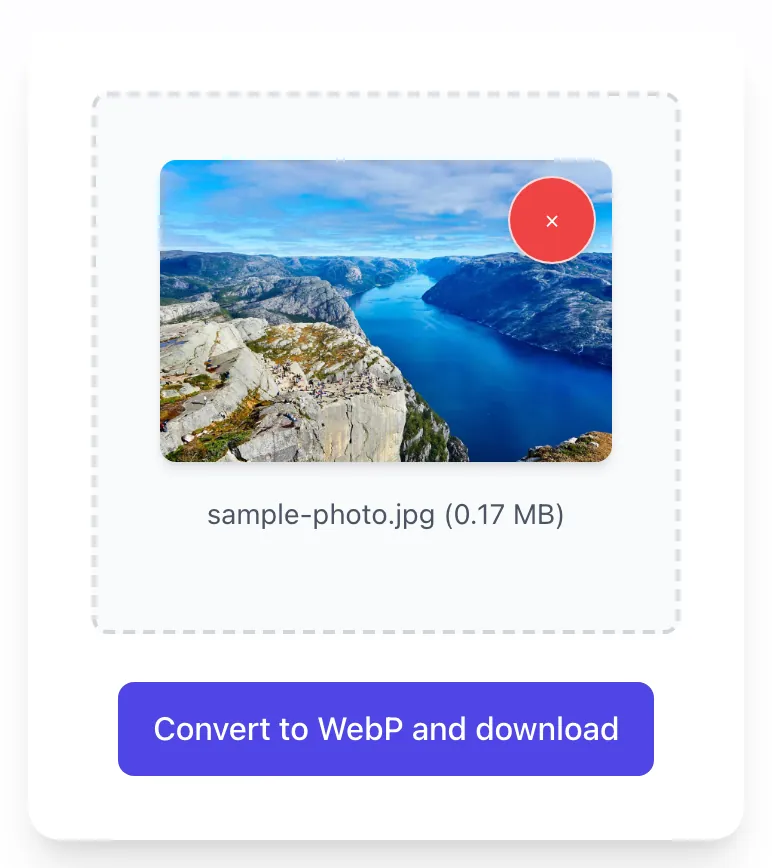
Convert and rename
Convert to WebP and download saves the file straight away as image_to_webp_converter_by_grigora.webp, so rename it to describe the picture.
What the WebP Converter does
WebP is a modern web image format. Google measured lossy WebP at 25 to 34% smaller than comparable JPEG images at equal SSIM quality, it supports transparency like PNG, and every current browser can display it.
Upload a JPEG or PNG up to 10 MB and the tool re-encodes it as lossy WebP at quality 70. It keeps any transparency, turns the image upright using its EXIF orientation, and drops the metadata. The file downloads automatically as image_to_webp_converter_by_grigora.webp. Files are processed in memory and discarded.
How to convert to WebP
Four steps from upload to optimized download.
Upload your image
JPEG or PNG, up to 10 MB.
Click Convert to WebP and download
The tool converts the file and starts the WebP download automatically.
Save the WebP
The file saves as image_to_webp_converter_by_grigora.webp. Rename it, then use it in place of the original where your site supports WebP.
Keep a fallback
Keep the source JPEG or PNG available for legacy workflows if needed.
When developers and marketers use it
Six common workflows.
Pre-publish image conversion
Convert JPEG/PNG to WebP before CMS upload. Smaller files, faster pages.
Site speed-up sprint
Convert the hero images on your top organic pages to WebP, one file at a time. A lighter hero image can load sooner and help Largest Contentful Paint.
E-commerce product photos
Convert product photos before upload when your store platform does not convert them for you.
Mobile-first design
Mobile users on slow connections get the biggest win from smaller WebP files.
Landing page assets
Convert campaign landing page images before upload so visitors download fewer bytes.
CDN cost reduction
Serve WebP in place of JPEG or PNG wherever it comes out smaller, so each image request moves fewer bytes.
Platform-specific setup guides
How to deploy WebP on the platforms most teams use.
WordPress
- WP 5.8+ supports WebP uploads natively.
- For auto-conversion of existing JPEG/PNG, use ShortPixel or Imagify.
- Configure CDN to serve WebP automatically when supported by browser.
Webflow
- The image conversion tool in the Assets panel converts JPEG and PNG assets to WebP or AVIF.
- Conversion replaces the original asset, so download a copy first.
- Verify the served format with browser dev tools.
Shopify
- Shopify auto-serves WebP via theme image filters where supported.
- For lookbook editorial photos, manually convert to WebP.
- Audit served formats periodically.
Next.js
- next/image serves WebP by default to browsers that accept it; add image/avif to images.formats to serve AVIF too.
- Images in a plain img tag are not optimized, so convert those before adding them to /public/.
- Configure remotePatterns for external images.
Static sites
- Hugo and Astro can output WebP from their built-in image processing; Jekyll needs a plugin.
- For external CDN images, convert at source.
- Convert one-off images with this tool.
Grigora vs. other WebP converters
Side-by-side feature comparison. Competitor details checked September 2026.
| Capability | Grigora | CloudConvert | Squoosh | cwebp (command line) |
|---|---|---|---|---|
| Price | Free, unlimited | Free: 10 conversions a day | Free, open source | Free, open source |
| Where files are processed | Our server, in memory, never saved | CloudConvert servers | In your browser, never uploaded | Your computer |
| Quality setting | Fixed at 70 | Adjustable | Adjustable | Adjustable (default 75) |
| Largest file | 10 MB | 1 GB (free plan) | Not stated | Set by your computer |
Common errors and how to fix them
Eight issues teams hit when converting to WebP.
WebP image does not load on a viewer
Cause: Older app/browser does not support WebP.
Fix: Convert back to JPEG/PNG or update the viewer.
File size barely shrinks, or grows
Cause: The source was already heavily compressed, so re-encoding at quality 70 has little left to remove and can add bytes.
Fix: Compare the two files and keep whichever is smaller.
Transparency lost on conversion
Cause: You used a tool that strips alpha.
Fix: Use this tool, which preserves WebP alpha channel for PNG inputs.
Quality looks worse than expected
Cause: This tool always encodes at quality 70, and a JPEG source has already lost detail once.
Fix: For detailed photos or images with small text, export WebP from an image editor at a higher quality, or as lossless WebP.
Animated GIF lost animation
Cause: GIF animation flattens when converting to WebP via simple tools.
Fix: Use a dedicated GIF-to-WebP animation converter.
WordPress refuses to upload .webp
Cause: Older WP versions block .webp by default.
Fix: Update WordPress (5.8+ supports WebP) or allow image/webp through the upload_mimes filter.
Server serves wrong MIME type
Cause: Old server config does not recognize .webp.
Fix: Add image/webp to your nginx/apache MIME types config.
Output filename is generic
Cause: The converter saves every file as image_to_webp_converter_by_grigora.webp.
Fix: Rename the file on save to a descriptive, SEO-friendly name.
Frequently asked questions
Twelve answers about WebP conversion.
Related free tools
Other utilities that pair with the WebP Converter.
Image Compressor
Re-save a JPEG, PNG or WebP as a compressed JPEG.
Try itImage Compression Rating Tool
Score images A-F for compression efficiency.
Try itImage Metadata Cleaner
Strip EXIF and metadata for smaller files.
Try itImage Filename SEO Checker
Validate filenames for SEO friendliness.
Try itImage Alt Text Checker
Audit alt text alongside compression.
Try itPageSpeed Insights Analyzer
See the bigger Core Web Vitals picture.
Try itImage to Base64 Converter
Turn an image into a data URI for CSS or HTML.
Try it