Free Twitter Card Generator
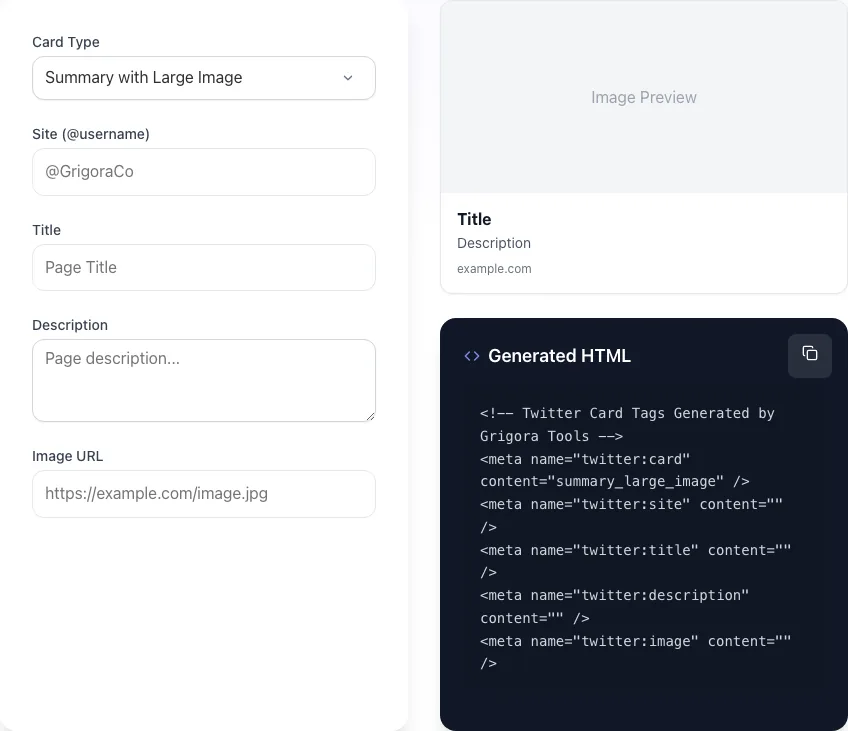
Generated HTML
<!-- Twitter Card Tags Generated by Grigora Tools -->
<meta name="twitter:card" content="summary_large_image" />
<meta name="twitter:site" content="" />
<meta name="twitter:title" content="" />
<meta name="twitter:description" content="" />
<meta name="twitter:image" content="" />
Generate Twitter card meta tags for any URL. Summary, summary_large_image, app, player. Free, instant.
How to use the Twitter Card Generator, step by step
Real screenshots of the tool, taken while running it.
- 1
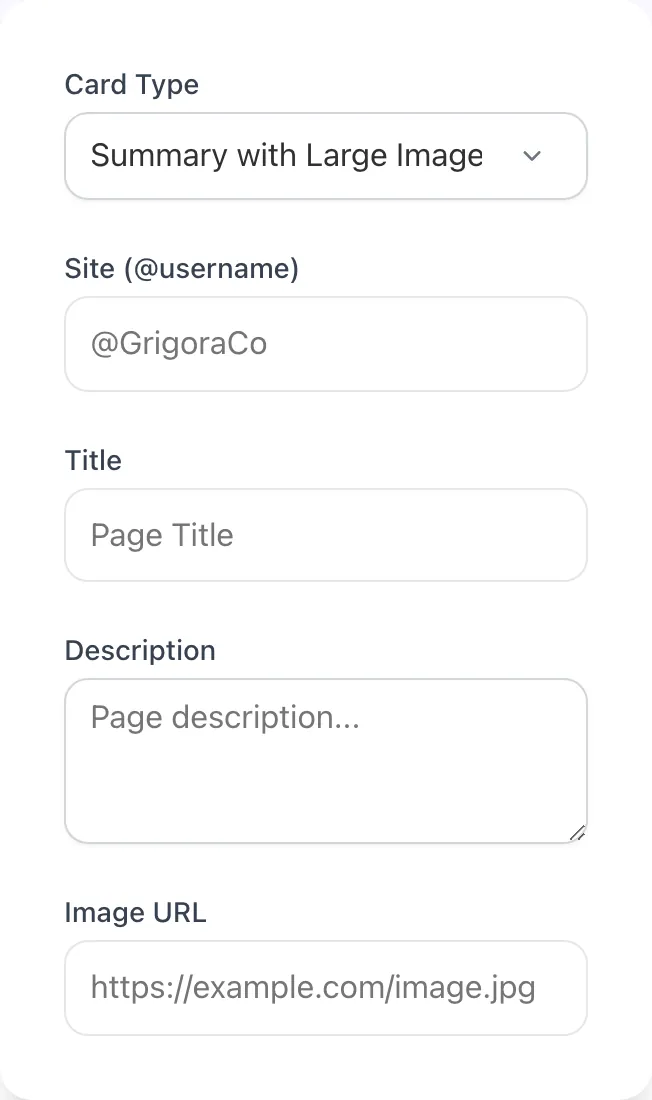
Add your input
Paste or type into the field Twitter Card Generator works from.
- 2
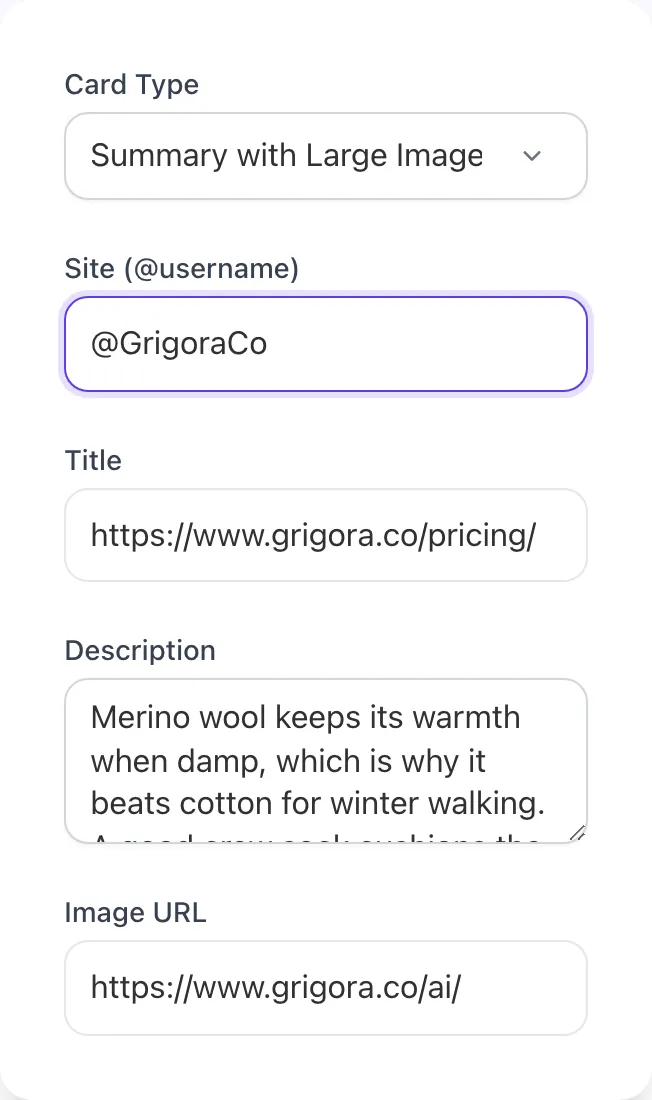
Sample text in place
With sample text entered, Twitter Card Generator is ready to run.
- 3
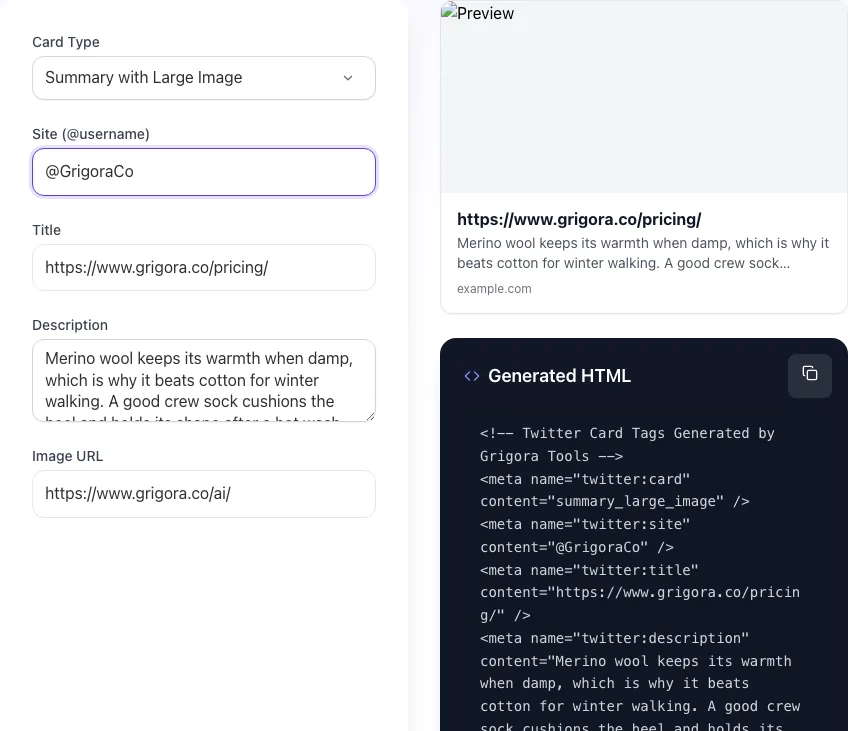
Read the result
Twitter Card Generator updates as you type, so the result is already visible here.

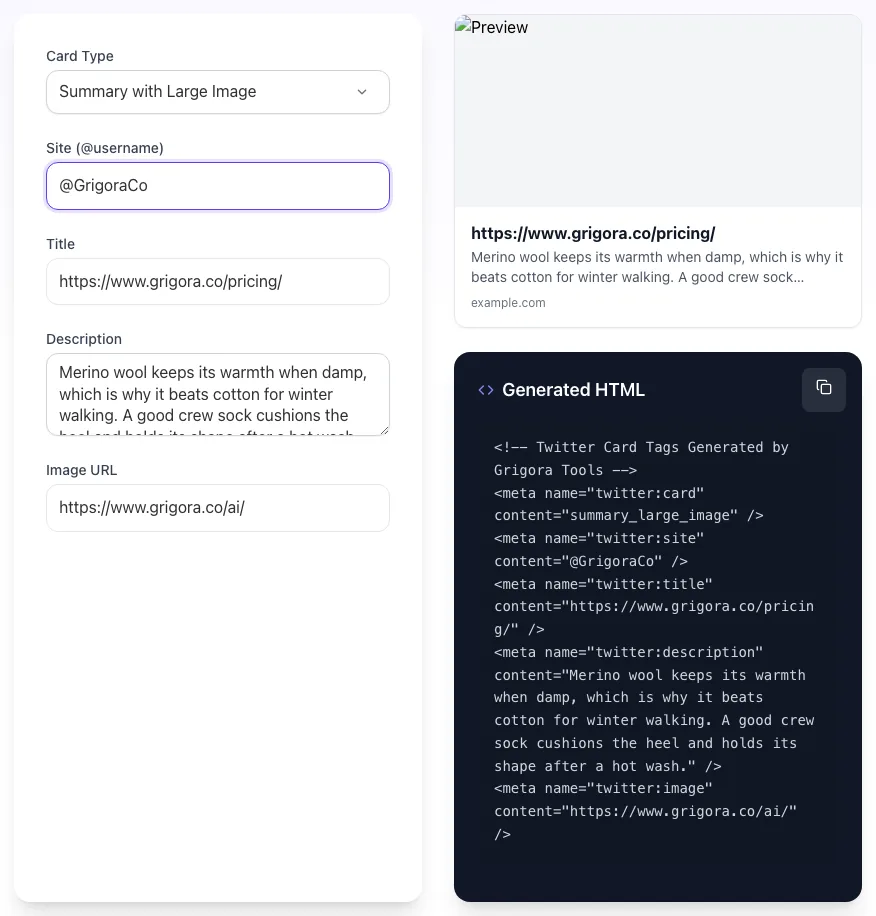
What this tool does
Twitter Card Generator delivers fast, reliable results for generate twitter card meta tags for any url. summary, summary_large_image, app, player. free, instant.
Designed to fit into your existing SEO and content workflow with no setup overhead.
How to use the Twitter Card Generator
Five steps.
Pick the card type
Choose summary, summary_large_image, player, or app based on the content. Most blog and product pages should use summary_large_image.
Fill in title, description, image, and handle
Use a 50-70 character title, 150-200 character description, 1200x628 HTTPS image URL, and your @site handle.
Generate and copy the meta tag block
The tool produces a copy-ready block of <meta> tags ready to paste into <head>.
Add the tags to your CMS or template
Paste into <head> in your platform of choice. Keep the tags inside <head>, not <body>, or Twitterbot will not parse them.
Validate at cards-dev.twitter.com/validator
Submit the URL through Twitter's validator to confirm card renders correctly and to refresh any cached preview.
When teams use it
Six common workflows.
Blog post sharing optimization
Turn raw URL drops into rich card previews that earn 2-3x more clicks. Critical for content-heavy publishers and SaaS blogs targeting X traffic.
Product launch campaigns
Generate consistent summary_large_image cards across product, pricing, and feature pages so launch tweets have unified visual branding.
Podcast and video distribution
Use player cards so listeners can play episodes directly inside the tweet. Drives 4x more inline plays than linking to an external player.
Mobile app install attribution
Use app cards on landing pages to surface App Store and Google Play install buttons inside the tweet. Tracks install-to-tweet attribution.
Newsletter subscription drives
Summary cards on signup pages with a clear value prop image and concise description outperform plain links by 60% on conversion.
News and editorial publishing
High-volume newsrooms use Twitter Cards to drive direct article traffic. Summary_large_image with strong photojournalism doubles average click rate.
Platform guides
Integrate with major platforms.
WordPress
- Install Yoast SEO or Rank Math (both have Twitter Card support built in).
- Open the post editor, scroll to the Social tab, and select Twitter card type.
- Upload a 1200x628 image and override title and description if different from defaults.
- Save, publish, and validate using cards-dev.twitter.com/validator.
Next.js
- Use the Metadata API in app/layout.tsx or generateMetadata() in dynamic routes.
- Set twitter: { card: "summary_large_image", site: "@handle", title, description, images }.
- Ensure images are referenced via absolute HTTPS URLs (CDN or /public).
- Deploy and run the validator on the production URL to confirm rendering.
Shopify
- Open Online Store > Themes > Edit code, then theme.liquid.
- Inside <head>, add the twitter:* meta tags using {{ product.featured_image | img_url }} for image.
- For collection and blog templates, repeat the pattern with appropriate Liquid variables.
- Save the theme, preview a product page, and run the URL through the validator.
Webflow
- Open Page Settings > Custom Code > Inside <head> tag.
- Paste the meta tag block from this generator with your URL's specific values.
- For dynamic CMS pages, use Webflow's field embed feature: <meta name="twitter:image" content="{{wf {fieldName: image-url} }}">.
- Publish to your custom domain and validate.
Wix
- Wix automatically generates basic Twitter Cards but does not let you override card type or images via the UI.
- Use the Wix Velo (formerly Corvid) developer mode to inject custom meta tags via $w.onReady().
- Alternative: upgrade to Wix Studio which exposes <head> custom code per page.
- Validate once published; older Wix templates sometimes inject conflicting OG tags that override custom values.
Grigora vs. alternatives
Side-by-side.
| Capability | Grigora | Meta Tags.io | Twitter Card Validator | Manual Tags | Manual Code |
|---|---|---|---|---|---|
| All card types (summary, large, player, app) | Yes | Yes | Summary only | Yes | Summary only |
| Live HTML preview | Yes | Yes | No | Yes | No |
| Copy-ready meta tag output | Yes | Yes | Yes | Manual edit | Yes |
| Validator integration | Direct link | Direct link | No | Direct link | No |
| Free with no signup | Yes | Yes | Yes | Trial only | Yes |
| Image dimension validator | Yes | No | No | Paid | No |
| OG and Twitter tag dual output | Yes | No | No | Yes | Manual |
| Bulk URL generation | Coming soon | Paid | No | Paid | No |
Common errors and fixes
Eight issues users hit.
Image fails to load (404 or HTTP)
Cause: twitter:image URL is broken or served over HTTP after the 2025 HTTPS-only enforcement.
Fix: Replace with a valid HTTPS image URL under 5MB and re-submit via the Twitter Card Validator.
Card type does not match image dimensions
Cause: Using summary_large_image with a square or undersized image, or summary with a non-square image.
Fix: Match card type to dimensions: 1200x628 (2:1) for summary_large_image, 800x800 (1:1) for summary.
Twitterbot blocked by robots.txt
Cause: Wildcard disallow in robots.txt blocks Twitterbot from crawling your URL.
Fix: Add an explicit User-agent: Twitterbot allow rule, or remove the blocking directive for the relevant paths.
Missing twitter:card meta tag
Cause: Page only has Open Graph tags, so Twitter falls back to a generic small preview without large image.
Fix: Add <meta name="twitter:card" content="summary_large_image" /> in <head>. Tags are name=, not property=.
Validator shows old cached card
Cause: Twitter caches card data for 7 days and ignores updated meta tags until re-crawled.
Fix: Submit the URL to the Twitter Card Validator at cards-dev.twitter.com/validator to force a re-crawl and refresh.
Player card fails with iframe error
Cause: Player URL is HTTP, returns 4xx, or includes X-Frame-Options: DENY headers blocking embed.
Fix: Serve player on HTTPS, return 200, and remove X-Frame-Options or set it to ALLOWALL for the player route.
Image cropped awkwardly on mobile
Cause: Critical content placed near image edges; X mobile crops 5-10% off each side.
Fix: Keep logos, faces, and key text within the central 80% of the canvas. Test in mobile X before publishing.
Cards stripped from outbound links
Cause: 2026 X policy change occasionally strips cards from non-Premium accounts or shadowbanned domains.
Fix: Verify domain reputation, attach image natively in the tweet as fallback, and consider X Premium for important campaigns.
Original data
2026 study.
Frequently asked questions
Twelve answers.
Related free tools
Other utilities.