Website Launch Checklist
Make sure everything is ready before you go live.
Tell us about your website
How to use the Website Launch Checklist, step by step
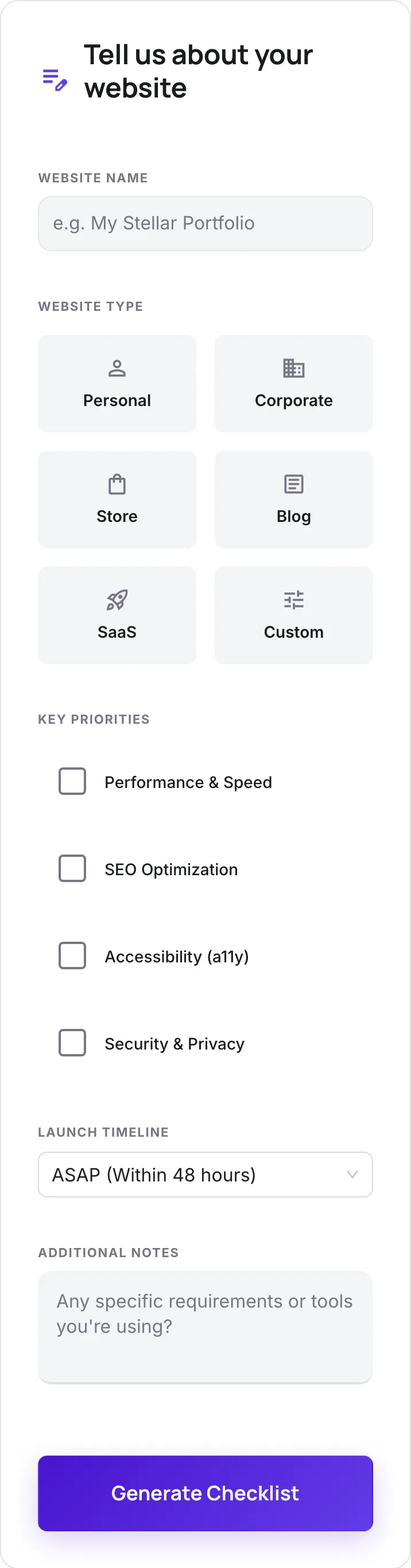
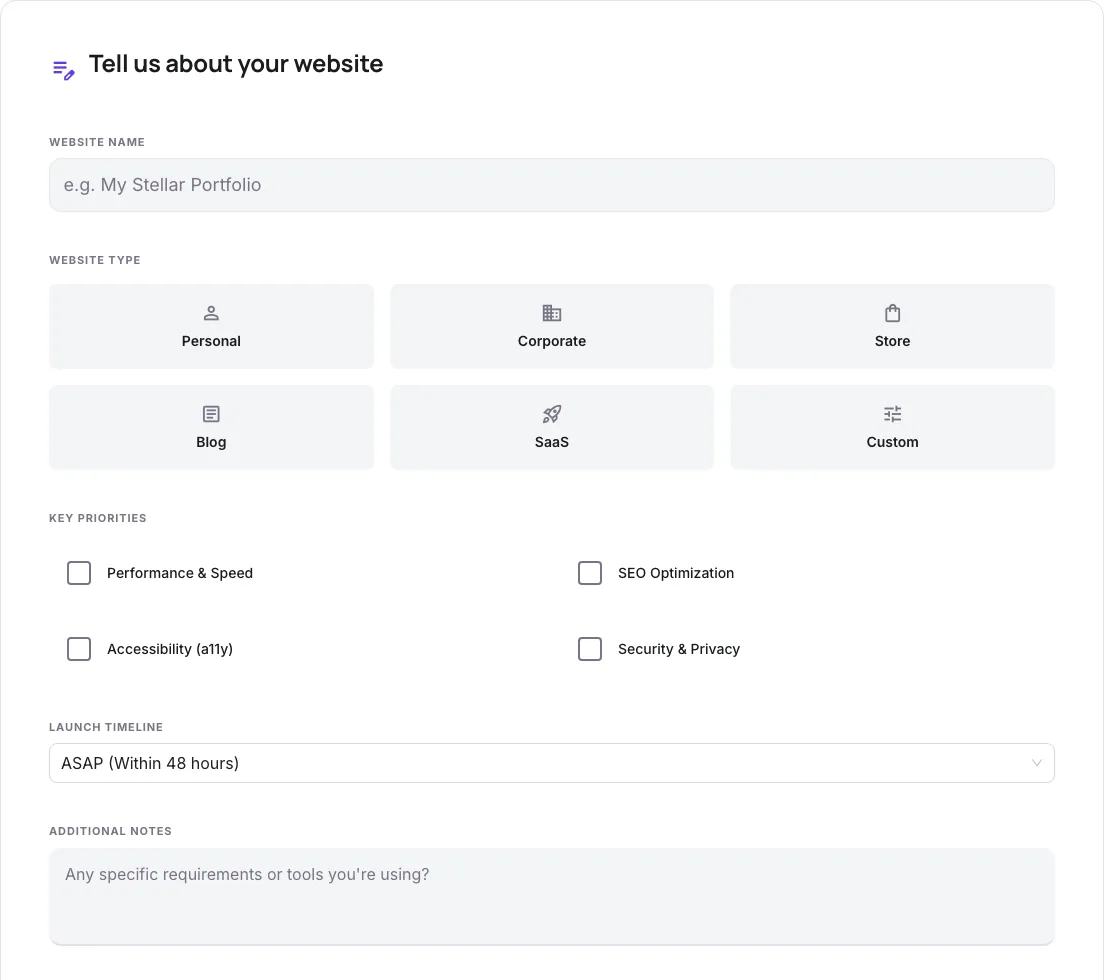
Real screenshots of the tool, taken while running it with the Generate Checklist button.
- 1
Add your input
Paste or type into the field Website Launch Checklist works from.
- 2
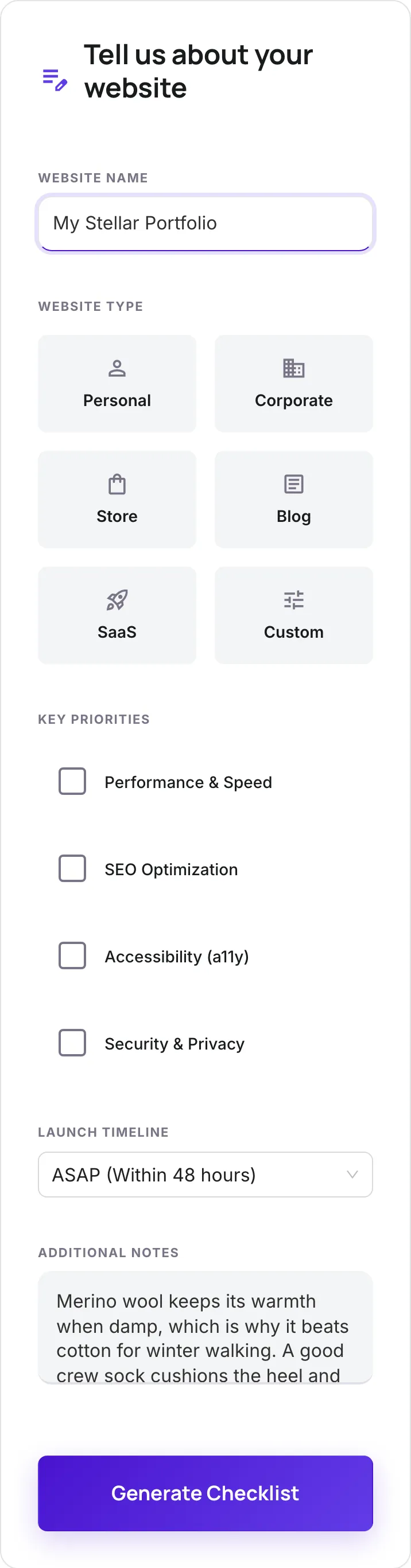
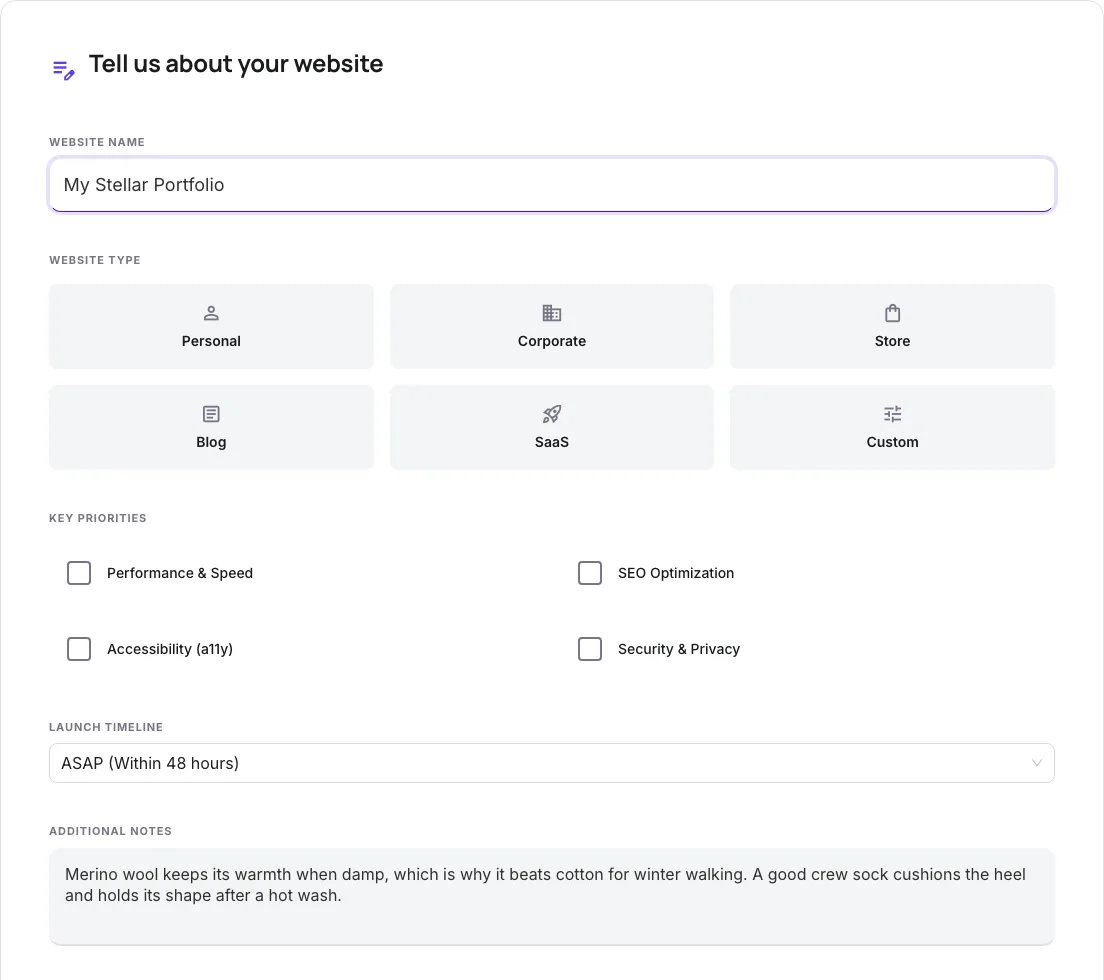
Sample text in place
With sample text entered, Website Launch Checklist is ready to run.
- 3
See what Generate Checklist produces
Clicking Generate Checklist runs the check and shows the result right below.
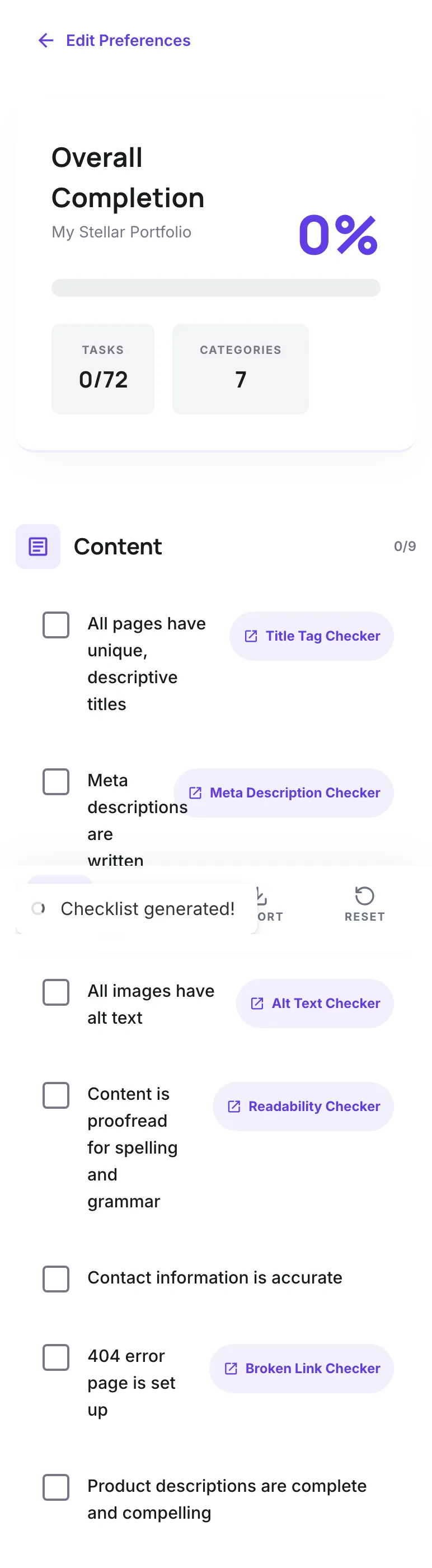
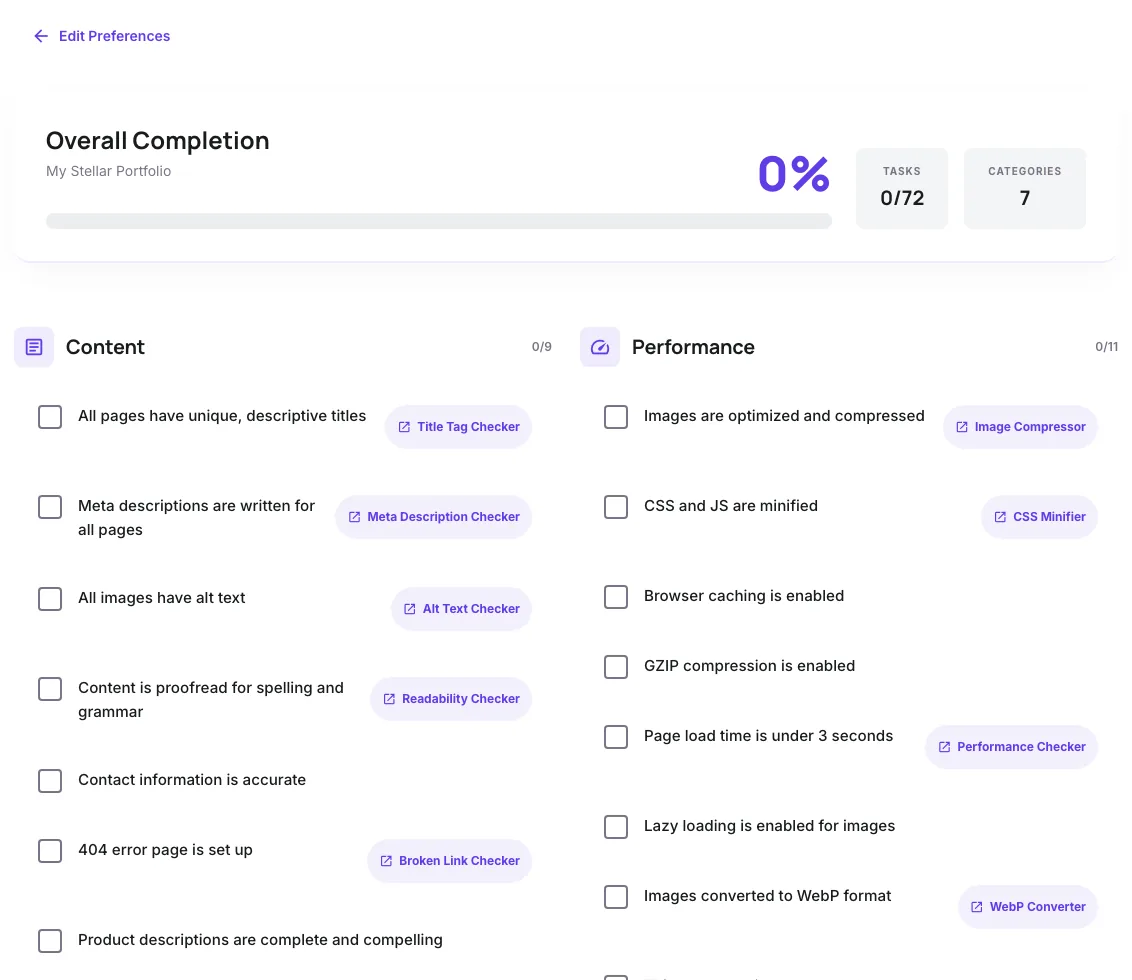
What this tool does
Website Launch Checklist delivers fast, reliable results for interactive website launch checklist: content, seo, performance, security. 50+ items, 7 categories. free.
Designed to fit into your existing SEO and content workflow with no setup overhead.
How to use it
Five steps.
Pick your site type and timeline
Select website type (SaaS, ecommerce, blog, corporate) and your launch timeline so the checklist filters relevant items.
Walk through each category systematically
Tackle Content, Design, SEO, Performance, Security, and Legal sections in order. Each category contains 10-20 actionable items.
Mark items complete as you finish them
Track progress visually. Linked tool buttons launch the relevant Grigora utility (favicon generator, sitemap creator, etc.).
Run a final pre-launch QA pass
Validate critical items: HTTPS, redirects, analytics, forms, and Search Console submission. Catch issues before DNS cutover.
Monitor the first 30 days post-launch
Use the checklist post-launch section for daily Search Console monitoring, weekly performance audits, and traffic recovery tracking.
When teams use it
Six common workflows.
New website launch
Run a 30-day pre-launch checklist for a brand-new site. Cover SEO, performance, security, content, and analytics in a structured workflow.
Site redesign migration
For redesigns and replatforming, the checklist emphasizes redirect mapping, content preservation, and post-launch monitoring.
SaaS product launch
SaaS-specific items including signup flow validation, payment integration testing, and product analytics setup before public launch.
Ecommerce store launch
Ecommerce checklist includes product schema, checkout testing, payment processor setup, and inventory hooks for launch readiness.
Pre-launch QA gate
Use the checklist as a release gate before any production deploy. Engineering and marketing sign off jointly to prevent launch failures.
Compliance and security audit
For regulated industries (finance, healthcare, education), the checklist enforces GDPR, CCPA, PCI-DSS, and accessibility compliance.
Platform guides
Integrate with major platforms.
WordPress
- Install Yoast SEO or Rank Math for SEO foundations.
- Run Site Health (Tools > Site Health) for security and performance issues.
- Use WP Rocket or W3 Total Cache for performance.
- Submit XML sitemap from Yoast/Rank Math to Google Search Console.
Next.js
- Configure metadata API or next/head for per-page titles and descriptions.
- Set up next-sitemap or custom sitemap generation pipeline.
- Run Lighthouse via Vercel Speed Insights or vercel.com/docs/speed-insights.
- Deploy to staging, run launch checklist, then promote to production.
Shopify
- Configure Shopify SEO settings (Online Store > Preferences) with title, description, and Search Console verification.
- Install Shopify SEO Manager or Smart SEO app for advanced controls.
- Test checkout flow with Bogus Gateway and live payment processor.
- Run Shopify Site Speed report and optimize images via Shopify Image Optimization.
Webflow
- Configure Project Settings > SEO for sitemap and robots.txt.
- Add Site-wide Custom Code in <head> for analytics and consent banner.
- Set up custom domain with SSL via Webflow Hosting.
- Test forms via Webflow Form Submissions; integrate with Zapier or webhooks for downstream automation.
Static site (Astro, Hugo, 11ty)
- Generate sitemap.xml at build time; commit to /public.
- Add structured data via JSON-LD in <head> components.
- Configure CDN (Netlify, Cloudflare Pages, Vercel) with cache headers and minification.
- Run Lighthouse and PageSpeed Insights on live URL after deploy.
Grigora vs. alternatives
Side-by-side.
| Capability | Grigora | Webflow Checklist | Ahrefs Checklist | Free | Manual |
|---|---|---|---|---|---|
| Pre-launch checklist with 100+ items | Yes | Yes (50) | Yes (30) | Yes (75) | Manual |
| Filter by site type (SaaS, store, blog) | Yes | No | No | Limited | No |
| Linked SEO tool integrations | Yes | Limited | No | Paid | No |
| SEO + Performance + Security coverage | All three | SEO only | SEO + perf | All three | SEO only |
| Free with no signup | Yes | Yes | Yes | Trial only | Yes |
| Export and team sharing | Yes (PDF) | Paid | No | Paid | No |
| Priority filter (SEO, a11y, perf) | Yes | No | No | Limited | No |
| Timeline-aware filtering (ASAP) | Yes | No | No | No | No |
Common errors and fixes
Eight issues users hit.
Robots.txt accidentally blocks entire site
Cause: Staging robots.txt with Disallow: / left in production after launch.
Fix: Replace with production robots.txt allowing crawl. Verify by visiting yourdomain.com/robots.txt and Search Console > Coverage.
noindex meta tags left on production pages
Cause: Staging noindex tag added during development was not removed before launch.
Fix: Search the codebase for "noindex" and "robots". Remove from production templates. Re-validate via Search Console URL Inspection.
No 301 redirects from old URLs after migration
Cause: Redirect map not built or not deployed; old URLs return 404 when users click old backlinks.
Fix: Build a complete old-to-new URL map. Deploy 301 redirects on launch day. Monitor Search Console Coverage for 404 errors.
SSL certificate expired or misconfigured
Cause: TLS cert was not renewed or is configured for the wrong domain (apex vs www mismatch).
Fix: Auto-renew via Let's Encrypt. Test with ssllabs.com/ssltest before launch. Cover both apex and www domains.
Analytics not tracking after launch
Cause: GA4 measurement ID not deployed to production, or Tag Manager container not published.
Fix: Verify in GA4 DebugView that pageviews fire from production. Republish GTM container. Test top 5 pages.
Page speed regression after launch
Cause: Production CDN, caching, or image pipeline configured differently than staging.
Fix: Run PageSpeed Insights against live URL. Compare to staging numbers. Re-enable caching, CDN, and compression as needed.
Cookie consent banner not displaying for EU users
Cause: Geolocation logic broken or banner script not loaded; GDPR violation if active for EU traffic.
Fix: Test from EU IP via VPN. Verify banner displays. Use a vetted CMP like Cookiebot or Iubenda for compliance defaults.
Forms succeed in UI but fail server-side
Cause: Backend integration with CRM/email broken; UI shows success but data never arrives.
Fix: Submit a real test from each form. Verify data arrives in the destination system. Add error monitoring (Sentry) for backend failures.
Original data
2026 study.
Frequently asked questions
Twelve answers.
Related free tools
Other utilities.
Website Cost Calculator
Compare agency, freelancer and DIY costs for a website.
Try itMeta Viewport Checker
Check the viewport tag that controls mobile rendering.
Try itFavicon Checker
Check every declared icon actually resolves.
Try itMeta Tag Generator
Generate page meta tags.
Try itMeta Description Generator
AI-write descriptions.
Try itSERP Snippet Preview
Visualize SERP rendering.
Try itOpen Graph Checker
Audit OG tags.
Try itMeta Title Checker
Audit page title.
Try itLink Metadata Scraper
Pull all metadata from URL.
Try itSSL Checker
Check the certificate, expiry and HTTPS redirect for a domain and its www twin.
Try itWebsite Grader
Grade the live site out of 100 before and after launch.
Try it