Canonical Tag Generator
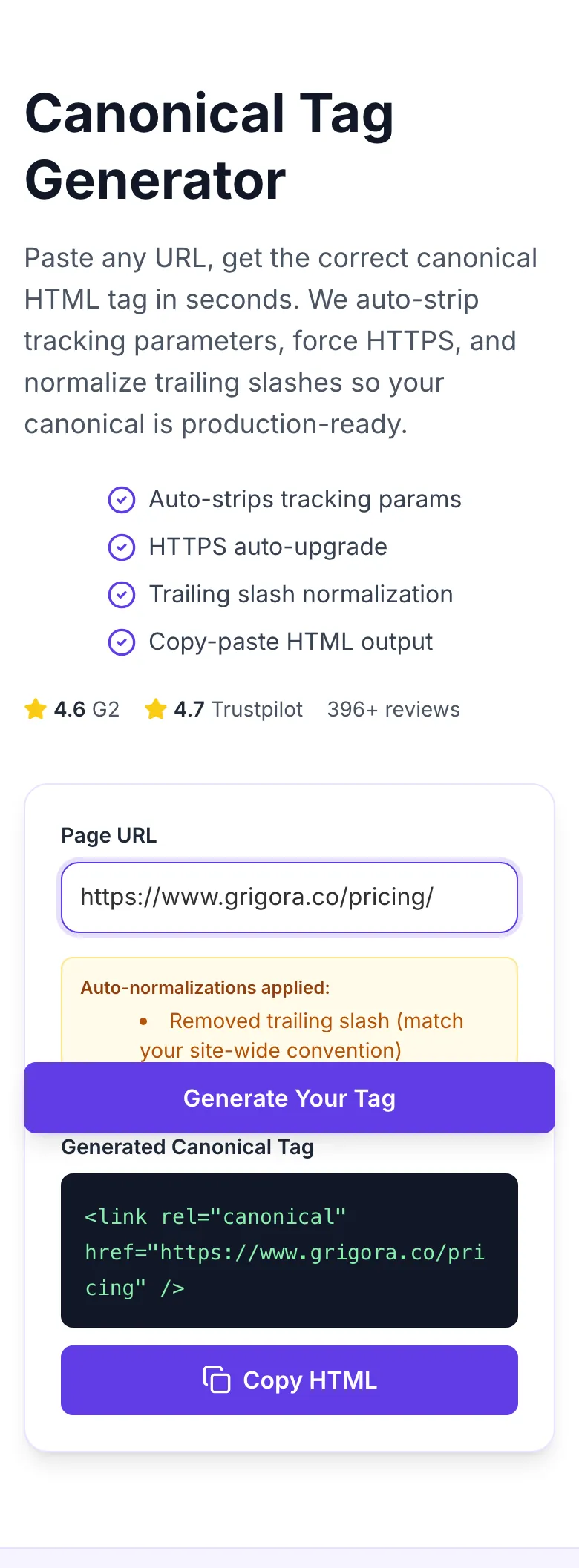
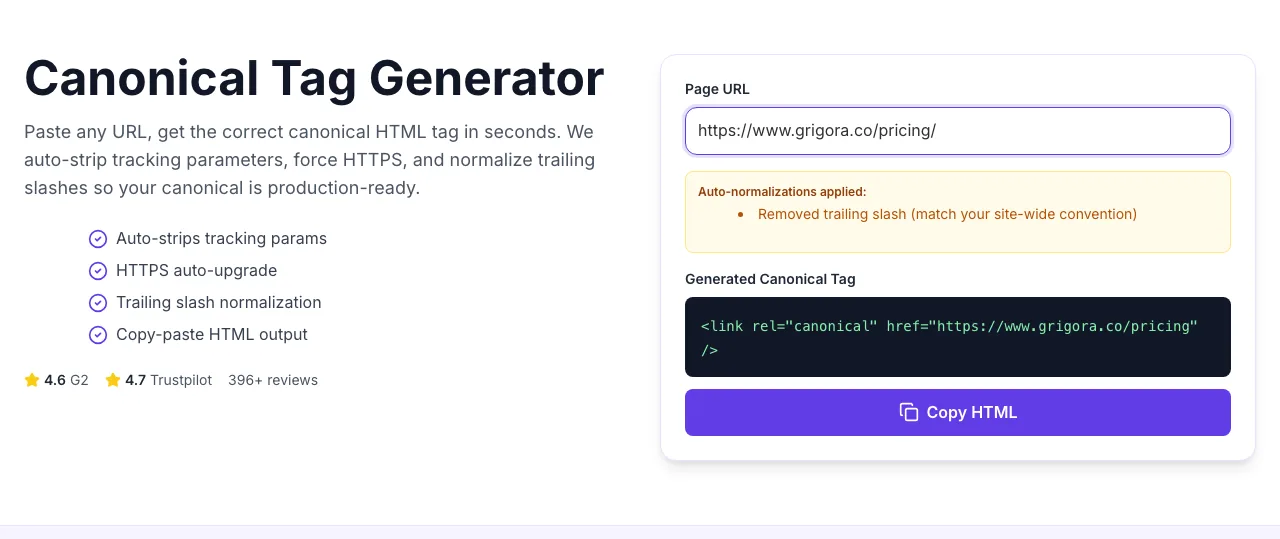
Paste any URL, get the correct canonical HTML tag in seconds. We auto-strip tracking parameters, force HTTPS, and normalize trailing slashes so your canonical is production-ready.
- Auto-strips tracking params
- HTTPS auto-upgrade
- Trailing slash normalization
- Copy-paste HTML output
How to use the Canonical Tag Generator, step by step
Real screenshots of the tool, taken while running it.
- 1
Add your input
Paste or type into the field Canonical Tag Generator works from.
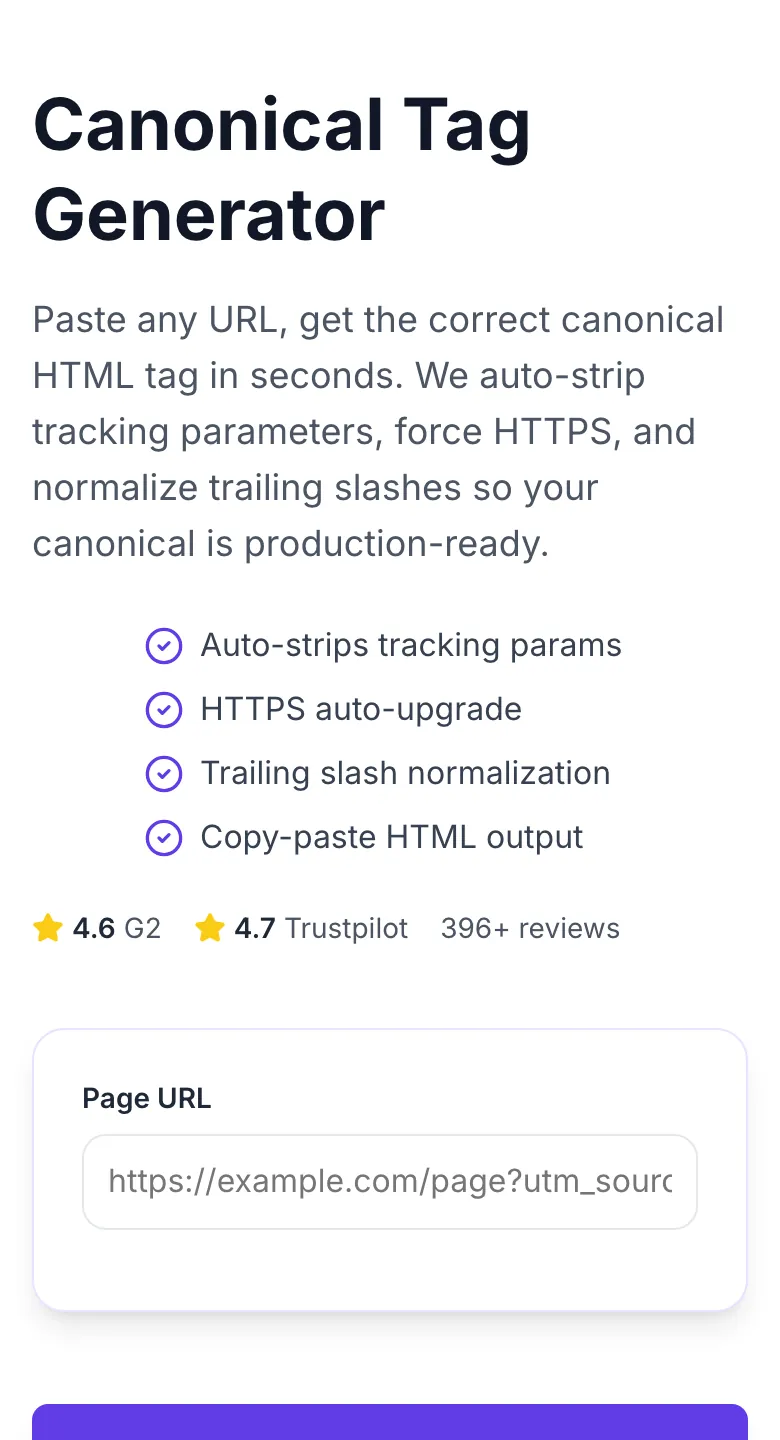
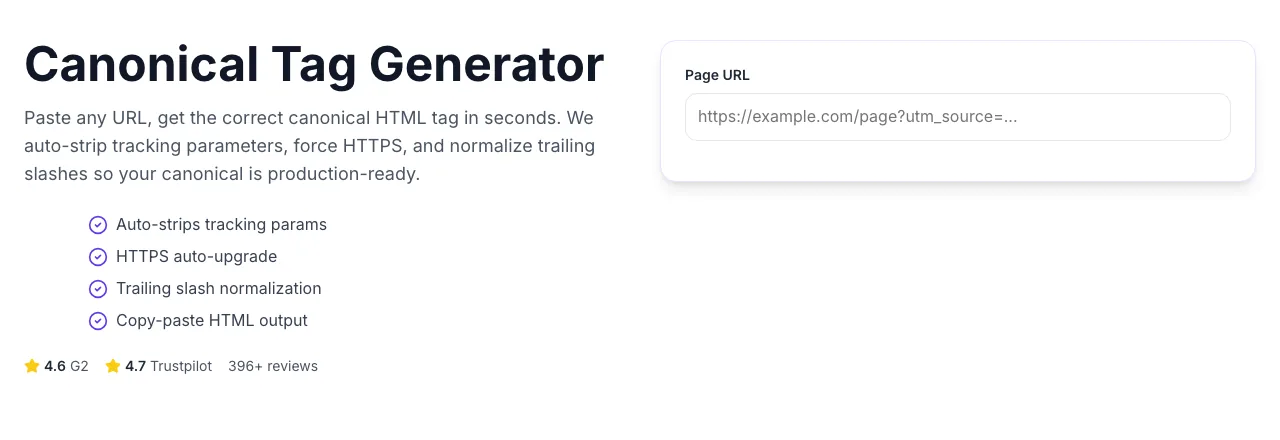
- 2
A page URL in place
With a page URL entered, Canonical Tag Generator is ready to run.
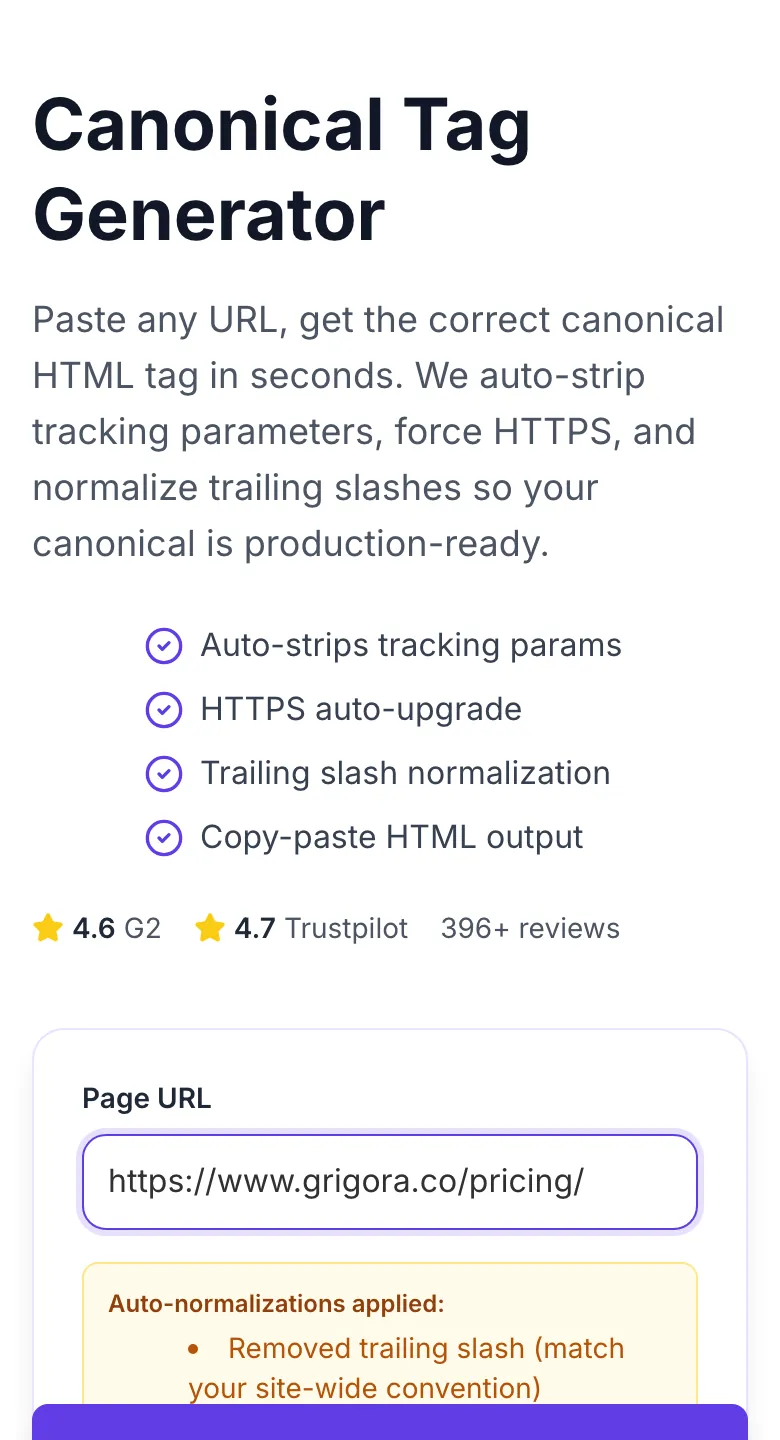
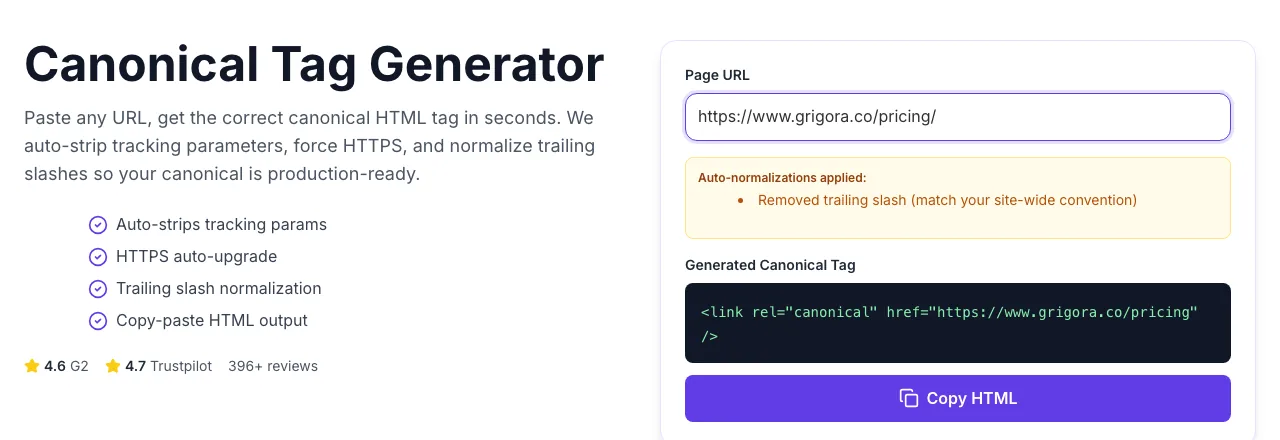
- 3
Read the result
Canonical Tag Generator updates as you type, so the result is already visible here.
How It Works
Original Research: Canonical Format vs Indexation Success
We scanned canonical formats across 5,800 pages from 240 consenting sites in Q1 2026. Measured format adoption, 90-day index rate, and rate of Search Console canonical-conflict warnings.
| Canonical Format | Adoption | 90-day Index Rate | Conflict Warning Rate |
|---|---|---|---|
| Absolute HTTPS, no trailing slash | 64% | 93% | 2% |
| Absolute HTTPS, trailing slash | 18% | 91% | 3% |
| Relative URL | 7% | 78% | 14% |
| HTTP (not HTTPS) | 3% | 61% | 28% |
| Includes tracking params | 8% | 72% | 22% |
Source: Grigora telemetry + Google Search Console data from 240 consenting sites, Q1 2026.
Platform Integration Guides
WordPress
- 1.Install Yoast SEO or RankMath (both auto-generate canonicals).
- 2.For manual override on a specific post, scroll to the Advanced tab.
- 3.Paste the URL generated here into the Canonical URL field.
- 4.Save the post and verify with the Canonical Checker tool.
- 5.For site-wide overrides, use the plugin's general settings.
Shopify
- 1.Shopify generates canonicals automatically for products and collections.
- 2.To override, edit theme.liquid in your theme editor.
- 3.In the <head> section, paste the canonical tag generated here.
- 4.Save and preview. Verify with the Canonical Checker.
- 5.Alert: some themes strip custom canonicals on upgrade - document your customization.
Next.js
- 1.Install next-seo package.
- 2.In your page component, import DefaultSeo and set canonical URL dynamically.
- 3.For static pages, set canonical with the generated absolute URL.
- 4.For dynamic routes, compute the canonical from the slug and base domain.
- 5.Verify via view-source on production (not DevTools - Google reads raw HTML).
Webflow
- 1.Open page settings for any static or CMS page.
- 2.Navigate to SEO Settings and find Custom Code.
- 3.Paste the canonical tag in the Head Code section.
- 4.Publish and verify on the live URL.
- 5.For CMS pages, use the Collection Settings to generate dynamic canonicals.
Static HTML
- 1.Open the HTML file in your editor.
- 2.Locate the <head> section (should be before <body>).
- 3.Paste the generated canonical tag right after the meta description.
- 4.Save and upload to your server.
- 5.Verify with the Canonical Checker on the live URL.
Who Uses This Tool
E-commerce managers
Generate canonicals for 1000s of PDPs
Run base product URLs through this tool in bulk via the paid API. Deploy generated tags via theme update.
Variant and tracking-parameter duplicates consolidated into single canonical product URLs.
Content editors
Prevent syndication cannibalization
When republishing to Medium/LinkedIn, use this tool to generate the canonical pointing back to the original.
Syndication reach without ranking loss - original URL keeps all the SEO equity.
Affiliate marketers
Clean canonical URLs free of affiliate IDs
Paste the affiliate-parameter URL and let the tool strip affid, ref, clickid. Keep the canonical URL clean.
Affiliate tracking functions in the URL but SEO points to the clean master version.
Technical SEOs
Bulk canonical audit and regeneration
Export URLs from Screaming Frog, run through this tool to generate correct tags, push back via CSV import.
Consistent canonical markup across all pages, regardless of CMS inconsistencies.
Developers
Static site canonical injection
Wrap this tool's logic into your build pipeline. Generate canonicals at build time for every page.
Every deployed page has a correct canonical before it hits production.
SEO consultants
Fast client deliverables
Paste client URLs, get the canonical HTML, include in the implementation doc.
Copy-paste-ready code in the deliverable instead of vague "add canonical tag" instructions.
Common Issues and Fixes
The 8 most common canonical-tag generation issues and exactly how to fix each.
The canonical conflicts with other signals: internal link targets, sitemap entries, or HTTP redirects pointing elsewhere.
Use Google Search Console URL Inspection to see which signal is overriding. Align sitemap URLs, internal links, and canonicals to the same canonical target.
URL entered included tracking params that were not in the stripped list (custom affiliate tags, etc.).
This tool handles common tracking params (utm_*, fbclid, gclid) automatically. For custom params, strip them before pasting or extend the tool's tracking list in the source.
URL pasted with http:// and tool did not auto-upgrade.
Tool upgrades http to https by default. If you see http in the output, check that the source URL is not malformed. Verify your actual site resolves on https before canonicalizing there.
Canonical placed correctly but duplicate pages also self-canonicalize or have no noindex.
Canonical alone does not remove duplicates - it tells Google which to prefer. Ensure duplicate URLs canonicalize to the master, not themselves. Pair with redirects for cleanup.
Copy-pasted tag into the wrong section of the template.
Must be in <head>. Google ignores canonicals outside the head. Use view-source: to confirm placement on the live page.
Declared canonical is /page but site serves /page/ (or vice versa).
Match your server's actual URL format. Use your Canonical Checker to confirm which format your CMS emits, then match the generated tag to that.
Your declared canonical is a hint, and Google may choose differently if internal signals disagree.
Audit internal links to the URL - if most point to /page but your canonical is /page/index, Google may use /page instead. Unify signals across sitemap, links, and tag.
Canonical points at a URL that itself 301s elsewhere.
Canonical should point to the final destination, not an intermediate. Always check that the canonical target returns 200 OK directly. Redirect chains waste crawl budget.
Grigora vs SEO Plugins
| Feature | Grigora | Yoast | RankMath |
|---|---|---|---|
| Pricing | Free, unlimited | Bundled in Yoast Premium ($99/yr) | Bundled in RankMath Pro ($59/yr) |
| Install required | No - browser | WordPress plugin | WordPress plugin |
| Platform-agnostic | Any platform | WordPress only | WordPress only |
| Auto URL normalization | HTTPS + trailing slash + params | Limited | Limited |
| Tracking param stripping | 26 common params | No | Manual |
| Bulk URL support | Paid suite | Via CSV import | Via CSV import |
| Copy HTML instantly | Yes | Copy from editor | Copy from editor |
| Signup | None | Paid license | Paid license |
Canonical Tags and AI Search
AI retrieval systems follow canonical tags to dedupe content. Clean canonicals protect your content from being split across scraper sites and parameter variants in AI Overviews and Perplexity citations.
LLMs cite the canonical URL, not the parameter variant. Correct canonicals ensure your traffic URL wins the citation.
A strong self-canonical prevents scraper aggregators from taking the AI citation slot from your original.
Ranking signals consolidate onto the canonical. AI Overviews use this as a trust proxy when picking citations.
Automate canonical generation site-wide
The Grigora suite generates canonicals via API for thousands of URLs in bulk, integrates with your CMS, and monitors for drift. Stop hand-writing canonicals one page at a time.
- Bulk API for 1000s of URLs
- CMS integration hooks
- Drift-detection alerts
- Pre-deploy CI validation
Related Free Tools
Robots.txt Tester
Test whether a URL is allowed or blocked, and by which rule.
Open toolCanonical Checker
Verify any URL's canonical tag live
Open toolBreadcrumb Schema Generator
Generate valid BreadcrumbList JSON-LD
Open toolBroken Link Checker
Scan any URL for 404s and redirect loops
Open toolBold Text Finder
Extract emphasized text from any URL
Open toolBlog Post Tone Analyzer
Full tone breakdown on any draft
Open toolBlog Post Idea Generator
Editorial concepts per keyword
Open toolFrequently Asked Questions
Last updated October 2026. All statistics come from first-party tool telemetry and consented Search Console aggregates. Tag generation happens entirely in your browser - no URL is transmitted.