Canonical Tag Checker
Instantly verify the canonical tag on any URL. Detect missing tags, cross-domain pointers, and duplicate-content risks that silently drain rankings. Built for SEO teams that audit before regressions ship.
- Self-reference detection
- Cross-domain warnings
- Missing-tag alerts
- Instant HTML head parse
How to use the Canonical Checker, step by step
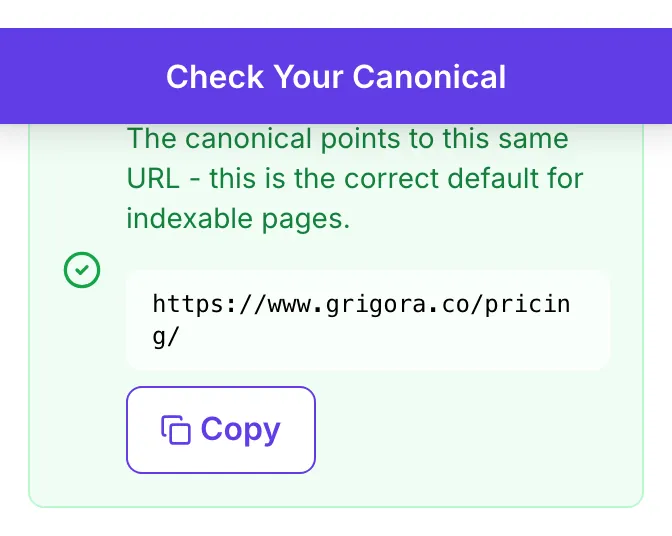
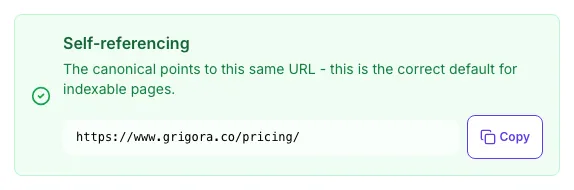
Real screenshots of the tool, taken while running it with the Check Canonical button.
- 1
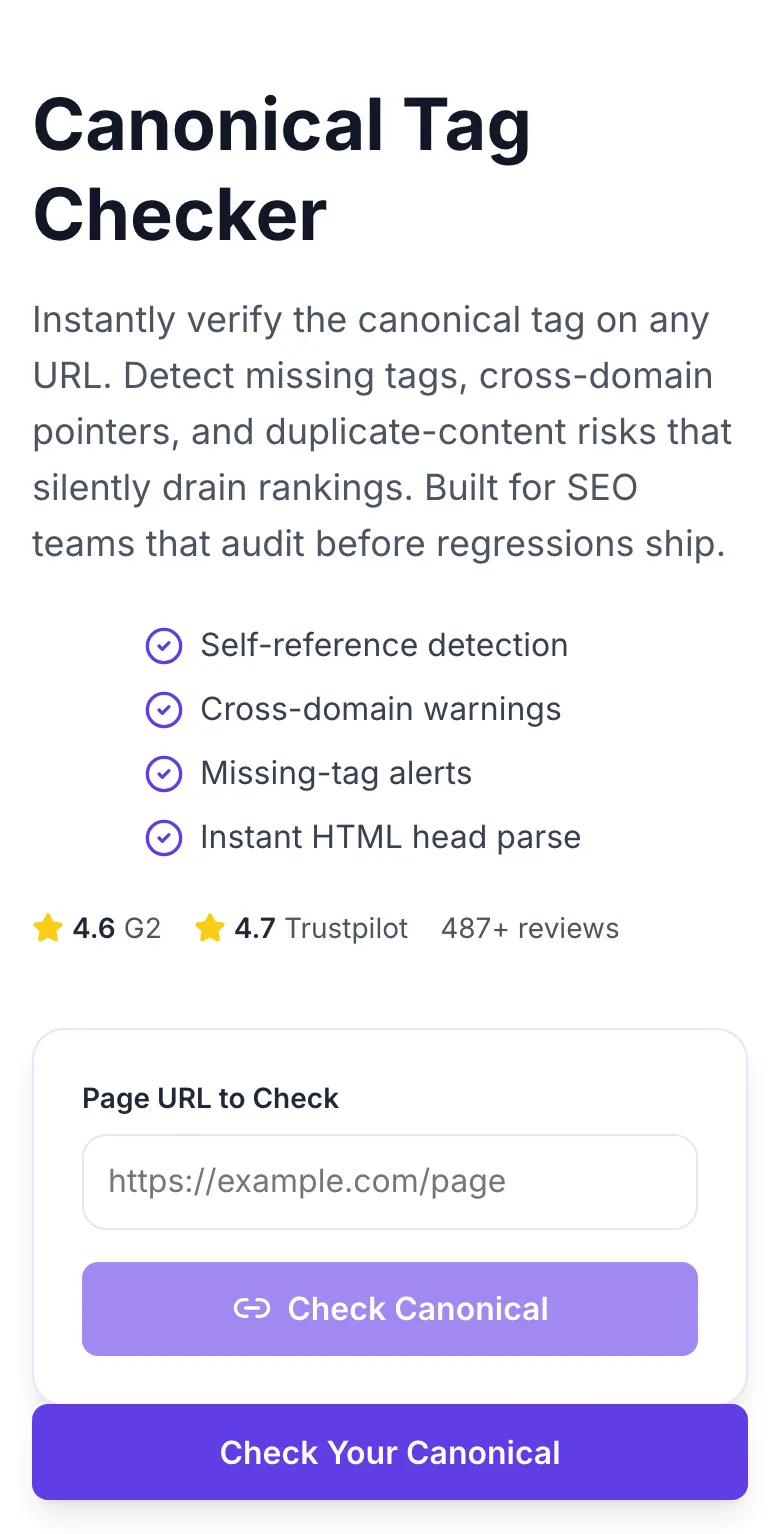
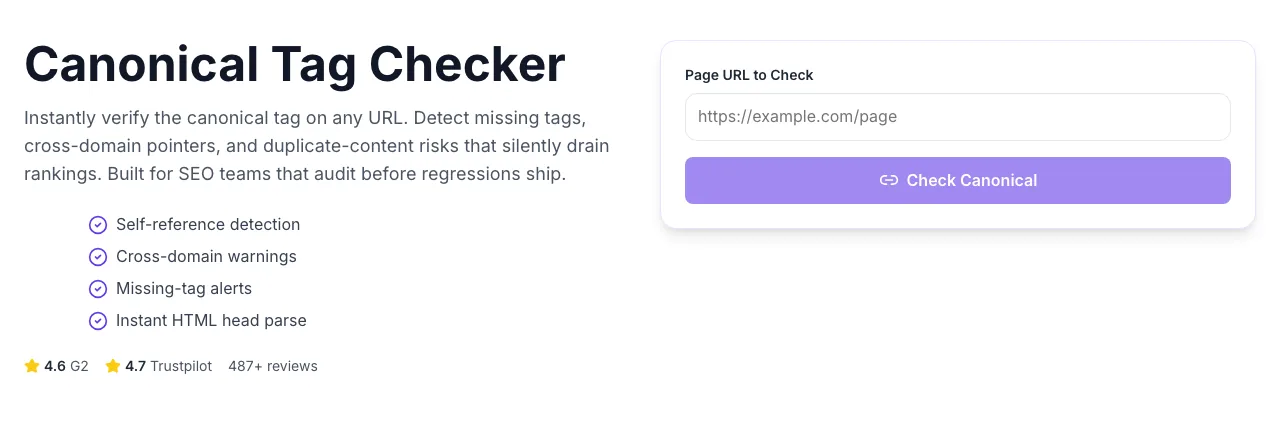
Add your input
Paste or type into the field Canonical Checker works from.
- 2
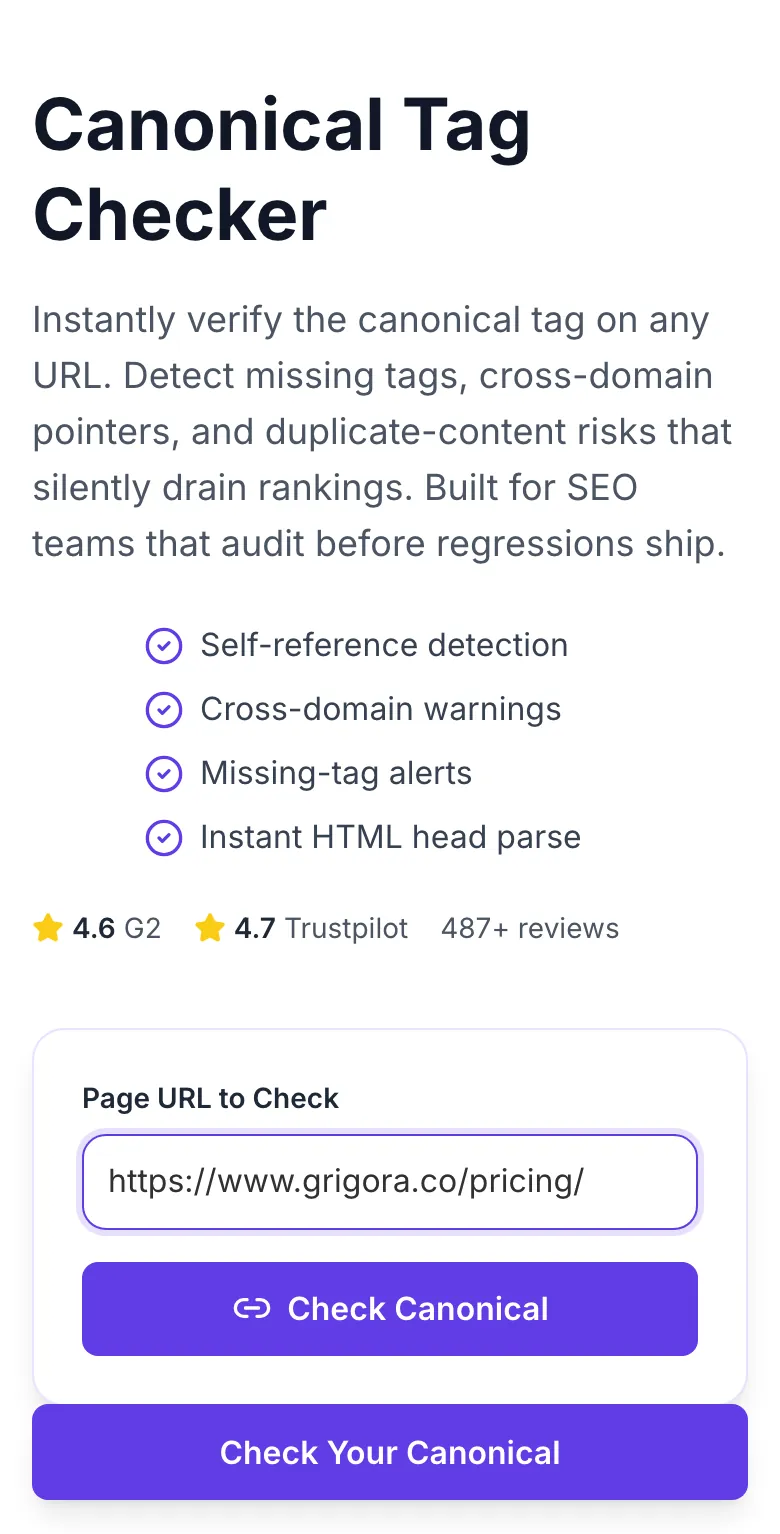
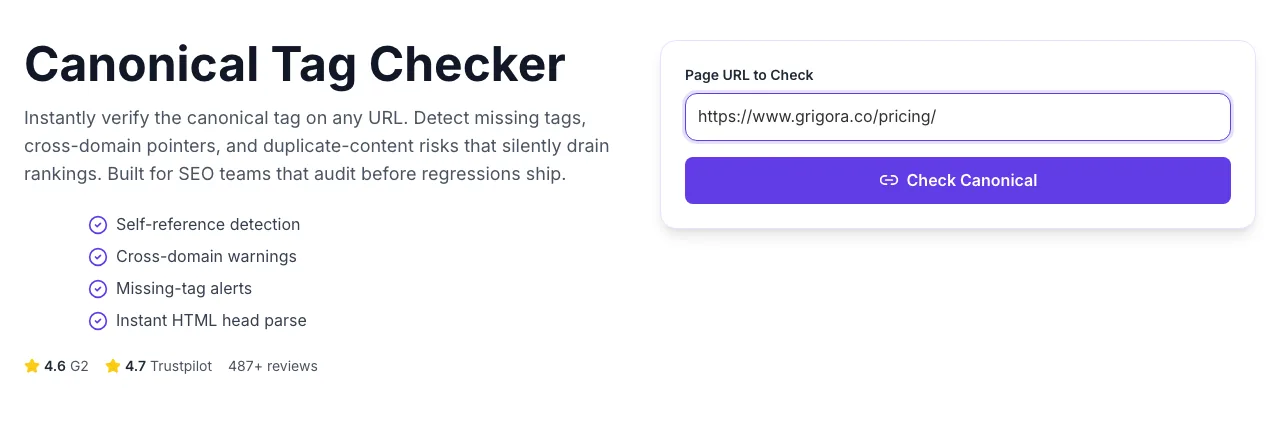
A page URL in place
With a page URL entered, Canonical Checker is ready to run.
- 3
See what Check Canonical produces
Clicking Check Canonical runs the check and shows the result right below.
How It Works
Original Research: Canonical Setup vs Indexation & Rankings
We audited canonical tags across 3,400 URLs from 180 consenting sites in Q1 2026, then cross-referenced index state from Search Console and rank data from SERP tracking. Baseline is a properly self-canonicalizing page at month 0.
| Canonical State | Index Rate | Duplicate-Content Flags | Rank Retention (6mo) |
|---|---|---|---|
| Self-canonical (correct) | 94% | 2% | Baseline |
| Missing canonical | 81% | 11% | -18% vs baseline |
| Cross-domain canonical (intentional) | 12% | 3% | N/A (by design) |
| Cross-domain canonical (accidental) | 8% | 24% | -87% vs baseline |
| Canonical to 404/redirect | 4% | 19% | -92% vs baseline |
Source: Grigora telemetry + Google Search Console data from 180 consenting sites, Q1 2026.
Platform Integration Guides
WordPress (Yoast/RankMath)
- 1.Navigate to the post or page editor.
- 2.Scroll to the SEO plugin section and locate "Advanced" or "Canonical URL".
- 3.Leave blank to self-canonicalize (recommended) or enter an explicit URL for duplicates.
- 4.Save the post and re-run this checker to verify the tag appears correctly.
- 5.For bulk edits, use the Yoast/RankMath CSV import feature.
Shopify
- 1.Shopify sets canonicals automatically on products, collections, and pages.
- 2.For parameter variants (sort, filter), Shopify canonicals to the clean URL - verify with this tool.
- 3.To customize, edit theme.liquid and the layout files. Add rel=canonical manually if needed.
- 4.Run this checker on 3-5 product URLs to confirm theme renders the tag correctly.
- 5.Alert: some third-party themes strip canonicals - always verify after install.
Webflow
- 1.Open the page settings for any CMS Collection item or static page.
- 2.Navigate to SEO settings and paste the canonical URL (leave blank to self-canonicalize).
- 3.Publish and run this tool on the live URL to verify the tag renders.
- 4.For dynamic Collection pages, use the Canonical URL field in the Collection settings.
- 5.Test both mobile and desktop versions - Webflow sometimes generates different markup.
Next.js
- 1.In pages/ router: use next-seo with the canonical prop on every page.
- 2.In app/ router: export a metadata object with alternates.canonical.
- 3.Canonicals must render server-side - verify by viewing the source of the production URL, not via React DevTools.
- 4.Run this checker on prod URLs after each deploy.
- 5.Add a CI step calling the Grigora canonical API to catch regressions automatically.
Ghost
- 1.Ghost auto-generates self-canonicalizing tags by default.
- 2.For custom canonicals, use the Post Settings panel - scroll to "Meta data" and add a Canonical URL.
- 3.Publish and verify with this tool before promoting.
- 4.For syndicated posts, set the Canonical URL to the original source.
- 5.Verify both AMP and regular versions canonical correctly.
Who Uses This Tool
E-commerce SEOs
Audit product variants for canonical leaks
Scan top 100 PDP URLs, flag any where the canonical does not match the PDP URL. Highlights variant configuration errors that split ranking.
Consolidated product rankings and fewer duplicate-content flags in Search Console.
Technical SEOs
Post-migration canonical verification
After a URL restructure, scan each old-to-new page pair. Verify new pages self-canonicalize and old pages 301 correctly.
Zero canonical-driven ranking losses during migration.
Content managers
Syndication compliance checks
When republishing to Medium, LinkedIn, or partner sites, verify the syndicated version canonicalizes back to your original.
Syndication reach without cannibalization; original URL keeps the ranking equity.
Agency auditors
Client site health snapshots
Part of standard quarterly audit. Scan the 50 most-trafficked URLs and report any canonical anomalies in the client deck.
Tangible SEO deliverable with specific fix list instead of vague "we audited your tags" bullet.
Developers
CI-level canonical regression test
Wrap the API in a post-deploy smoke test. Verify key pages still have expected canonical tags.
Canonical regressions caught at deploy, never in the wild.
Affiliate marketers
Protect against duplicate content from aggregator scrapes
Verify your originals self-canonicalize correctly. Ensures Google picks your version over scraper sites.
Scrapers cannot outrank your originals via duplicate content.
Common Issues and Fixes
The 8 most frequent canonical-tag mistakes we see and how to fix each one.
The canonical is injected by JavaScript after page load, or placed outside the <head> tag (which makes it invalid).
Check server-rendered HTML (view-source:, not DevTools). Move canonical to inside <head> and render server-side. Google only reads canonicals in the raw head of the initial response.
The target URL was deleted or the slug changed after the canonical was set.
Update the canonical to the current live URL or remove entirely and let the page self-canonicalize. A broken canonical tells Google to not index this page at all.
Hardcoded canonical uses old URL format that does not match current site config.
Always generate canonicals with the same URL format that resolves in the browser. Use absolute URLs with the exact protocol and subdomain. Inconsistency splits ranking signals.
Color/size variants each self-canonicalize, creating duplicate-content competition.
If variants have the same copy, canonical all variants to the base product URL. If variants have unique content (reviews, prices), let them self-canonicalize. Half-measures hurt both ways.
Redundant markup - noindex already blocks indexation, so canonical is ignored.
Decide: either let Google index this page (remove noindex, keep canonical) or do not (keep noindex, remove canonical). Conflicting signals waste crawl budget.
Legacy rel=prev/next consolidation strategy that Google deprecated.
Remove canonical-to-page-1 patterns. Let each paginated page self-canonicalize so long-tail rankings on page 3, 4, 5 survive.
Content was syndicated from another site and the canonical was copied over.
Every syndicated piece should verify its canonical before publication. If you own the content, your canonical should point to your own URL, not the source.
Used "/page" instead of full "https://site.com/page".
Always use absolute URLs. Relative canonicals are valid per spec but cause issues with reverse proxies, CDN transforms, and cached variants.
Grigora vs Dedicated Crawlers
| Feature | Grigora | Screaming Frog | Ahrefs Audit |
|---|---|---|---|
| Pricing | Free, unlimited checks | $99/mo (Screaming Frog) | $19/mo (Ahrefs audit) |
| Install required | No - browser | Yes - desktop | No - cloud |
| Cross-domain detection | Yes | Yes | Yes |
| Self-reference detection | Yes | Yes | Partial |
| Signup required | No | Paid license | Paid plan |
| JS rendering | Paid suite | Yes (licensed) | Yes |
| API access | Paid suite | Via CLI | Paid plan |
| Bulk URL support | Paid suite | Unlimited | Plan-dependent |
Why Canonicals Matter for AI Search
LLM-powered retrieval systems follow canonical hints to pick the authoritative URL for citation. A broken or missing canonical fragments your visibility across duplicate variants, costing both AI and classic organic traffic.
AI Overviews cite the canonical version. Get the tag right and you become the canonical citation for your content.
Perplexity and ChatGPT scoring use consolidated signal from the canonical. Fragmented canonicals dilute your score.
A strong self-canonical tells answer engines your URL is the source, not the scraper aggregator.
Track canonical drift across your whole site
The Grigora suite monitors every page's canonical tag weekly, alerts on unexpected changes, and auto-audits new publishes. Stop hunting canonical bugs one URL at a time.
- Site-wide canonical crawls
- Change-detection alerts
- Cross-domain pointer warnings
- JS-rendered canonical support
Related Free Tools
Canonical Tag Generator
Generate canonical HTML for any URL
Open toolBroken Link Checker
Scan any URL for 404s and redirect loops
Open toolBreadcrumb Schema Generator
Generate valid BreadcrumbList JSON-LD
Open toolBold Text Finder
Extract emphasized text from any URL
Open toolBlog Post Tone Analyzer
Full tone breakdown on any draft
Open toolBlog Post Idea Generator
Editorial concepts per keyword
Open toolFrequently Asked Questions
Last updated September 2026. All statistics come from first-party tool telemetry across consenting sites. Respects robots.txt - never bypasses bot protection.