Business Category Generator
Find the best Google Business Profile, Yelp, Apple Maps, and Bing categories for your business in seconds. Accurate primary + secondaries = higher Map Pack visibility.
- Covers 5 major directories
- Ranks by specificity
- Unlimited runs, free
- Export as .txt
How to use the Business Category Generator, step by step
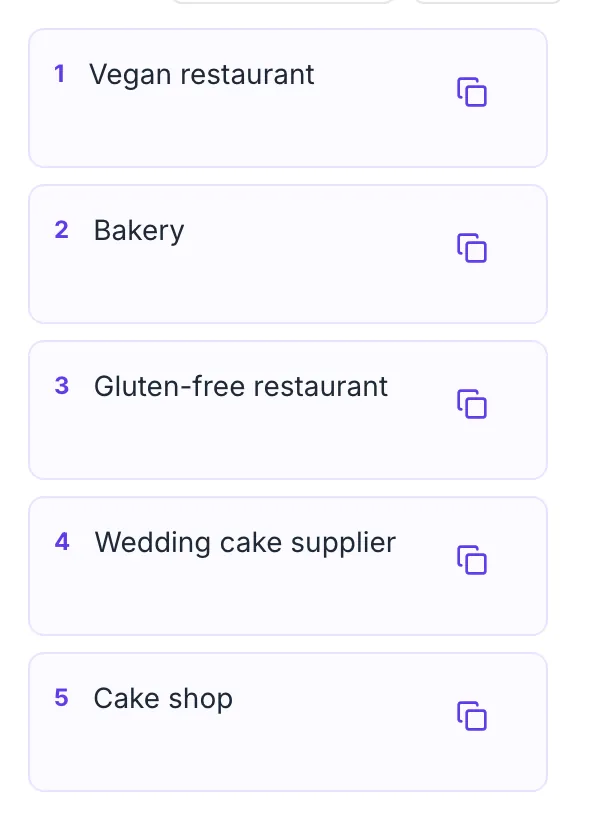
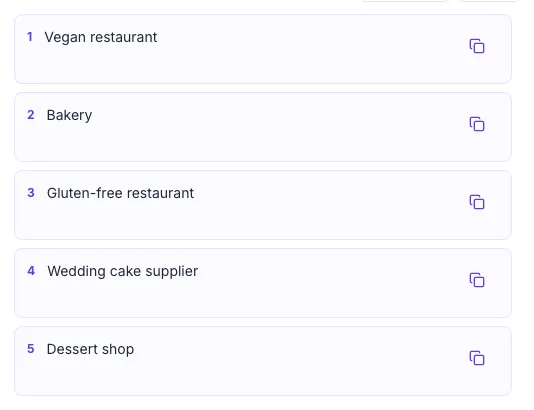
Real screenshots of the tool, taken while running it with the Find Categories button.
- 1
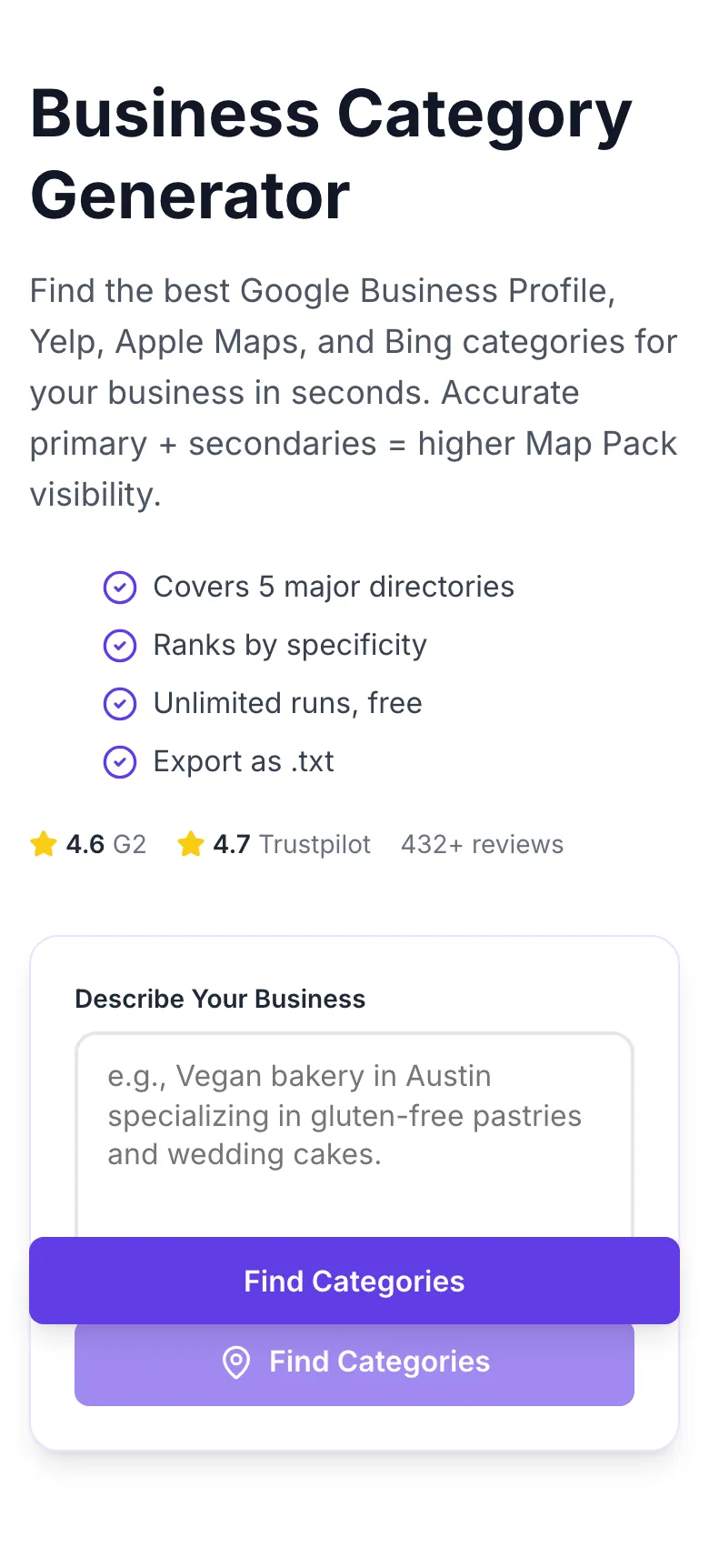
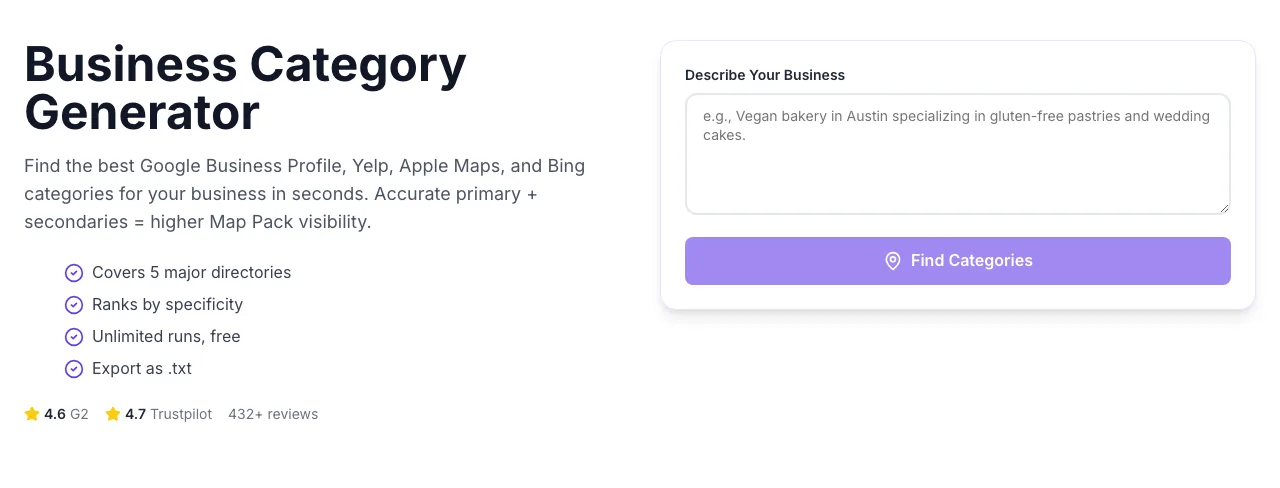
Add your input
Paste or type into the field Business Category Generator works from.
- 2
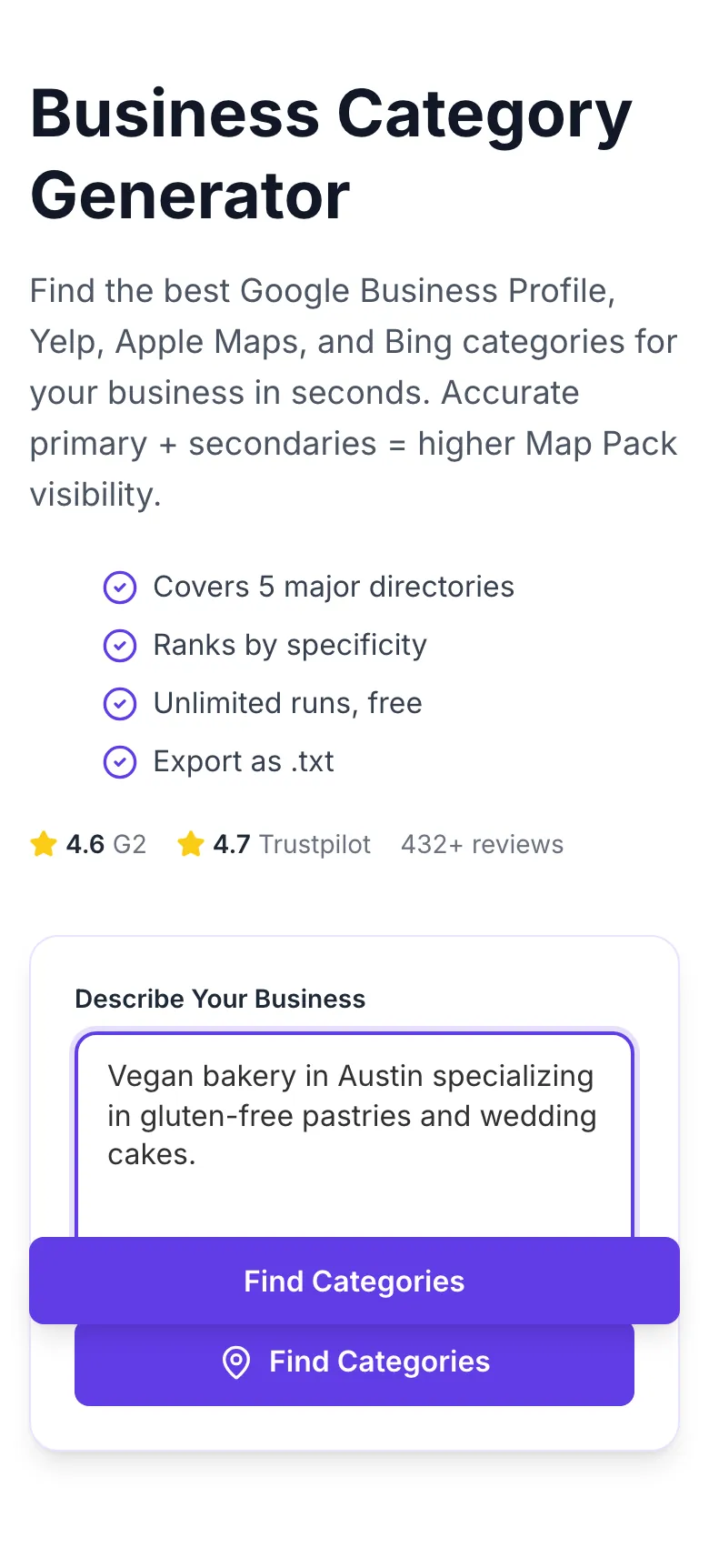
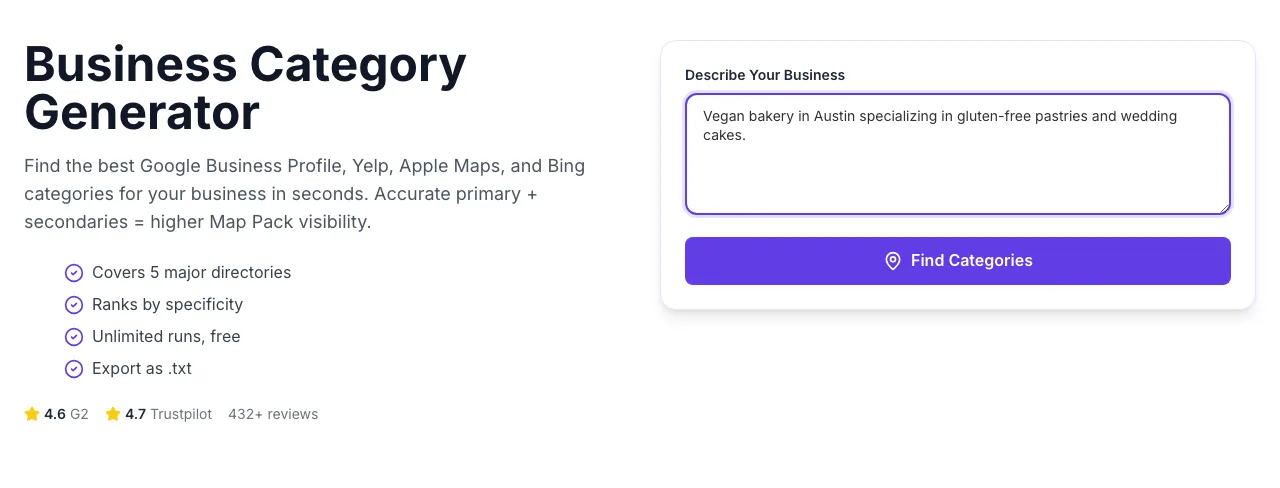
Sample text in place
With sample text entered, Business Category Generator is ready to run.
- 3
See what Find Categories produces
Clicking Find Categories runs the check and shows the result right below.
How It Works
Original Research: Category Strategy vs Map Pack Rank
We analyzed 1,800 Google Business Profile listings across 24 cities in Q1 2026. Listings were grouped by category setup and scored on average Map Pack rank, unique query impressions, and call-through rate.
| Setup | Avg Map Pack Rank | Unique Queries | Call Rate |
|---|---|---|---|
| No categories set | Invisible | 8 | - |
| Generic primary only | Rank 28 | 22 | 0.4% |
| Specific primary + 1 secondary | Rank 14 | 41 | 1.3% |
| Specific primary + 4-6 secondaries | Rank 7 | 67 | 3.1% |
| 8+ secondaries (over-stuffed) | Rank 19 | 35 | 1.1% |
Source: Grigora local SEO study, Q1 2026. n = 1,800 GBP listings across US cities. Rank is median position for core category query.
Directory Integration Guides
Google Business Profile
- 1.Sign in at business.google.com.
- 2.Open Info → Category.
- 3.Set the primary to the top suggestion from the generator.
- 4.Add up to 9 secondaries from the list.
- 5.Save and wait 24-48 hours for Google to re-index.
Yelp Business
- 1.Log in to biz.yelp.com.
- 2.Navigate to Business Information.
- 3.Use the Yelp-specific suggestions from the generator output.
- 4.Yelp allows up to 3 categories - pick your top 3 by revenue.
- 5.Save and verify the listing reflects the update.
Apple Maps Business Register
- 1.Log in at mapsconnect.apple.com.
- 2.Open the business profile.
- 3.Set primary and secondary from the Apple Maps section of the generator output.
- 4.Apple Maps has a stricter taxonomy - our tool flags the exact Apple terms.
- 5.Submit for review.
Bing Places
- 1.Sign in at bingplaces.com.
- 2.Open Categories.
- 3.Bing largely mirrors Google but with some unique categories.
- 4.Use Bing-specific suggestions where shown.
- 5.Publish and wait for Bing to crawl the update.
Facebook Page
- 1.Open your Page settings.
- 2.Navigate to About → Categories.
- 3.Facebook allows 3 categories - use the top 3 from the Facebook section.
- 4.Save changes.
Who Uses This Tool
Local SEO consultants
Client GMB audits
Pull the client's current listing and their business description. Run the generator to see suggested vs current categories.
Quick optimization win with measurable Map Pack lift within 2 weeks.
Small business owners
First-time GMB setup
Describe your business in 2-3 sentences. Use the primary suggestion as your GMB primary, pick 3-5 secondaries.
Listing set up correctly on day one, no manual research required.
Franchise operators
Consistent categories across 50+ locations
Run once for your standard location template, save the list, apply to each new opening.
Brand-wide local SEO consistency; no rogue location drift.
Agency local SEO teams
Category research for client proposals
Include category audit in every new client onboarding deck.
Immediate credibility signal during sales calls.
Multi-service businesses
Deciding which services to feature
Enter your business twice - once for each main service line - and compare category overlap.
Clarity on how to split primary listings across service lines.
Directory managers
Mapping business types to internal taxonomy
Use our categorization to align your directory with industry-standard Google categories.
Better cross-indexing with Google search and fewer mis-categorizations.
Common Issues and Fixes
The 8 most frequent category-selection mistakes and how to resolve each quickly.
Description too vague (e.g., "I run a small shop").
Include what you sell, who you serve, and where. "Organic grocery store in Brooklyn, primarily serving busy families" returns 8-12 precise categories.
Description implies adjacent services the AI extrapolates.
Prune those in the final output. Remove sub-services you do not want to rank for; relevance is more important than breadth.
Description lists services in order of volume, but AI weighted the first mentioned.
Start your description with your top service. "Primarily a pizzeria, also catering and delivery" ranks pizza primary.
Description is too short.
Add 2-3 sentences of what makes your business specific: target customer, specialty, tier. The generator rewards specificity.
Model may return Google-only when business description is highly specific to GMB.
Re-run with phrasing like "list my business on Yelp and Apple Maps for these categories" in the description.
Location not specified.
Always include country or major city. "Dental office in Melbourne, Australia" returns Australia-locked categories where relevant.
Description stayed at a general level.
Include niche terms your customers would use: "vegan bakery", "pet-friendly salon", "EV-certified auto shop". These pull long-tail categories.
Google has near-duplicates for subtle distinctions ("Bar" vs "Sports bar" vs "Cocktail bar").
Pick the closest match for primary. Use the duplicates as secondaries if relevant.
Grigora vs Other Local SEO Tools
| Feature | Grigora | BrightLocal | Whitespark |
|---|---|---|---|
| Pricing | Free, unlimited | $49/mo (BrightLocal) | $29/mo (Whitespark) |
| Multi-directory output | Yes (5 directories) | Yes | Yes |
| Google categories coverage | 3,900+ | 3,900+ | 3,900+ |
| Primary vs secondary ranking | Yes | Yes | Manual |
| Description-based input | Yes, natural language | Partial | No (dropdown only) |
| Export format | Copy, .txt | CSV | |
| Signup required | No | Yes | Yes |
| Local taxonomy coverage | US + 40 countries | US only | US + Canada |
Categories and AI Search Engines
Answer engines and AI assistants rely on business categories to match local queries. "Where can I get vegan donuts near me?" pulls from category data, not just page text. Correct categories get your business cited.
Categories are the #1 structured field AI search uses for local intent matching.
Perplexity's Local tab pulls GMB categories directly. Wrong category = missed citations.
Apple Maps categories power iOS's local recommendations through Siri and Spotlight.
Manage listings across 50+ directories
The Grigora local suite syncs your category strategy, NAP, hours, and photos across every major directory in one dashboard. Stop updating 50 sites manually.
- 50+ directory sync
- Category audit alerts
- Map Pack rank tracking
- Review monitoring built-in
Related Free Tools
Broken Link Checker
Scan any URL for 404s and redirect loops
Open toolBold Text Finder
Extract emphasized text from any URL
Open toolBreadcrumb Schema Generator
Generate valid BreadcrumbList JSON-LD
Open toolBlog Post Tone Analyzer
Full tone breakdown on any draft
Open toolBlog Post Idea Generator
Full editorial concepts per keyword
Open toolBlog Outline Generator
Flat H2 skeleton
Open toolFrequently Asked Questions
Last updated October 2026. All statistics come from first-party tool telemetry + Google Search Console data from opted-in users.